


BioRadar — Wildlife & Plants Near You
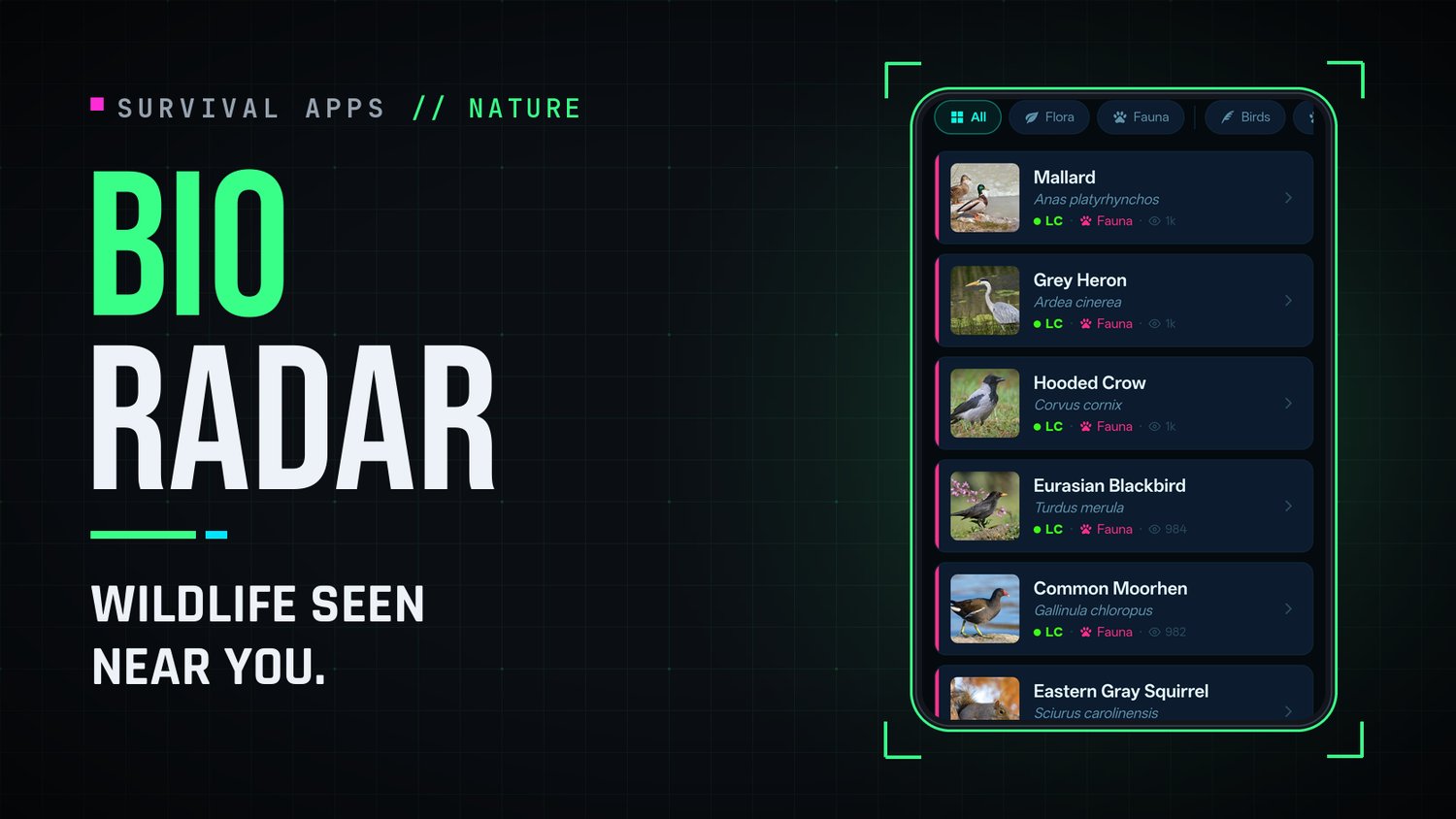
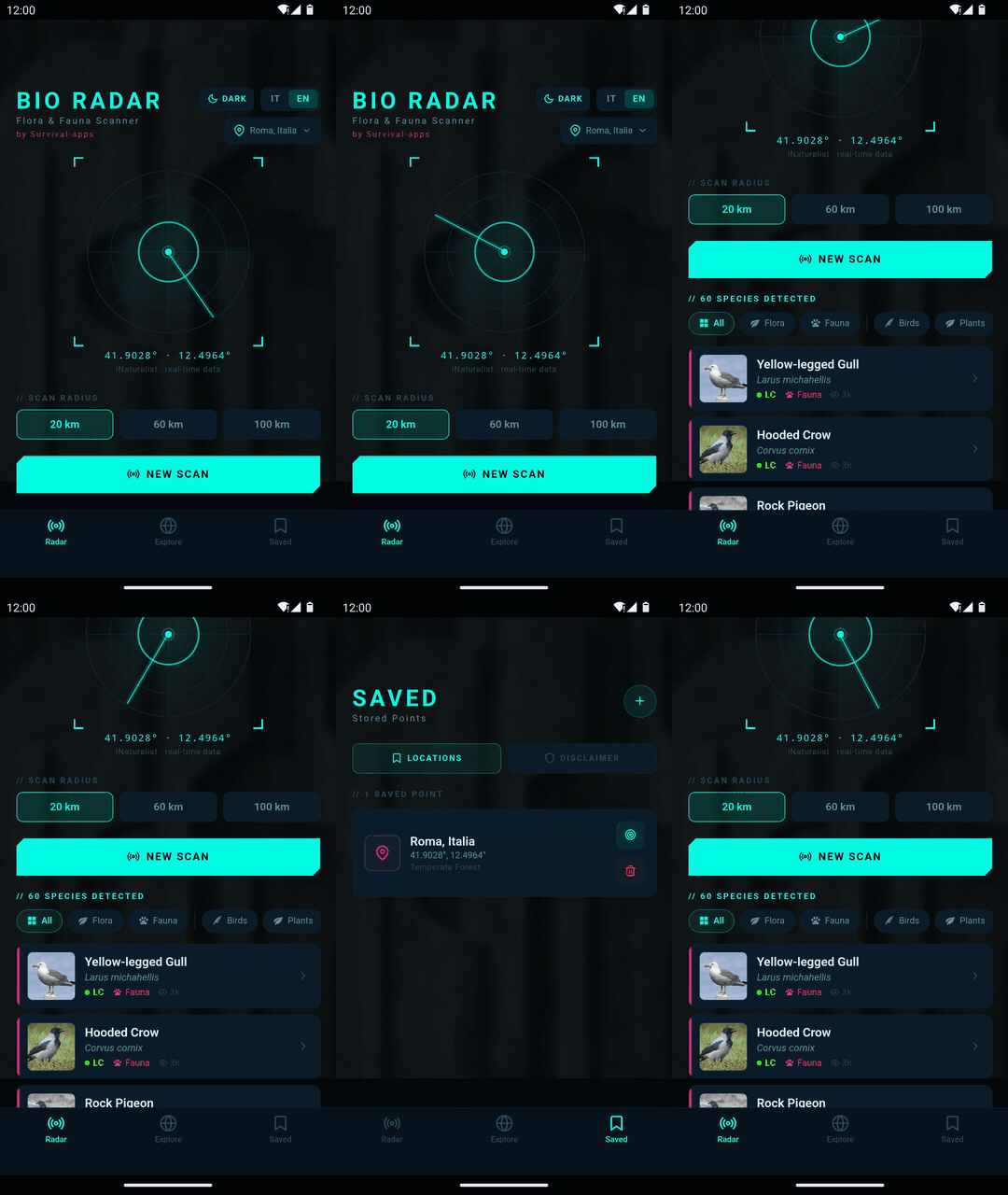
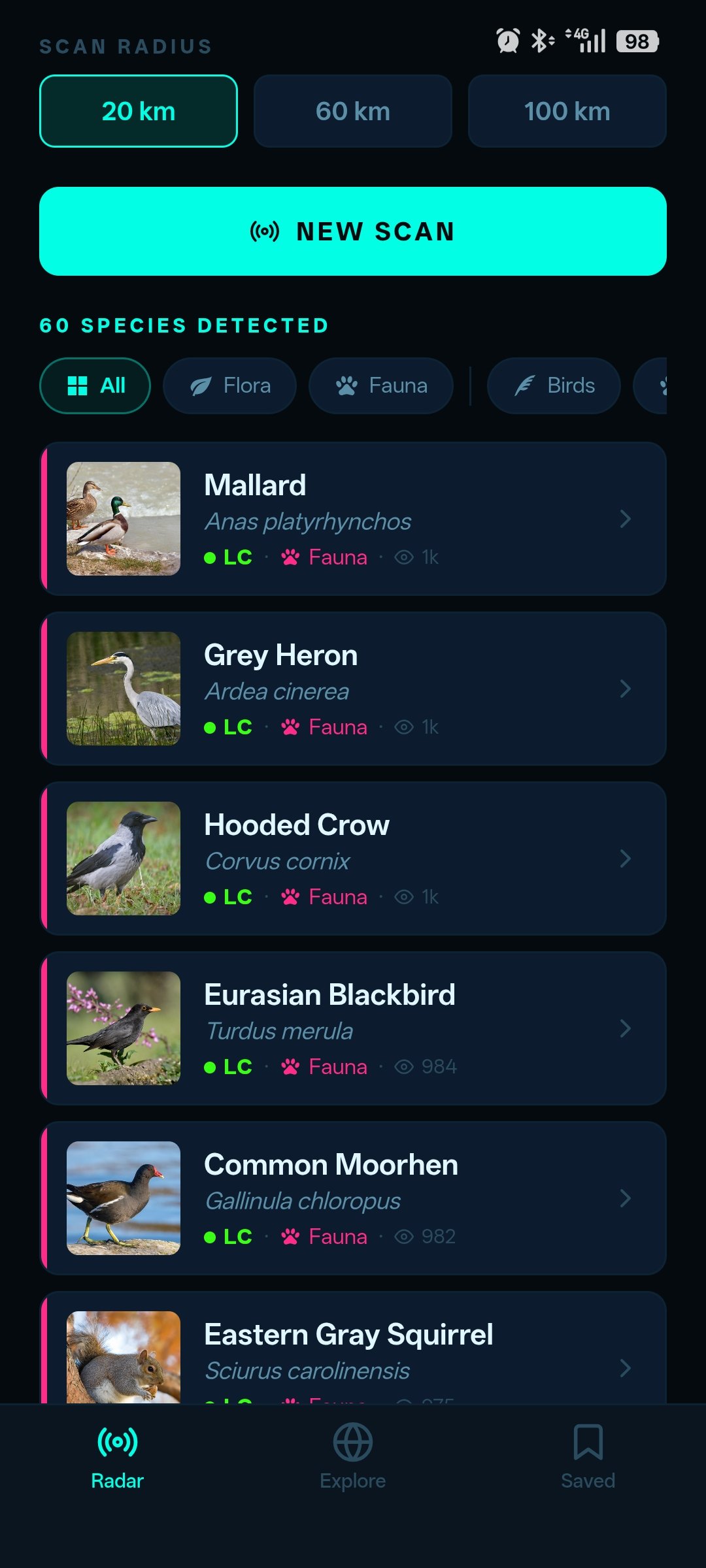
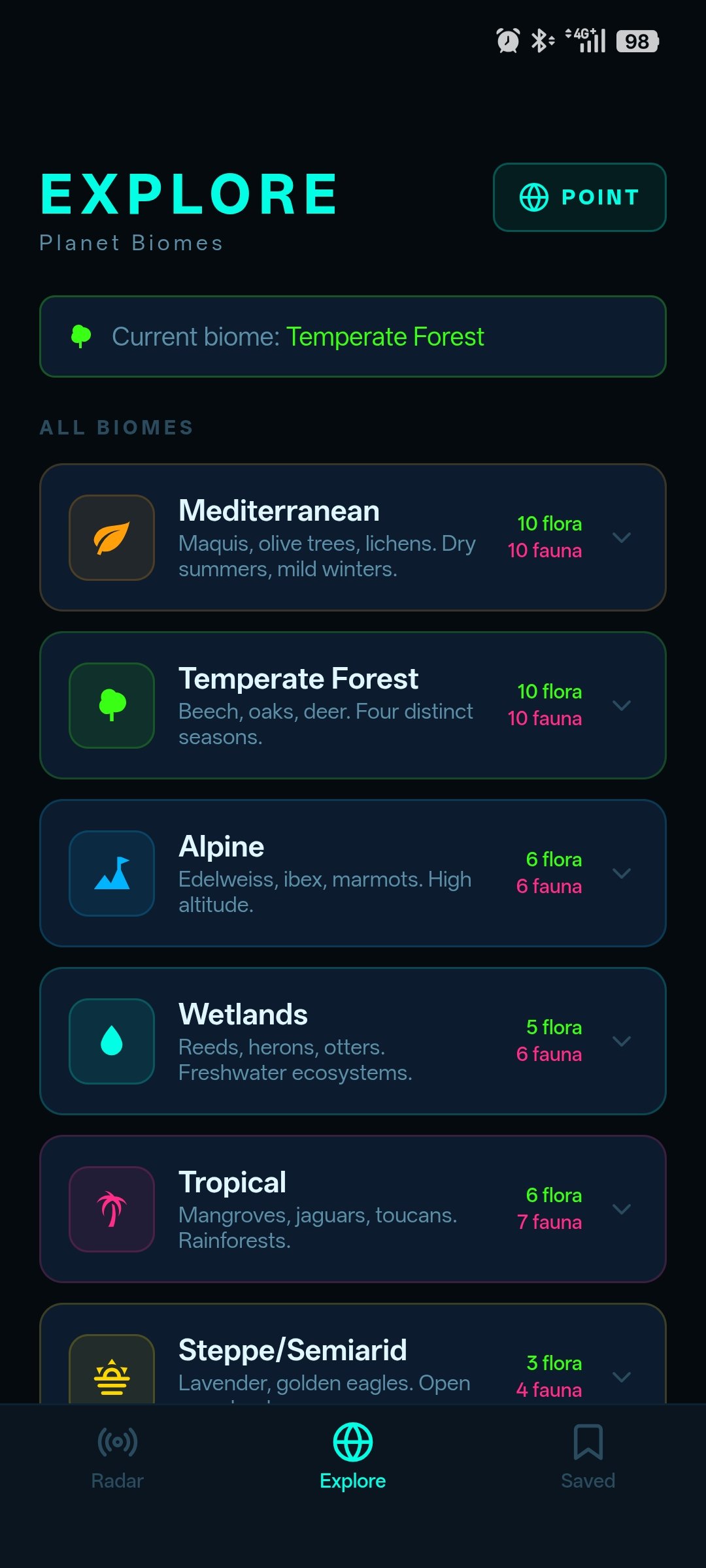
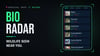
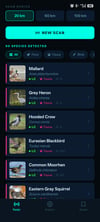
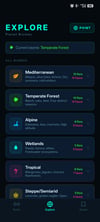
BioRadar is a real-time flora and fauna radar for Android. Choose your location and a scan radius (20, 60 or 100 km), and BioRadar shows you the plants, birds, insects and animals that have been observed around you, using live data from the iNaturalist database. You can filter the results, open a detailed page for each species with its conservation status, and explore the typical wildlife of different biomes.
Built for people who spend time outdoors — hikers, gardeners, foragers, curious naturalists — and who want a fast, no-nonsense way to discover local wildlife without ads, subscriptions, or accounts.
What you get:
- One-time purchase, lifetime use — no subscription, ever
- Species data powered by the iNaturalist open database
- Clean, distraction-free interface designed for quick field use
- No account required, no data harvesting
How to install & activate:
- Buy: pay once, by card or PayPal. No account needed.
- Download: after payment you get an email with the APK download link and your license key. No email? Check your spam folder.
- Install: open the APK on your phone. If asked, tap Settings and turn on "Allow from this source" (menu names may vary by phone).
- Activate: open the app and enter the license key on first launch. Activation needs internet. 3 activations are included for reinstalls.
Requirements: Android, and an internet connection to load the iNaturalist database (also needed once to activate the license).
Refunds: You have a right of withdrawal within 14 days of purchase, with no reason needed and even if you have already used the app. Details: https://survival-apps.com/en/refunds/
Part of the Survival Apps family of independent, privacy-first tools — built by one developer, not a company.
Verify this file before installing
File: BioRadar-v1.1.3-release.apk
SHA-256: 74b8f5ecb6487df06e086eff79804edd843b2754dac336c569cb509a562f6bfc
VirusTotal: VirusTotal Scan
Run "sha256sum BioRadar-v1.1.3-release.apk" (Linux/Android) or
"Get-FileHash BioRadar-v1.1.3-release.apk -Algorithm SHA256" (Windows).
If the result matches the hash above, the file is untouched.
Step-by-step guide: https://survival-apps.com/en/transmissions/021-verify-apk-before-installing/
More info and screenshots: https://survival-apps.github.io/