
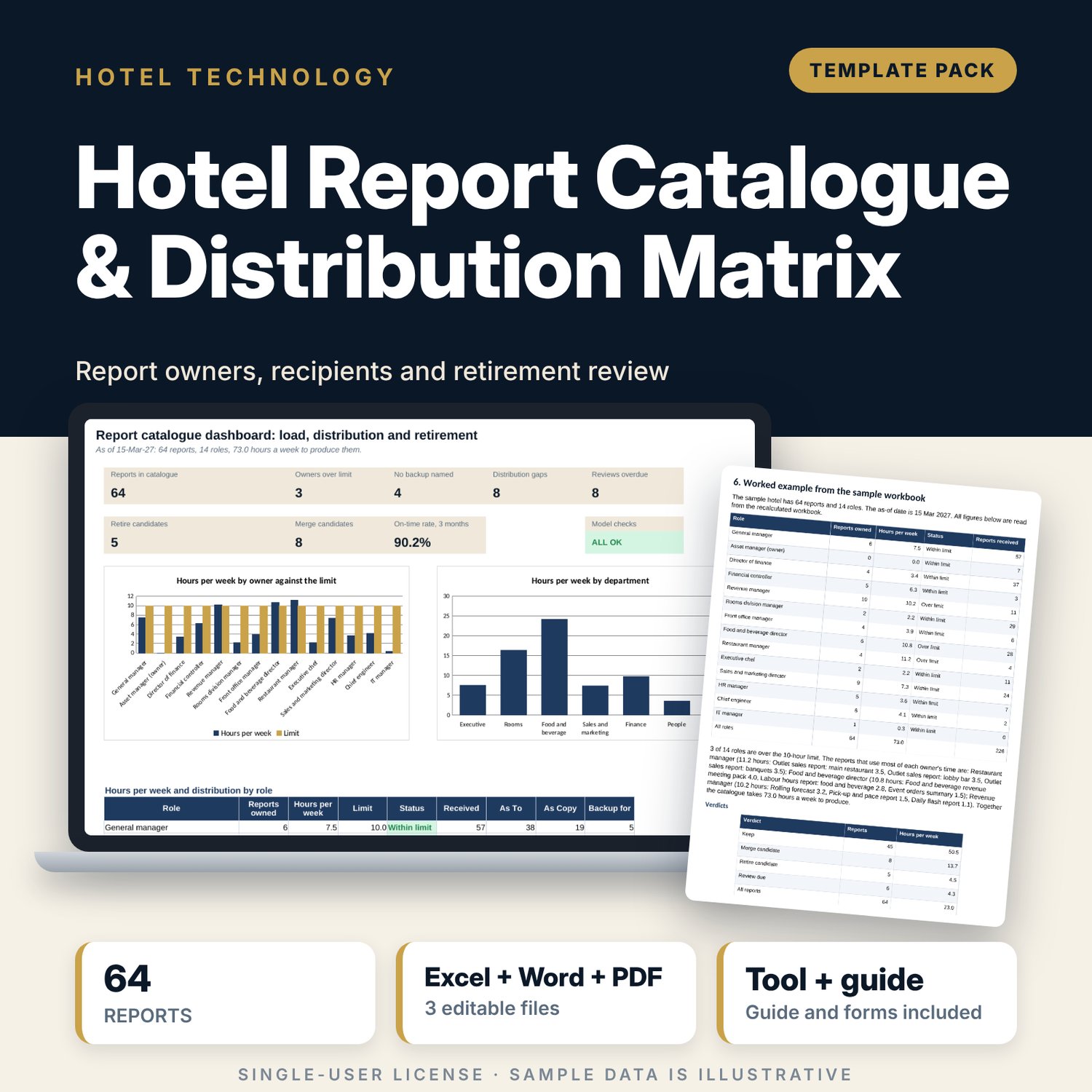


Hotel Report Catalogue & Distribution Matrix: Report Owners, Recipients and Retirement Review Spreadsheet with Standards
Full description
For general managers, finance leads and department heads who want to know which reports exist, who owns them, who reads them and which ones to stop. The workbook lists 64 recurring reports with sixteen fields each, calculates the weekly hours each owner spends producing them against a limit, maps recipients by 14 roles with a clearance test, and gives each report a verdict (Keep, Merge, Retire or Review due) from unread cycles, KPI overlap and review date. A 9-page guide adds the report card standard, naming and storage rules, the daily and month-end calendar, the twice-yearly review and four forms.
What is inside
- Report_Catalogue_and_Distribution_Matrix.xlsx: 7 tabs, 1,847 formulas, 2 native charts, 21 drop-down and input rules
- Report Catalogue: 64 sample reports with owner, backup, frequency, due, source, format, confidentiality, cut-off, approval, automation, hours, storage folder and review flag; room for 20 more
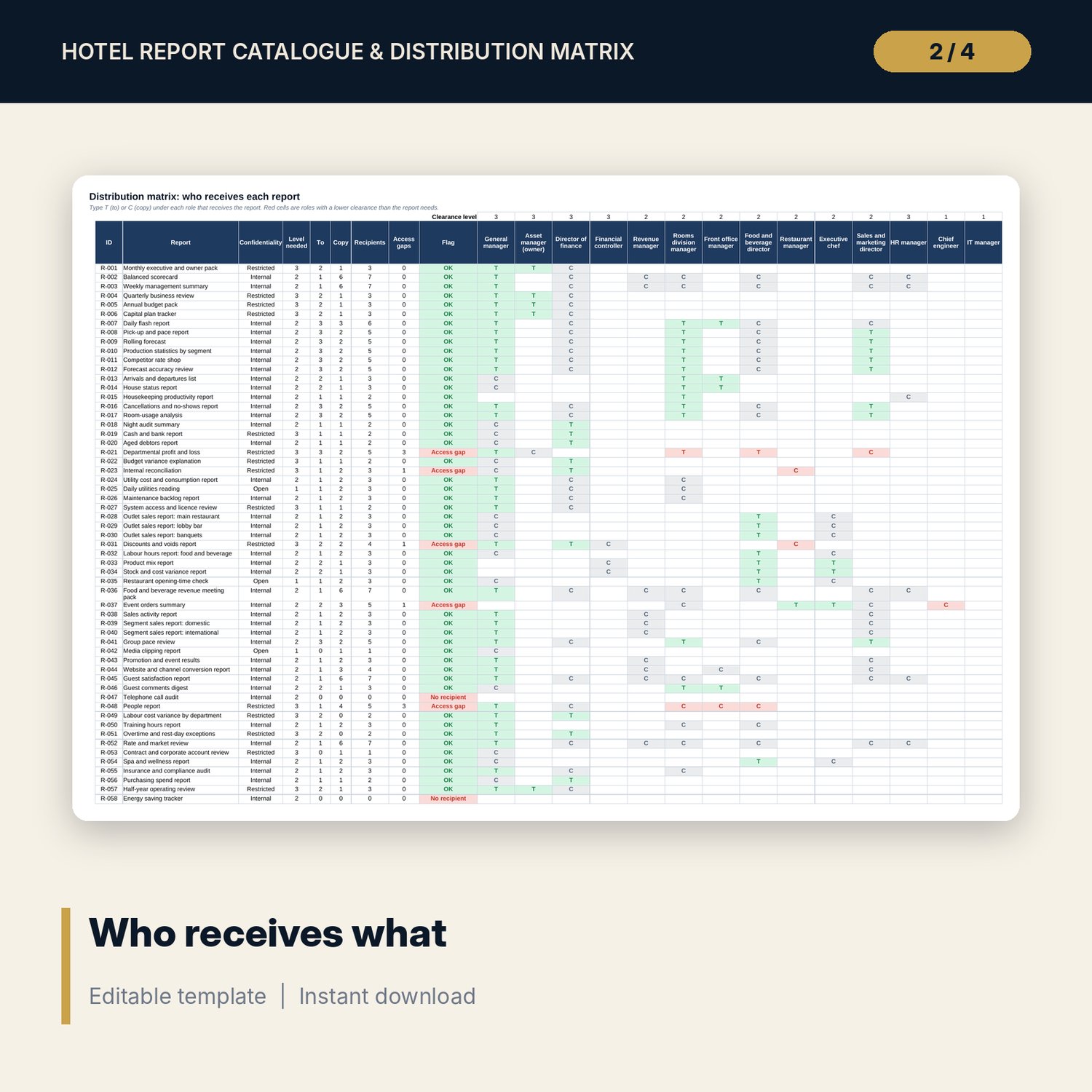
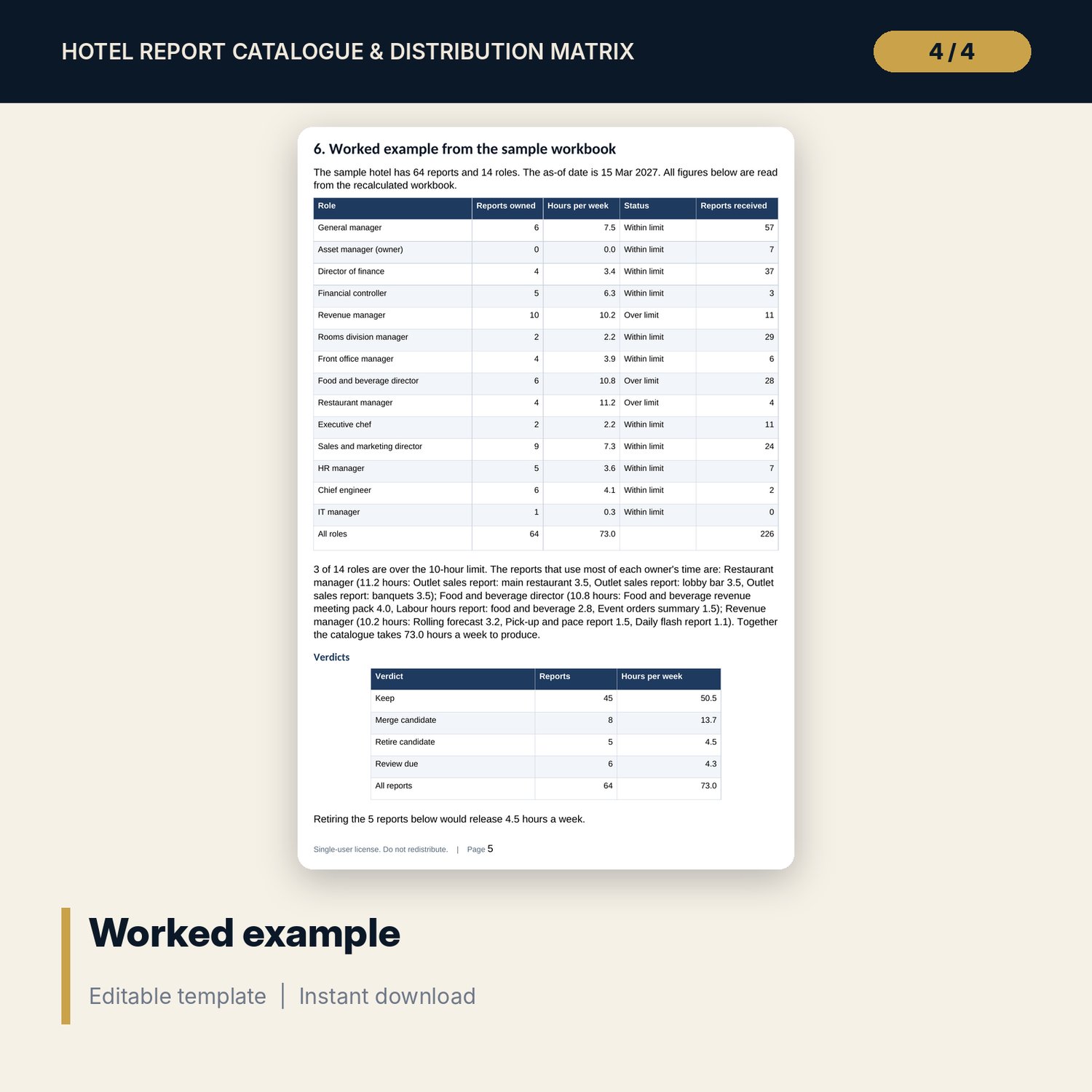
- Distribution Matrix: 64 reports by 14 roles marked To or Copy, with access gap, no recipient and wide distribution flags
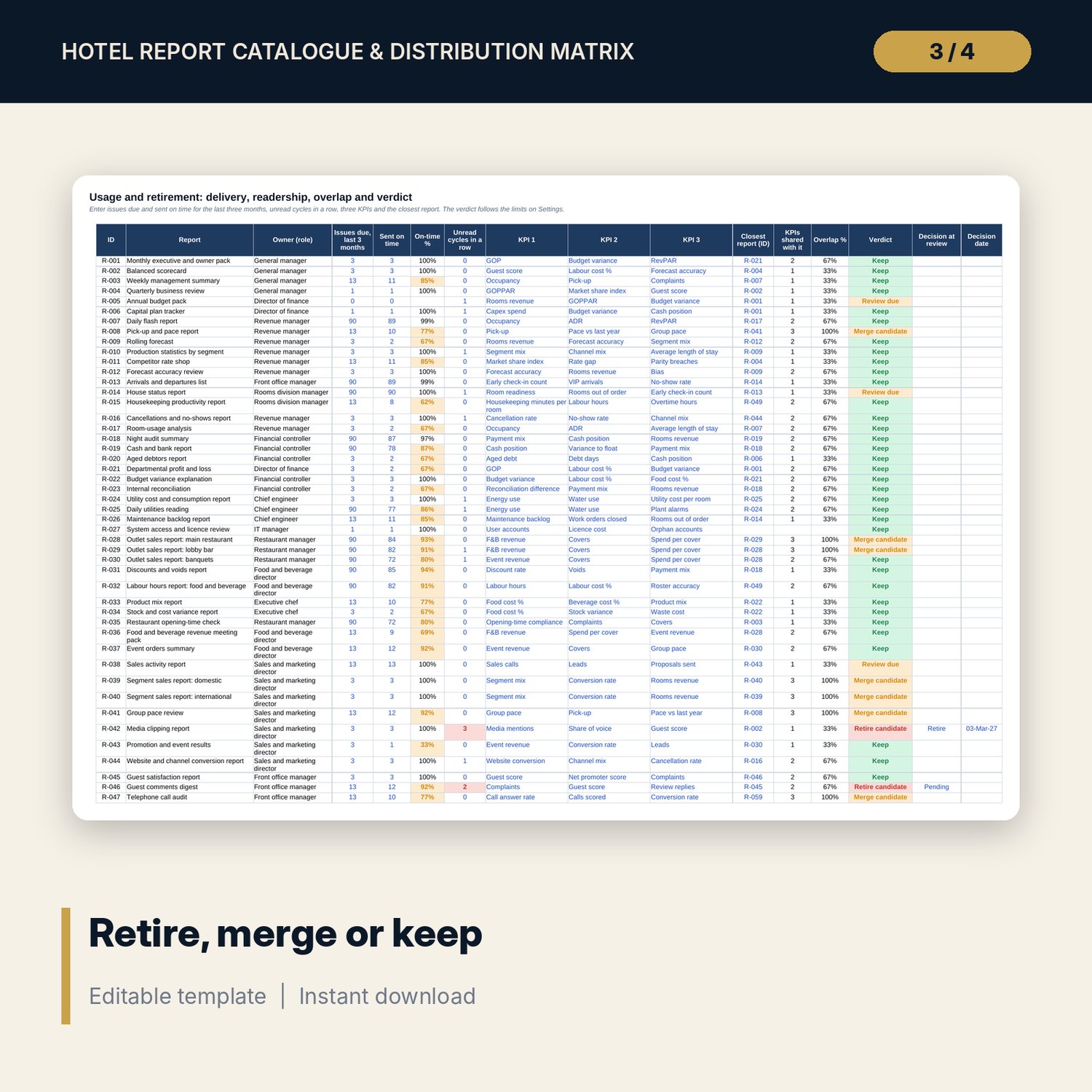
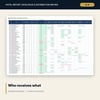
- Usage and Retirement: issues due and sent on time, unread cycles, three KPIs, the closest report, overlap and a verdict
- Settings: load, retirement, overlap and review limits, role clearance levels, confidentiality levels, issues per year and drop-down lists
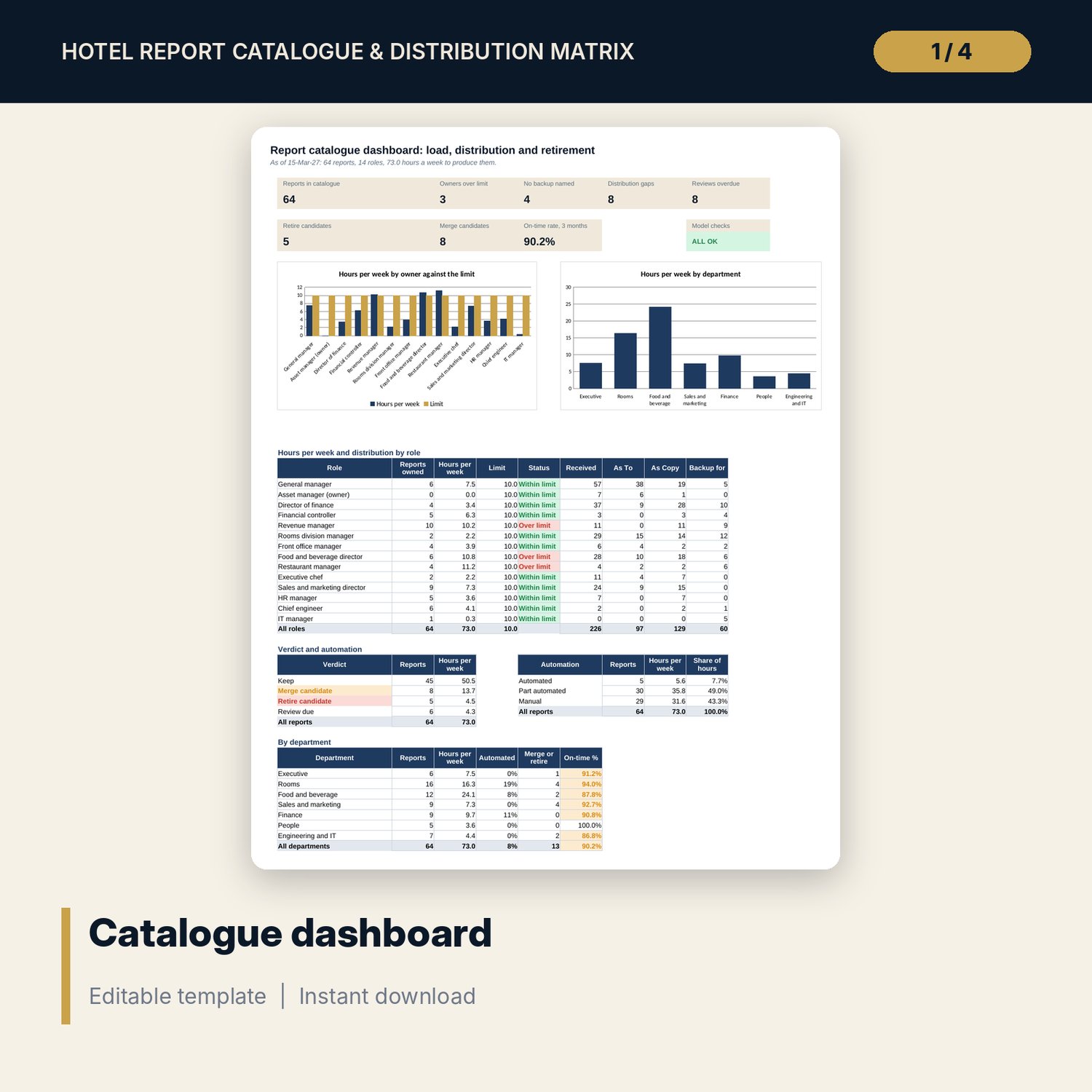
- Dashboard: 8 tiles, a check tile, a role table, verdict, automation and department tables and 2 charts; 9 integrity checks
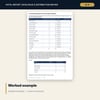
- Hotel_Reporting_Standards.docx and Hotel_Reporting_Standards.pdf: 9 pages with the report card, naming rules, distribution standard, calendar, review procedure, worked example and forms
- README.txt and LICENSE-and-Terms.txt
How it works
- Enter the as-of date and your limits on Settings.
- List every recurring report once on Report Catalogue, with one owner and one backup.
- Mark To or Copy for each recipient role on Distribution Matrix and fix the red cells.
- Enter issues due, sent on time, unread cycles, KPIs and the closest report on Usage and Retirement.
- Read the Dashboard and take the Retire, Merge and Review due lists to the twice-yearly review.
Details
- Formats: 1 Excel workbook (.xlsx), 1 guide in Word (.docx) and PDF, English
- Software: Excel 2016 or later, or LibreOffice Calc 7 or later
- No macros, no external links, no data tables, no array formulas
- 3 files plus README and license; instant digital download
Good to know
- Sample data is illustrative. Replace it with your own reports.
- The files are planning tools, not legal advice. Check the confidentiality and data rules that apply to your hotel.
- Limits, clearance levels and thresholds are your own policy; the sample values are a starting point.
- Single-user license. Do not redistribute.
FAQ
How is overlap measured?
Each report lists three KPIs. You name its closest report, and the overlap is the share of its KPIs that the closest report also carries. Use the same KPI names everywhere.
What makes a report a retire candidate?
It has been unread for the number of cycles in a row set on Settings. The default is two.
Can I use my own roles and departments?
Yes. The roles, clearance levels, departments, sources and KPIs are all lists on Settings.
How many reports can I list?
The sample has 64, with room for 20 more. Insert rows inside the tables to add more.
Do I need macros or add-ins?
No. Every result is a standard worksheet formula.