
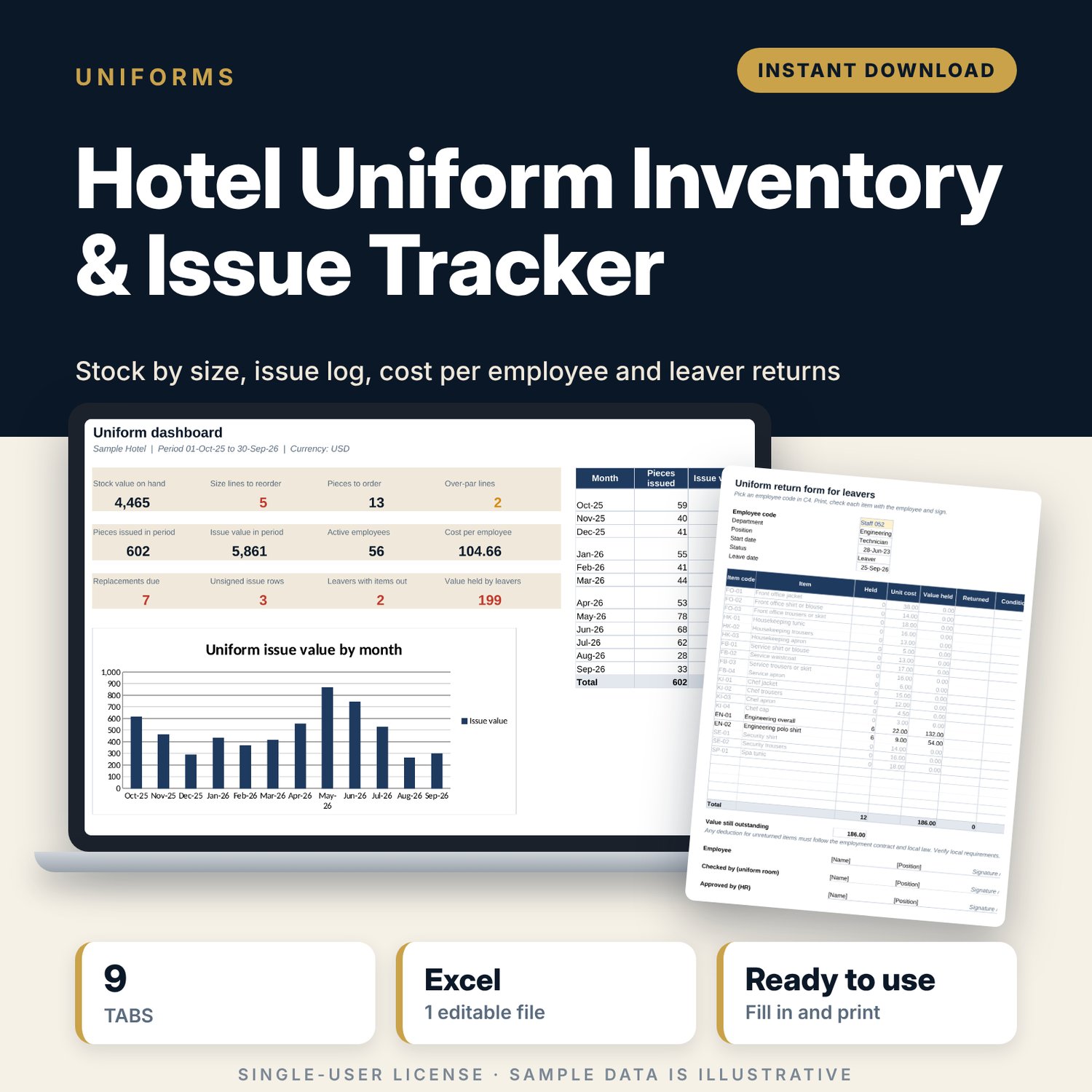
Hotel Uniform Inventory & Issue Tracker: Uniform Stock and Issue Log Spreadsheet
Full description
For HR managers, housekeepers and uniform room staff who issue and track hotel uniforms. You set up each item once with its department, pieces per employee, cost and replacement cycle. Then you log every issue, return and lost piece by employee code. The workbook keeps stock by size with par and reorder flags, shows when each set is due for replacement, compares uniform cost per employee with the replacement budget, and prints a return form for every leaver.
Save with a bundle: this template is also in the Hotel Rooms, Guest Experience & Spa Bundle, 16 templates for $39 instead of $112. All 141 templates are in the All-Access Hospitality Template Library for $79.
What is inside
- Hotel_Uniform_Inventory_Issue_Tracker.xlsx: 9 tabs, 10,941 formulas, 3 native charts, 18 drop-down or number rules.
- Settings: report date, period start, tracker start and an over-par setting, plus 7 drop-down lists (7 departments, 7 sizes, 6 movement types).
- Item_Master: room for 30 items (19 sample items across 7 departments) with pieces per employee, unit cost, replacement cycle, supplier, lead time, stock value and annual cost per employee.
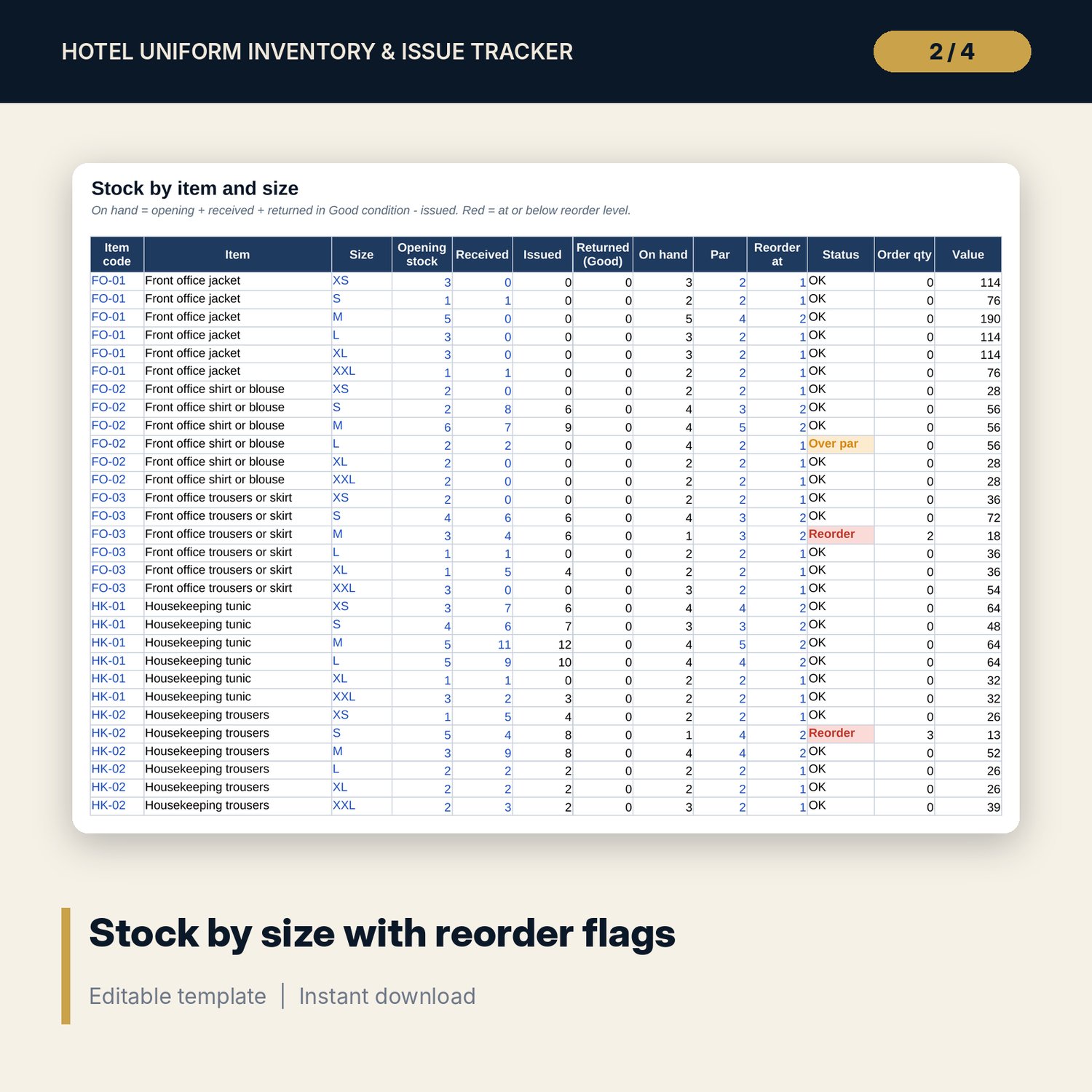
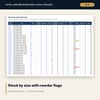
- Stock_by_Size: room for 160 item and size lines (94 sample lines) with opening, received, issued, returned, on hand, par, reorder level, status and order quantity.
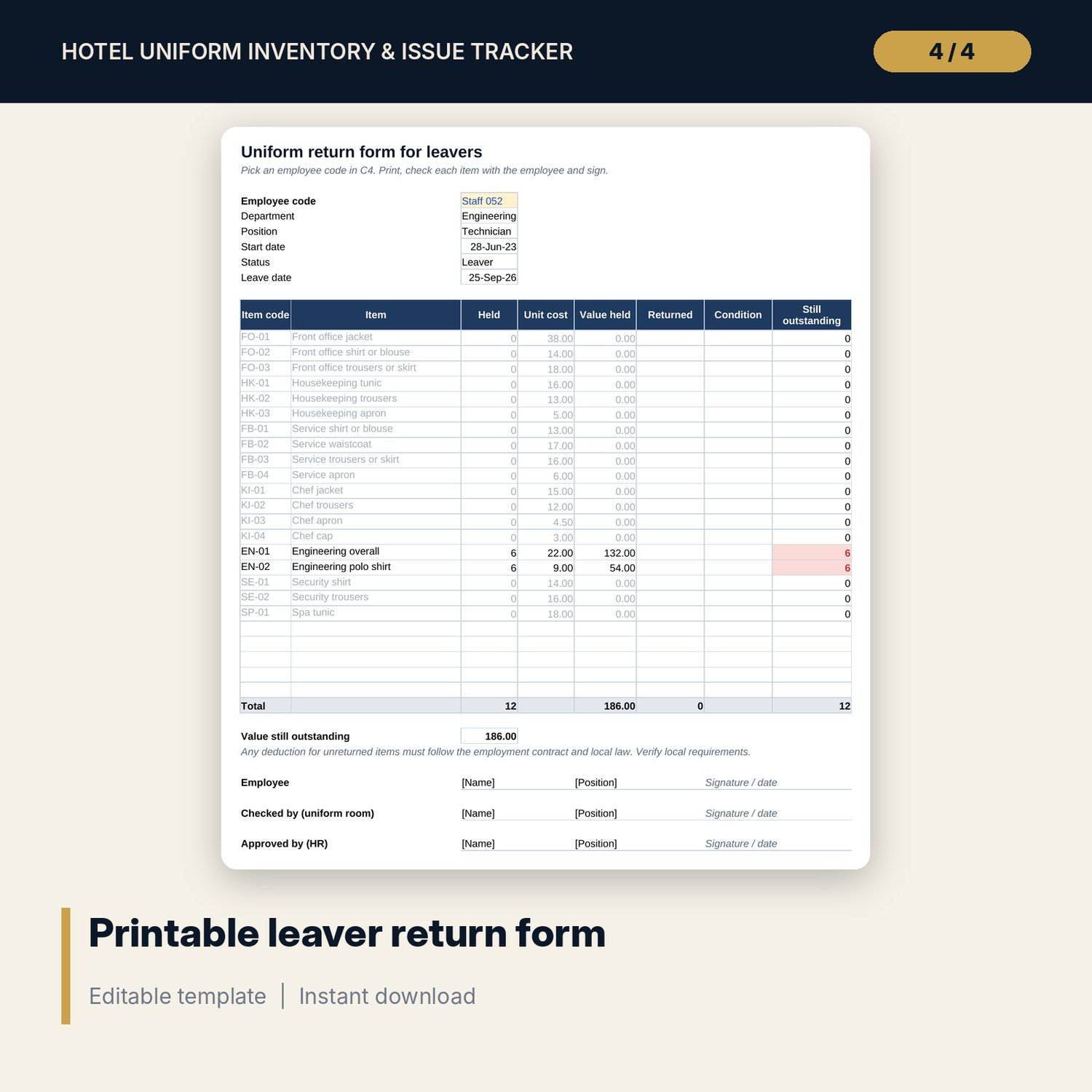
- Employees: room for 150 employee codes (60 sample codes, 4 leavers) with sizes, pieces and value held, and a return check for leavers.
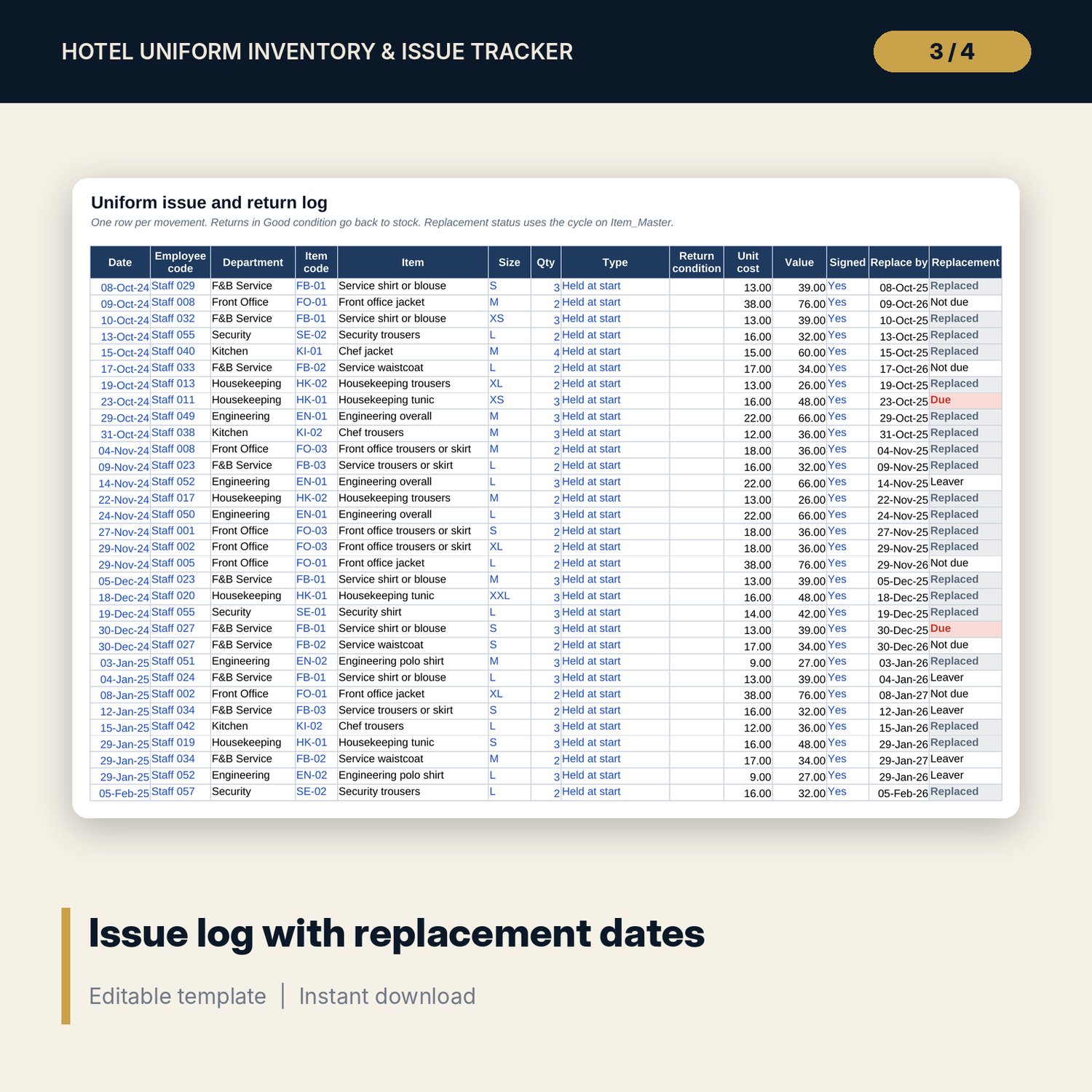
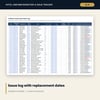
- Issue_Log: room for 1,500 movements (372 sample rows) with replace-by dates and a replacement status: Due, Not due, Replaced or Leaver.
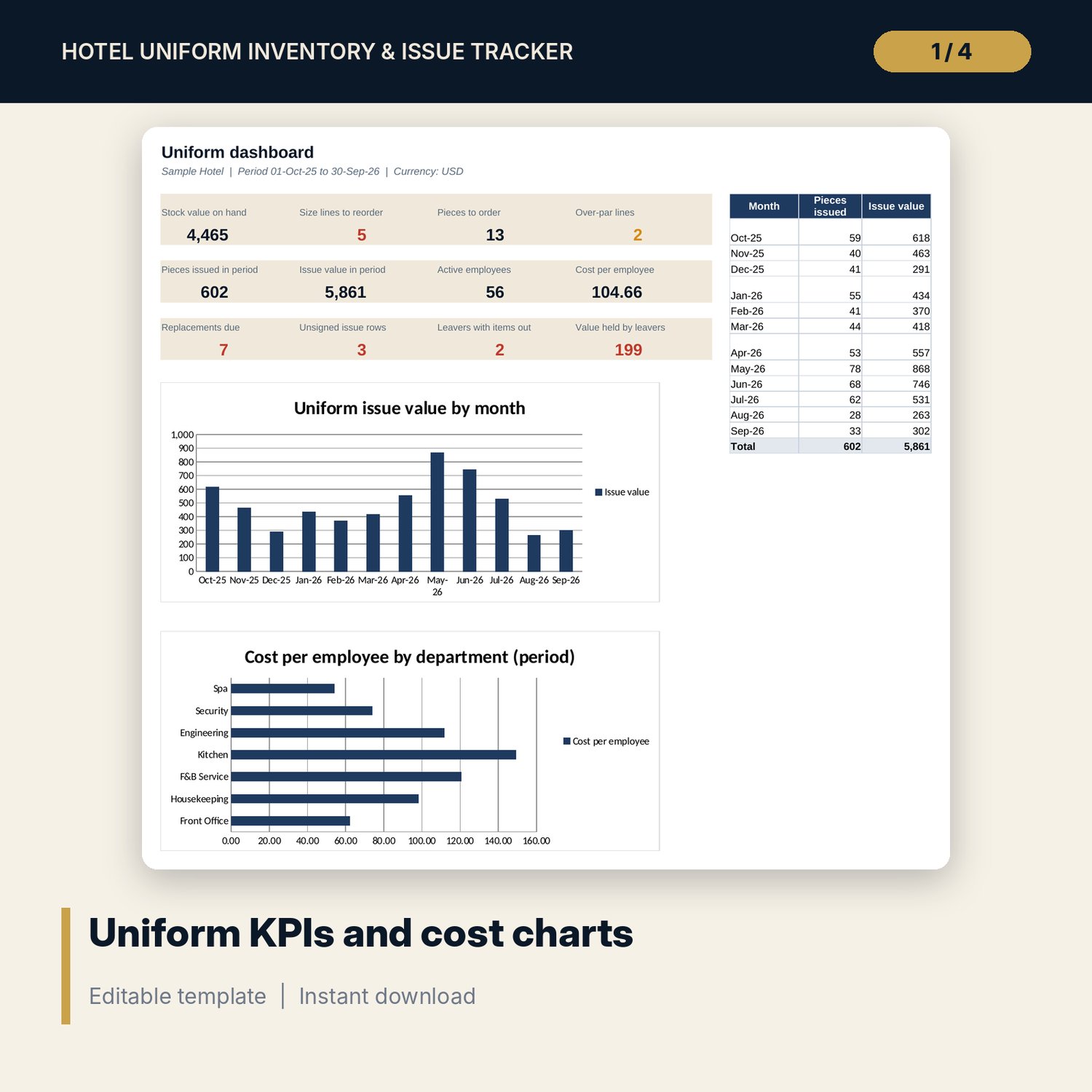
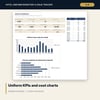
- Cost_per_Employee: issue value and cost per employee for 7 departments against a pro-rated replacement budget, with a chart.
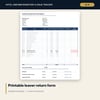
- Leaver_Return_Form: pick an employee code to print every item still held, its value, and sign-off lines for 3 roles.
- Dashboard: 12 KPI tiles, issues by month and 2 charts.
- README.txt and LICENSE-and-Terms.txt.
How it works
- Enter your items, pieces per employee, costs and replacement cycles on Item_Master.
- Count your stock by size and set a par and reorder level for each line.
- Add employee codes with sizes and record what each person already holds.
- Log every issue, return and lost piece. Order stock when a size shows Reorder.
- Review replacements due, leaver returns and cost per employee every month.
Details
- Format: Excel workbook (.xlsx). No macros.
- Language: English. Currency is a label you choose.
- Software: Excel 2016 or later, or a spreadsheet program that opens .xlsx files.
- Delivery: instant digital download. Nothing is shipped.
Good to know
- All sample items, costs, codes and movements are illustrative. Replace them with your own data.
- Employees are tracked by code only. Keep names and personal data in your HR system.
- Rules on uniform provision and pay deductions for unreturned items differ by country. Verify local requirements.
- Single-user license. Do not share or resell the files.
FAQ
Can I add more sizes, such as shoe sizes?
Yes. Add them to the Size list on Settings and add the item and size lines on Stock_by_Size.
How does it know a replacement is due?
Each issue gets a replace-by date from the item's cycle. If no newer replacement exists for that employee and item by the report date, the row shows Due.
What about uniforms staff already have?
Log them as "Held at start". They count as held by the employee but do not change your stock.
Does it work in Google Sheets?
It opens in Google Sheets and the formulas calculate. Check the drop-downs and colour flags after import.
Is this a physical product?
No. It is a digital download. Refund terms follow the store policy at the time of purchase.