


Personal Budget Template Excel — Plan vs Actual, Savings Goals & Bills
🔥 Personal Budget Planner: Instant Download
Plan every month of your budget, log what you actually spend and see plan vs actual all year.
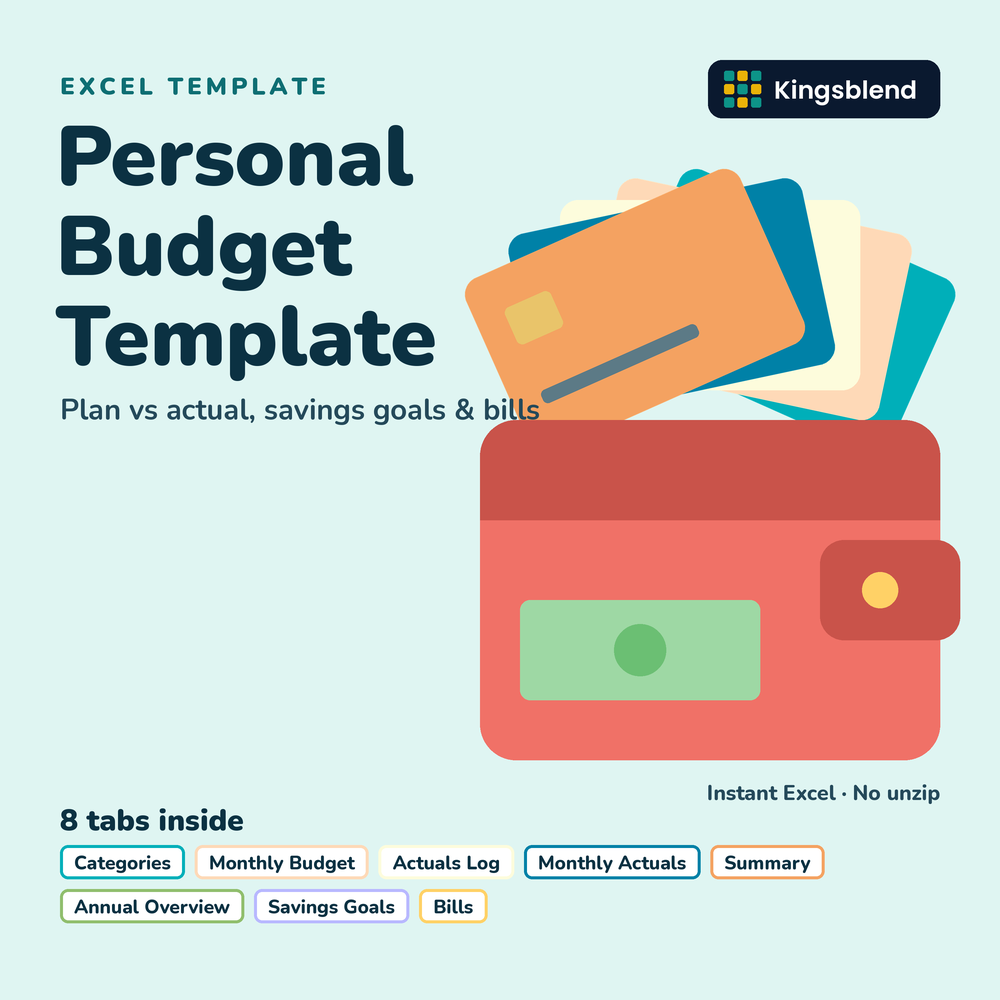
A full-year budget planner in one Excel workbook: 8 working tabs plus Start and Disclaimer, in one file that is yours to keep.
✨ What It Does for You
- Plan all 12 months and see YTD variance and % used calculated
- Log spending once and Monthly Actuals totals it for you
- Spot overspending with over-budget flags and a 12-month overview
- Track savings goals and bills, including autopay and paid status
📦 What's Inside
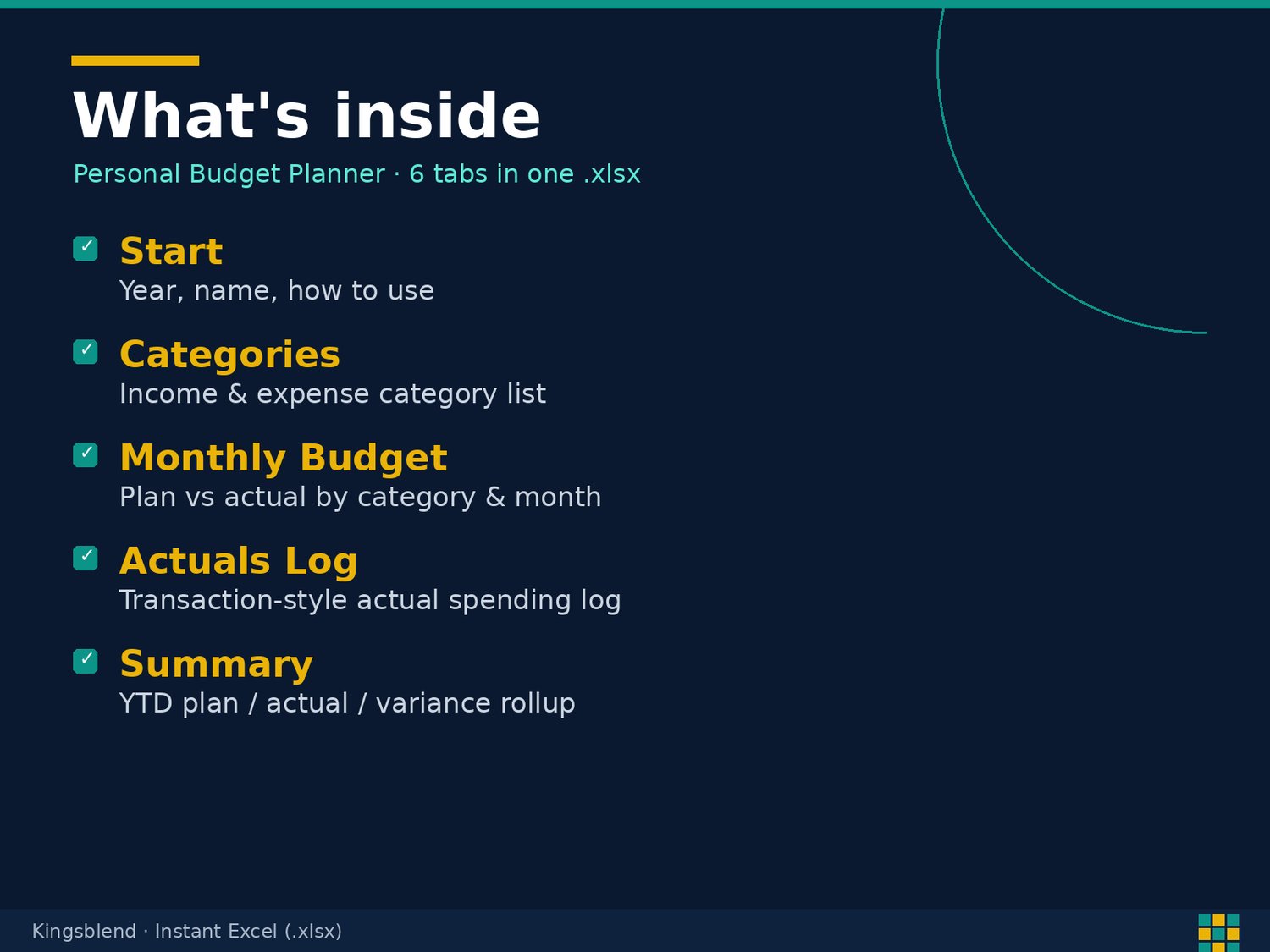
- Start and Disclaimer: your budget year and household, a 6-step how-to, linked sheet map, and a plain-language disclaimer
- Categories: up to 30 income, expense, and savings categories that feed every tab and dropdown
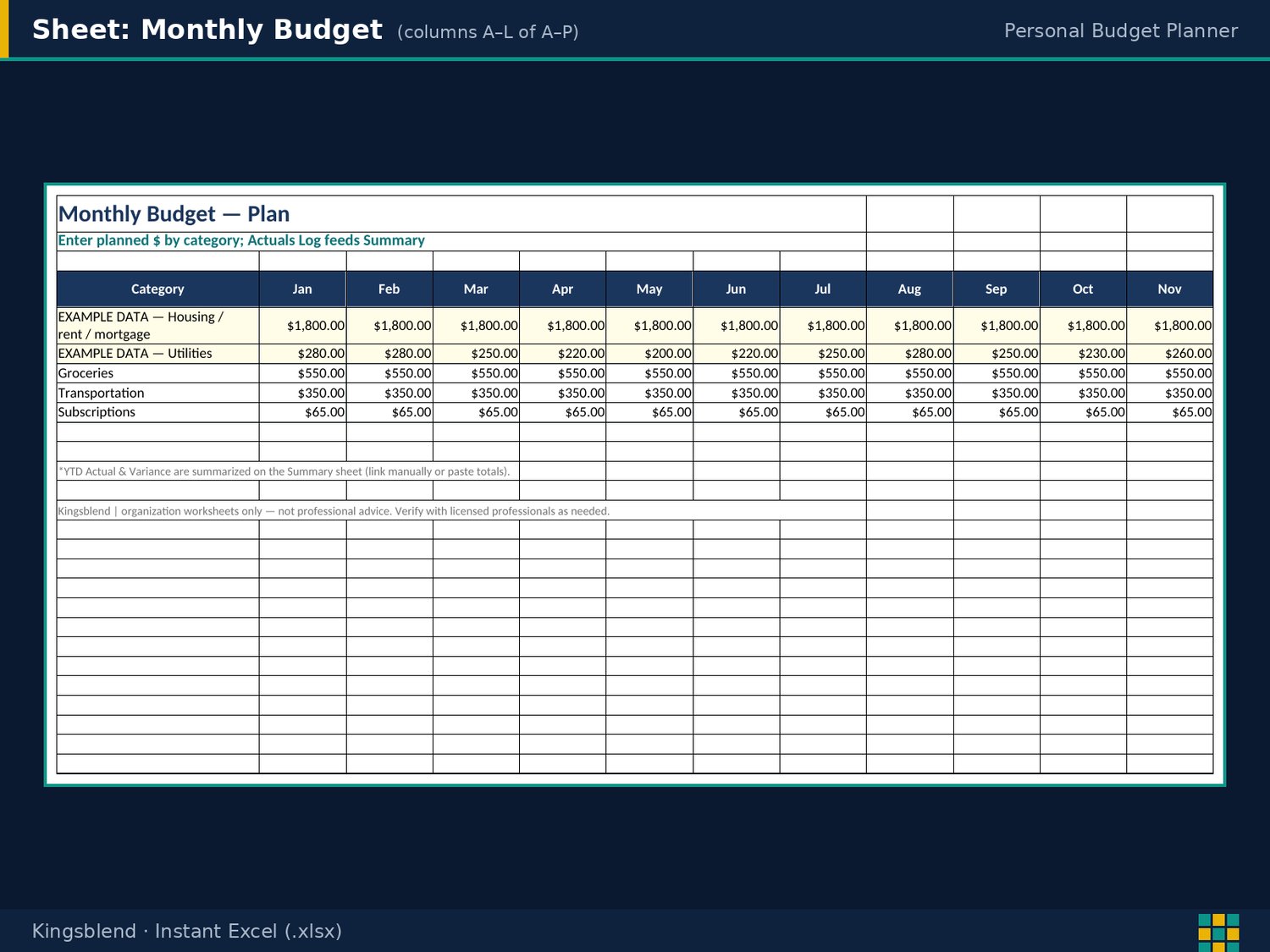
- Monthly Budget: planned amounts by category for all 12 months, with annual plan, YTD plan, YTD actual, YTD variance, and % used calculated
- Actuals Log and Monthly Actuals: log each paycheck, bill, and purchase with date, category, and amount; Monthly Actuals totals them by category and month for you
- Summary and Annual Overview: pick a month to see plan vs actual, variance, % of budget used, and over-budget flags, plus a 12-month view of income, spending, savings, net, and savings rate
- Savings Goals and Bills: goals with target, saved so far, remaining, % progress, and monthly amount needed, plus a bill list with due day, autopay, and paid status
💡 Who This Is For
- Individuals building a monthly budget for the first time
- Couples and households sharing one budget
- Anyone who wants plan vs actual without building formulas
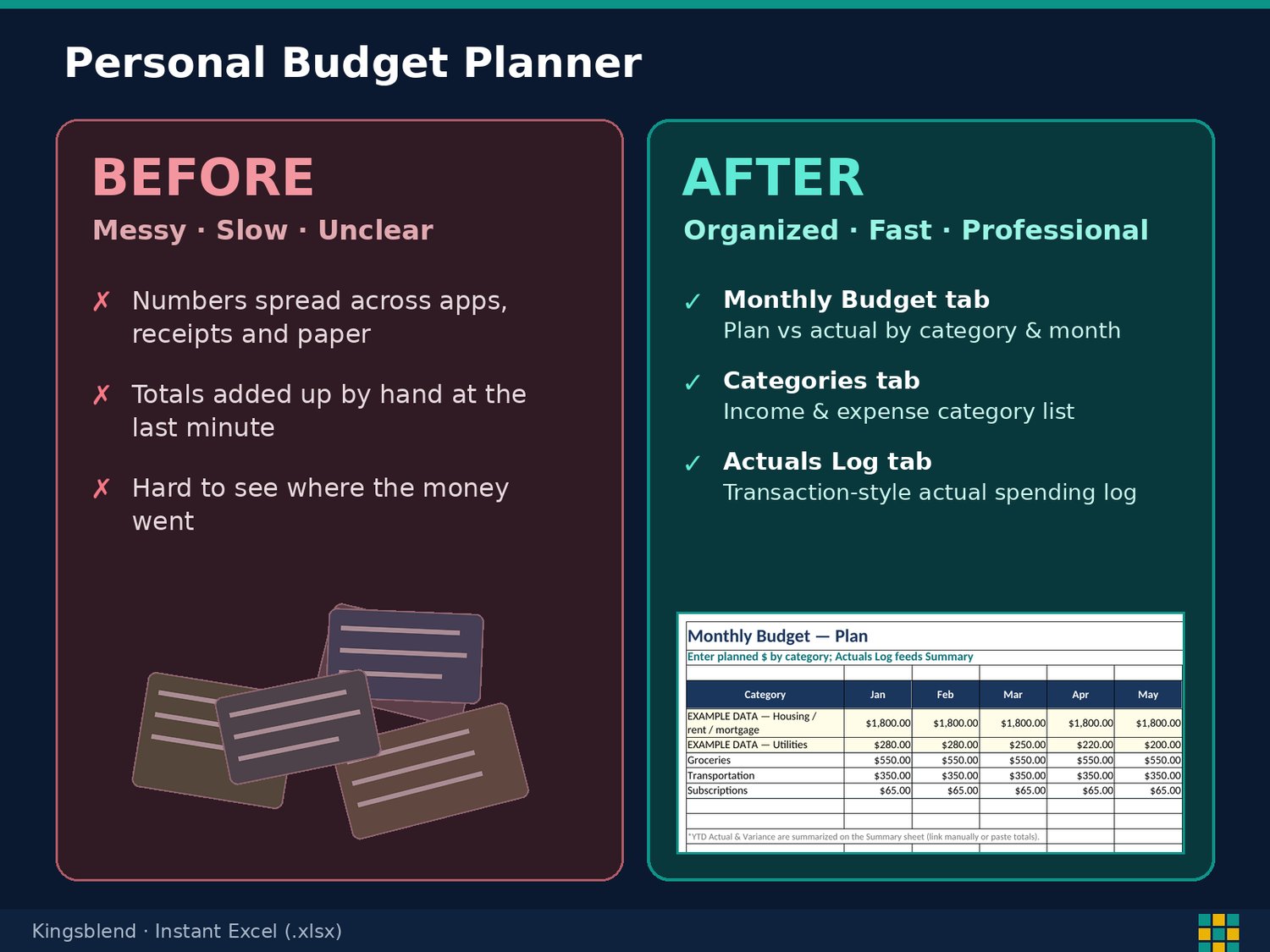
🔄 Before and After
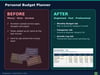
- Before: Budgeting in your head and hoping for the best. After: A Monthly Budget with a plan for every category and month
- Before: Adding up receipts by hand. After: An Actuals Log that totals itself on Monthly Actuals
- Before: Finding out you overspent after the month ends. After: A Summary with variance, % of budget used, and over-budget flags
⚡ Get Started in Minutes
- Download the .xlsx and open it in Excel or Google Sheets
- Set your categories
- Enter planned amounts on Monthly Budget
- Log spending in Actuals Log and check Summary
- Pick from the dropdowns as you fill it in
Instant digital download for personal organization: not financial advice.
Sample data is fictional. Replace it with yours.
🔒 Instant Access
Once you purchase, you get immediate access to your file. It is yours to keep.
We’re a new store, but our digital tools are built to save you time, simplify your workflow, and help your business grow. Your trust matters — and every product is designed to deliver real results.
Thank you for supporting a growing brand.
— Kyle P. Herrick, Founder
✔️ Satisfaction Guarantee
If this template doesn’t help you save time or improve your workflow, message me and I’ll make it right. Your success matters.
💬 Need Help?
Message me anytime. I’m here to help you get the most out of your templates. Email herrickkyle87@outlook.com.
Plan your year of money today. Click Buy Now.