


Inventory & Reorder Manager — Track Stock, Reorder Points, Purchase Orders & Stock Value in Excel
🔥 Inventory & Reorder Manager: Instant Download
Know what is on hand, what to reorder and how much, and what your stock is worth.
A ready-to-use Excel workbook for shops, wholesalers and makers: 7 working tabs plus START HERE and Settings, in one file that is yours to keep.
✨ What It Does for You
- See what to reorder before you run out
- Get a suggested order quantity
- Track suppliers and purchase orders
- Know what your stock is worth
📦 What's Inside
- START HERE: step-by-step setup, a map of every tab and my contact email
- Settings: business name, usage window (30 days by default), target days of stock, low-stock buffer, ABC class cutoffs and every dropdown list (movement types with a +1 / −1 direction, locations, categories, units, PO statuses)
- Items: your SKU list with category, supplier, unit cost, sell price, opening quantity, safety stock and minimum order, plus units in, units out, on hand, reorder status and margin % (entry rows 7 to 500, 494 rows)
- Suppliers: lead time, minimum order, payment terms, SKUs supplied, open PO value, late PO lines and items to reorder (entry rows 7 to 500, 494 rows)
- Stock Movements: Received / Sold / Used / Returned / Damaged / Adjustment rows by location, with signed quantity, receipt cost and month (entry rows 7 to 500, 494 rows)
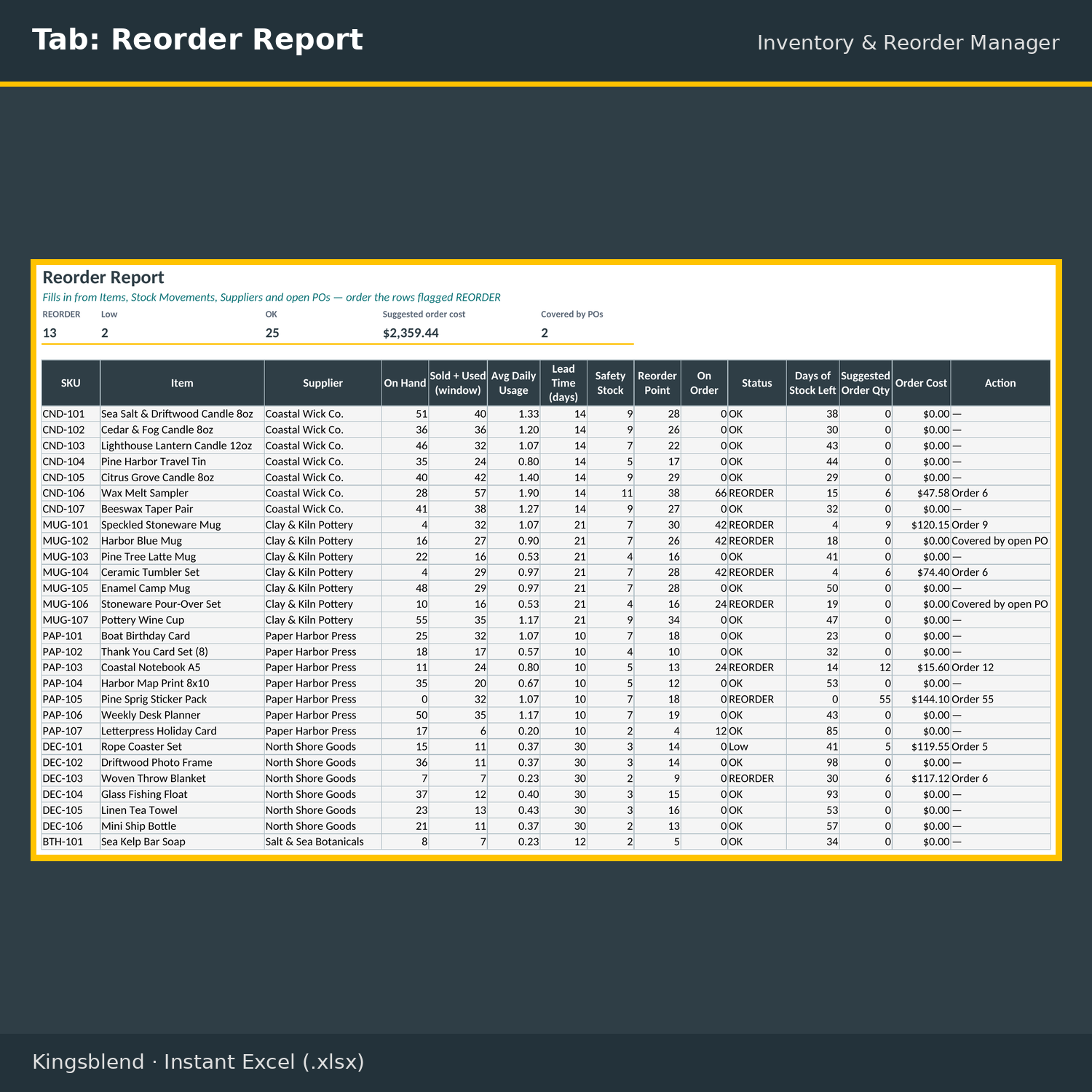
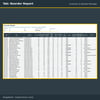
- Reorder Report: one row per item with units sold and used in the usage window, average daily usage, supplier lead time, safety stock, reorder point, quantity on order, REORDER / Low / OK status, days of stock left, suggested order quantity (at least the minimum order), order cost and an action (“Order” plus the quantity, or “Covered by open PO”) (entry rows 7 to 500, 494 rows)
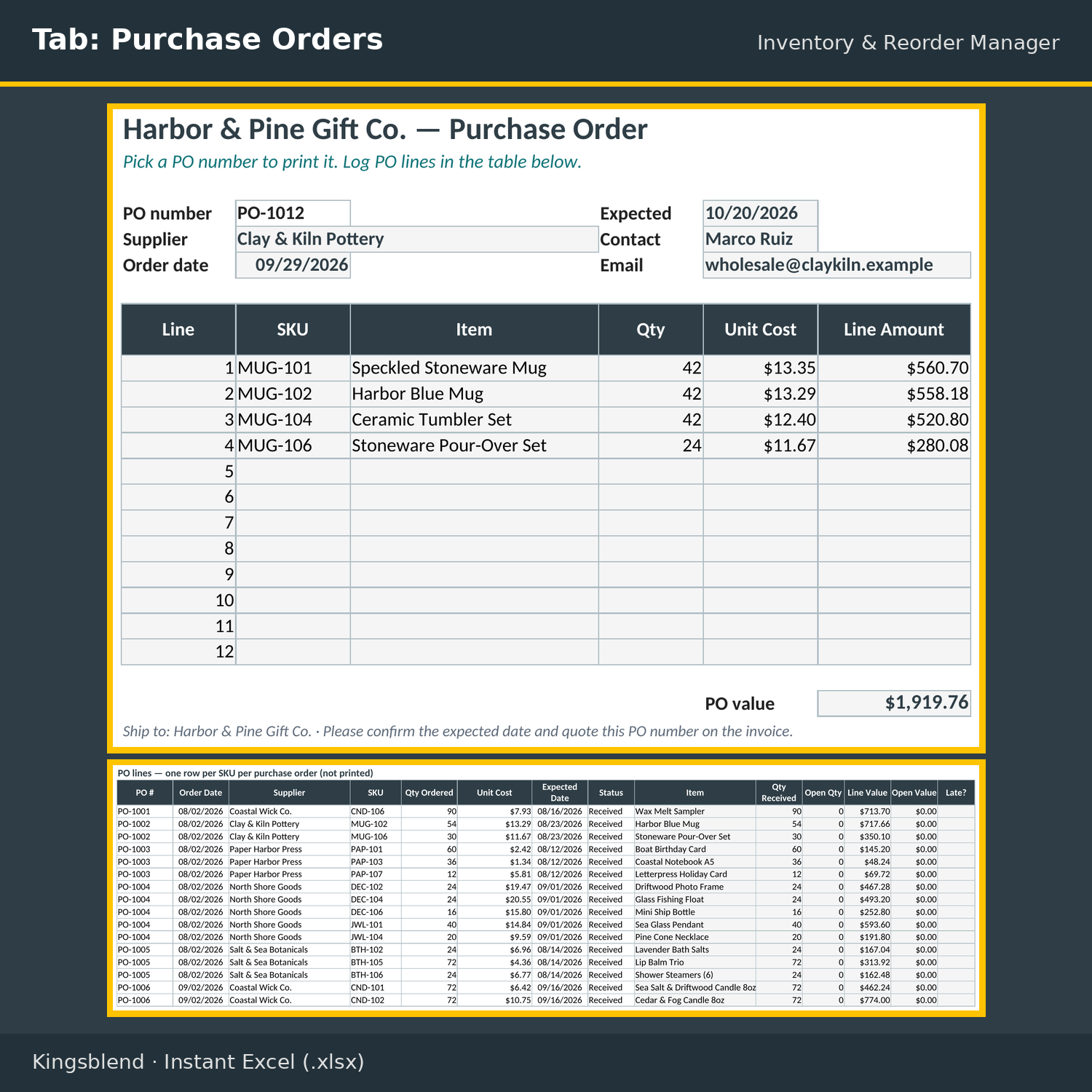
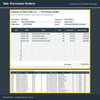
- Purchase Orders: a printable PO (pick a PO number to fill in supplier, contact, email, order and expected dates, up to 12 lines and the PO value), plus a PO line log (rows 29 to 500, 472 rows) with quantity received from Stock Movements, open quantity, open value and a LATE flag
- Valuation: weighted average cost, stock value, retail value, units sold in the last 365 days, annual usage value, cumulative % and ABC class for every item (entry rows 7 to 500, 494 rows), plus units on hand for each of 4 locations
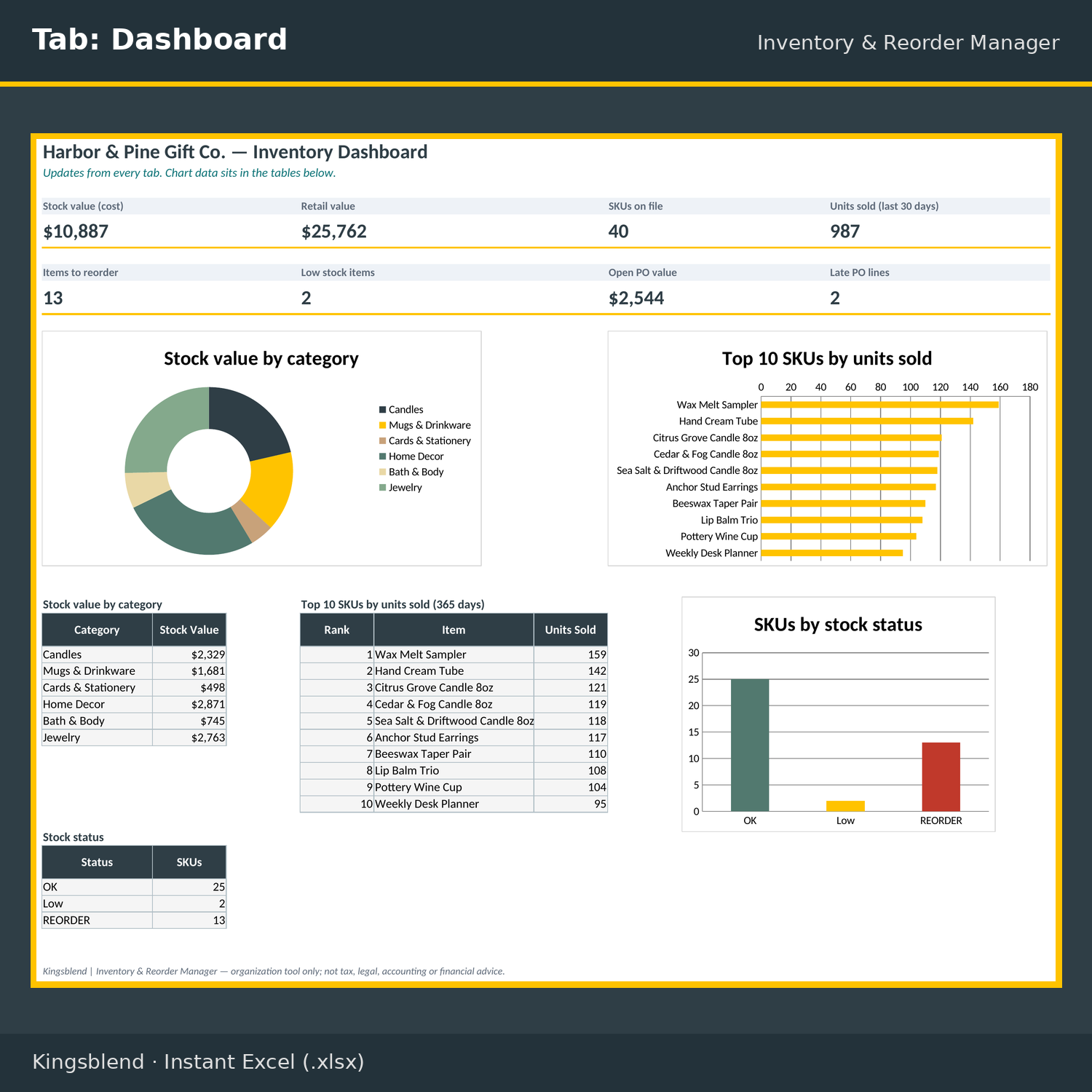
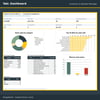
- Dashboard: 8 KPI cards and 3 charts (stock value by category, top 10 SKUs by units sold, SKUs by stock status)
💡 Who This Is For
- Retail shops tracking stock across a backroom, shop floor and online
- Wholesalers and makers who buy from several suppliers
- Small businesses that write their own purchase orders
- Anyone who wants reorder points based on real usage instead of guesswork
🔄 Before and After
- Before: Running out before you notice. After: A REORDER / Low / OK status on every item, based on recent usage and supplier lead time
- Before: Guessing how much to order. After: A suggested order quantity that respects the minimum order and counts stock already on order
- Before: Not knowing what your stock is worth. After: Stock value at weighted average cost, retail value and ABC class for every item
⚡ Get Started in Minutes
- Download the .xlsx and open it in Excel or Google Sheets
- Add your items and suppliers, set your reorder rules on Settings, then replace the EXAMPLE DATA rows
Organization tool only; not tax, legal, accounting or financial advice.
Sample data is fictional. Replace it with yours.
🔒 Instant Access
Once you purchase, you get immediate access to your file. It is yours to keep.
Need it tailored? Get a Custom Build of this kit: https://payhip.com/b/Vs6m3?utm_source=cADbq_page
We’re a new store, but our digital tools are built to save you time, simplify your workflow, and help your business grow. Your trust matters — and every product is designed to deliver real results.
Thank you for supporting a growing brand.
— Kyle P. Herrick, Founder
✔️ Satisfaction Guarantee
If this template doesn’t help you save time or improve your workflow, message me and I’ll make it right. Your success matters.
💬 Need Help?
Message me anytime. I’m here to help you get the most out of your templates. Email herrickkyle87@outlook.com.
Get your business organized today. Click Buy Now.