
LedgerMosaic — Expense Categorizer & Tax-Time Organizer | Offline CSV Expense Tracker
Meet LedgerMosaic — Expense Categorizer & Tax-Time Organizer, an offline desktop tool that helps freelancers, consultants, digital-product sellers, and small-business owners turn bank and card CSV exports into organized, review-ready records.
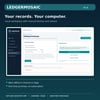
Instead of copying transactions into spreadsheets one by one, import a CSV, check the details, organize expense categories, and prepare a clear year-end summary. Your records stay in your own browser; no monthly subscription or bank login is required.
Before you buy: LedgerMosaic is an offline desktop tool that opens in Google Chrome or Microsoft Edge. Extract the downloaded ZIP package before opening the HTML application. Import transactions from CSV files, review expense categories, and prepare organized reports. LedgerMosaic does not connect to your bank, scan receipts, calculate tax liability, or file tax returns. Your work is stored locally in your browser. Export JSON backups regularly to protect against data loss.
WHAT LEDGERMOSAIC HELPS YOU DO
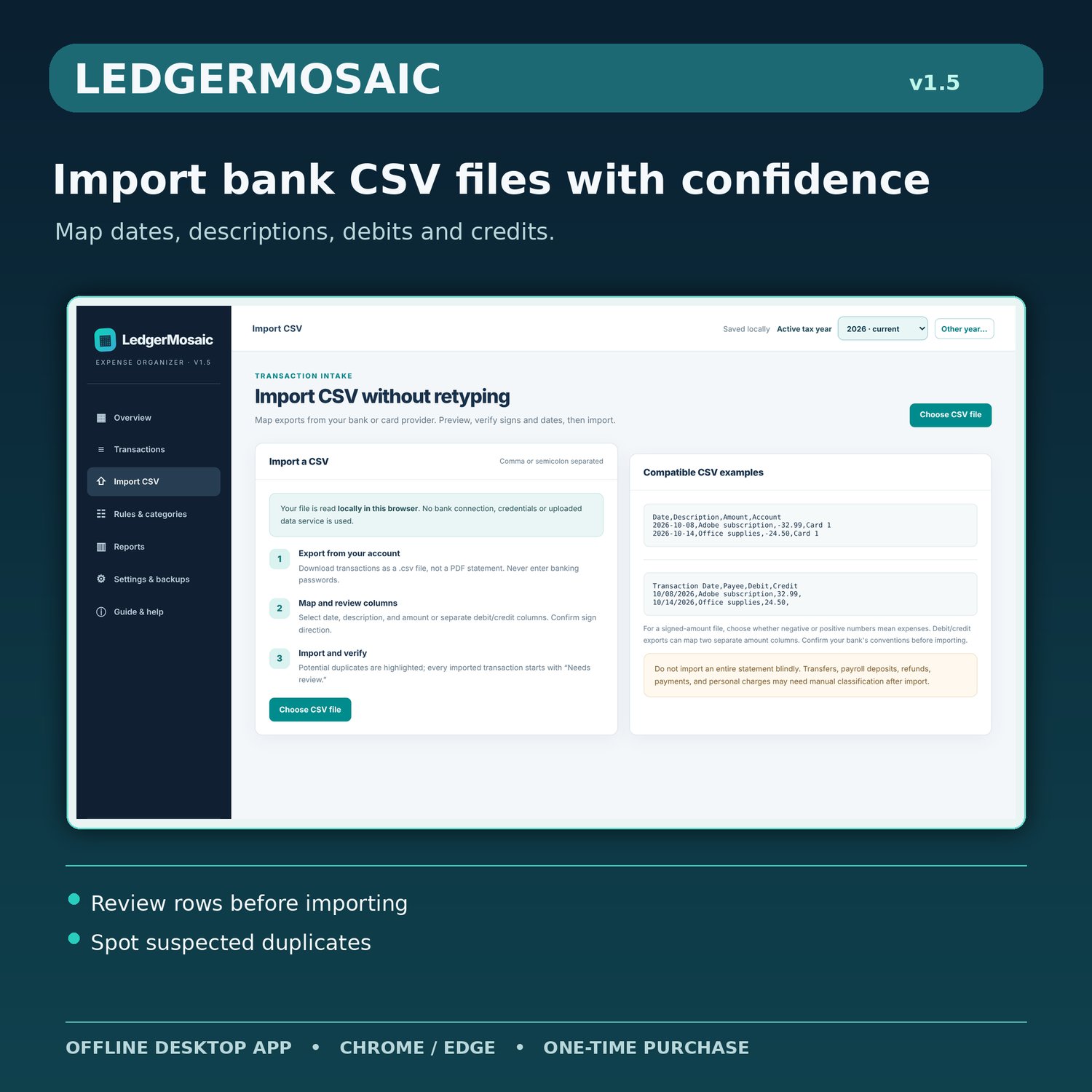
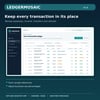
• Import CSV transaction files with flexible date, description, and amount mapping.
• Handle signed amounts or separate debit and credit columns.
• Preview imports, identify invalid rows, and flag suspected duplicates before saving.
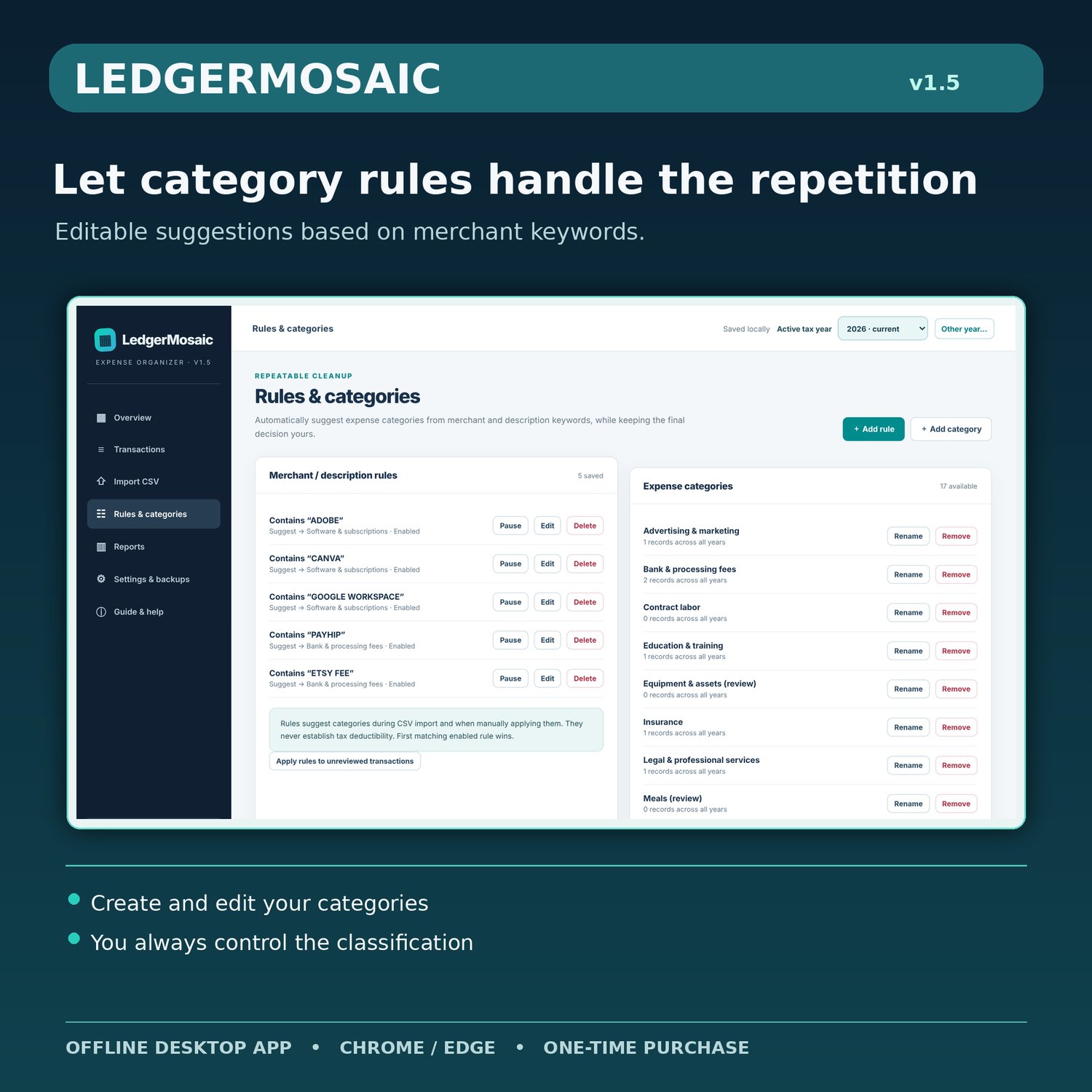
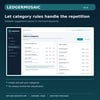
• Suggest expense categories using customizable merchant and description rules.
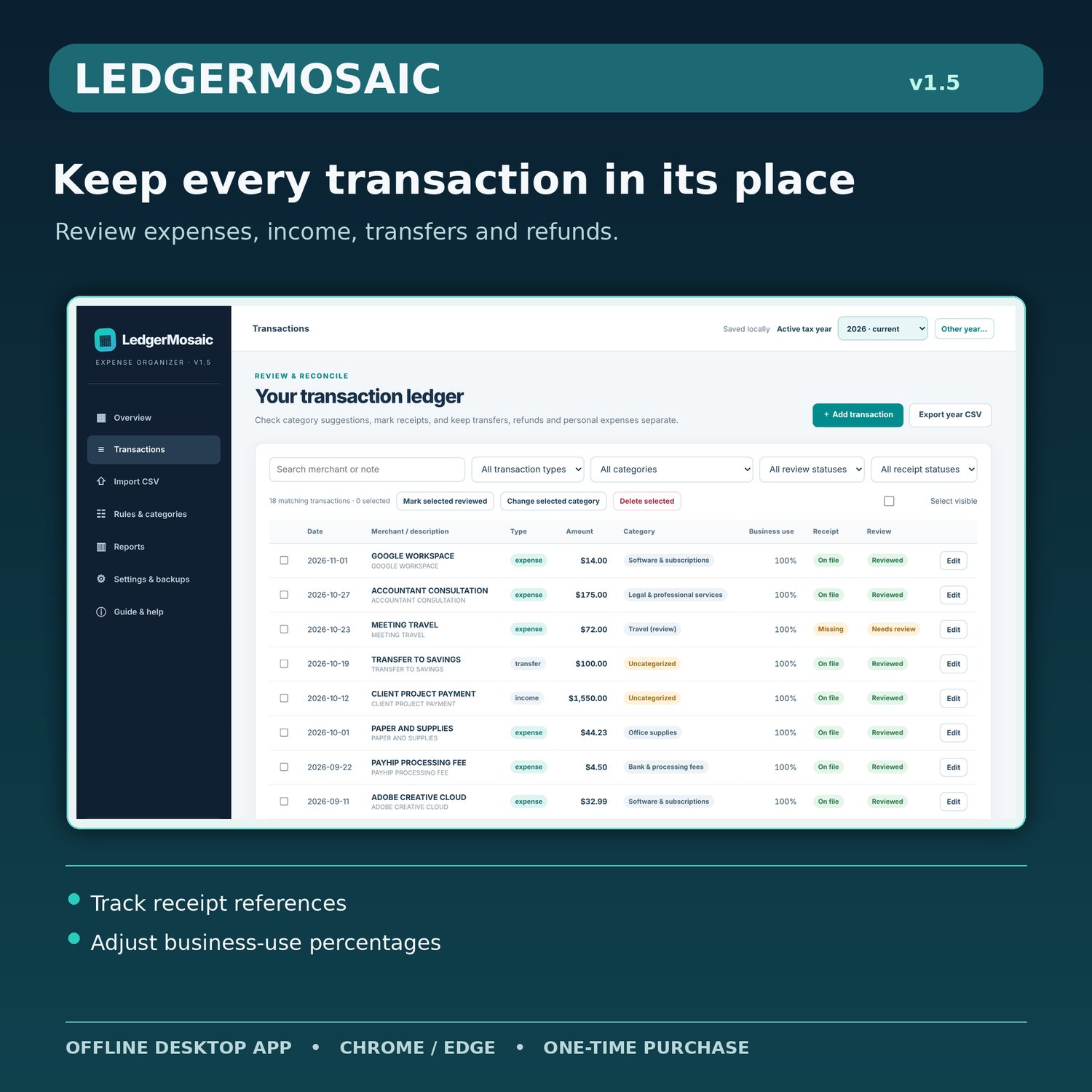
• Keep expenses, income, transfers, refunds, and personal transactions clearly separated.
• Record business-use percentages for mixed-use expenses.
• Track receipt status, filenames, and references (not the files themselves).
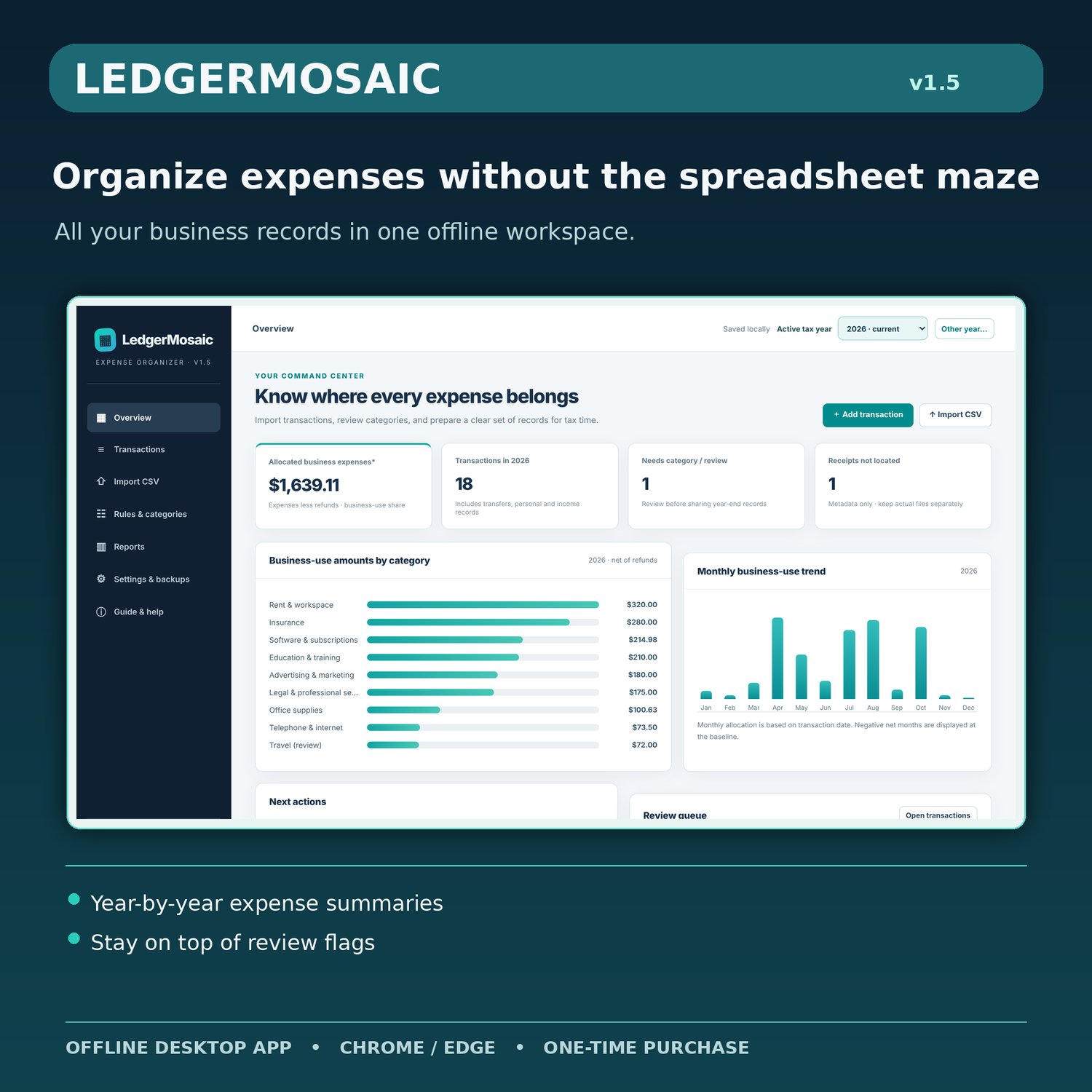
• View business-expense allocations by category and month for multiple tax years.
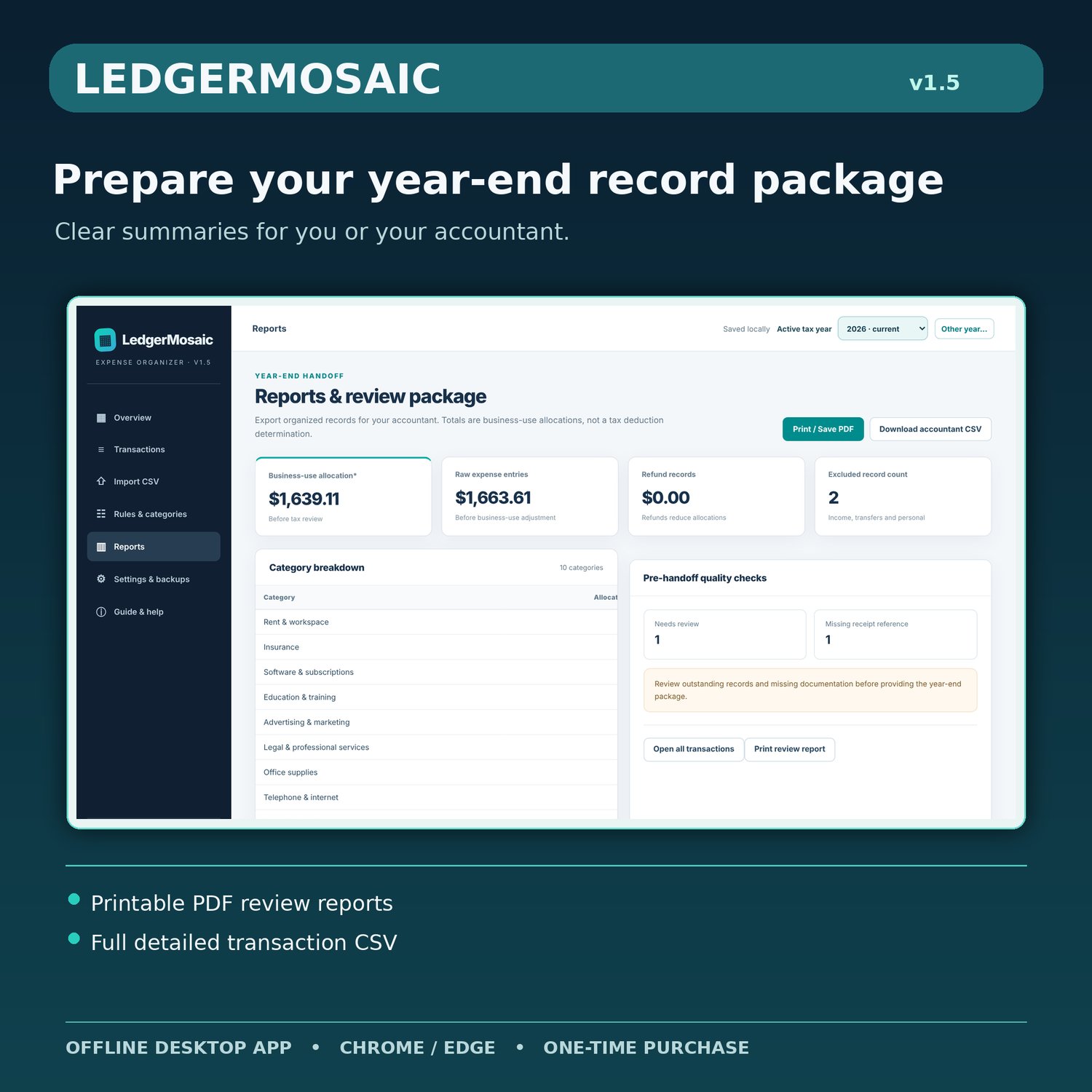
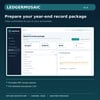
• Export detailed transaction CSVs and print professional PDF reports for your records or tax preparer.
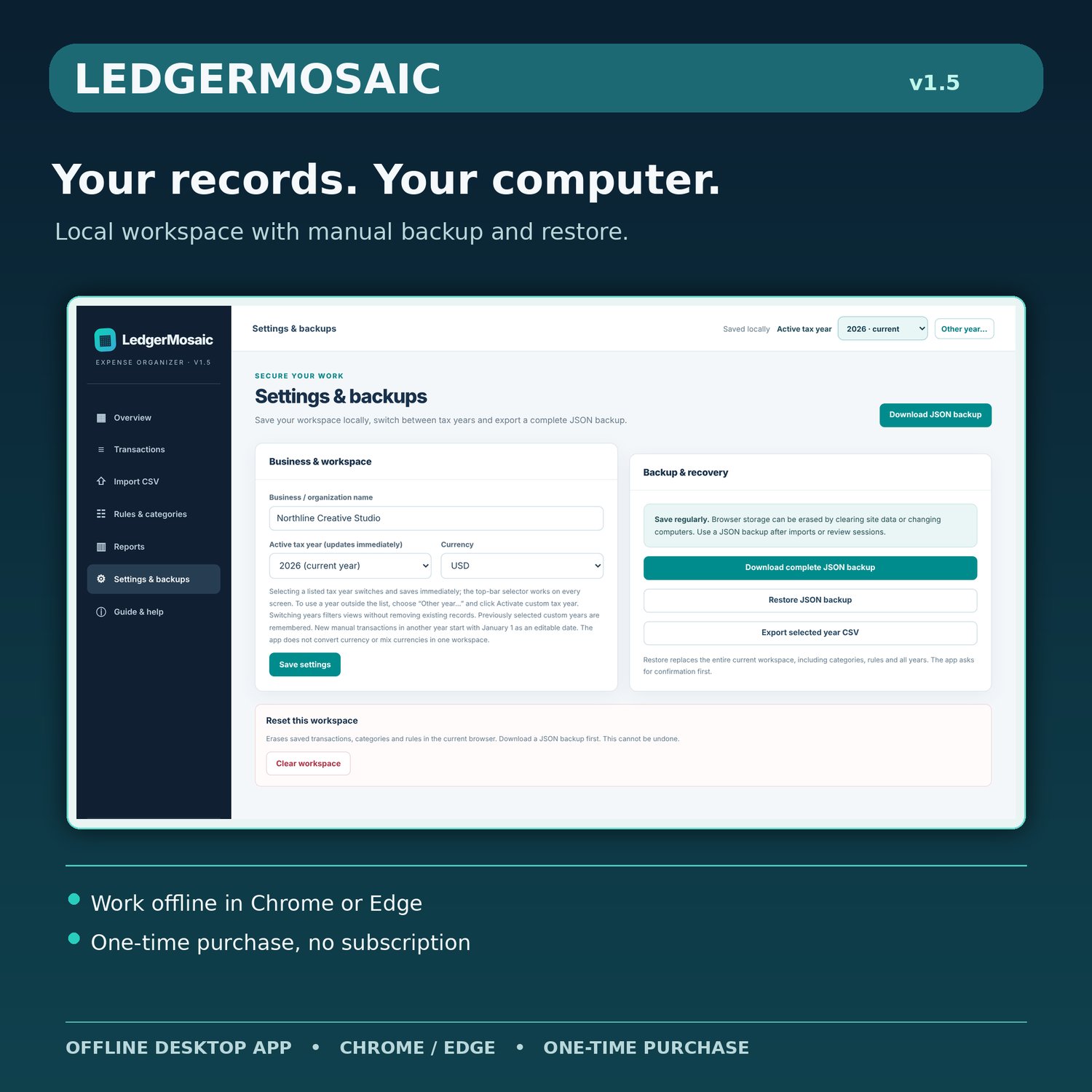
• Back up and restore your workspace with downloadable JSON files.
BUILT TO BE USED YEAR AFTER YEAR
Choose the active tax year directly in the app, including future years and custom years. Switching years changes the records shown without deleting older transactions.
WHAT YOU RECEIVE
• LedgerMosaic v1.5 standalone desktop HTML application
• PDF user guide and troubleshooting instructions
• Terms of Use PDF
• Two example bank CSV files for practicing imports
• START HERE instructions
EASY TO START
1. Download and extract the ZIP file.
2. Open LedgerMosaic_v1.5.html in a current desktop version of Chrome or Microsoft Edge.
3. Choose a tax year and enter your business name.
4. Add expenses manually or import a CSV export, review categories, and generate reports.
5. Download JSON backups regularly to keep your records safe.
IMPORTANT BEFORE PURCHASING
• Desktop product only; designed for Chrome and Edge. No phone or tablet version.
• Records are saved locally in browser storage. Clearing browser data, changing browsers, or moving the file may affect access. Export JSON backups regularly.
• No live bank connections, receipt uploads or scanning, online accounts, or automatic tax filing.
• LedgerMosaic organizes records; it does not calculate tax liability, determine whether costs are deductible, or replace a qualified accountant/tax professional.
• Keep your original bank statements and actual receipts separately.
One-time payment. Instant digital ZIP download. No recurring subscription.
Created by Vantec Digital Media. Licensed for individual/internal business use; redistribution or resale of the application is not permitted. Digital purchases are final except where applicable law requires otherwise.