
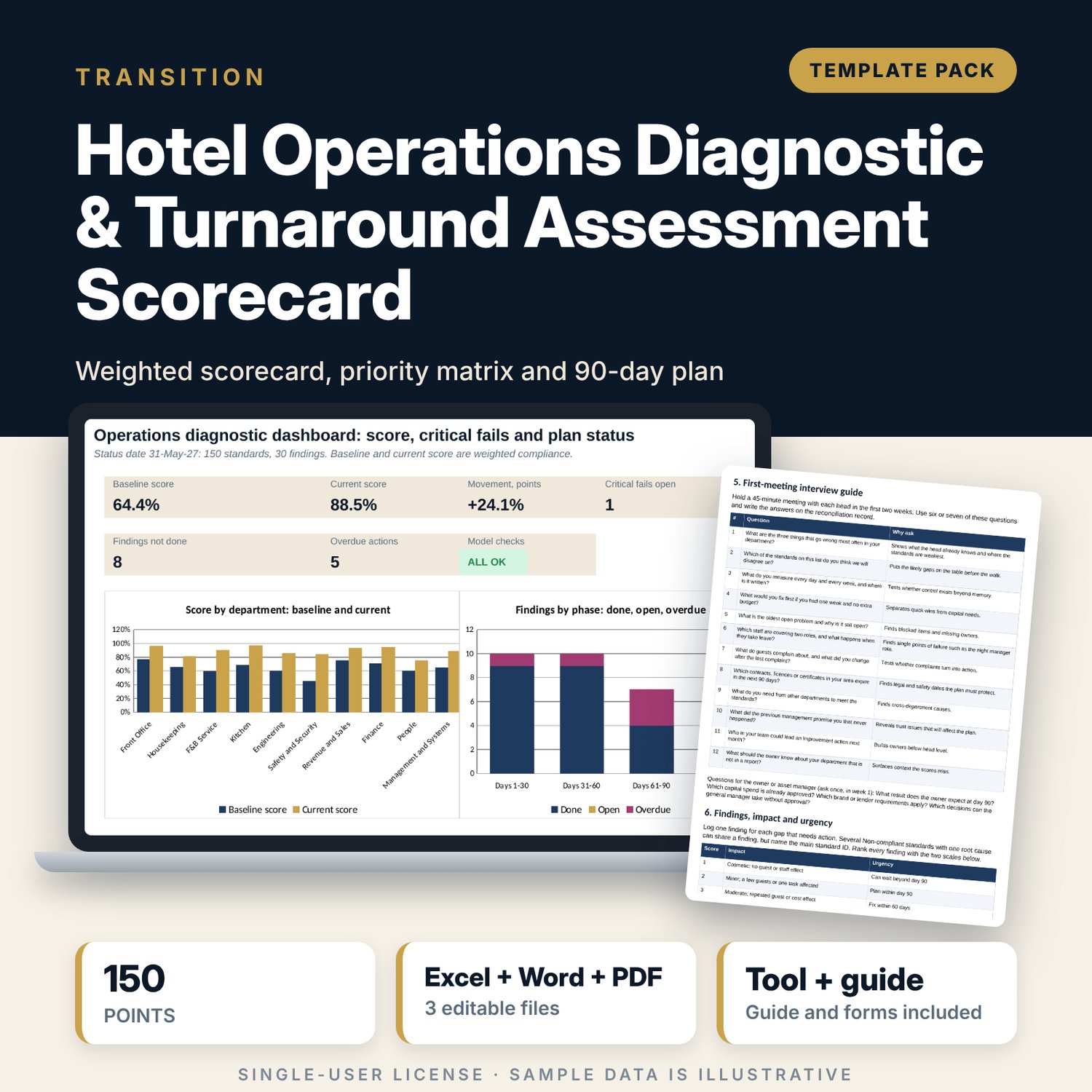
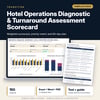
Hotel Operations Diagnostic & Turnaround Assessment Scorecard: Hotel Operations Audit Scorecard with 90-Day Plan
Full description
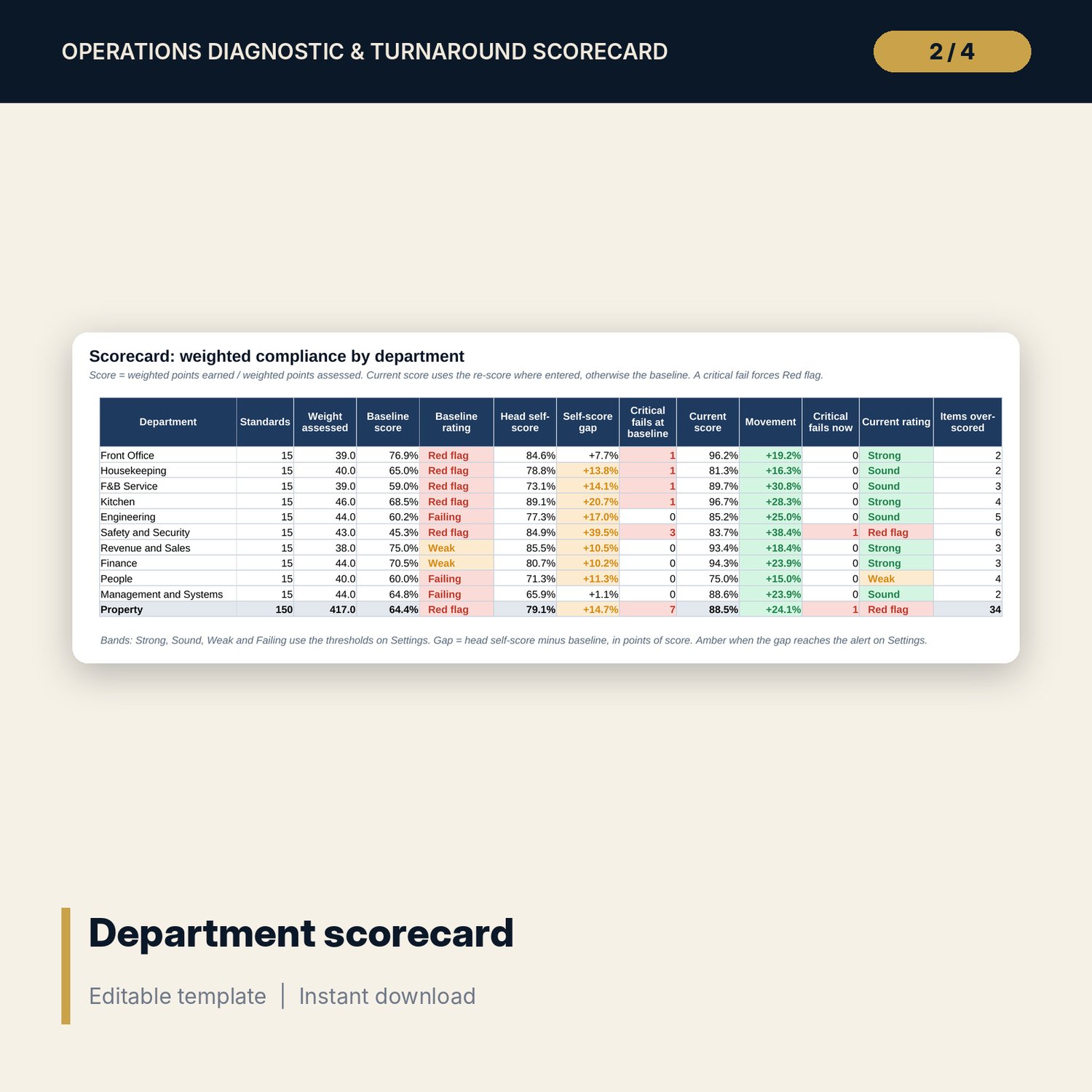
For a new general manager, an owner or an asset manager who has to judge an operating hotel in the first weeks and turn the findings into a plan. The workbook holds 150 standards in 10 departments, each with a risk weight from 1 to 4, a critical flag and the evidence to check. Heads of department self-score, the assessor scores the baseline, and the scorecard shows weighted compliance, the self-score gap, critical fails and a rating. Findings are ranked by impact x urgency into three levels with due dates, a status and a plan flag. A re-score at day 90 shows the movement. The 10-page Word guide holds the walk route, scoring rules, reconciliation record, interview questions, finding form, 90-day plan and owner briefing.
What is inside
- Operations_Diagnostic_Scorecard.xlsx: 7 tabs, 1,687 formulas, 2 native charts, 17 drop-down and input rules
- Assessment: 150 standards (10 departments x 15) with weight, critical flag (9 critical standards), evidence to check, self-score, baseline and re-score columns, and 10 spare rows
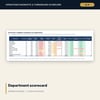
- Scorecard: 10 departments with baseline, self-score gap, critical fails, current score, movement and rating bands
- Findings and Plan: 30 sample findings with impact x urgency, level, owner, due date and status, plus 20 spare rows
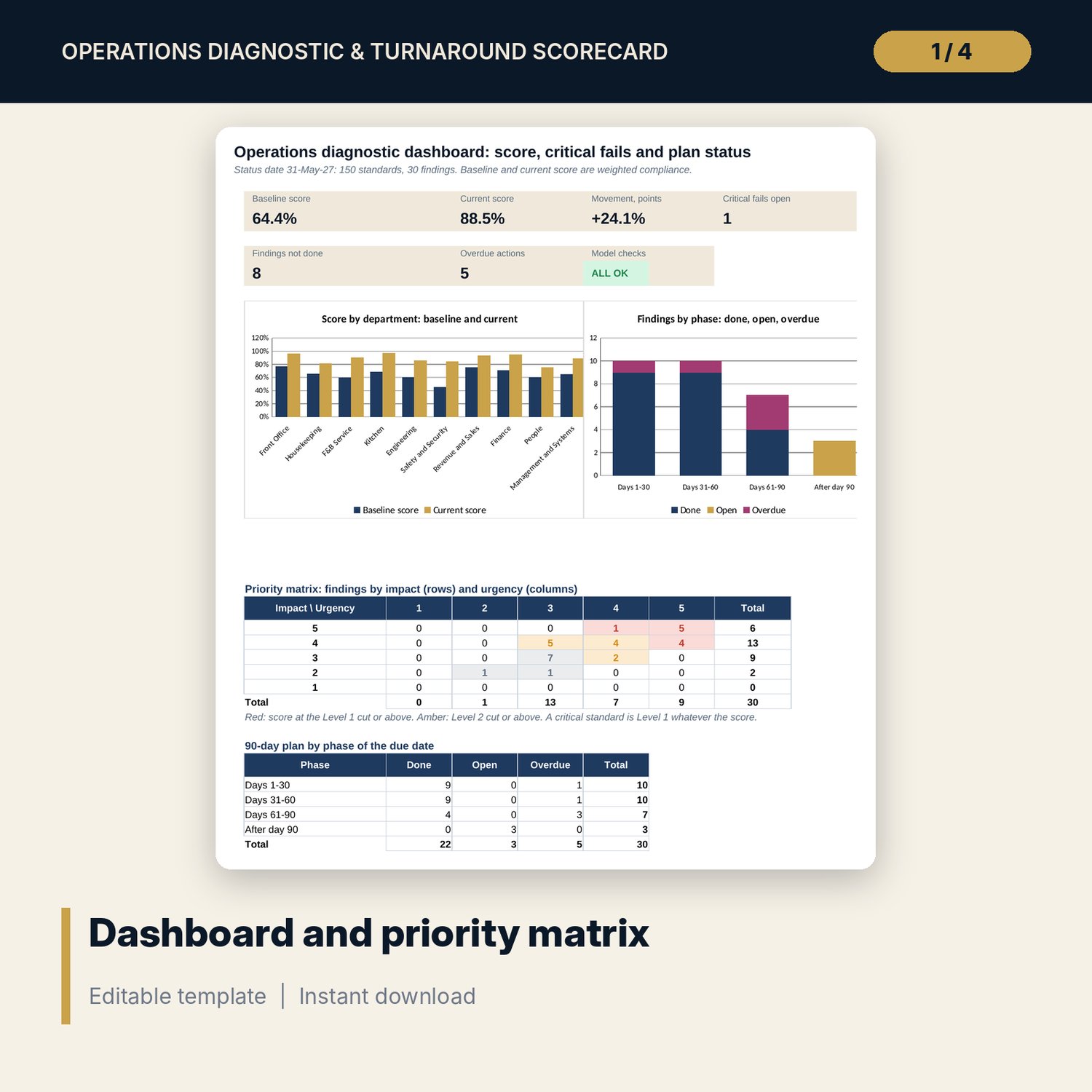
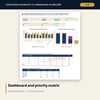
- Dashboard: 6 KPI tiles, a check tile, 2 charts and a 5 x 5 priority matrix; 8 integrity checks
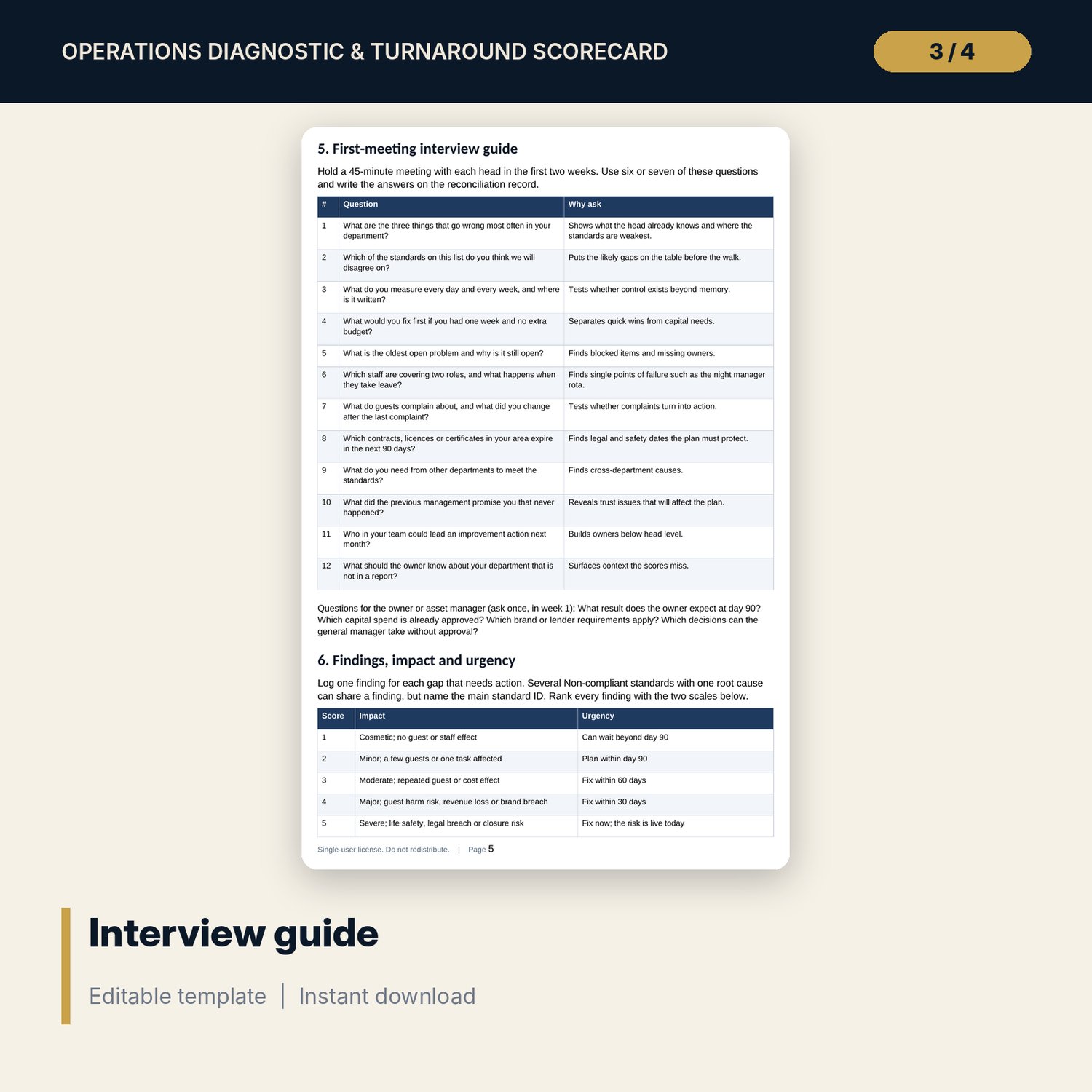
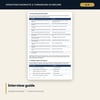
- Operations_Diagnostic_Guide.docx and PDF: 10 pages with a 90-day sequence, walk route, scoring rules, reconciliation record, 12 interview questions, finding form, plan template and owner briefing
- README.txt and LICENSE-and-Terms.txt
How it works
- Enter the start date and status date, and review the bands, credit and level rules on Settings.
- Heads of department self-score, then the assessor scores the baseline from evidence. The gap shows where standards are not understood.
- Log findings with impact and urgency. The workbook sets the level, due date and plan flag.
- Review Overdue and Due soon each week, then re-score all standards at day 90 and brief the owner.
Details
- Formats: 1 Excel workbook (.xlsx), 1 guide and forms pack in Word (.docx) and PDF, English
- Software: Excel 2016 or later, or LibreOffice Calc 7 or later
- No macros, no external links, no data tables, no array formulas
- 3 files plus README and license; instant digital download
Good to know
- Sample data is illustrative. Replace it with your own assessment.
- Weights, bands, credit and target days are your policy. These files are management tools, not legal or safety advice.
- Verify local requirements for fire, food safety, lifts, permits and data protection before you rely on any standard.
- Single-user license. Do not redistribute.
FAQ
How is the score calculated?
Weighted points earned divided by weighted points assessed. Each standard earns its weight times a credit (Compliant 1, Partial 0.5, Non-compliant 0). N/A standards leave the denominator.
What does a Red flag mean?
A critical standard, such as a blocked fire exit or a cold chain breach, is Non-compliant. The department shows Red flag whatever its score.
Can I change the standards or the weights?
Yes. Edit the text, weight, area tag and evidence on the Assessment tab and set the standards per department on Settings. The checks tell you if the design no longer adds up.
How are findings ranked?
Impact (1 to 5) x urgency (1 to 5). A critical standard or a score of 20 or more is Level 1, a score of 10 or more or any Safety and legal finding is Level 2. You can change the cut-offs and target days.
Do I need macros?
No. Every result is a standard worksheet formula.