

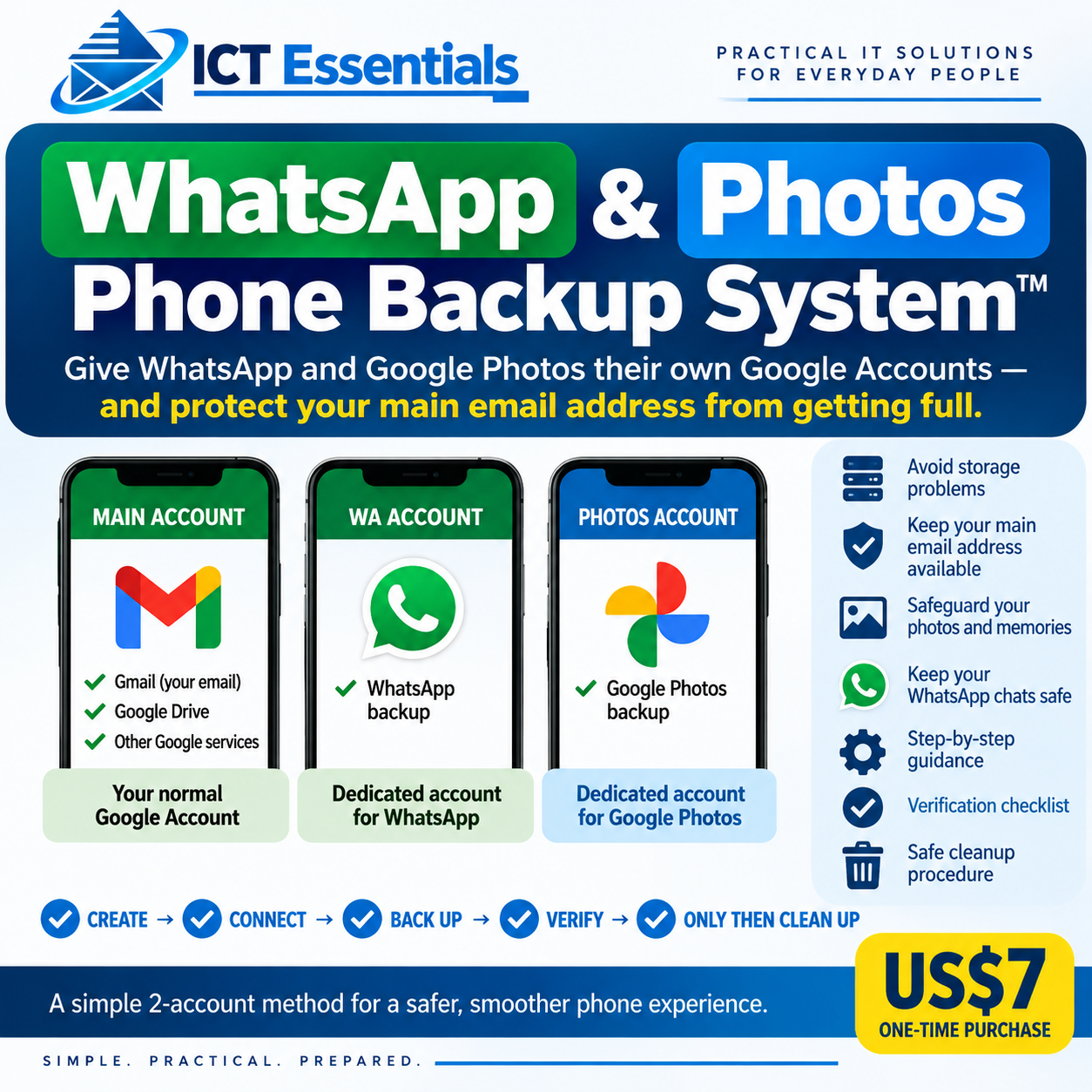
WhatsApp & Photos Phone Backup System™
Is your Google storage getting full?
Your photos, WhatsApp backup, Gmail, Drive and other Google services can all compete for the storage of the same Google Account.
WhatsApp & Photos Phone Backup System™ shows you a simple way to separate your phone backups:
MAIN ACCOUNT — your normal Google Account
WA ACCOUNT — WhatsApp backup
PHOTOS ACCOUNT — Google Photos
What you will learn:
• How to create the two additional Google Accounts
• How to connect WhatsApp to its dedicated backup account
• How to connect Google Photos to its dedicated account
• How to verify that your backups are actually working
• How to deal safely with existing photos and WhatsApp backups
• How to clean up old storage only after verification
The key principle: CREATE → CONNECT → BACK UP → VERIFY → ONLY THEN CLEAN UP.
This is a simple, practical system designed to help you stop putting everything into one Google Account.
Important: The WhatsApp portion is designed for Android users. Google Photos also works on iPhone, but WhatsApp backup on iPhone uses iCloud.
US$7 one-time purchase.