
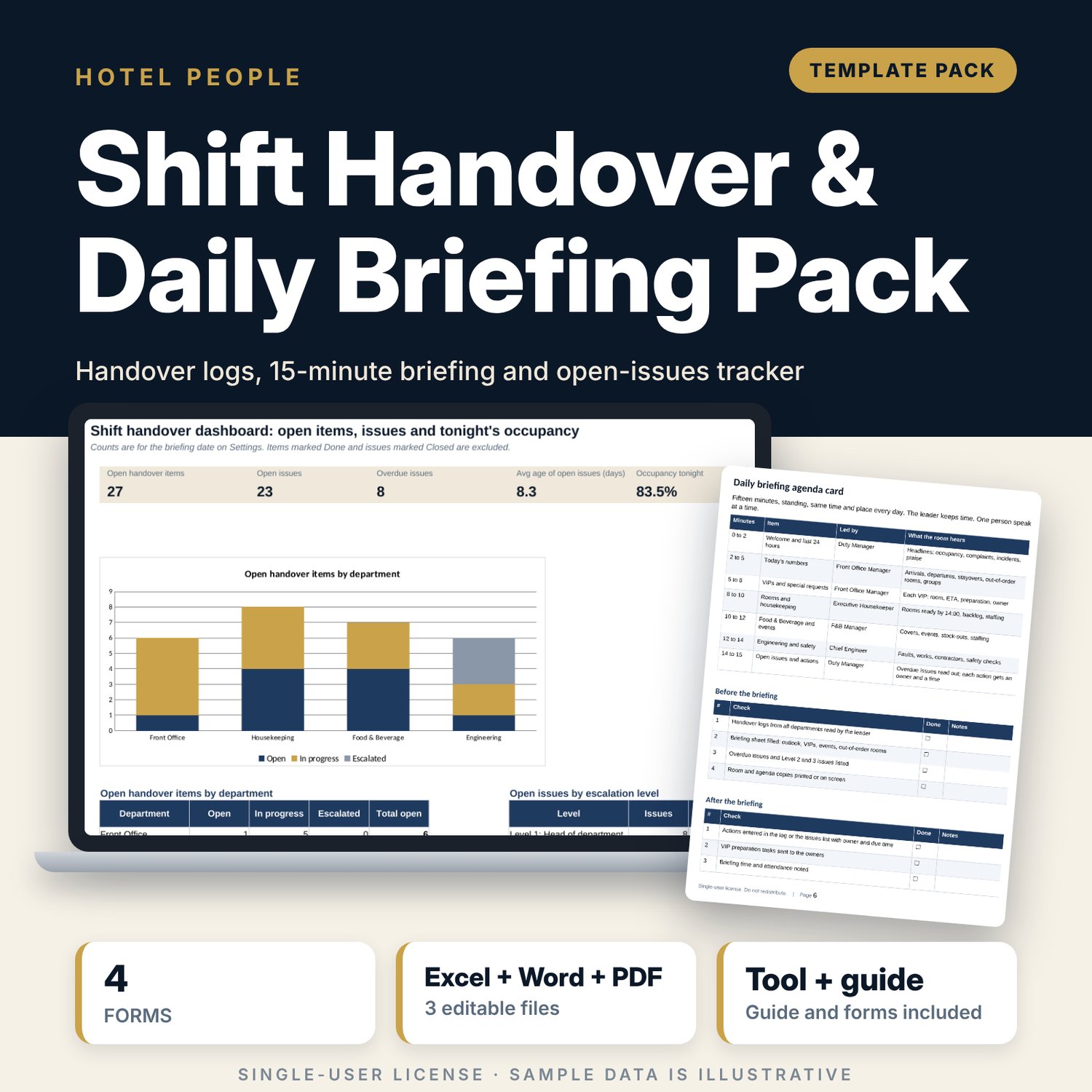
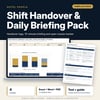
Shift Handover & Daily Briefing Pack: Hotel Shift Handover Log and Daily Briefing Template
Full description
For hotel general managers, duty managers and department heads who want shifts to hand over the same way every day and a briefing that finishes in 15 minutes. The workbook holds a handover log for Front Office, Housekeeping, Food & Beverage and Engineering, a seven-day outlook with a VIP and arrivals sheet, and an open-issues tracker that counts ageing in days, flags overdue items and shows the escalation level from thresholds you set. The Word file gives four printable handover forms, a briefing agenda card and script, an escalation ladder and ten rules for a good handover.
What is inside
- Shift_Handover_Briefing_Pack.xlsx: 7 tabs, 371 formulas, 1 native chart, 19 drop-down and input rules
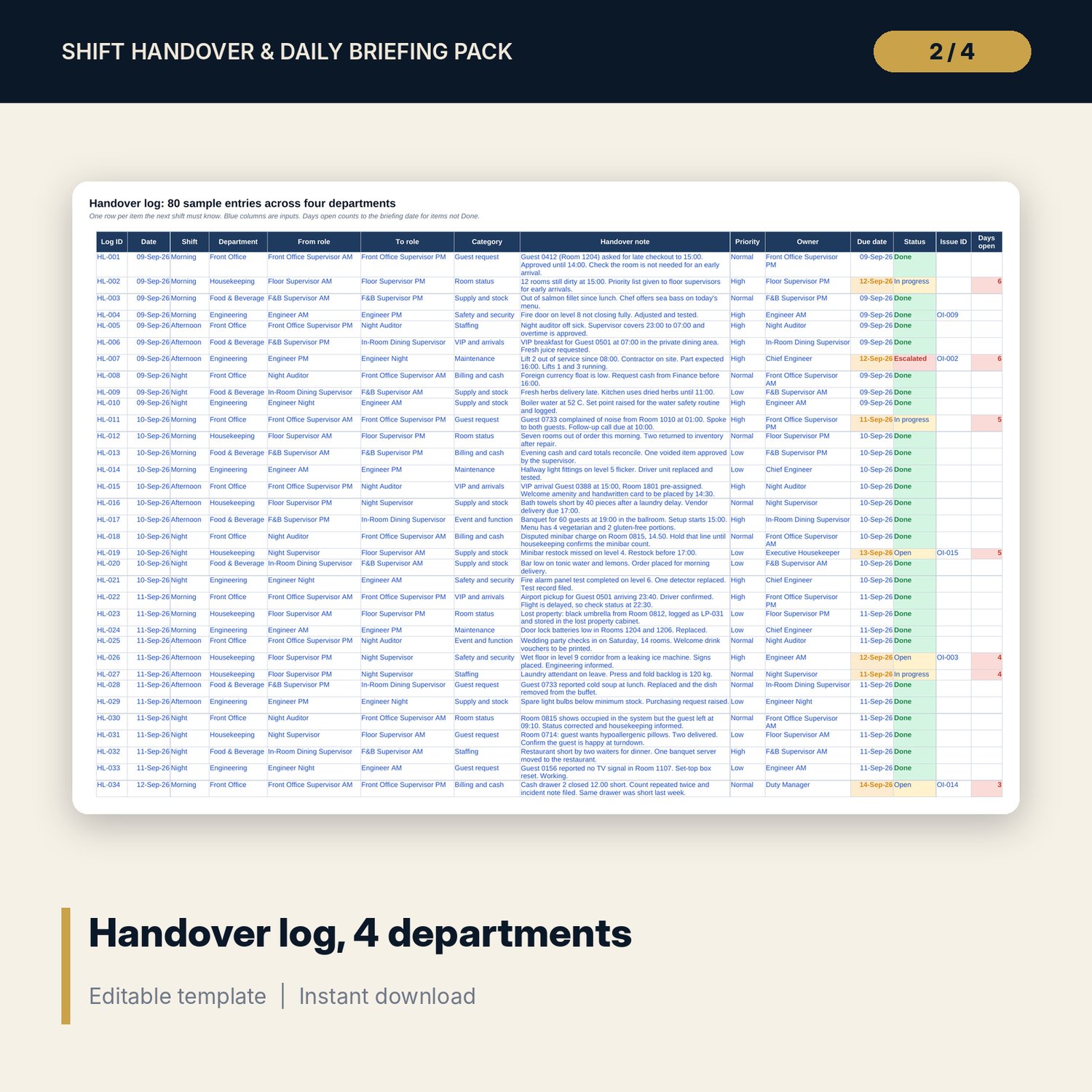
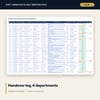
- Handover Log: 80 sample entries (20 per department) with shift, category, priority, owner, due date, status drop-down, issue link and days open, plus room for 40 more
- Briefing Sheet: seven-day outlook (arrivals, departures, stayovers, occupancy, VIPs, groups, events), VIP and arrivals sheet with 10 sample guests, events today and out-of-order rooms
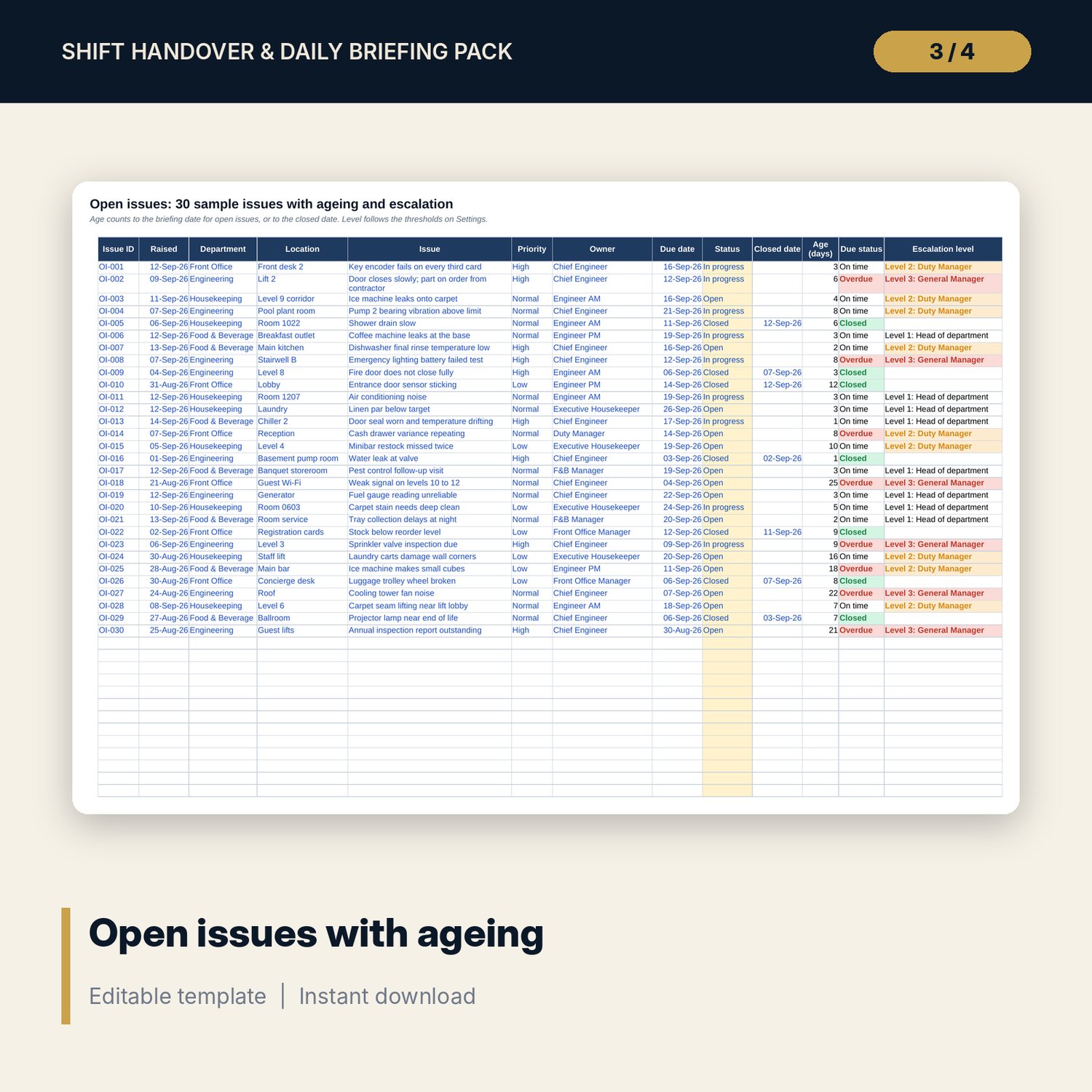
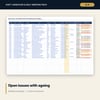
- Open Issues: 30 sample issues with age in days, overdue flag and escalation level, plus room for 20 more
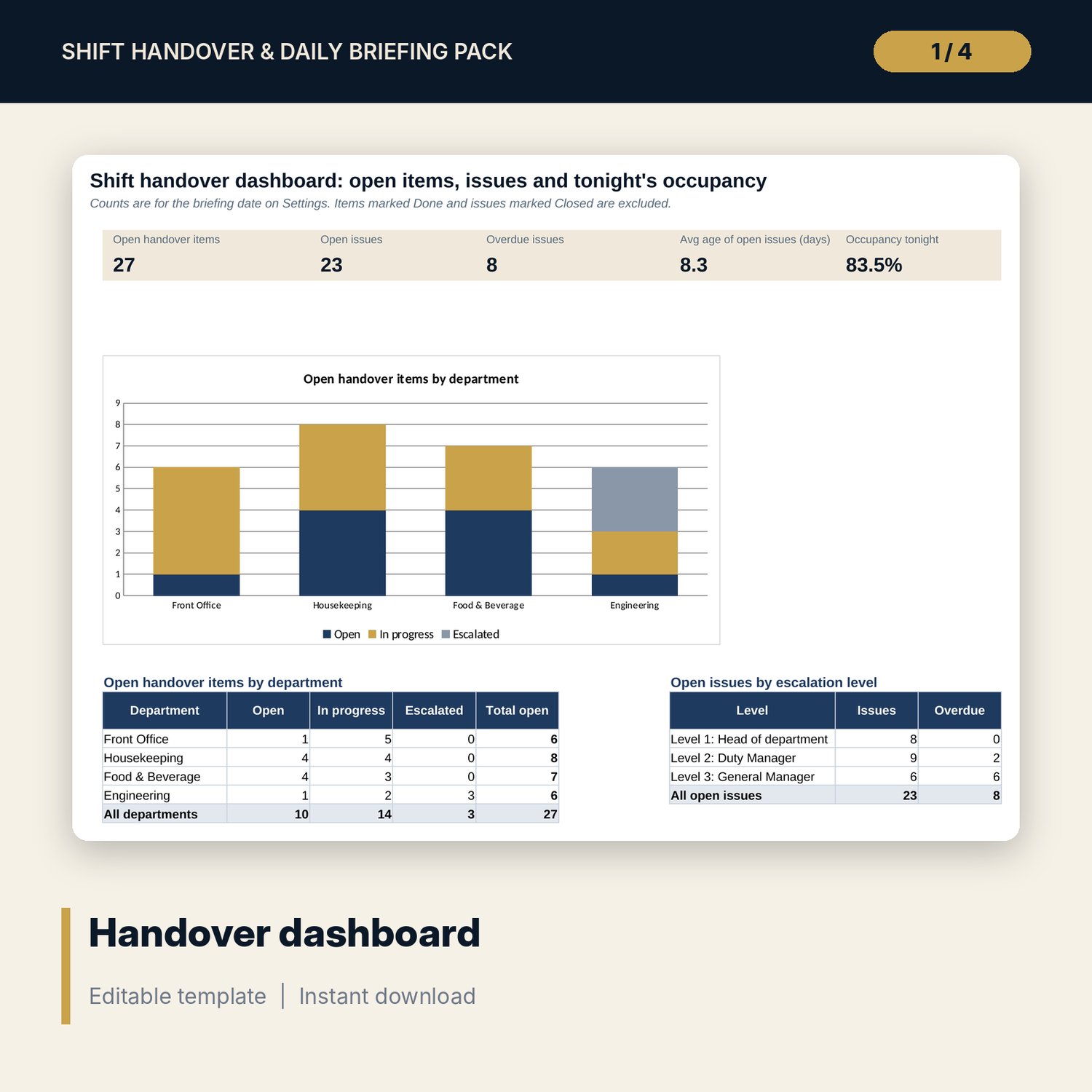
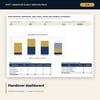
- Dashboard with five headline measures and a chart, and 5 checks that must show ALL OK
- Shift_Handover_Briefing_Forms.docx and PDF: 9 pages with 4 handover forms, a briefing agenda card, a briefing script, an issue escalation ladder and 10 rules for a good handover
- README.txt and LICENSE-and-Terms.txt
How it works
- Enter rooms, the briefing date and the escalation thresholds on Settings.
- Add handover items to the log during each shift and link long-running items to an issue ID on Open Issues.
- Fill the Briefing Sheet before the daily briefing, then read the Dashboard in the meeting.
- Use the printed agenda card and script to keep the briefing to 15 minutes, and the escalation ladder for overdue issues.
Details
- Format: one .xlsx workbook, one editable .docx and its PDF copy, English
- Software: Excel 2016 or later, or LibreOffice Calc 7 or later; Word or any program that opens .docx
- No macros, no external links, no pivot tables, no array formulas
- 3 files, instant digital download
Good to know
- Sample data is illustrative. Replace it with your own figures.
- The forms and checklists are templates, not safety, fire or legal advice. Verify local requirements and your own procedures.
- Escalation thresholds are examples. Set them to match your service standards.
- Single-user license. Do not redistribute.
FAQ
Can I add a fifth department?
Yes. Add the name to the Department list on Settings and select it in the log. The Dashboard table shows the first four departments, so extend it if you need more rows.
How does the ageing work?
Open issues are aged from the raised date to the briefing date on Settings. Closed issues stop ageing on the closed date. Type =TODAY() in the briefing date if you want live ageing.
How are escalation levels set?
Each priority has a number of days for Level 2 (Duty Manager) and Level 3 (General Manager) on Settings. An open issue moves up when its age reaches the threshold.
Can I use it on paper only?
Yes. Print the forms and the agenda card. The workbook is optional for teams that prefer to type the items in at the end of the shift.
Does it need macros or add-ins?
No. Every result is a standard worksheet formula.