
Concierge Recommendation Book & Partner Vetting Kit: Concierge Partner Vetting Scorecard and Local Directory
Full description
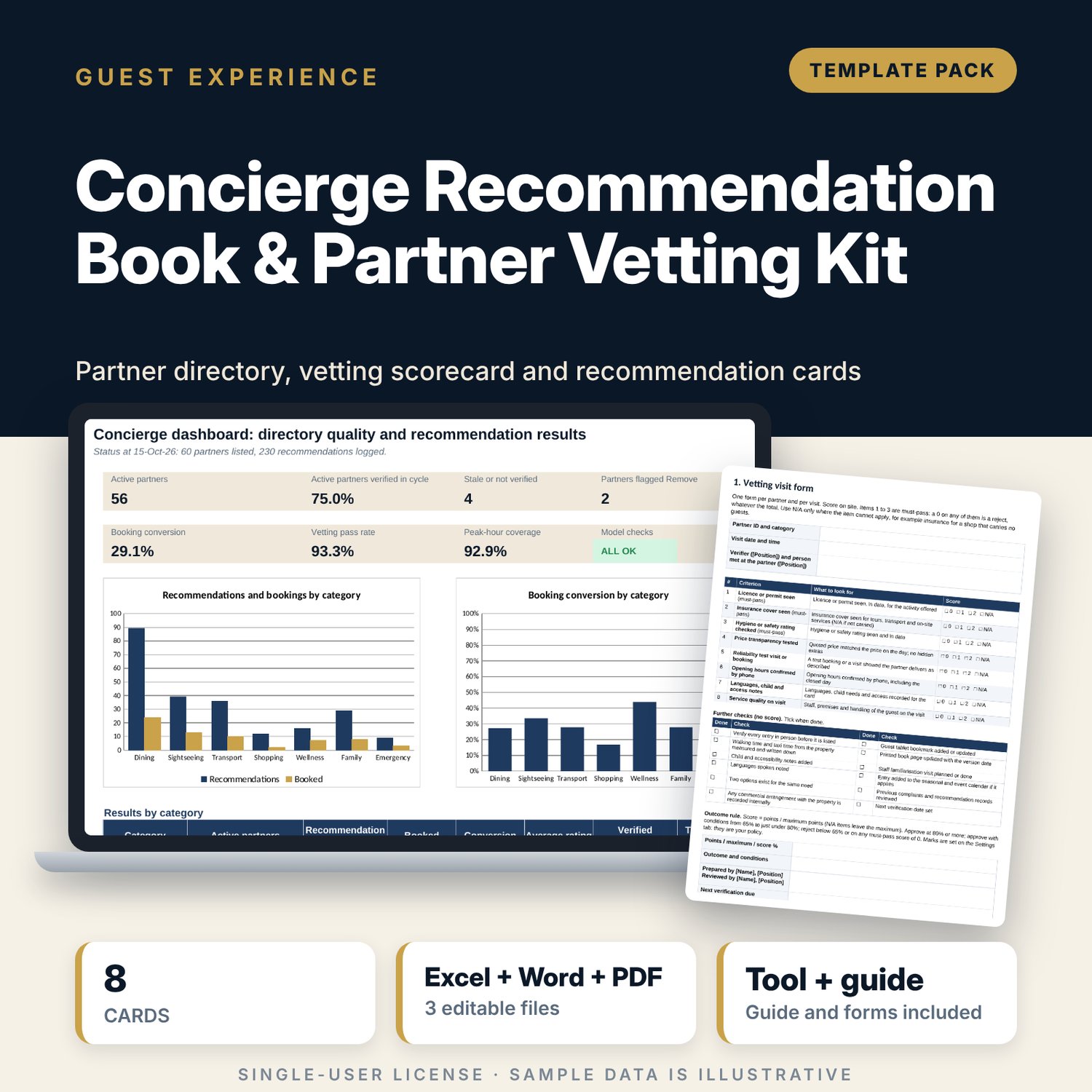
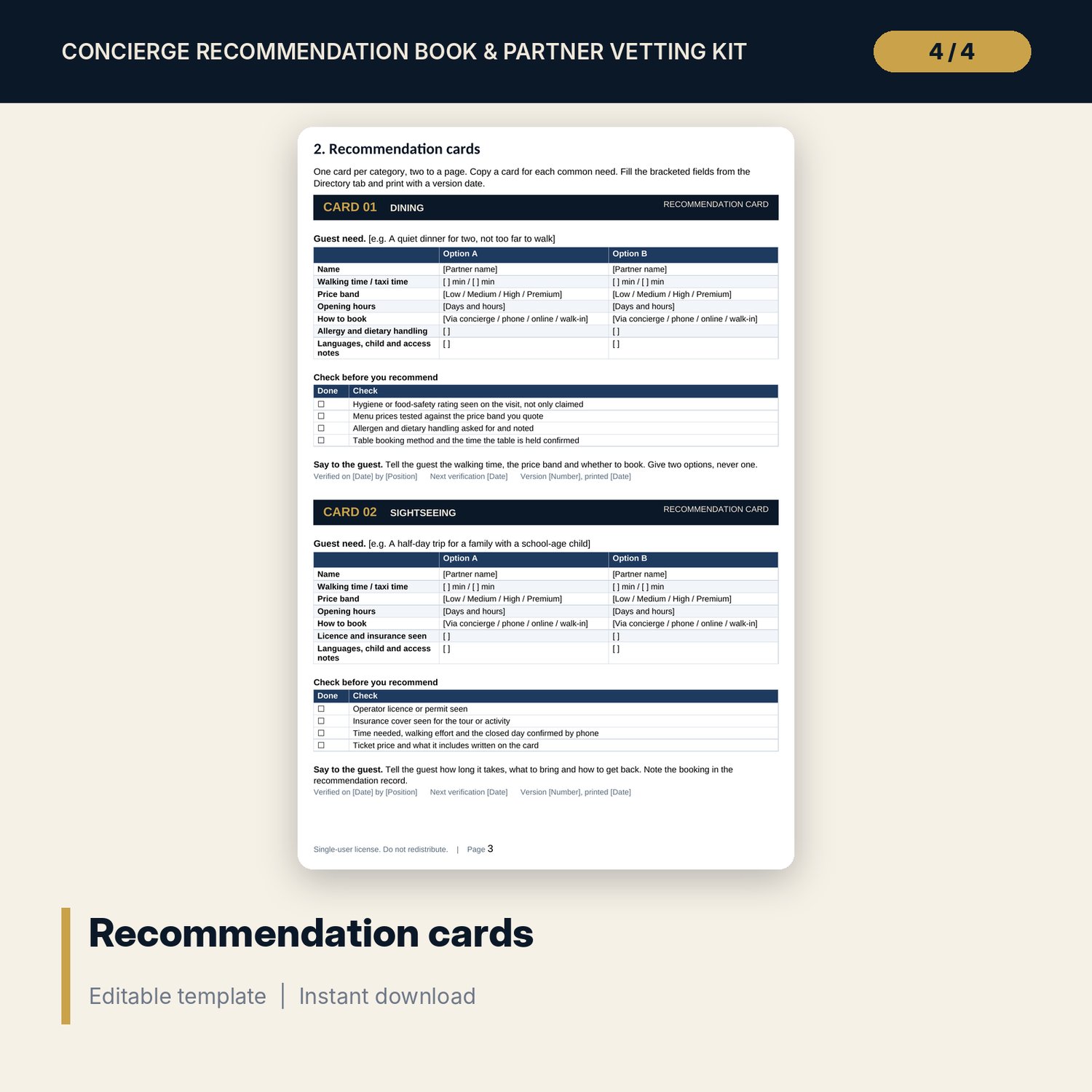
For hotel concierge coordinators, front office managers and general managers who recommend local restaurants, tours, transport and services and need to know that each one was checked. The workbook holds a directory of 60 sample partners in 7 categories, a vetting scorecard with 8 criteria (three must-pass) and an outcome rule, and a feedback log of 230 sample recommendations. It flags partners to re-verify by age and partners to remove by verified complaints or safety issues, and it measures booking conversion, average rating and the share of recommendations that goes to one partner. The Word pack gives you a vetting visit form, 8 recommendation cards, a directions letter, an emergency contacts page and record slips.
What is inside
- Concierge_Partner_Vetting_Tracker.xlsx: 7 tabs, 2,379 formulas, 2 native charts, 18 drop-down and input rules
- Directory: 60 sample partners with distance, price band, hours, booking method, languages, arrangement with the hotel, freshness and action flag, plus 10 spare rows
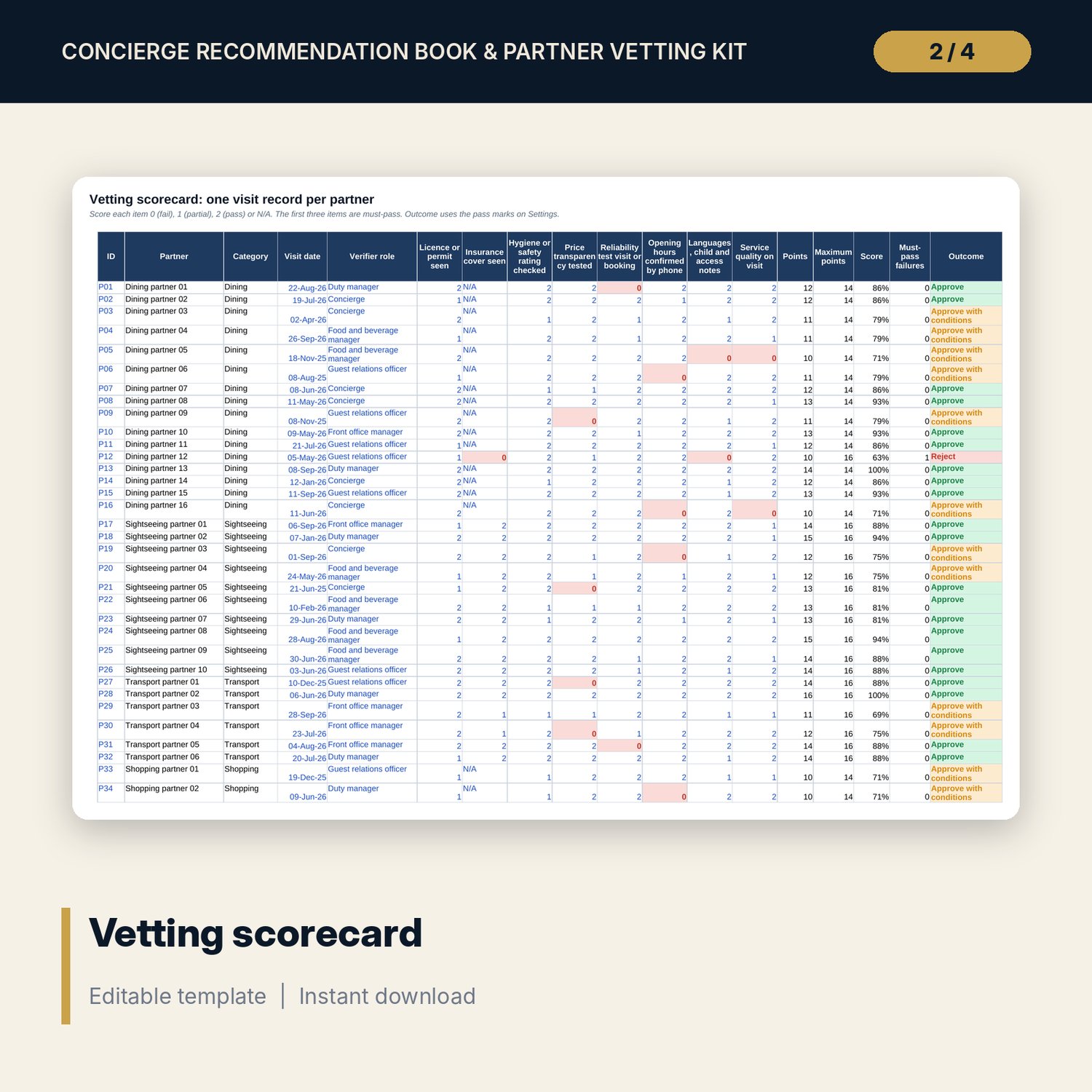
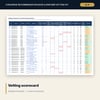
- Vetting: 60 sample scorecards, 8 criteria scored 0, 1, 2 or N/A, score, must-pass failures and outcome, plus 10 spare rows
- Feedback Log: 230 sample recommendations with need, outcome, rating and complaint, plus 50 spare rows
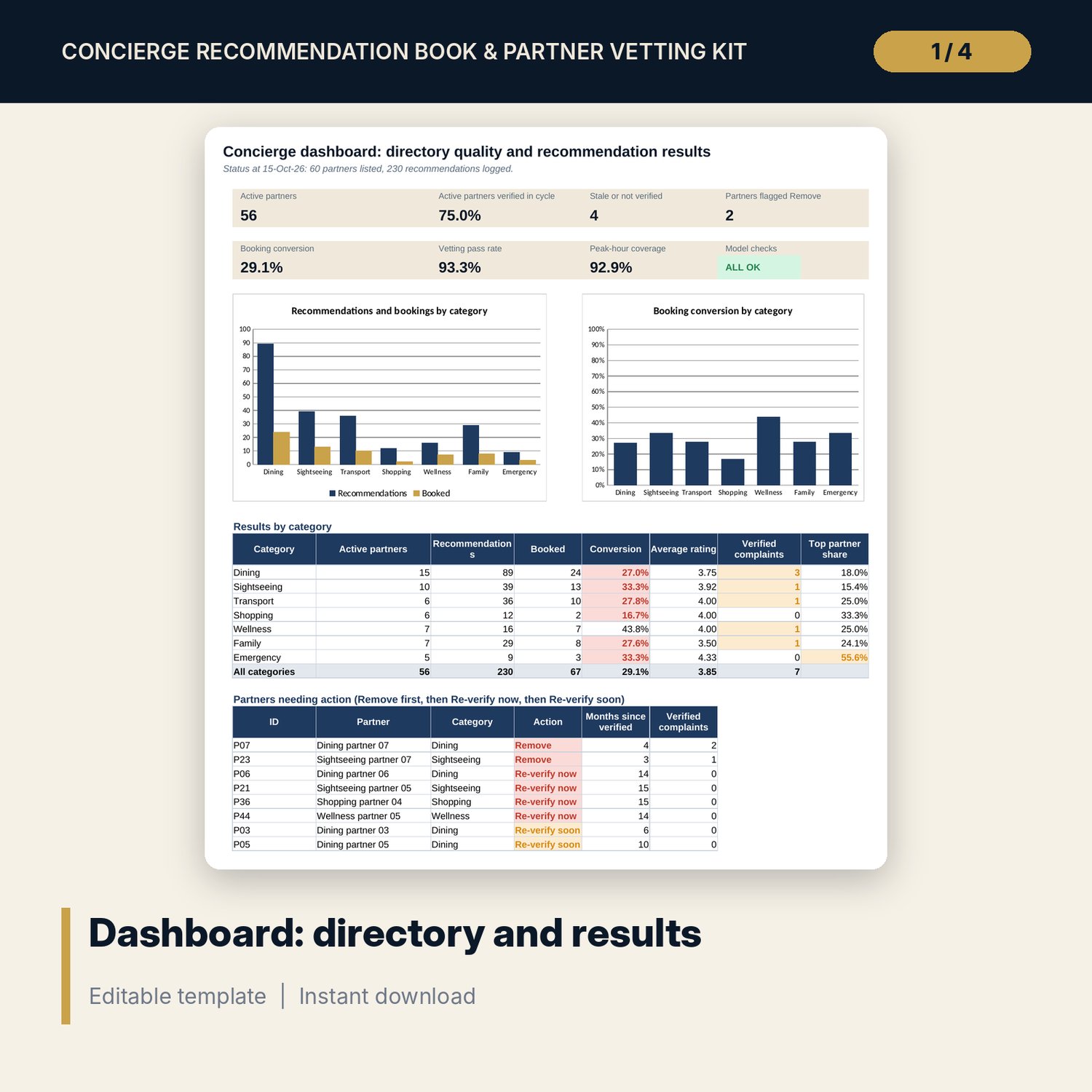
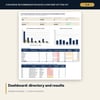
- Dashboard with 7 KPI tiles, a check tile, 2 charts, results by category and a partner action list; 8 integrity checks
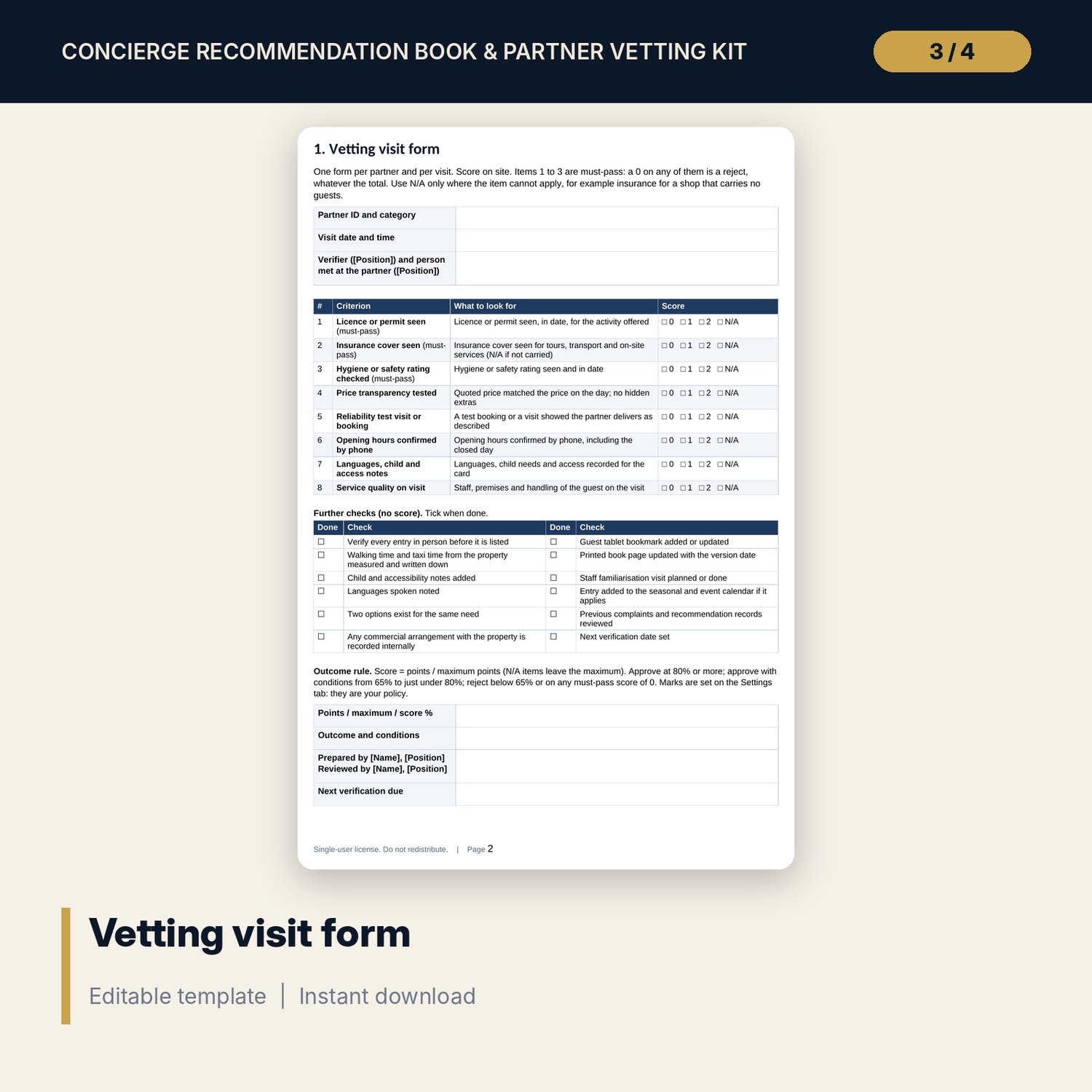
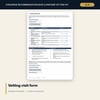
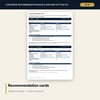
- Concierge_Recommendation_Cards.docx and PDF: 9 pages with a programme standard, a vetting visit form (8 scored criteria and 12 further checks), 8 recommendation cards, a directions letter, an emergency contacts page, record slips, a quality feedback form and a worked example
- README.txt and LICENSE-and-Terms.txt
How it works
- Set the verification cycle, the removal rule and the vetting pass marks on Settings.
- Visit each partner in person, complete the vetting form and enter the scores on Vetting.
- Log every recommendation and the guest's reply on Feedback Log, with two options for each need.
- Read the Dashboard each month and act on partners marked Remove or Re-verify.
Details
- Formats: 1 Excel workbook (.xlsx), 1 card and forms pack in Word (.docx) and PDF, English
- Software: Excel 2016 or later, or LibreOffice Calc 7 or later; any word processor that opens .docx
- No macros, no external links, no data tables, no array formulas
- 3 files plus README and license; instant digital download
Good to know
- Sample data is illustrative. Partners, guests and dates are invented.
- Licence, insurance, hygiene, safety and tax rules differ by place. Verify local requirements for every partner. These files are management tools, not legal or safety advice.
- Pass marks, removal limits and the verification cycle are inputs you set.
- Single-user license. Do not redistribute.
FAQ
What makes a partner fail vetting?
A 0 on any of the first three items (licence, insurance, hygiene or safety) is a reject, whatever the total. Otherwise the score decides: approve at the pass mark, approve with conditions above the conditional mark, reject below it.
When is a partner flagged for removal?
When verified complaints reach your limit (2 in the sample) or one verified safety issue is logged. An unverified complaint does not count.
How does it show an out-of-date entry?
Months since the last visit. At 6 months the entry shows Overdue; at 12 months it shows Stale. Both limits are inputs.
Can I add more partners and categories?
Add partners in the 10 spare directory rows. The category list on Settings holds 7 categories and you can rename them.
Do I need macros?
No. Every result is a standard worksheet formula.