









Resin Studio - Epoxy River Tables, Ocean Pours & Geodes for Blender
Epoxy art in one click, and a calculator for the real pour
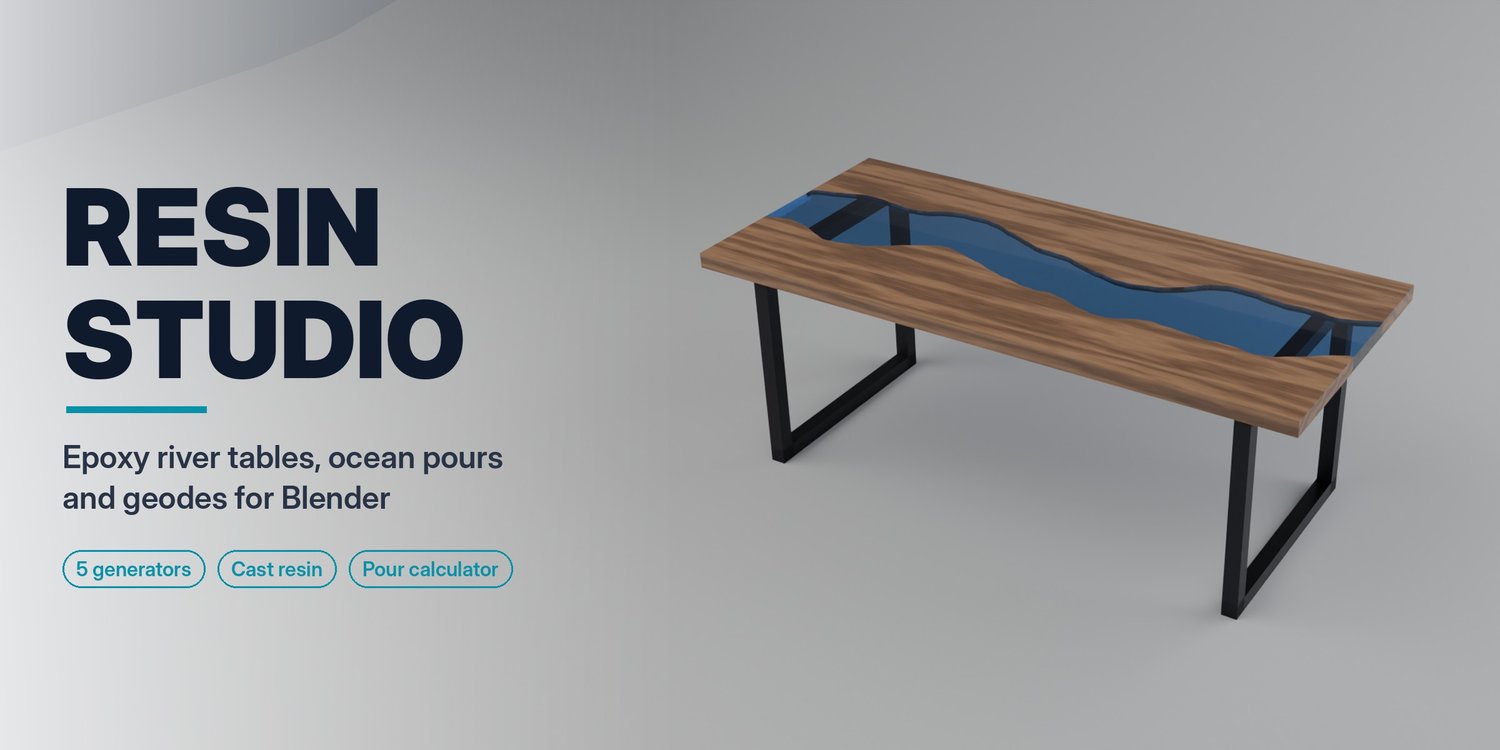
Resin Studio builds the epoxy pieces everyone is pinning right now (river tables, ocean pours, geodes and metallic floors) as clean, watertight solids with physically based resin. When the design is right, its pour calculator tells you how much resin and hardener to buy, how many layers to pour and what it will cost.
Made for furniture and interior designers, archviz artists and resin makers who want to see a piece before they pour it.
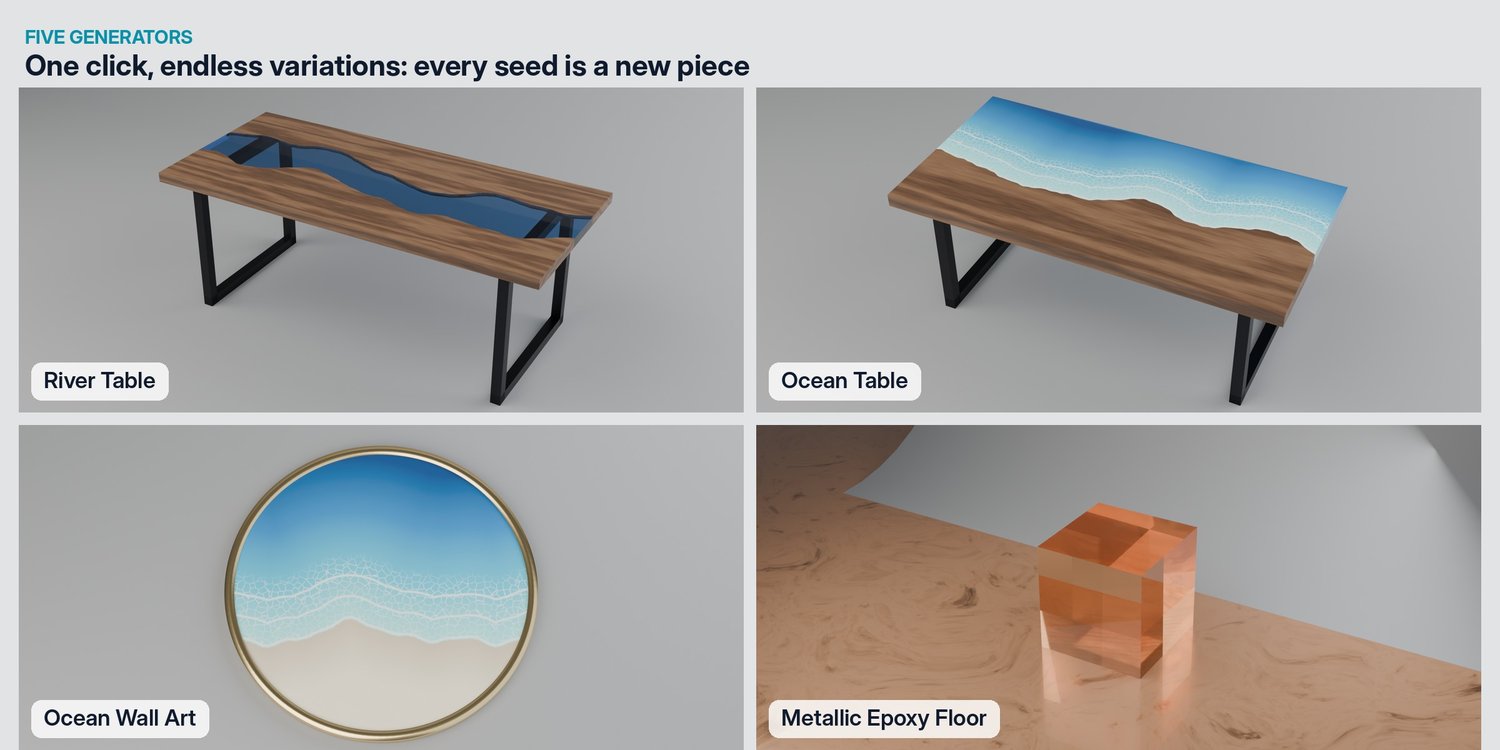
Five generators
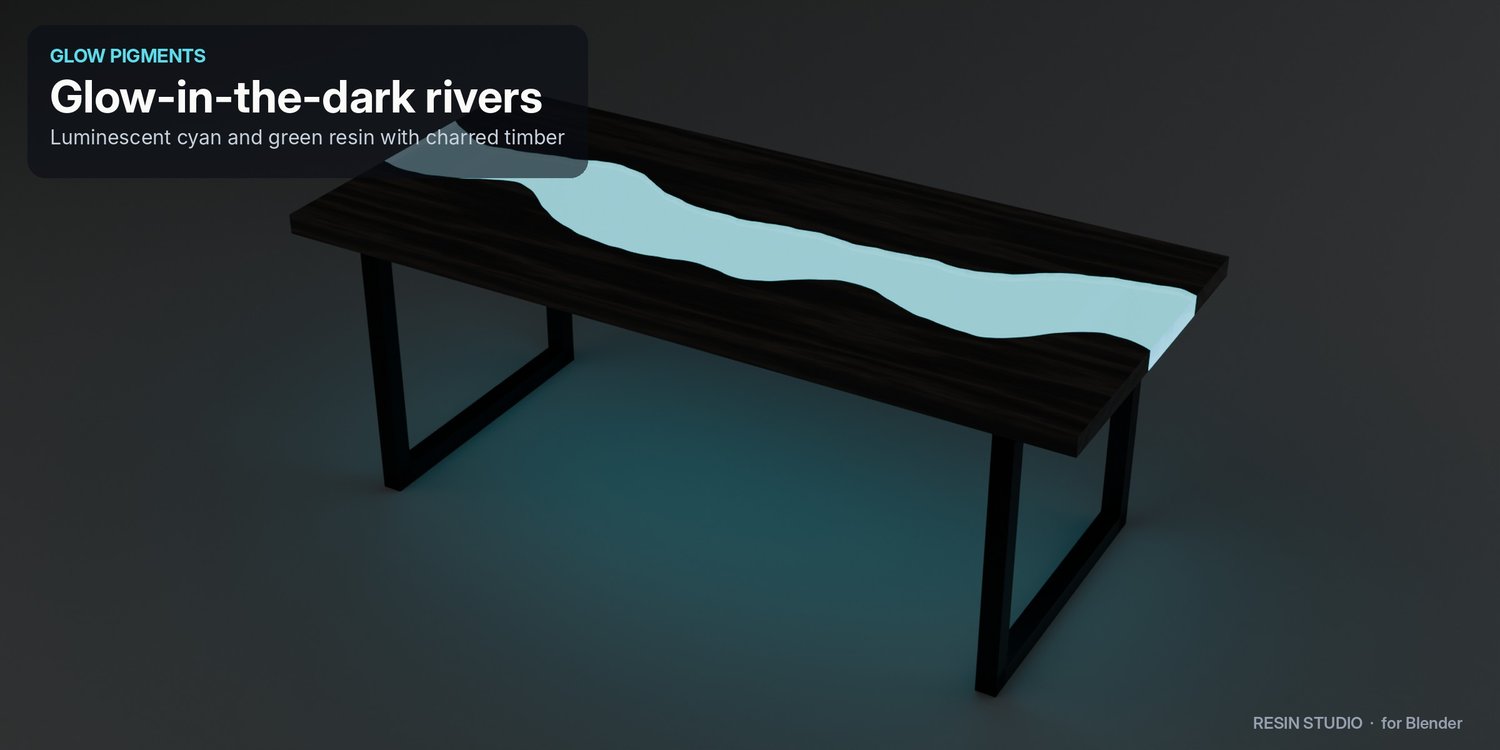
- River Table: two live-edge boards, a cast resin river and steel U-legs. Change the length, river width, meander, edge roughness, wood species and pigment. Every seed gives a new natural edge.
- Ocean Table: a live-edge board meeting an ocean pour with white lacing waves, cells and a slight raised crest.
- Ocean Wall Art: a round piece with sand, wet shore, lacing waves and a gold, silver or black frame, for the wall or as a tray.
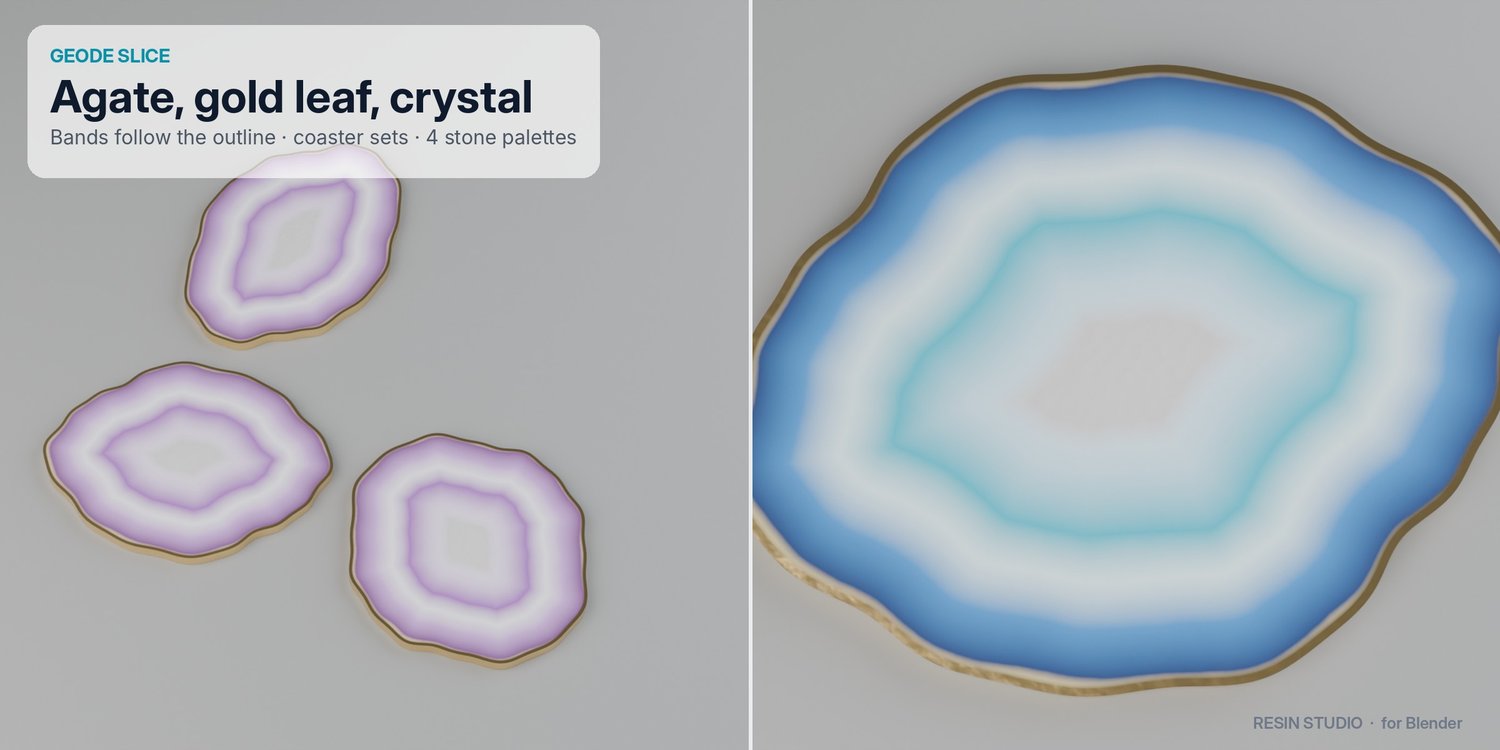
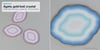
- Geode Slice: agate bands that follow the outline, a gold-leaf rim and a sparkling crystal core, alone or as a coaster set.
- Metallic Epoxy Floor: marbled metallic flow under a glossy clear coat, in pearl, charcoal silver, copper or ocean.
Real cast resin
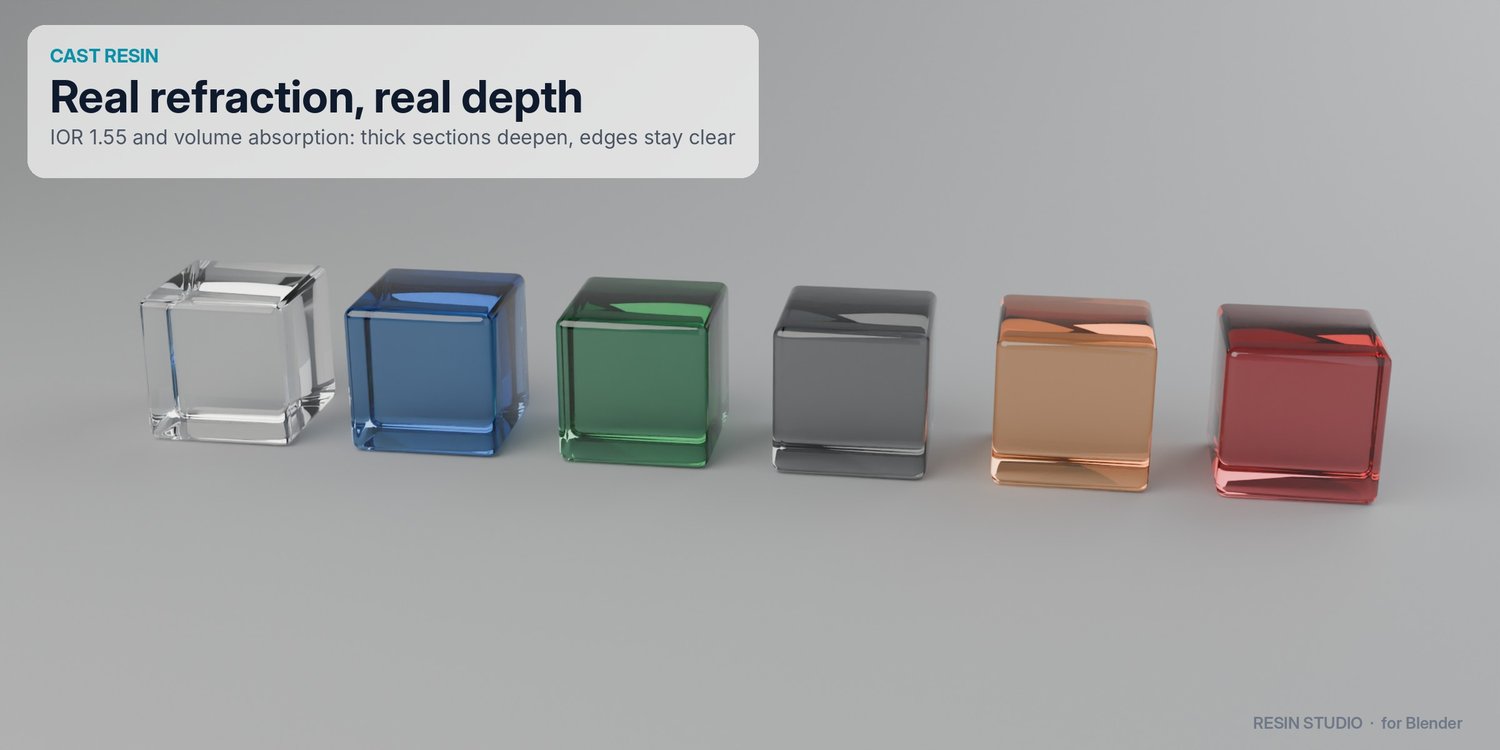
- Refractive index 1.55 like real epoxy, and colour from volume absorption: thick sections look deep, thin edges stay clear.
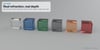
- Pigments: Crystal Clear, Ocean Blue, Emerald, Smoke Grey, Amber, Ruby, plus glow-in-the-dark Cyan and Green.
- Apply Resin turns any mesh into cast resin.
Pour Calculator
Set your resin's maximum pour depth, mix ratio (1:1, 2:1, 3:1, 100:45), density, price and waste, and get:
- litres of Part A and Part B and the total weight
- the number of layers and their thickness
- the total cure time and the estimated cost
- a pour plan you can export as a text file and take to the workshop
Studio Setup
One click adds a curved backdrop, soft three-point lighting and a camera framed on your piece, in 2:1, 16:9, 1:1 or 2:3 (Pinterest) format.
Clean geometry
Watertight solids with proper normals, parented to one empty per piece. Distance attributes (rs_dist, rs_edge) drive the shaders, so you can build your own looks on top.
Requirements
- Blender 4.2 LTS or newer (including 5.x)
- Nothing else: pure Python, works offline
- Cycles recommended for the most realistic resin. Eevee works for previews.
Installation
- Download the zip (don't unzip it).
- Blender › Edit › Preferences › Get Extensions › ⌄ › Install from Disk… and select the zip, or drag and drop it onto Blender.
- Press N in the 3D Viewport and open the Resin tab, or use Add › Resin Studio.
A full user guide is included.
Good to know
The pour calculator is a planning aid. Always follow your resin manufacturer's data sheet for pour depth, mix ratio, temperature and cure times.
FAQ
Do I need Cycles?
No. Every piece works in Eevee, but Cycles gives the most realistic refraction and depth colour. Studio Setup turns on Eevee ray tracing for you.
Can I use my own models?
Yes. Apply Resin turns any closed mesh into cast resin, and the Pour Calculator works on any closed mesh.
How accurate is the pour calculator?
It measures the exact volume of the resin solids and adds your waste percentage. Mix ratio, density and maximum pour depth come from the values you enter from your resin's data sheet.
Can I change a piece after creating it?
Yes. Use the Adjust Last Operation panel right after creating it. Change the Seed for a new natural edge, shoreline or stone.
Which Blender versions are supported?
Blender 4.2 LTS and newer, including the 5.x series, as a standard extension.
Support
Questions or bugs? Reply to your purchase email or use the contact form on the store. Every update is free for buyers and is sent to the email you used at checkout.