
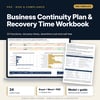
Business Continuity Plan & Recovery Time Workbook: Hotel Business Continuity Plan Template
Full description
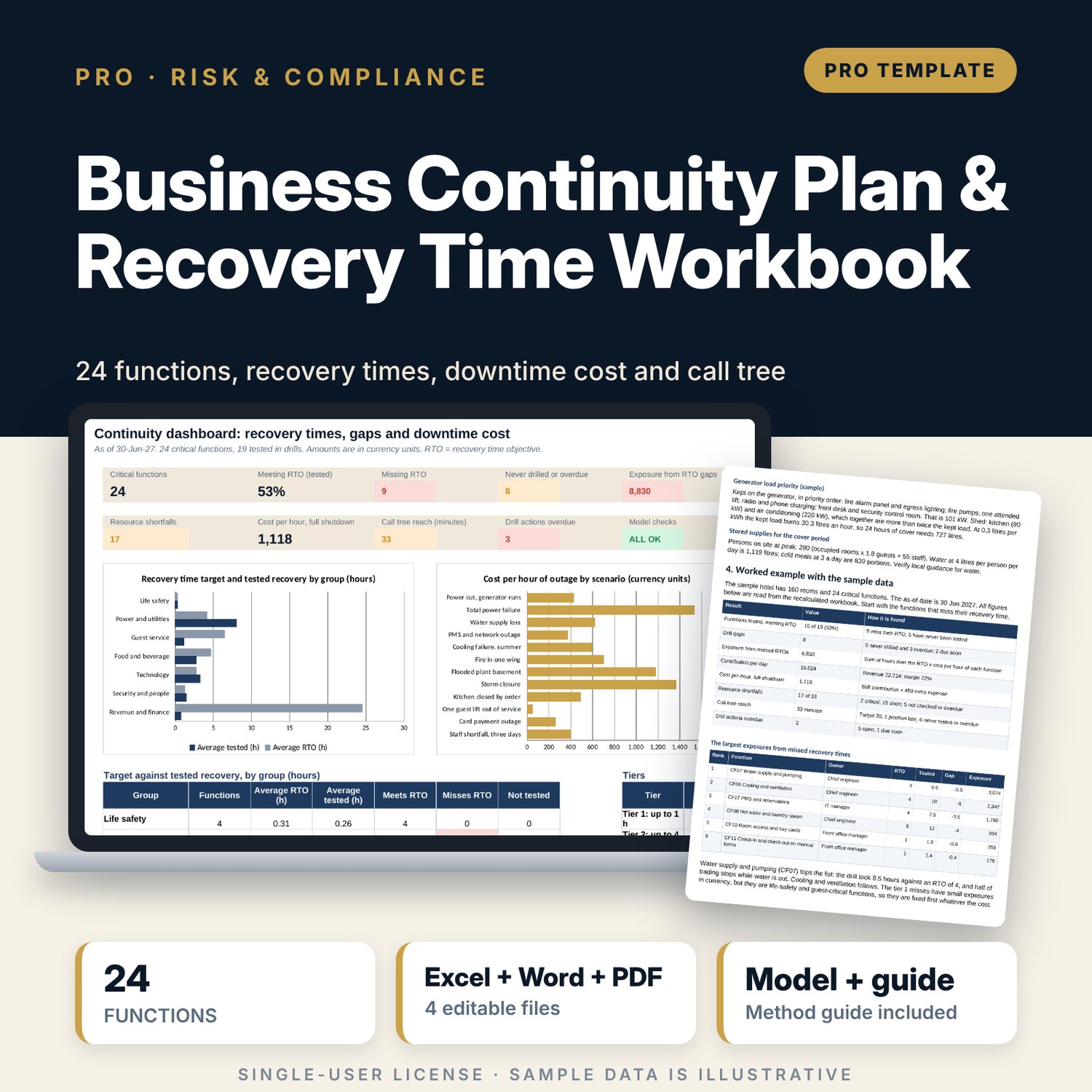
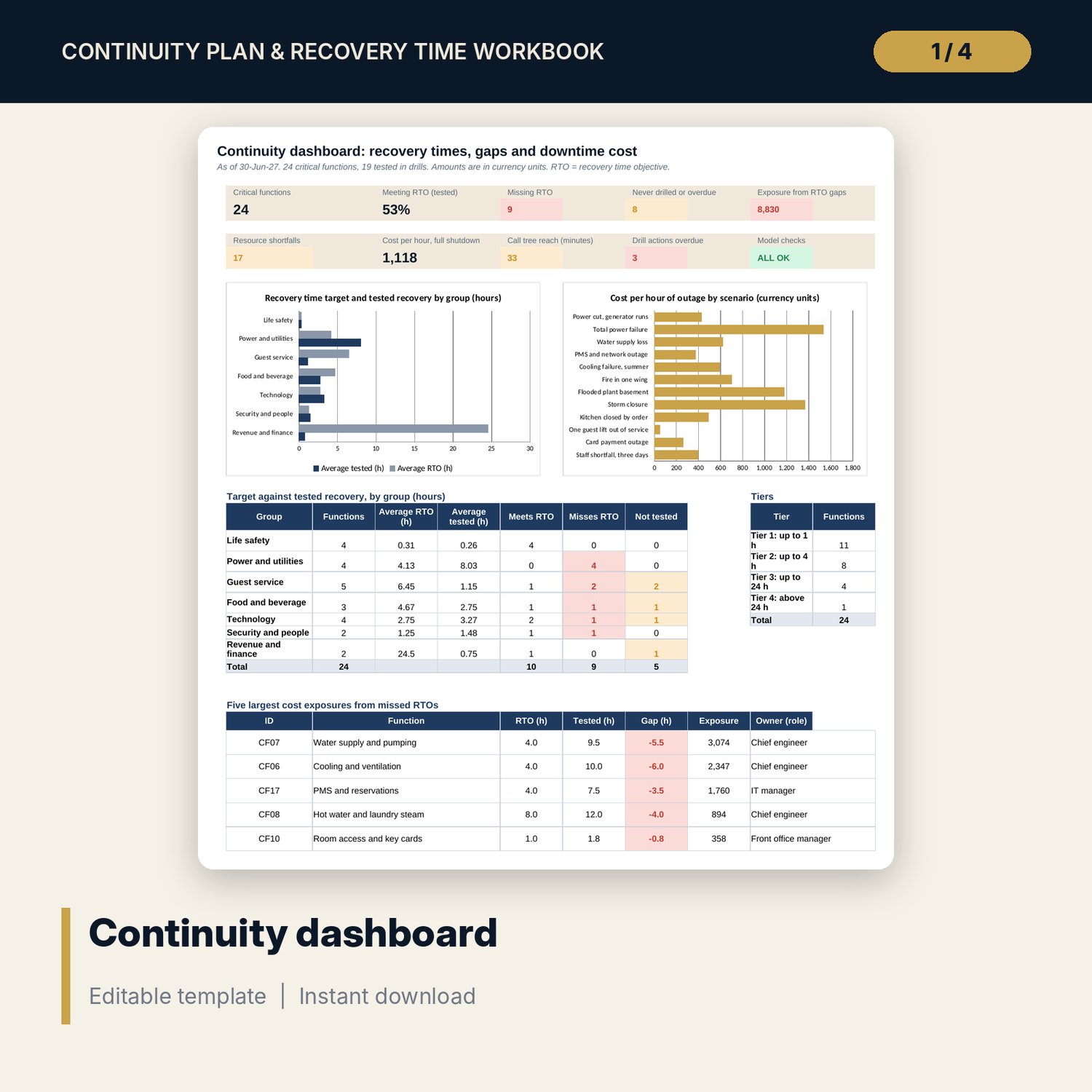
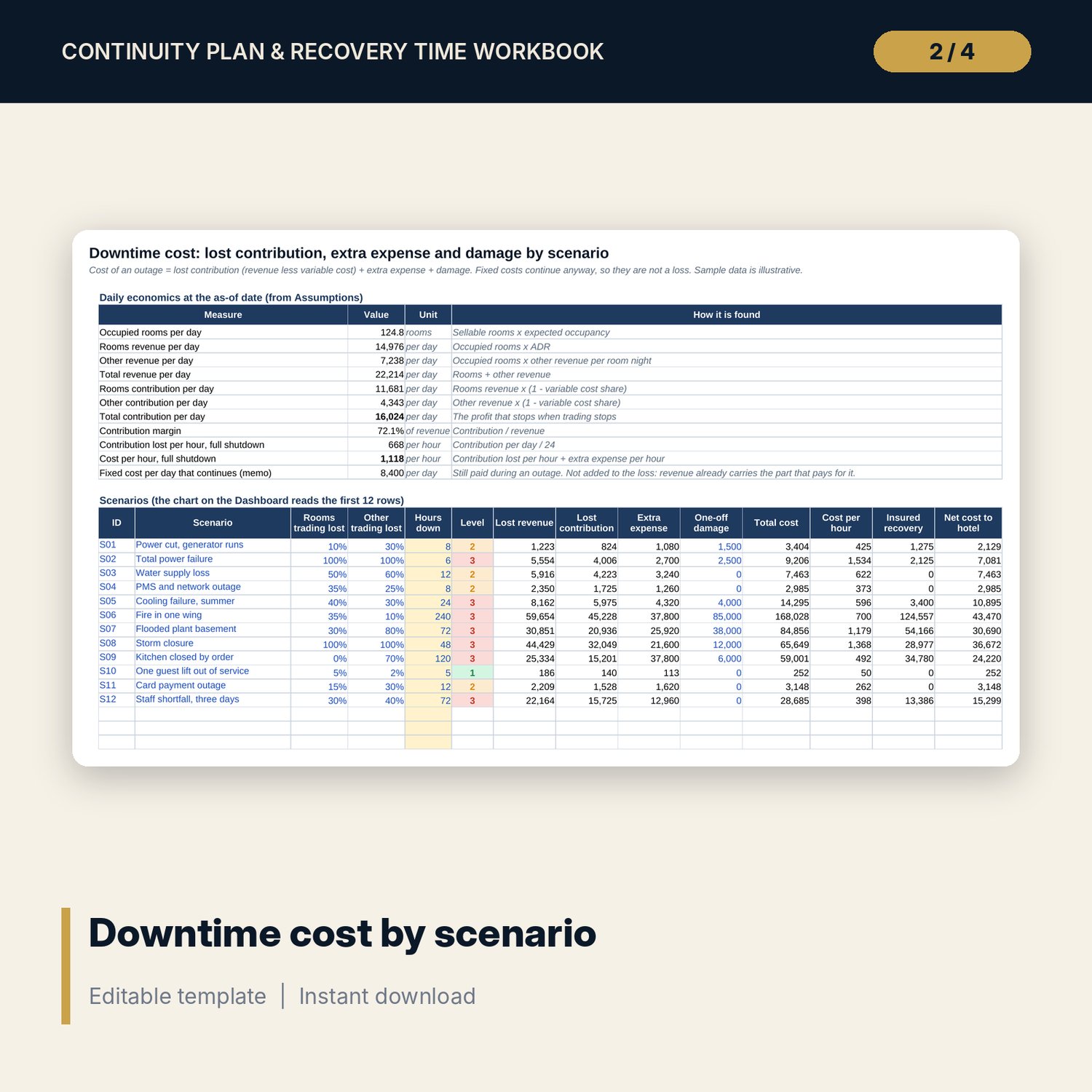
For general managers, resident managers, chief engineers and safety leads who need a continuity plan that is tested and costed as well as written. The workbook lists 24 critical hotel functions, each with an owner, a deputy, a maximum tolerable outage and a recovery time target. A drill log feeds a gap table that shows which functions miss their target, when the next drill is due, and what each missed hour costs. A downtime model prices 12 scenarios as lost contribution, extra expense and damage, then applies insurance terms. Resource needs, a timed call tree with day and night holders, and a five-phase playbook complete the plan. The companion workbook keeps 60 contacts and 40 stored items current and prints a call card. The guide explains the method with a worked example read from the sample data.
What is inside
- Hotel_Continuity_Plan.xlsx: 12 tabs, 1,731 formulas, 2 native charts, 40 drop-down and input rules
- Critical Functions: 24 functions in 7 groups with 4 recovery tiers, restore order and an alternate method each
- Drill Log: 32 sample results from 6 drills; Recovery Gap with latest result, gap, next drill due and exposure
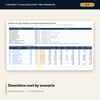
- Resource Needs: 33 resources with need, held, shortfall, cover hours and check dates; Downtime Cost: 12 scenarios with severity level and insurance recovery
- Call Tree: 29 positions timed in minutes; Playbook: 28 steps in 5 phases
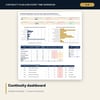
- Dashboard with 10 tiles (including the checks tile) and 2 charts; 13 integrity checks; Method tab with 16 documented calculations
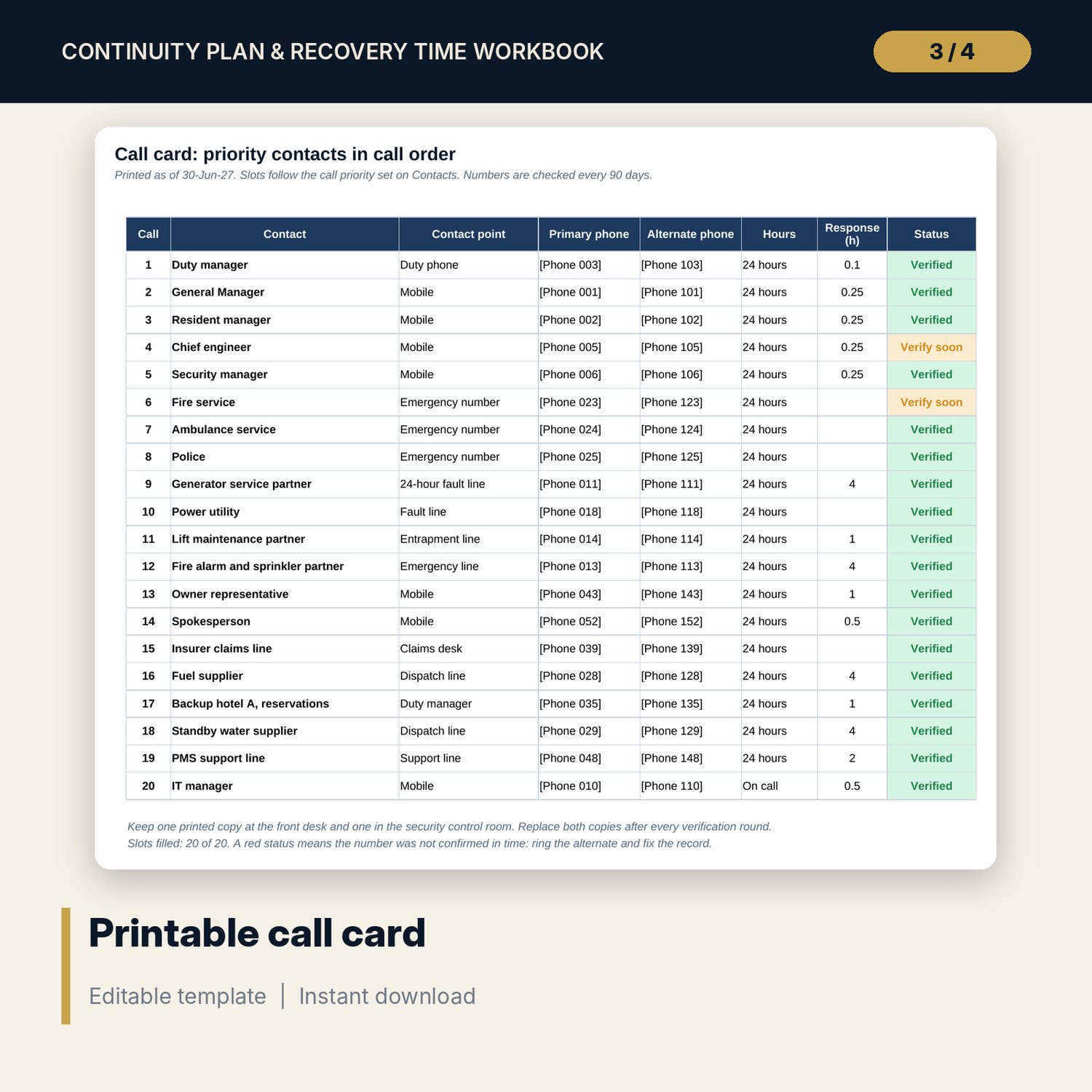
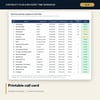
- Hotel_Continuity_Contact_and_Resource_List.xlsx: 5 tabs, 780 formulas: contact directory (60 contacts), resource list (40 items), printable call card (20 slots), summary and checks
- Hotel_Continuity_Plan_Guide.docx and PDF: 10 pages with equations, a worked example read from the workbook, how to act on each signal, the first hour, common mistakes and a 16-point checklist
- README.txt and LICENSE-and-Terms.txt
How it works
- Set the as-of date, trading figures, insurance terms, tier limits and severity triggers on Assumptions.
- Keep or edit the critical functions: owner and deputy as roles, share of trading lost, maximum tolerable outage and recovery time target.
- After each drill, add one row per function to the Drill Log. Recovery Gap shows the miss, the next drill due and the cost.
- Count resources, build the call tree with day and night holders, and read Downtime Cost for the price of an hour of outage.
- Keep numbers and stock current in the companion list, print the call card and confirm that Checks shows ALL OK.
Details
- Formats: 2 Excel workbooks (.xlsx), 1 guide in Word (.docx) and PDF, English
- Software: Excel 2016 or later, or LibreOffice Calc 7 or later
- No macros, no external links, no data tables, no array formulas
- 4 files plus README and license; instant digital download
Good to know
- Sample data is illustrative. Replace it with your own figures. Phone numbers are placeholders.
- Recovery times, tiers, severity triggers, insurance terms and cover hours are inputs. Set them with your owner, your insurer and your engineers.
- The files are working tools, not legal, insurance, engineering or safety advice. Verify local requirements.
- One file covers one hotel. Owners and holders are roles, never personal names.
- Single-user license. Do not redistribute.
FAQ
What is a recovery time objective here?
It is the time within which a function must work again. Each function has one, and a tier follows from it. Drills show whether the plan can meet it.
How is downtime cost calculated?
Lost contribution (revenue less variable cost) plus extra expense plus one-off damage. Insurance then returns a share after the waiting period.
Why are fixed costs not in the loss?
Fixed costs are paid whether or not the hotel trades, and revenue already carries the part that pays for them. The model shows them as a memo only.
Can I use my own functions, scenarios and resources?
Yes. Rename or add rows in the blue cells; spare rows are provided and every table checks its own inputs.
Do I need macros?
No. Every result is a standard worksheet formula.