
Home Inventory Organizer — Excel & Google Sheets + Printable Room Pages (English + German)
A room-by-room list of what you own — with values, serial numbers, and whether you have a photo and a receipt — before you need that list in a hurry.
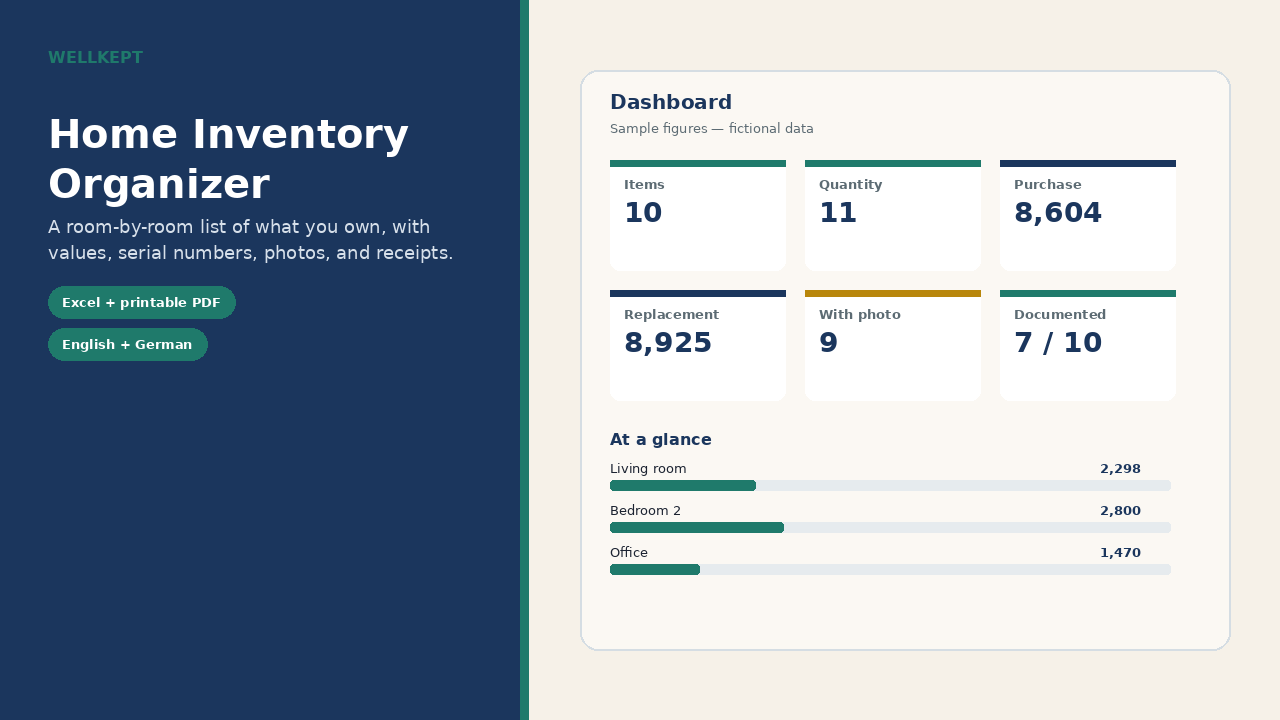
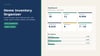
Log each item once. The workbook totals purchase and replacement values by room and category, highlights items above a threshold you set, and tracks how much of the list has a photo and a receipt. Mark items for a Claim list you can print or share. A printable A4 PDF is included if you would rather write on paper. Keep a copy of the file (and your photos) away from the home it describes.
What’s included
- English sample workbook (fictional items) and a blank file (250 item rows)
- German sample and blank workbooks with the same structure
- Printable room-by-room PDF pages in English and in German (A4)
- A short PDF guide in both languages
- Google-Sheets-Links.pdf with one-click “Make a copy” links for the English sample and blank and the German sample and blank (no manual upload needed)
- Dashboard, room and category totals, a claim list, and editable dropdowns
How to use it
1. Open the workbook in Microsoft Excel (2016 or later), or click the one-click “Make a copy” Google Sheets links in the included Google-Sheets-Links.pdf (no manual upload needed). LibreOffice Calc usually works too. German workbooks use a German Google Sheets locale (Germany, Austria, or Switzerland).
2. Set your currency and the highlight threshold on Settings (default: 1,000).
3. Enter items on the Inventory sheet. If a replacement value is blank, totals use the purchase price. Quantity is multiplied automatically.
Please note
- This is a digital download. Nothing is shipped.
- This is an organizational template. It is not insurance, legal, or financial advice, and it is not an insurance form. Confirm what your policy requires with your insurer.
- Personal use for you and your household only. Please do not resell, share, or redistribute the files.
- Sample items and figures are fictional.