
Teacher Gradebook and 2027 Term Planner (South African terms)
On Sale
ZAR129.00
ZAR 129.00
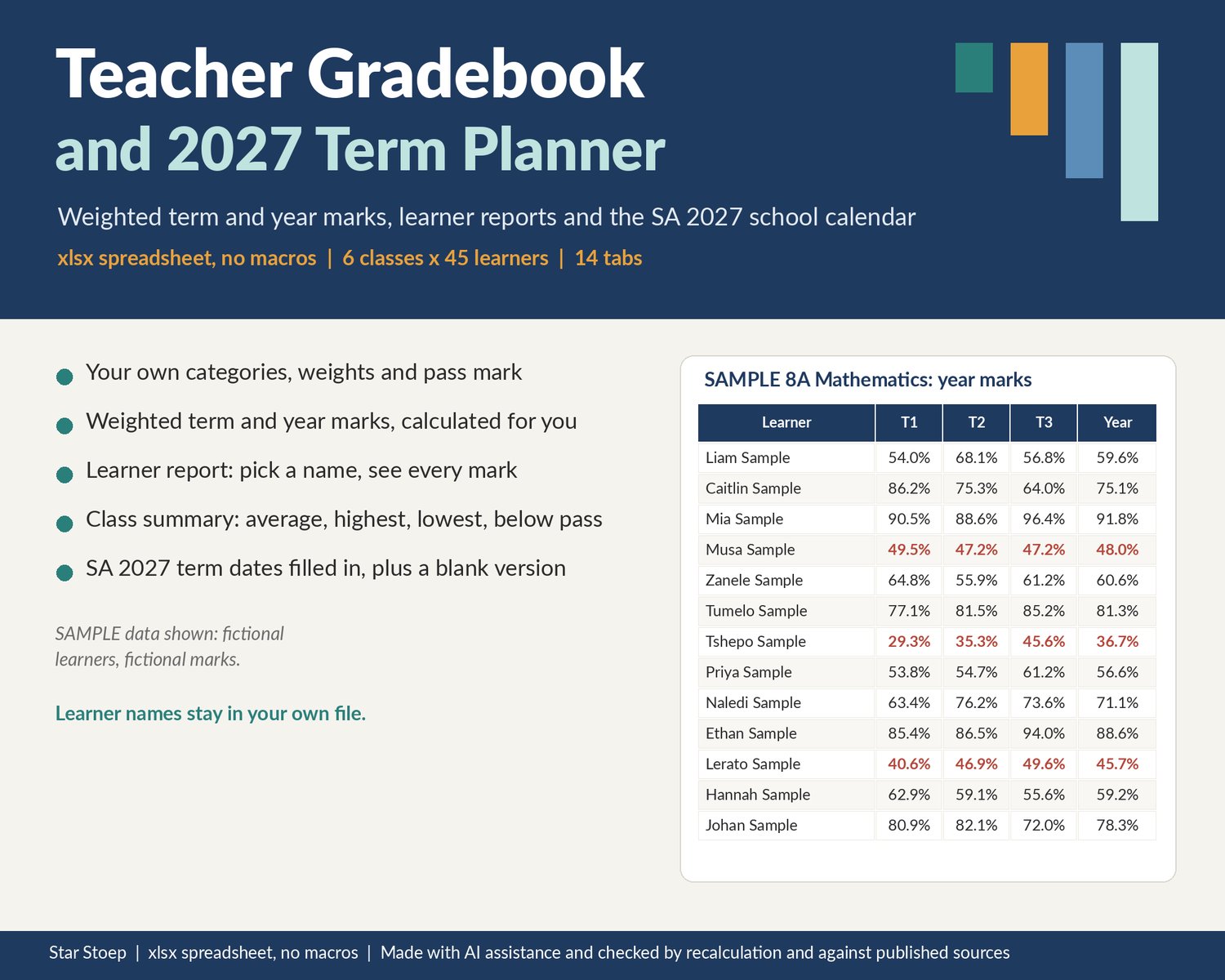
A gradebook and term planner in one spreadsheet. Set up your own assessment categories, weights and pass mark once, type raw marks, and the weighted term and year marks work themselves out. The 2027 South African public school term dates are already filled in, with a blank version for any other country or school.
WHAT IT DOES
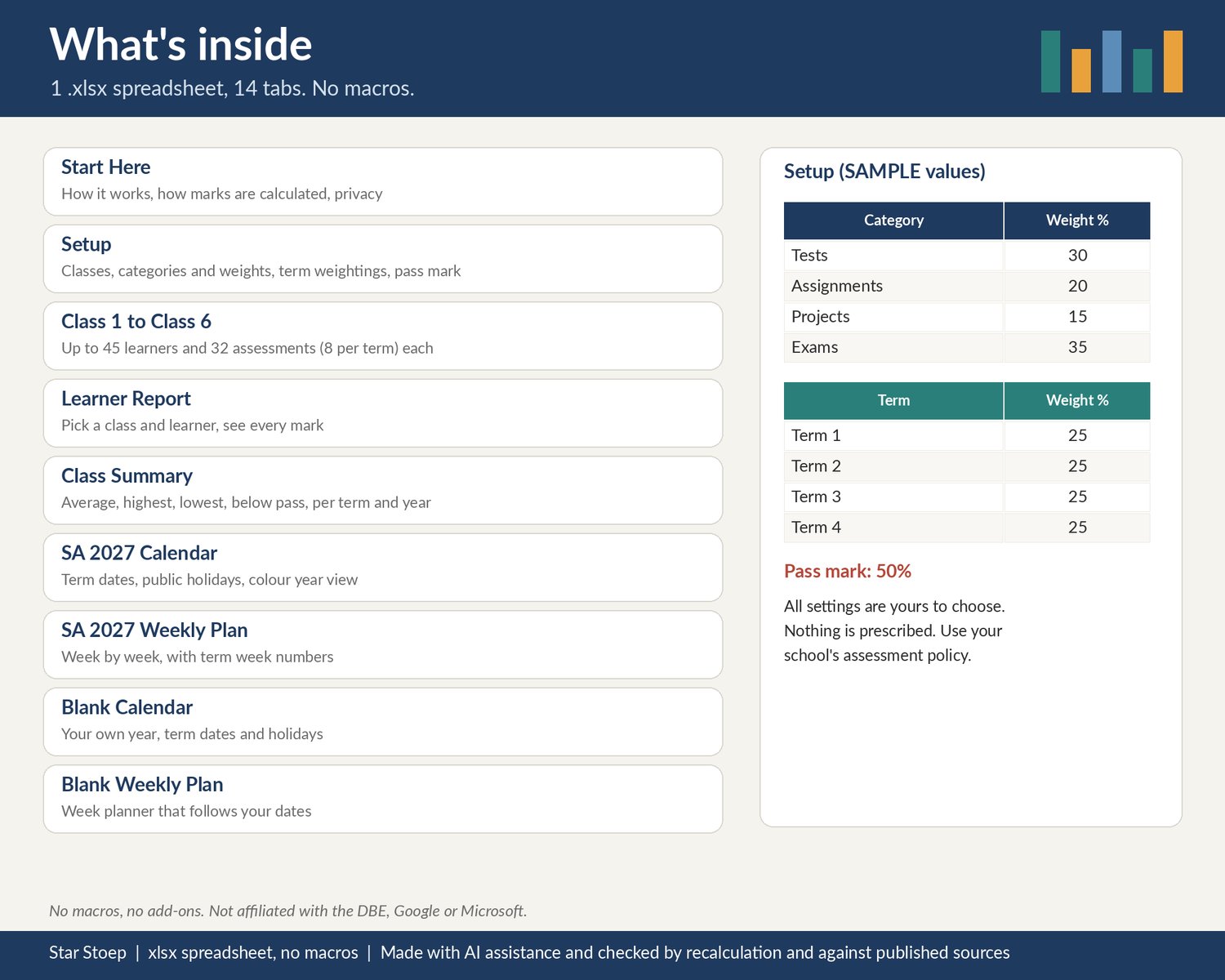
- Setup: up to 6 classes, up to 6 assessment categories with your own weights (for example tests, assignments, projects, exams), your own term weightings and your own pass mark. Nothing is prescribed; use your school's or department's assessment policy. A check shows whether your weights add up to 100.
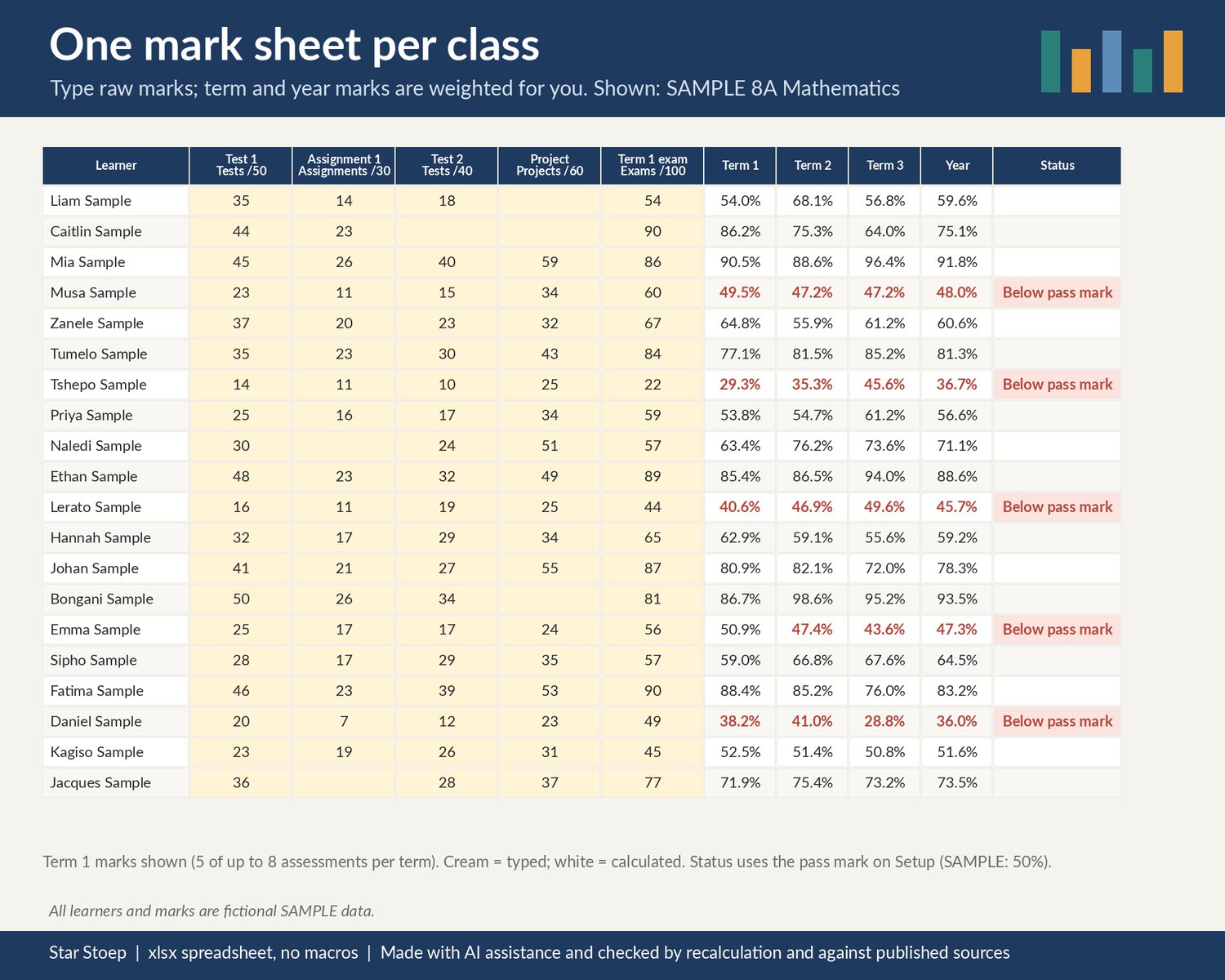
- Class 1 to Class 6: one mark sheet per class, up to 45 learners and 8 assessments per term (32 a year). Type the assessment name, pick its category and type what it is out of, then type raw marks.
- Weighted marks: term marks are your category weights applied to each learner's category averages; the year mark applies your term weightings. Only categories and terms with marks so far count, so a part-way term still gives a fair running mark. Blank and text entries (for example ABS) are ignored, not counted as zero; marks below 0 or above the total turn pink to check.
- Below pass mark: learners whose year mark is under your pass mark are flagged in red.
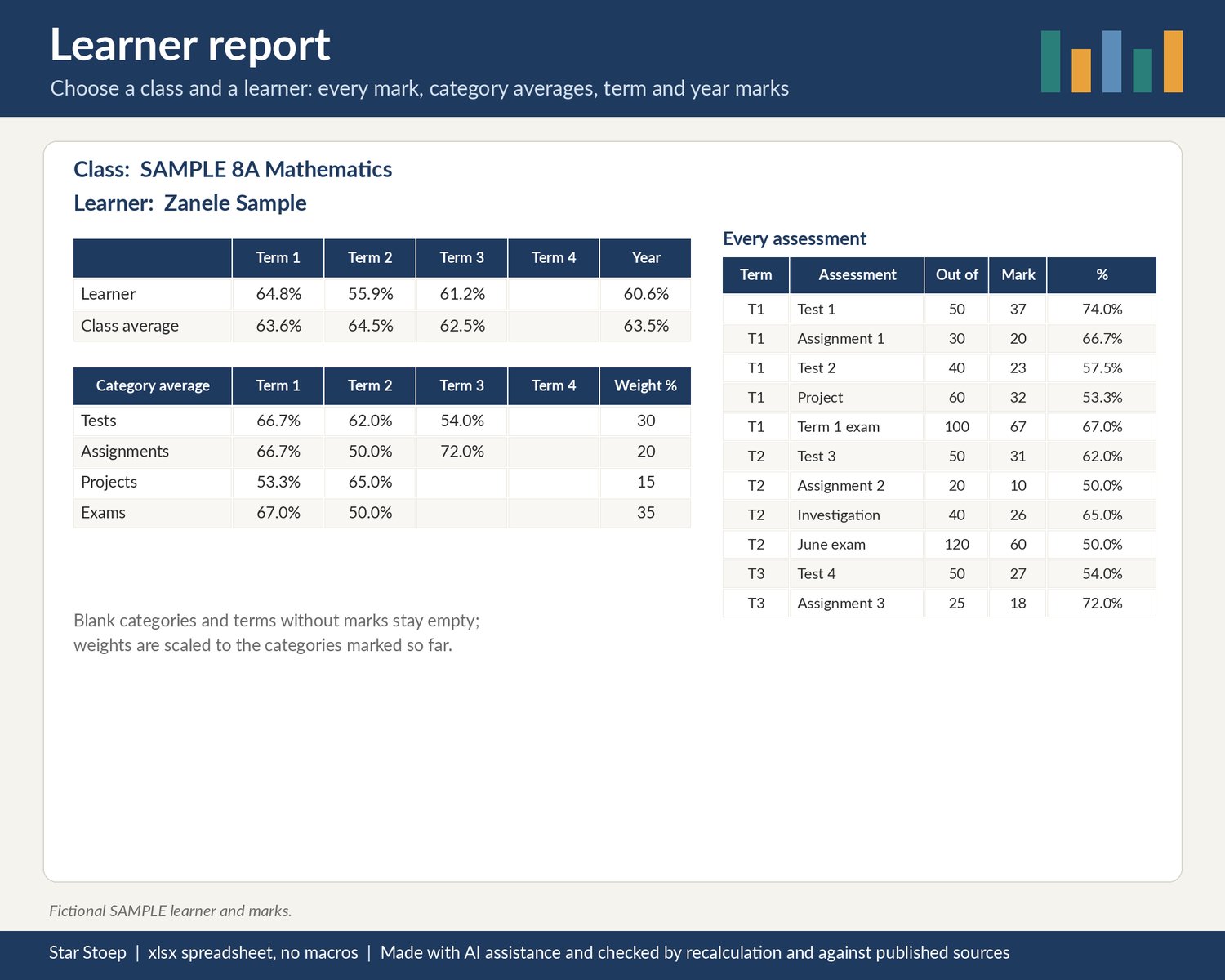
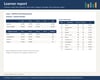
- Learner Report: choose a class and a learner to see every assessment and mark, category averages per term, term and year marks, and the class average beside them. Handy for parent meetings and report comments.
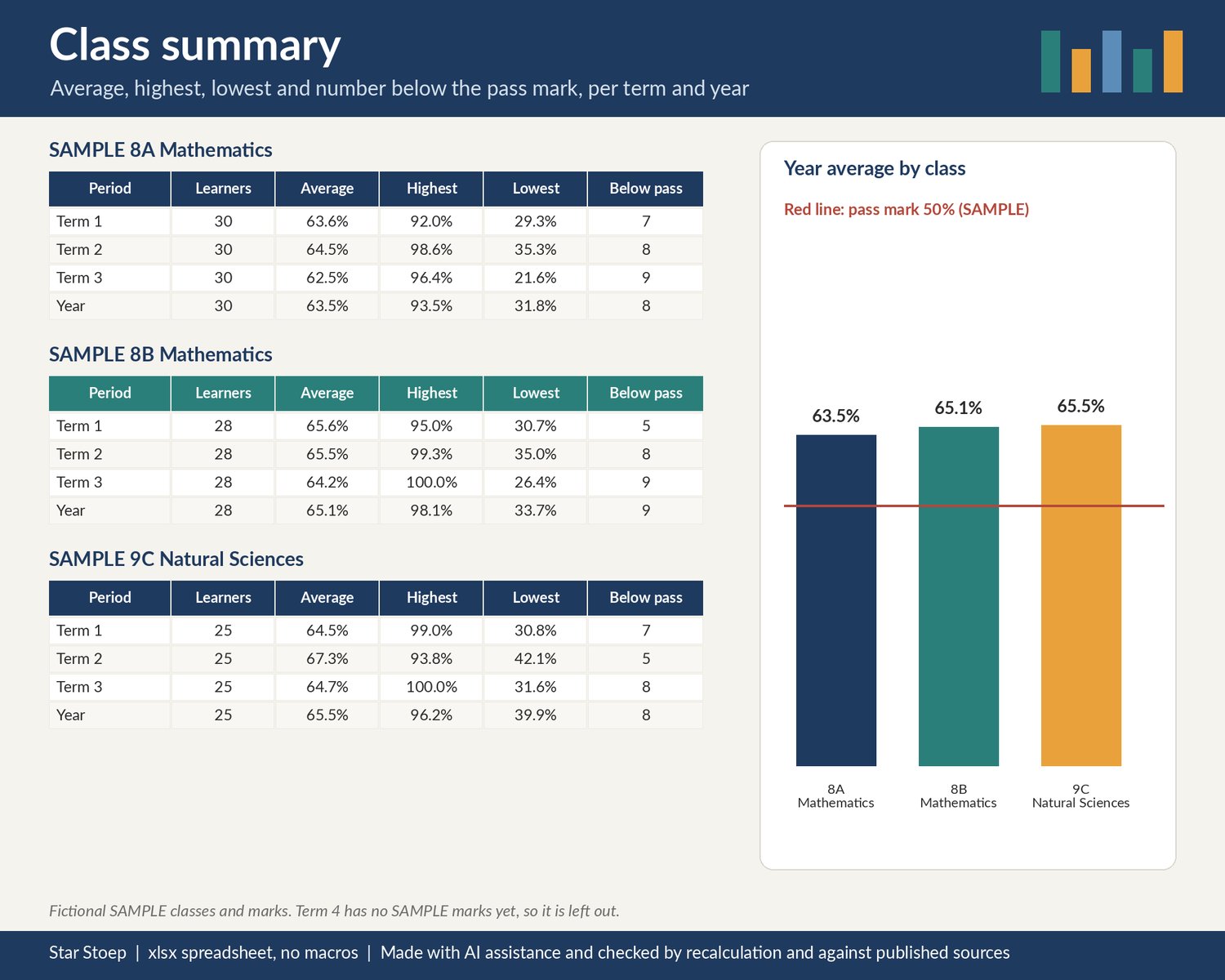
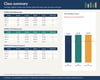
- Class Summary: for every class, per term and for the year: number of learners with marks, average, highest, lowest and how many are below the pass mark.
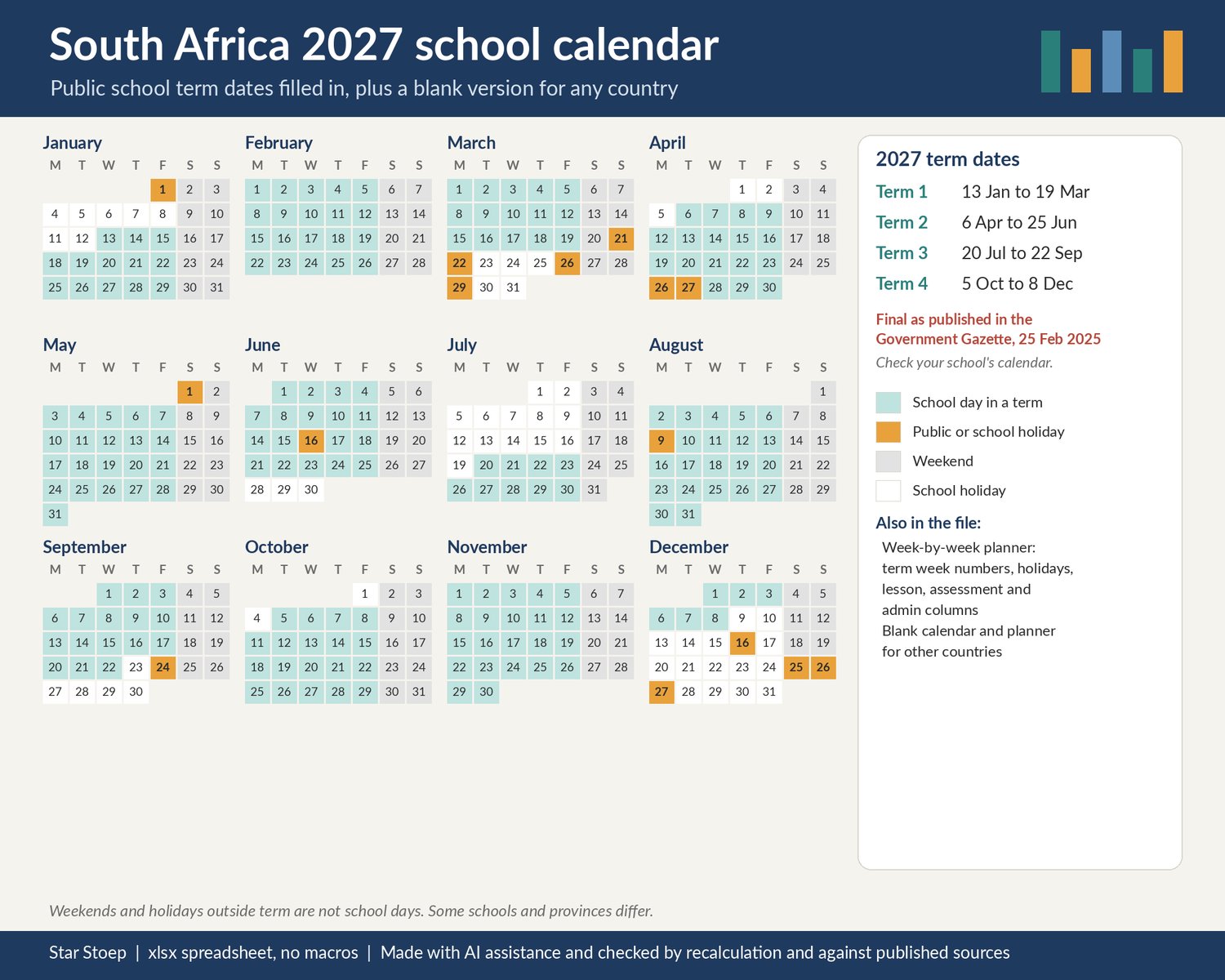
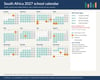
- SA 2027 Calendar: the 2027 term dates and public and school holidays from the 2027 Calendar for Public Schools as published in the Government Gazette of 25 February 2025, with a colour year view. Check your school's calendar: some schools and provinces differ and dates can change.
- SA 2027 Weekly Plan: every week of 2027 with the term and week of term worked out, holidays in that week, and columns for lesson plans, assessments due and admin.
- Blank Calendar and Blank Weekly Plan: type your year and term dates (any country) and the year view and weekly planner follow them.
WHAT'S INSIDE
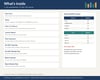
- 1 .xlsx spreadsheet with 14 tabs: Start Here, Setup, Class 1 to Class 6, Learner Report, Class Summary, SA 2027 Calendar, SA 2027 Weekly Plan, Blank Calendar, Blank Weekly Plan
- Clearly fictional SAMPLE classes, learners ("... Sample") and marks so you can see how it works, and a short guide to clearing them
- Cream cells for typing, white cells that calculate. No macros, no add-ons.
HOW TO OPEN IT
- An .xlsx spreadsheet with no macros. Tested in LibreOffice Calc; not yet opened in Excel or Google Sheets.
- Open the .xlsx in your spreadsheet app.
- Start with the Start Here tab, then fill in Setup.
GOOD TO KNOW
- Digital download, nothing is posted.
- Checked by recalculation and against published sources. The weighted averages were checked by an independent recalculation.
- Privacy: learner names and marks stay in your own copy of the file; nothing is sent anywhere by the file. Store and share it in line with your school's rules on learner information.
- This is a general marks tool. It does not apply any curriculum or assessment policy rules for you and is not endorsed by or affiliated with the Department of Basic Education, Google or Microsoft. Check your marks against your school's requirements.
- School term dates: check your school's calendar before relying on them.