
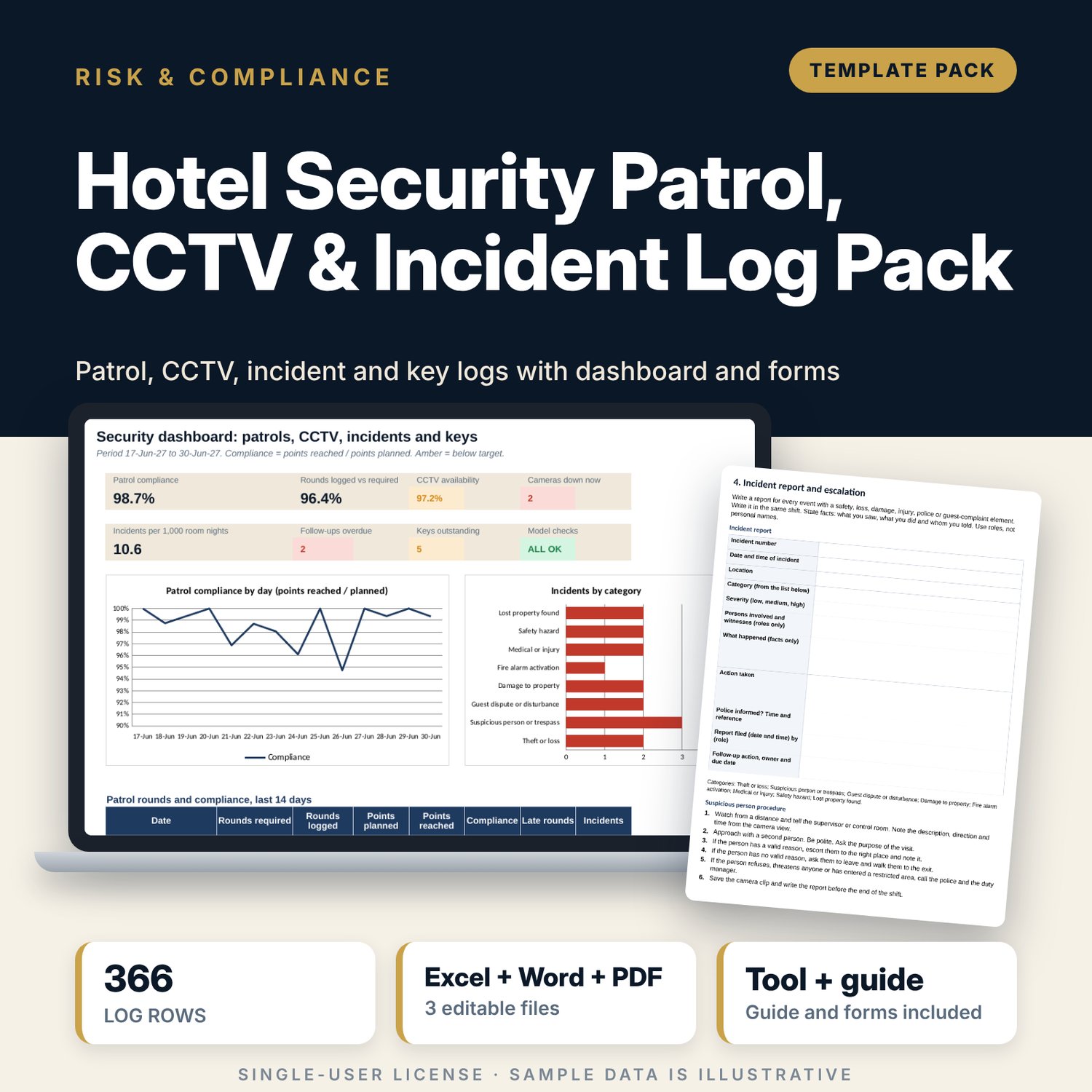
Hotel Security Patrol, CCTV & Incident Log Pack: Hotel Security Log Template
Full description
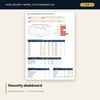
For security managers, chief engineers, duty managers and general managers who need proof that patrols happen, cameras work, incidents are reported and followed up, and keys are controlled. The workbook logs every patrol round and CCTV sweep against a route table of 26 checkpoints and 24 cameras, flags late rounds and missed points, times each incident report against the incident, classes follow-ups as open or overdue, and balances keys issued and returned. The Dashboard shows patrol compliance, rounds logged against required, CCTV availability, incidents per 1,000 occupied room nights and keys outstanding. The Word document holds 16 security standards, patrol and CCTV procedures, an incident report form, key control forms and a monthly review.
What is inside
- Security_Log_Workbook.xlsx: 7 tabs, 3,231 formulas, 2 native charts, 20 drop-down and input rules
- Settings: thresholds, shift hours, a route table of 4 patrol routes and a CCTV system, 26 checkpoints, 24 cameras and a coverage standard of 8 categories
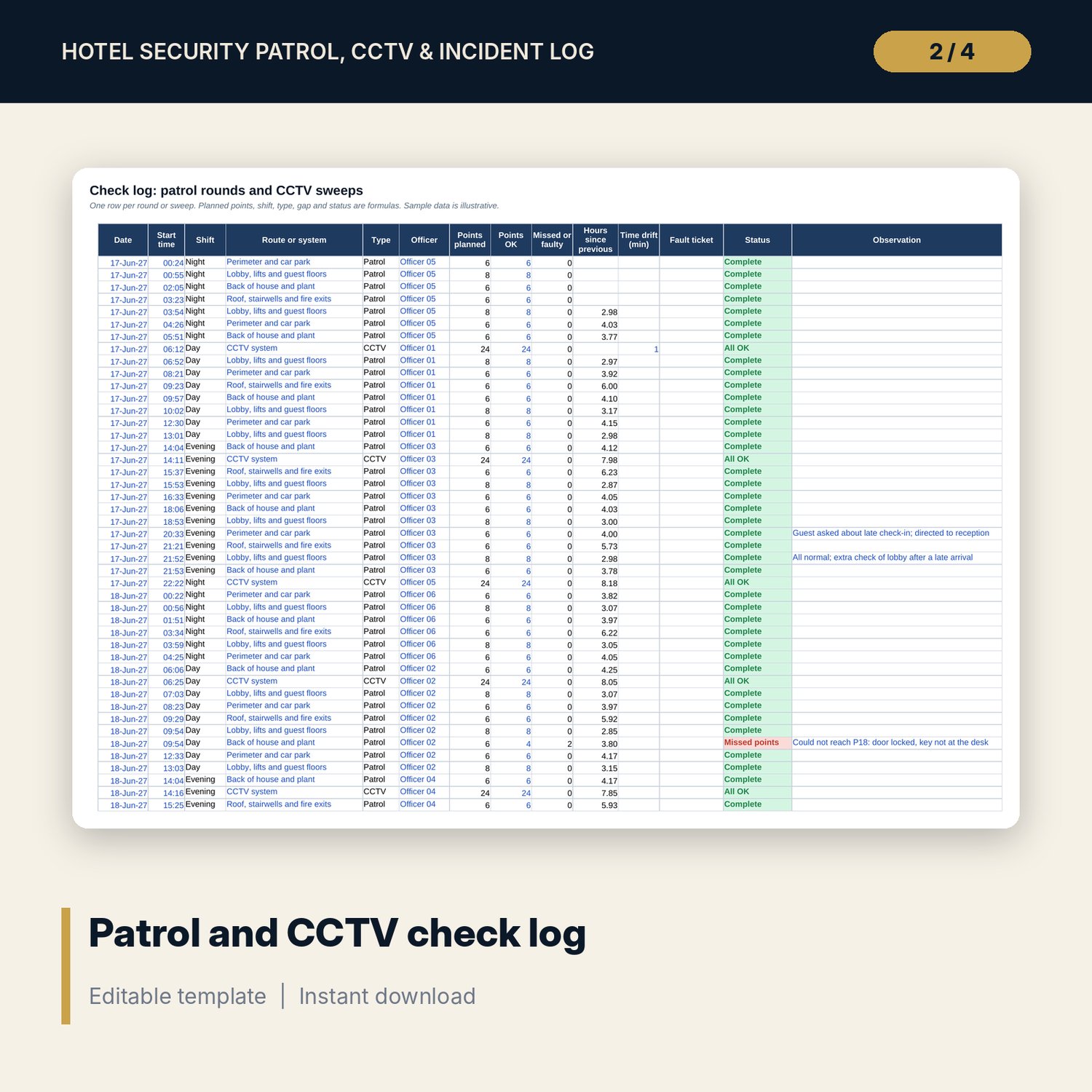
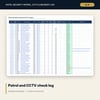
- Check Log: 366 sample rounds and sweeps over 14 days plus 60 spare rows, with gap since the previous round and a status per row
- Incident Log: 16 sample incidents plus 44 spare rows, with hours to report and follow-up status
- Key Log: 61 sample key movements plus 40 spare rows, with a status per movement
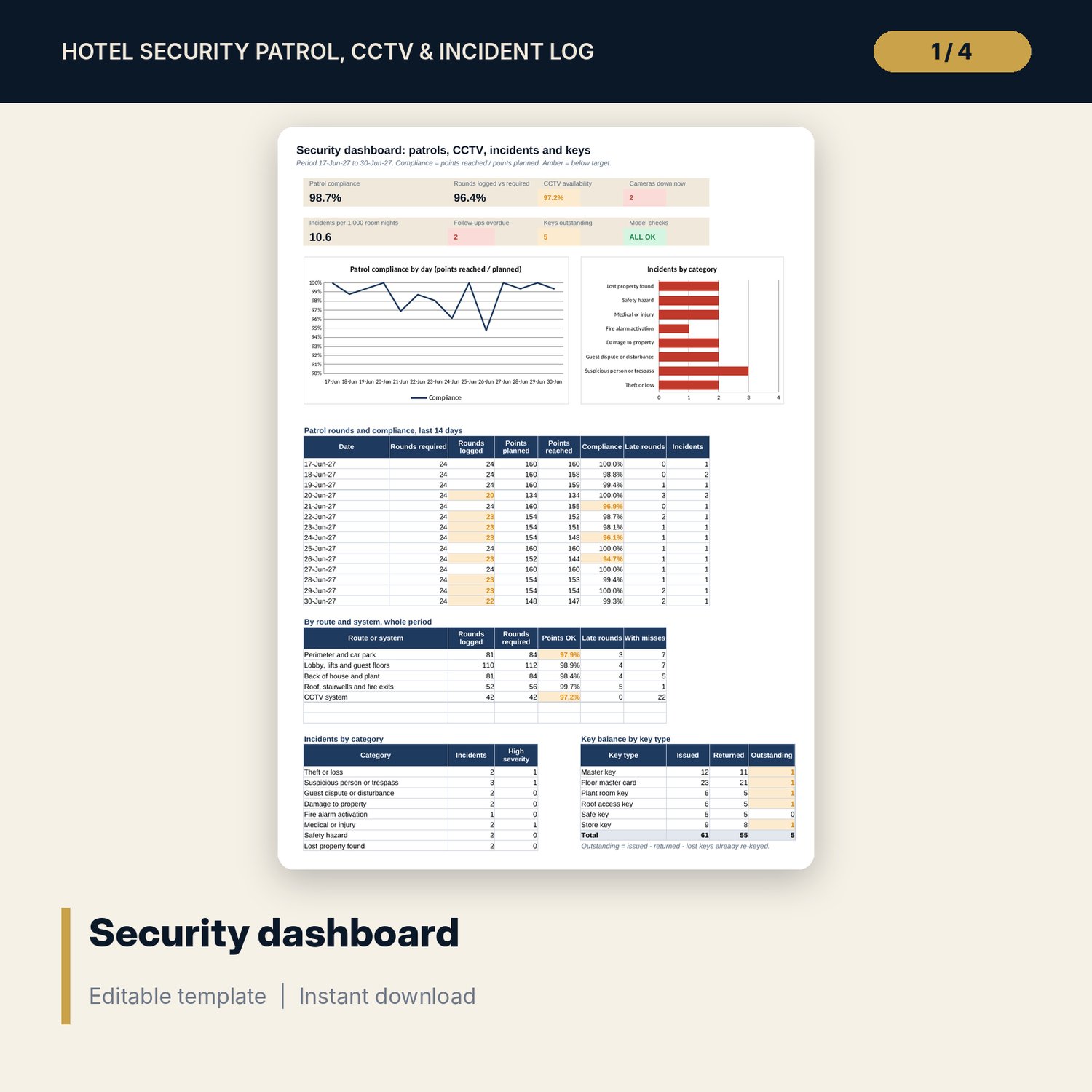
- Dashboard: 7 KPI tiles, a check tile, 2 charts, a daily compliance table, a route table, incidents by category and key balance; 8 integrity checks
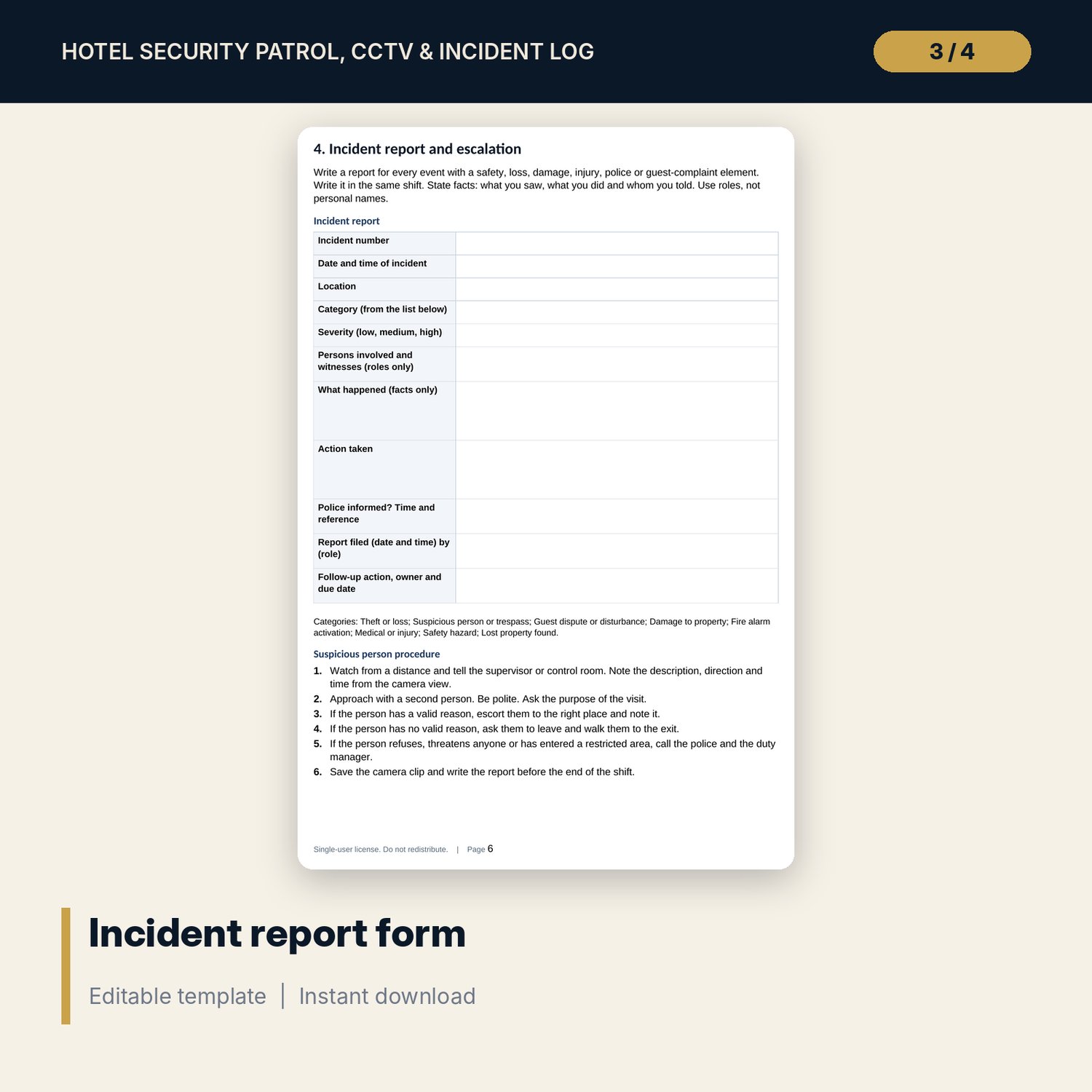
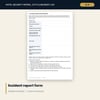
- Security_Standards_and_Forms.docx and PDF: 9 pages with 16 standards, patrol round sheet, CCTV check sheet, incident report form, suspicious person procedure, key control forms, monthly review and a worked example
- README.txt and LICENSE-and-Terms.txt
How it works
- Set the as-of date, the reporting period, occupied room nights and targets on Settings. Check the routes, checkpoints and cameras.
- Log each patrol round and CCTV sweep with the points reached, the time and the officer.
- Write each incident in the same shift and add the follow-up date. Record each key issue and return.
- Read the Dashboard for late rounds, cameras down, overdue follow-ups and keys outstanding.
- Run the monthly review from the Word checklist and sign it.
Details
- Formats: 1 Excel workbook (.xlsx), 1 standards and forms document in Word (.docx) and PDF, English
- Software: Excel 2016 or later, or LibreOffice Calc 7 or later
- No macros, no external links, no data tables, no array formulas
- 3 files plus README and license; instant digital download
Good to know
- Sample data is illustrative. Replace it with your own figures.
- Routes, intervals, targets and limits are inputs. Security and recording rules differ by country and insurer: verify local requirements.
- The workbook records dates, times and counts. It does not store camera footage or personal data; use roles and codes in the logs.
- Single-user license. Do not redistribute.
FAQ
How is patrol compliance calculated?
Points reached divided by points planned for each round on a patrol route, over the reporting period. Planned points come from the checkpoint list on Settings.
How does the workbook flag a late round?
It compares the time since the previous round on the same route with the route interval plus the tolerance on Settings. A skipped round makes the next round show Late.
Can I add routes, checkpoints and cameras?
Yes. Settings has spare rows for routes, checkpoints, cameras and coverage categories. The logs and the Dashboard read them from Settings.
What do the incident rate and the key figures show?
Incidents per 1,000 occupied room nights uses the room nights you enter on Settings. Keys outstanding counts keys that are out, overdue, or lost without a re-key.
Do I need macros?
No. Every result is a standard worksheet formula.