
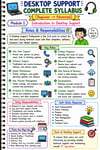
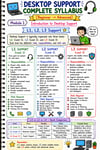
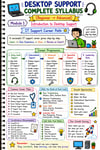
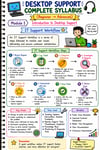
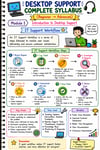
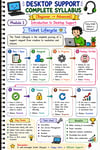
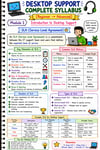
Desktop Support Engineer Notes | IT Support, Windows, Networking & Linux
🖥️ Desktop Support Engineer Complete Guide
30-Module 300+ (Pages) IT Support & Desktop Support Learning Guide | Windows • Hardware • Networking • Troubleshooting (Top 200+ Interview Questions with Ans)
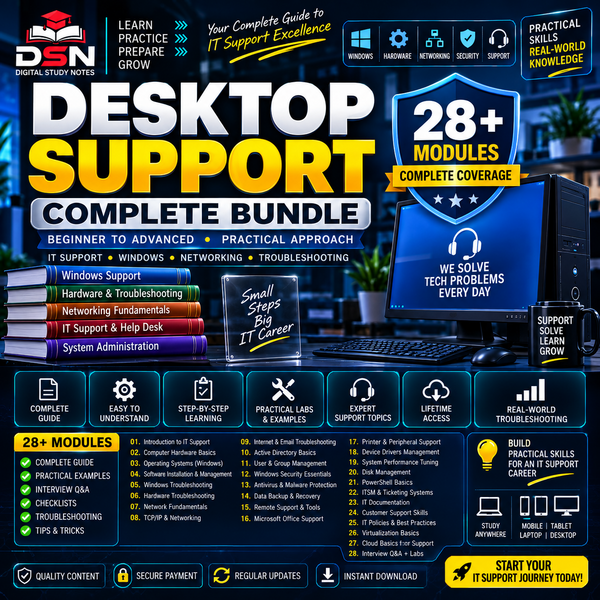
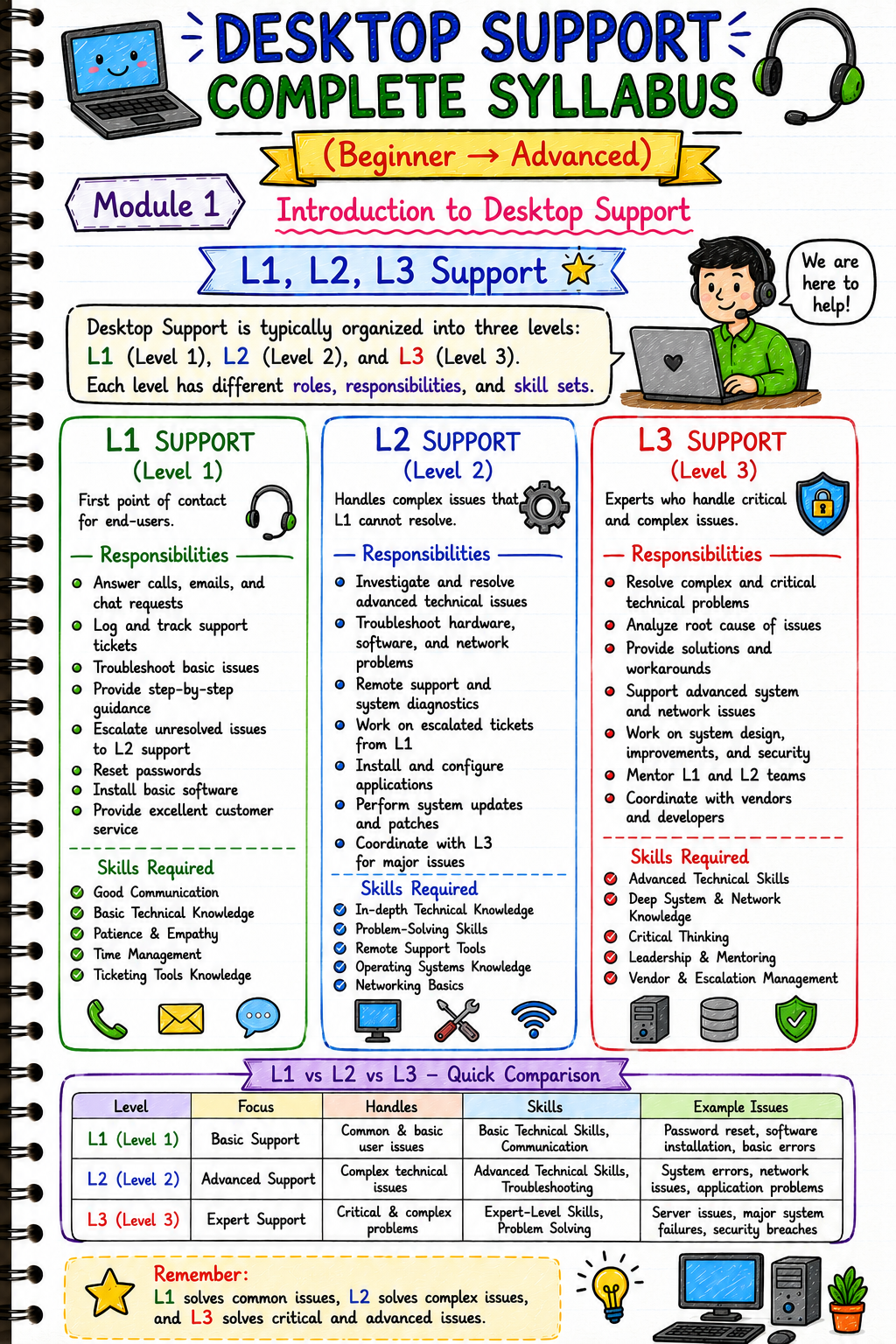
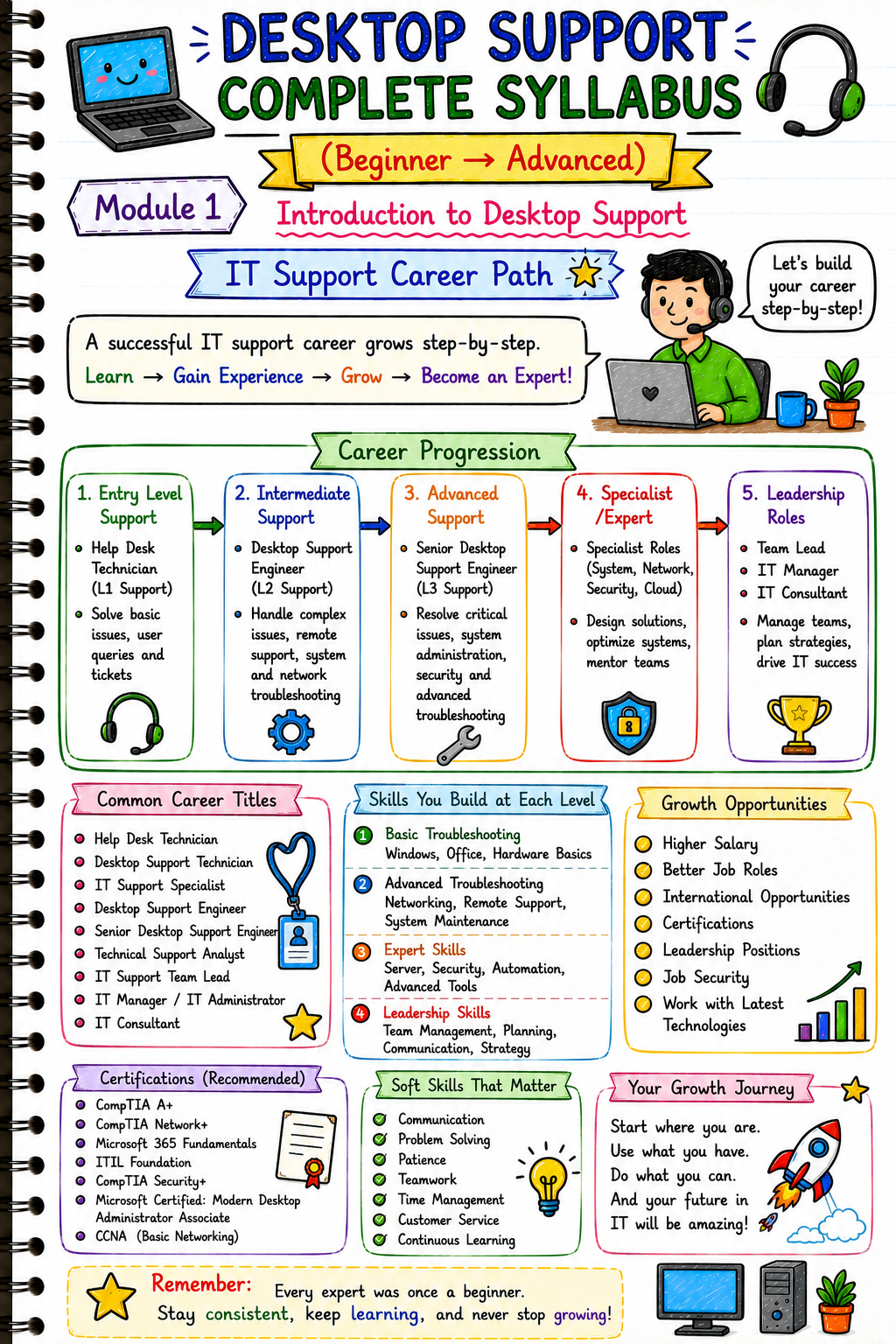
Start your journey into Desktop Support, IT Support and Help Desk with a structured 30-module learning guide covering the essential concepts you need to understand computers, operating systems, hardware, networking, troubleshooting and user support.
Instead of jumping between scattered tutorials, follow one organised learning path designed to help you learn → understand → troubleshoot → practice → prepare.
🚀 WHAT WILL YOU LEARN?
This guide takes you through the core areas of Desktop Support Engineering and IT Support.
🖥️ Desktop & Operating Systems
Learn the fundamentals of supporting desktop computers and operating systems.
✓ Windows Fundamentals
✓ Desktop Environment
✓ System Configuration
✓ User Support
✓ Common Operating System Issues
✓ Basic System Troubleshooting
🔧 Hardware & Troubleshooting
Understand computer hardware and how to approach common hardware problems.
✓ Computer Hardware Fundamentals
✓ Components & Peripherals
✓ Common Hardware Problems
✓ Hardware Diagnostics
✓ System Troubleshooting
✓ Troubleshooting Methodology
🌐 Networking for IT Support
Build the networking knowledge needed for everyday IT support.
✓ Networking Fundamentals
✓ IP Addressing
✓ Network Connectivity
✓ DNS Concepts
✓ Connectivity Problems
✓ Network Troubleshooting
✓ Practical Troubleshooting Approach
👤 User & Help Desk Support
Learn how IT support teams approach common user problems.
✓ User Account Issues
✓ Access Problems
✓ Software Issues
✓ Common User Requests
✓ Remote Support Concepts
✓ Help Desk Troubleshooting
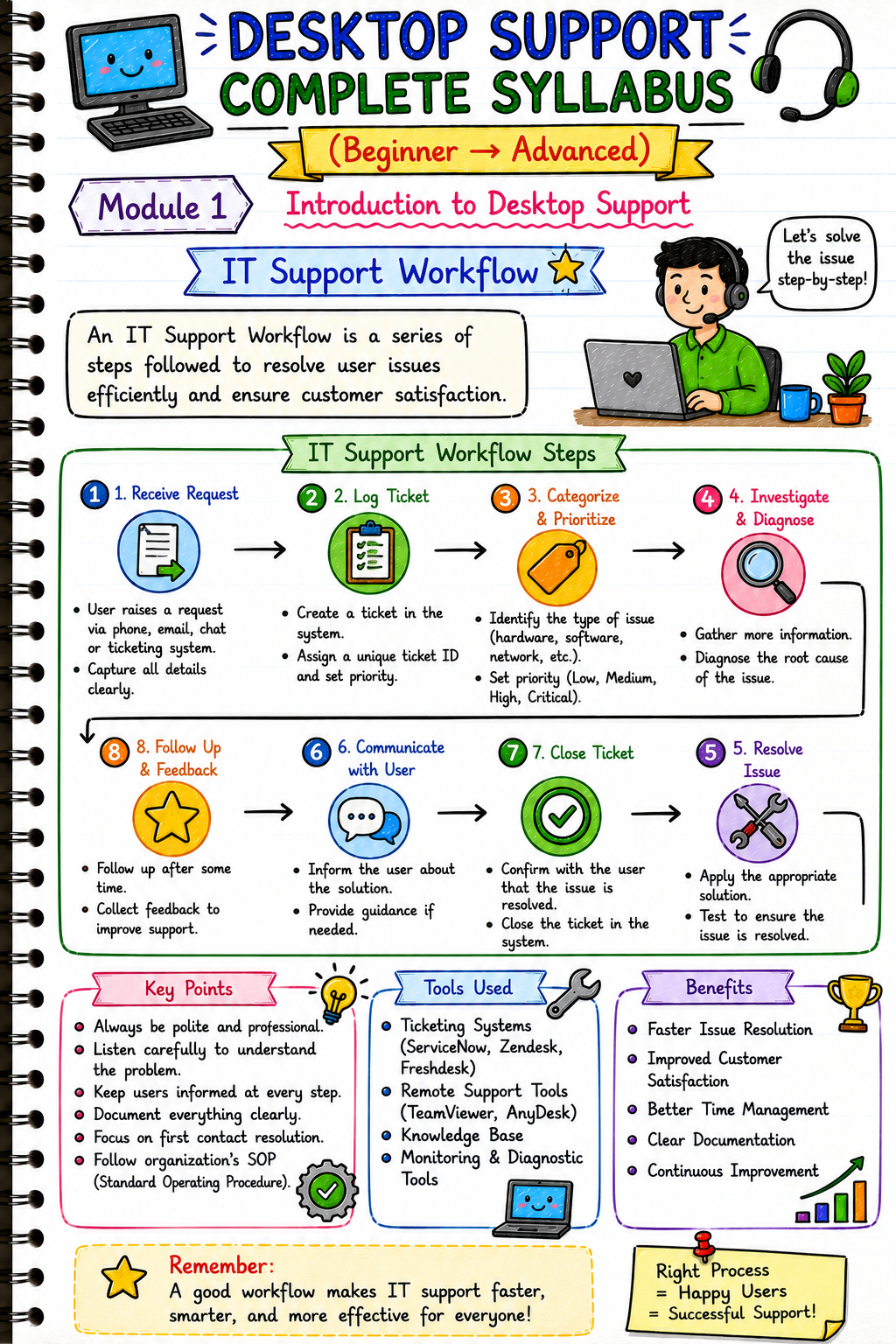
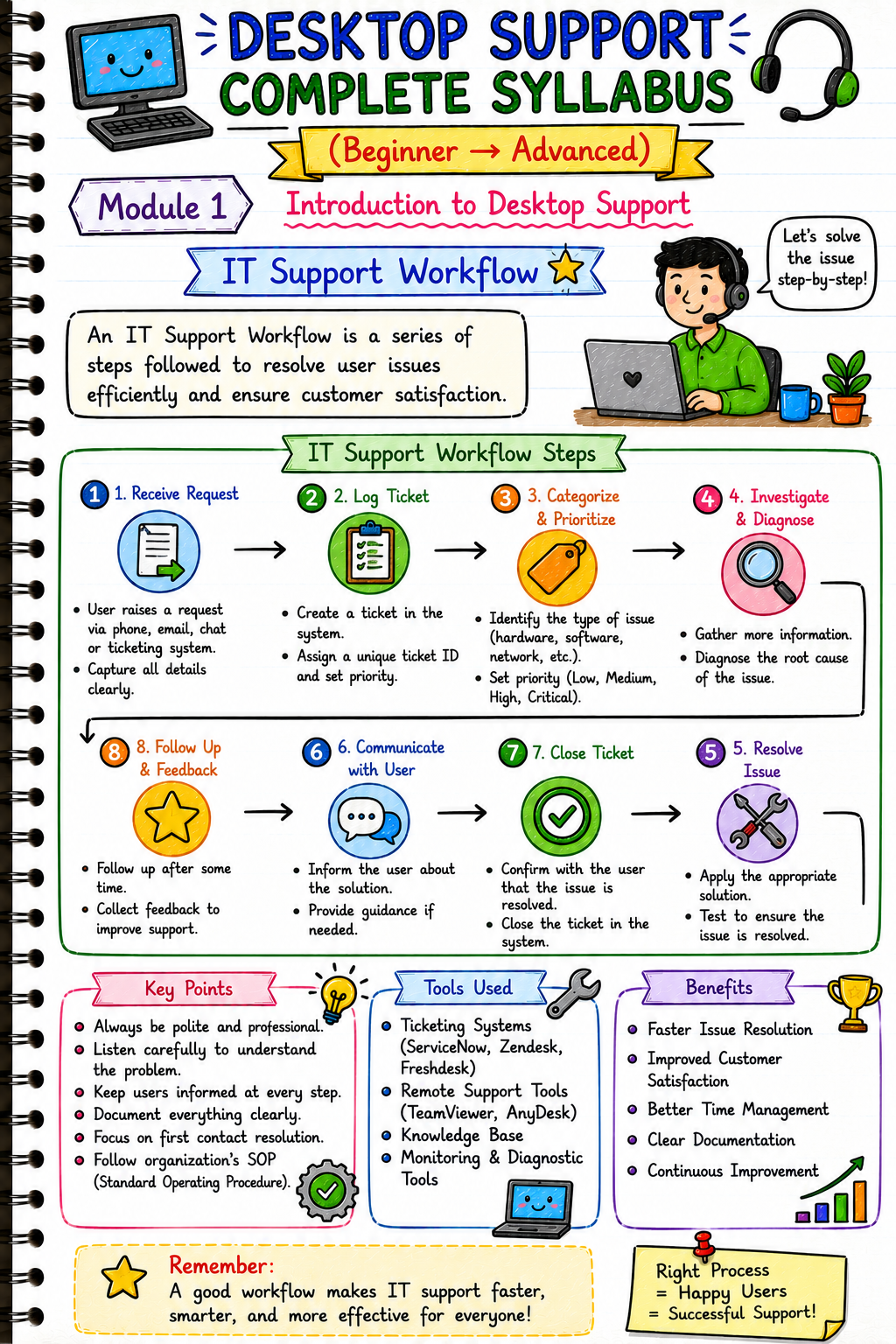
✓ Support Workflow
⚙️ System Administration & IT Operations
Understand common system support and administration tasks.
✓ System Maintenance
✓ Software Installation
✓ Updates
✓ System Configuration
✓ Troubleshooting Workflows
✓ IT Support Best Practices
📚 30-MODULE STRUCTURED LEARNING
The guide is organised into 30 modules, giving you a structured path instead of disconnected topics.
Your learning journey:
Computer Fundamentals
↓
Hardware
↓
Windows & Operating Systems
↓
Software & Configuration
↓
Networking
↓
Users & Access
↓
Troubleshooting
↓
Remote Support
↓
IT Operations
↓
Job Preparation
🧠 DEVELOP A TROUBLESHOOTING MINDSET
Desktop Support isn't only about memorizing commands.
A good support workflow starts with understanding the problem:
IDENTIFY
Understand the user's issue.
↓
DIAGNOSE
Collect information and identify possible causes.
↓
TROUBLESHOOT
Test possible solutions systematically.
↓
RESOLVE
Apply the appropriate solution.
↓
VERIFY
Confirm that the problem has been resolved.
↓
DOCUMENT
Record the issue and solution.
This approach helps turn theoretical IT knowledge into a practical support mindset.
🎯 WHO IS THIS GUIDE FOR?
🎓 IT BEGINNERS
Start learning the fundamentals required for an IT Support career.
🖥️ DESKTOP SUPPORT ASPIRANTS
Build knowledge of Windows, hardware, networking and troubleshooting.
💼 IT SUPPORT / HELP DESK ASPIRANTS
Understand common support concepts and troubleshooting workflows.
🎓 BCA / B.TECH / IT STUDENTS
Use the guide as a structured supplementary learning resource.
👨💻 FRESHERS
Build foundational knowledge before applying for entry-level IT support roles.
🔧 SYSTEM SUPPORT LEARNERS
Strengthen your understanding of operating systems, hardware and troubleshooting.
🌐 TECHNICAL SUPPORT ASPIRANTS
Develop a foundation for technical support environments.
📦 WHAT YOU WILL RECEIVE
After purchase, you'll receive:
📘 Desktop Support Engineer Complete Guide
📚 30 Structured Learning Modules
🖥️ Desktop & Operating System Concepts
🔧 Hardware & Troubleshooting
🌐 Networking Fundamentals
👤 User & Support Concepts
⚙️ System Administration & IT Support Topics
🧠 Troubleshooting Methodology
📄 Interview Questions
🎯 Job-Oriented Learning Content
📄 Digital PDF Format
🚀 WHY USE THIS GUIDE?
Instead of collecting dozens of unrelated tutorials, use a structured learning path to build your foundation.
LEARN
Understand the concept.
PRACTICE
Apply what you learn.
TROUBLESHOOT
Learn how to approach problems.
BUILD
Strengthen your IT support skills.
PREPARE
Get ready for entry-level IT Support and Desktop Support learning.
❌ WHO SHOULD NOT BUY?
This resource may not be suitable if you are:
❌ Looking for an advanced enterprise system-administration course
❌ Already an experienced IT engineer with extensive production experience
❌ Expecting a guaranteed job or certification
❌ Looking for a job-placement program
This is primarily a learning and preparation resource for people building their Desktop Support and IT Support foundation.
📥 DIGITAL PRODUCT DETAILS
Product: Desktop Support Engineer Complete Guide
Modules: 30
Format: Digital PDF
Delivery: Digital Download
Physical Product: ❌ No
Study from:
📱 Smartphone
📖 Tablet
💻 Laptop
🖥️ Desktop
⚠️ IMPORTANT
This is a digital educational resource for learning and preparation.
It does not guarantee employment, certification or a specific career outcome.
Please review the product preview and description before purchasing.
❤️ DIGITAL STUDY NOTES
Learn Smarter • Practice Better • Grow Faster 🚀
Your purchase supports Digital Study Notes and helps us create more:
📚 IT Study Resources
🖥️ Desktop Support Notes
🌐 Networking Resources
🐧 Linux Resources
🔧 Practical Learning Material
🎯 Career-Focused Resources
Thank you for supporting Digital Study Notes! 🙏