
Python Automation Toolkit: 20 Ready-to-Run Scripts
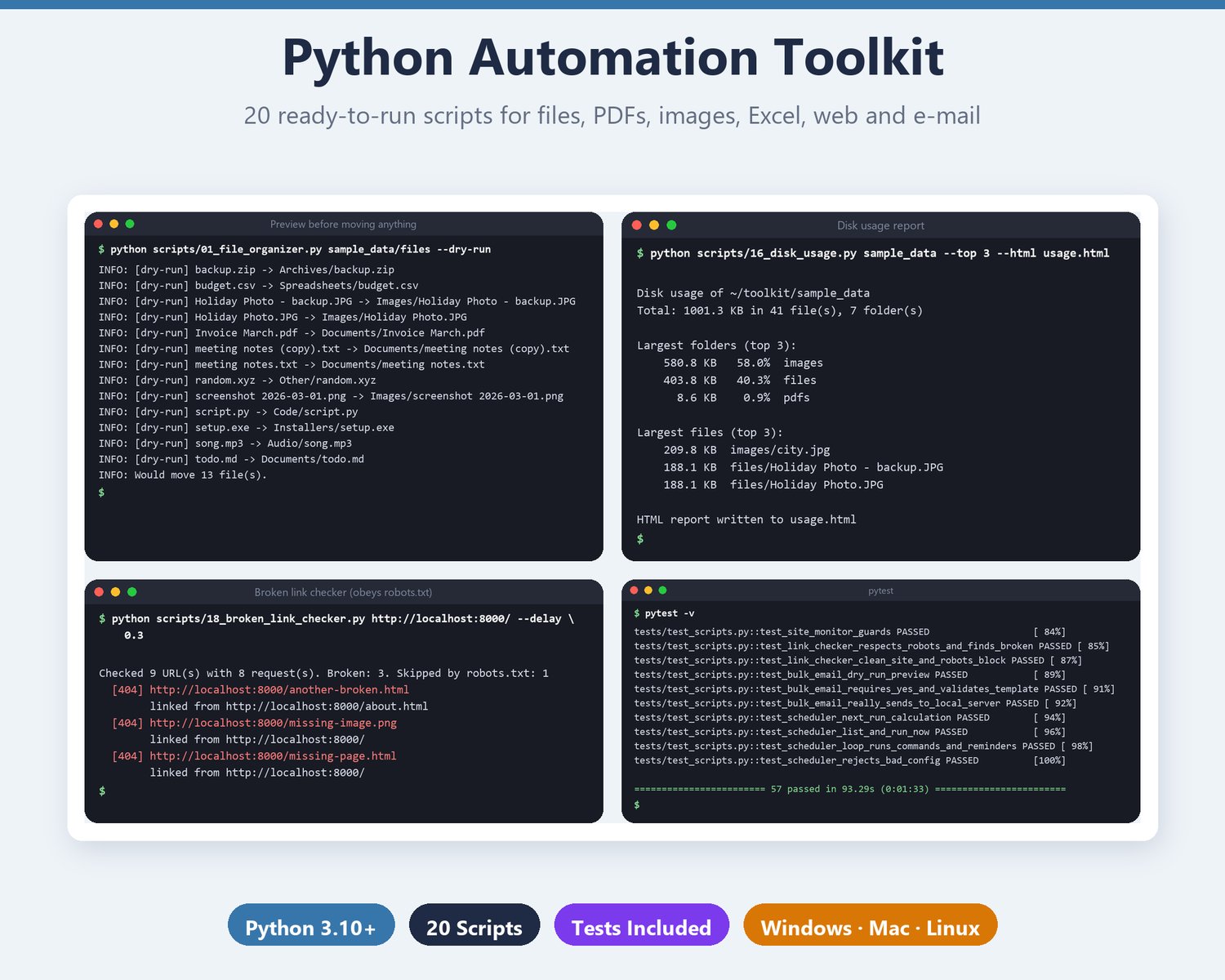
20 polished, ready-to-run Python scripts that automate the boring work: organize and bulk-rename files, find duplicates, zip backups, merge/split/watermark PDFs, resize/watermark/convert images (and strip EXIF), merge CSV/Excel files, build formatted Excel reports, create PDF invoices and QR codes from a CSV, find and replace across files, disk usage reports, a website change monitor, a broken-link checker, personalised e-mail through your own SMTP account, and a simple scheduler. Every script has --help with examples, logging and clear errors; anything that moves files has --dry-run and nothing is deleted without --yes. Includes sample data, a full README and a pytest suite (57 tests). Python 3.10+, Windows, macOS and Linux. Instant download.
Stop doing the same boring computer jobs by hand. Run a script instead.
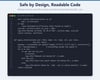
The Python Automation Toolkit is a collection of 20 finished, standalone scripts for the chores almost everyone has: sorting a messy Downloads folder, renaming 300 photos, merging PDFs, shrinking images for your website, turning a CSV into a clean Excel report, printing invoices. No frameworks to learn: each script is one readable file with a clear command line.
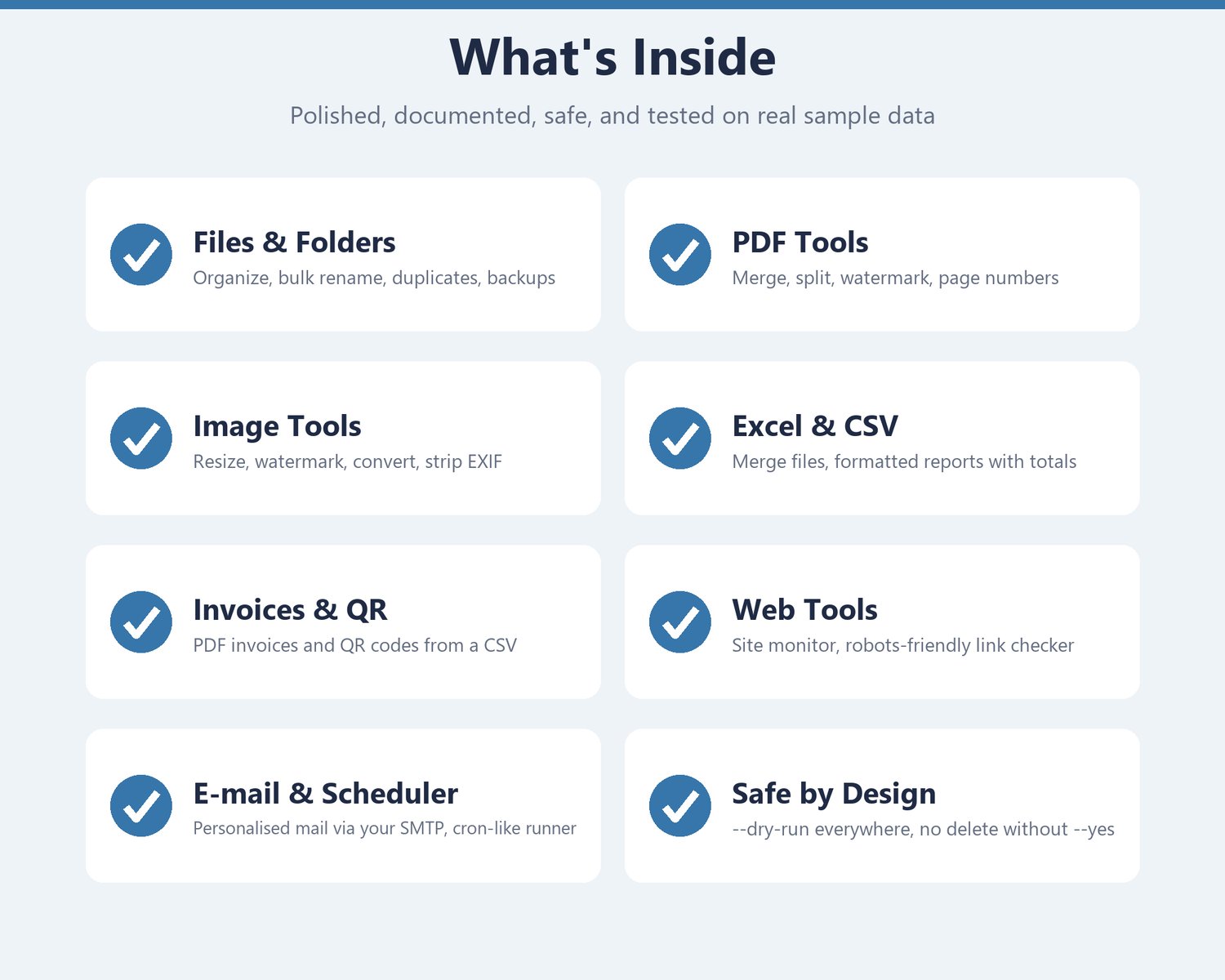
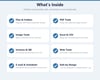
WHAT'S INSIDE: 20 SCRIPTS
FILES AND FOLDERS
• (1) File organizer: sort a folder by file type or by date
• (2) Bulk renamer: patterns with numbering, find/replace (regex too), case change, preview before you commit
• (3) Duplicate finder: finds identical files by SHA-256, CSV/JSON report, optionally move the extras
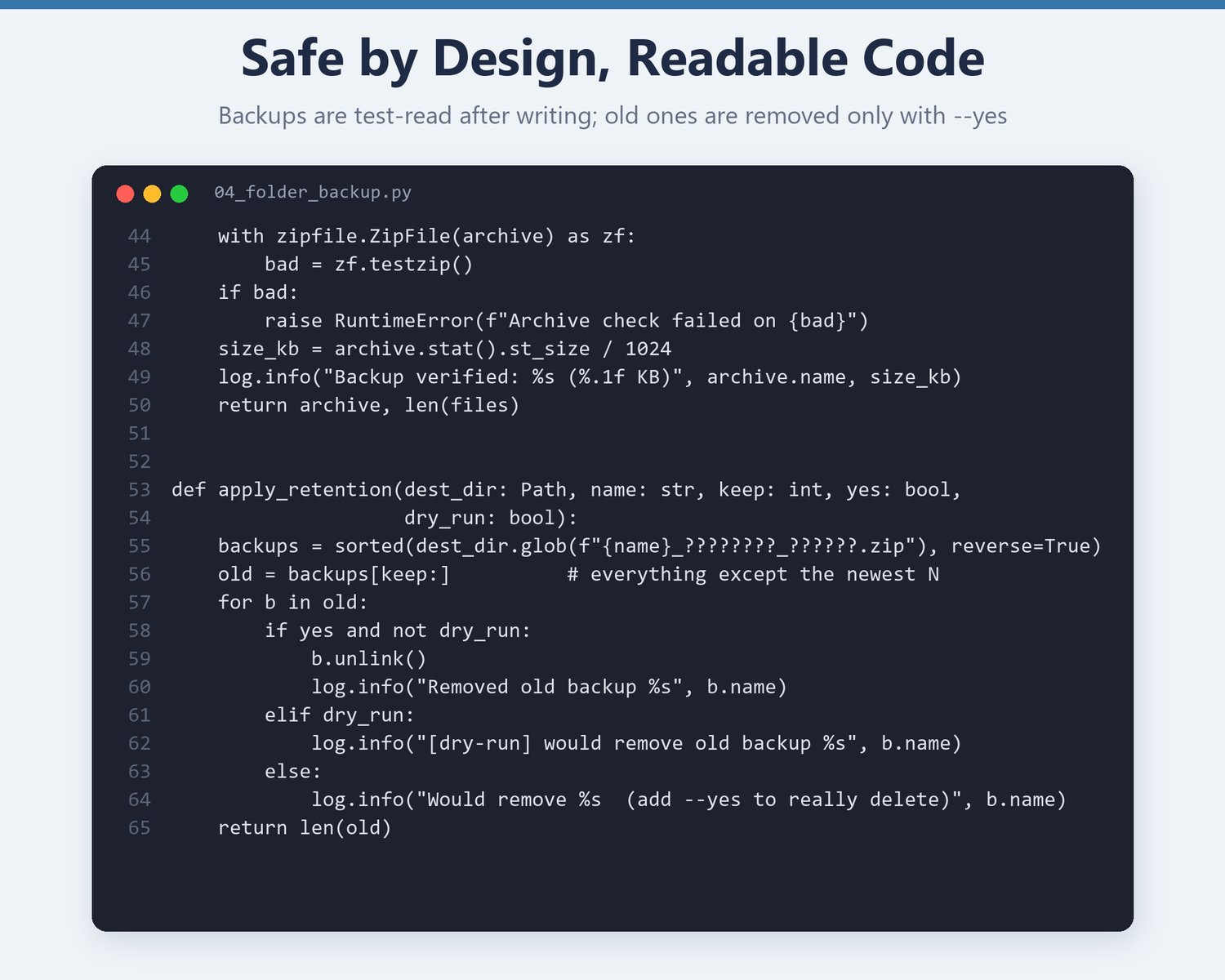
• (4) Folder backup: timestamped zip, verified after writing, keep only the newest N
• (5) PDF merge: wildcards, optional bookmarks
• (6) PDF split / extract: pages like 1-3,5,8-, one file per page, or every N pages
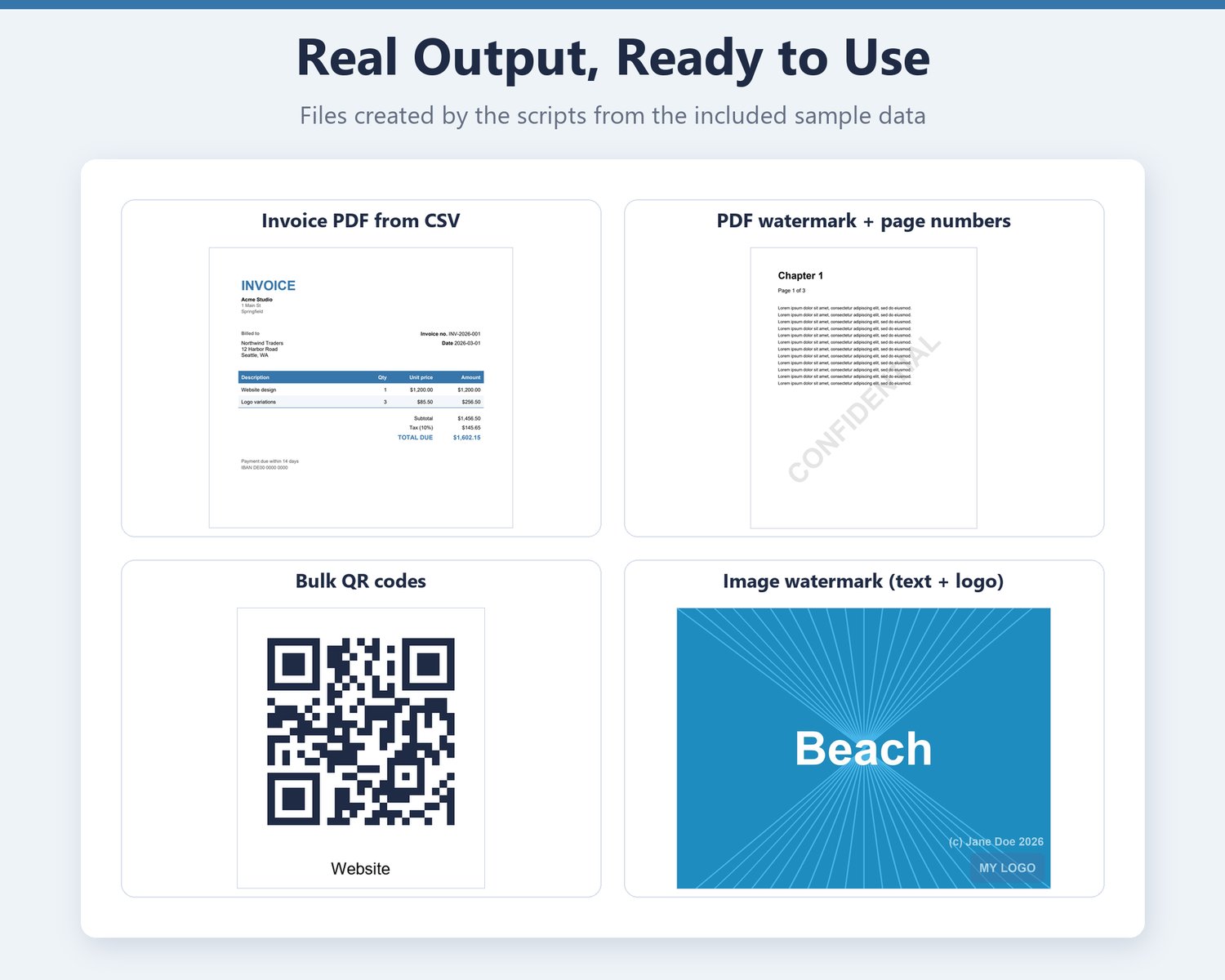
• (7) PDF watermark and page numbers: diagonal text watermark, "Page X of Y"
IMAGES
• (8) Batch resize and compress: photos stay upright (EXIF rotation applied), never enlarged
• (9) Batch watermark: text and/or logo, corner, centre or tiled
• (10) Format converter: PNG, JPG, WebP, BMP, TIFF, GIF, with optional EXIF strip (GPS, camera, dates)
SPREADSHEETS, DOCUMENTS, CODES
• (11) Merge many CSV/Excel files into one sheet, even when the columns differ
• (12) CSV to formatted Excel report: header style, auto column widths, number formats, SUM totals, filters
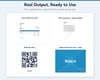
• (13) Invoice PDF generator: one invoice per invoice number, line items, tax, totals
• (14) Bulk QR code generator: one PNG per CSV row, with optional captions and colours
TEXT, DISK, WEB, E-MAIL, SCHEDULING
• (15) Find and replace across files: plain or regex, .bak backups, skips binary files
• (16) Disk usage report: biggest folders and files, plus a clean HTML report
• (17) Website change monitor: hash or diff, at the interval you choose
• (18) Broken link checker for one site: obeys robots.txt, rate limited, CSV output
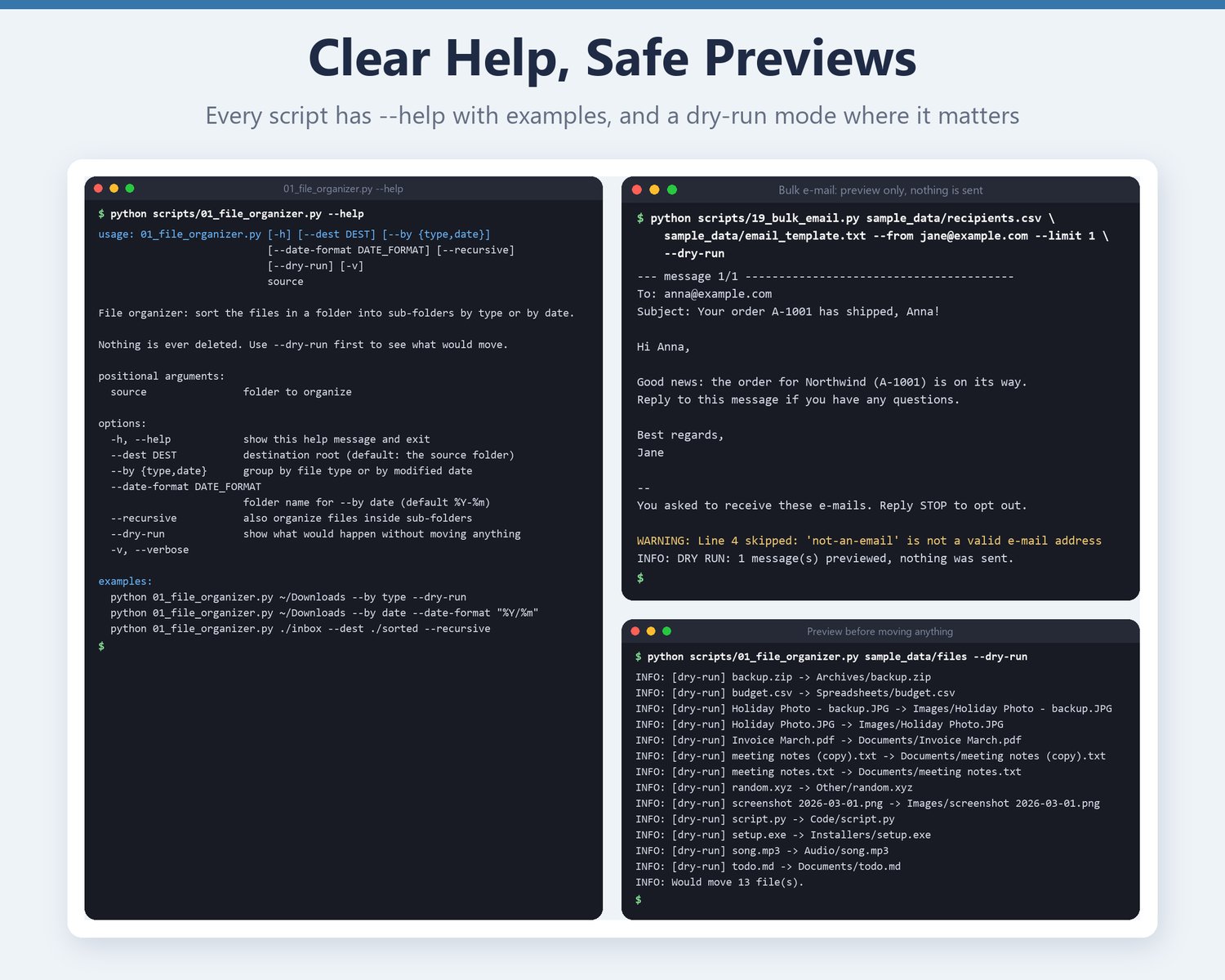
• (19) Personalised bulk e-mail from a CSV through your own SMTP account, with a dry-run preview
• (20) Scheduler / reminder runner: a simple cron-like tool for reminders and commands
BUILT TO BE SAFE
• --dry-run on everything that moves, renames or changes files
• Nothing is ever deleted without --yes; even backup clean-up only reports until you confirm
• Originals are never overwritten; outputs refuse to replace existing files unless you pass --force
• The e-mail script needs --yes to send, reads the password from an environment variable (never the command line) and adds an opt-out line. Send only to people who agreed to receive your e-mail.
• The website tools are polite: robots.txt, delays, a clear User-Agent, a minimum interval
QUALITY
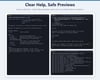
• argparse --help with real examples in every script, logging, clear error messages, sensible exit codes
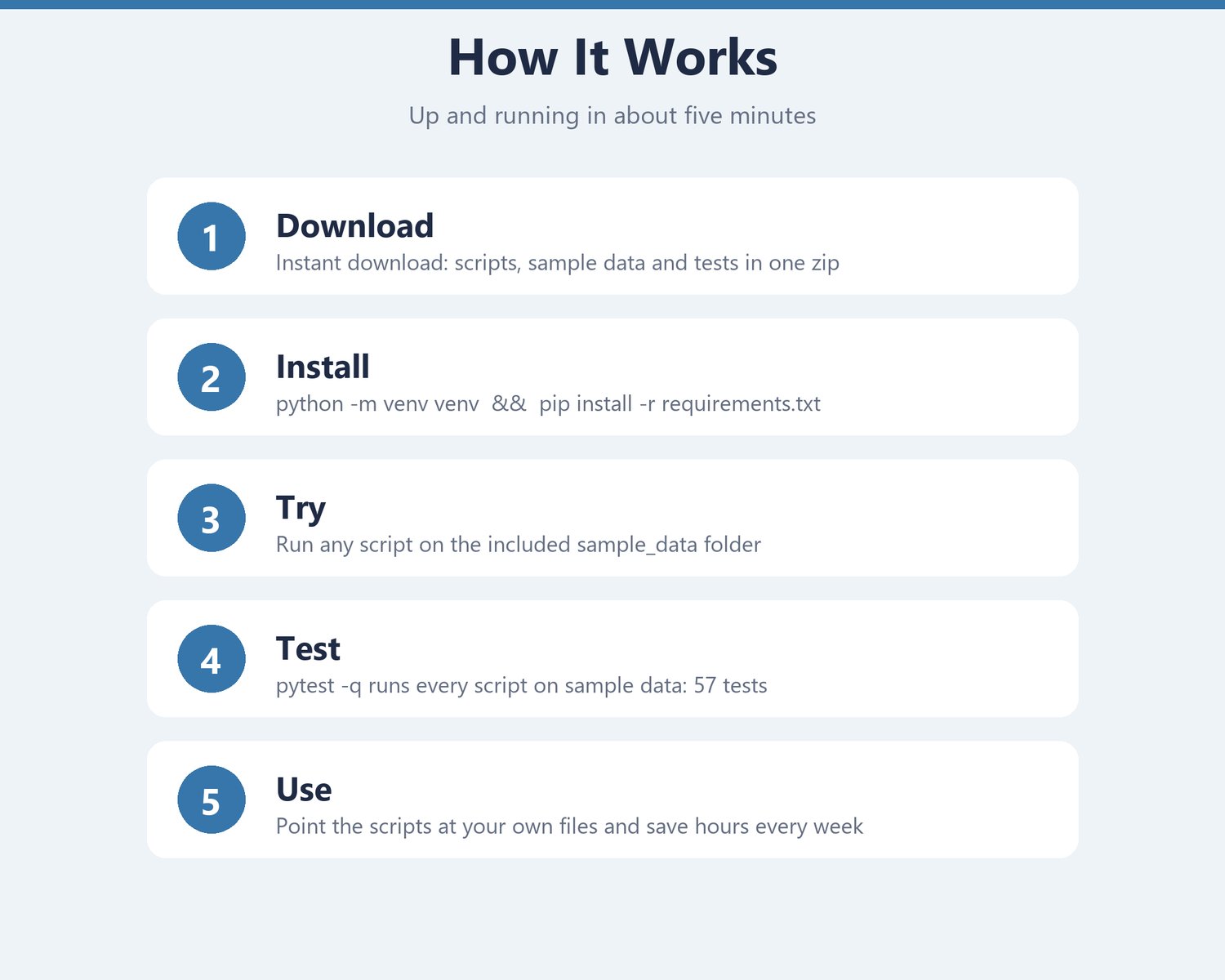
• Sample data for every script, so you can try everything in five minutes
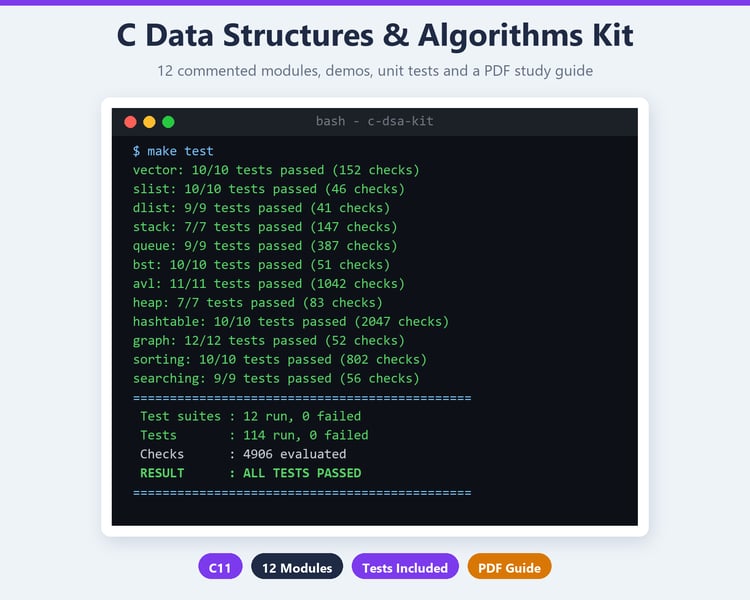
• 57 automated tests (pytest) run every script on the sample data in a temporary folder, including a local web server and a local mail server, so nothing leaves your computer
• Six small, pinned libraries: pypdf, Pillow, openpyxl, requests, qrcode, reportlab
REQUIREMENTS
• Python 3.10 or newer (python.org, free)
• About 5 minutes to set up: python -m venv venv, then pip install -r requirements.txt
• Windows, macOS or Linux
YOU WILL RECEIVE
One zip file (Python_Automation_Toolkit.zip, about 0.8 MB) with the 20 scripts, README.md (install guide, table of all scripts, examples, troubleshooting), requirements.txt, sample_data/, the pytest suite and LICENSE.txt.
PLEASE NOTE
• This is a digital download (Python source code). Nothing is shipped.
• Developed and tested on Windows 11 with Python 3.14. The code uses only standard, cross-platform Python and is written for Python 3.10+, but other setups were not tested by the author.
• Scripts that e-mail or visit websites are for your own accounts and for sites you may check. Do not use them for spam or for sites that forbid automated access.
• No social-media or YouTube tools are included.
• Single-user license: no resale, redistribution or sharing. See LICENSE.txt.
• Because this is a digital product, refunds are not offered, but please message me if you have trouble getting started.