
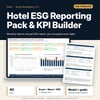
Hotel ESG Reporting Pack & KPI Builder: Hotel ESG KPI Tracker and Annual Sustainability Report Template
Full description
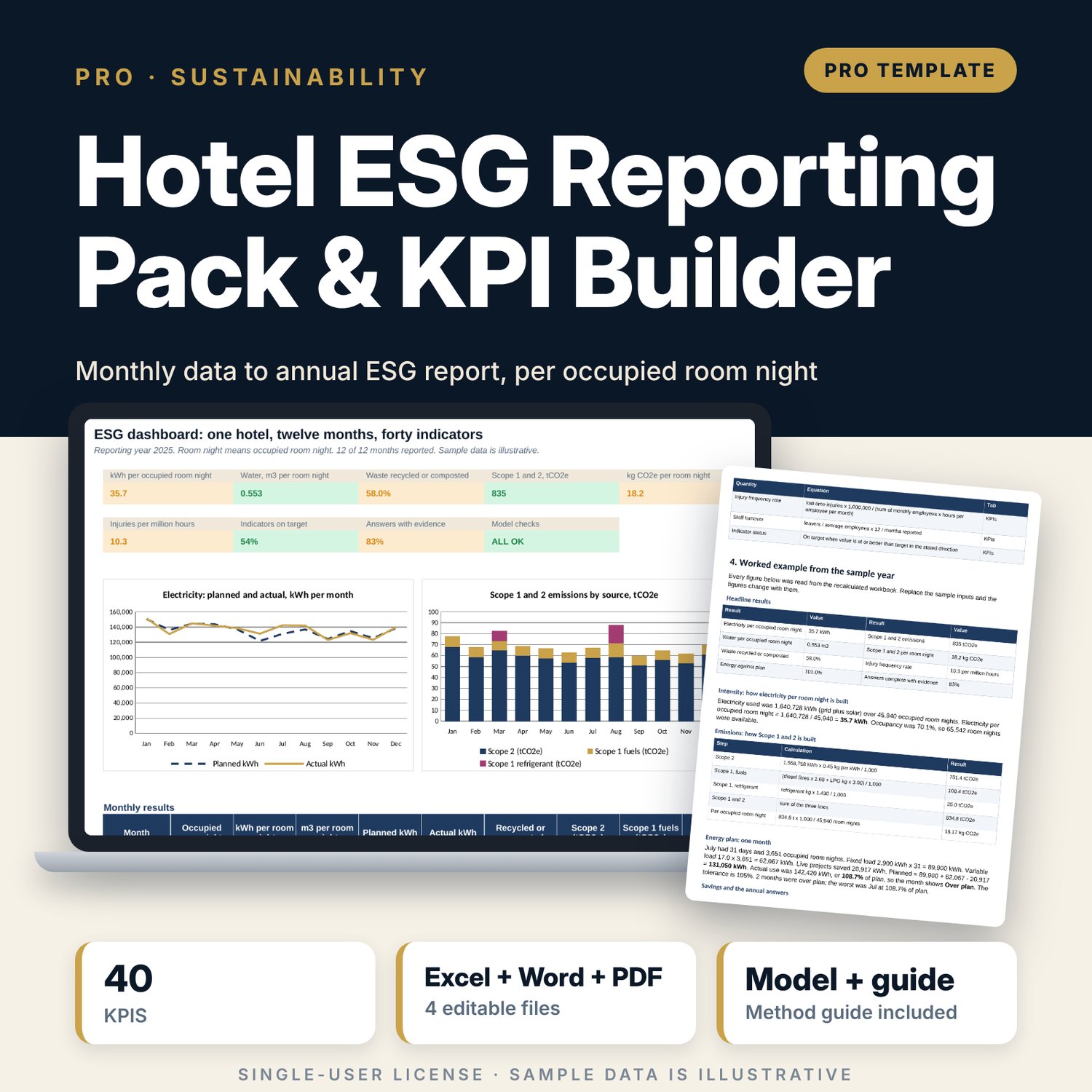
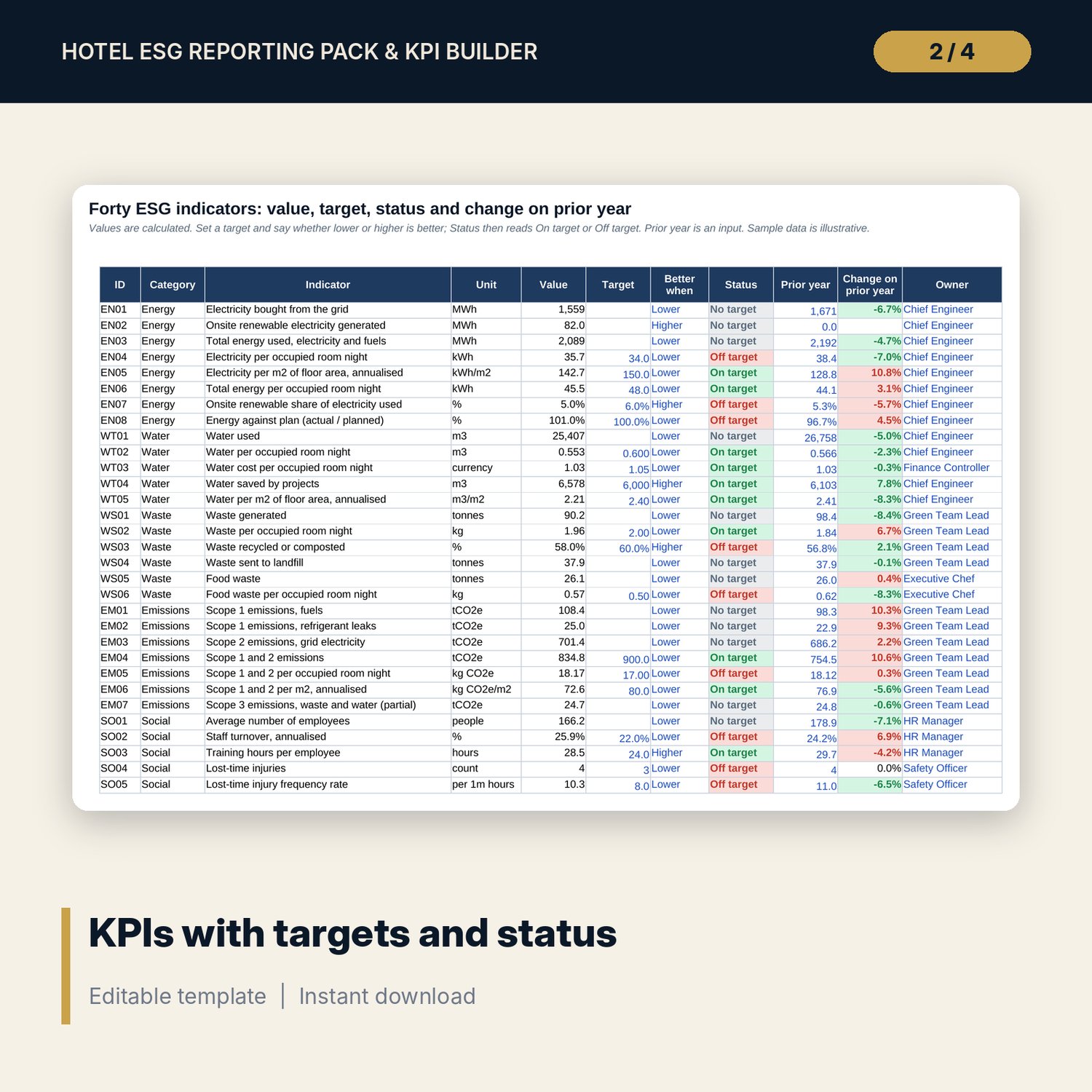
For general managers, chief engineers and sustainability leads who must answer a group ESG request with numbers that trace to meters, invoices and records. The workbook turns 12 months of electricity, water, fuel, waste, people and incident data into 40 indicators across energy, water, waste, emissions, social and governance, each per occupied room night where it makes sense. It builds Scope 1, 2 and 3 emissions from your factors, sets a planned electricity load against actual use, tracks saving projects and records 25 yearly questions with evidence, owner and date. A companion sheet collects the monthly items and a 8-page guide explains the method.
What is inside
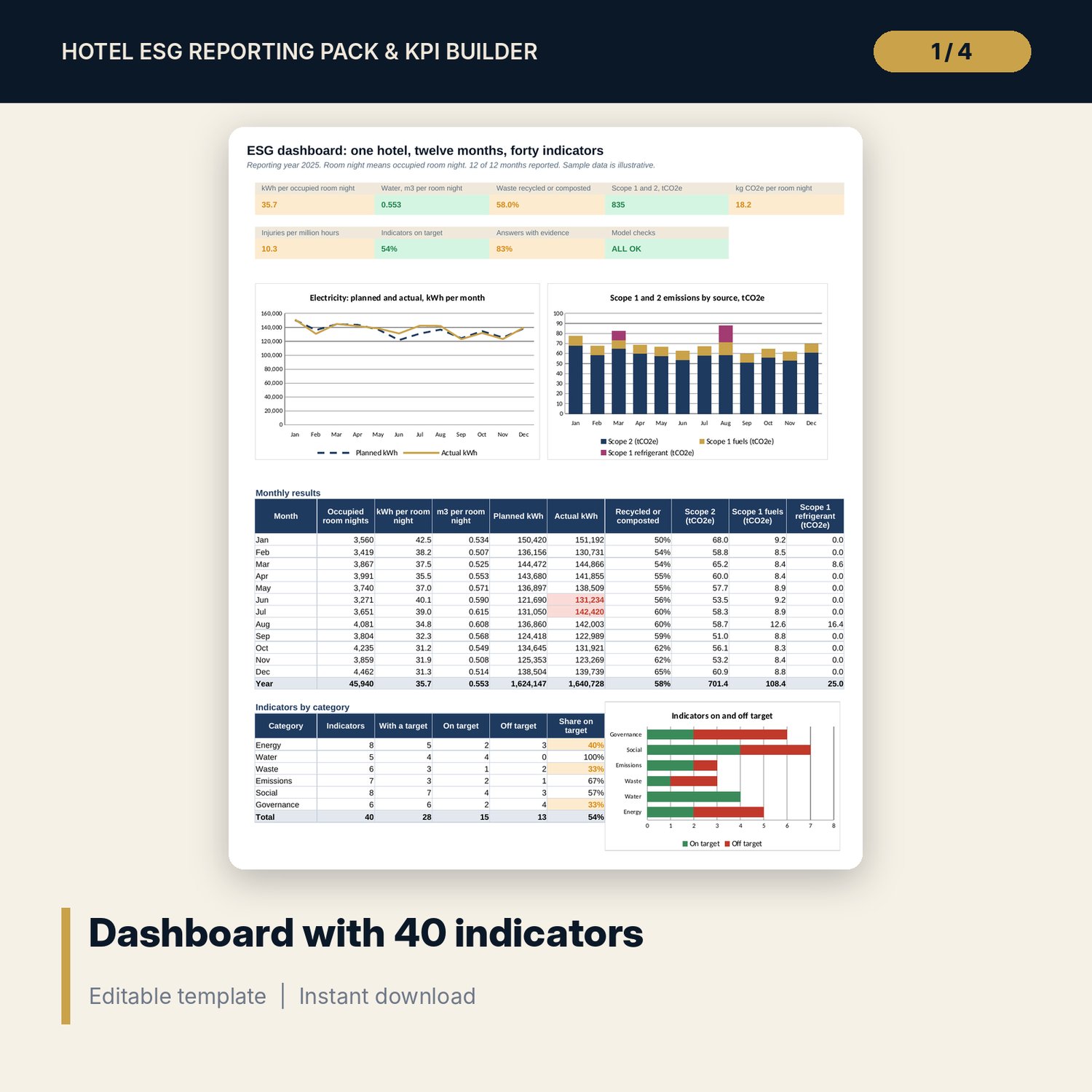
- Hotel_ESG_Reporting_Pack.xlsx: 12 tabs, 1,165 formulas, 4 native charts, 16 drop-down and input rules
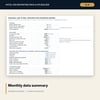
- Monthly Data: 12 months x 19 items in two tables, with rooms available, occupancy and range flags (sample year)
- Annual Answers: 25 yearly questions across Environmental, Social and Governance, each with evidence reference, owner, date and status
- Projects: 14 sample saving projects plus 6 spare rows, with months live, savings in the year and payback
- Monthly Calc: 25 columns, one step each, from occupancy to Scope 1, 2 and 3; Energy Plan with planned against actual and an over-plan flag
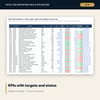
- KPIs: 40 indicators in 6 categories with value, target, status, prior year and owner
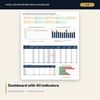
- Annual Report (one printable page), Dashboard with 8 tiles and a check tile, 3 charts; 13 integrity checks; Method tab with 16 documented calculations
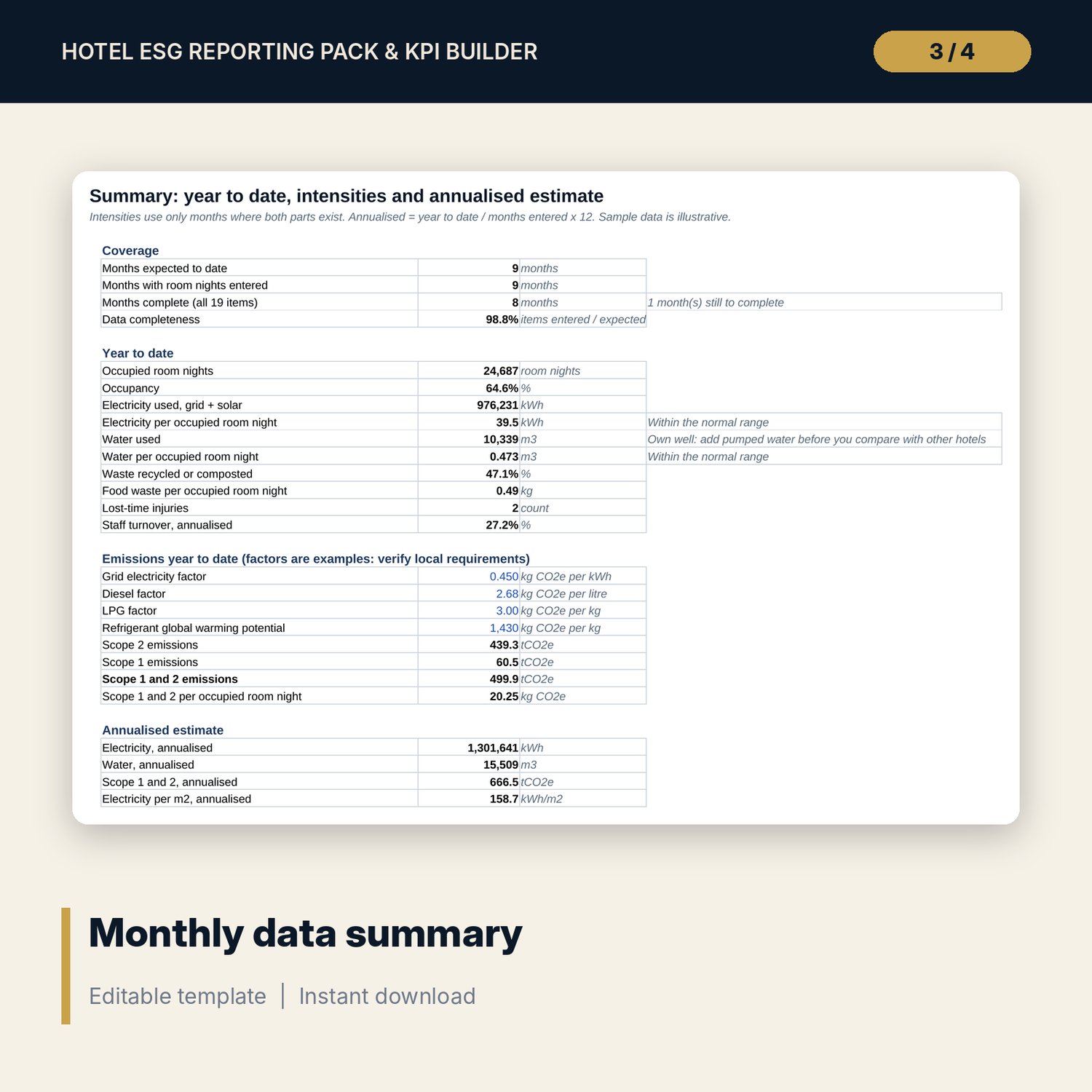
- Hotel_ESG_Reporting_Pack_Monthly_Data_Sheet.xlsx: 5 tabs, 445 formulas, 19 items by month with owner and due day, month status, range flags, summary and a feed block
- ESG_Reporting_Guide.docx and PDF: 8 pages with the 15-point reporting checklist, equations, worked example read from the workbook, actions and common mistakes
- README.txt and LICENSE-and-Terms.txt
How it works
- Set the year, rooms, floor area, emission factors and the energy plan inputs on Assumptions.
- Enter the 19 monthly items on Monthly Data, or collect them on the companion sheet and paste the feed.
- Answer the yearly questions with evidence and list saving projects.
- Read KPIs, Energy Plan and Dashboard, act on every Off target line, and fix any status that is not Complete.
- Confirm that Checks shows ALL OK and print the one-page annual report for sign-off.
Details
- Formats: 2 Excel workbooks (.xlsx), 1 Word guide (.docx) and its PDF, English
- Software: Excel 2016 or later, or LibreOffice Calc 7 or later
- No macros, no external links, no array formulas
- 4 files plus README and license; instant digital download
Good to know
- Sample data is illustrative. It describes no real hotel.
- Emission factors, normal ranges and targets are examples. Verify local requirements and use the factors your group or regulator names.
- One property per workbook. Scope 3 covers waste and water only. The pack is a reporting tool, not an audit or assurance.
- Single-user license. Do not redistribute.
FAQ
Which emission factors does it use?
Editable examples on Assumptions: grid electricity, diesel, LPG, refrigerant warming potential, landfill and water. Replace them with the factors your group or regulator names.
Can I use it for a part year?
Yes. Leave months without data empty. Ratios use only the months where both parts exist, and the per m2 and turnover lines are annualised from the months reported.
Does it cover more than one property?
One property per workbook. Use one copy per hotel; the companion sheet is also one property per year.
What does the companion sheet do?
It collects the 19 monthly items with an owner and due day, shows which months are complete, flags odd kWh or m3 per room night and gives a block to paste into Monthly Data.
Do I need macros?
No. Every result is a standard worksheet formula.