
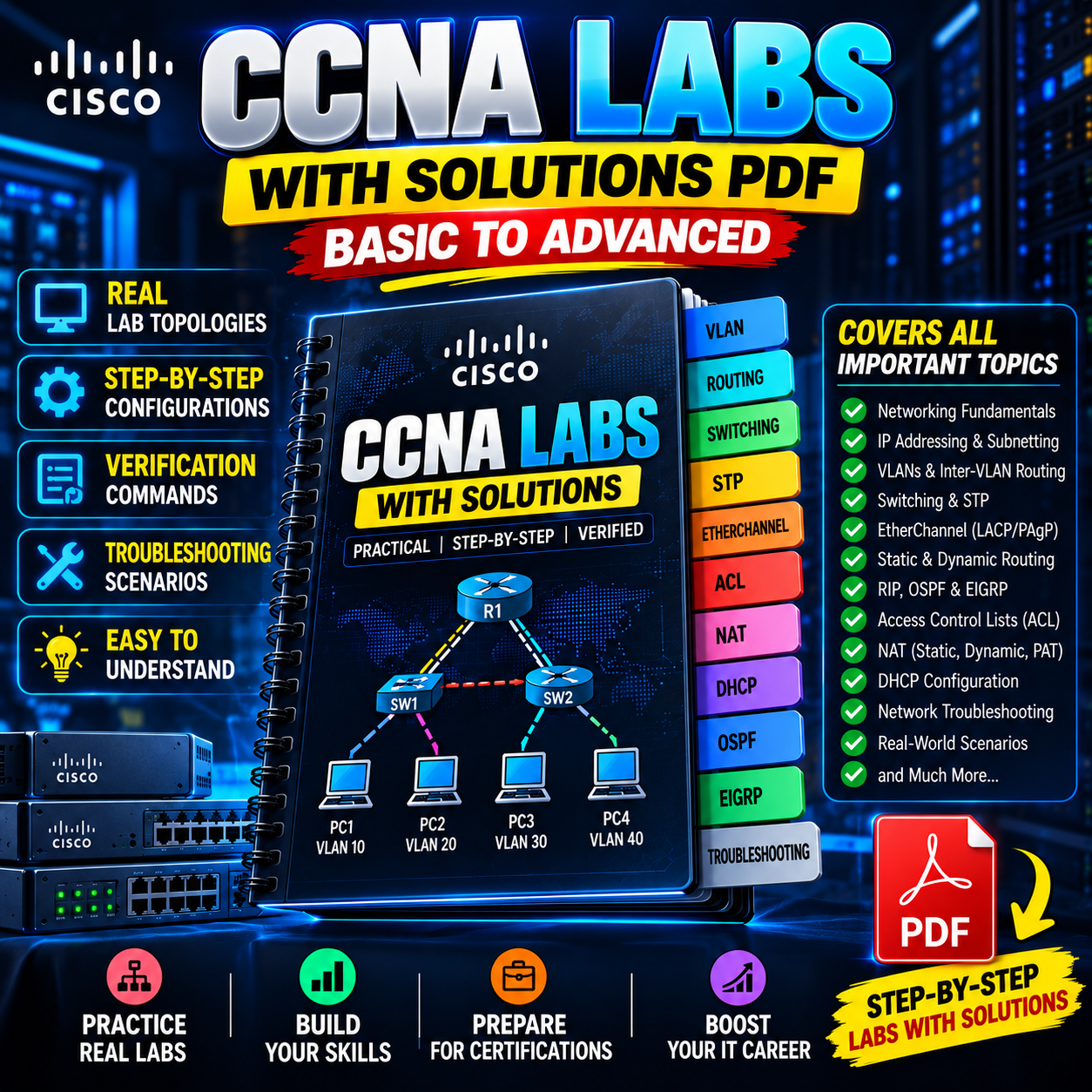
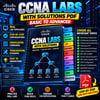
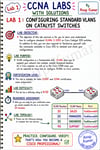
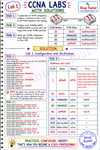
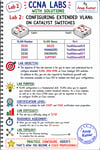
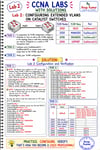
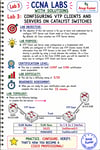
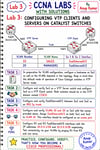
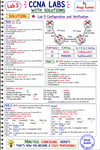
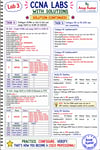
CCNA Labs with Step-by-Step Solutions
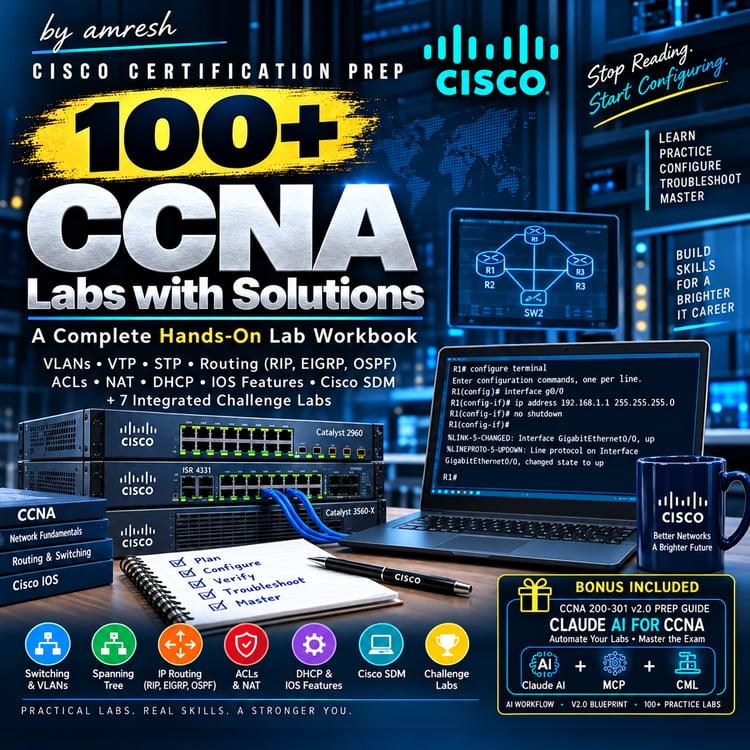
CCNA Labs with Solutions PDF – Basic to Advanced Networking Practical Guide
Build Practical Networking Skills with CCNA Lab Exercises
Learning networking becomes more effective when you combine theoretical knowledge with hands-on configuration and troubleshooting.
The CCNA Labs with Solutions PDF is designed to help networking learners understand important Cisco networking concepts through practical lab exercises, configuration commands, verification steps, and troubleshooting practice.
Whether you are beginning your networking journey or strengthening your preparation for the CCNA 200-301 certification, these labs can help you develop a structured approach to learning network configuration and operation.
What You Can Learn
1. Networking Fundamentals
Build a strong foundation in network communication, Ethernet, MAC addresses, ARP, IP addressing, and basic Cisco IOS commands.
2. IP Addressing and Subnetting
Practise IPv4 addressing, subnet calculations, network identification, and address planning for different network requirements.
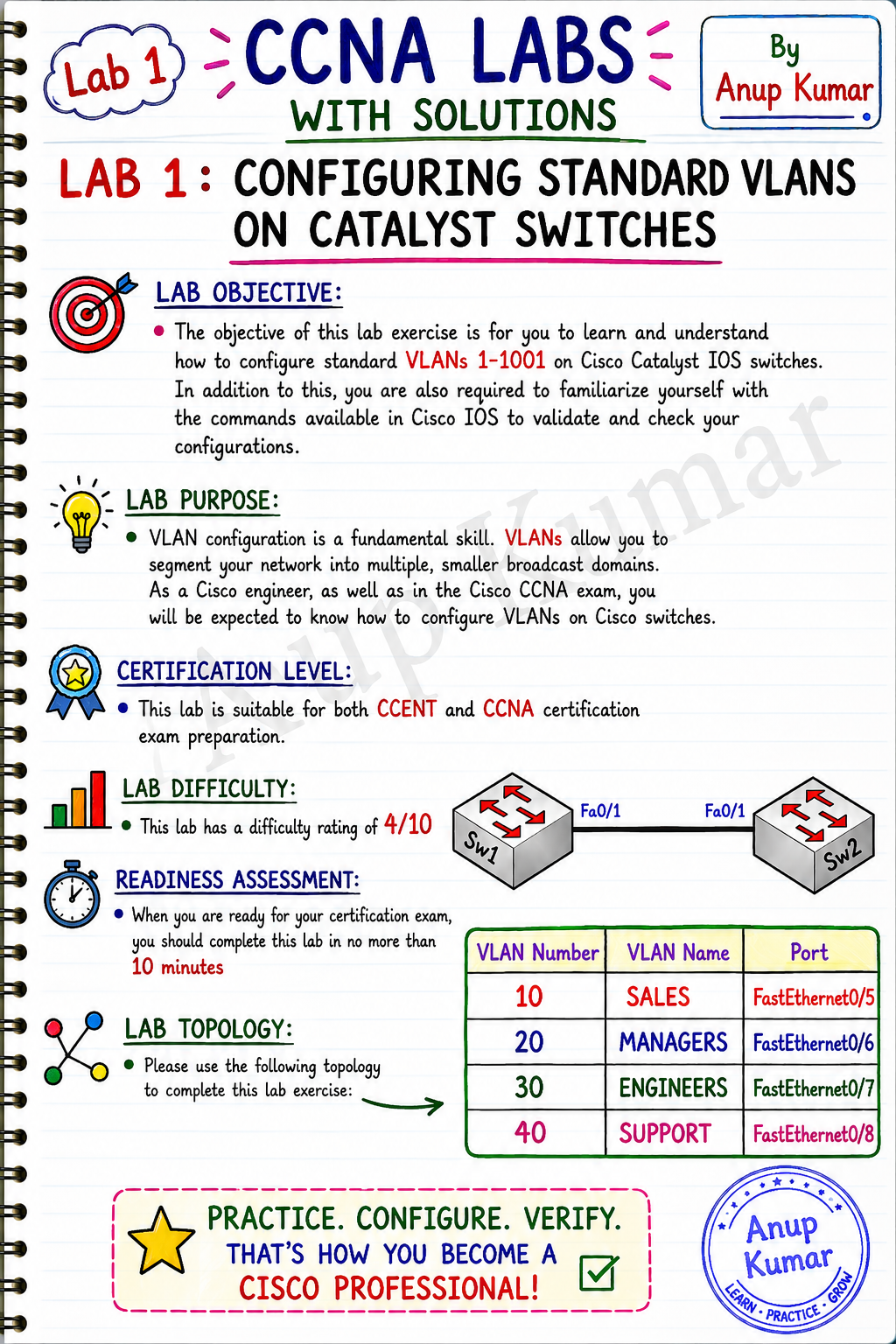
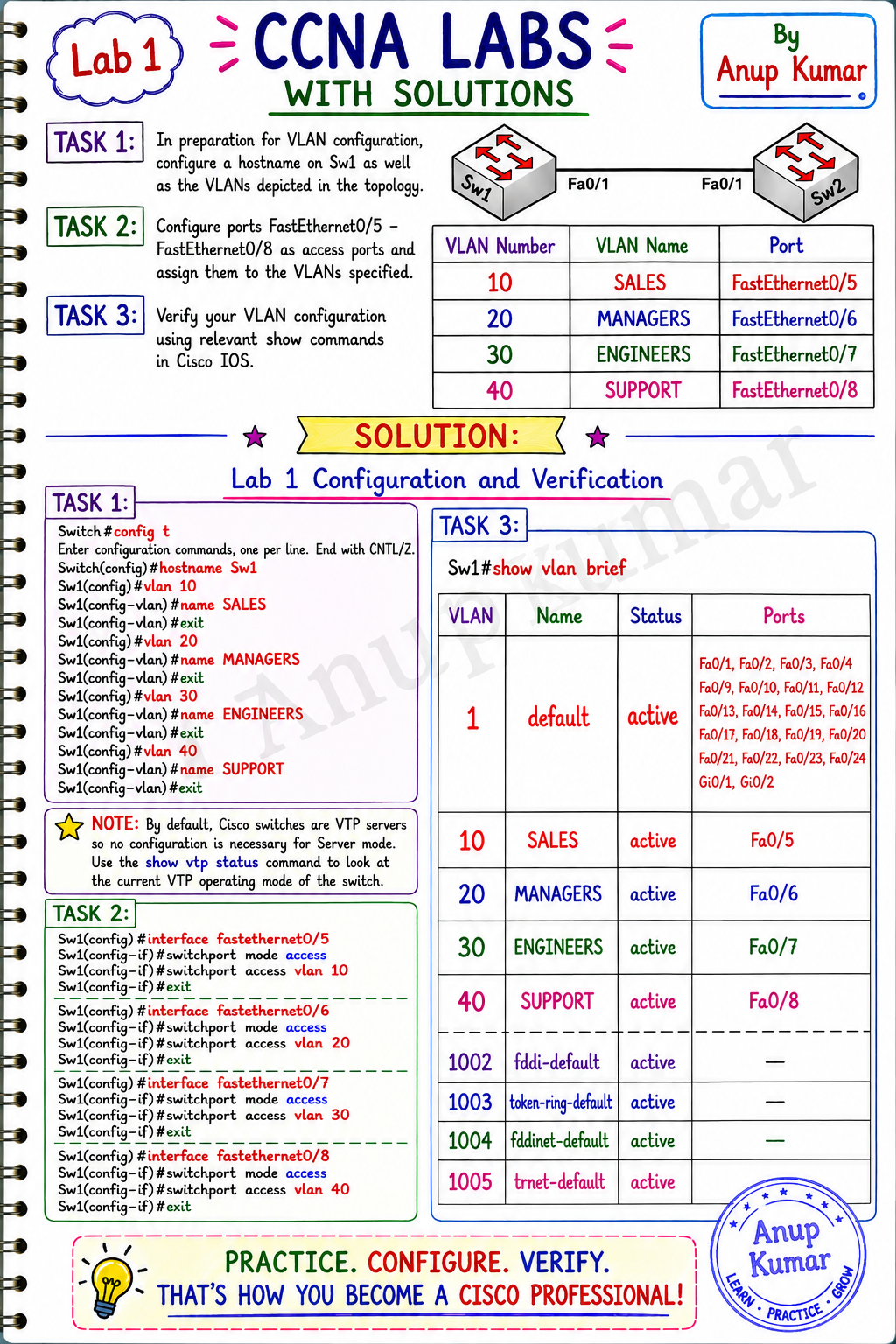
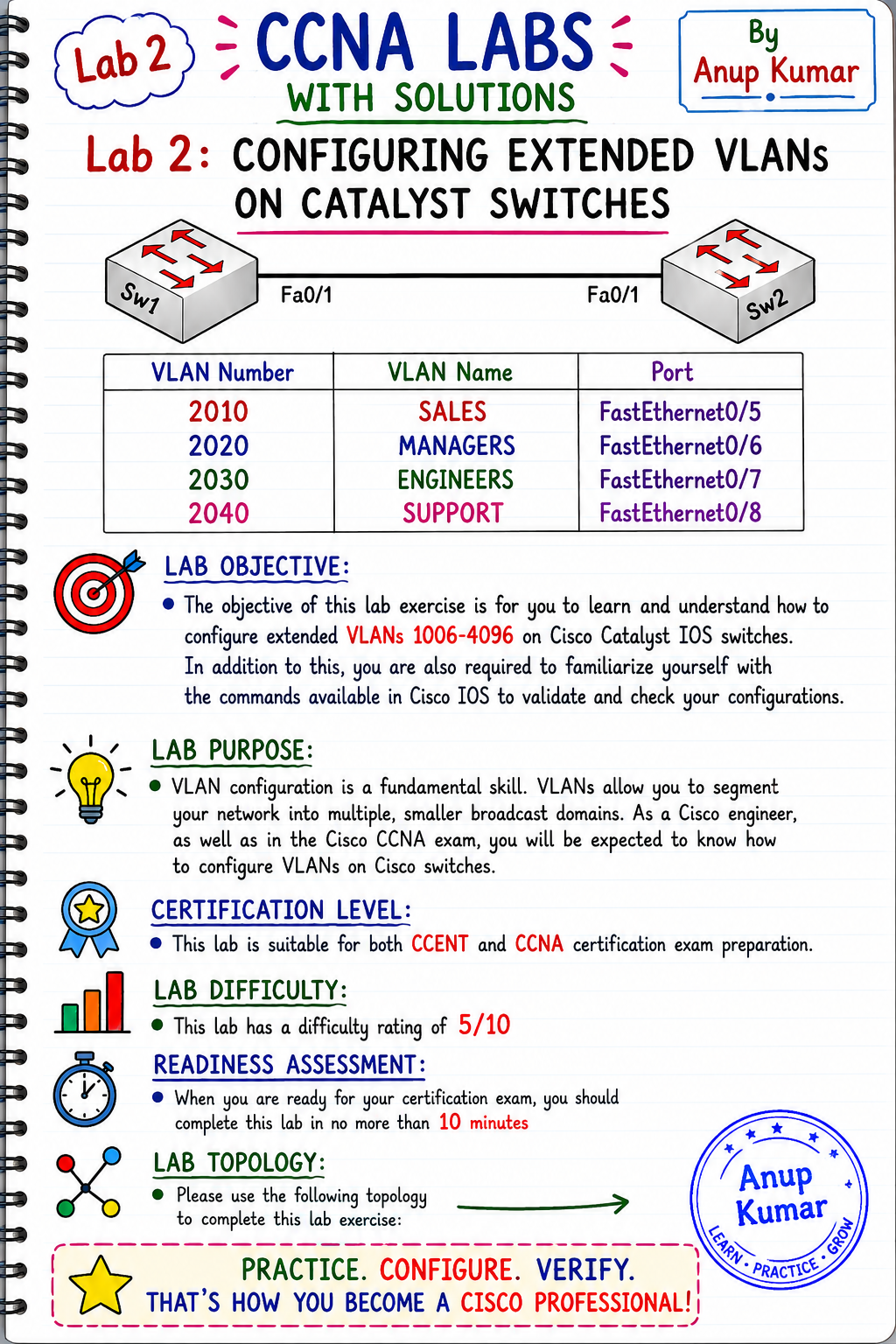
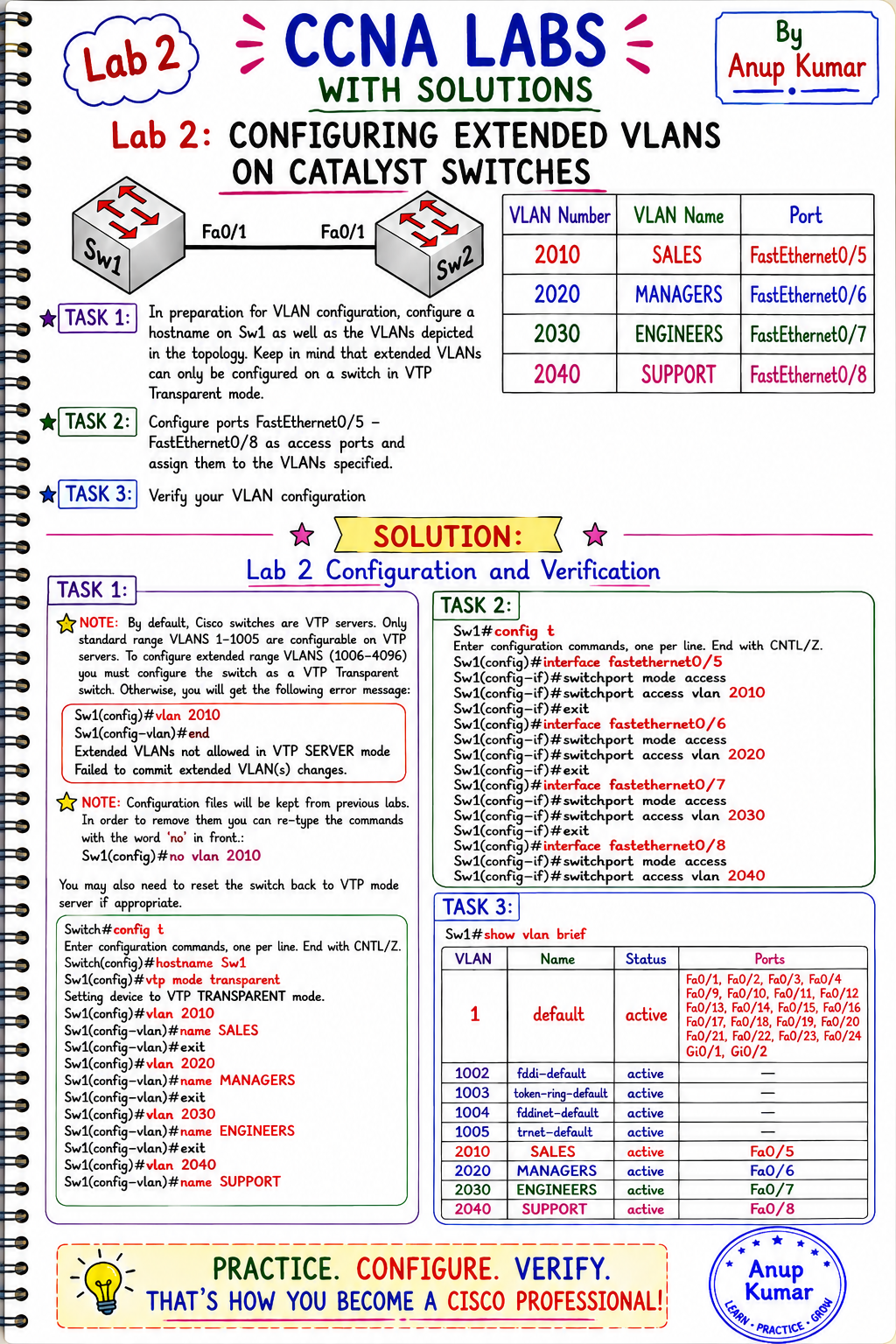
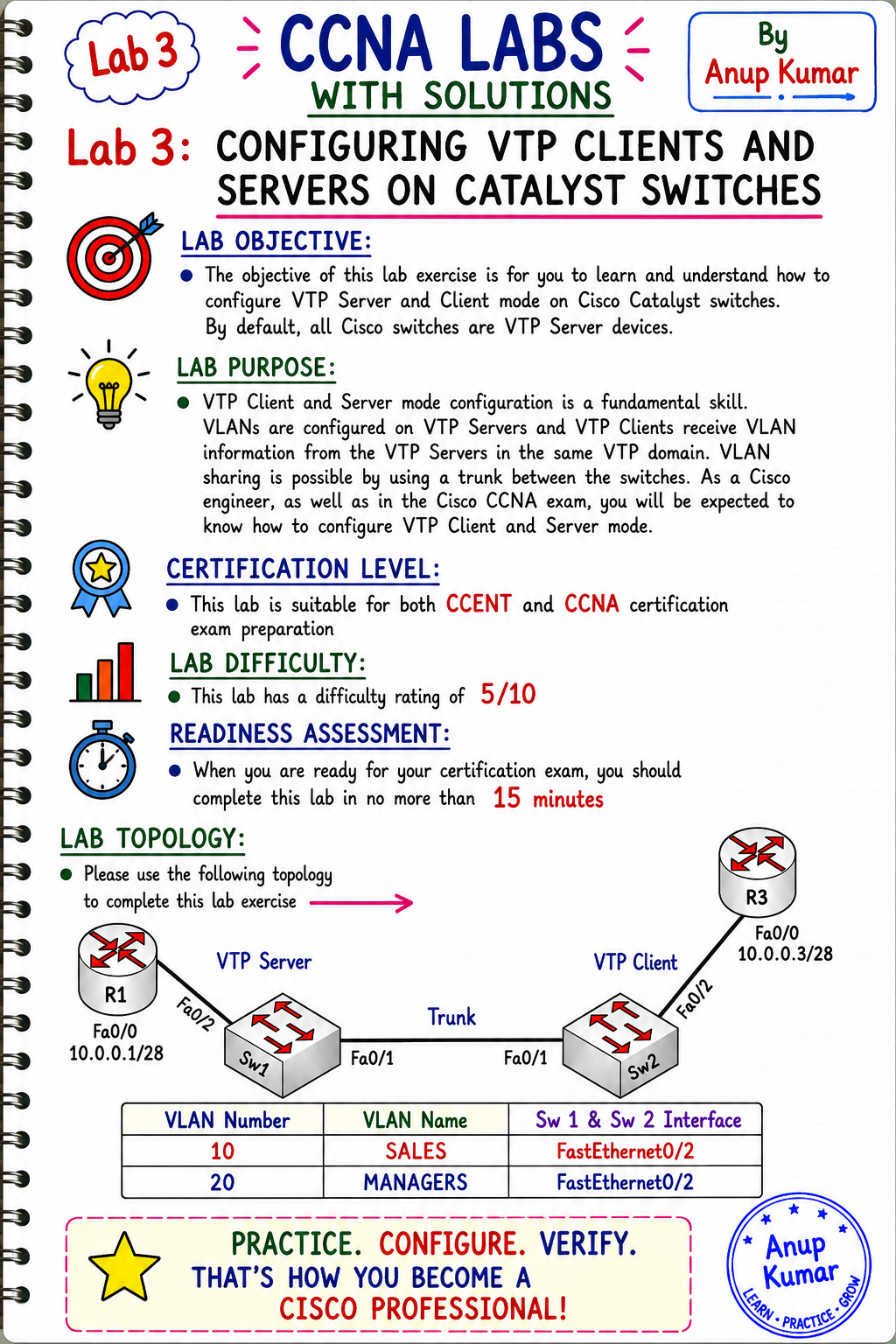
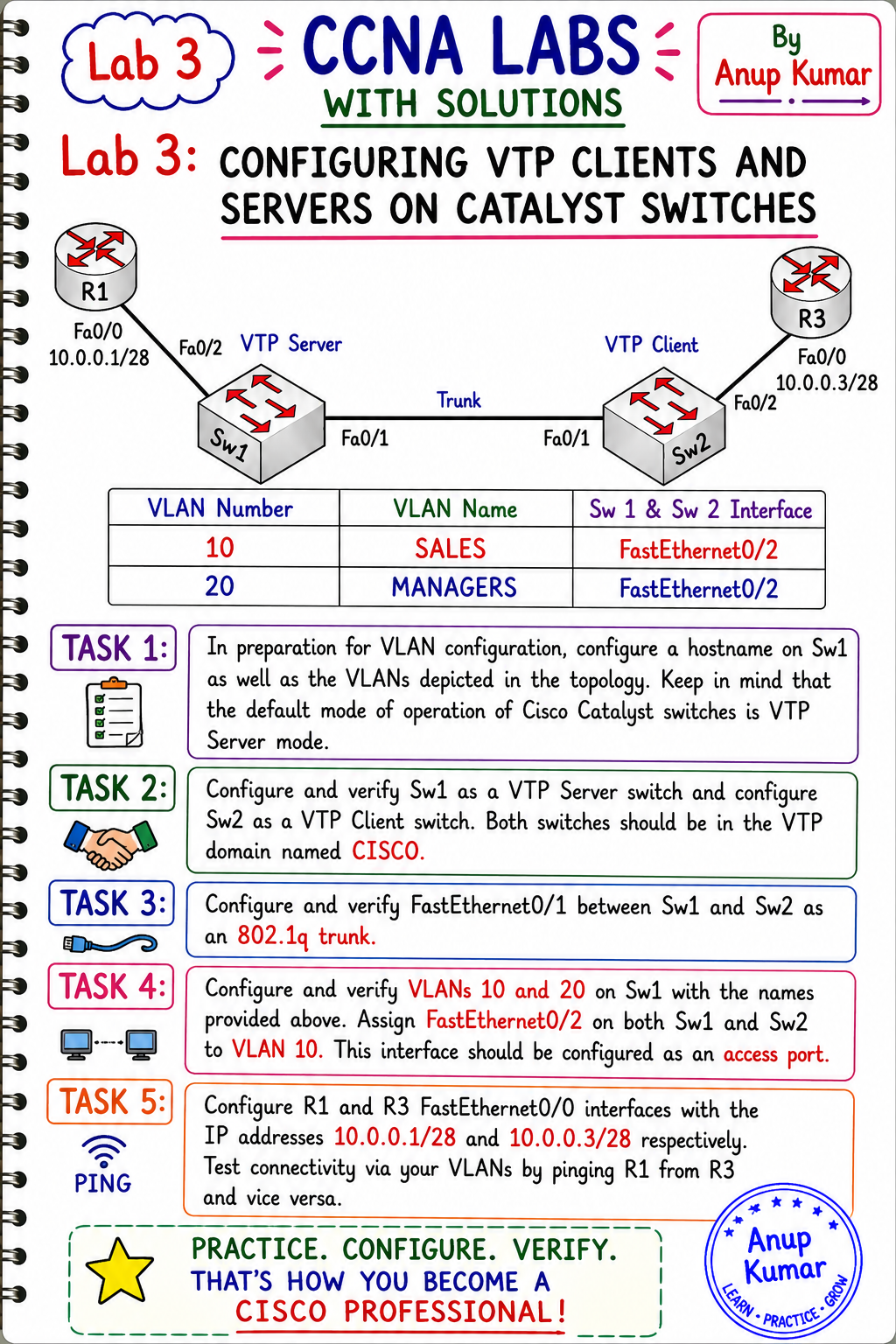
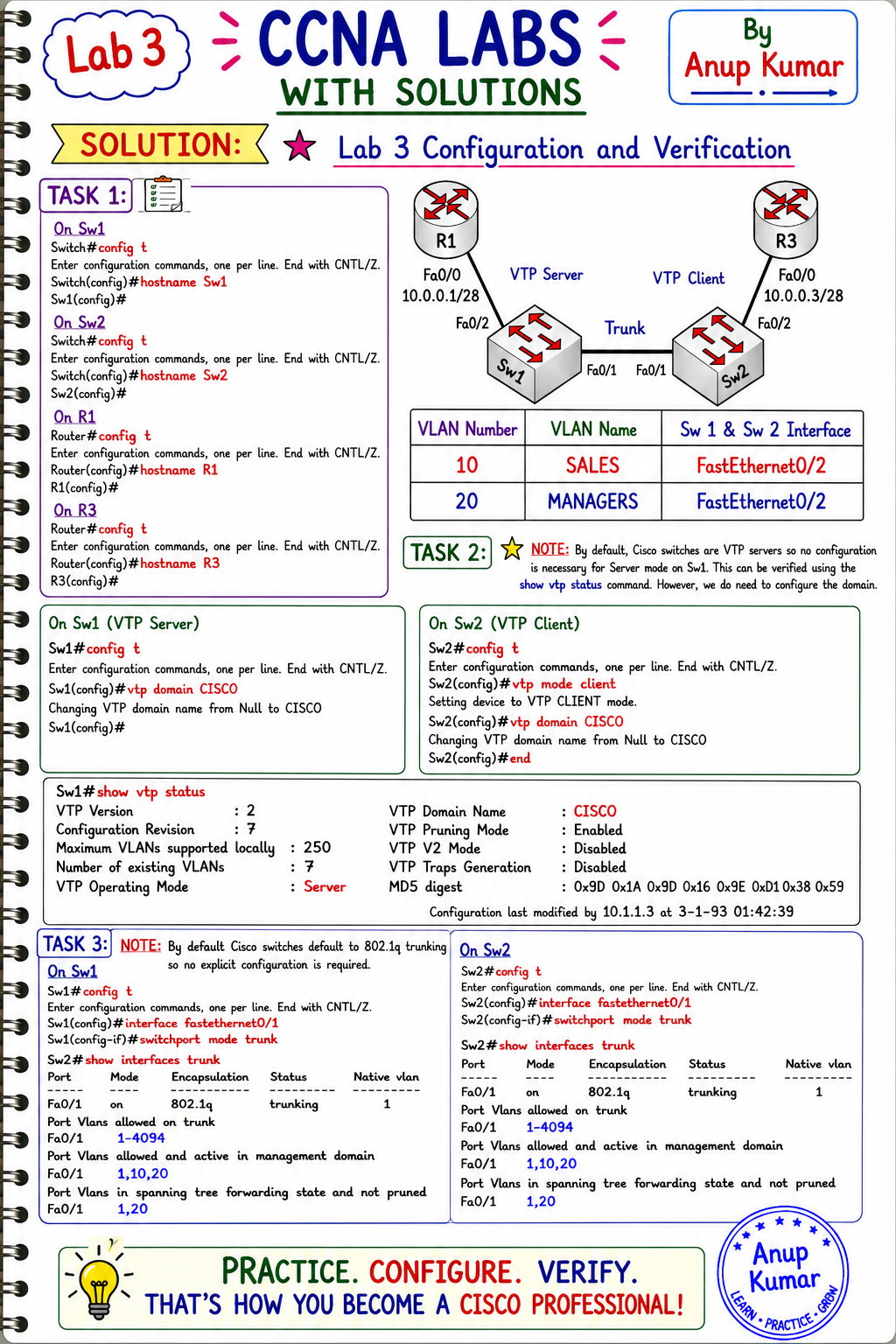
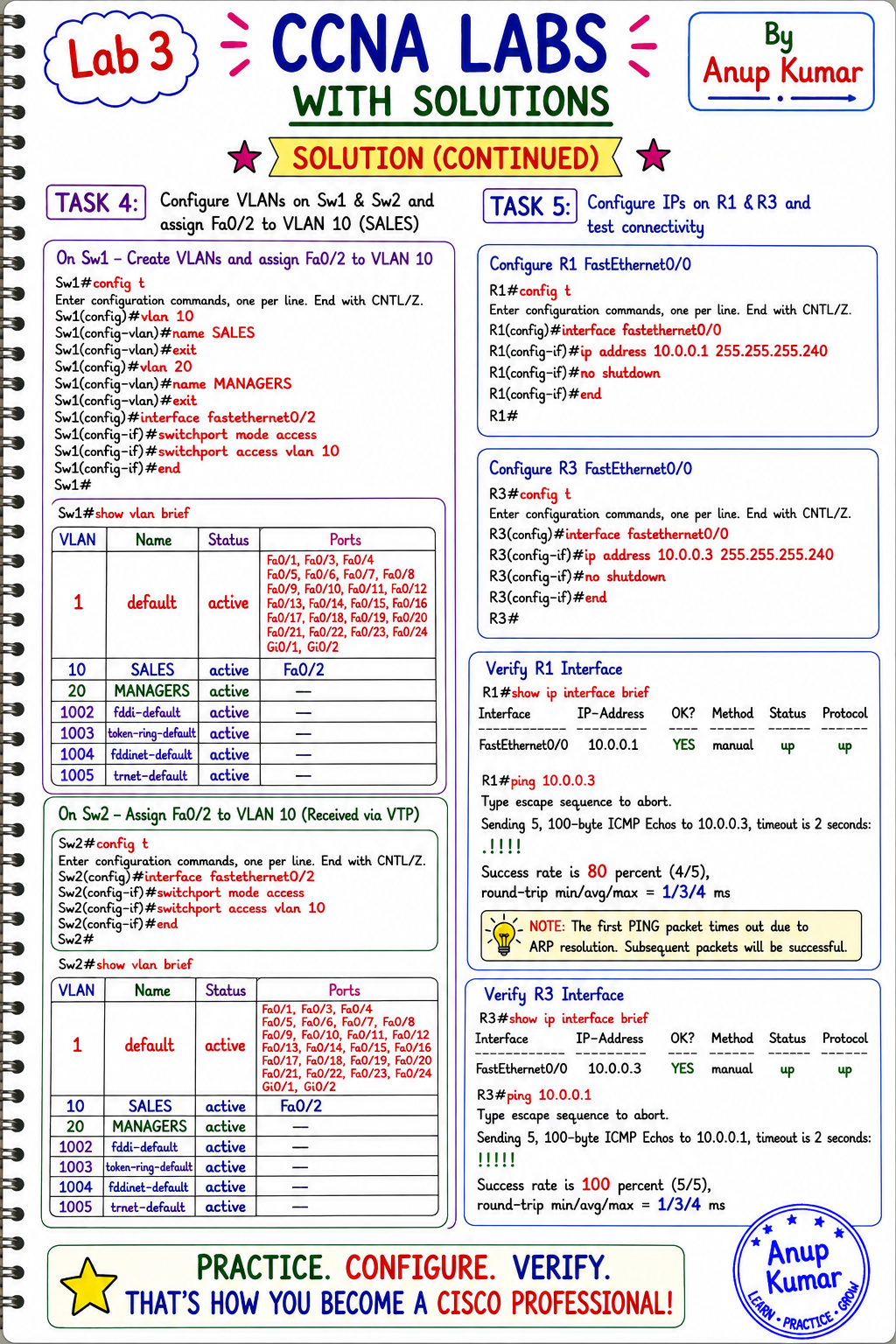
3. Switching and VLAN Configuration
Learn how to configure and verify:
- Standard VLANs and VLAN assignments
- Access ports and trunk ports
- Inter-VLAN routing
- Spanning Tree Protocol (STP)
- EtherChannel using LACP and PAgP
4. Routing Fundamentals
Understand how routers forward packets and practise static routing, default routes, and routing table verification.
5. Dynamic Routing Protocols
Explore routing concepts and configuration practice involving RIP, OSPF, and EIGRP, where included in the lab collection.
6. Network Services and Security
Develop practical familiarity with:
- Access Control Lists (ACLs)
- Network Address Translation (NAT)
- DHCP configuration
- Basic network traffic filtering
- Network connectivity verification
7. Network Troubleshooting
Learn to approach common networking problems systematically using Cisco IOS commands, connectivity tests, routing table checks, and configuration verification.
What Makes Practical Labs Valuable?
Each lab provides an opportunity to connect networking theory with practical tasks. Depending on the exercise, you can work with objectives, network topologies, configuration commands, verification procedures, and solutions.
Practising these tasks helps you understand why a configuration works, identify common mistakes, and improve your troubleshooting approach.
Who Should Use These CCNA Labs?
- Students learning computer networking
- CCNA 200-301 certification candidates
- Beginners progressing toward intermediate and advanced networking
- Freshers preparing for Network Engineer and NOC Engineer roles
- IT Support professionals strengthening networking fundamentals
- Learners practising in Cisco Packet Tracer or compatible lab environments, where supported
How to Use the Lab PDF
- Read the lab objective and understand the topology.
- Attempt the configuration independently.
- Apply the relevant Cisco IOS commands in your lab environment.
- Verify the configuration using appropriate show and troubleshooting commands.
- Compare your results with the provided solution.
- Repeat the exercise until you can explain the configuration confidently.
Strengthen Your Networking Knowledge
Consistent lab practice helps you build a deeper understanding of routing, switching, network services, and troubleshooting. Use these exercises alongside your CCNA study plan to reinforce concepts and develop practical skills.
Get the CCNA Labs PDF and take the next step in your networking learning journey.