
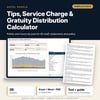
Tips, Service Charge & Gratuity Distribution Calculator: Tip Pooling Calculator by Points and Hours Worked
Full description
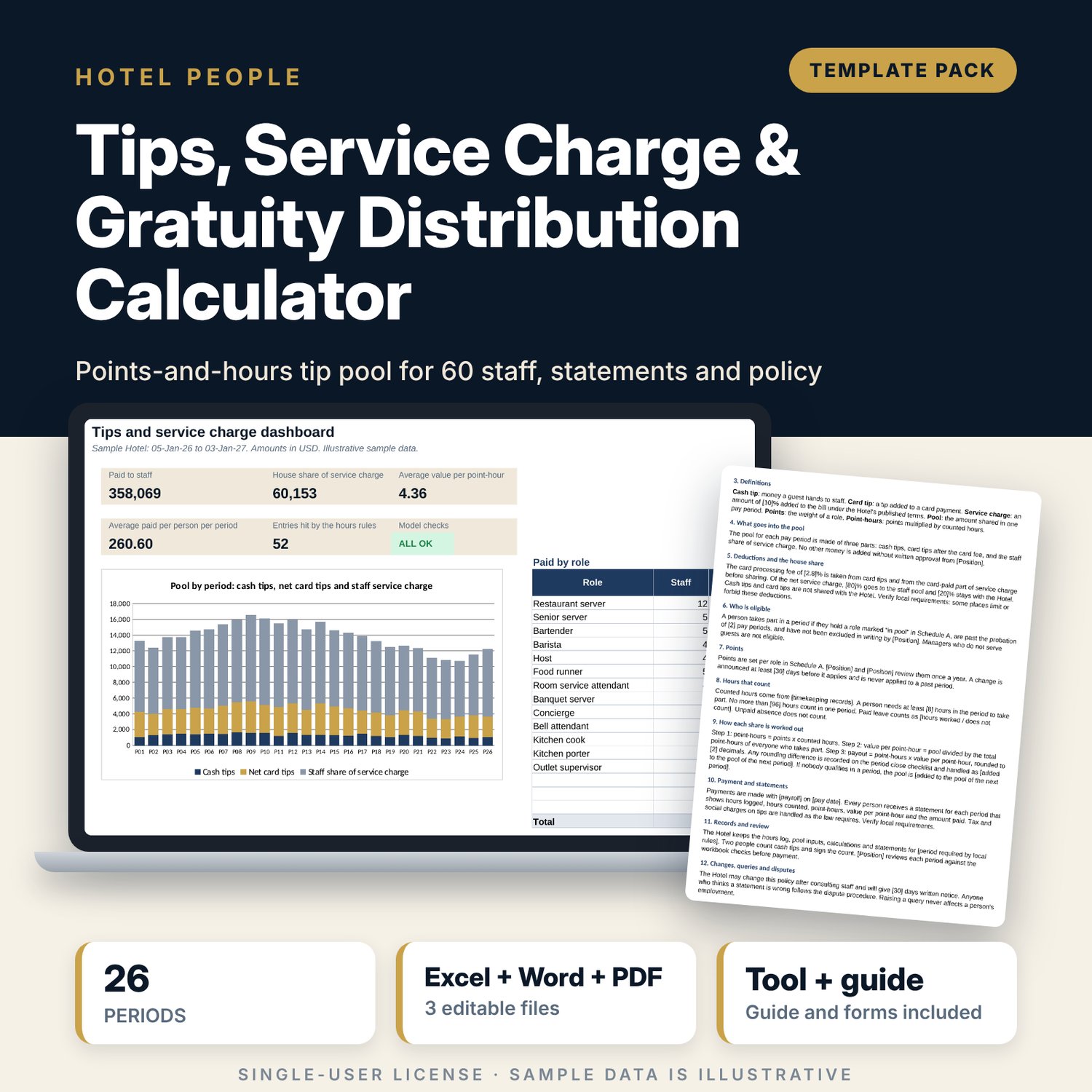
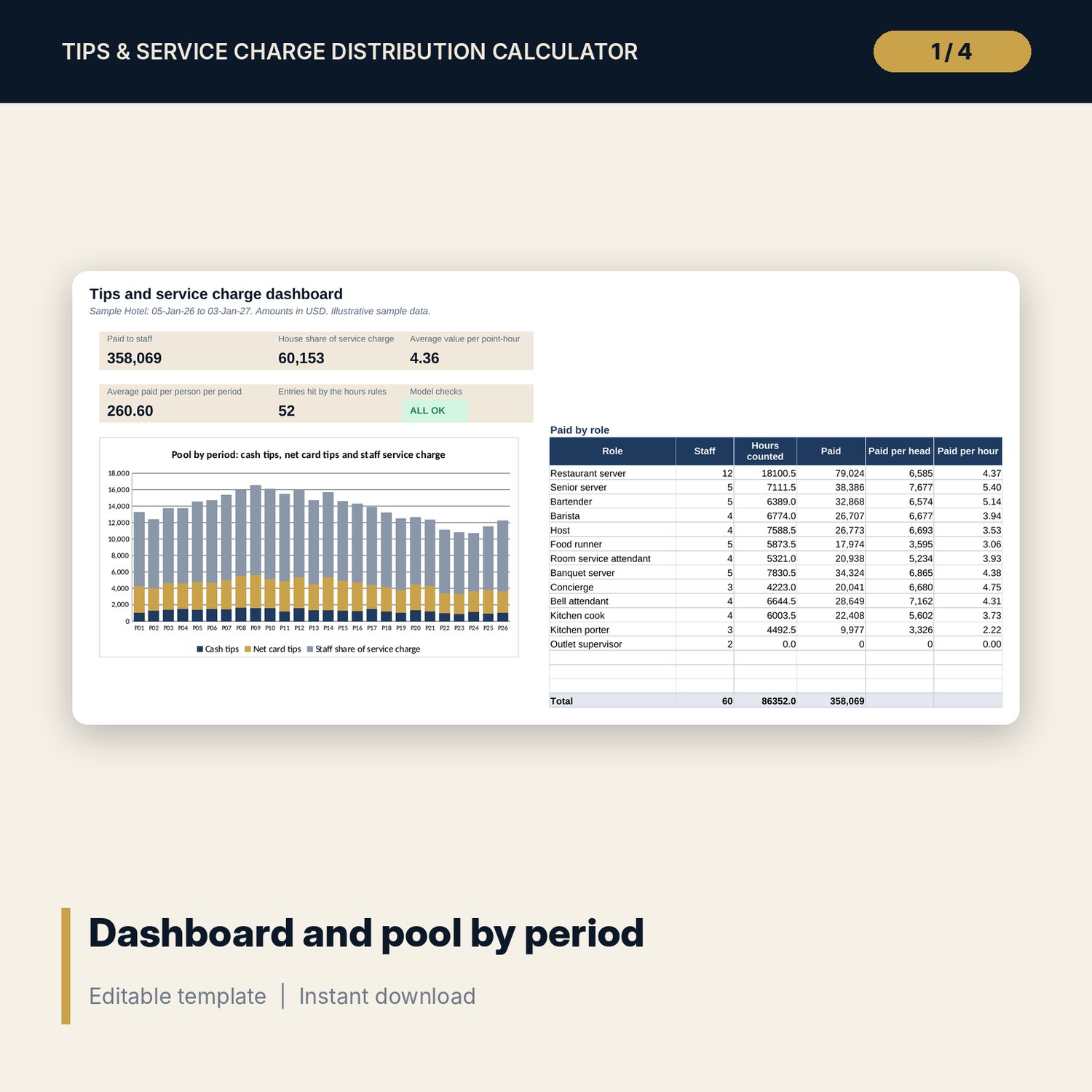
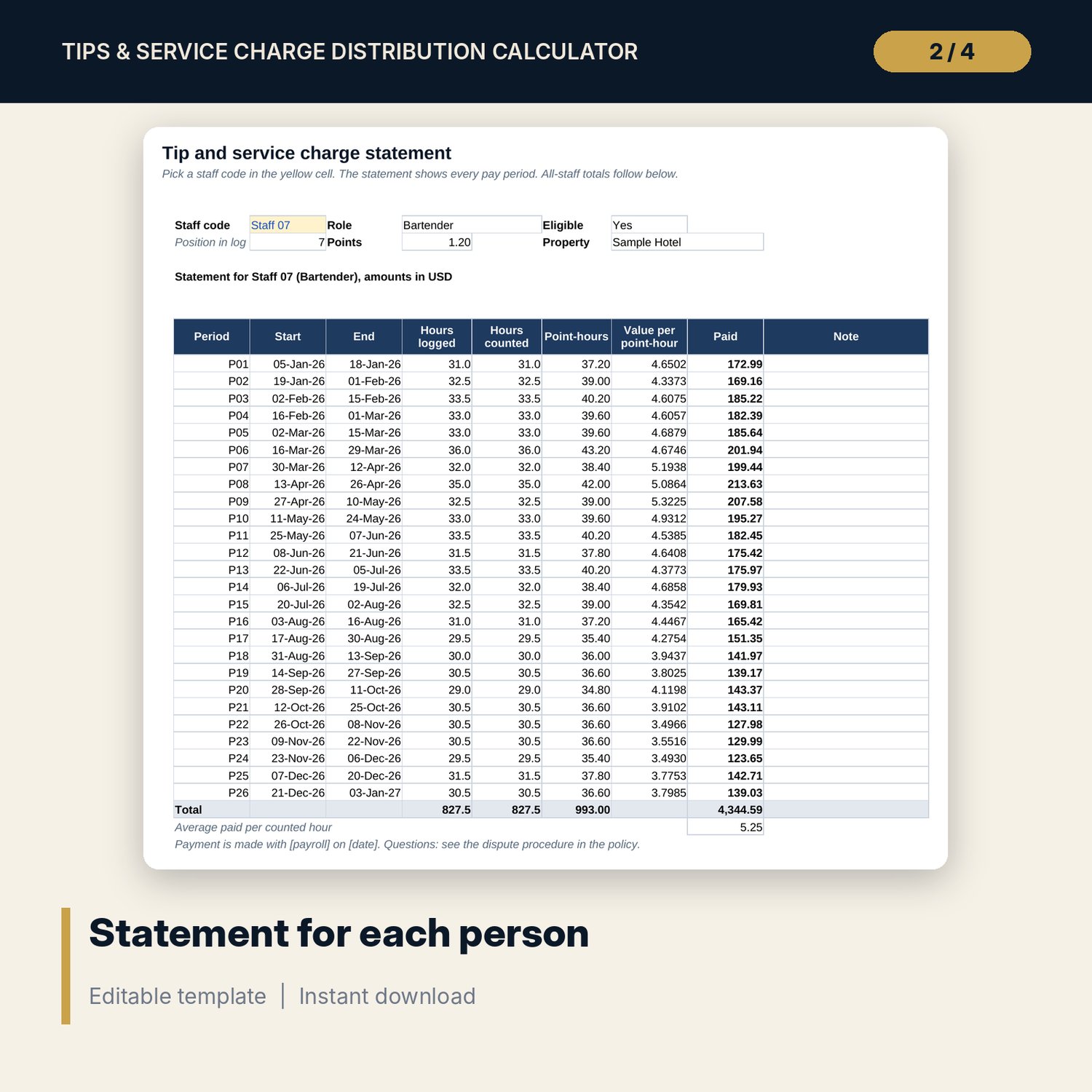
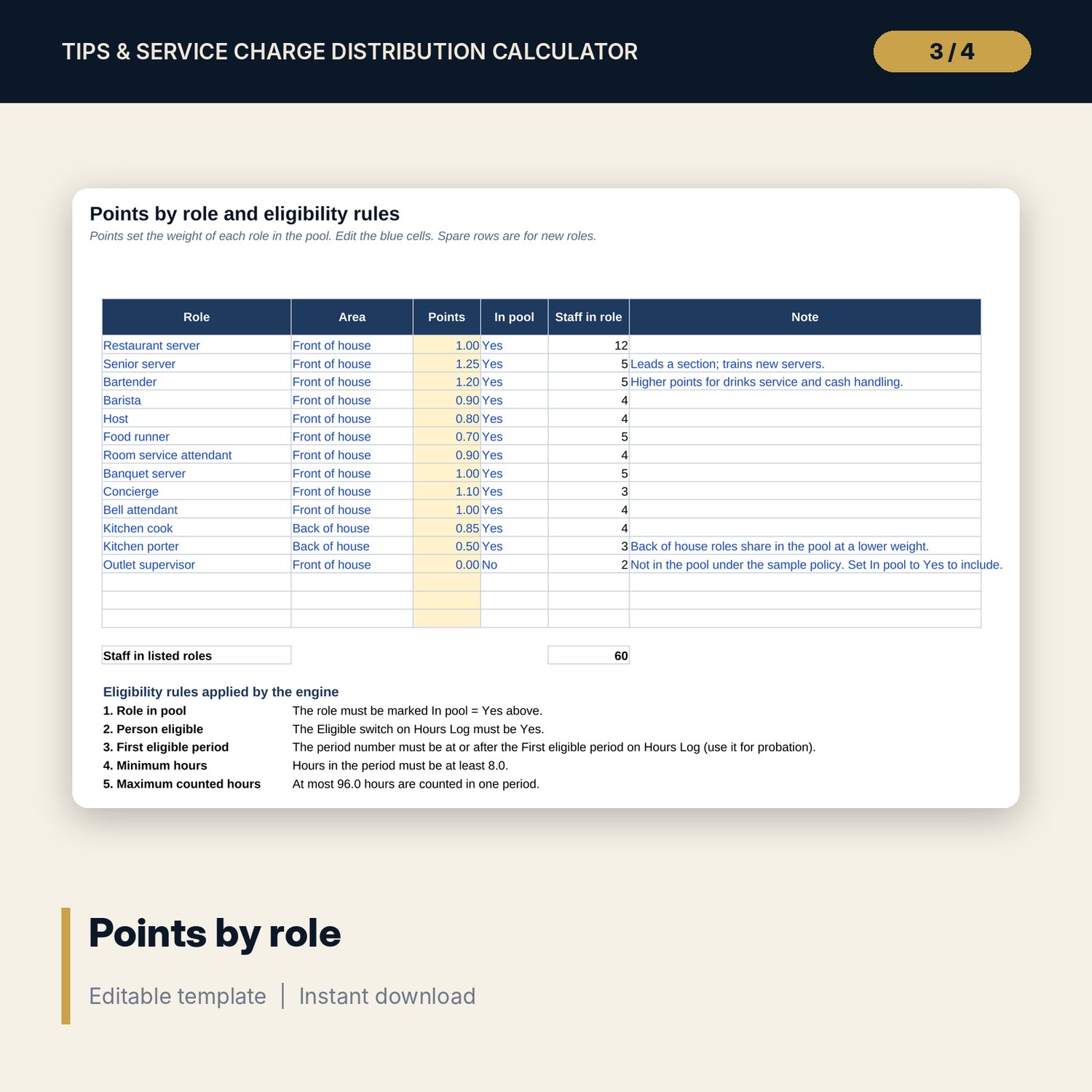
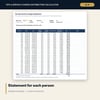
For food and beverage managers, controllers and HR teams who share tips, gratuities and service charge among a team and need a method staff can check. The workbook builds the pool from cash tips, card tips and service charge, takes the card fee and the house share, then shares the staff pool by points x counted hours with SUMPRODUCT. Minimum hours, a cap on counted hours, role eligibility and probation are inputs. Every step sits in its own row or block, a statement shows each person's 26 periods, and 6 checks prove that pool in equals pool out. The Word file gives a 7-page policy with 12 sections, an acknowledgement form, a dispute procedure and an FAQ.
What is inside
- Tips_Service_Charge_Distribution_Calculator.xlsx: 9 tabs, 5,941 formulas, 1 native chart, 13 drop-down and input rules
- Hours Log with 60 sample staff x 26 periods (1,560 hours entries) and 10 spare staff rows
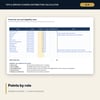
- Roles and Points: 13 sample roles, 16 role slots, in-pool switch and rules in plain words
- Pool Inputs: 26 periods with service charge, card fees, house share and distributable pool in visible columns
- Distribution Engine: counted hours, point-hours, value per point-hour and payout for 70 staff rows x 26 periods
- Statements: one-person statement with a staff code picker, plus an all-staff summary
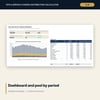
- Dashboard with 5 KPI tiles, a check tile, 1 chart and a paid-by-role table; 6 checks
- Tips_Service_Charge_Distribution_Forms.docx: 7 pages, policy with 12 sections, points schedule, worked example, acknowledgement form, dispute procedure and form, 10 FAQ answers
- Tips_Service_Charge_Distribution_Forms.pdf: print copy of the Word file
- README.txt and LICENSE-and-Terms.txt
How it works
- Enter the service charge rate, staff and house share, card fee and hours rules on Settings.
- Set points per role, then enter staff, roles and hours for each pay period.
- Enter revenue, cash tips and card tips for each period on Pool Inputs.
- Read the Distribution Engine, print statements from the Statements tab and confirm Checks shows ALL OK.
- Copy your rules into the Word policy, review it with an adviser and issue the acknowledgement form.
Details
- Format: one .xlsx workbook, one .docx and one .pdf, English
- Software: Excel 2016 or later, or LibreOffice Calc 7 or later; any word processor for the .docx
- No macros, no external links, no array formulas
- 3 files, instant digital download
Good to know
- Sample data is illustrative. Replace it with your own figures.
- Rules on tips, gratuities and service charge differ by country and region. This pack is not legal, tax or payroll advice. Verify local requirements and your contracts.
- Every rule is an editable input. The house share, the card fee and the eligibility rules in the sample are examples, not recommendations.
- Single-user license. Do not redistribute.
FAQ
Can I change the points and the rules?
Yes. Points are blue cells on Roles and Points. The service charge rate, shares, card fee and hours rules are inputs on Settings.
How many people and periods does it hold?
70 staff rows (60 filled with sample data) and 26 pay periods. The period length is an input.
What if someone joins in the middle of the year?
Enter hours from their first period and set First eligible period on Hours Log to cover probation. Earlier periods stay at zero.
Does it handle a tronc or a service charge paid in full to staff?
Set the staff share to 100% to pass the whole service charge to staff. Local rules decide what is allowed. Verify local requirements.
Does it need macros or add-ins?
No. Every result is a standard worksheet formula.