

Social Media Content Calendar 2027 for Small Businesses
On Sale
ZAR119.00
ZAR 119.00
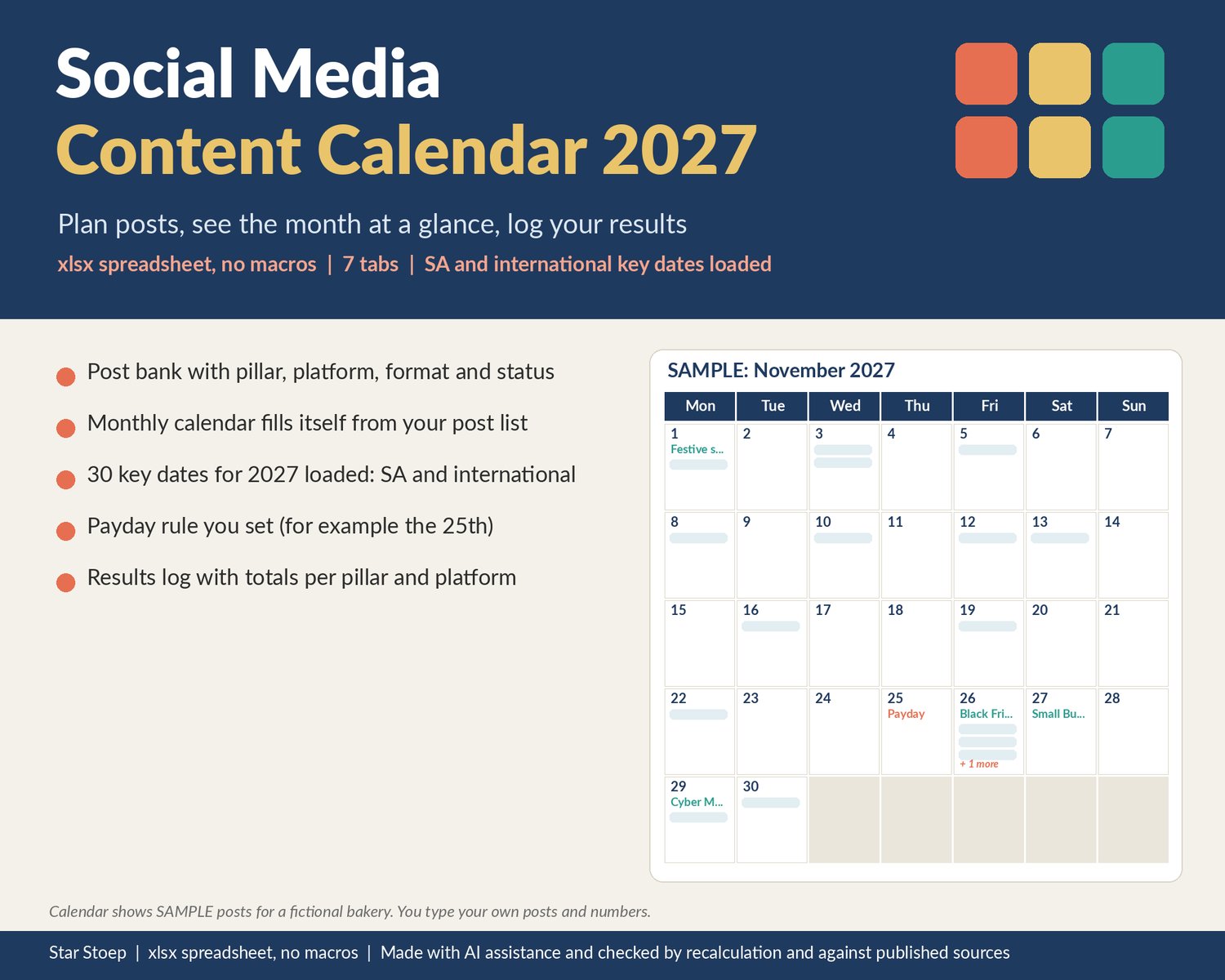
A content calendar for small businesses and solo creators who post when they remember and then forget what went out where. Keep every post idea in one bank, give it a pillar, platform, format, status and date, and the monthly calendar fills itself in, together with 2027 marketing dates and your payday.
WHAT IT DOES
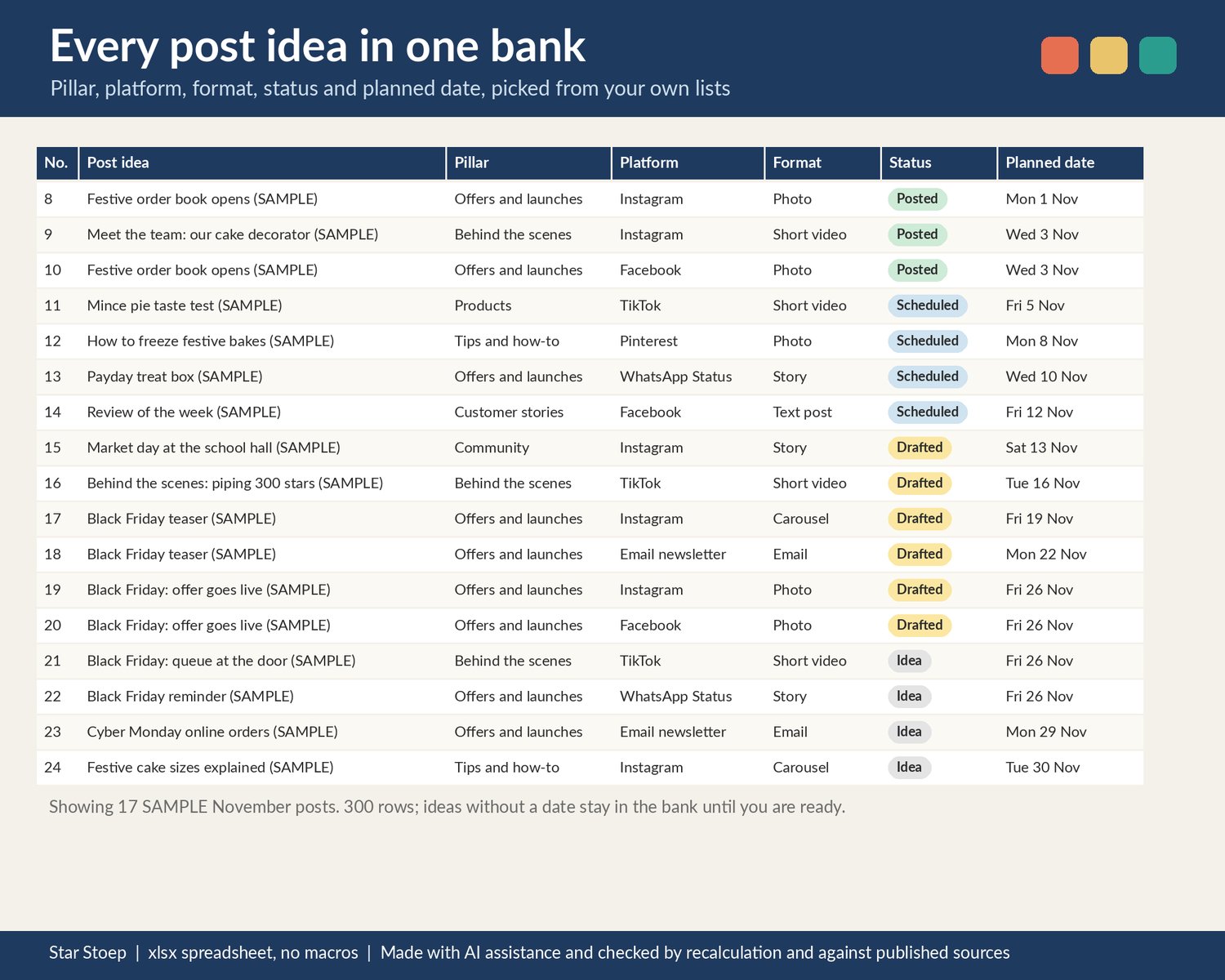
- Post Bank: 300 rows for post ideas with content pillar, platform, format, status (Idea, Drafted, Scheduled, Posted), planned date, caption notes and link. Ideas without a date stay in the bank until you are ready. A check column flags missing statuses, dates that are not real dates and posts outside your year.
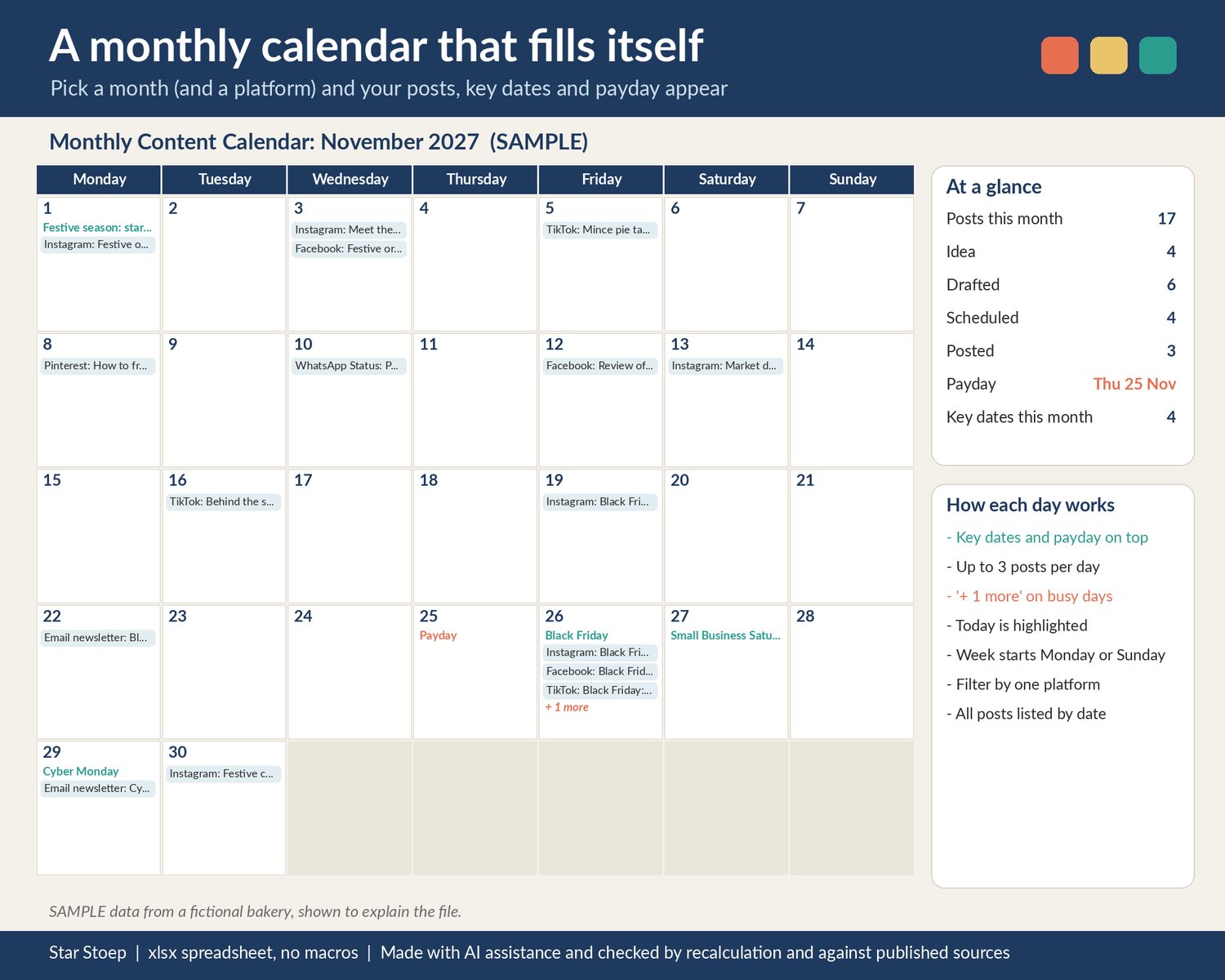
- Monthly Calendar: pick a month and the grid fills from your Post Bank. Each day shows up to 2 key dates, your payday and up to 3 posts, with "+ more" on busy days. Filter by one platform, start the week on Monday or Sunday. On the right: the month at a glance (posts by status, payday, number of key dates), the month's key dates and every post for the month in date order.
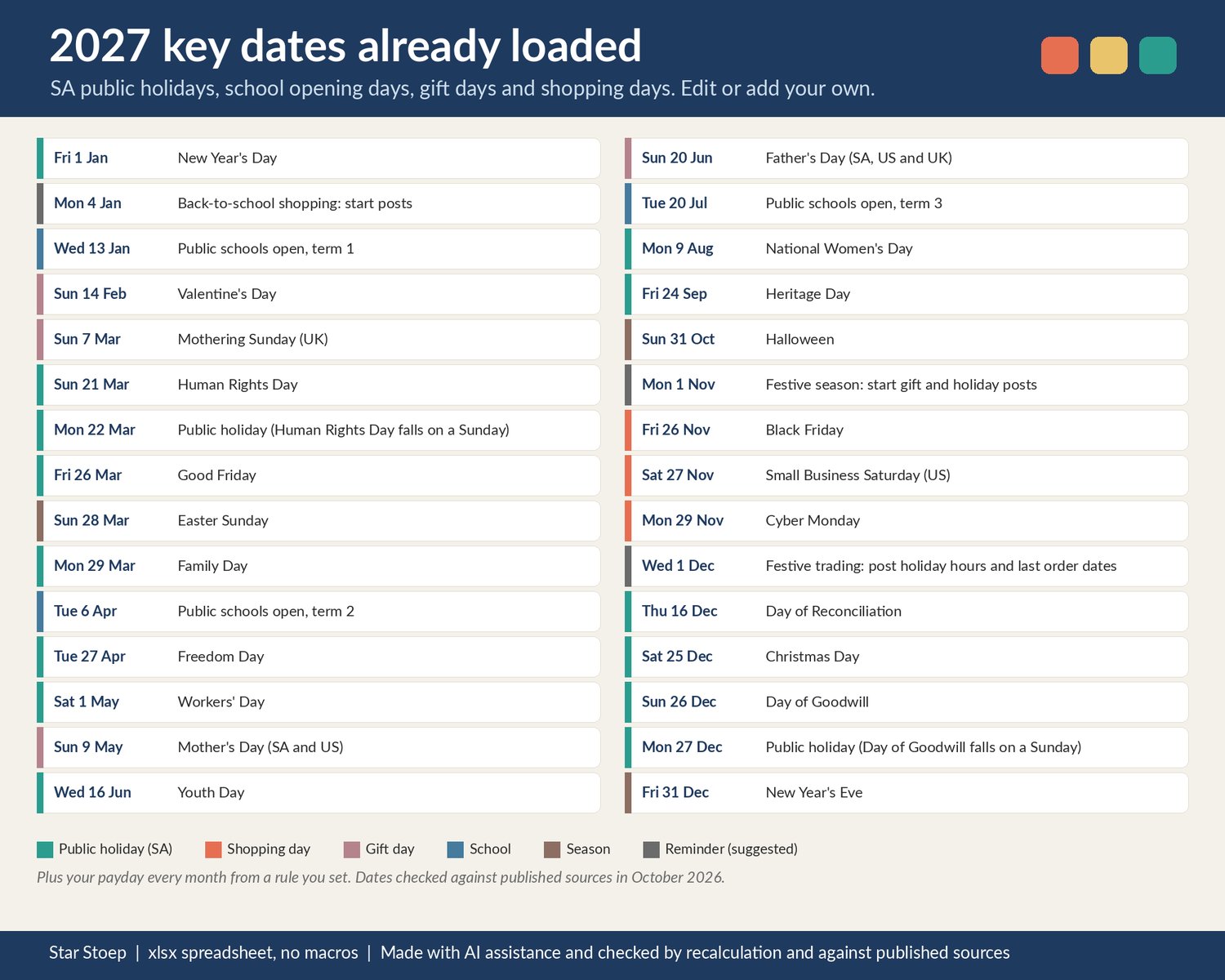
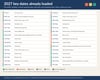
- Key Dates: 30 dates for 2027 already loaded and 120 rows to edit or add your own. South African public holidays (including the Monday holidays on 22 March and 27 December), public school opening days, Valentine's Day, Mothering Sunday (UK, 7 March), Mother's Day (SA and US, 9 May), Father's Day (20 June), Easter, Halloween, Black Friday (26 November), Cyber Monday, Christmas and New Year's Eve, plus 3 suggested planning reminders you can move.
- Payday rule: set the day of the month (for example the 25th, or 31 for the last day) and whether a weekend payday moves to the Friday before or the Monday after. Paydays for all 12 months are worked out and shown on the calendar.
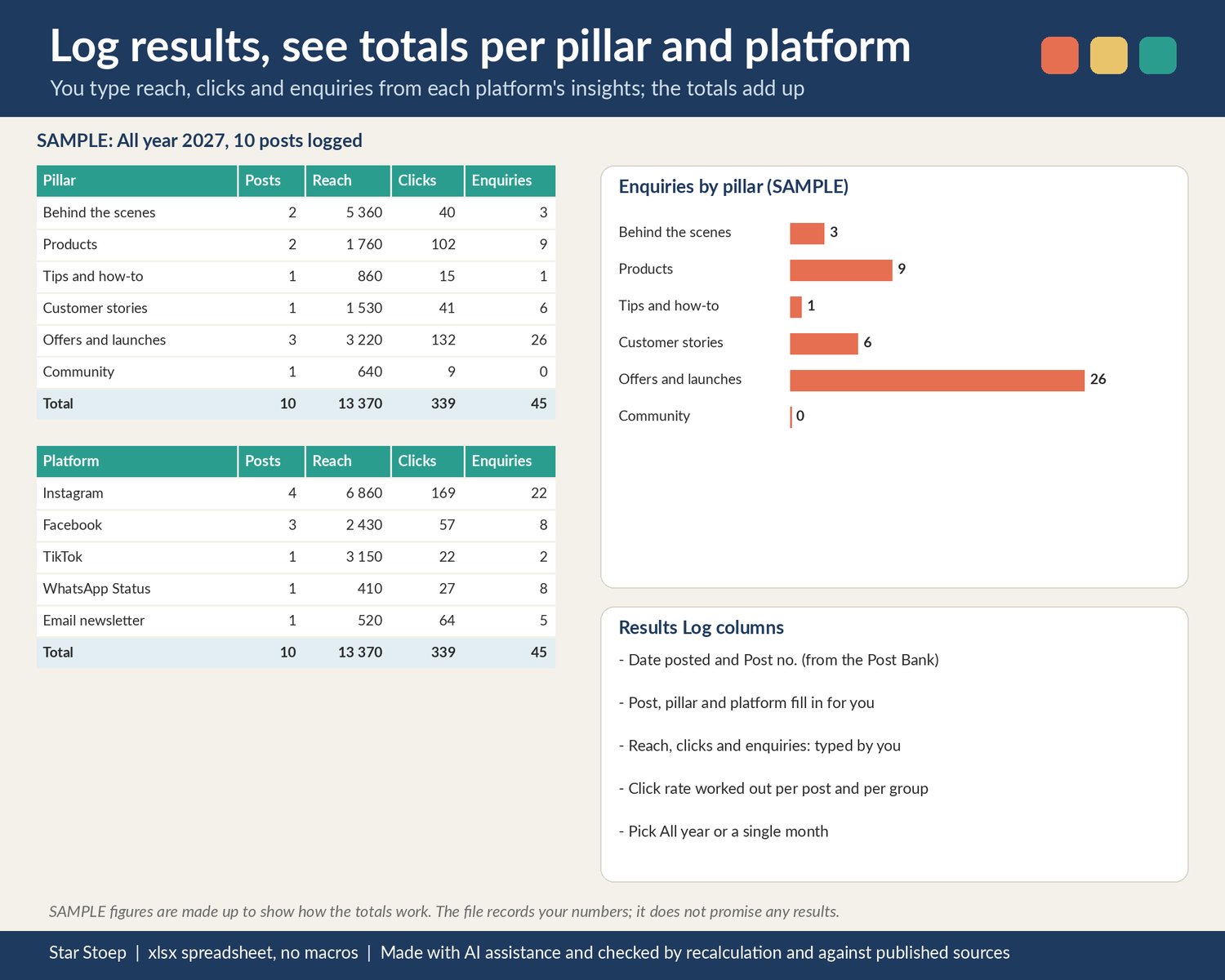
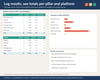
- Results Log: after a post goes out, type its Post no. and the reach, clicks and enquiries from the platform's own insights. The post, pillar and platform fill in for you; click rate is worked out.
- Results Summary: totals of posts, reach, clicks and enquiries per pillar and per platform for the whole year or one month, with a chart.
WHAT'S INSIDE
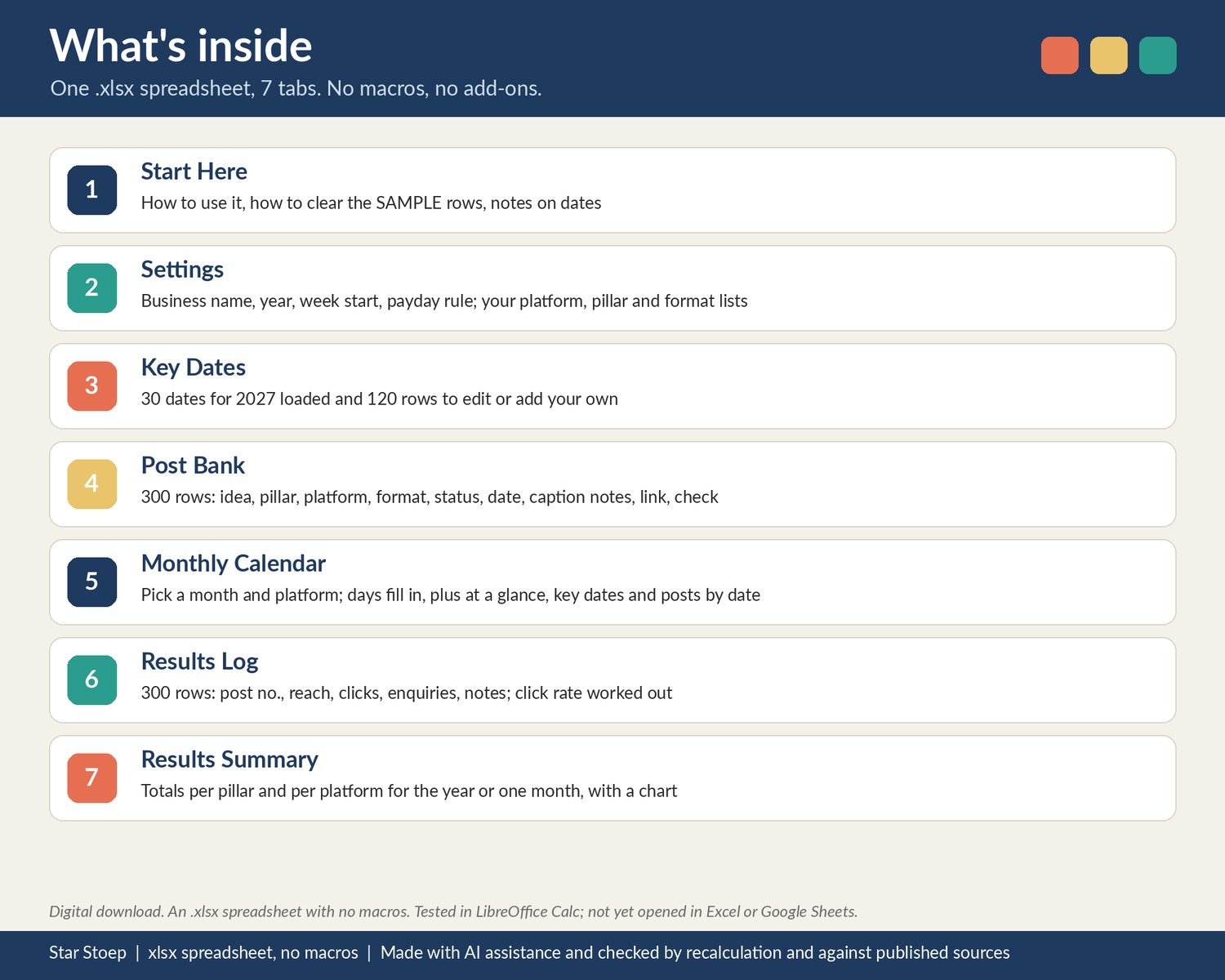
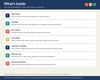
- 1 .xlsx spreadsheet with 7 tabs: Start Here, Settings, Key Dates, Post Bank, Monthly Calendar, Results Log, Results Summary
- Your own editable lists: up to 12 platforms, 12 content pillars and 12 formats
- Clearly labelled SAMPLE posts and results for a made-up bakery so you can see how it works, and a short list of what to clear
- Cream cells for your input, white cells that calculate. No macros, no add-ons.
HOW TO OPEN IT
- An .xlsx spreadsheet with no macros. Tested in LibreOffice Calc; not yet opened in Excel or Google Sheets.
- Open the .xlsx in your spreadsheet app.
- Start with the Start Here tab, then Settings.
GOOD TO KNOW
- Digital download, nothing is posted.
- Checked by recalculation and against published sources.
- This is a planner. It does not post anything, connect to any platform or promise more followers, reach or sales. You type in every number yourself.
- Key dates were checked against published sources in October 2026. Public school dates are for South African public schools; independent schools can differ. If you change the year, update the dates.
- The payday rule does not skip public holidays; check December and other holiday months yourself.
- Platform names are used only as labels in your own lists. Not affiliated with Google, Microsoft, Meta, TikTok, LinkedIn, Pinterest, YouTube or any other platform.
- Different from our Etsy Listing and SEO Planner: that one plans Etsy titles and tags; this one plans social media posts.