

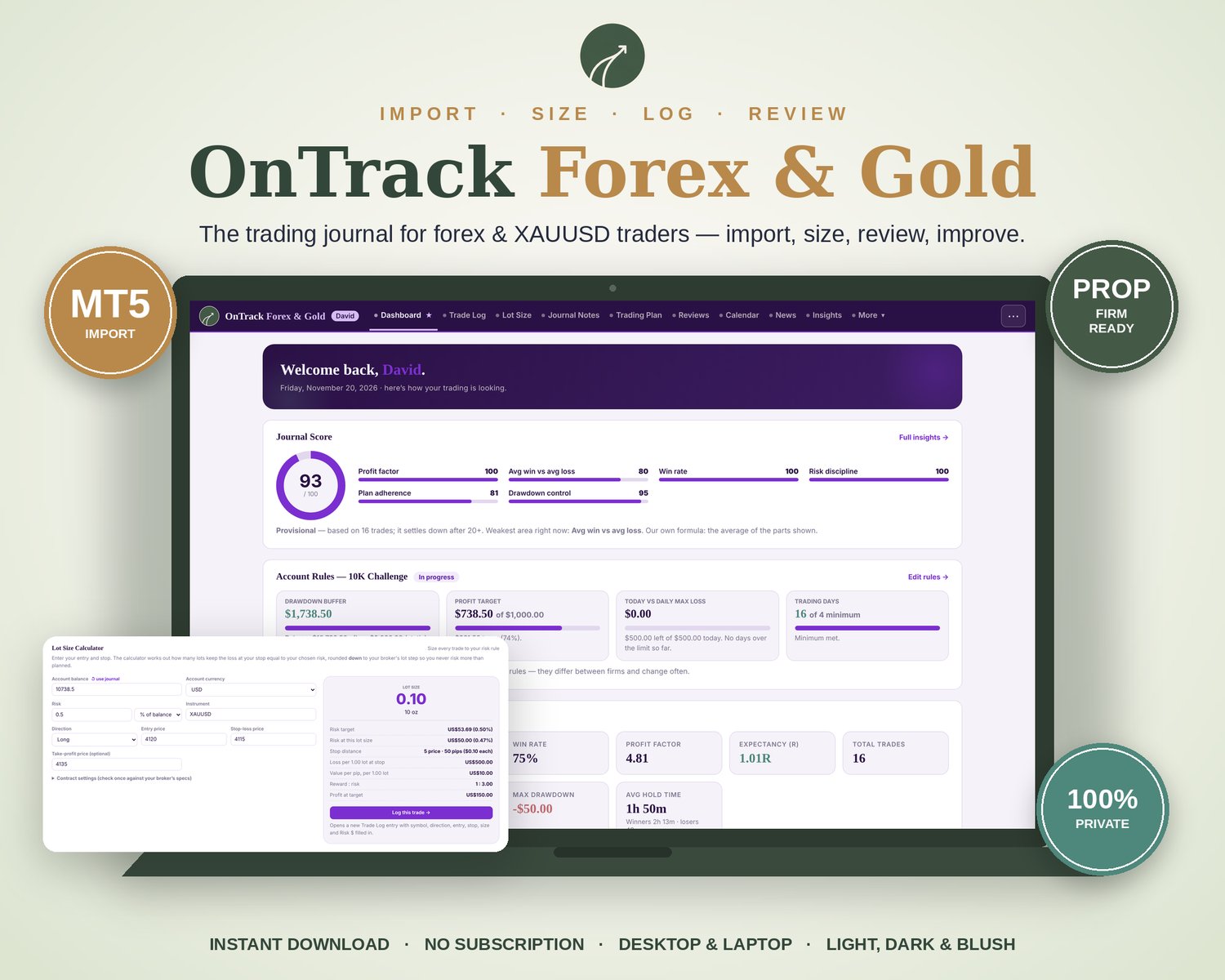

OnTrack Forex & Gold Journal — Trading Journal App with MT5 Import, Lot Size Calculator & Prop Firm Tracker
A trading journal built for forex and gold traders — size it, log it, review it, improve.
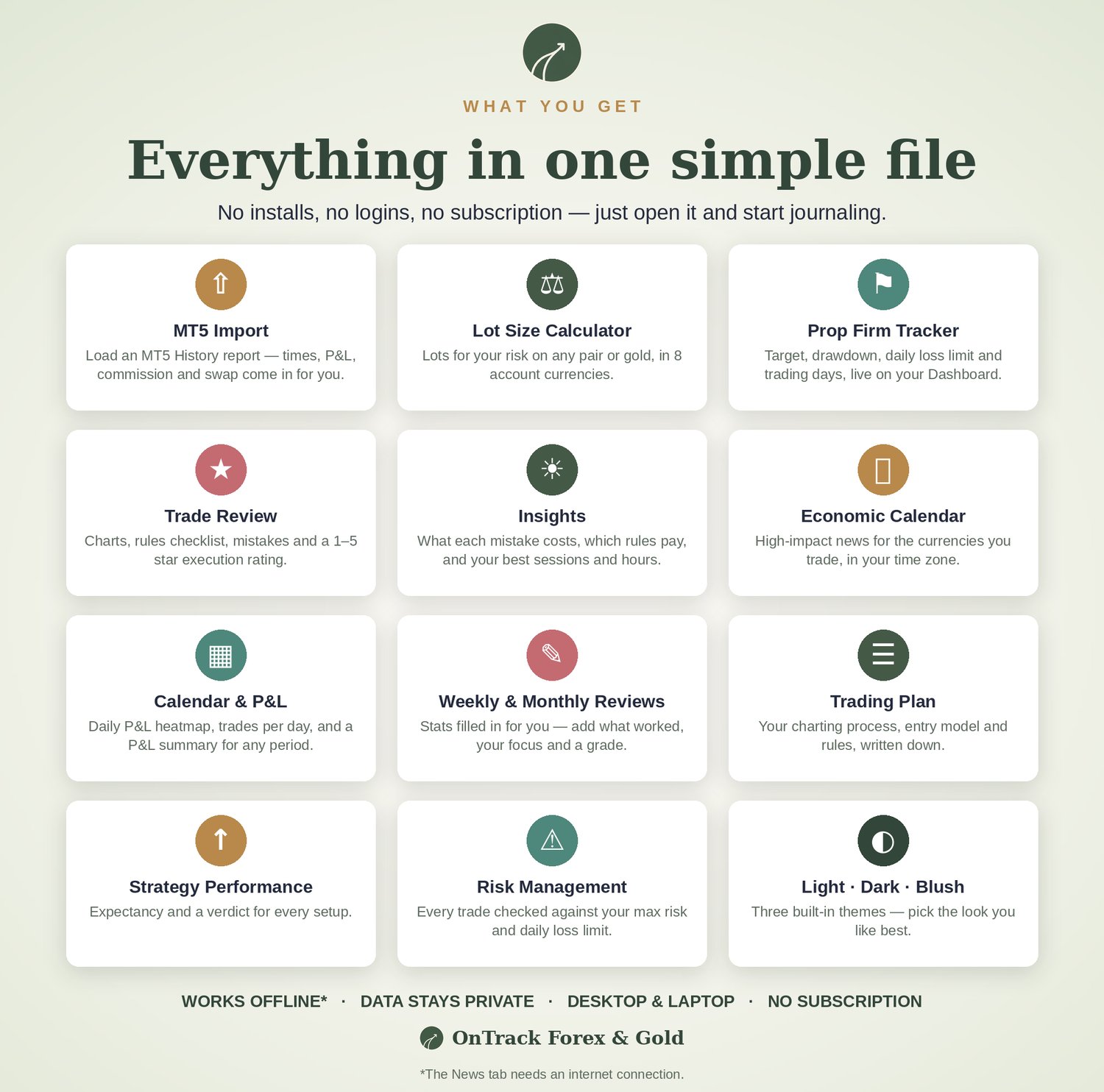
OnTrack Forex & Gold Journal is a complete trading journal that runs as an app right in your web browser. Download one file, double-click it, and it works. There's nothing to install, no account, no monthly fee, and it never connects to your broker.
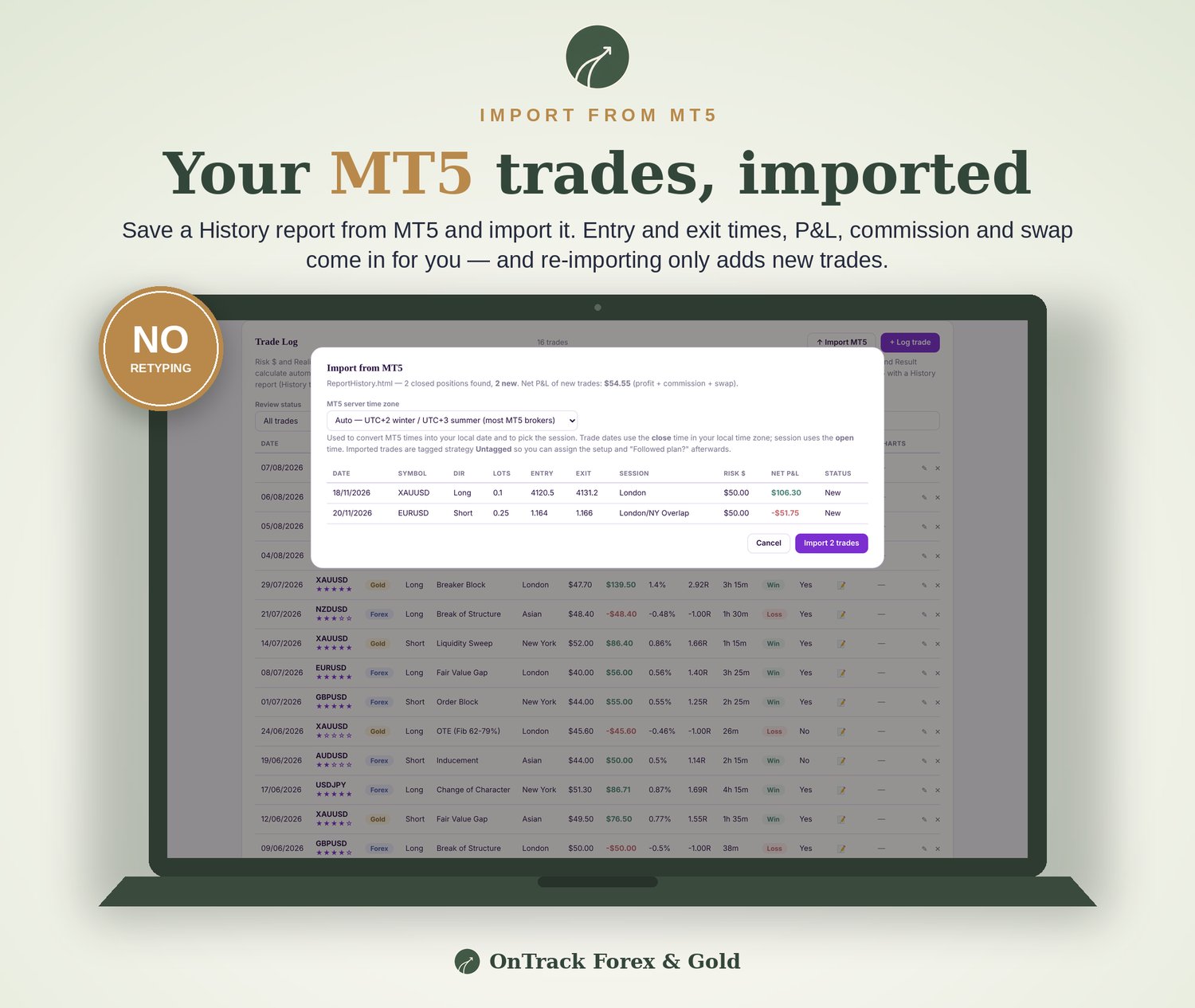
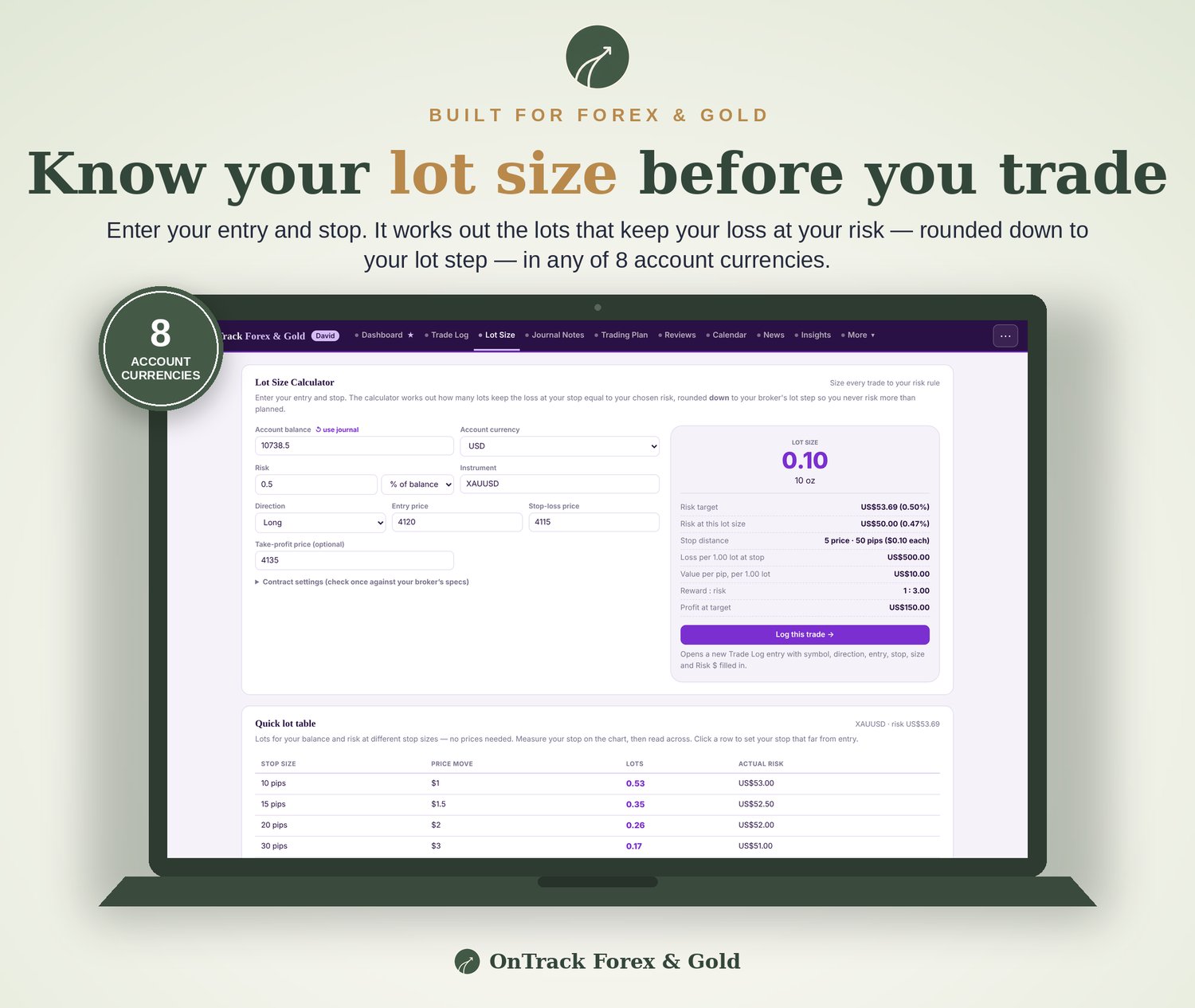
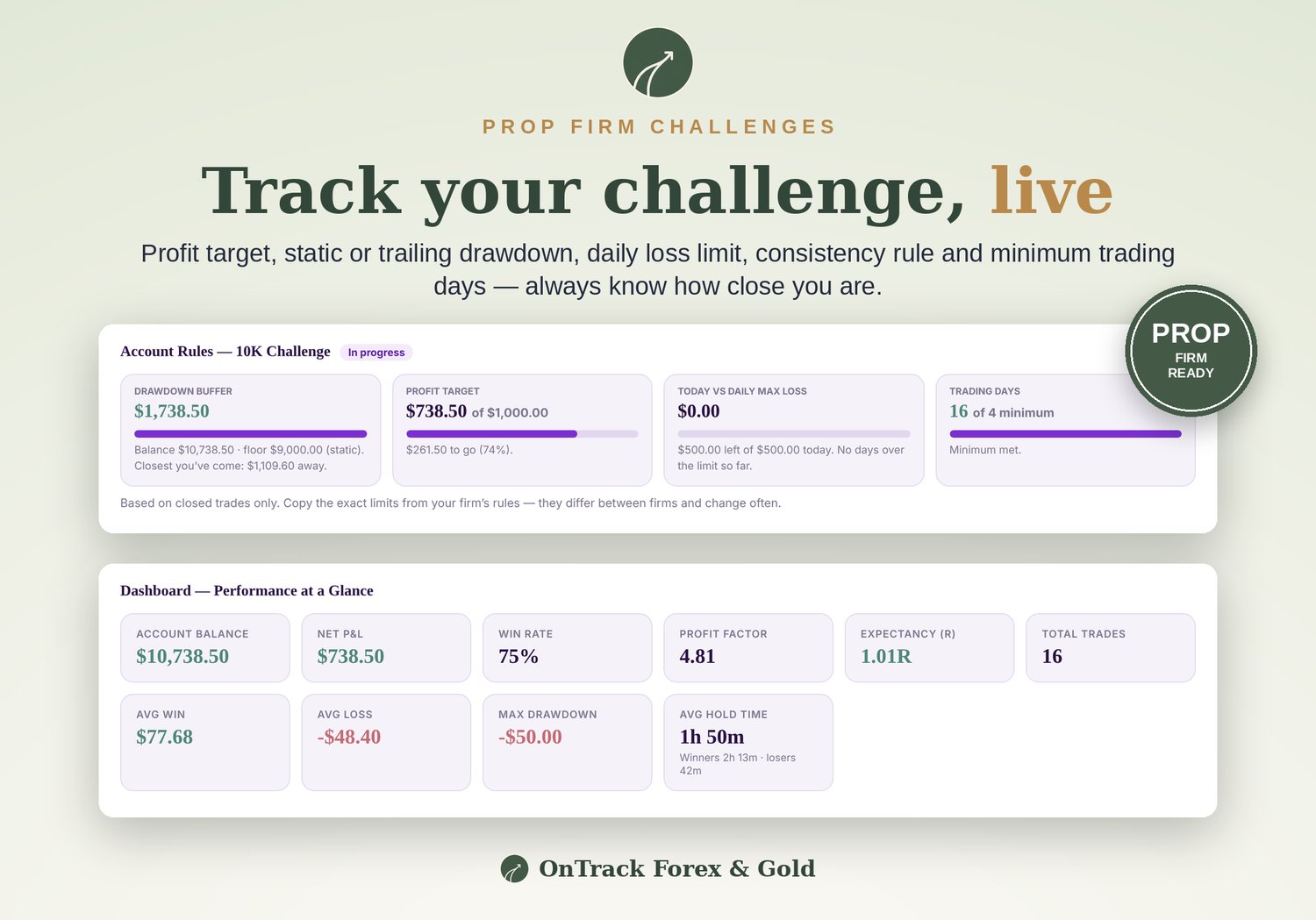
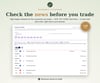
Trade on MT5? Import your closed trades straight from an MT5 History report — entry and exit times, P&L, commission and swap come in for you. Before you trade, the Lot Size calculator works out exactly how many lots keep your loss at your risk. Trading a challenge? The prop firm tracker shows your drawdown buffer, profit target and daily loss limit live on the Dashboard. And before every session, the News tab shows the economic calendar for the currencies you trade.
Built for forex and XAUUSD day traders, prop firm challenge traders and anyone serious about reviewing their trading — without a spreadsheet to babysit or a subscription to pay.
WHAT'S INSIDE
- Import from MT5 — load an MT5 History report and your closed positions arrive with entry and exit times, Risk $ from your stop, and P&L including commission and swap. A preview shows everything first, with your broker's server time zone handled for you. Re-import any time — only new positions are added.
- Lot Size Calculator — enter your entry and stop and it works out the lots that keep your loss at your chosen risk, rounded down to your broker's lot step. Forex pairs and gold, any of 8 account currencies (USD, EUR, GBP, AUD, NZD, CAD, CHF, JPY), pip value and a quick lot table by stop size. One click logs the trade.
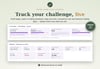
- Prop Firm Challenge Tracker — profit target, static or trailing max drawdown, daily loss limit, consistency rule and minimum trading days, tracked live on your Dashboard. Switch it off for a personal account.
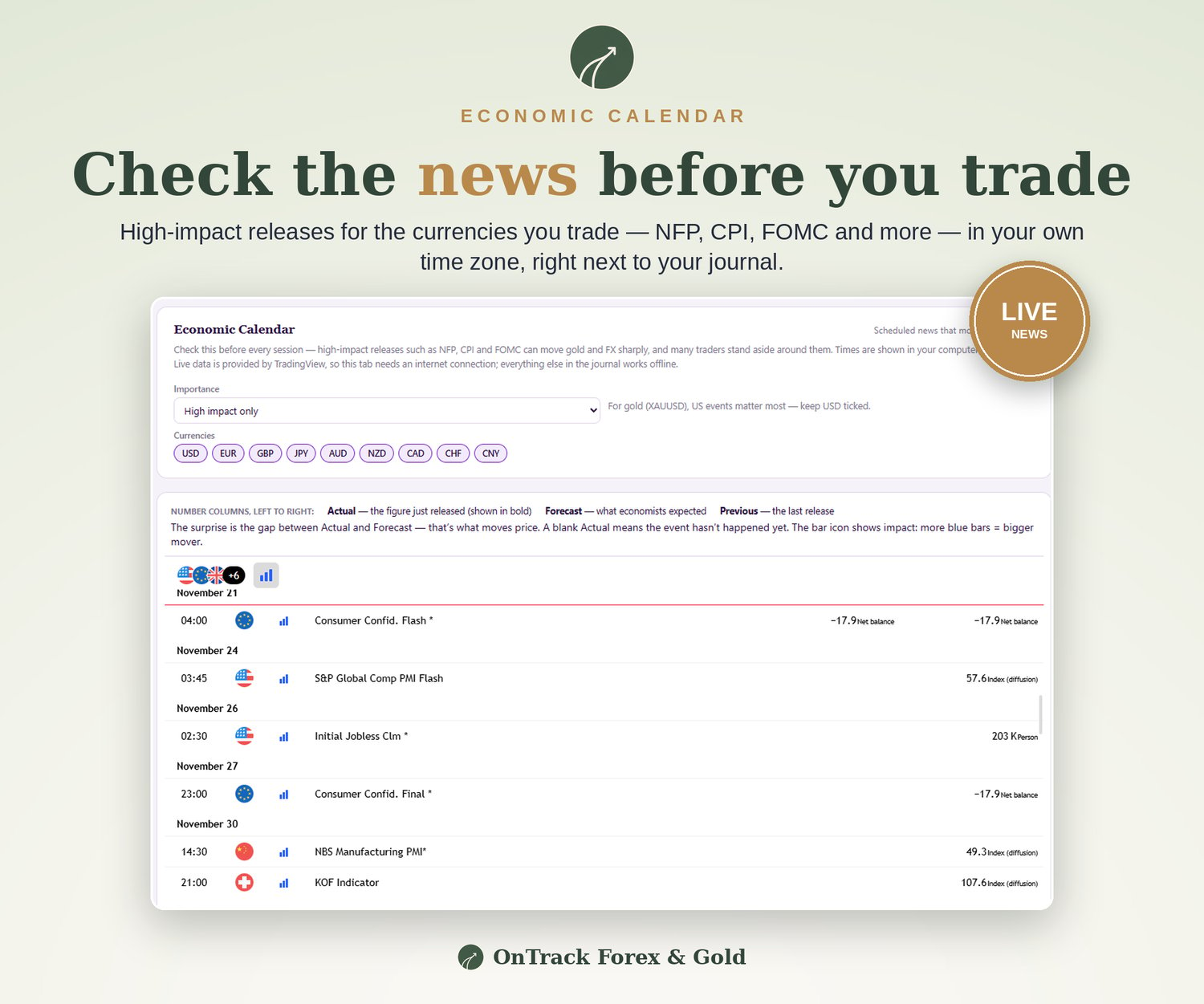
- Economic Calendar — the News tab shows scheduled releases for the currencies you choose, filtered to high impact if you like, in your own time zone.
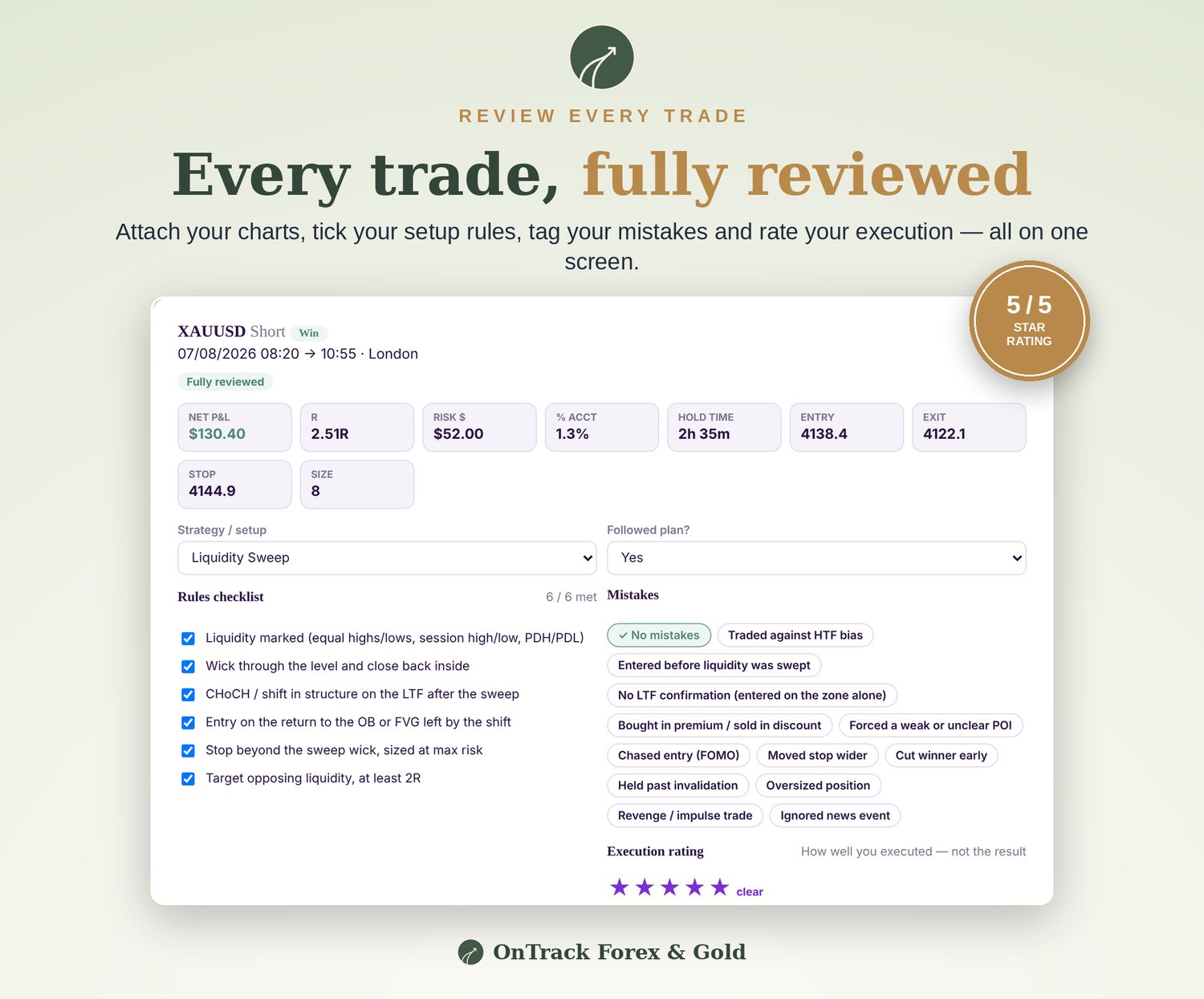
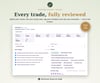
- Review Every Trade — attach higher, medium and lower timeframe charts (paste, drag or browse), tick your setup's rules, tag your mistakes and rate your execution 1–5 stars, with a written reflection.
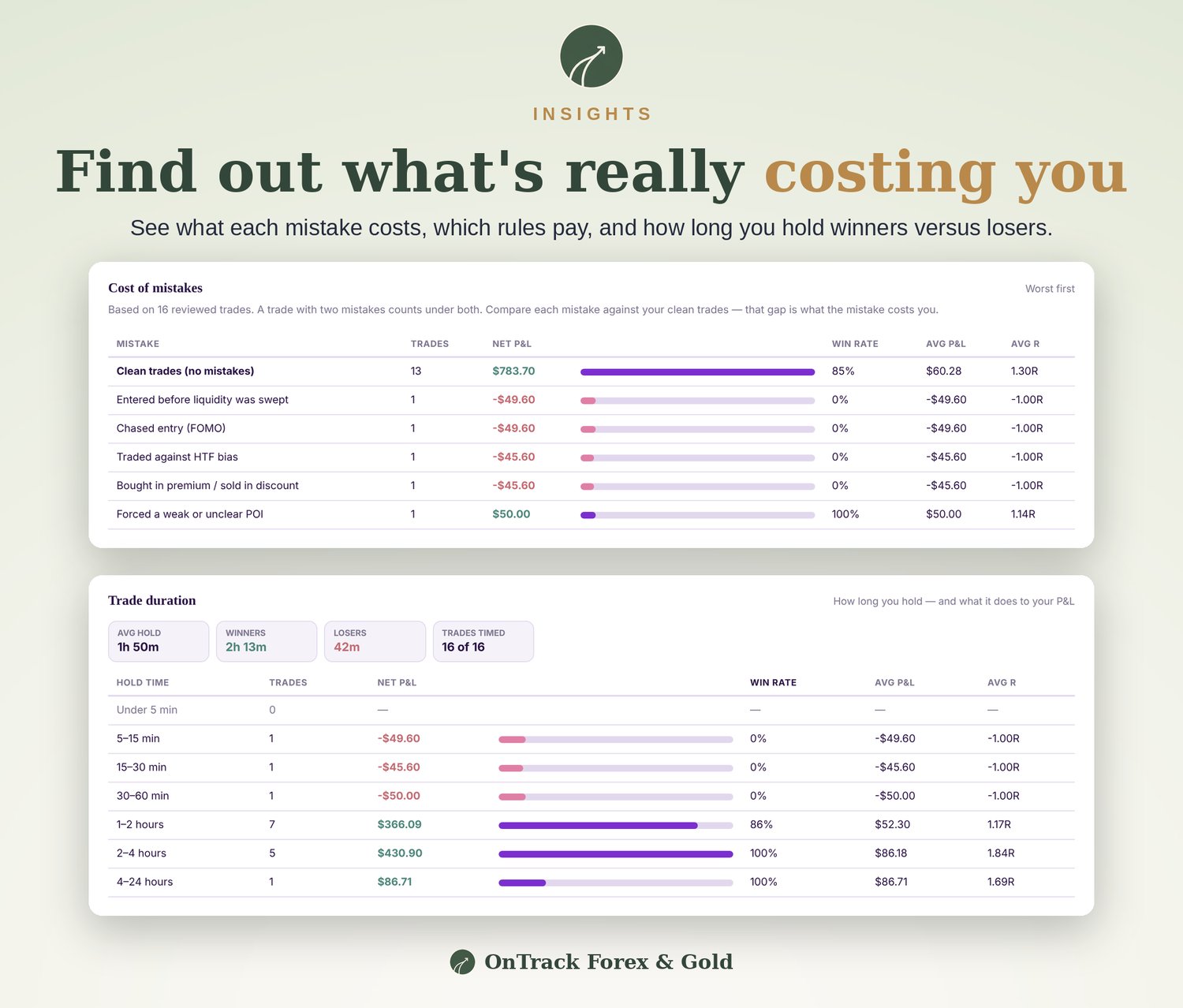
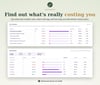
- Insights — what each mistake costs you, which rules pay, how hold time affects your P&L, and your best sessions, hours and days of the week.
- Dashboard — Journal Score, account balance, win rate, profit factor, expectancy and hold time, plus an equity curve, trade mix and R-multiple distribution.
- Trading Plan — write your charting process, entry model, management and exit rules once, with example chart screenshots, and review them before every session.
- Weekly & Monthly Reviews — stats filled in for you; add what worked, what didn't, your focus, a grade and your charts.
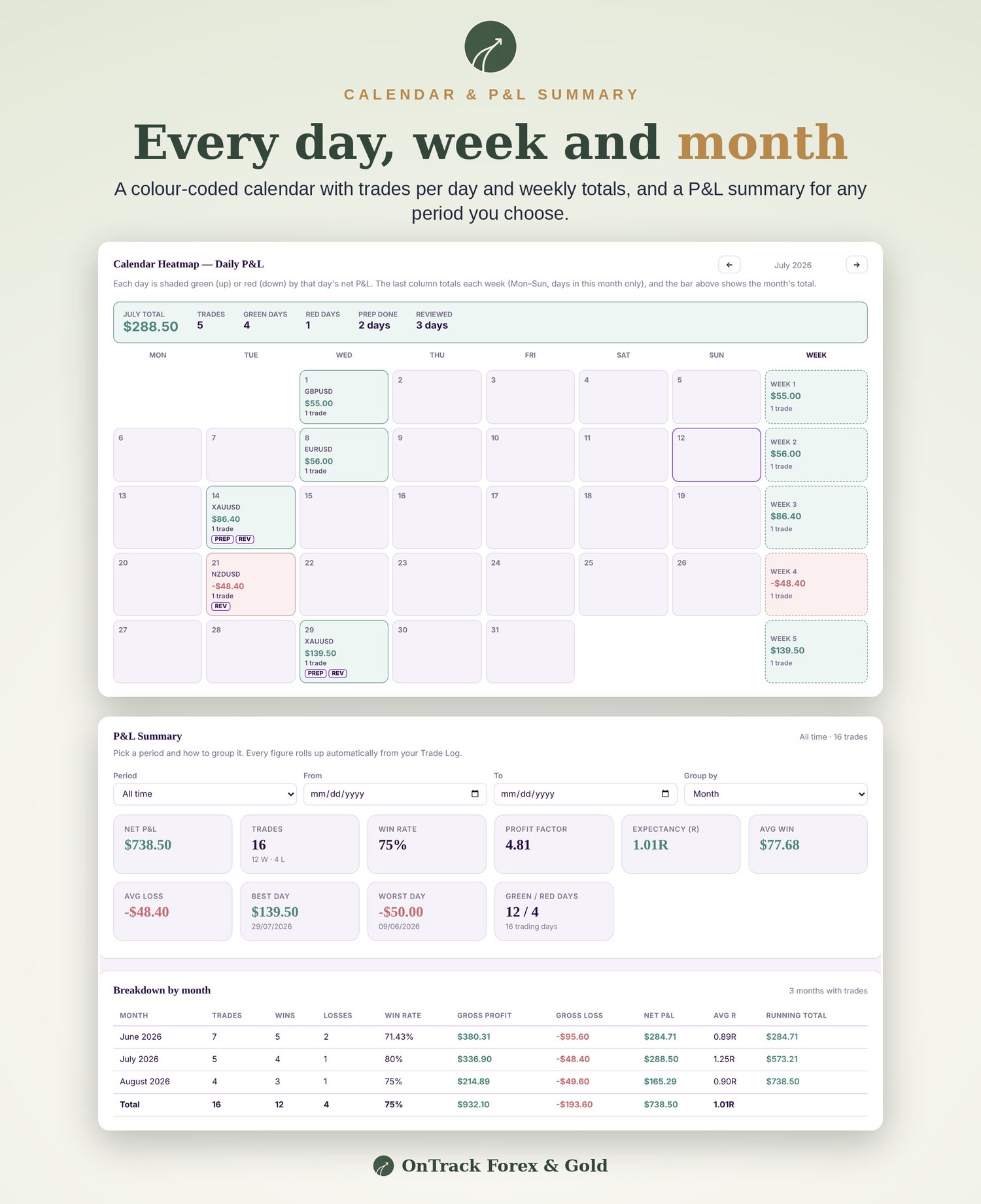
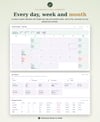
- Calendar & P&L Summary — a colour-coded daily P&L calendar with trades per day and weekly totals, and a P&L summary for any period — this week, last month, year to date or a custom range.
- Strategy Performance & Risk Management — expectancy and a verdict for every setup, and every trade checked against your max risk and daily loss limit.
- Smart money concepts examples — comes set up with SMC setups (order block, fair value gap, liquidity sweep, CHoCH, breaker block and more) and rule checklists. Rename them or add your own in seconds.
- Three themes — Light, Dark and Blush. Your choice is remembered.
WHY THIS RATHER THAN A SPREADSHEET
- Nothing to break. No formula cells to overwrite by accident — it's a real app.
- Nothing to install. It runs in the browser you already have. No Excel licence, no Google account.
- Private. Your trades and charts stay on your computer, saved in your browser. Nothing is uploaded, and it never logs in to your broker.
- Accurate for every pair. Risk $ and P&L come from your platform (or your MT5 report), so EURUSD, USDJPY, crosses and gold all come out right.
- It tells you what to fix. Every trade shows what still needs reviewing, and Insights puts a dollar figure on each mistake.
PLEASE READ BEFORE BUYING
- Desktop or laptop only (Windows or Mac, in Chrome, Edge or Firefox). It is not built for phones or tablets.
- Your data saves inside the browser you open the file in, on that device. Pick one browser and stick with it, and use Export Backup regularly — it's how you move to a new computer and how you recover if a browser clears its data. The app reminds you when a backup is due.
- MT5 import reads a report file you save yourself — it doesn't connect to MT5 or your broker. Other platforms: enter trades by hand (it only takes a moment).
- The News tab needs an internet connection. Everything else works offline.
- This is a journal, not financial advice. Nothing it calculates is a recommendation to trade or size any position. Trading forex, gold and CFDs is high risk.
I'd rather you know these before you buy than discover them afterwards.
WHAT YOU GET AT CHECKOUT
- OnTrack Forex & Gold Journal — one file, pre-loaded with 16 sample forex and gold trades and a sample 10K challenge so you can see every screen working. One button clears it when you're ready for your own trades; another puts the sample back.
- An illustrated Quick-Start Guide (PDF) — setup, MT5 import, the lot size calculator, backups, and the questions people ask most.
- Licence & terms.
- Instant download. Nothing physical ships.
HOW TO OPEN IT
Download, unzip, then double-click index.html — it opens in your web browser like an ordinary page. No installer, no setup wizard, no account.