
Responsible Alcohol Service Log & Compliance Kit: Alcohol Service Log Template and Policy
Full description
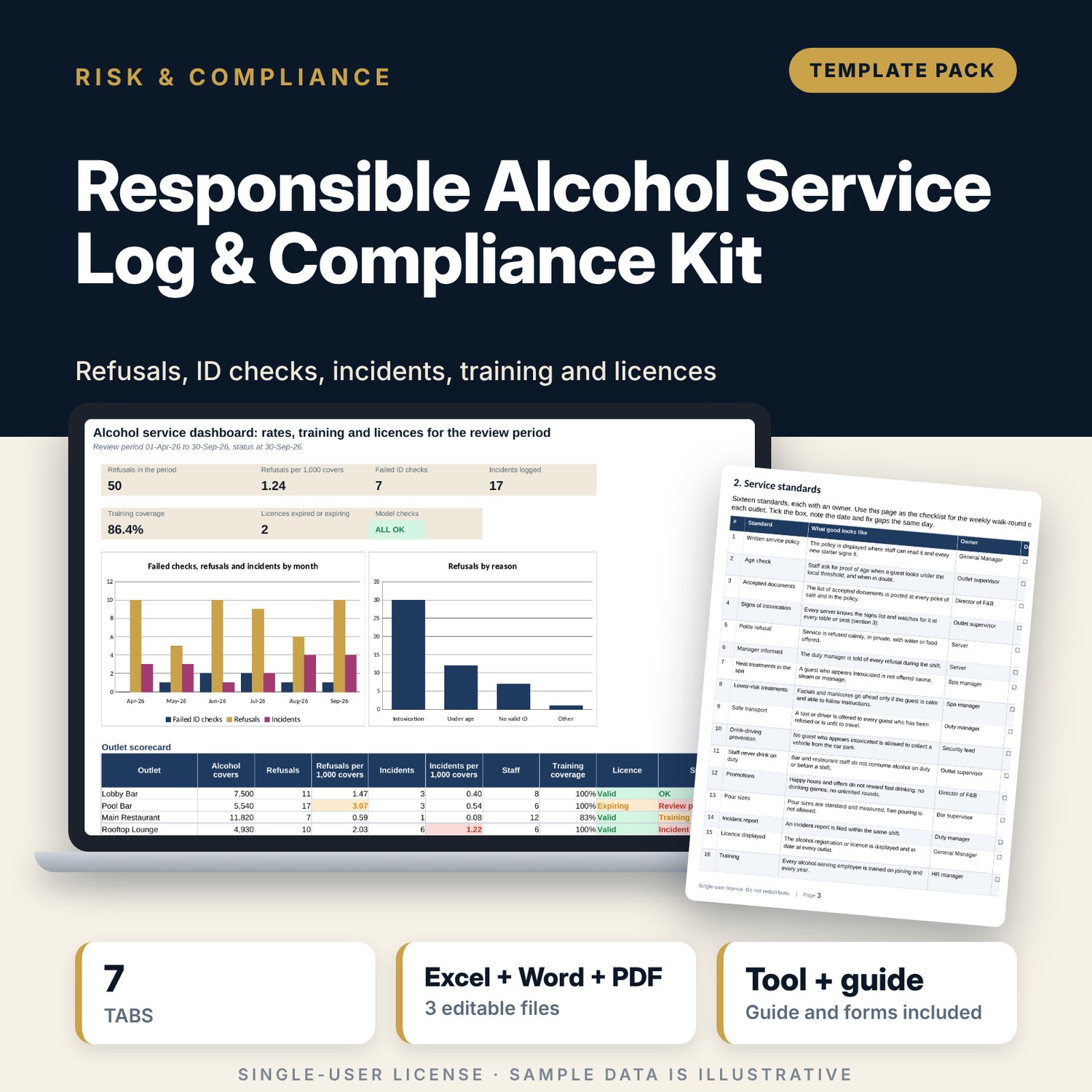
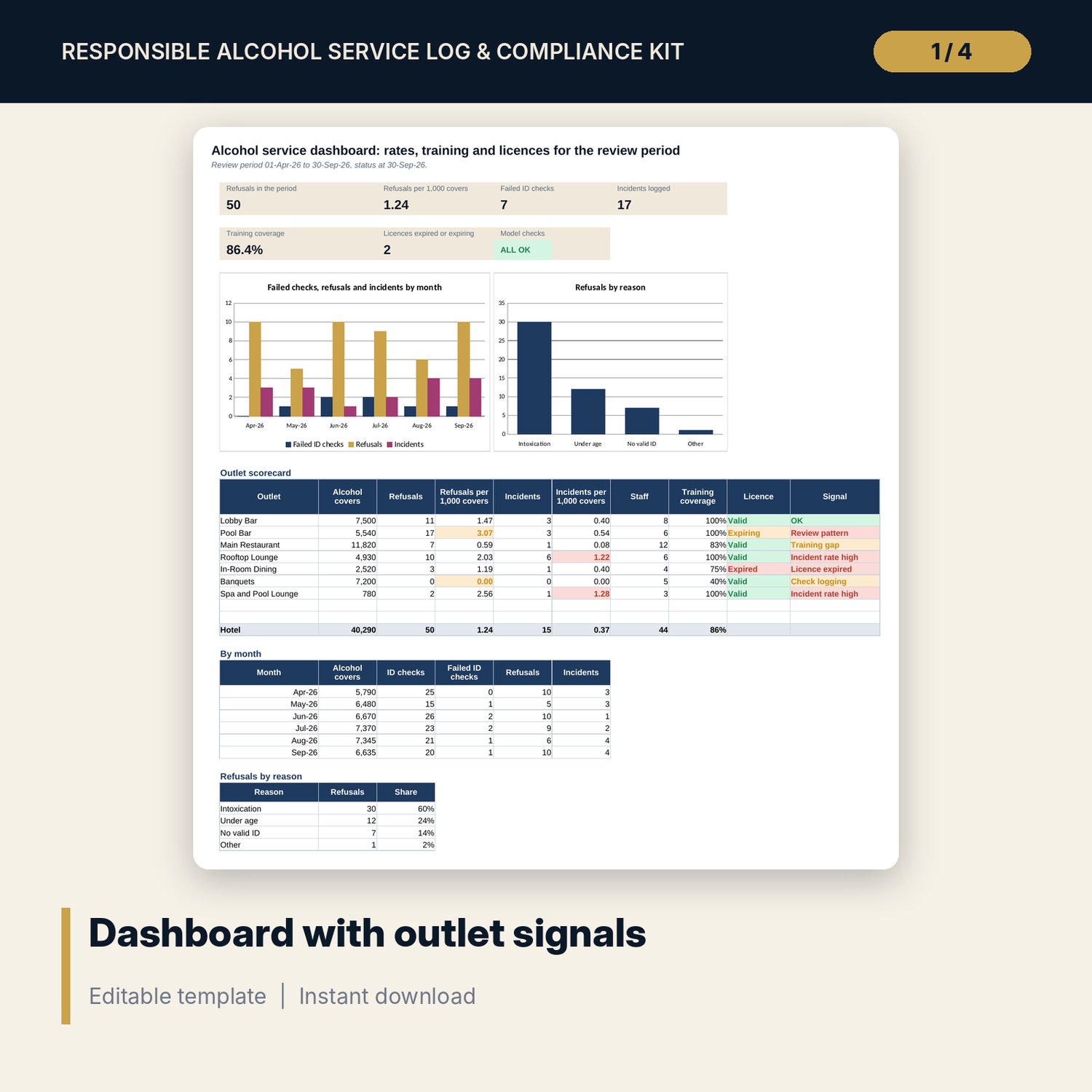
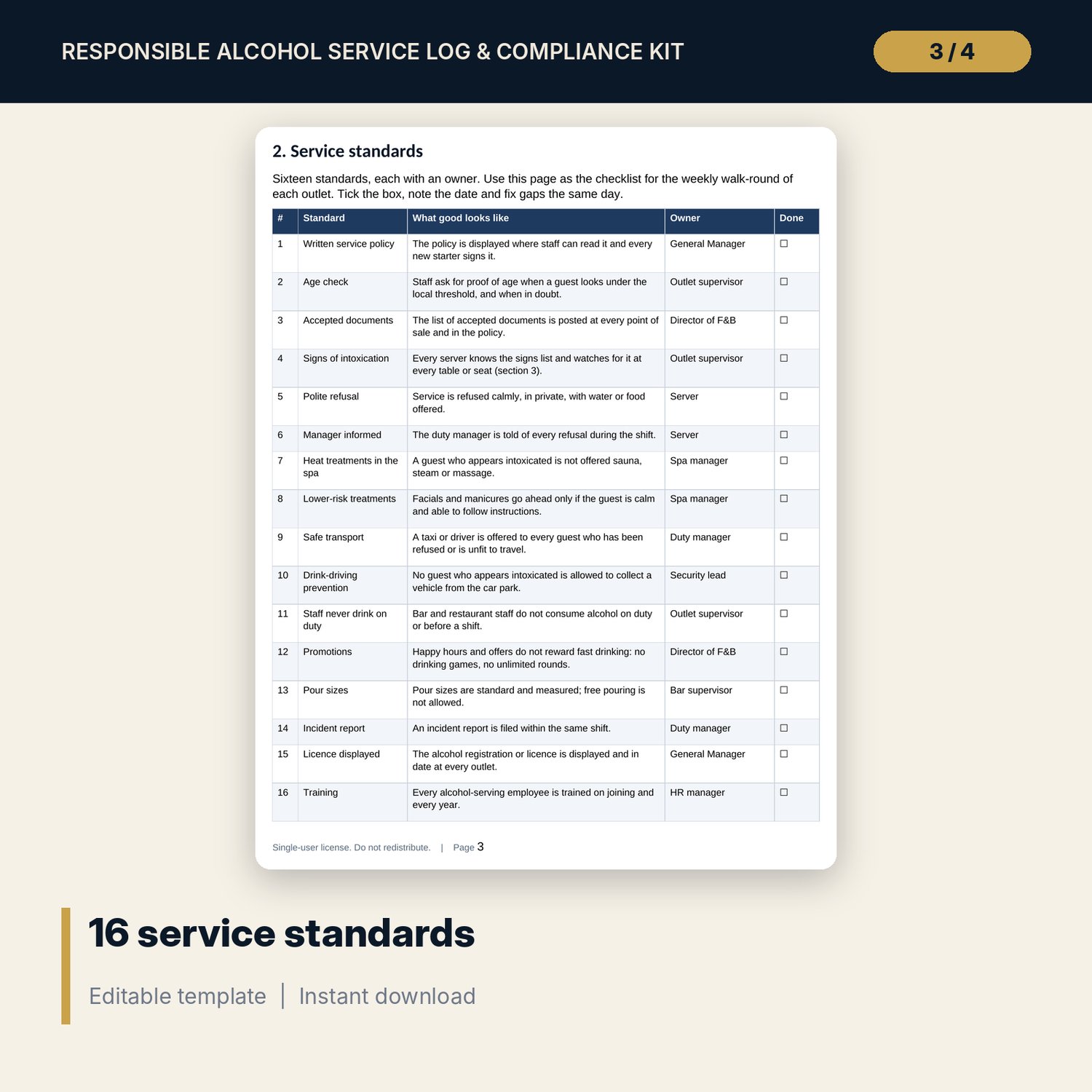
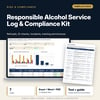
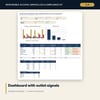
For food and beverage directors, outlet managers and general managers who need proof that alcohol is served responsibly. The workbook keeps a service log of ID checks and refusals, an incident log, a training matrix with expiry dates and a licence register for 7 outlets. The result of each ID check is worked out from the document and the age shown against your minimum age. The dashboard turns the logs into refusals per 1,000 covers, incident rate, training coverage and licence status for each outlet, with one signal per outlet. The Word pack gives you the service policy, 16 service standards, refusal and age-check procedures, spa, pool and room service rules, safe-exit steps, an incident form, a training outline and a monthly review with a worked example.
What is inside
- Alcohol_Service_Compliance_Log.xlsx: 7 tabs, 1,310 formulas, 2 native charts, 23 drop-down and input rules
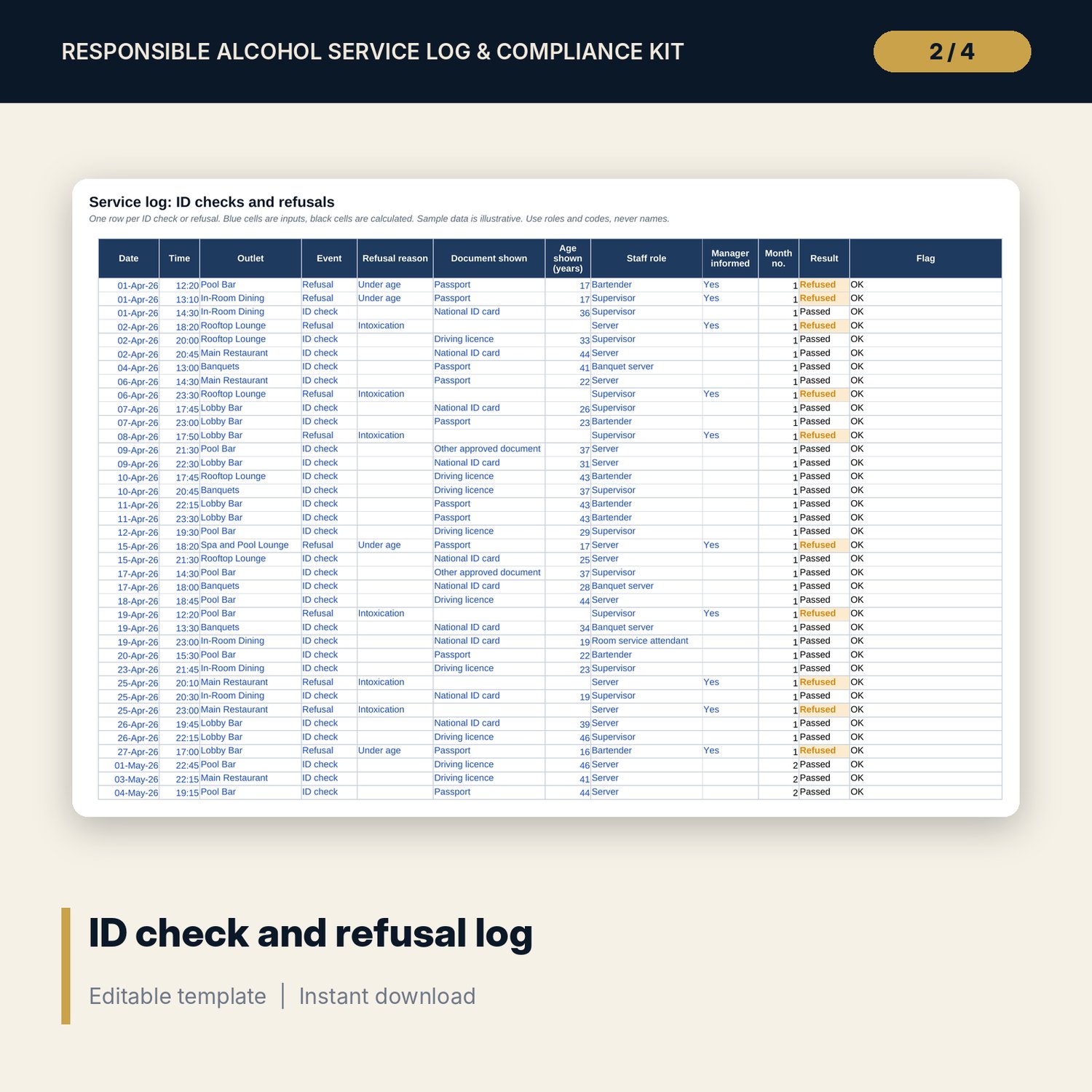
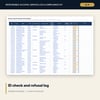
- Service Log: 180 sample rows (130 ID checks and 50 refusals) plus 60 spare rows, with calculated result and flag
- Incident Log: 17 sample incidents plus 24 spare rows, with days open and a flag for late reports, missing transport and overdue follow-up
- Training Records: 44 sample staff, 2 modules each, expiry and status, plus 16 spare rows
- Settings: 7 outlet licences with expiry status and 6 months of alcohol covers; 11 editable rules and alert limits
- Dashboard: 6 KPI tiles, a check tile, an outlet scorecard with signals and 2 charts; 8 integrity checks on the Checks tab
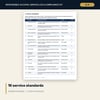
- Alcohol_Service_Policy_Pack.docx and PDF: 8 pages with the policy, 16 standards, signs of intoxication, refusal and age-check steps, forms and a training sign-off sheet
- README.txt and LICENSE-and-Terms.txt
How it works
- Set the minimum age, alert limits and training validity on Settings, then enter your outlets, licence dates and monthly alcohol covers.
- Log every ID check, refusal and incident, and keep the training dates up to date.
- Read the dashboard to see refusals and incidents per 1,000 covers, training coverage and licence status for each outlet.
- Act on every outlet signal that is not OK, using the procedures and forms in the Word pack.
Details
- Formats: 1 Excel workbook (.xlsx), 1 policy pack in Word (.docx) and PDF, English
- Software: Excel 2016 or later, or LibreOffice Calc 7 or later
- No macros, no external links, no data tables, no array formulas
- 3 files plus README and license; instant digital download
Good to know
- Sample data is illustrative. Replace it with your own figures.
- The minimum age, accepted documents and licence terms depend on your location. Verify local requirements. These files are management tools, not legal advice.
- Use roles and codes, not names, in shared copies of the logs.
- Single-user license. Do not redistribute.
FAQ
How is an ID check marked Passed or Failed?
The sheet compares the age shown with the minimum age on Settings. No document, or no age, is a Failed check.
What do the outlet signals mean?
Each outlet gets one signal: Licence expired, Review pattern, Incident rate high, Check logging, Training gap, Licence expiring or OK. The limits are inputs on Settings.
Why is a very low refusal rate flagged?
A rate below your low alert can mean refusals are not being recorded. The signal asks you to check logging.
Can I use my own age limit and document list?
Yes. The minimum age is an input, and the accepted document list in the Word pack is a placeholder you replace.
Does it use macros?
No. Every result is a standard worksheet formula.