
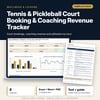
Tennis & Pickleball Court Booking & Coaching Revenue Tracker: Court Utilisation and Coaching Revenue Template
Full description
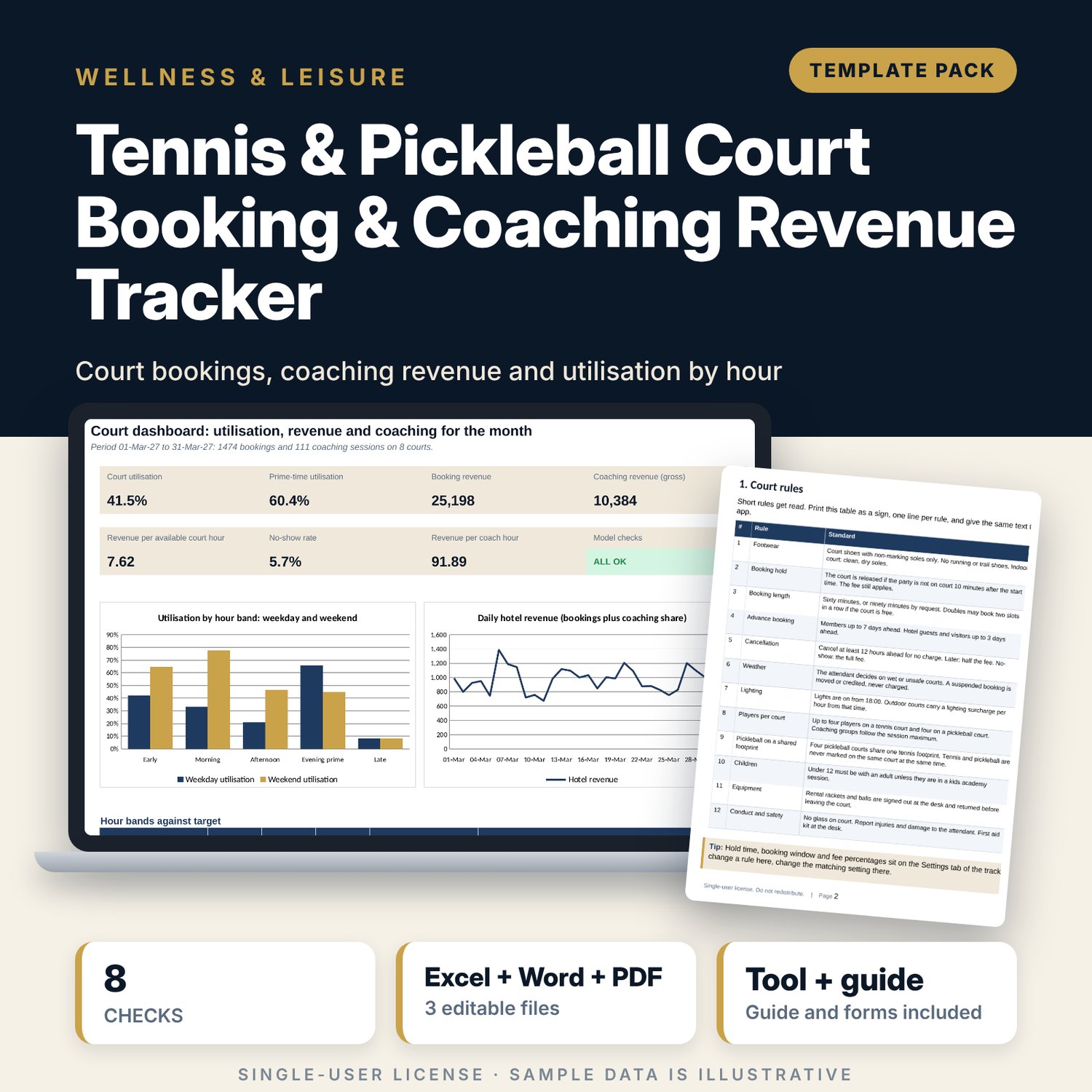
For recreation managers, racquet club managers and resort general managers who run tennis and pickleball courts and need to know which hours, courts and coaches earn their place. The workbook logs one row per booking and one row per coaching session, prices each booking from a rate card, charges no-shows and late cancellations by policy, and counts booked hours. Analysis then gives utilisation by court, hour band and day type against your targets, revenue per available court hour (and per tennis-court footprint, so pickleball is compared fairly), coach productivity and a daily revenue trend. The Word guide supplies court rules, a booking procedure, a weekly programme, coaching standards, a maintenance schedule and a monthly review agenda.
What is inside
- Court_Booking_Coaching_Tracker.xlsx: 7 tabs, 24,974 formulas, 2 native charts, 26 drop-down and input rules
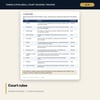
- Settings: period, hours, rate card (8 rates), 5 hour bands with targets, court register (10 rows), 4 coaching session types
- Booking Log: 1,474 sample bookings for a 31-day month plus 120 spare rows, with rate, lighting, charge, revenue, booked hours and a clash flag
- Coaching Log: 111 sample sessions plus 30 spare rows, with fill, revenue, coach fee and hotel share
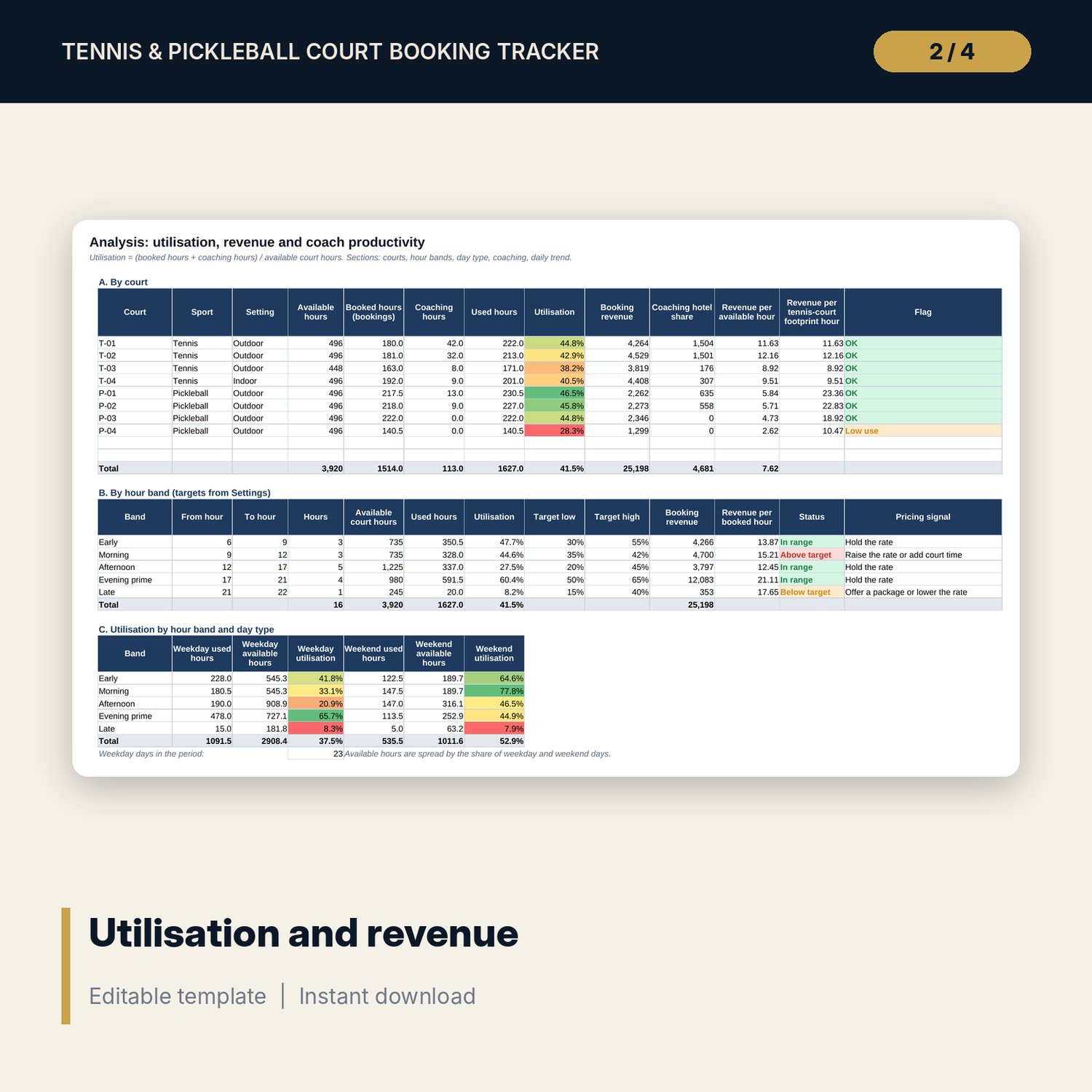
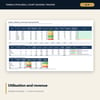
- Analysis: by court, by hour band, by day type, by coach and session type, and a 31-line daily trend
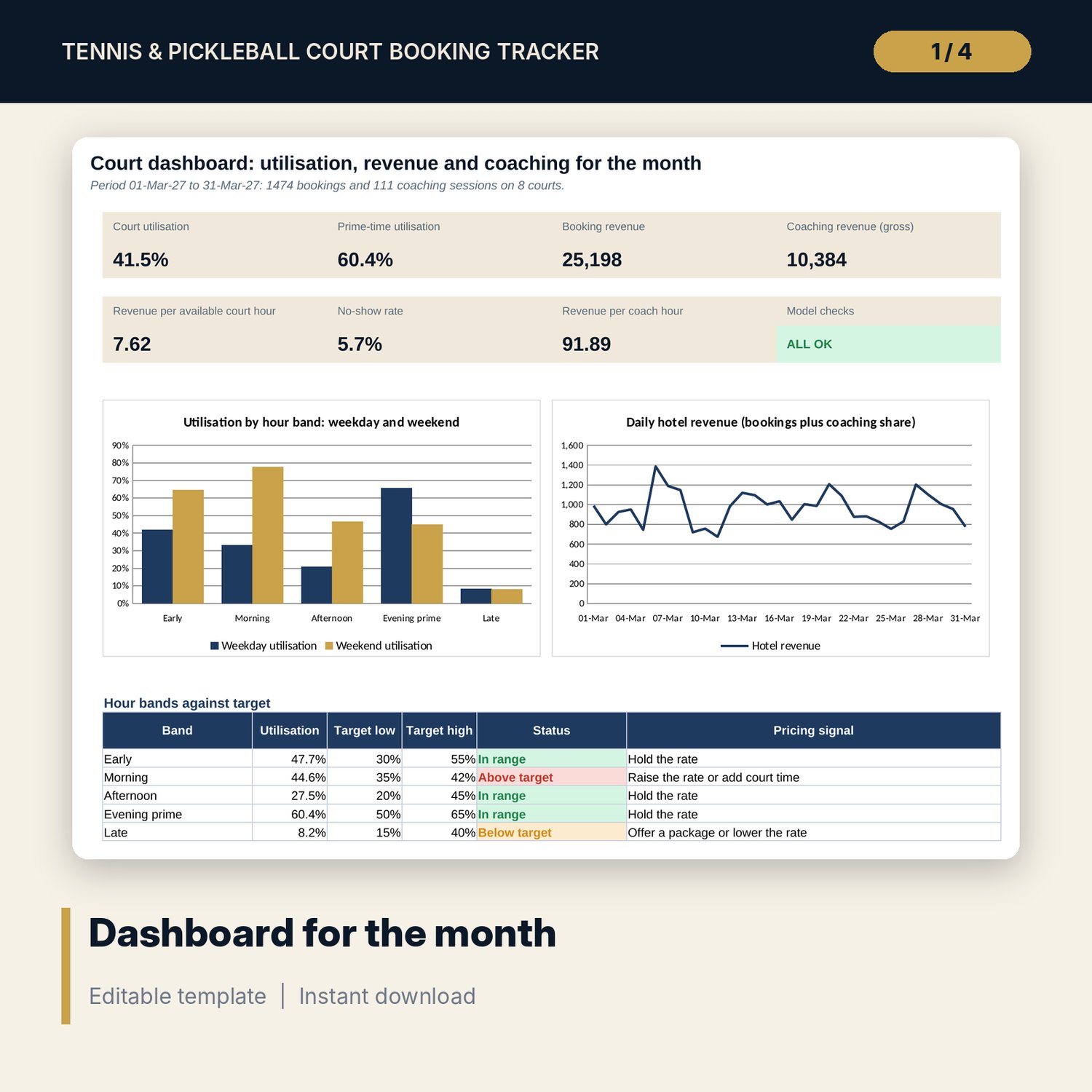
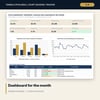
- Dashboard: 8 tiles including the check status, 2 charts and a band-versus-target table; 8 integrity checks
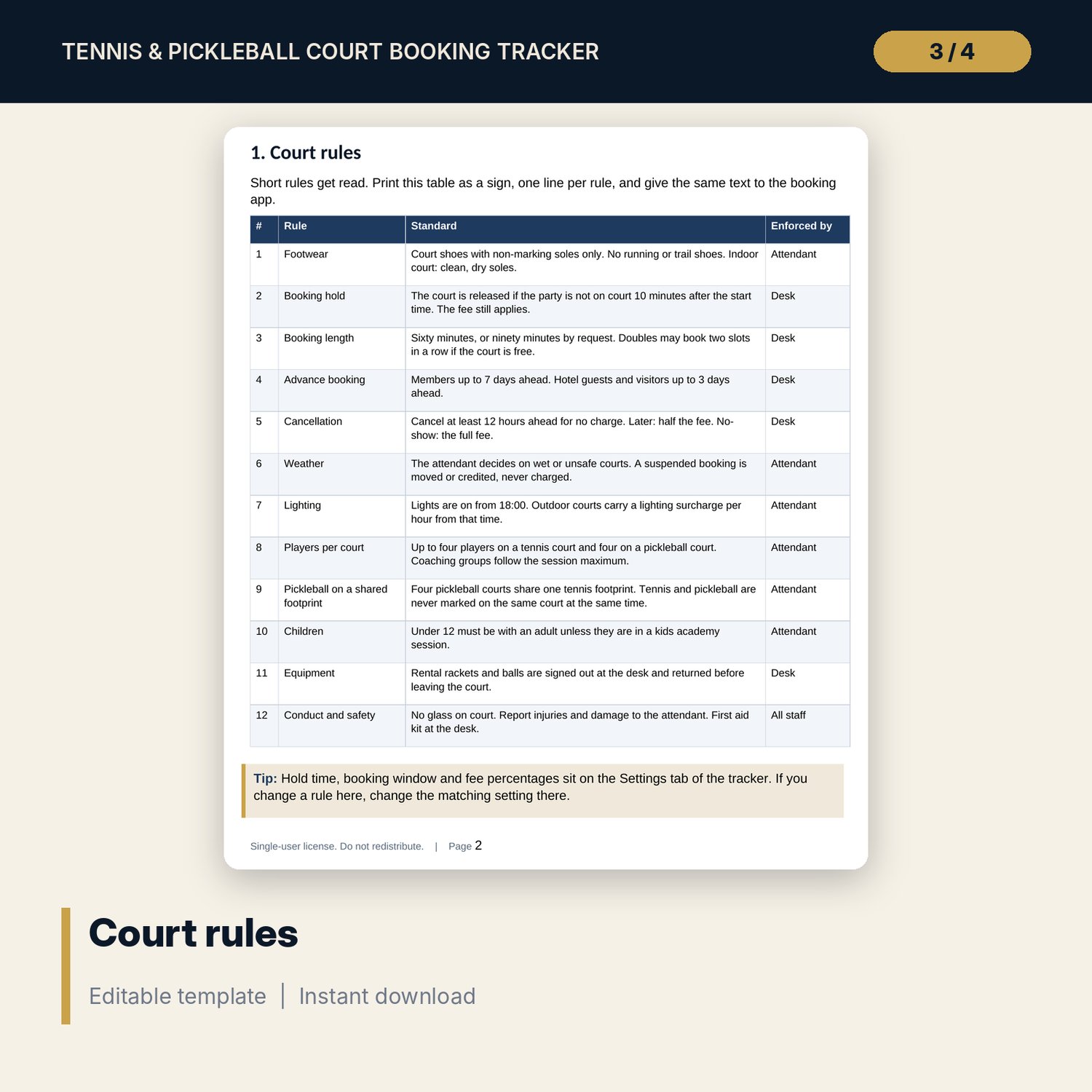
- Court_Rules_and_Programme_Guide.docx and PDF: 9 pages with court rules, booking procedure, programme, coaching standards, maintenance schedule, review agenda, worked example and forms
- README.txt and LICENSE-and-Terms.txt
How it works
- Enter the period, opening hours, rate card, band targets and courts on Settings.
- Log each booking and coaching session. Rates, charges and revenue are calculated.
- Read Analysis for bands and courts above or below target and for coaches below the productivity floor.
- Use the guide to set rules and the programme, then review the Dashboard each month.
Details
- Formats: 1 Excel workbook (.xlsx), 1 guide in Word (.docx) and PDF, English
- Software: Excel 2016 or later, or LibreOffice Calc 7 or later
- No macros, no external links, no data tables, no array formulas
- 3 files plus README and license; instant digital download
Good to know
- Sample data is illustrative. Replace it with your own figures.
- Each booking is placed in the hour band where it starts. A booking that crosses a band edge is not split.
- Rates, fees and targets are examples. These files are management tools, not legal or safety advice. Verify local requirements.
- Single-user license. Do not redistribute.
FAQ
Does it handle pickleball and tennis together?
Yes. The court register holds the sport and a footprint factor, so four pickleball courts can share one tennis footprint and revenue is compared per footprint hour.
How is utilisation calculated?
Booked hours (played and no-show bookings) plus coaching hours, divided by available court hours after closed days.
Can I change the rate card and targets?
Yes. Rates, lighting surcharge, peak windows, no-show and late-cancel charges, band targets and coach shares are inputs on Settings.
How many bookings can I log?
The sample holds 1,474 bookings plus 120 spare rows. Extend the table by copying the last row down.
Do I need macros?
No. Every result is a standard worksheet formula.