
IT Outage & Cyber Incident Response Plan Kit: Incident Log, Recovery Targets and Manual Operation Forms
Full description
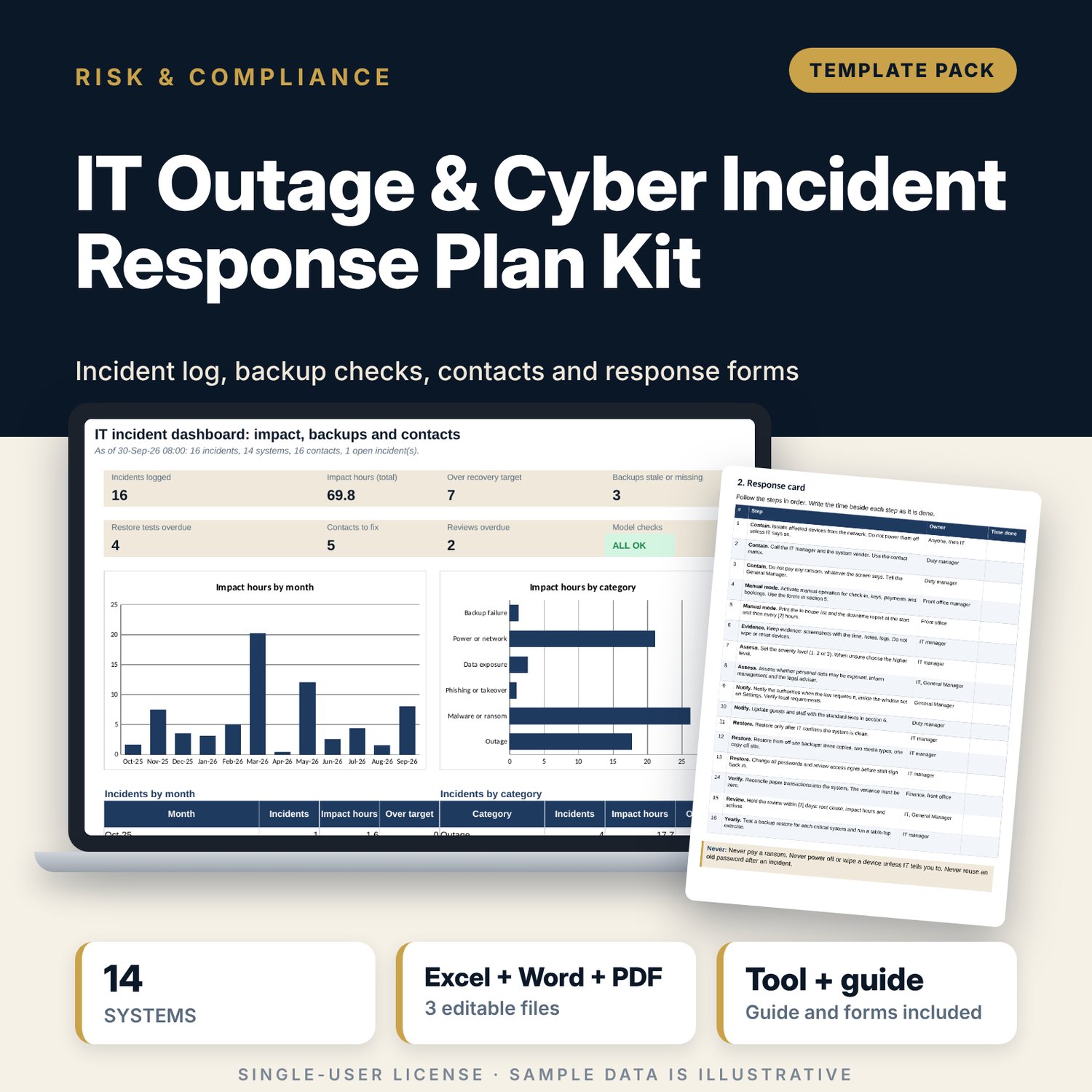
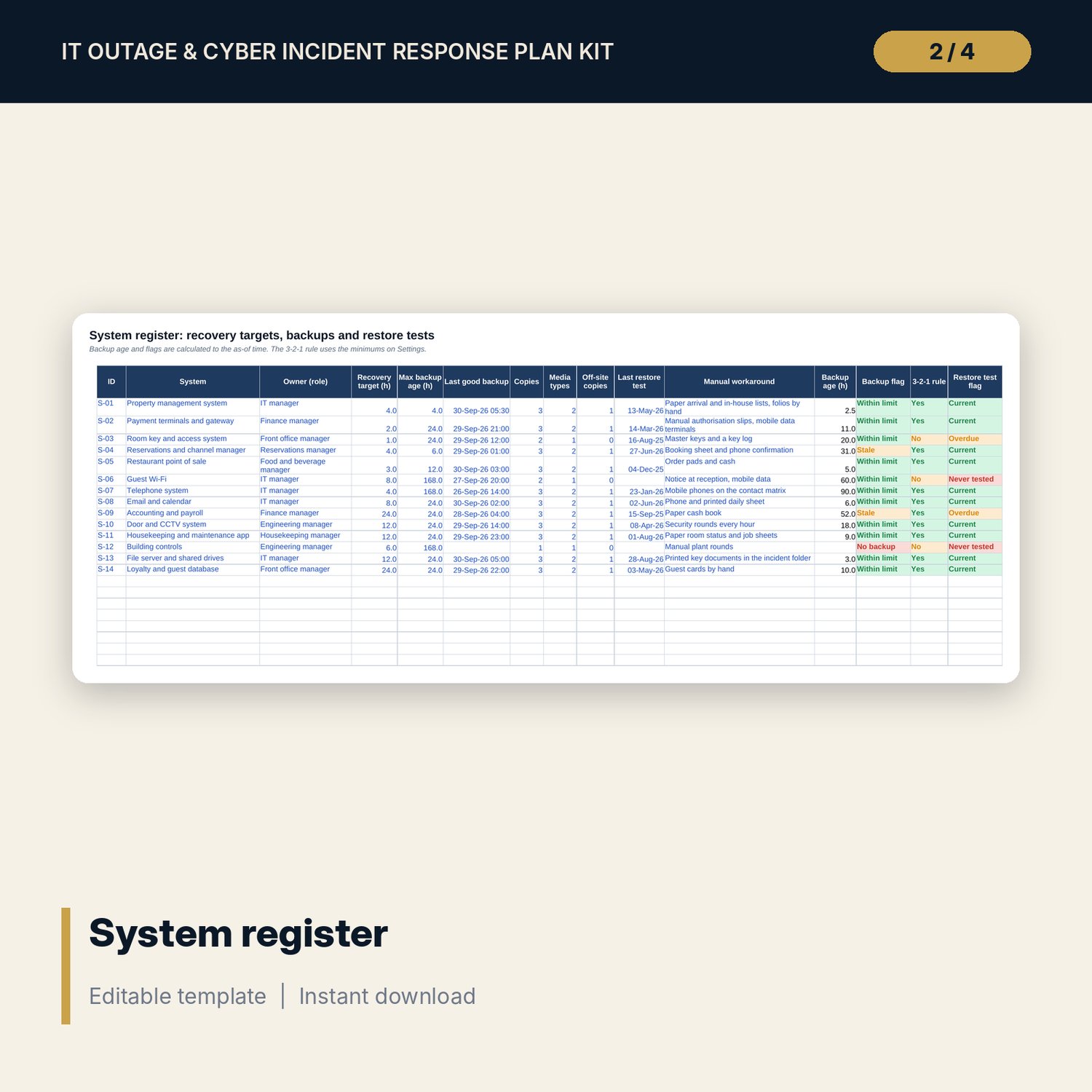
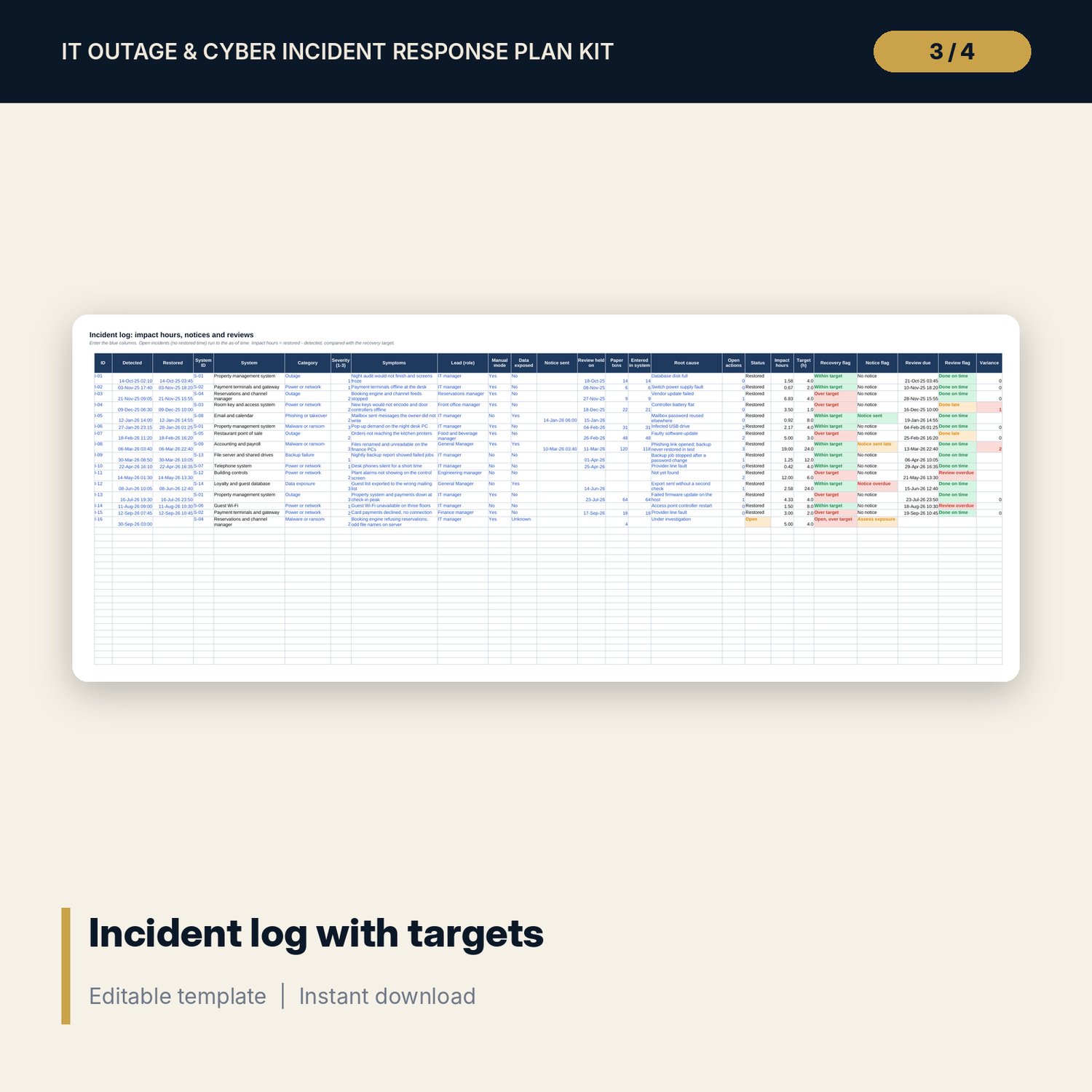
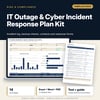
For hotel and hospitality IT managers, duty managers, front office managers and general managers who need a written plan before a system fails. The workbook holds a system register with a recovery target and a backup age limit for each system, a 3-2-1 backup rule check and a restore-test date, a contact matrix with verification dates, and an incident log. The log calculates impact hours (restored minus detected), compares them with the recovery target of the system, flags exposure notices and post-incident reviews that are due, and reconciles paper transactions from manual mode to zero. The Word pack gives three severity levels, a 16-step response card, a blank contact matrix, an incident record, manual operation forms, five standard texts and a review form.
What is inside
- IT_Incident_Response_Log.xlsx: 7 tabs, 598 formulas, 2 native charts, 16 drop-down and input rules
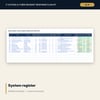
- Systems: 14 sample systems plus 8 spare rows, with backup age, 3-2-1 rule check and restore test flag
- Contacts: 16 sample contacts plus 10 spare rows, with a days-since-verified flag
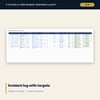
- Incident Log: 16 sample incidents plus 20 spare rows, with impact hours, target, notice, review and paper variance
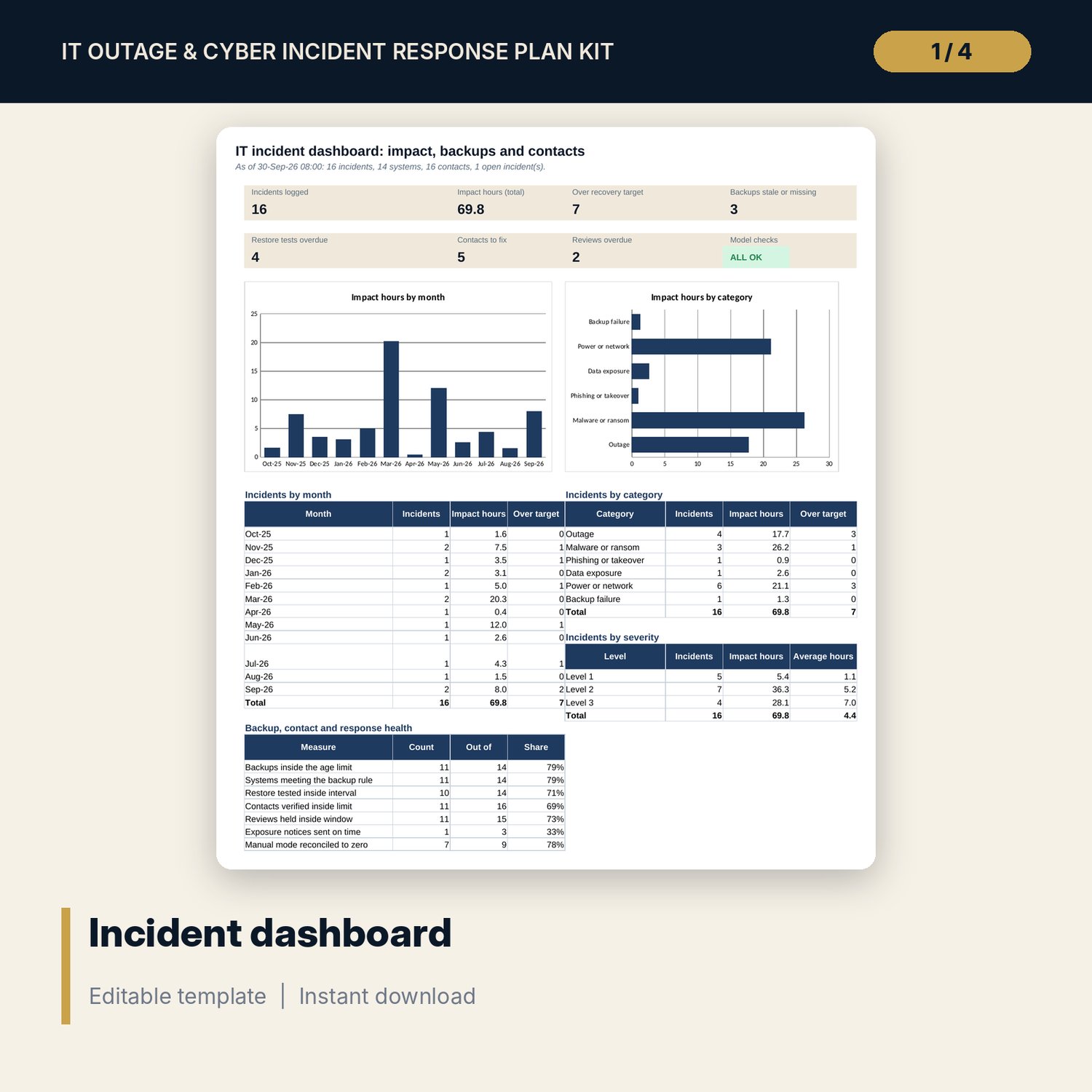
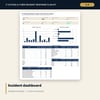
- Dashboard: 7 KPI tiles, a check tile, 2 charts, severity and category tables; 8 integrity checks on the Checks tab
- IT_Incident_Response_Pack.docx and PDF: 10 pages with severity levels, response card, contact matrix, incident record, manual forms, standard texts, restoration checklist and review form
- README.txt and LICENSE-and-Terms.txt
How it works
- Set the as-of time, the limits and the notice and review windows on Settings.
- List your systems, recovery targets, backups and restore tests, then your contacts.
- Log each incident when it is detected and when it is restored; run manual mode from the printed forms.
- Read the dashboard each month and hold the post-incident review within the review window.
Details
- Formats: 1 Excel workbook (.xlsx), 1 Word pack (.docx) and PDF, English
- Software: Excel 2016 or later, or LibreOffice Calc 7 or later
- No macros, no external links, no data tables, no array formulas
- 3 files plus README and license; instant digital download
Good to know
- Sample data is illustrative. Replace it with your own figures. Never enter passwords, card numbers or guest personal data in these files.
- This is a planning and logging tool. It is not legal, security or technical advice. Notice duties and deadlines depend on local law and your contracts: verify local requirements.
- Single-user license. Do not redistribute.
FAQ
Does it restore my systems or detect attacks?
No. It organises the plan, the contacts, the forms and the log. Your IT provider does the technical work.
How are impact hours calculated?
Restored time minus detected time, in hours. An open incident runs to the as-of time. The result is compared with the recovery target you set for that system.
How does the backup check work?
Backup age is the as-of time minus the last good backup. Over the limit shows Stale. The 3-2-1 check needs your minimum copies, media types and off-site copies, set on Settings.
What about the authority notice window?
It is an editable input, 72 hours in the sample. The law and your contracts set the real deadline, so verify local requirements before you rely on it.
Do I need macros?
No. Every result is a standard worksheet formula.