
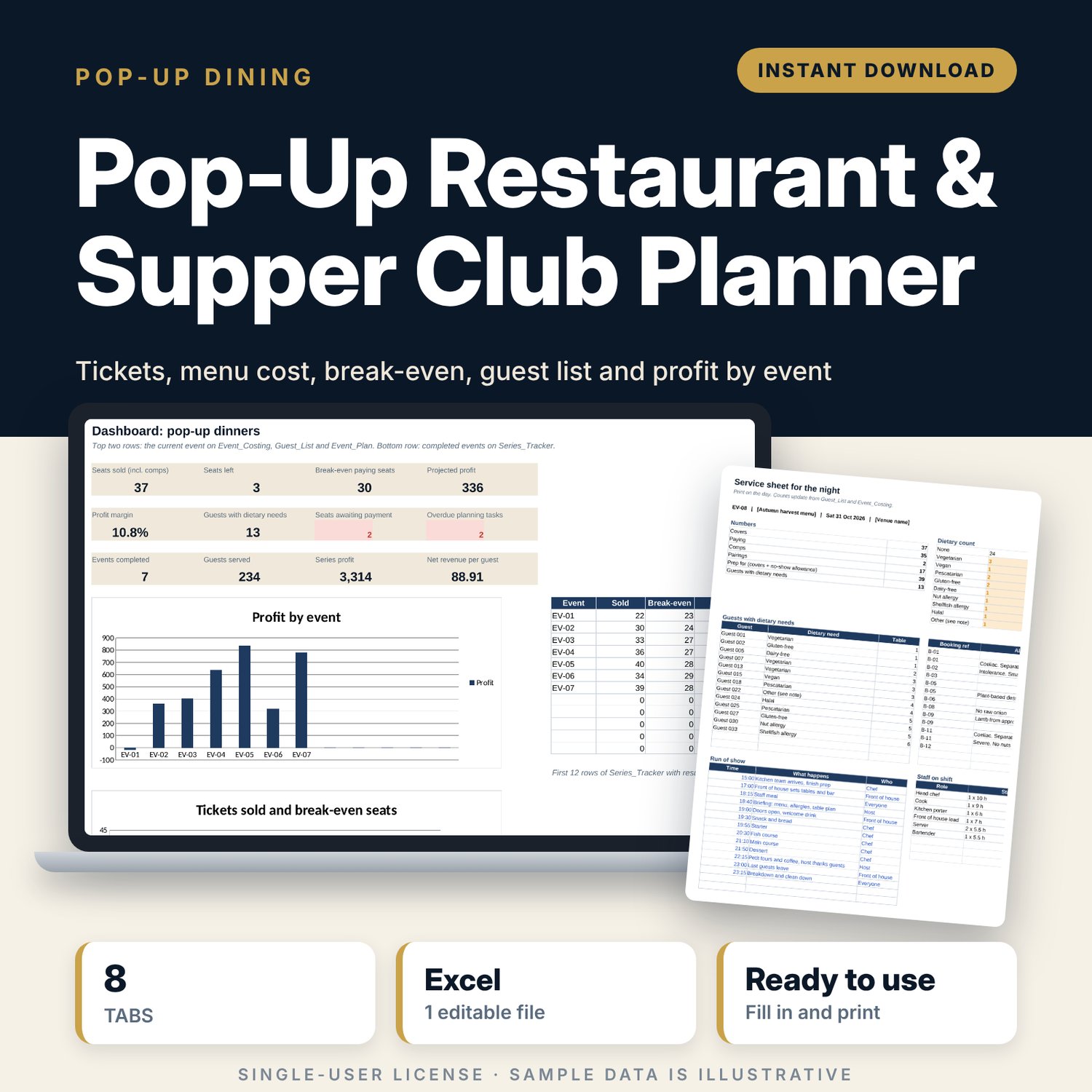
Pop-Up Restaurant & Supper Club Planner: Pop-Up Dinner Costing, Guest List and Break-Even Spreadsheet
Full description
For chefs and hosts who run pop-up restaurants, supper clubs and ticketed dinners and want to know before tickets go on sale whether the night will make money. You set ticket tiers and a drinks pairing, cost the menu per guest, and add venue, hire and staff costs. The workbook removes tax and fees, works out contribution per seat and the number of paying seats you need to break even, and compares the result with your margin and food cost targets. A guest list tracks payments, dietary needs and allergy notes, a planning timeline counts tasks back from the event date, and a series tracker compares profit across every event.
Save with a bundle: this template is also in the Food & Leisure Business Startup Bundle, 14 templates for $35 instead of $103. All 141 templates are in the All-Access Hospitality Template Library for $79.
What is inside
- Pop_Up_Restaurant_Supper_Club_Planner.xlsx: 8 tabs, 717 formulas, 2 native charts, 14 drop-down or number rules. No macros.
- Settings: 8 fee, tax and target inputs, 7 staff roles with hourly rates, 4 ticket tiers with prices, and 7 drop-down lists including 10 dietary needs.
- Event_Plan: 25 planning tasks (room for 40) counted back from the event date, with owner, status and overdue flags.
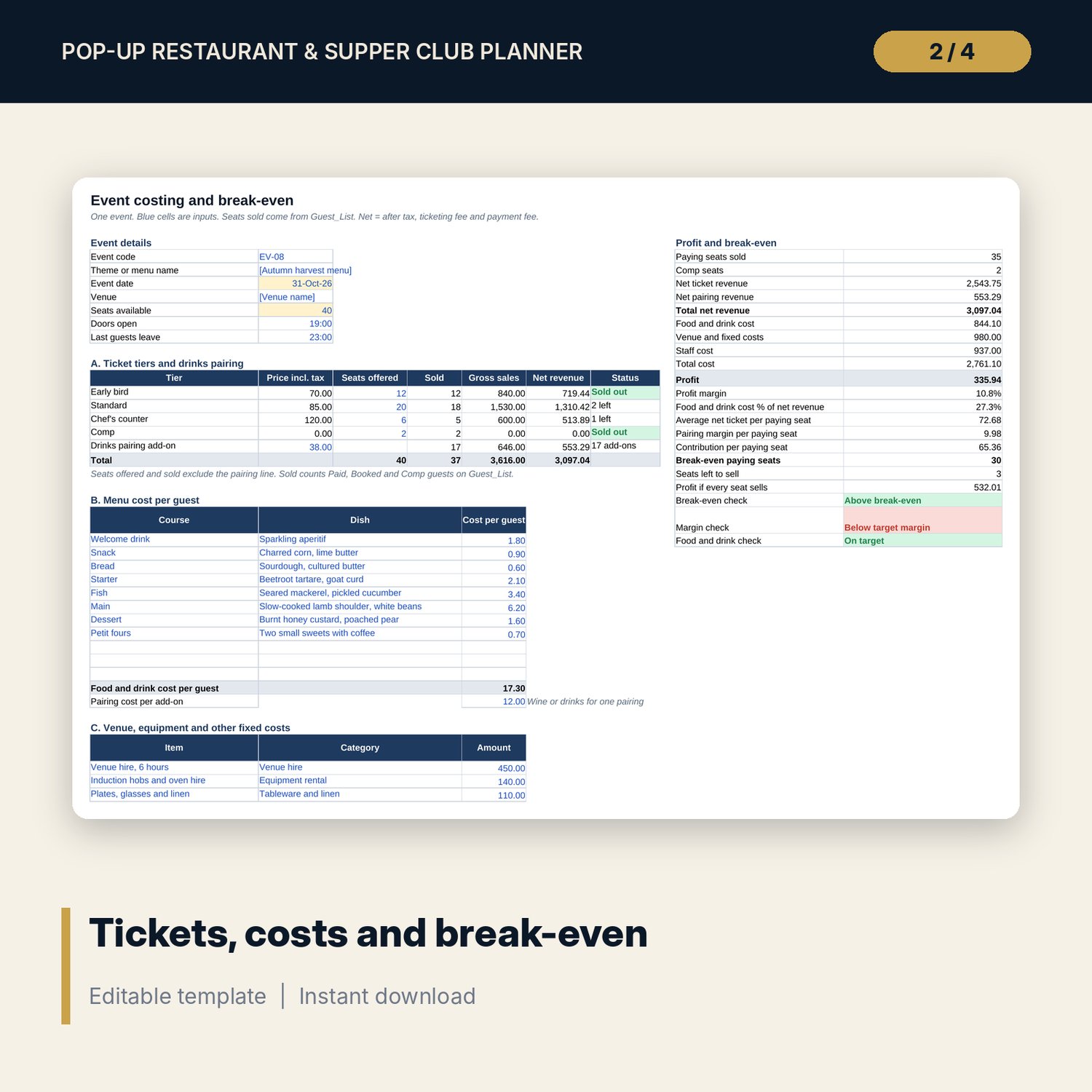
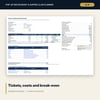
- Event_Costing: event details, 4 ticket tiers plus a drinks pairing line, 11 menu lines, 11 fixed cost lines, 9 staff lines, and a 21-line profit and break-even summary with 3 checks.
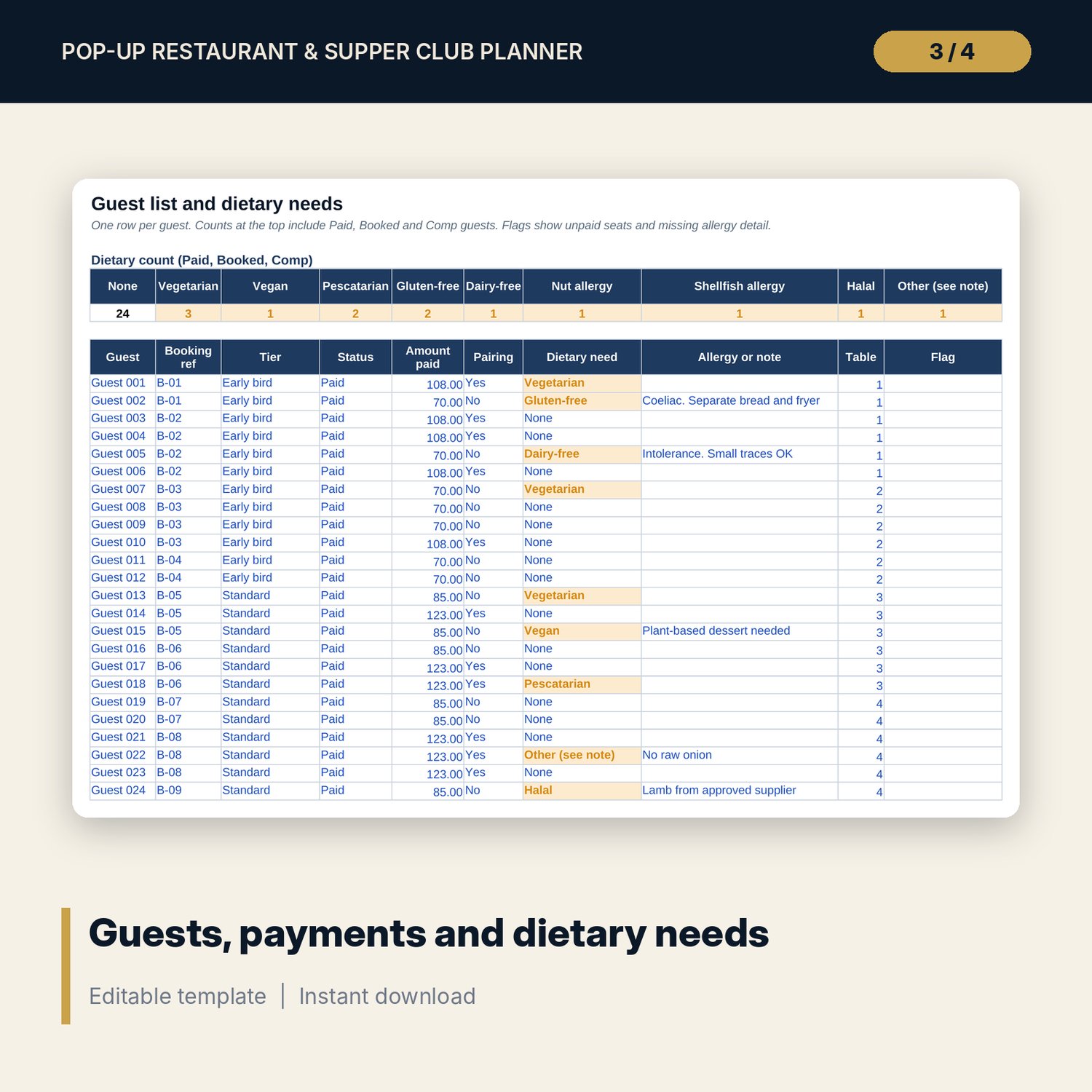
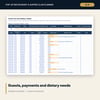
- Guest_List: room for 120 guests (39 sample rows), a dietary count for 10 needs, and flags for unpaid seats, missing allergy detail and guests without a table.
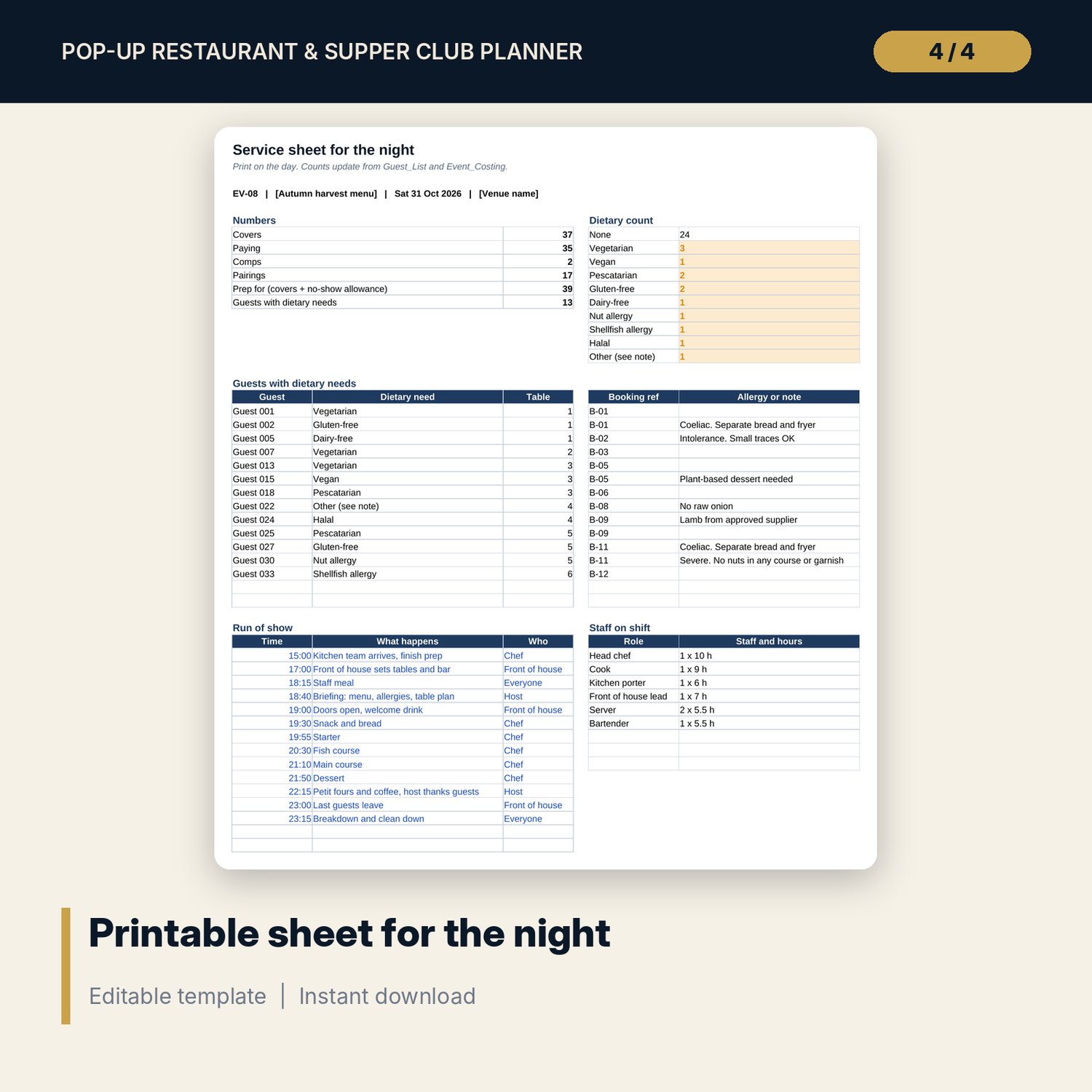
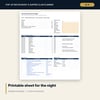
- Service_Sheet: one printable portrait page with covers, prep count, dietary counts, up to 15 guests with needs, a 15-line run of show and the staff on shift.
- Series_Tracker: room for 30 events (9 sample rows) with profit, margin, break-even seats and a status flag.
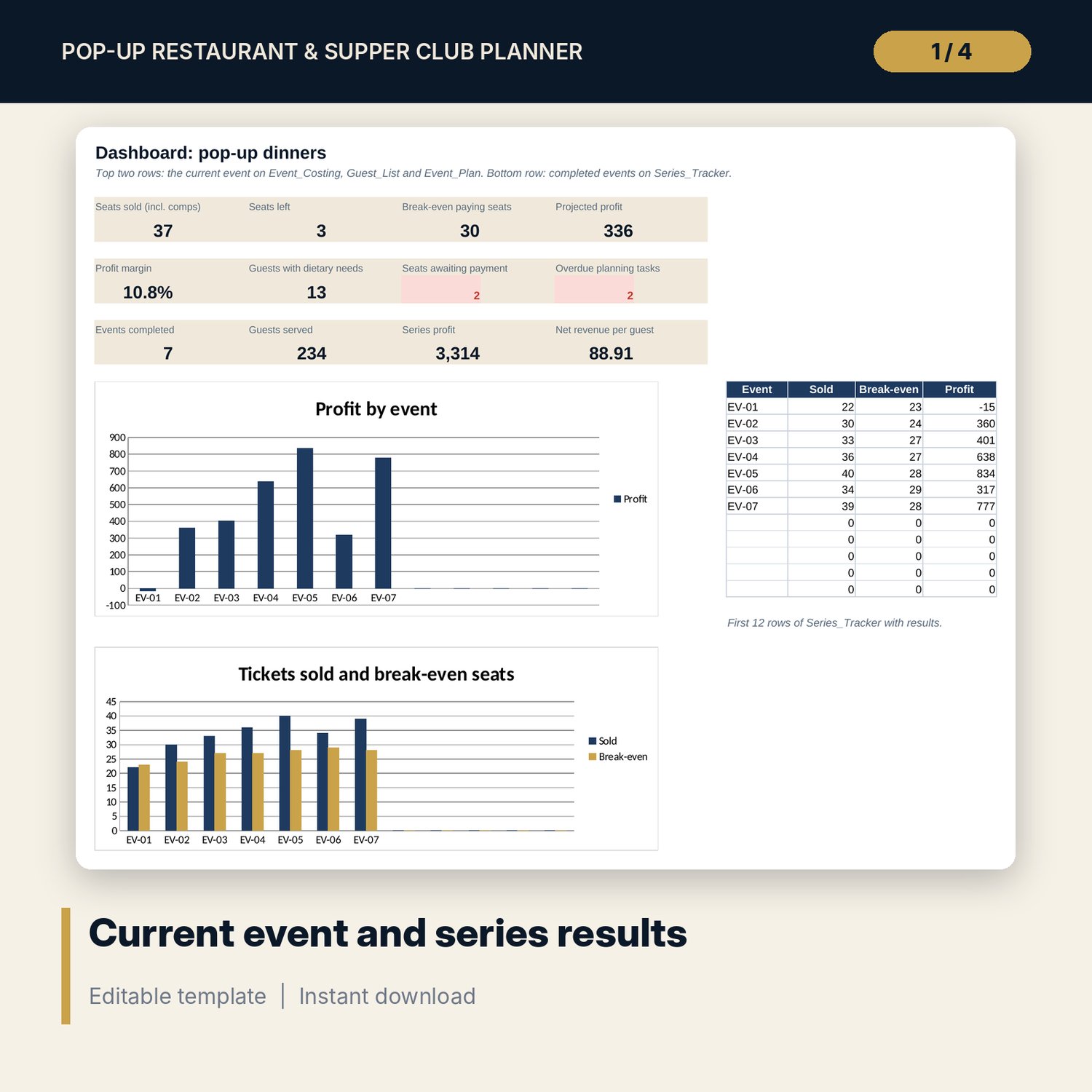
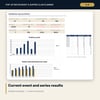
- Dashboard: 12 KPI tiles and 2 charts.
- README.txt and LICENSE-and-Terms.txt.
How it works
- Enter fees, tax rule, cost targets and staff rates on Settings.
- Build the event on Event_Costing and check break-even before you open sales.
- Add guests as they book and clear the payment and allergy flags.
- Follow Event_Plan, then print Service_Sheet on the day.
- Record the final figures in Series_Tracker and compare events.
Details
- Format: Excel workbook (.xlsx). No macros.
- Language: English. Currency is a label you choose.
- Software: Excel 2016 or later, or a spreadsheet program that opens .xlsx files.
- Delivery: instant digital download. Nothing is shipped.
Good to know
- All sample events, prices, guests and costs are illustrative. Replace them with your own figures.
- Permits, alcohol rules, food safety rules and tax on tickets differ by location. Verify local requirements.
- Allergy information in the file supports your process. It does not replace talking to each guest and your own allergen controls.
- Single-user license. Do not share or resell the files.
FAQ
How is break-even worked out?
Fixed costs (venue, hire and staff) plus the food for comp seats, divided by the contribution of one paying seat after tax, fees, food and the drinks pairing margin.
Can I change the ticket tiers?
Yes. Rename the tiers and set prices on Settings. Event_Costing and the guest list drop-down update.
Do comp guests count?
Comp seats count as covers for the kitchen and their food cost is included. They do not count as paying seats.
Does it work in Google Sheets?
It opens in Google Sheets and the formulas calculate. Check the drop-downs after import.
Is this a physical product?
No. It is a digital download. Refund terms follow the store policy at the time of purchase.