
Room Type Inventory & Upgrade Path Matrix: Room Category Inventory and Upsell Price Gap Template
Full description
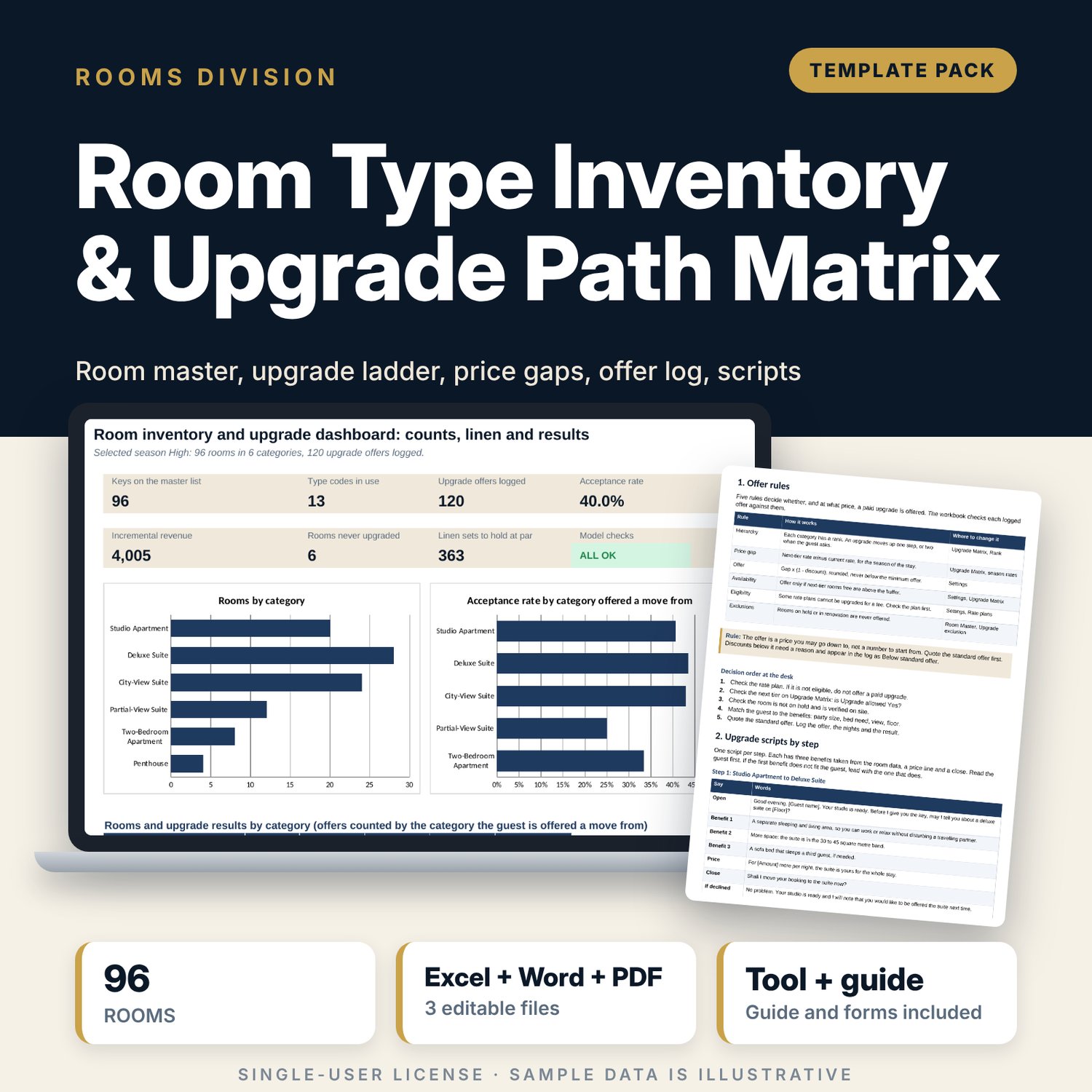
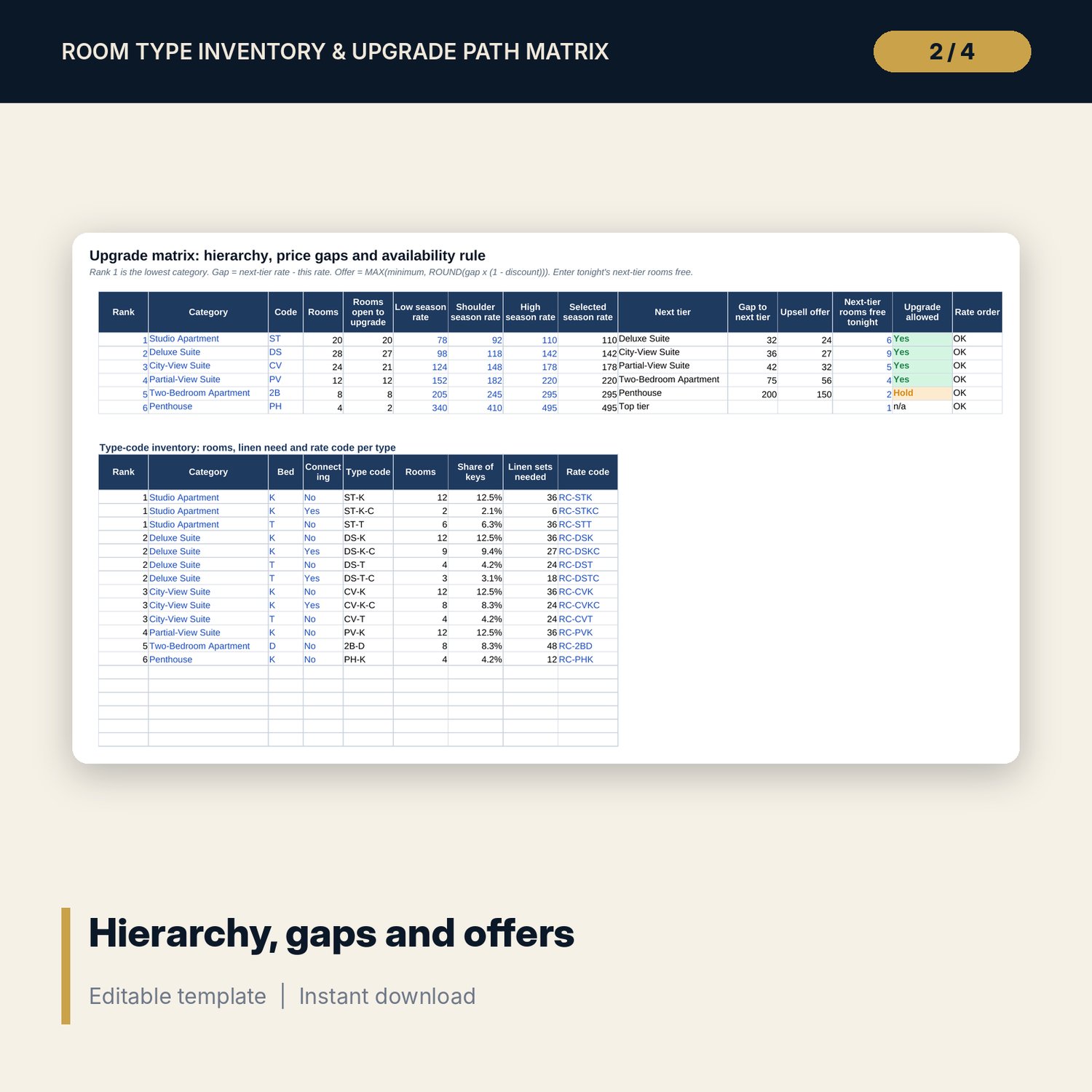
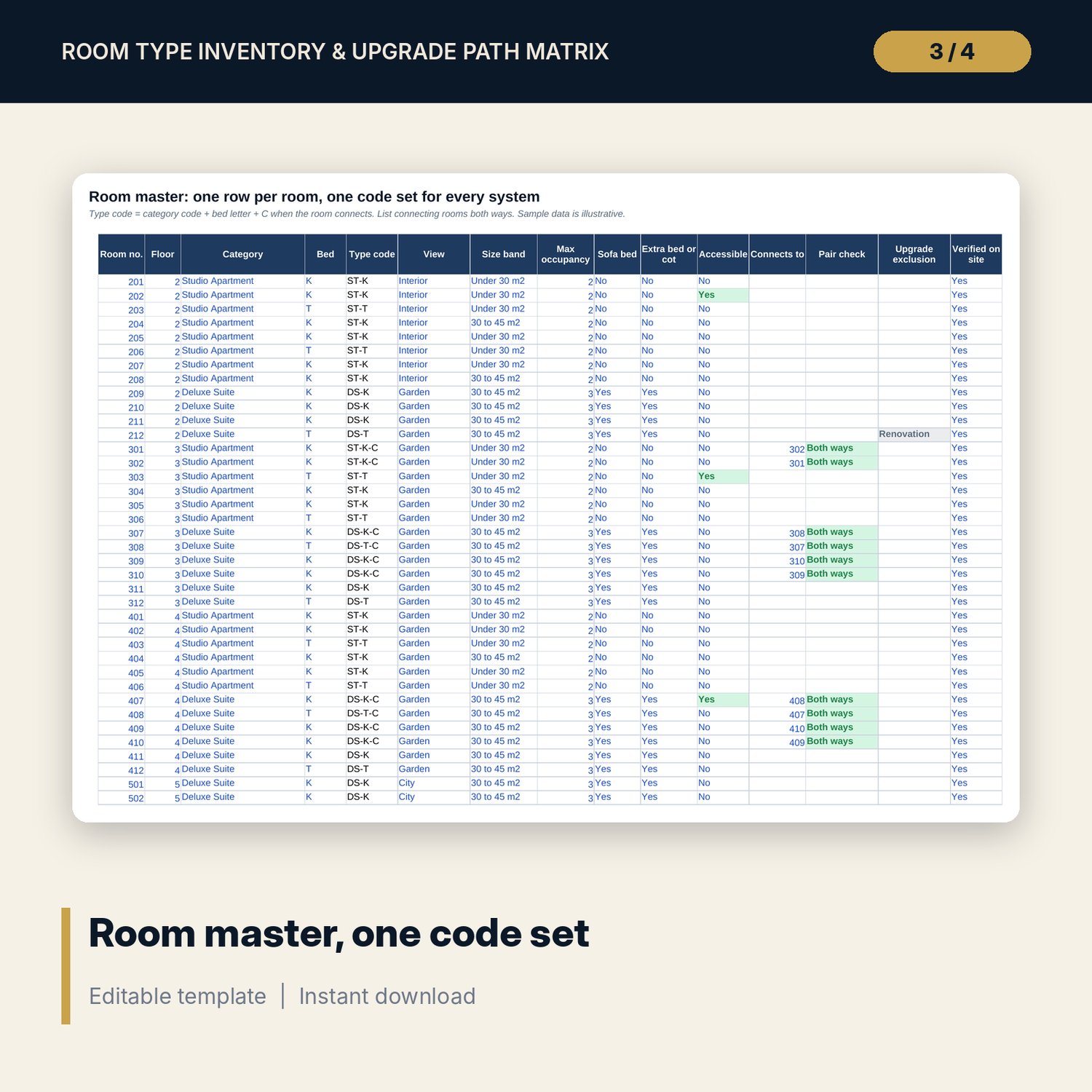
For front office managers, revenue managers and reservations teams who need one room list that every system agrees with, and a clear upgrade ladder with prices the desk can quote. The workbook holds 96 rooms with floor, category, bed, view, size, occupancy, sofa bed, extra bed, accessible, connecting partner and exclusion flags. It ranks 6 categories, works out the price gap to the next tier for three seasons, sets the upsell offer as the gap less a discount with a minimum, applies an availability buffer and logs each offer with a check. The Word guide gives 5 scripts with three benefits each, 8 objection answers and a monthly reconciliation checklist.
What is inside
- Room_Type_Upgrade_Matrix.xlsx: 7 tabs, 1,587 formulas, 2 native charts, 27 drop-down and input rules
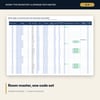
- Room Master: 96 sample rooms on 8 floors with 13 type codes, a connecting-pair check and 24 spare rows
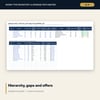
- Upgrade Matrix: 6 ranked categories, 3 seasonal rates, gap, offer and availability rule; type-code inventory with linen need and rate code
- Upgrade Log: 120 sample offers with season, gap, standard offer, result, incremental revenue and an offer check, plus 40 spare rows
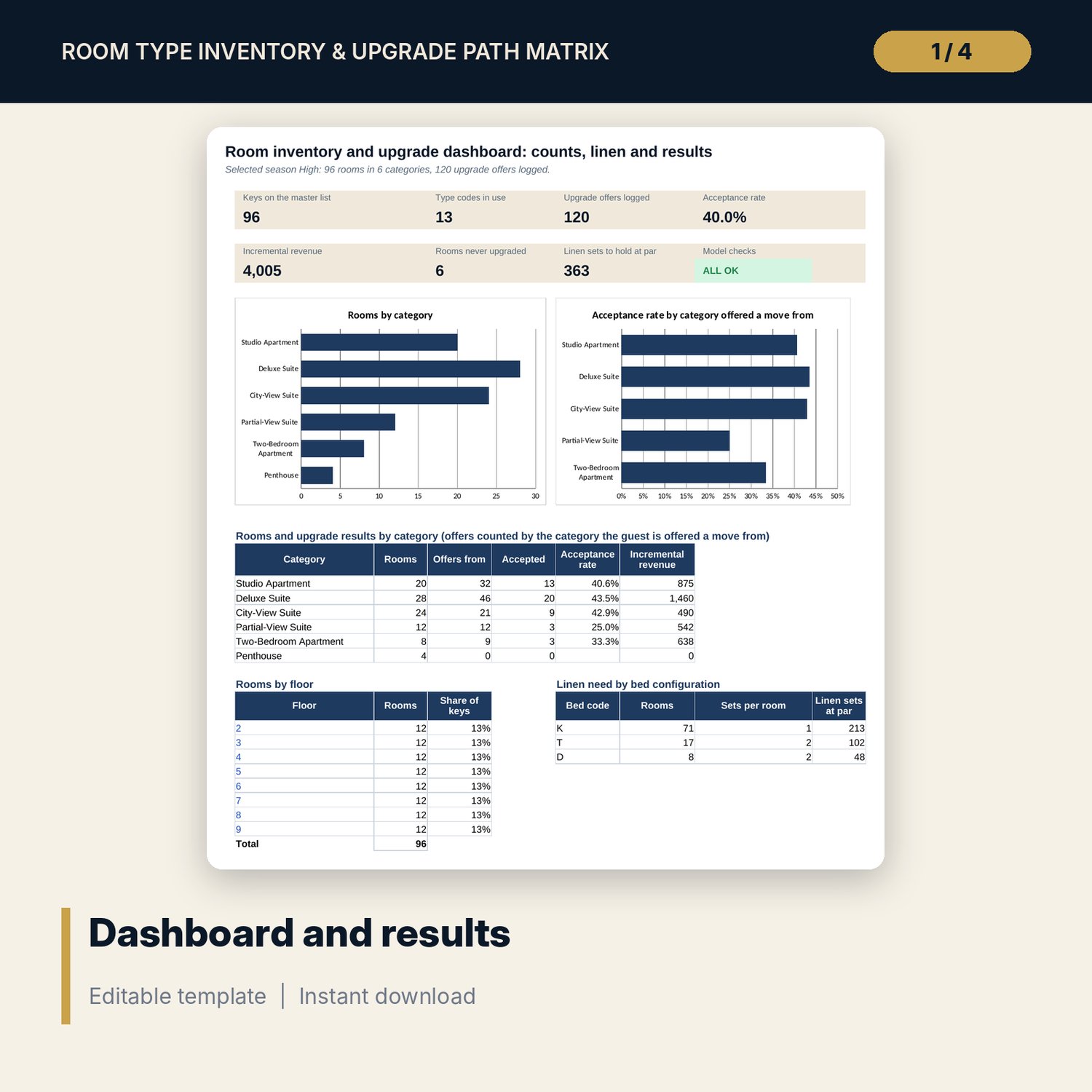
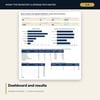
- Dashboard: 7 KPI tiles, a check tile and 2 charts; 8 integrity checks on the Checks tab
- Upgrade_Scripts_and_Inventory_Procedures.docx and PDF: 7 pages with offer rules, 5 upgrade scripts, 8 objection answers, pre-arrival and check-in messages, special cases, a 14-line reconciliation checklist and forms
- README.txt and LICENSE-and-Terms.txt
How it works
- Set the buffer, discount, minimum offer, rate plans and seasons on Settings.
- Replace the sample rooms with your own and enter your categories, rates and tonight's next-tier availability.
- Read the gap, the offer and the Upgrade allowed column for each step.
- Log each offer. The offer check flags plan, buffer and price breaches.
- Use the scripts in the guide and reconcile the master list monthly.
Details
- Formats: 1 Excel workbook (.xlsx), 1 guide in Word (.docx) and PDF, English
- Software: Excel 2016 or later, or LibreOffice Calc 7 or later
- No macros, no external links, no data tables, no array formulas
- 3 files plus README and license; instant digital download
Good to know
- Sample data is illustrative. Replace it with your own figures.
- Rates, discounts and buffers are your pricing policy. These files are management tools, not legal or financial advice. Verify local requirements.
- Verify each view, bed type and connecting pair on site before you promise it to a guest.
- Single-user license. Do not redistribute.
FAQ
How many rooms and categories does it hold?
96 rooms in 6 categories in the sample, with 24 spare room rows and 6 spare type rows for your own data.
How is the upsell offer worked out?
Gap to the next tier, less your discount, rounded and never below your minimum. The sample uses a 25% discount and a minimum of 15.
What is the availability buffer?
The number of next-tier rooms you keep free. A paid upgrade shows Yes only when rooms free are above it.
Can I rename the categories and bed codes?
Yes. Edit the names and codes. Type codes, counts and drop-down lists follow.
Do I need macros?
No. Every result is a standard worksheet formula.