
Family Travel Readiness Audit & Kids Services Checklist: Family Friendly Hotel Audit Template
Full description
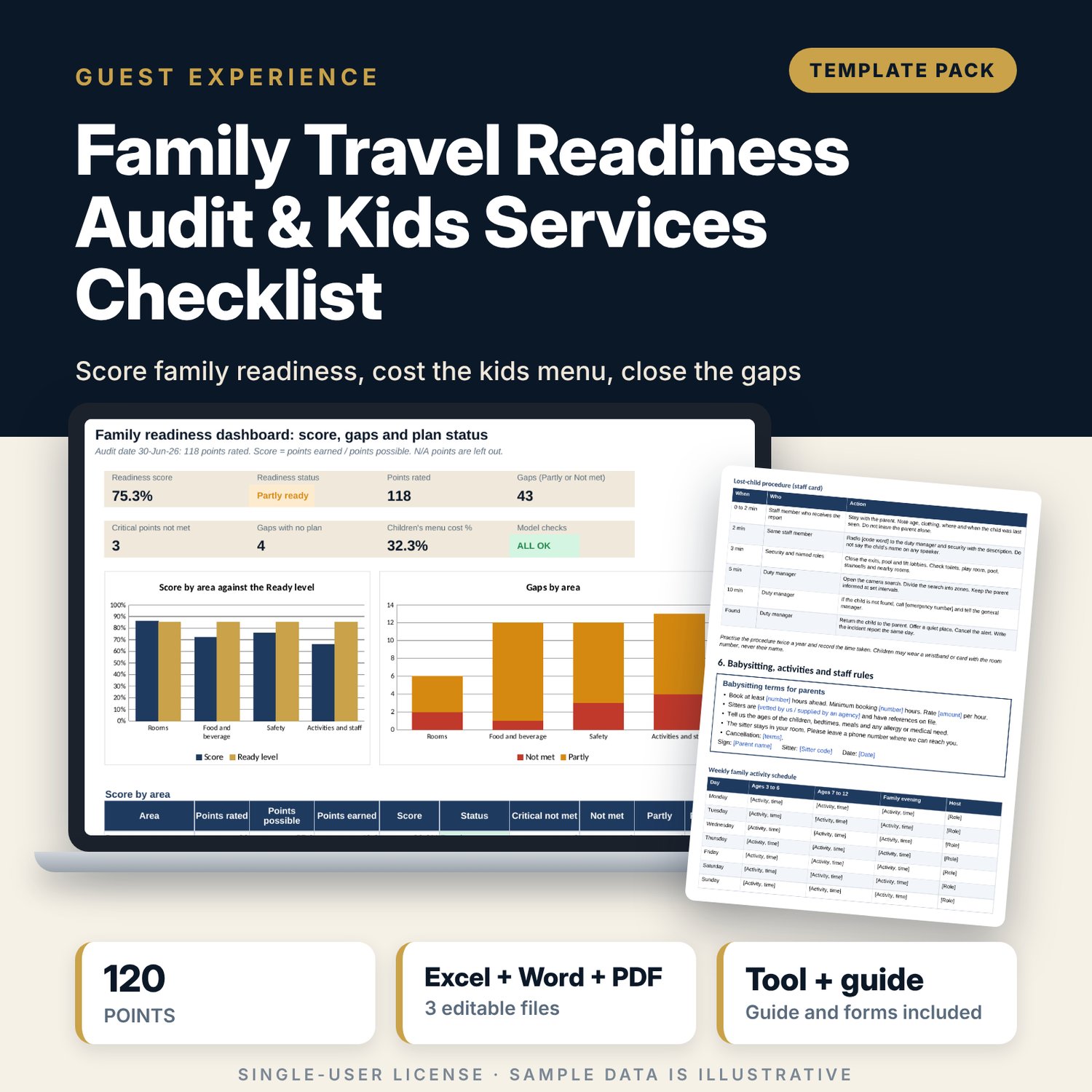
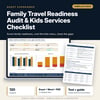
For general managers, rooms and food and beverage managers and recreation leads who want to know if the hotel is ready for families with children. The workbook scores 120 points in four areas and 16 sub-groups. Each point has a weight (routine, important or critical), an owner and a rating of Met, Partly, Not met or N/A. The score is points earned over points possible, with bands you set and an optional rule that a critical point not met stops an area from showing Ready. A children's menu sheet costs each dish against a target range, checks the allergen record and tests high chairs, cots and child cover share. Every gap gets a row on the gap plan with an action, an owner, a date and a cost. The Word kit supplies the message to parents, check-in script, welcome letter, menu wording, signs, lost-child card, staff rules and feedback card.
What is inside
- Family_Readiness_Audit.xlsx: 7 tabs, 1,253 formulas, 2 native charts, 17 drop-down and input rules
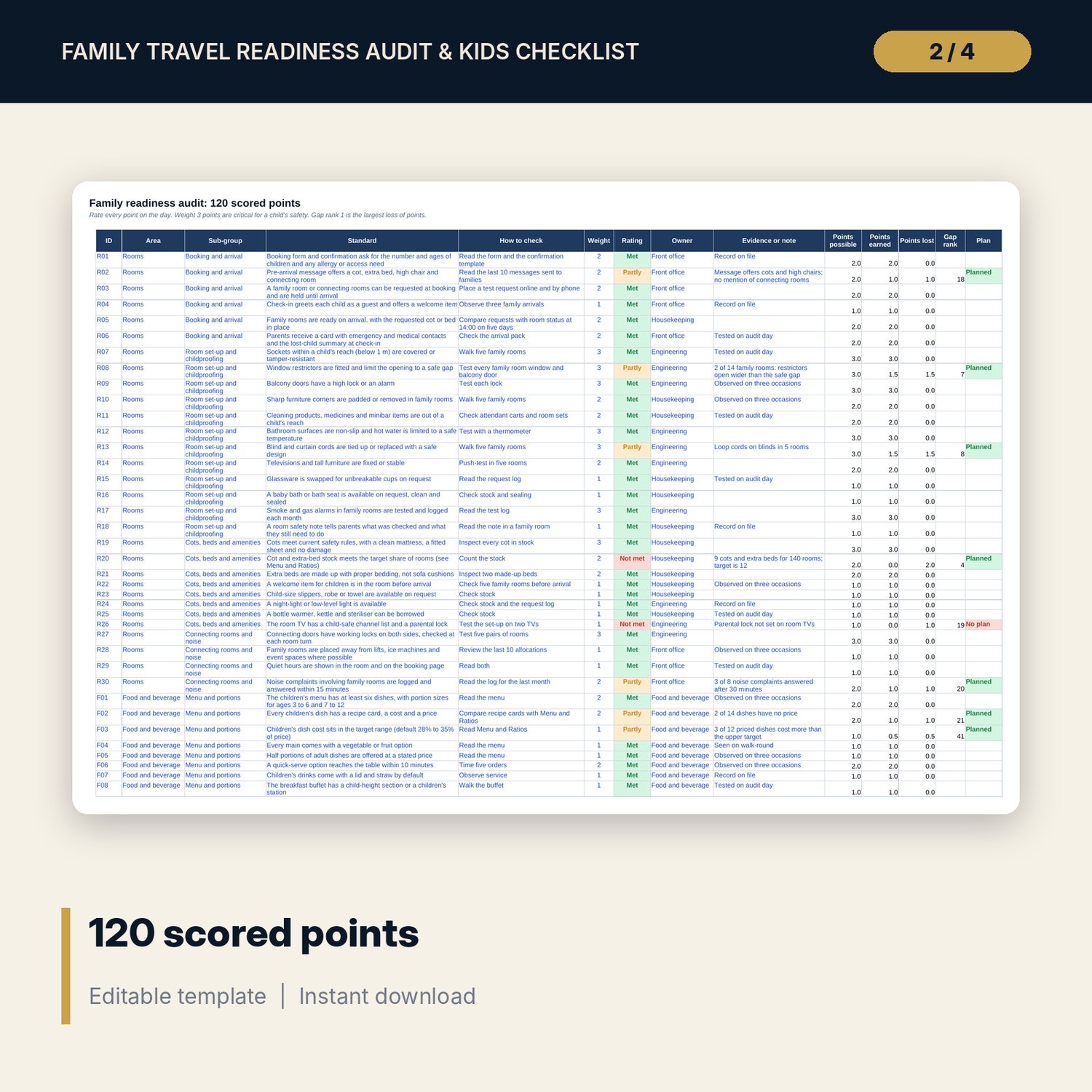
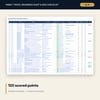
- Audit: 120 scored points (31 critical), 16 sub-groups, owner, evidence note, points lost and gap rank, plus 10 spare rows
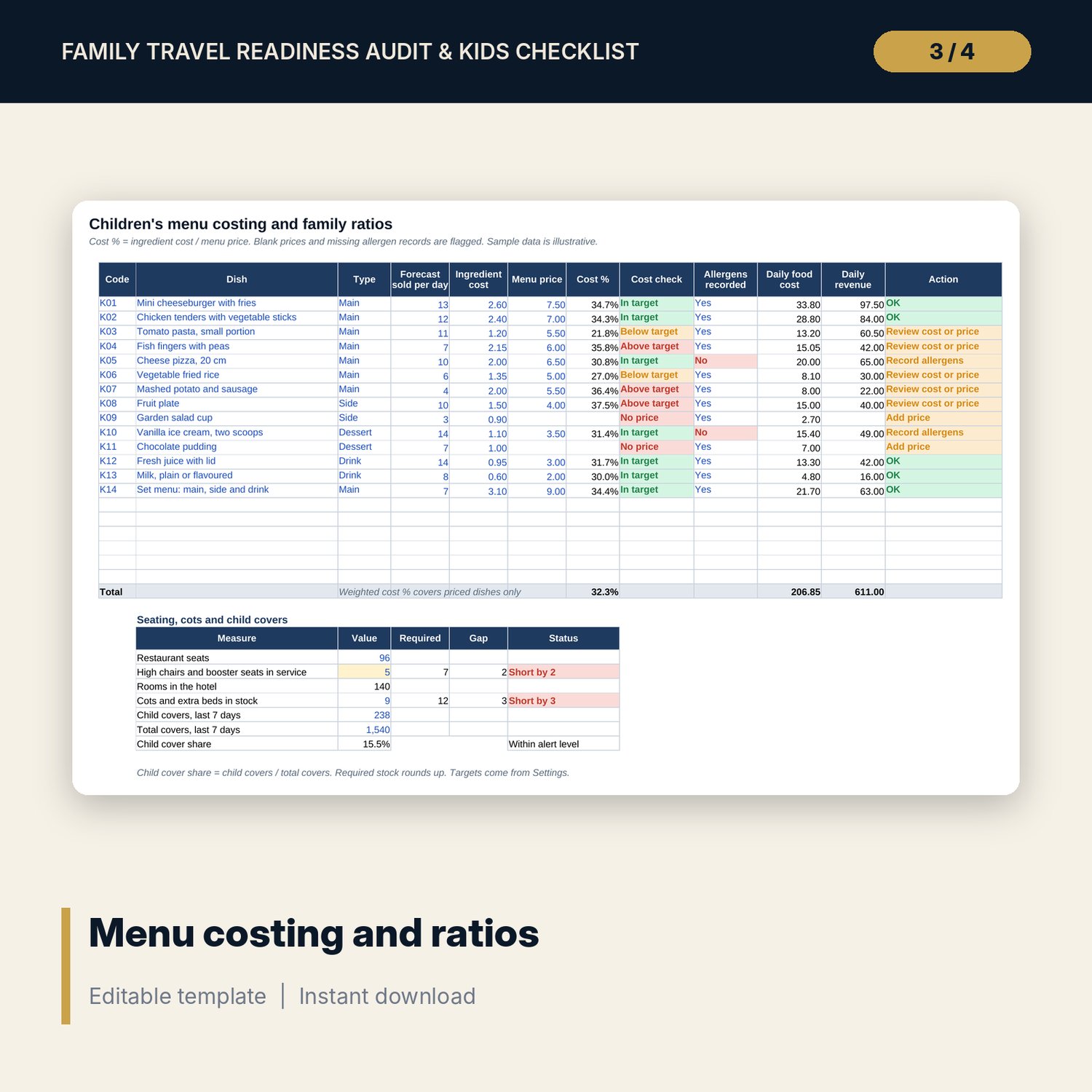
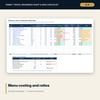
- Menu and Ratios: 14 sample dishes with cost %, allergen record and action, plus 6 spare rows; high chair, cot and child cover ratios
- Gap Plan: 39 sample actions with owner, date, cost and a flag for overdue, due soon and re-audit, plus 22 spare rows
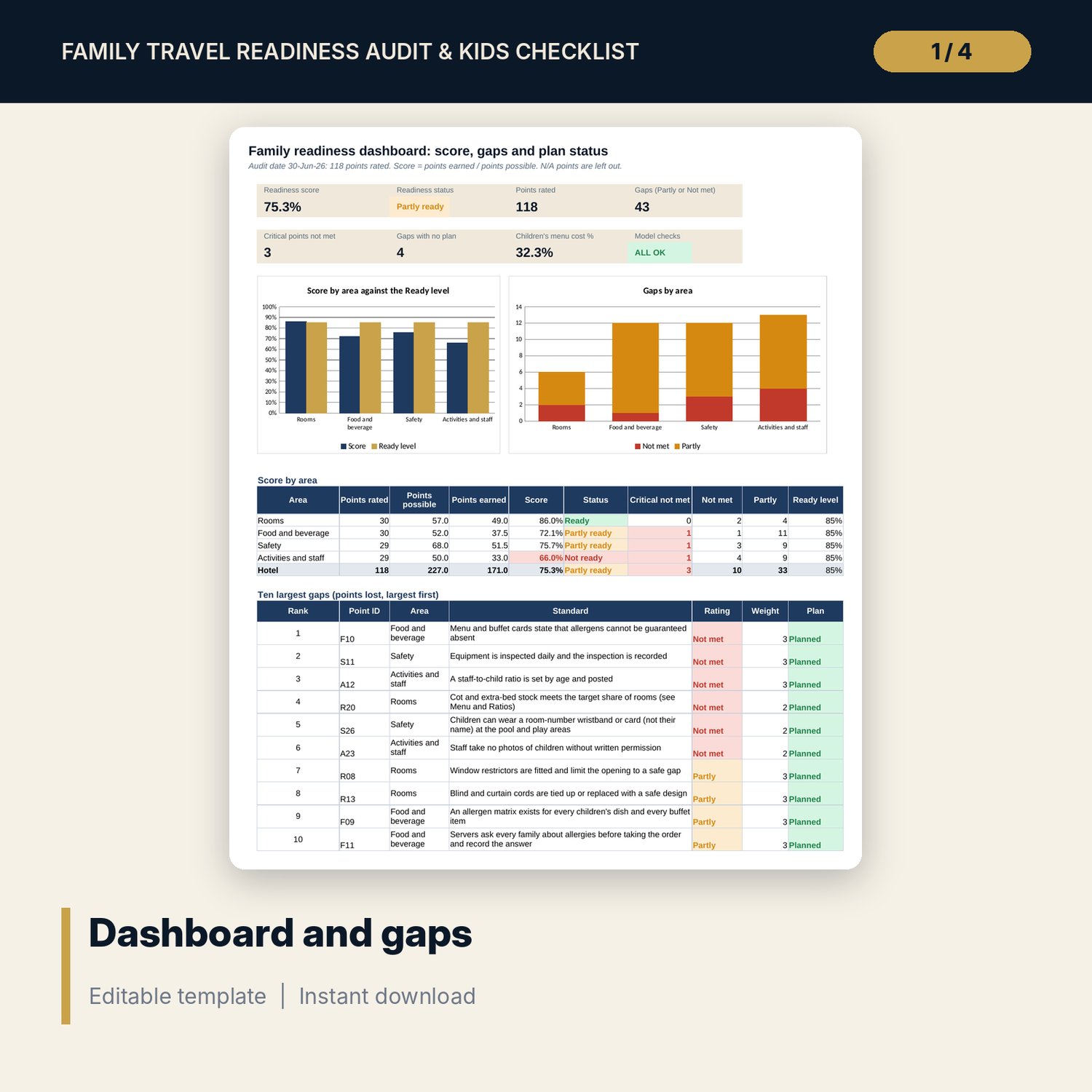
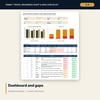
- Dashboard: 7 KPI tiles, a check tile, 2 charts, score by area and the ten largest gaps; 8 integrity checks on the Checks tab
- Family_Welcome_Kit.docx and PDF: 9 pages with 7 kit sections, printable signs and cards, scripts, forms and a worked example
- README.txt and LICENSE-and-Terms.txt
How it works
- Set the audit date, score bands and ratio targets on Settings.
- Walk the property and rate each of the 120 points. Add a short note for every gap.
- Enter the children's menu, seats, high chairs, cots and covers.
- Give each gap an action, an owner, a date and a cost on the Gap Plan, and read the Dashboard.
- Edit and print the welcome kit items that close your gaps. Repeat the audit each quarter.
Details
- Formats: 1 Excel workbook (.xlsx), 1 welcome kit in Word (.docx) and PDF, English
- Software: Excel 2016 or later, or LibreOffice Calc 7 or later
- No macros, no external links, no data tables, no array formulas
- 3 files plus README and license; instant digital download
Good to know
- Sample data is illustrative. Replace it with your own figures.
- The files are management tools, not legal, medical or safety advice. Rules on child supervision, pool safety, allergen labelling and background checks differ by location: verify local requirements.
- Allergen wording in the kit cannot replace your kitchen's own controls.
- Single-user license. Do not redistribute.
FAQ
How is the readiness score calculated?
Points earned divided by points possible. Met earns the full weight, Partly half, Not met nothing. N/A points are left out. You can change the credits and the bands on Settings.
What does the critical rule do?
If it is set to Yes, an area with a weight 3 point rated Not met shows Partly ready even when its score is above the Ready level.
Can I add my own points?
Yes. The Audit tab has 10 spare rows. Give each new point an ID, area, weight and owner and it joins every total.
Does it replace a safety inspection?
No. It structures your own walk-round and plan. Safety rules differ by location, so verify local requirements.
Do I need macros?
No. Every result is a standard worksheet formula.