




Scimly Guard - Microsoft Entra
Scimly Guard — Access Review & SCIM Readiness Dashboard (Microsoft Entra ID Edition)
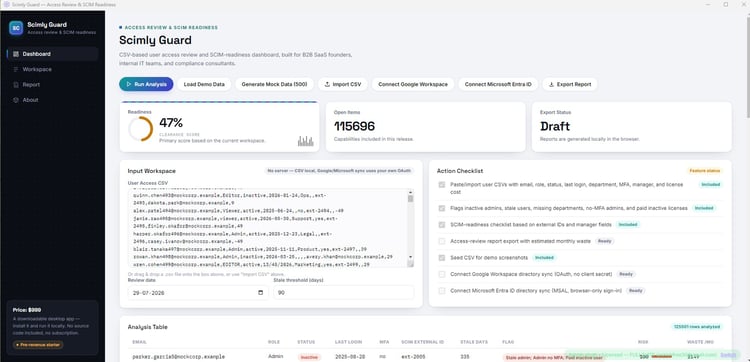
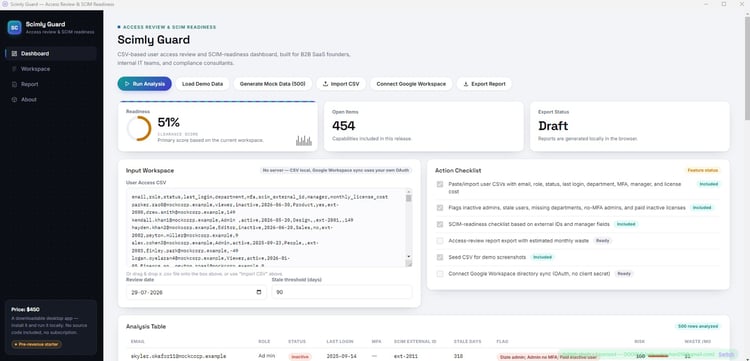
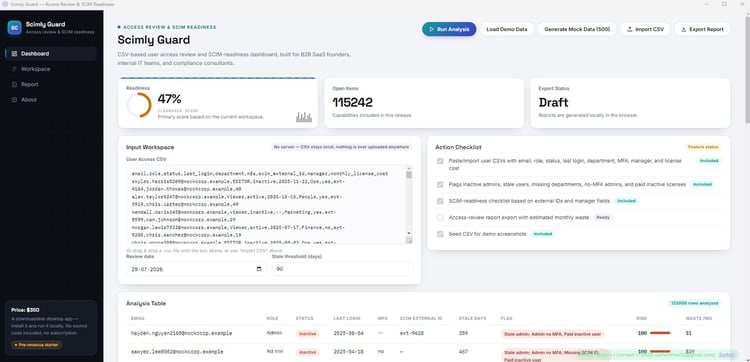
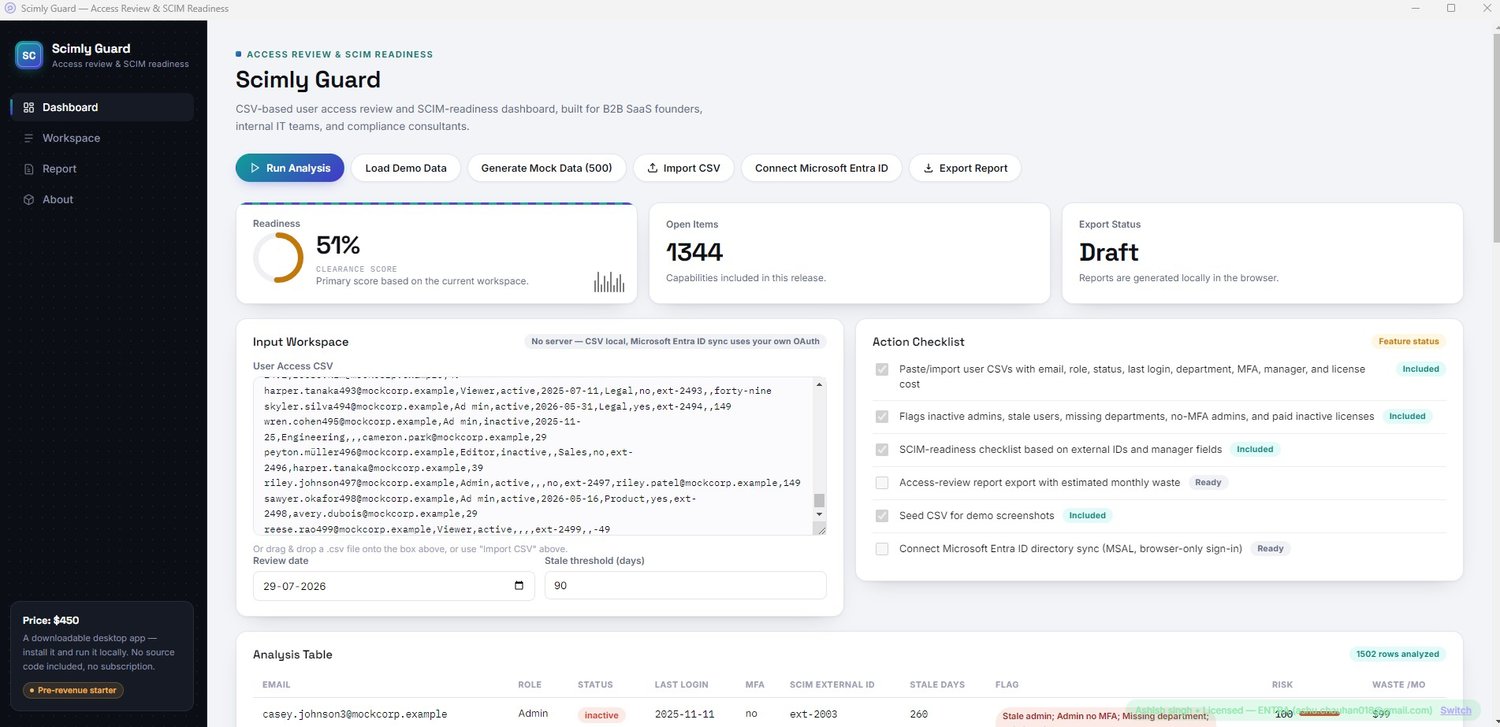
Scimly Guard is a lightweight Windows desktop application that transforms your Microsoft Entra ID directory into a professional, executive-style access review report. All analysis runs locally on your Windows PC—no data is uploaded to our servers, and your directory data never leaves your machine.
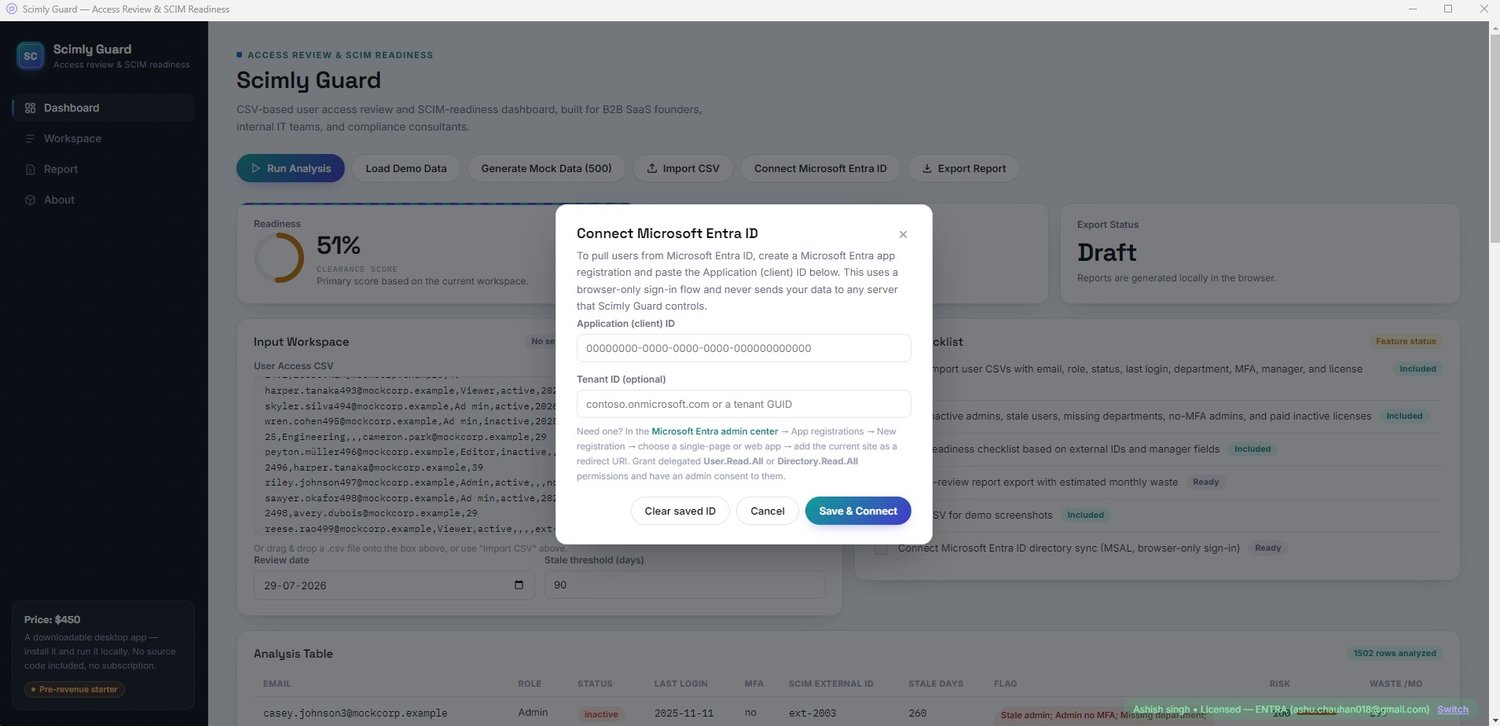
This edition includes a live Microsoft Entra ID connector, allowing you to analyse your tenant without exporting CSV files.
Live Microsoft Entra ID Integration
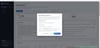
Connect directly to Microsoft Entra ID using Microsoft Graph.
Scimly Guard retrieves your directory using:
- Microsoft Graph API
- User.Read.All
- Directory.Read.All
- MSAL.js authentication
- Your own Microsoft Entra app registration
- OAuth 2.0 Authorization Code Flow with PKCE
No client secret is required, and authentication is performed locally using your own app registration. Scimly Guard does not upload your directory data to our servers.
What Scimly Guard Identifies
- Stale administrator and user accounts based on a configurable inactivity threshold
- Administrator accounts without Multi-Factor Authentication (MFA)
- Missing SCIM External IDs
- Missing department or manager information
- Duplicate email addresses that may indicate orphaned or misprovisioned accounts
- Paid inactive accounts with estimated monthly and annual licence waste
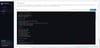
Executive Report Dashboard
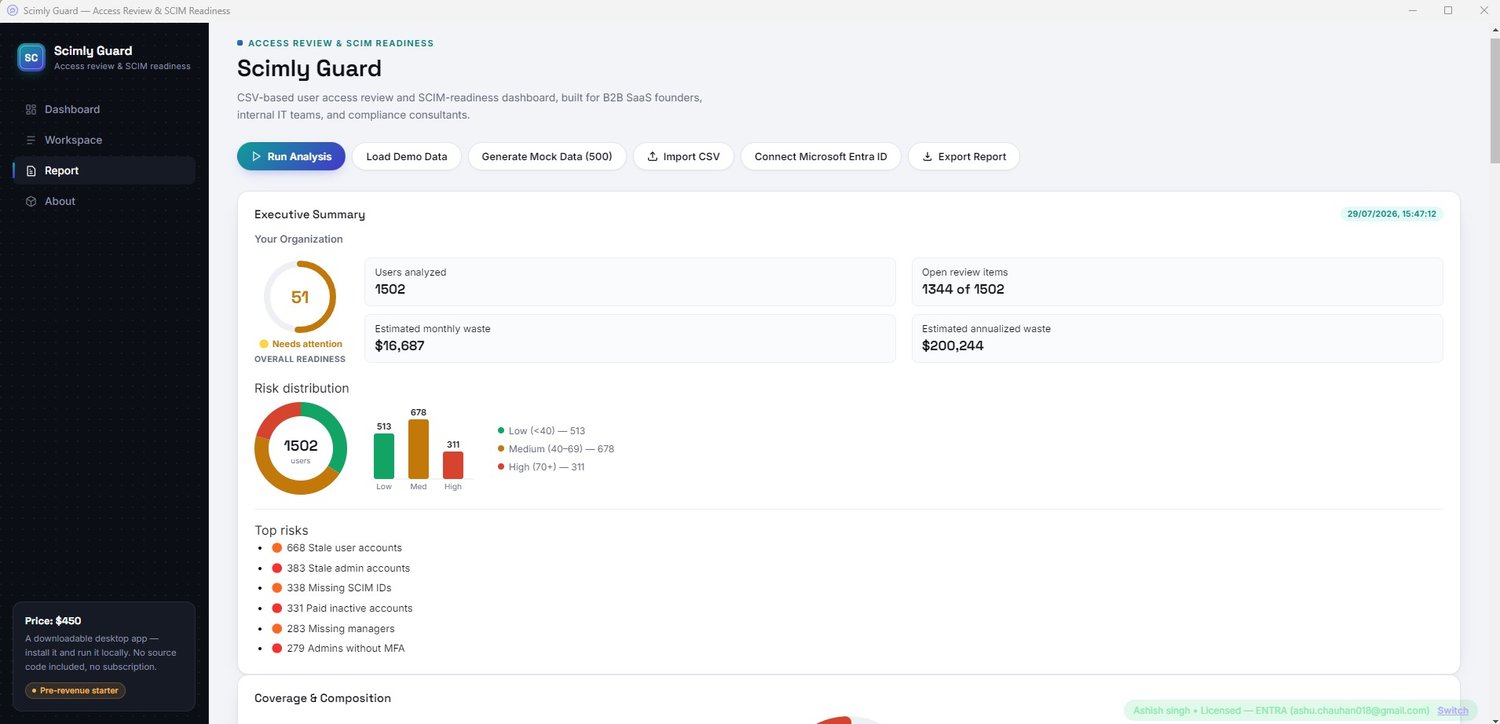
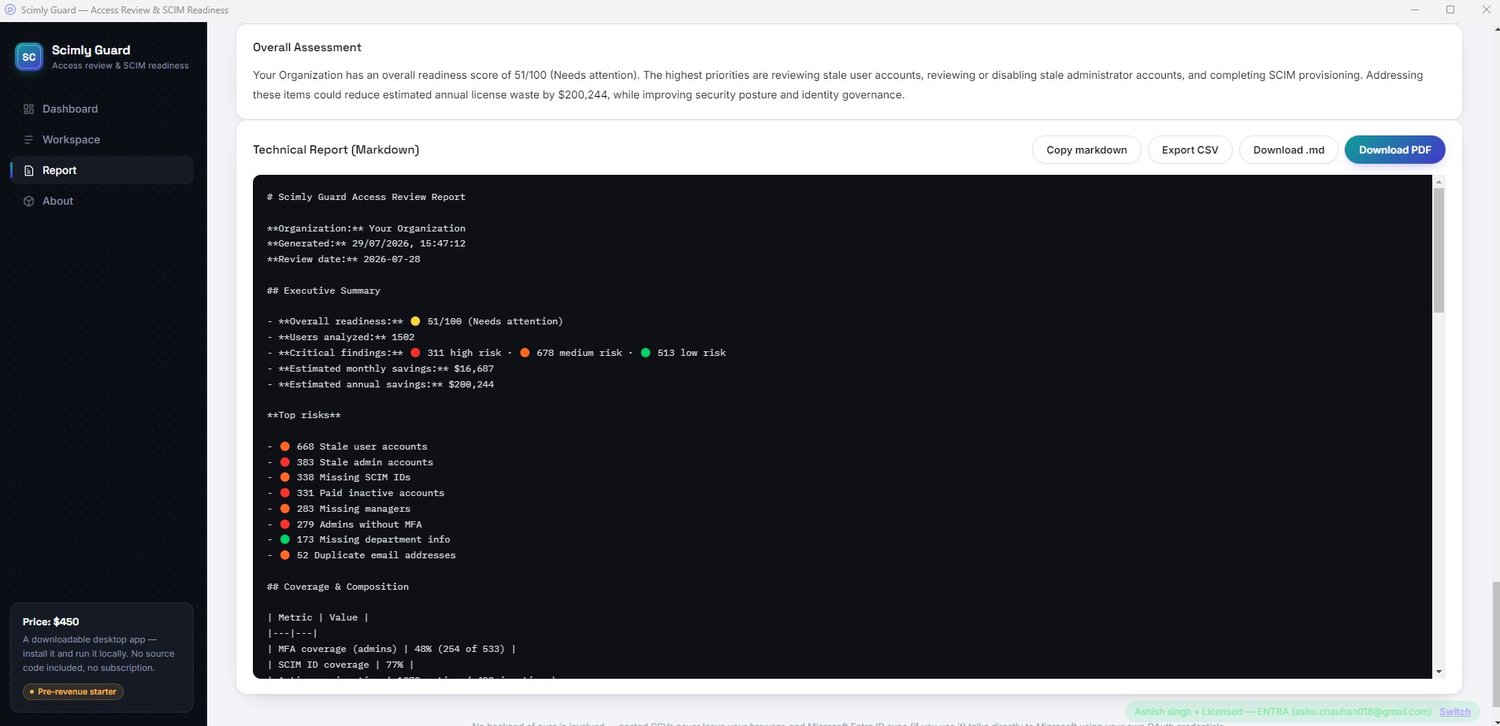
Generate a complete executive-ready report featuring:
- Overall Access Review & SCIM Readiness Score
- Risk Distribution Donut Chart
- Risk Severity Bar Chart
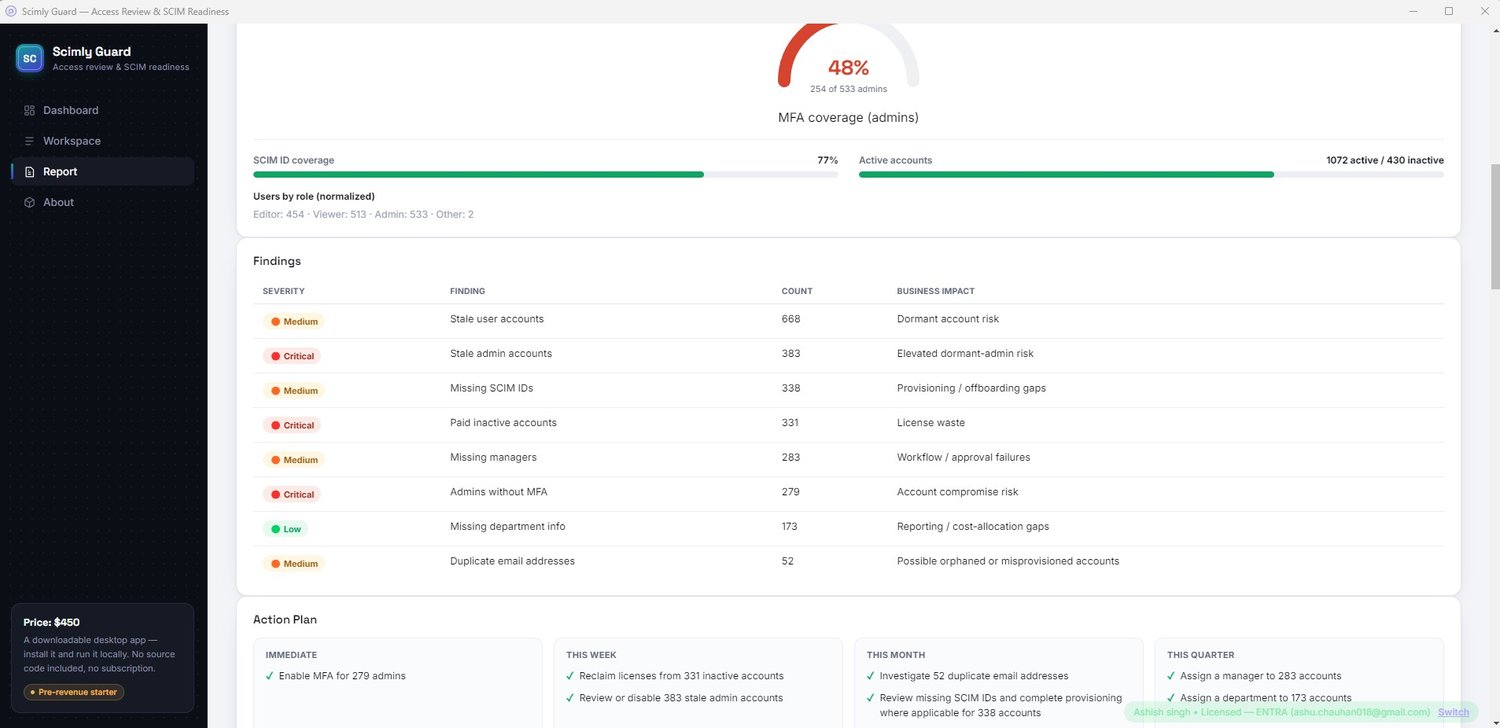
- MFA Coverage Gauge
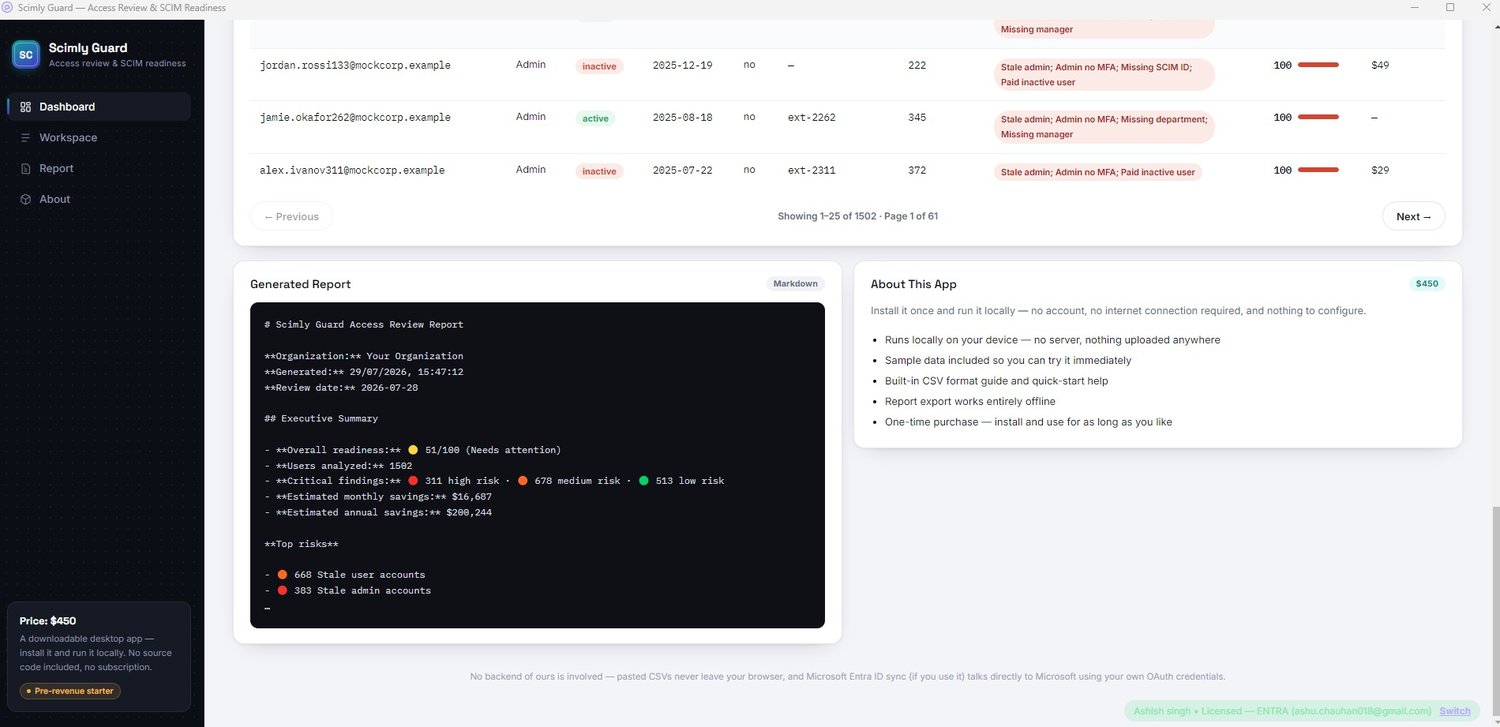
- Severity-ranked findings table with business impact for every issue
- Automatically generated Action Plan organised into:
- Immediate
- This Week
- This Month
- This Quarter
- Department-level breakdown (when department data is available)
- High-Risk Users table with instant filtering for:
- Top 20 users
- Top 50 users
- All flagged users
- Complete dataset
The on-screen dashboard and exported reports always remain in sync.
Export Options
Export your analysis with a single click as:
- Professional PDF report with a dedicated cover page
- Markdown report
- Complete analysed dataset (CSV)
Also Included
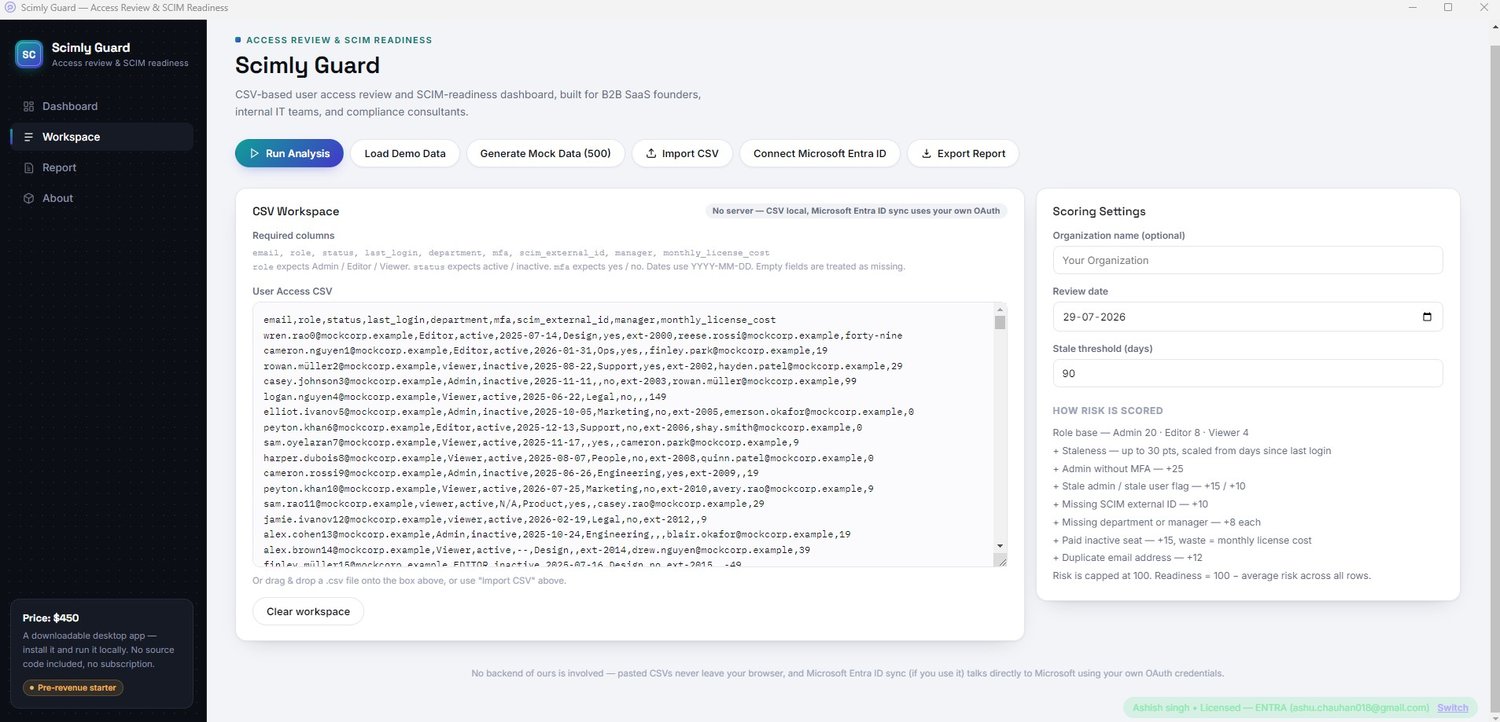
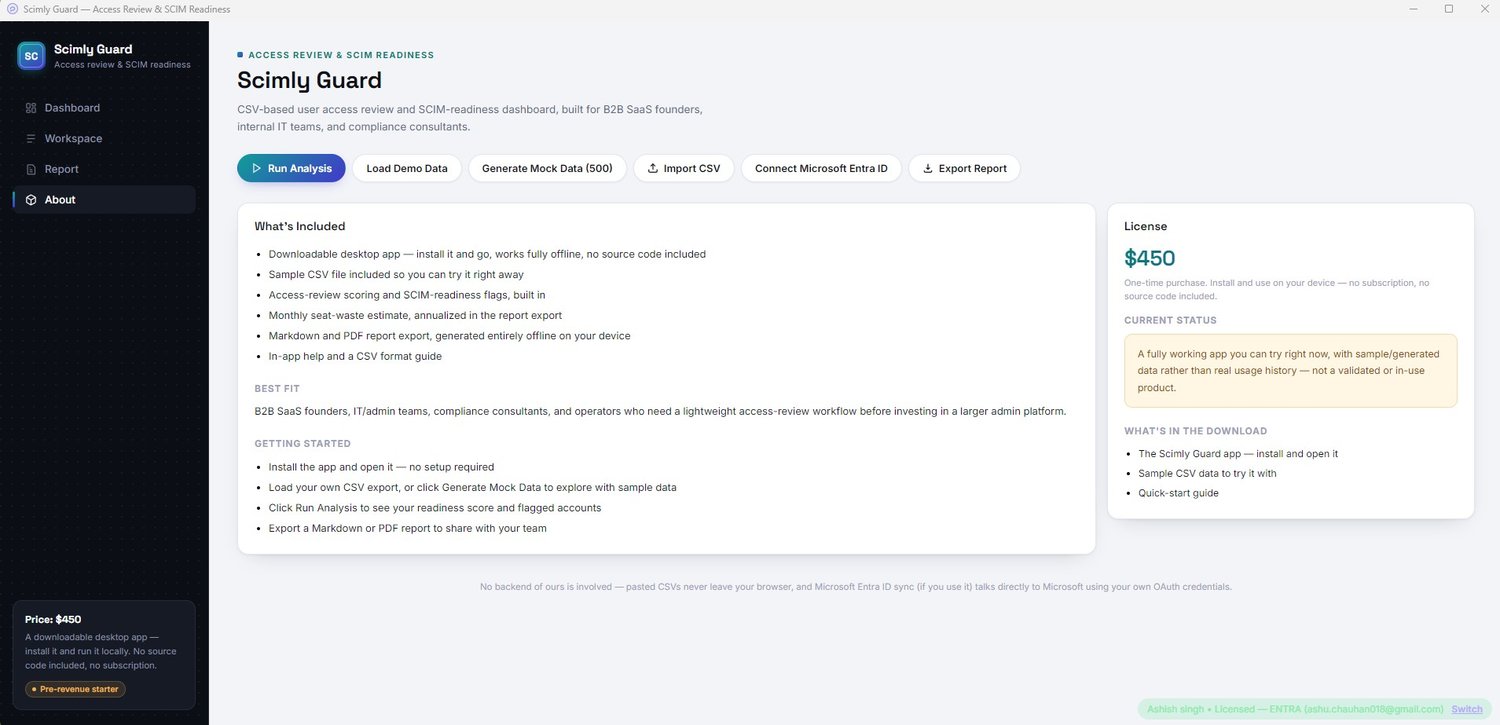
- One-click mock data generator that creates 500 realistic, deliberately messy user records per click for demonstrations and testing
- Sample CSV dataset for quick evaluation
- Fully editable and documented scoring weights
What You Receive
- ScimlyGuard-Setup.exe — installs in seconds and works completely offline
- One licence key delivered by email after purchase
- One licence key activates up to four Windows devices
- Live Microsoft Entra ID connector
- Built-in PDF, Markdown and CSV export
- Free updates, including bug fixes and feature improvements, at no additional cost
Activation
After installation, simply enter the email address used during checkout together with your licence key to activate the application. No account creation or separate portal is required.
View Sample Output Before You Buy
See real sample reports generated by Scimly Guard, including:
- Original input CSV
- Executive PDF report
- Markdown report
- Complete analysed CSV export
https://drive.google.com/drive/folders/1dh6ZixsWAYh8cskvknXjJtEVeU1BQj4g
This folder contains sample output only. Your purchase includes the packaged desktop application and a licence key delivered through Payhip.
Looking for Other Editions?
- Base Edition — $250 (CSV imports, no live directory connection)
- Google Workspace Edition — $450 (live Google Workspace integration)
- Full Suite — $999 (includes both Google Workspace and Microsoft Entra ID connectors in a single dashboard)