






Scimly Guard Full Suite (Google + Microsoft)
Scimly Guard Full Suite — Access Review & SCIM Readiness Dashboard (Google Workspace + Microsoft Entra ID)
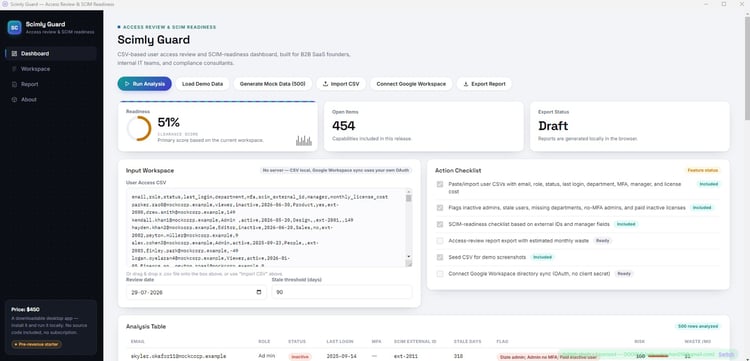
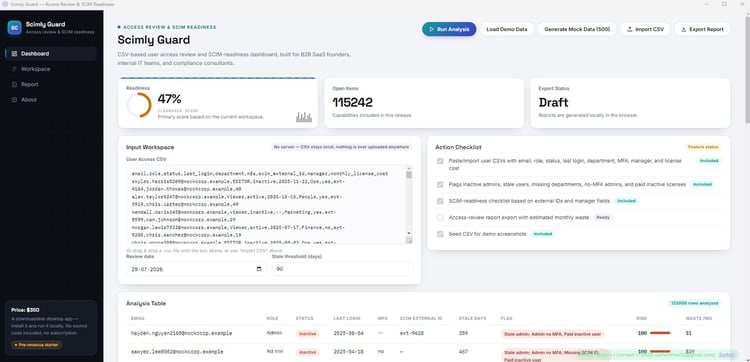
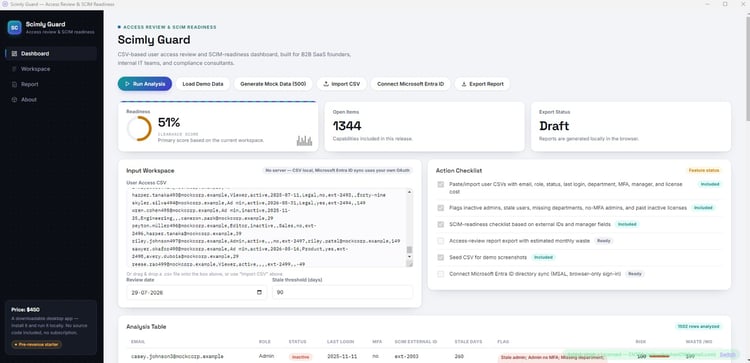
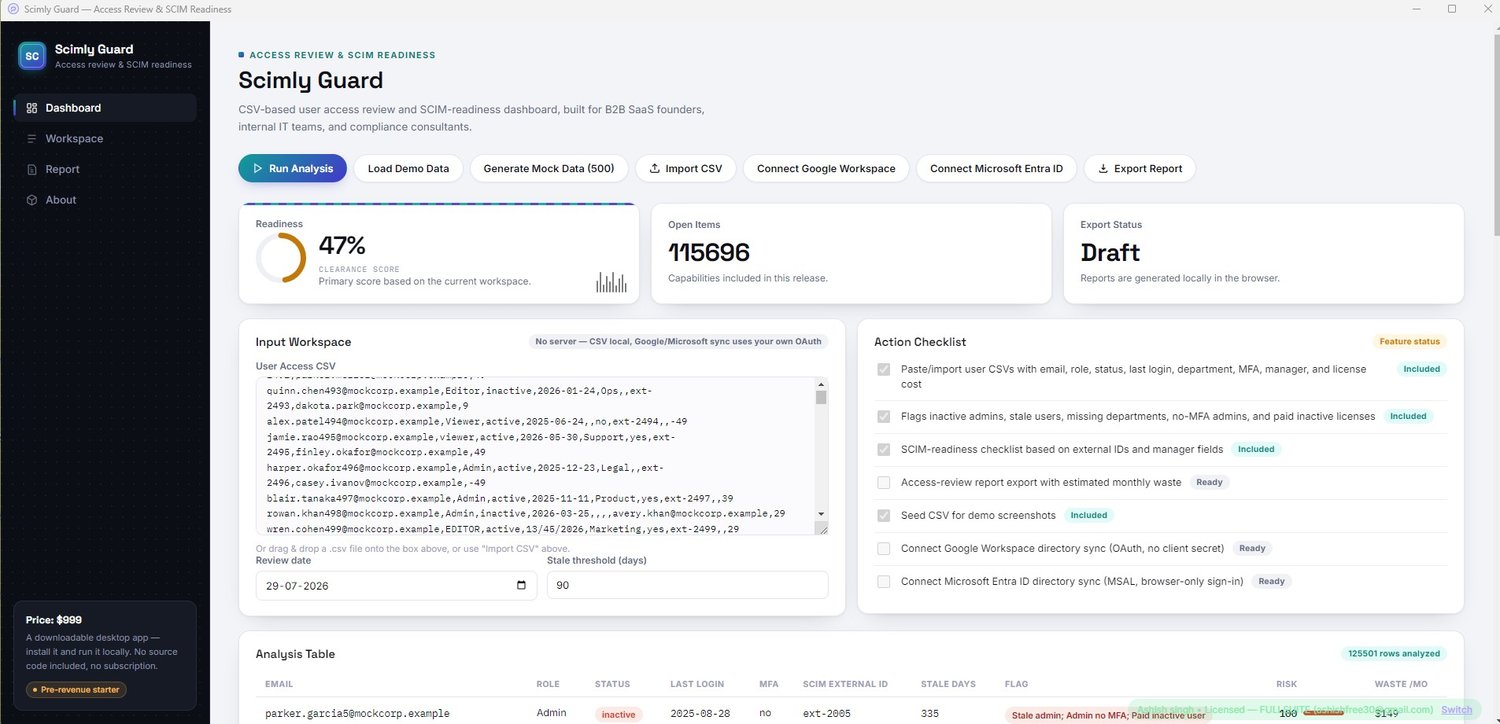
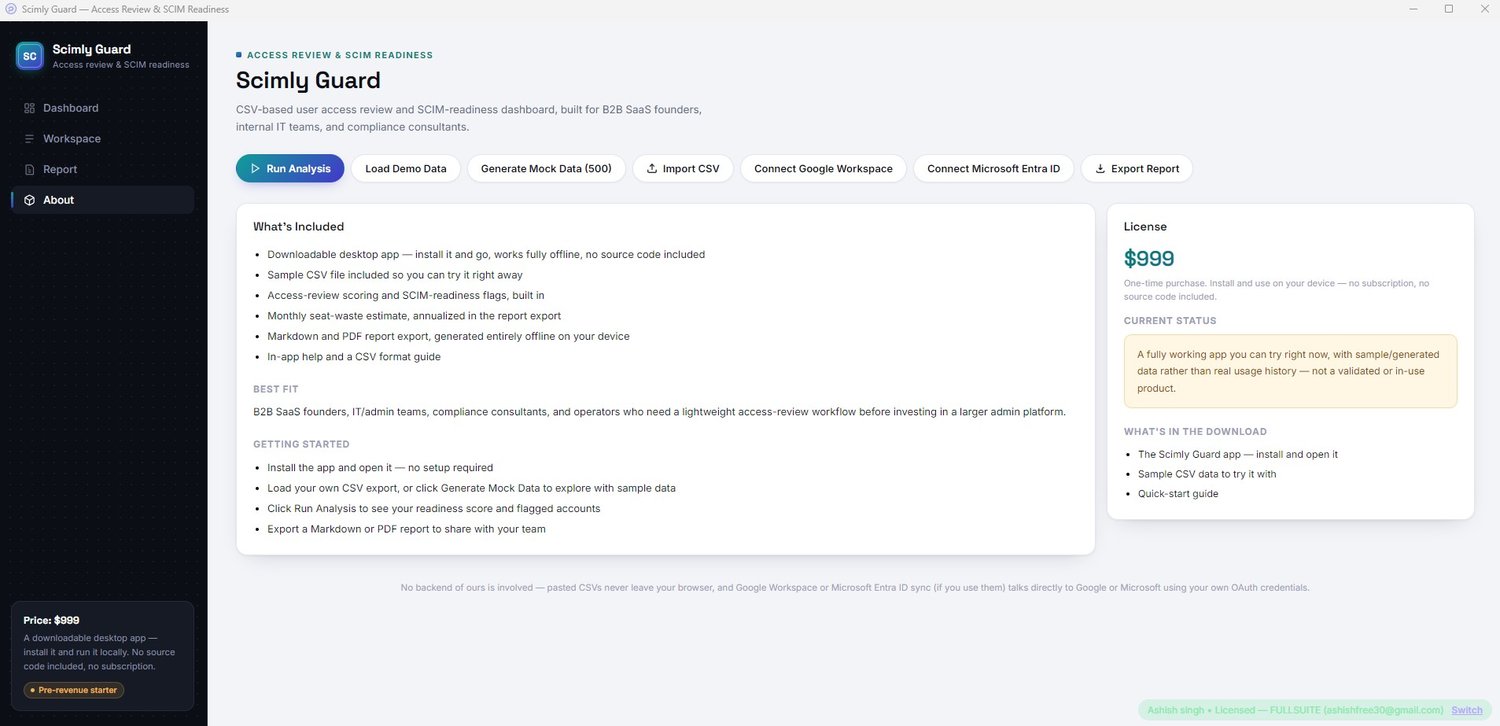
Scimly Guard is a lightweight desktop app for Windows that turns a user access export into a full executive-style access-review report — nothing is uploaded to a server, and nothing leaves your machine.
This is the Full Suite, with both live directory connectors included:
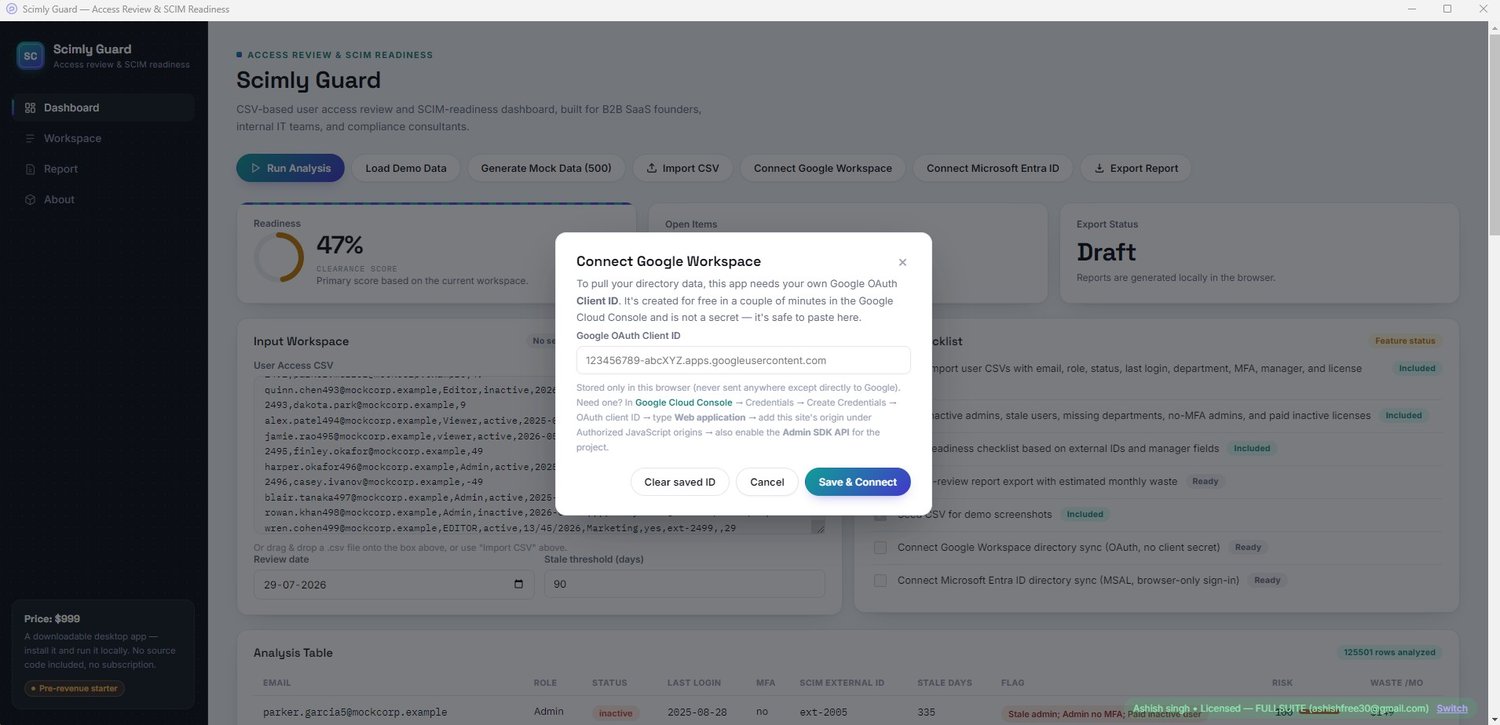
Connect Google Workspace — pulls your directory live via the Google Admin SDK, using your own OAuth Client ID. No client secret is ever needed (OAuth 2.0 + PKCE flow, entirely local — the app never sees your token).
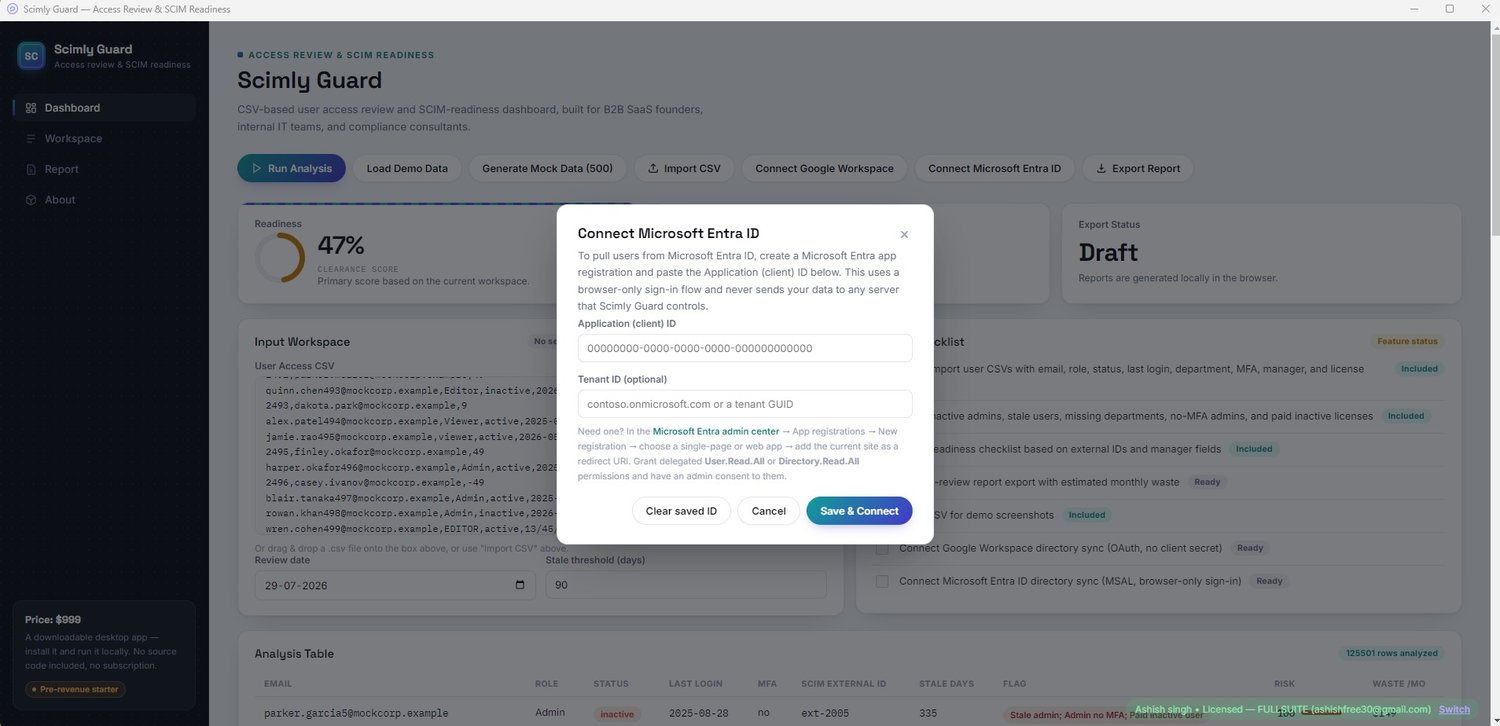
Connect Microsoft Entra ID — pulls your directory live via Microsoft Graph (User.Read.All, Directory.Read.All), using MSAL.js and your own app registration. No client secret is ever needed (auth-code + PKCE flow, entirely local — the app never sees your token).
What it flags:
- Stale admins and stale users past a configurable inactivity threshold
- Admin accounts without MFA
- Missing SCIM external IDs
- Missing department or manager fields
- Duplicate email addresses (a sign of an orphaned or misprovisioned account)
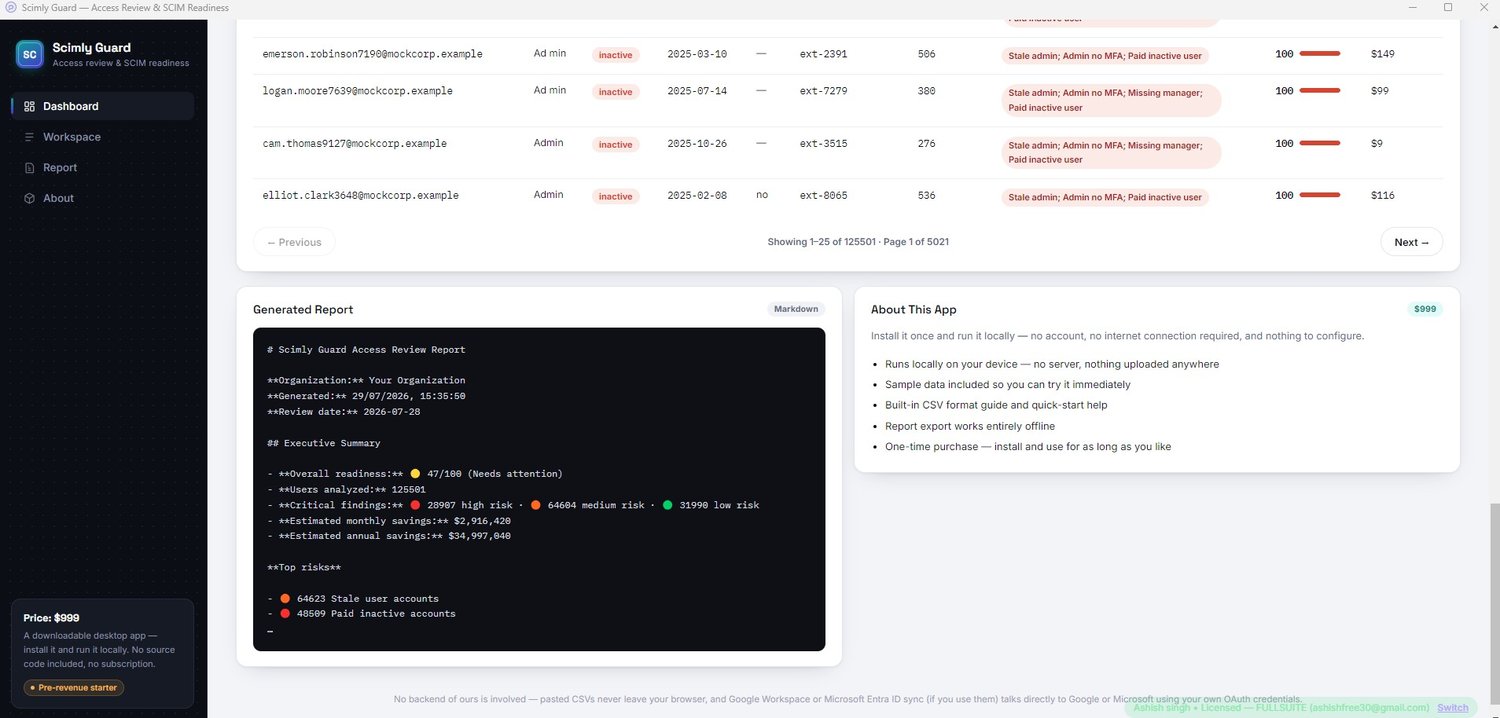
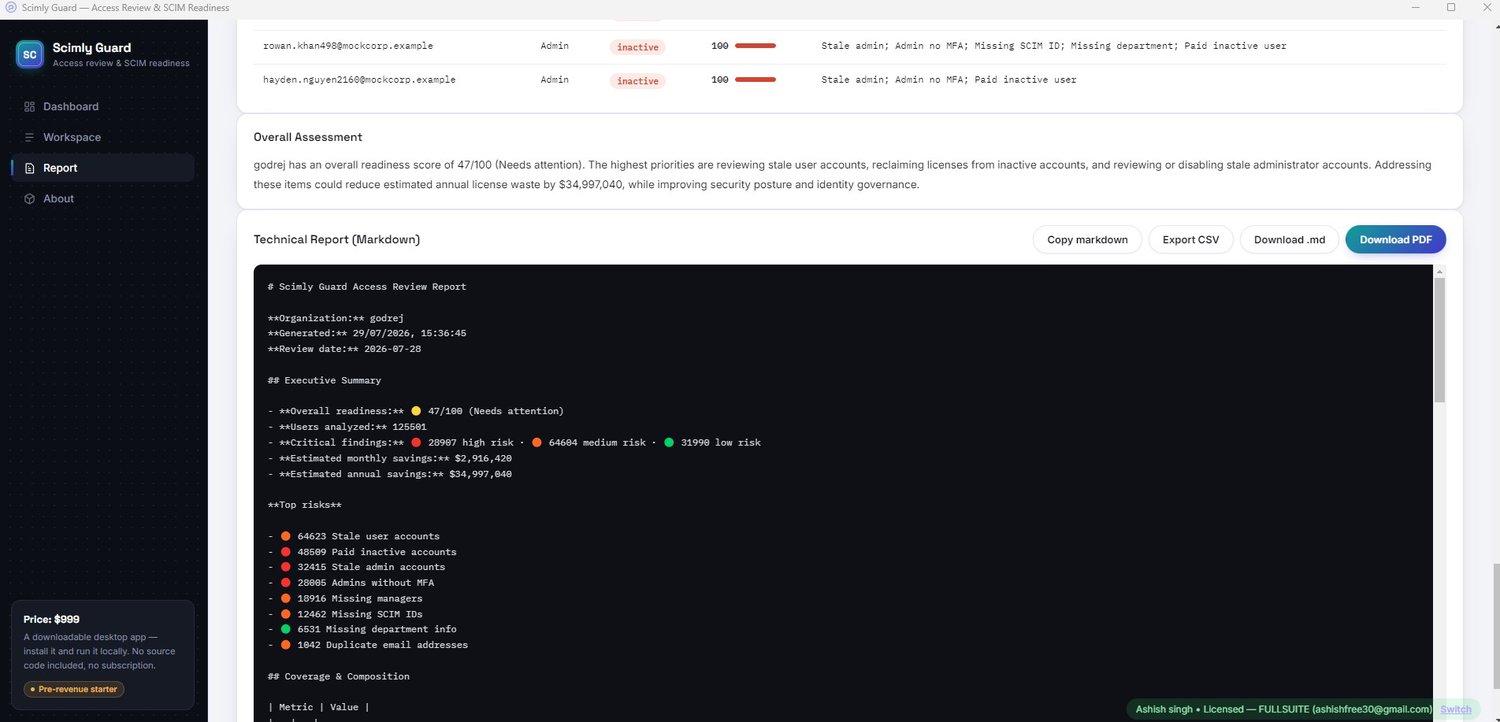
- Paid, inactive seats — with a monthly and annualized waste estimate
The Report view:
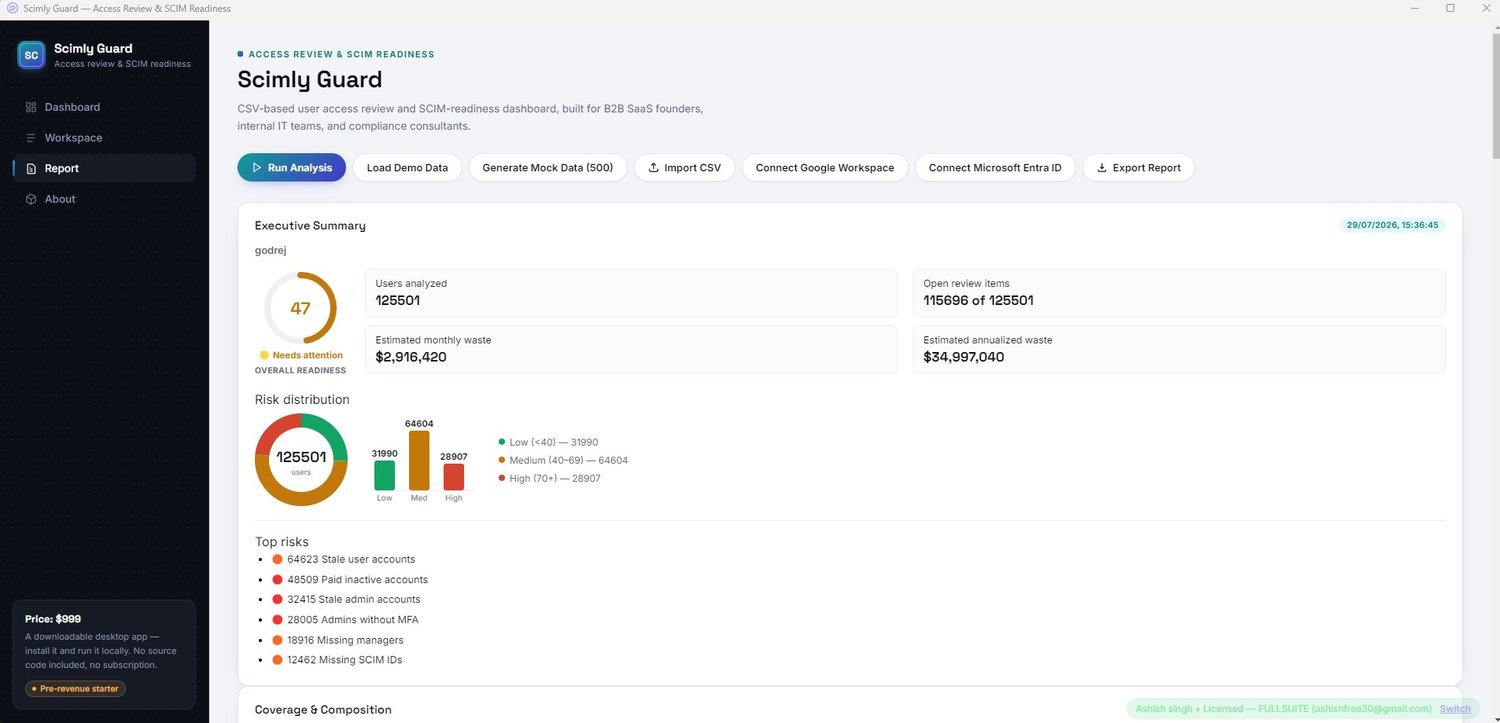
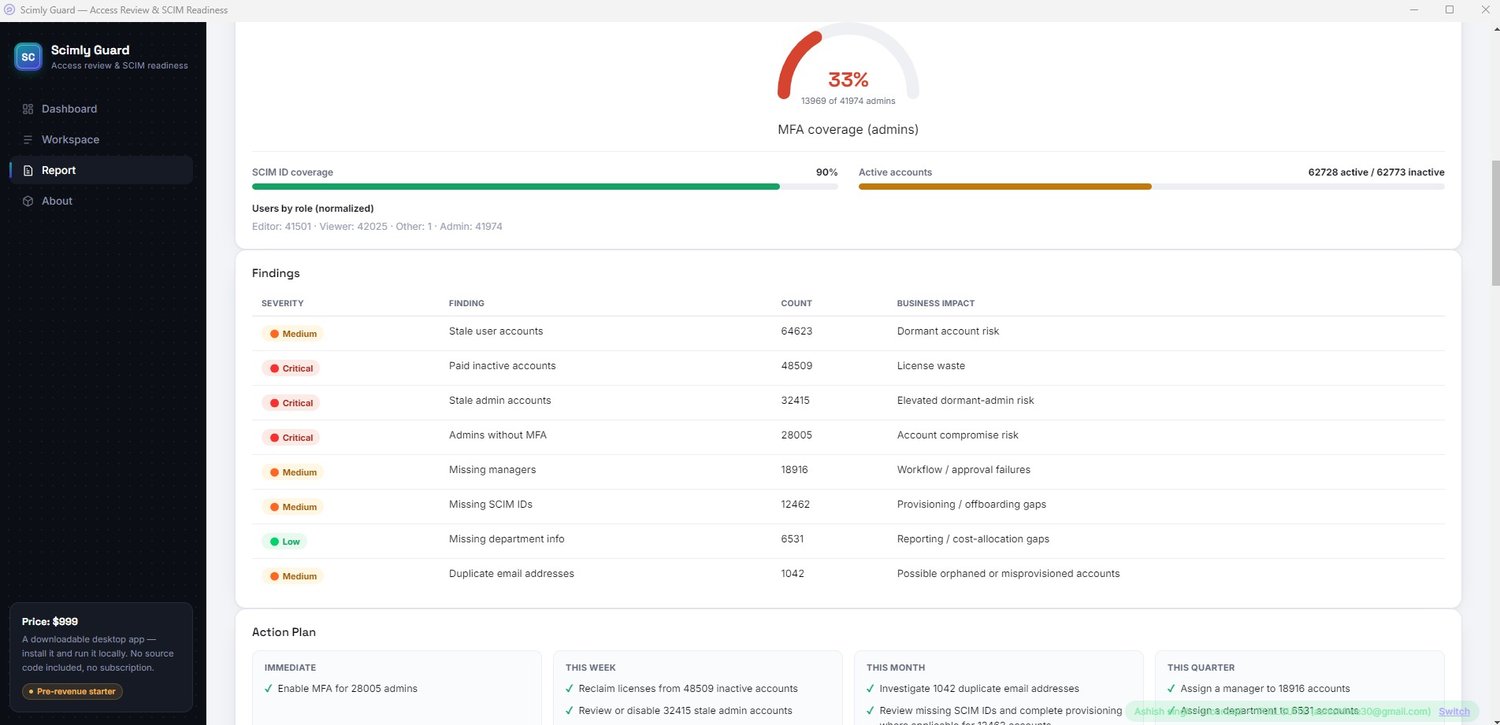
- A readiness score, risk donut chart, risk bar chart, and MFA coverage gauge
- A severity-ranked findings table with business impact for each issue
- An auto-generated Action Plan (Immediate / This Week / This Month / This Quarter)
- A department breakdown (auto-shows when your data includes it)
- A high-risk users table you can switch between Top 20, Top 50, all flagged users, or the full dataset — on-screen and in your export, always in sync
- Export as a polished, print-ready PDF (with its own cover page), a Markdown report, or the full analyzed dataset as CSV
Also included:
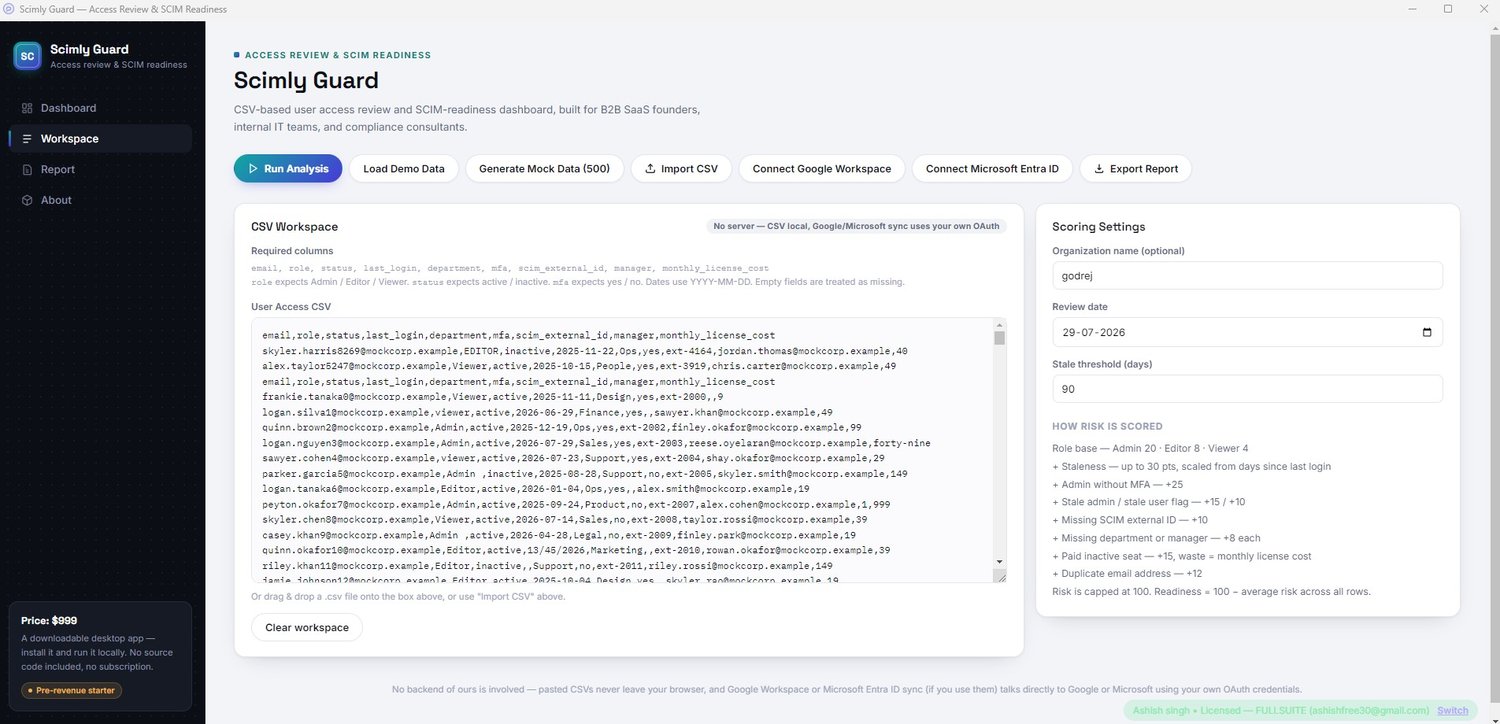
- A one-click mock data generator (500 randomized, deliberately messy rows per click) for demoing at scale without real data
- A 14-row sample CSV for quick demos
- Editable, documented scoring weights
What you get:
- ScimlyGuard-Setup.exe — installs in seconds, works offline
- A license key, delivered to your email after purchase, that activates the Full Suite Edition — 1 license key covers up to 10 Windows devices
- Both Google Workspace and Microsoft Entra ID live directory connectors included
- In-app PDF / Markdown / CSV export, built in
- Free updates — bug fixes and improvements at no extra cost
To activate:
After installing, enter your license key together with the email you checked out with. That's it — no account, no separate portal.
See real sample output before you buy:
drive.google.com/drive/folders/1dh6ZixsWAYh8cskvknXjJtEVeU1BQj4g
This folder contains the actual input CSV we tested with, along with the generated Markdown report, CSV export, and PDF report.
Note: This is a preview of sample results only. What you receive after purchase is the packaged Windows application and a license key, delivered through Payhip.
Only need one directory provider? See the Google Workspace Edition ($450) or the Microsoft Entra ID Edition ($450).
Just need CSV analysis with no live directory connector? See the Base Edition ($250).
The Full Suite ($999) includes both live directory connectors in a single application, making it the complete solution for organisations managing users across both Google Workspace and Microsoft Entra ID.
You will receive a ZIP (78 MB) file.