

Page & Palette — AI Colouring Book Studio for Creators
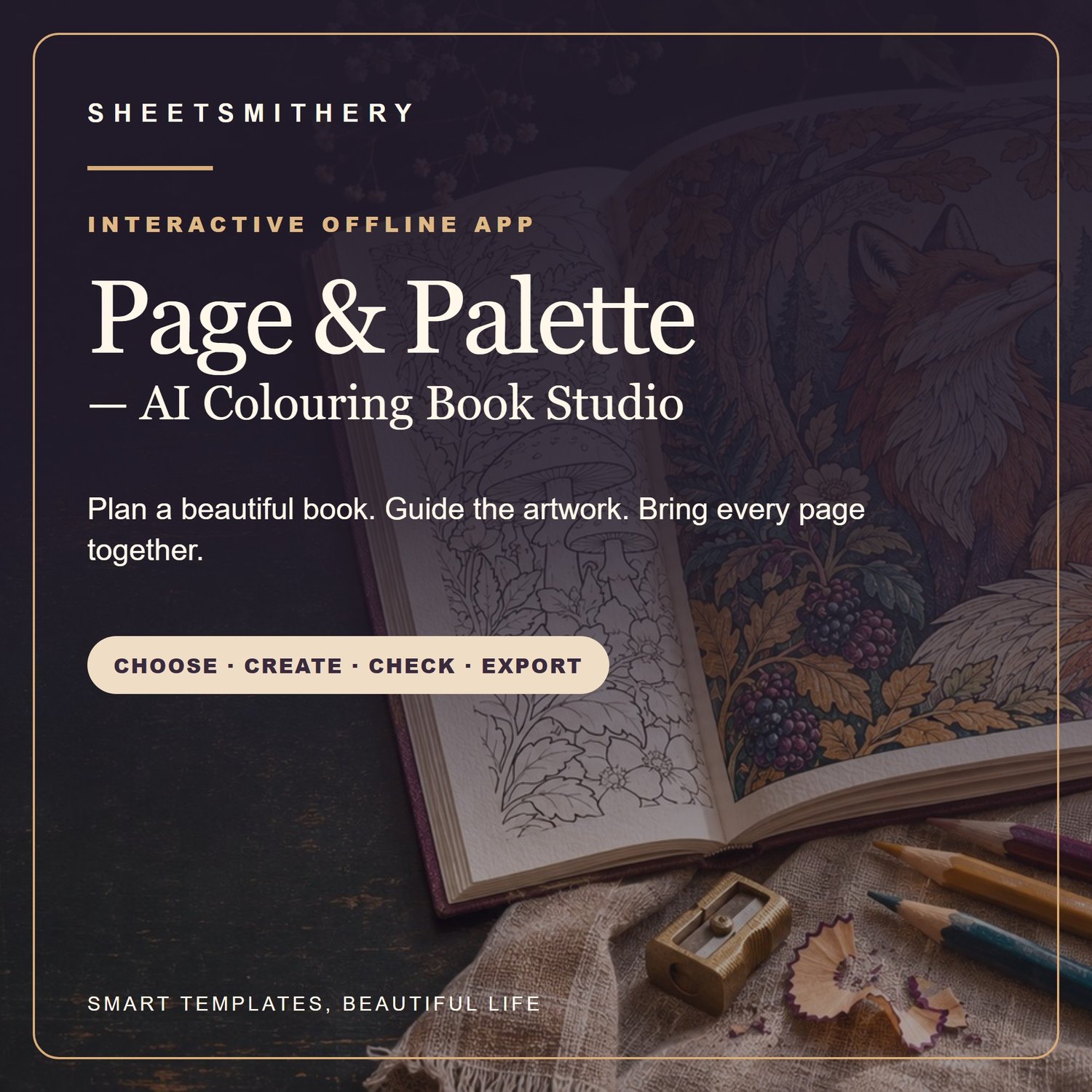
Make a colouring book that feels like one complete world. Page & Palette gives you an artistic workspace to shape the idea, guide each image and see the pages together before you take a draft to print.
At a glance
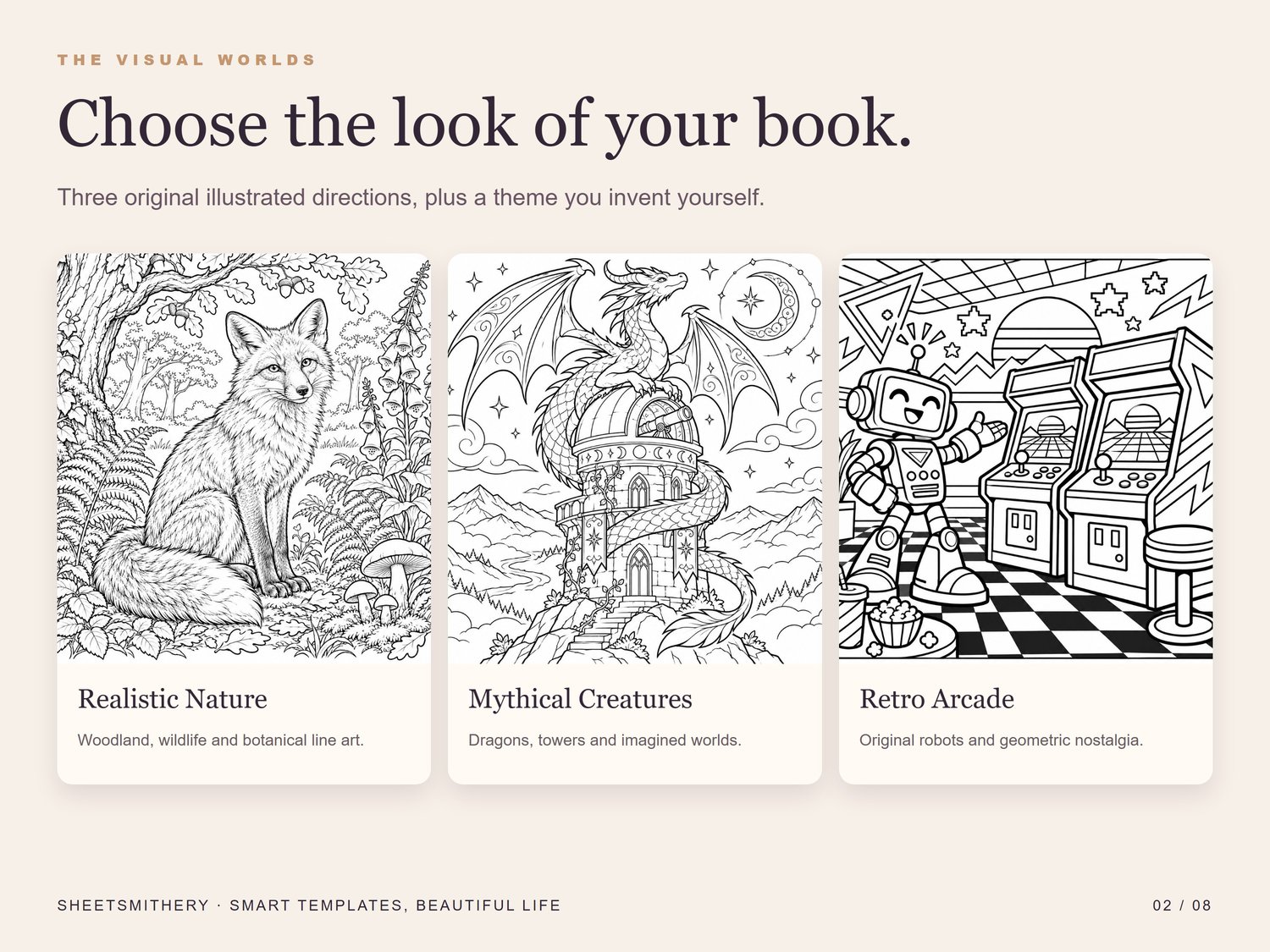
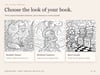
• Choose realistic nature, mythical creatures, retro arcade or your own visual direction.
• Build repeatable prompts for the external AI image tool you prefer.
• Import, arrange and review your PNG or JPEG artwork.
• Export a draft interior PDF at your selected page size.
• Learn through seven guided sessions, quizzes and a completion certificate.
What you can do
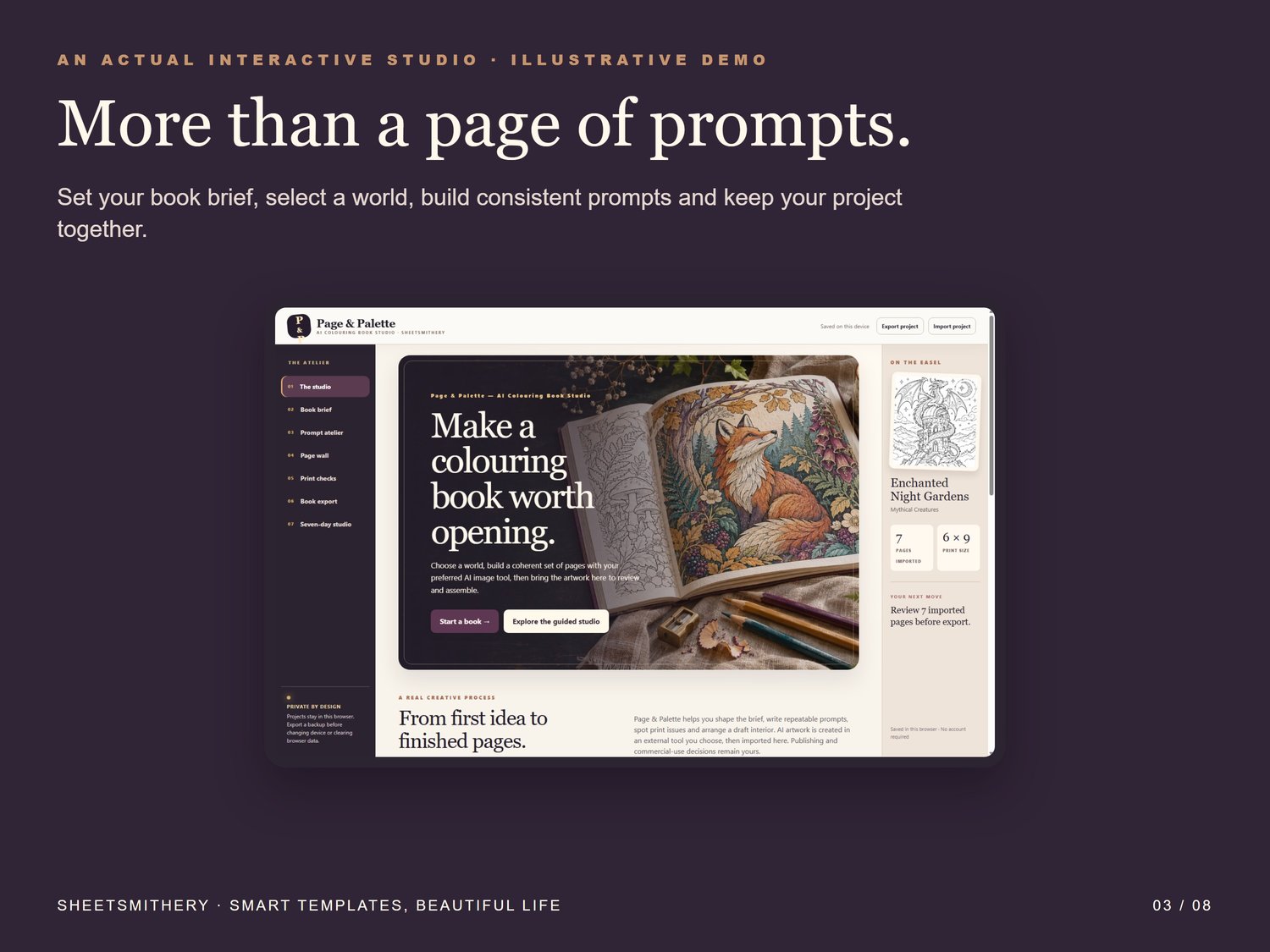
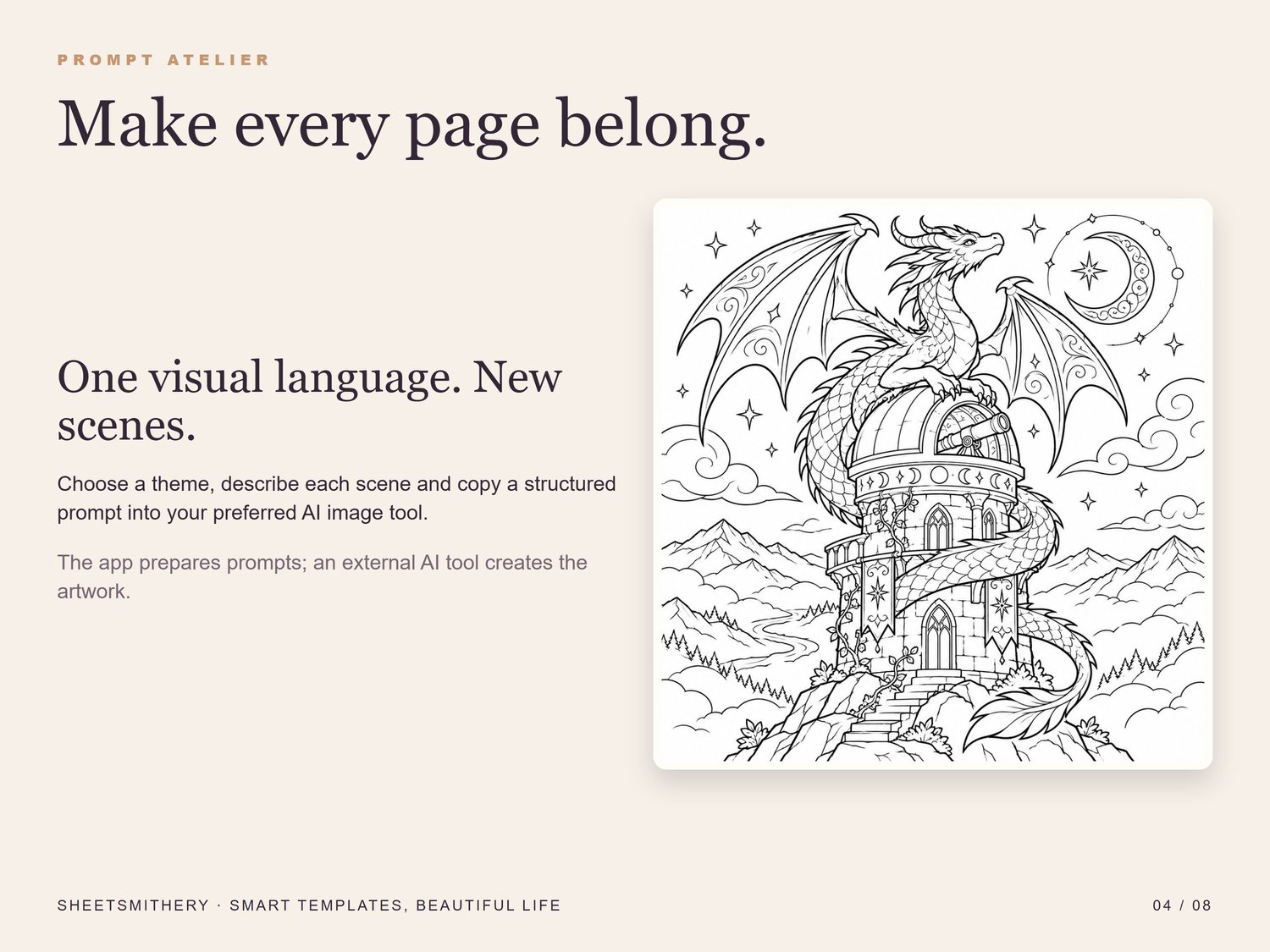
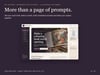
Start with a book brief: choose your reader, working title, print size and mood. The Prompt Atelier turns your choices into structured instructions for one image at a time, with a separate revision prompt when a page is nearly right.
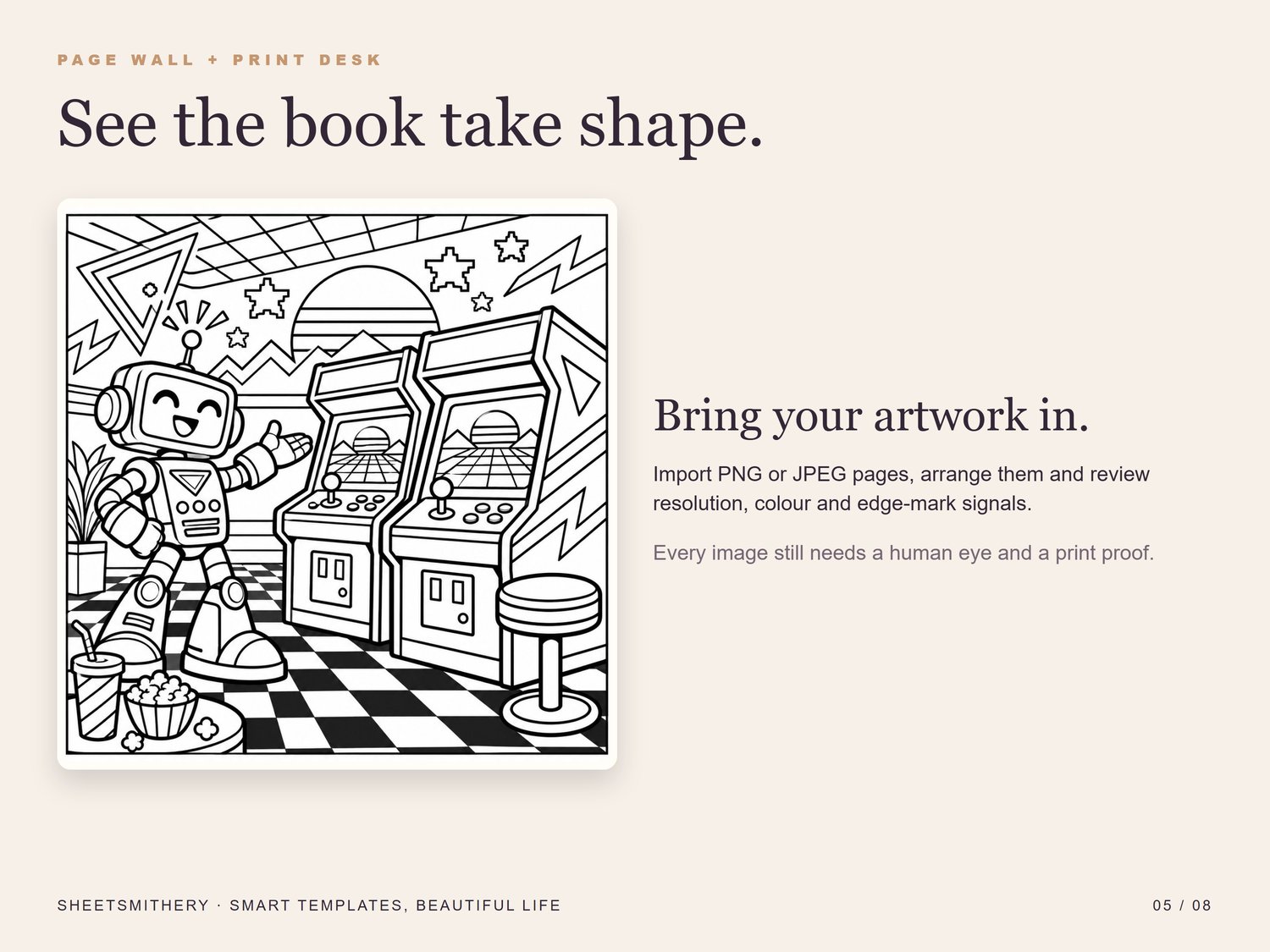
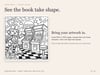
Make the artwork in an AI image tool you choose, then import the images you approve. On the Page Wall, see them together and change their order. The Print Desk estimates effective resolution at the selected print size and flags possible edge marks or colour. Export the arranged pages as an interior draft PDF with a half-inch white margin and no bleed.
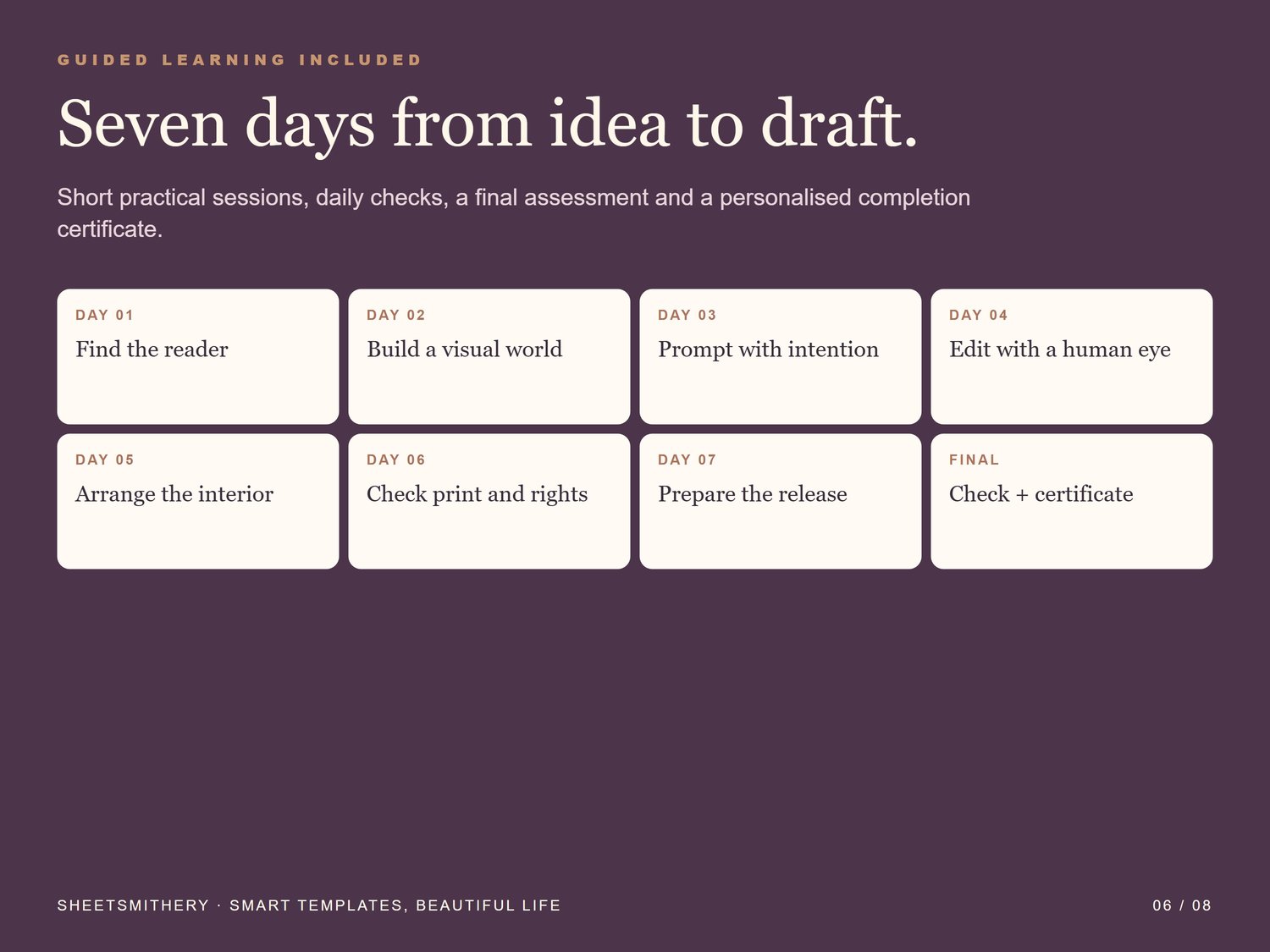
The seven-day guided studio walks through reader choice, visual consistency, prompting, editing, page order, print checks and release preparation.
What you receive
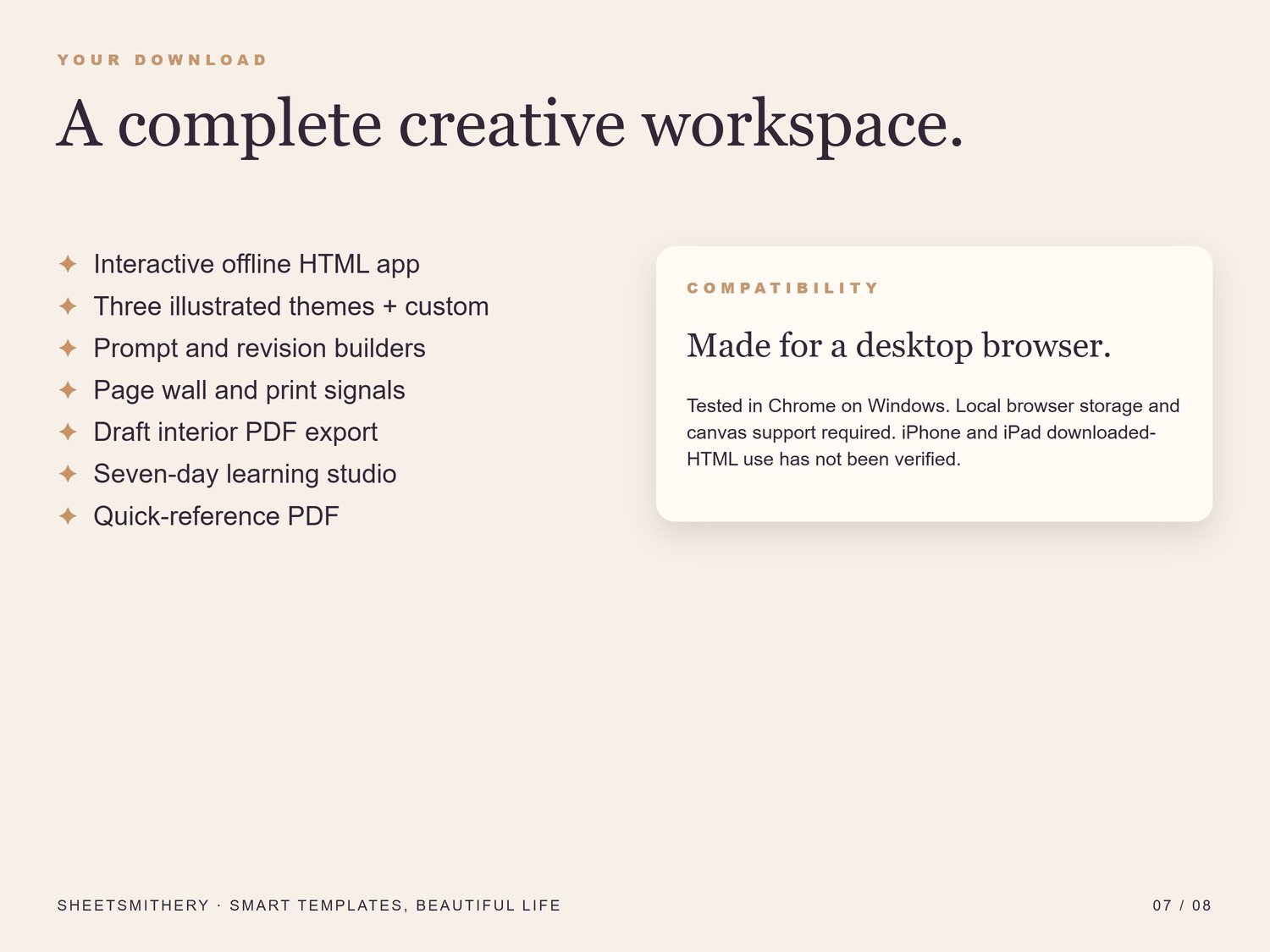
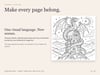
• One self-contained offline HTML app with three illustrated example themes embedded
• A two-page quick-reference PDF
• Start Here instructions and a personal-use licence
How it works
• Extract the download and open the HTML app in a desktop browser.
• Choose a theme and book brief, then use the prompts in your own AI image tool.
• Import approved images, review and reorder them, then export an interior draft PDF and a project backup.
Compatibility and important details
Designed and tested in desktop Chrome on Windows. A modern desktop browser with local storage, IndexedDB and canvas support is required. Desktop Edge and physical mobile devices have not been verified. Downloaded HTML use on iPhone and iPad is not guaranteed. The app works offline after download; your chosen AI image tool may require an account, internet connection or separate payment.
The app does not generate images, design a cover, publish a book or guarantee print approval or sales. The included illustrations are demonstrations and may be too small for your chosen print size. Check every image, confirm your AI tool's commercial-use terms and third-party rights, review your publishing platform's current requirements and order a physical proof before selling a print edition. Project data is saved in your browser on this device; export backups regularly.
Licence and digital delivery
This is a digital download, with no physical book or printed pages. The app is licensed to one buyer for their own use; it may not be shared, resold or redistributed. You can make your own books for sale using artwork you have rights to use. Complete terms are in the buyer ZIP.
AI TRANSPARENCY: AI tools were used to assist in the drafting and research for this item, alongside human design and curation by SheetSmithery. Original illustrative examples were made with AI assistance and reviewed for this studio.