
Sustainable Procurement Scorecard & Supplier ESG Questionnaire: Supplier Scoring, Spend Coverage, Risk Flags and Response Sheet
Full description
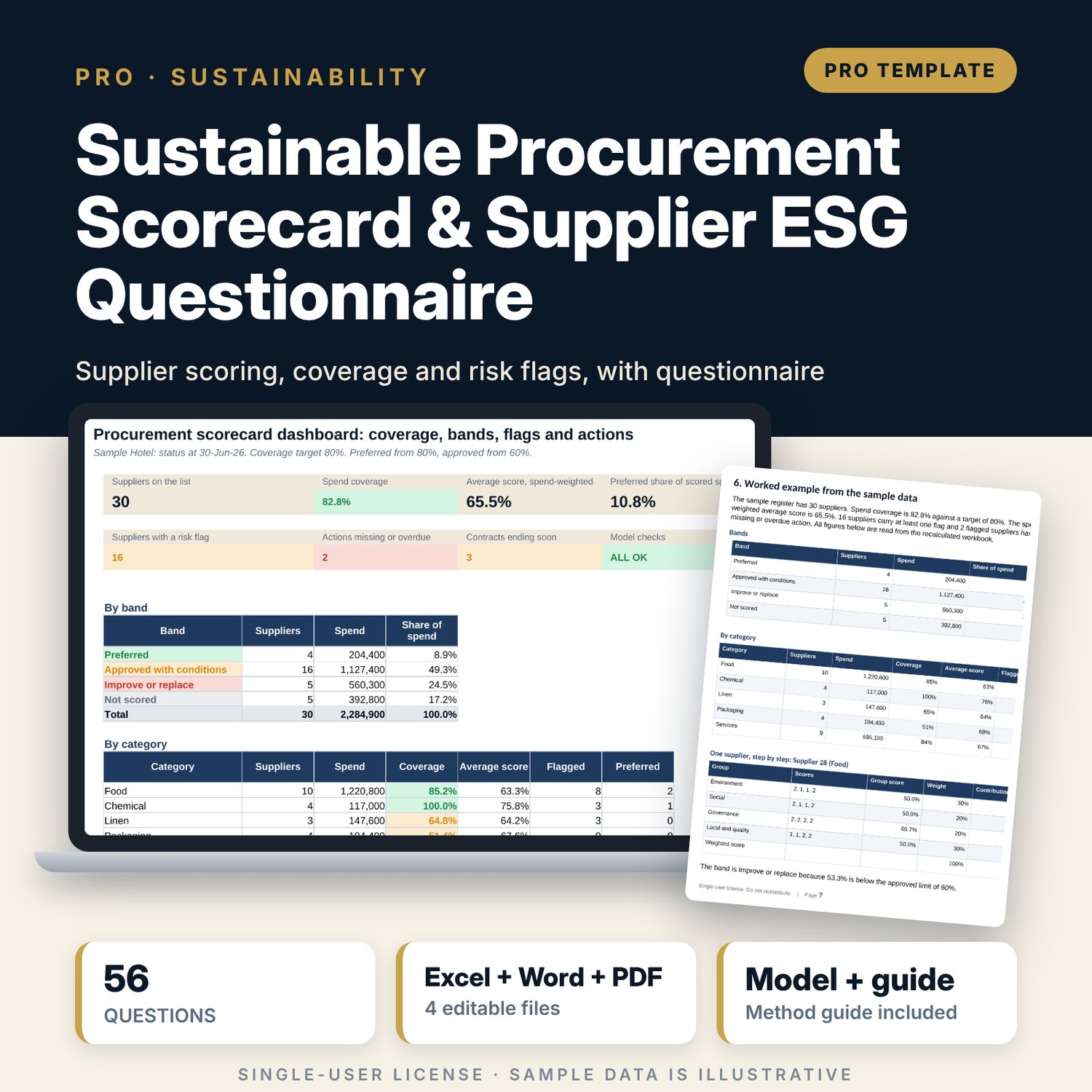
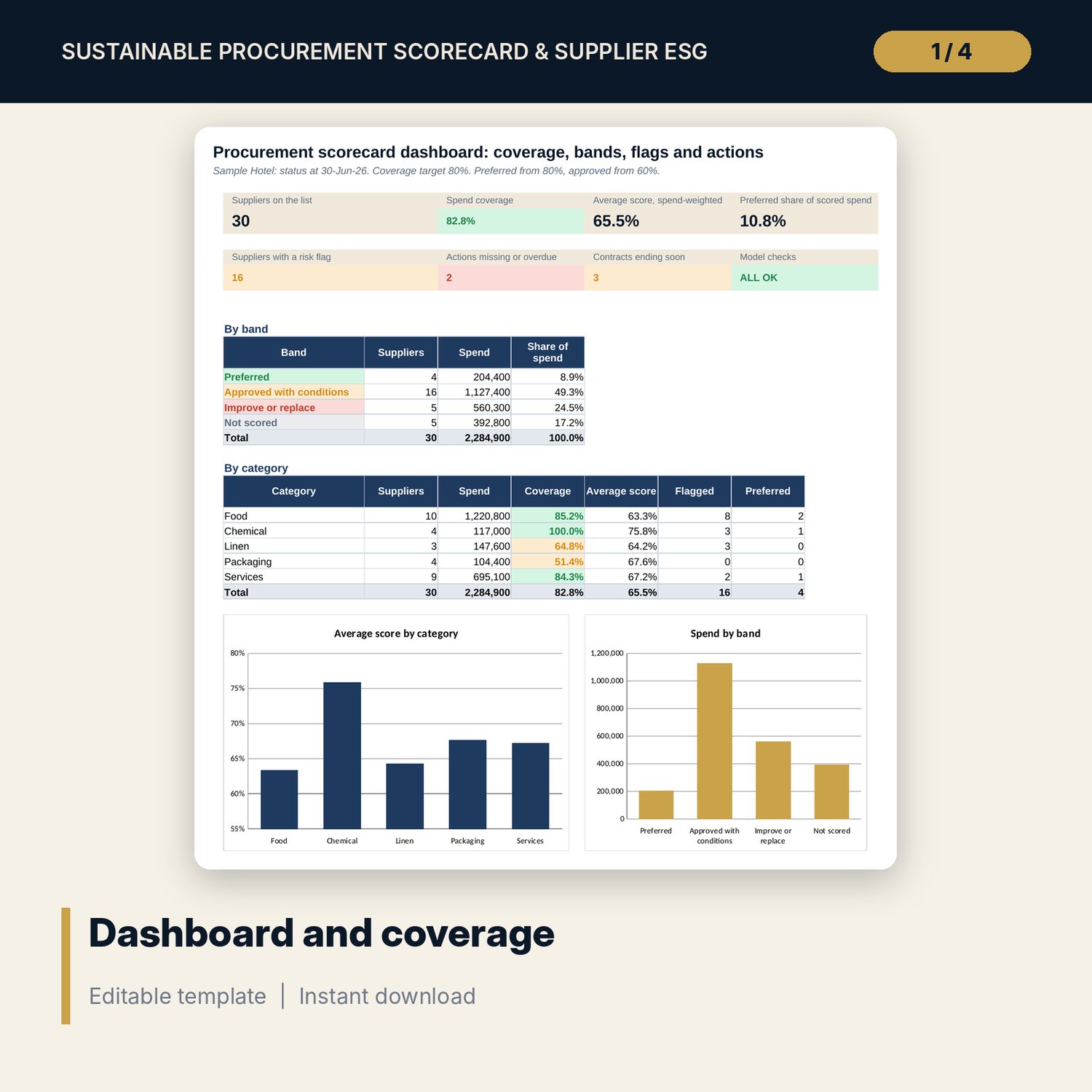
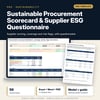
For purchasing managers, executive chefs, housekeepers and chief engineers who need to know which suppliers meet a standard and how much spend is scored. Each supplier is scored 0 to 3 on 16 criteria in four groups. The weighted score uses weights you set for each category, then falls into a band you define. Spend coverage shows how much of your spend is scored against a target, and a next-to-score list ranks the gaps. Five risk flags need a corrective action date. Weight Scenarios re-scores every supplier under four other weightings and a threshold grid. The companion sheet holds a 56-question supplier questionnaire and suggests a score for each criterion.
What is inside
- Procurement_Scorecard.xlsx: 11 tabs, 1,917 formulas, 2 native charts, 9 integrity checks, 14 drop-down and input rules
- Suppliers: 30 sample suppliers in 5 categories plus 10 spare rows; Scores: 16 criteria by supplier with group scores and bands
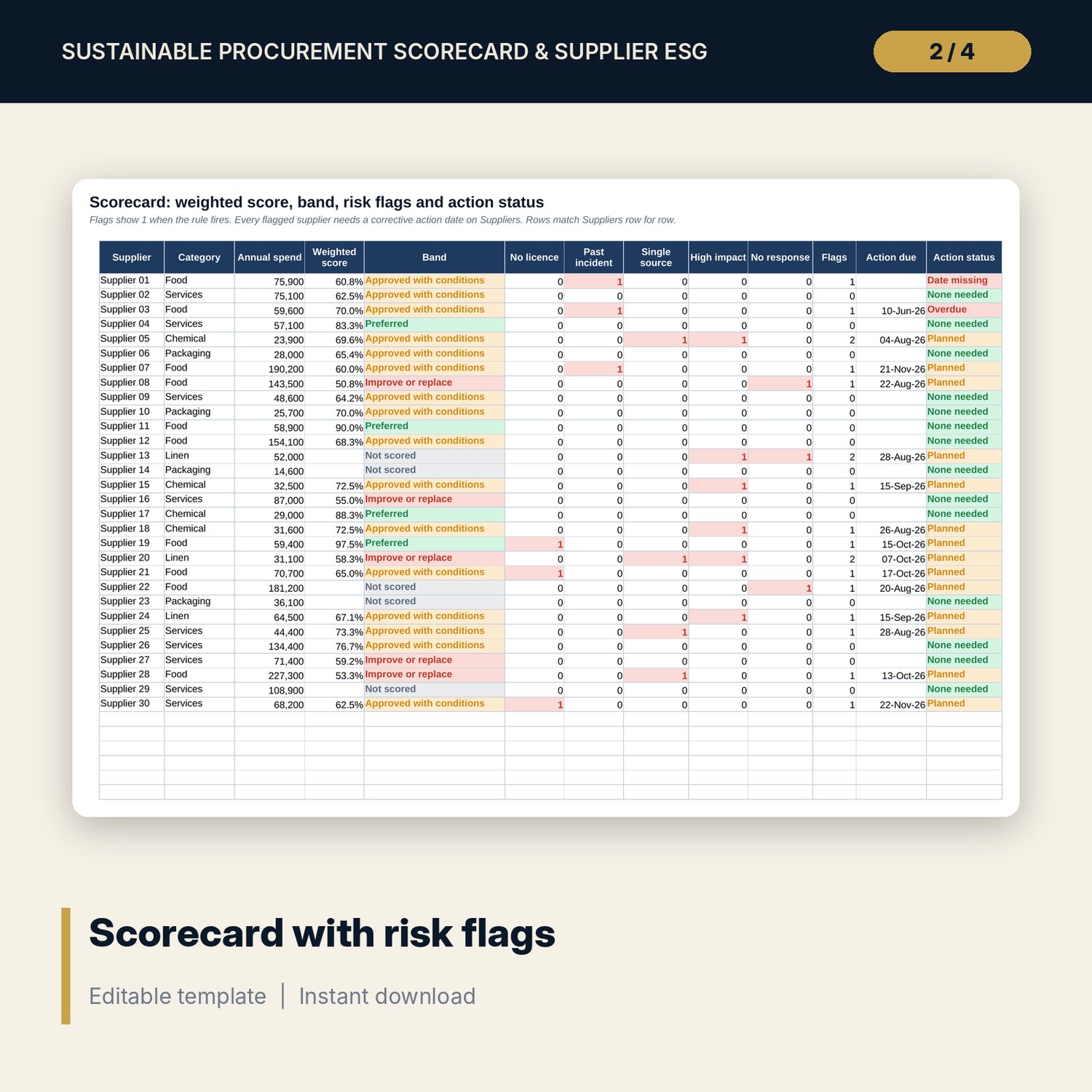
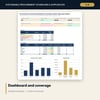
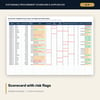
- Scorecard: weighted score, band, 5 risk flags and action status; Coverage: coverage by category and the next 8 suppliers to score
- Weight Scenarios: 4 alternative weightings, band changes and a 5 x 5 threshold grid; Method: 14 rows
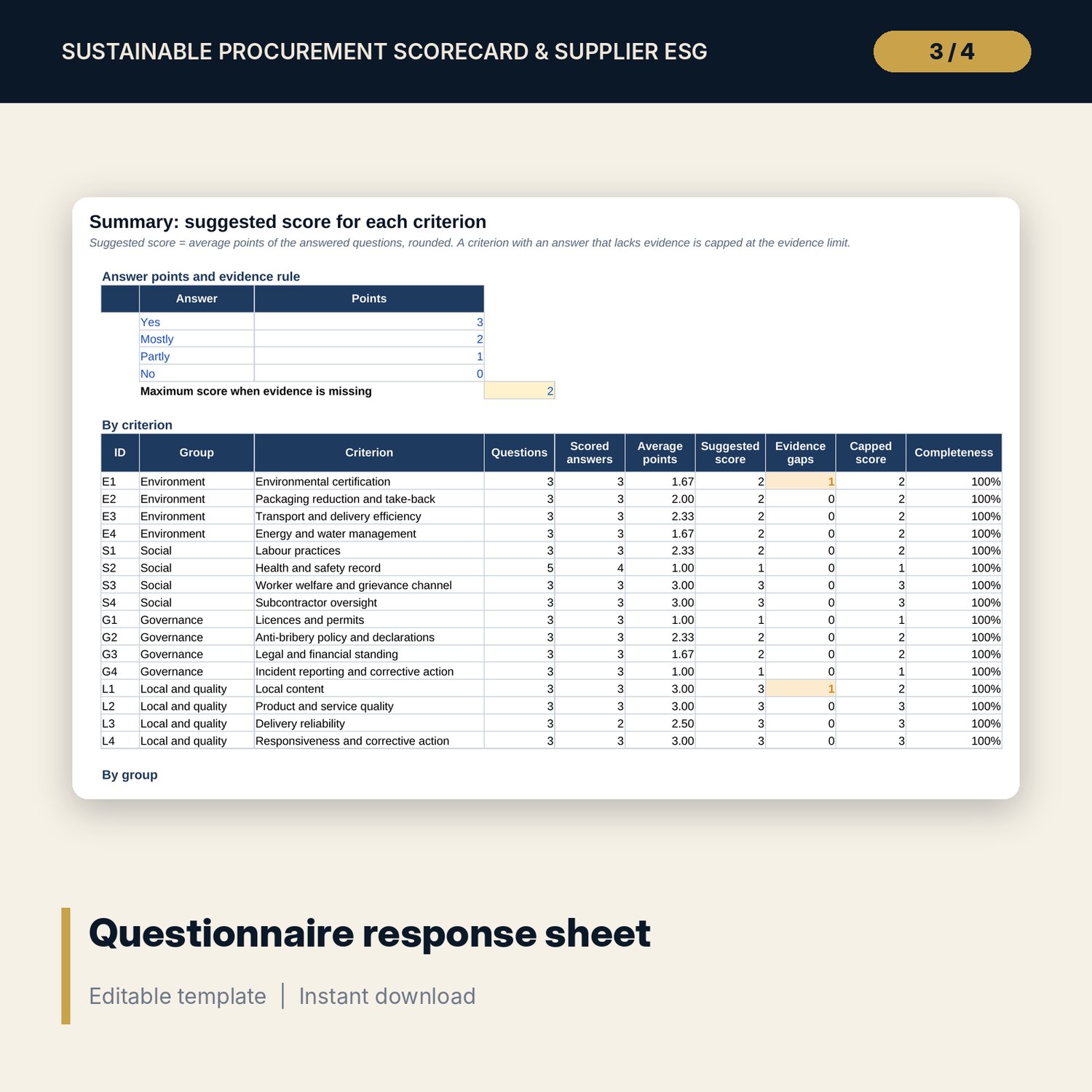
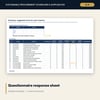
- Procurement_Scorecard_Questionnaire_Response.xlsx: 4 tabs, 338 formulas, 56 questions in 7 sections, evidence checks, a score export row and 5 checks
- Procurement_Scorecard_Guide.docx and PDF: 11 pages with the equations, a 16-criterion rubric, weights, flags and responses, the questionnaire process and a worked example
- README.txt and LICENSE-and-Terms.txt
How it works
- Set the as-of date, targets, band limits and category weights on Assumptions.
- Replace the sample suppliers and send the questionnaire to each one.
- Use the response sheet to read suggested scores, validate them, and enter them on Scores.
- Read the Scorecard, set an action date for each flag, and review coverage.
Details
- Formats: 2 Excel workbooks (.xlsx), 1 guide in Word (.docx) and PDF, English
- Software: Excel 2016 or later, or LibreOffice Calc 7 or later
- No macros, no external links, no data tables, no array formulas
- 4 files plus README and license; instant digital download
Good to know
- Sample data is illustrative. Replace it with your own figures.
- Weights, band limits and legal checks are inputs. Verify local requirements and your own procurement policy.
- This is a scoring tool. It does not replace an audit or legal advice.
- Single-user license. Do not redistribute.
FAQ
How is the weighted score calculated?
Each group score is the sum of its four criterion scores divided by 12. The weighted score is the sum of group weight times group score, using the weights of the supplier category.
Can I change the weights?
Yes. Set group weights per category on Assumptions. Weight Scenarios shows how four other weightings would move each supplier.
How does spend coverage work?
It is the spend with fully scored suppliers divided by total supplier spend. The Coverage tab lists the largest unscored suppliers first.
What does the questionnaire sheet do?
It holds 56 questions mapped to the criteria, calculates points, flags missing evidence and suggests a capped score for each criterion.
Do I need macros?
No. Every result is a standard worksheet formula.