
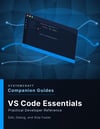

VS Code Essentials Companion Guide
VS Code Essentials Companion Guide
Practical Developer Reference
Stop clicking through menus and start using VS Code like a professional developer.
Learn the workflows, shortcuts, and built-in tools that make Visual Studio Code one of the most powerful code editors available—so you can spend less time fighting your editor and more time writing great code.
Whether you're new to VS Code, switching from another editor, or looking to improve your daily development workflow, this companion guide explains the features and techniques that experienced developers rely on every day.
Instead of overwhelming you with every menu option and extension, this guide focuses on the commands, shortcuts, and best practices that make the biggest impact on productivity—showing not only what to use, but why it improves the way you work.
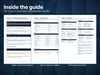
Inside You'll Learn
✓ Understanding the VS Code interface and Command Palette
✓ Fast navigation and efficient code editing
✓ Multi-cursor editing and advanced text selection
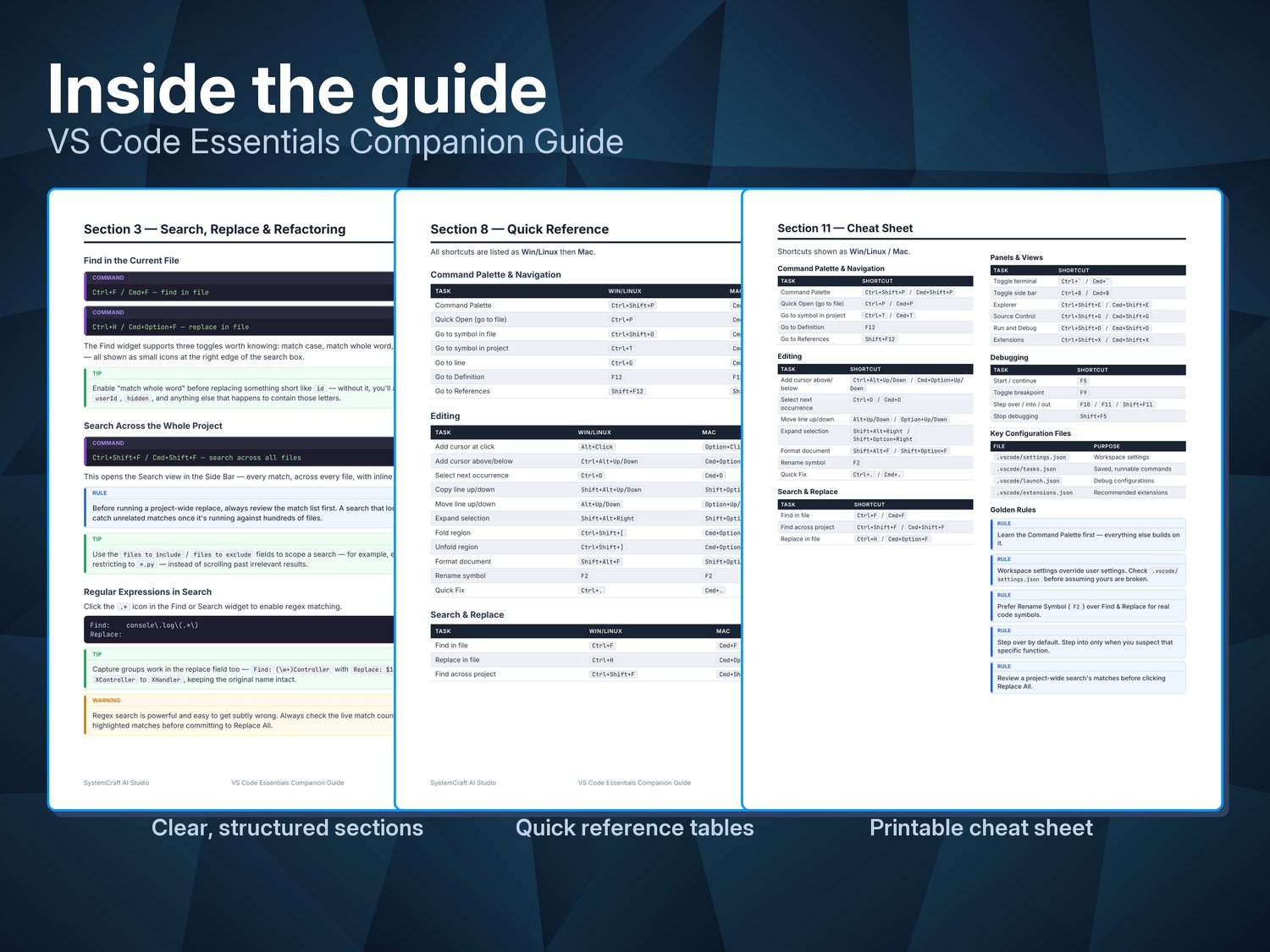
✓ Search, replace, and project-wide refactoring
✓ Working with the integrated terminal and tasks
✓ Built-in Git source control features
✓ Debugging applications with breakpoints and the Debug Console
✓ Extensions, customization, and productivity settings
✓ Keyboard shortcuts that save time every day
✓ Common problems and troubleshooting guidance
✓ Practical workflow examples
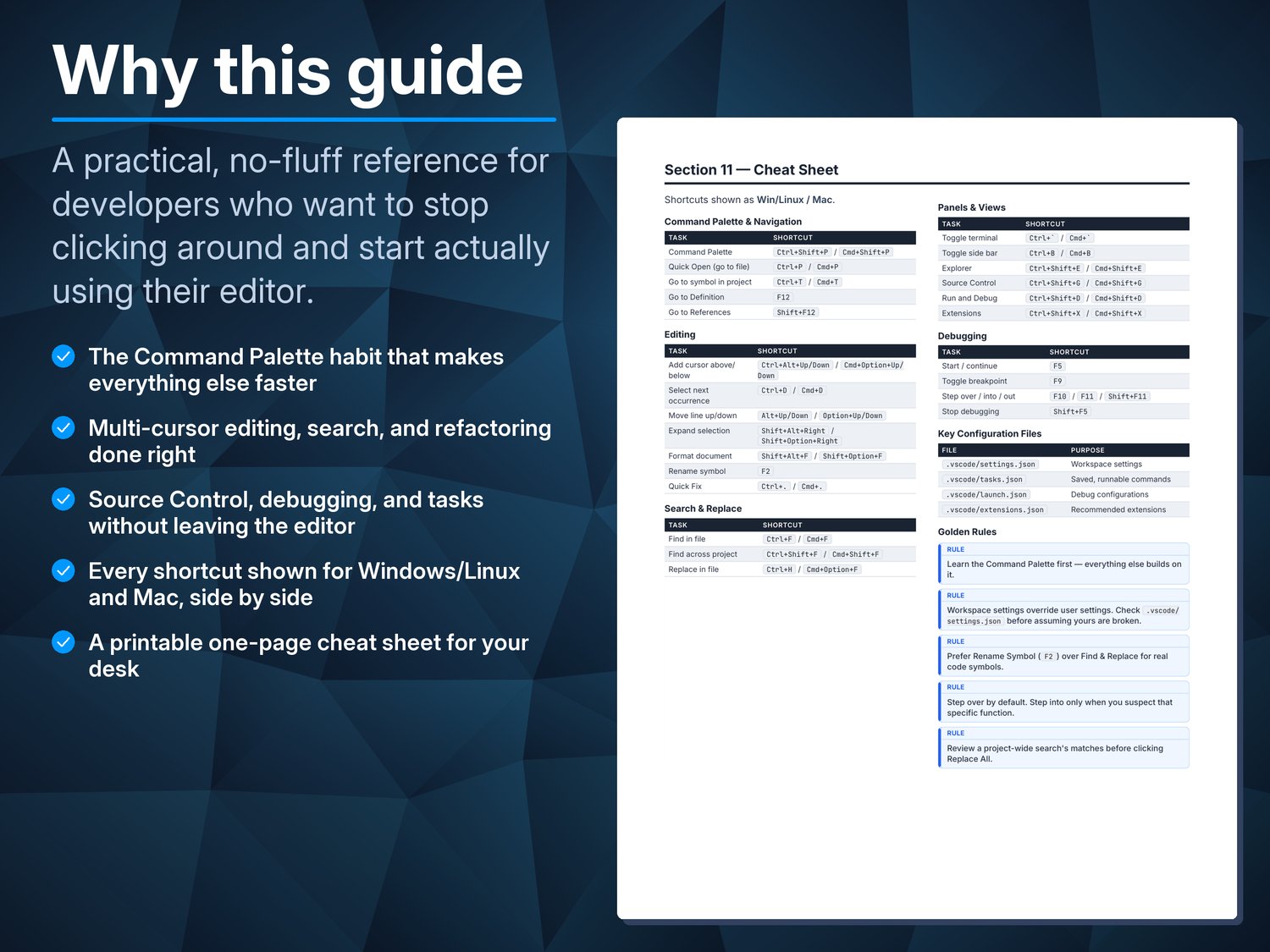
✓ Comprehensive glossary and printable cheat sheet
Perfect For
• Developers new to Visual Studio Code
• Programmers moving from another editor or IDE
• Students learning modern software development
• Self-taught developers building professional workflows
• Anyone who wants to work faster and more efficiently in VS Code
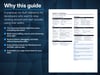
Why This Guide?
Most VS Code tutorials focus on isolated features or assume you already know your way around the editor.
SystemCraft™ Companion Guides focus on the practical knowledge you'll actually use every day, combining concise explanations, real-world examples, quick references, troubleshooting tips, and printable cheat sheets.
Designed to be read once and referenced often, this guide becomes a lasting resource beside your editor—not just another tutorial you'll forget next week.
Whether you're writing your first program, maintaining a large codebase, or working across multiple programming languages, you'll gain the confidence to use Visual Studio Code efficiently and take advantage of the tools that professional developers depend on every day.
What's included
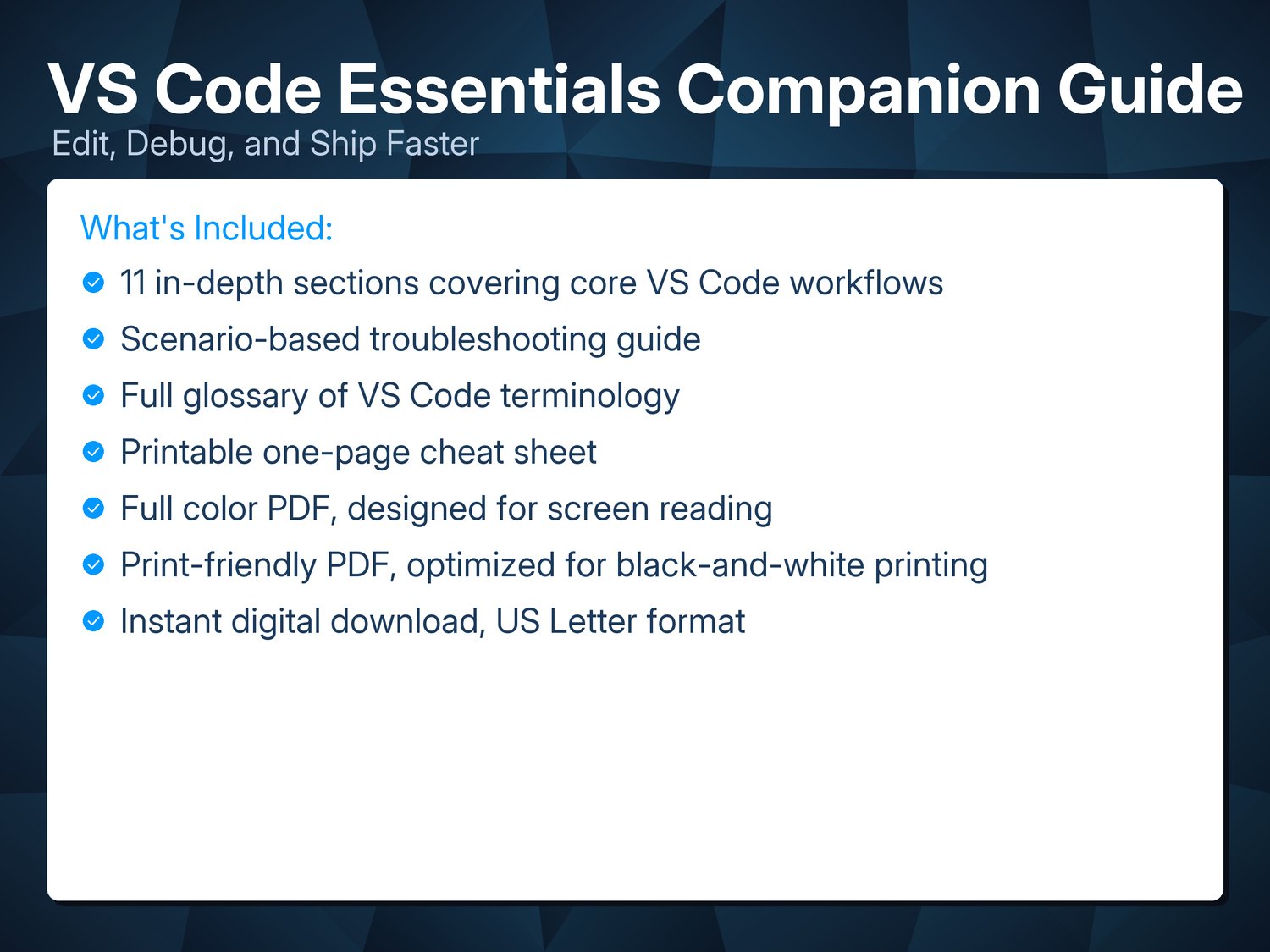
- 11 in-depth sections covering core VS Code workflows
- Scenario-based troubleshooting guide
- Full glossary of VS Code terminology
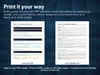
- Printable one-page cheat sheet
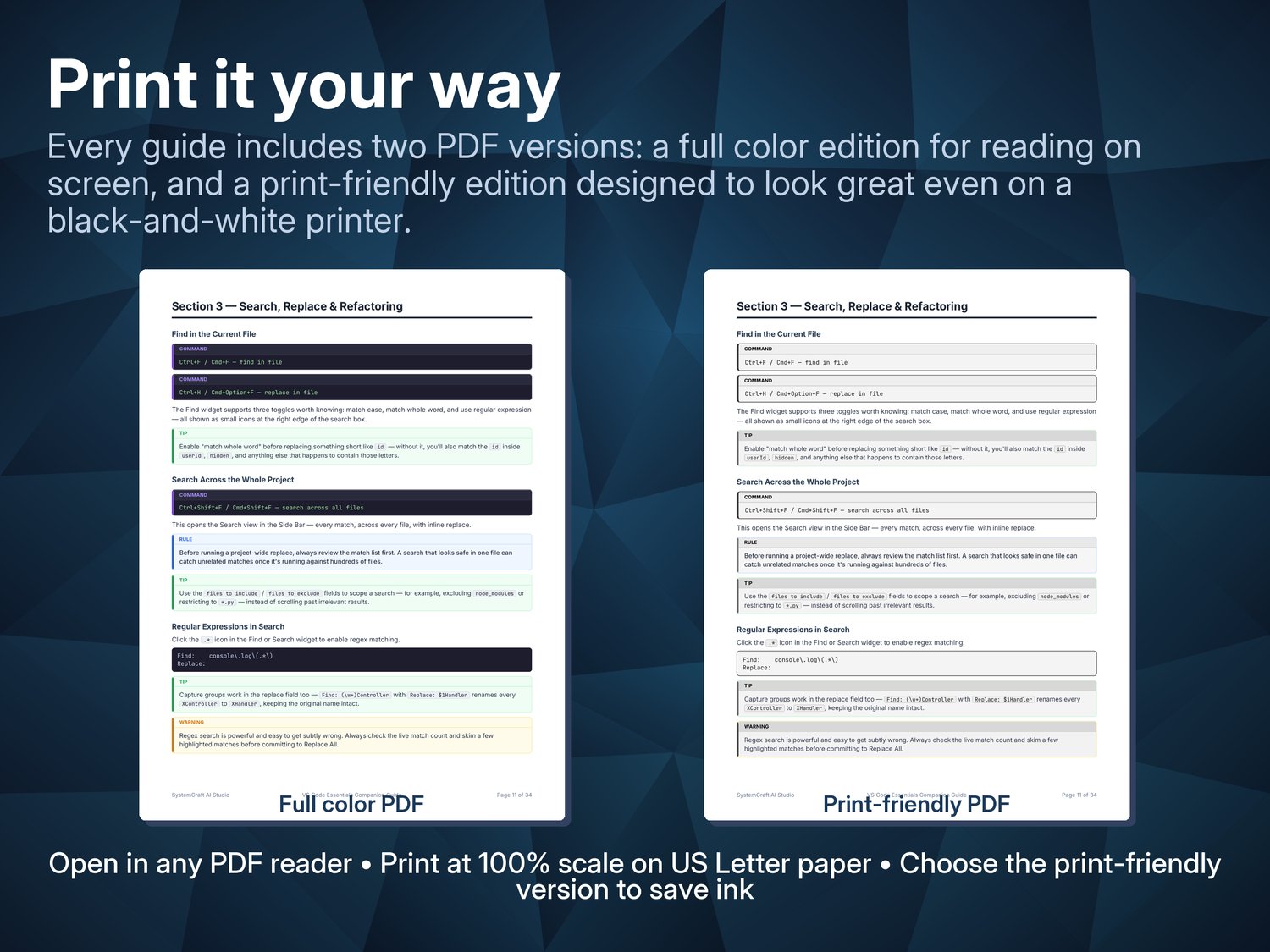
- Full color PDF, designed for screen reading
- Print-friendly PDF, optimized for black-and-white printing
- Instant digital download
Part of the Companion Guide series
This guide is one of six in SystemCraft™ Press's Companion Guide series — each built the same way: a focused walkthrough, a printable cheat sheet, hands-on exercises, and a companion GitHub repo.
See the full series at https://systemcraftpress.com/guides/ or learn more at https://systemcraftpress.com.
**Want all 6?**
Get the Complete Companion Guide Collection — all 6 guides for $39.99, a
33% savings over buying them individually: Get the Bundle