
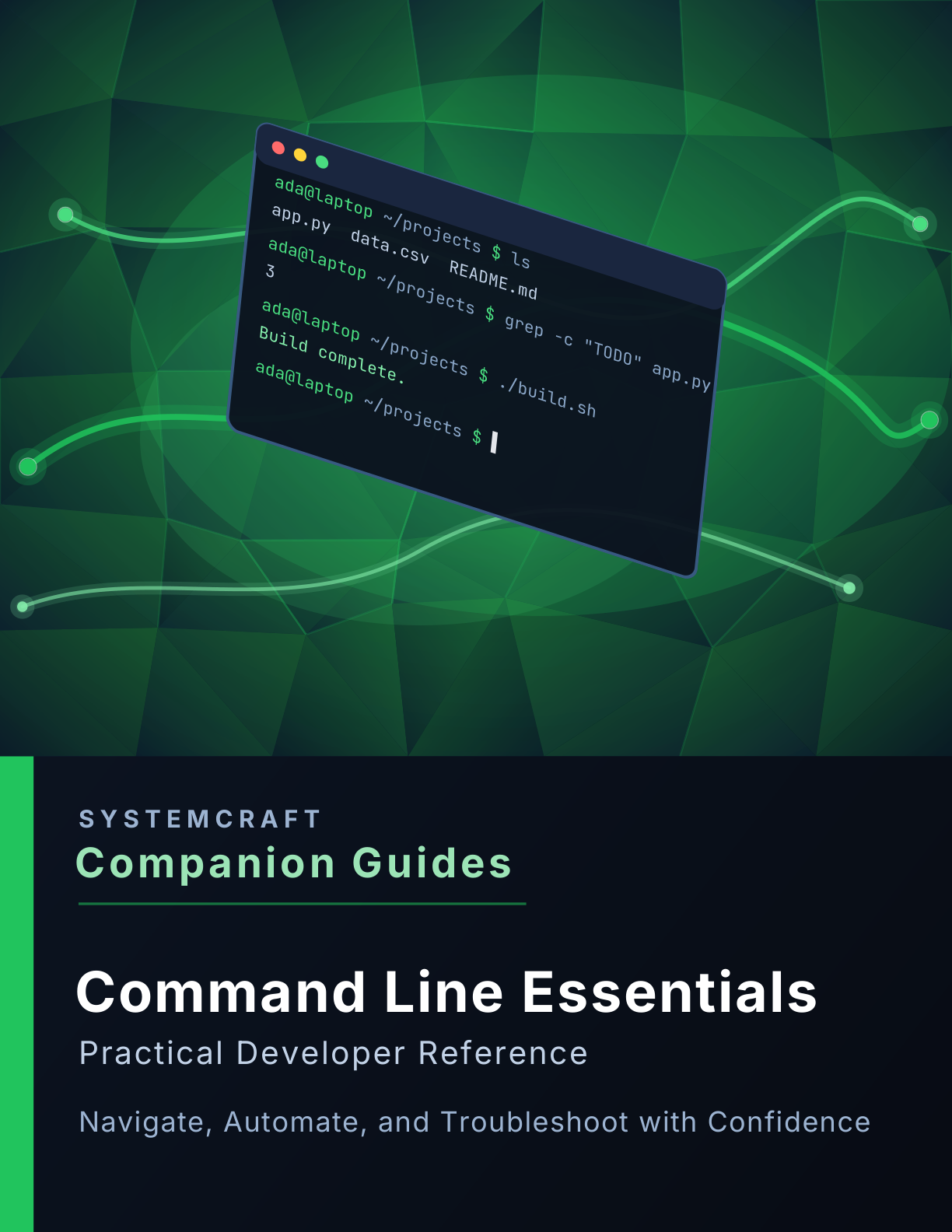
Command Line Essentials Companion Guide
Command Line Essentials Companion Guide
Practical Developer Reference
Stop treating the terminal like a place where you paste commands from the internet and start using it with confidence.
The command line is one of the most powerful tools available to developers—but for many people it still feels intimidating. You know enough to run git, but every unfamiliar command feels like a leap of faith.
This companion guide helps you build a solid mental model of how the shell works, so commands stop feeling mysterious and start becoming useful building blocks you can combine with confidence.
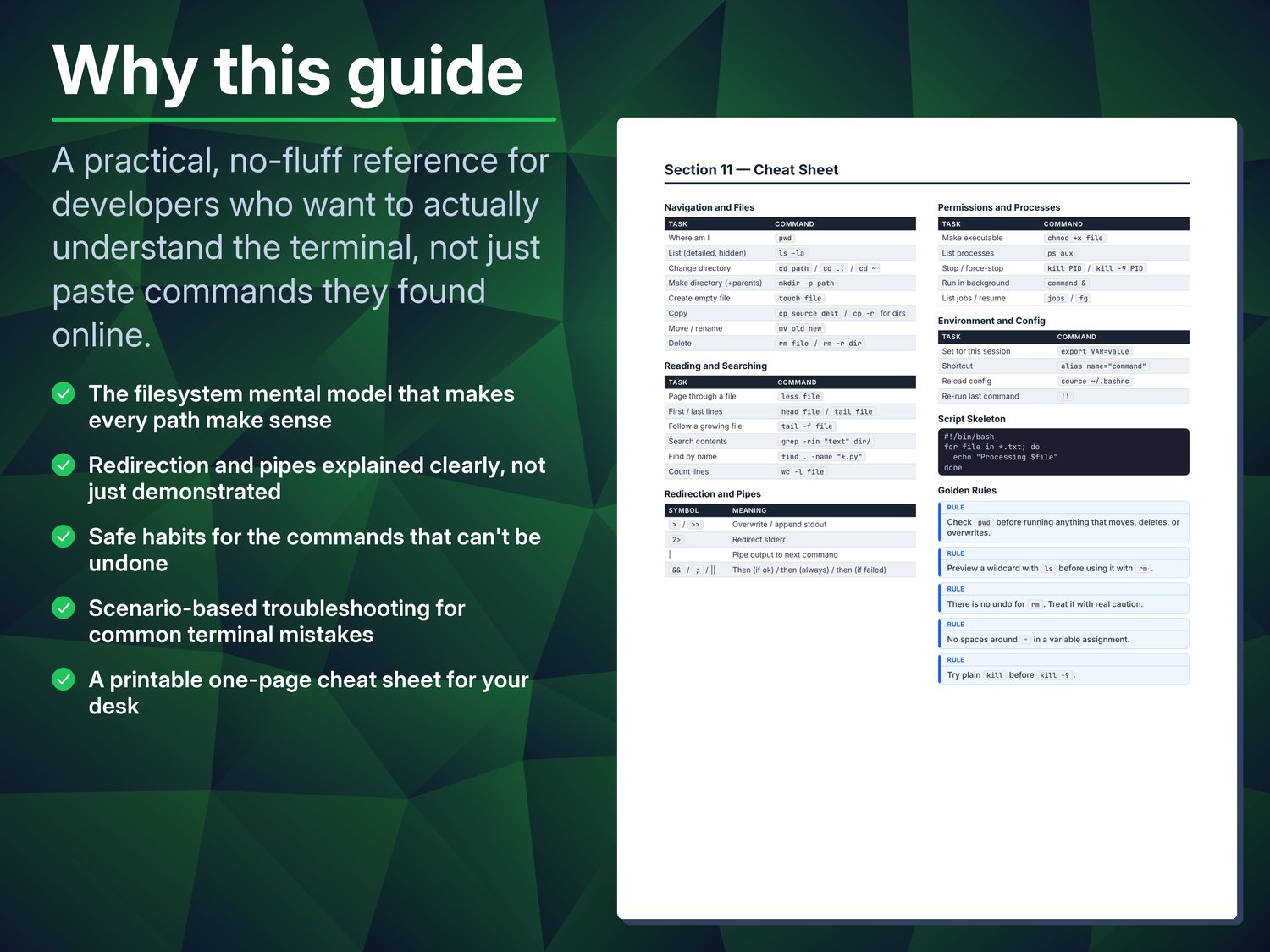
Instead of memorizing random commands, you'll learn the principles behind navigation, file management, searching, redirection, permissions, and automation—skills that transfer across Linux, macOS, and Git Bash on Windows.
Inside You'll Learn
✓ Understanding terminals, shells, and the filesystem
✓ Navigating directories with confidence
✓ Creating, copying, moving, and deleting files safely
✓ Finding files and searching their contents with find and grep
✓ Viewing logs and large files efficiently
✓ Using pipes and redirection to combine commands
✓ Understanding permissions, processes, and environment variables
✓ Creating aliases and simple shell scripts
✓ PowerShell equivalents for core Bash commands
✓ Troubleshooting common command-line mistakes
✓ Comprehensive glossary and printable cheat sheet
Perfect For
• Software developers
• Web developers
• DevOps engineers
• Students learning programming
• IT professionals
• Anyone who wants to become comfortable working in a terminal
Why This Guide?
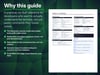
Most command-line tutorials either assume you already understand Unix concepts or overwhelm you with hundreds of commands you'll rarely use.
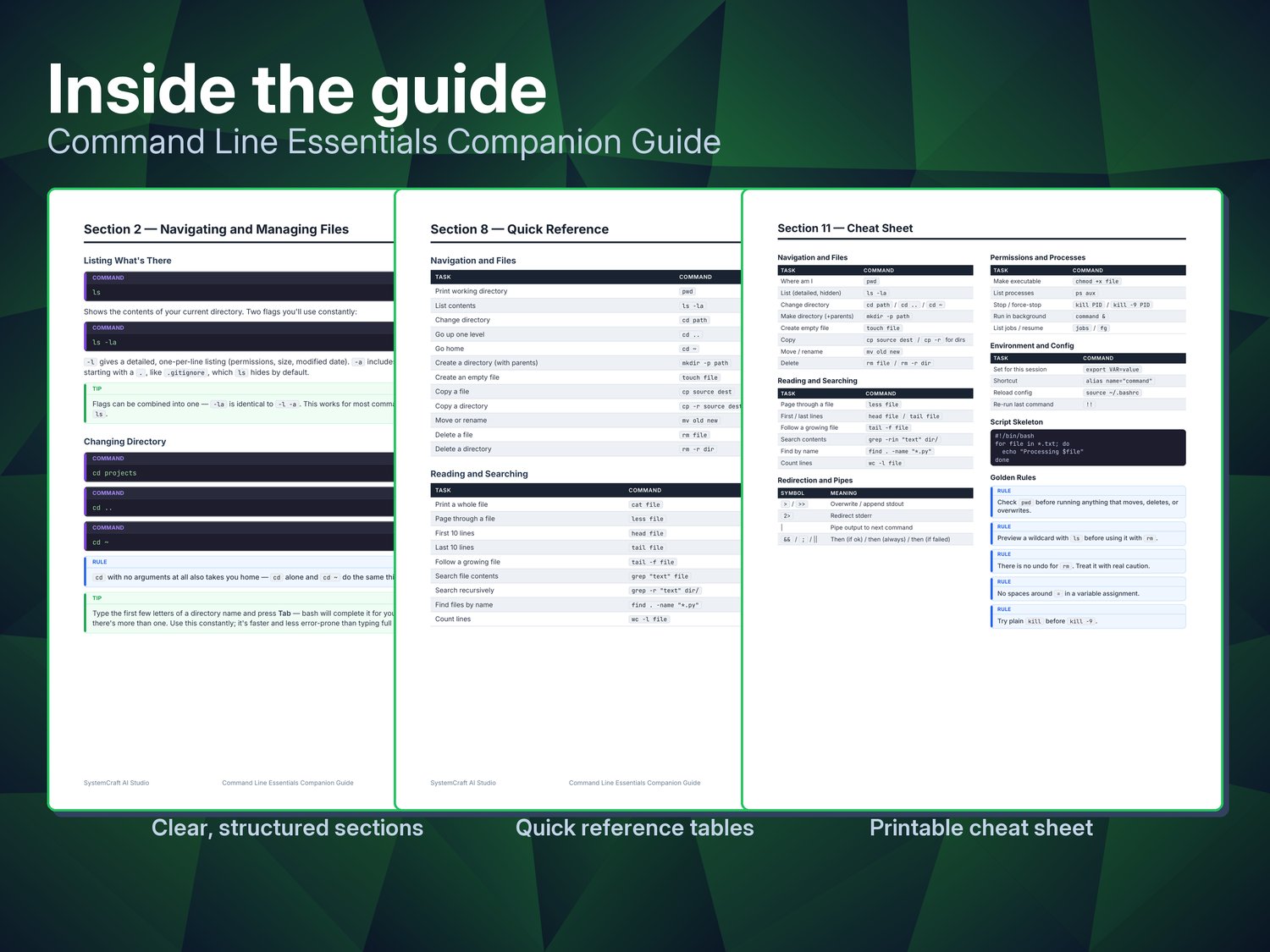
SystemCraft™ Companion Guides focus on practical knowledge you can apply immediately. Each topic combines concise explanations, realistic examples, best practices, safety tips, troubleshooting guidance, and printable quick references.
Rather than trying to turn you into a system administrator overnight, this guide teaches the commands and habits that developers use every day—and explains why they work.
Whether you're working on Linux, macOS, or Windows with Git Bash, you'll develop the confidence to navigate your filesystem, inspect logs, automate repetitive tasks, and troubleshoot problems without constantly searching for the next command to copy and paste.
Designed to be read once and referenced often, this guide becomes a practical desk reference you'll return to whenever you need to remember a command, understand unfamiliar terminal output, or solve a problem more efficiently.
What's included
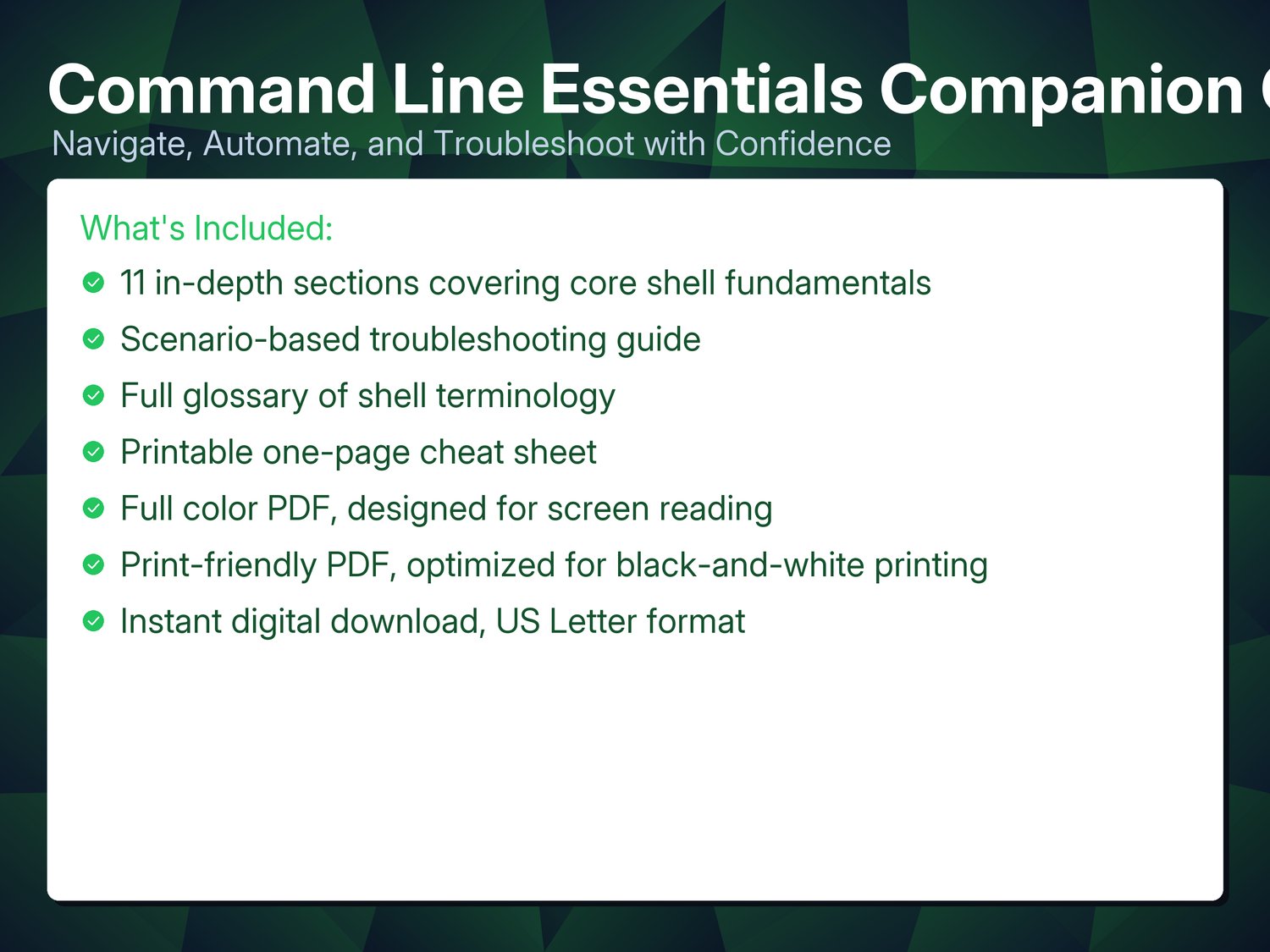
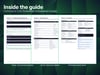
- 11 in-depth sections covering core shell fundamentals
- Scenario-based troubleshooting guide
- Full glossary of shell terminology
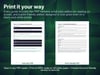
- Printable one-page cheat sheet
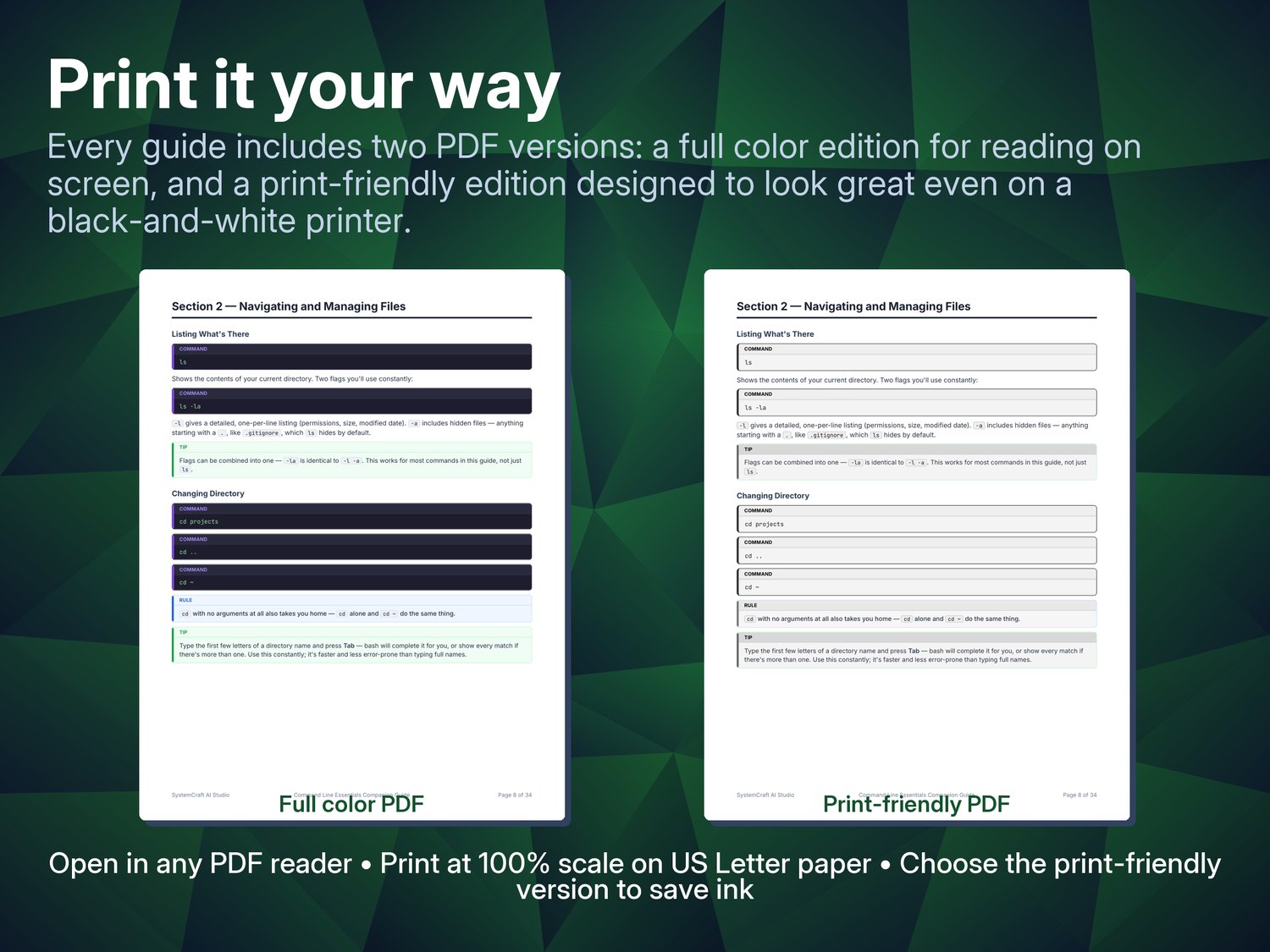
- Full color PDF, designed for screen reading
- Print-friendly PDF, optimized for black-and-white printing
- Instant digital download
Part of the Companion Guide series
This guide is one of six in SystemCraft™ Press's Companion Guide series — each built the same way: a focused walkthrough, a printable cheat sheet, hands-on exercises, and a companion GitHub repo.
See the full series at https://systemcraftpress.com/guides/ or learn more at https://systemcraftpress.com.
**Want all 6?**
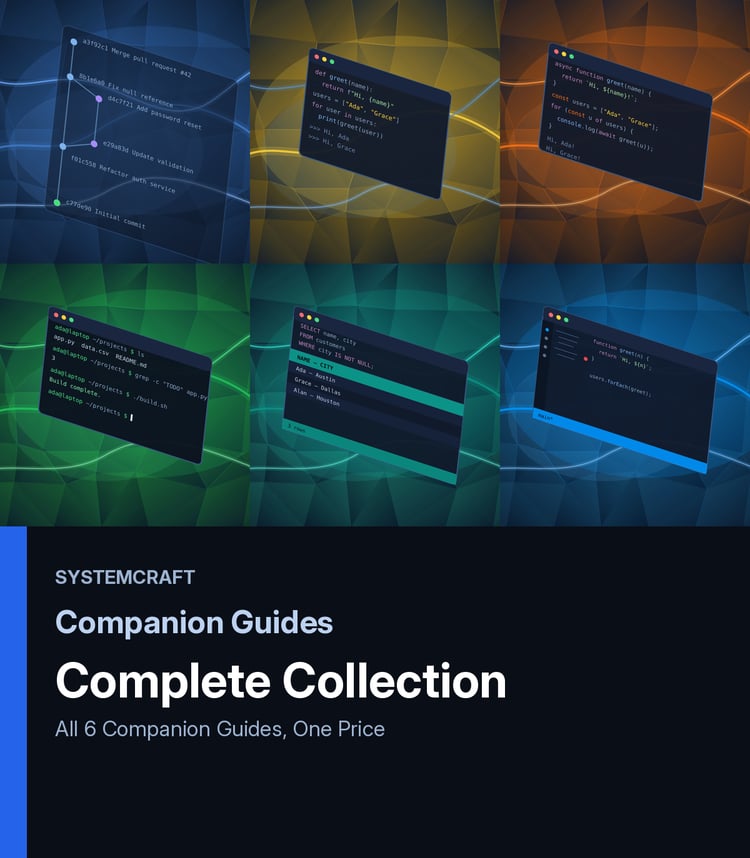
Get the Complete Companion Guide Collection — all 6 guides for $39.99, a
33% savings over buying them individually: Get the Bundle