
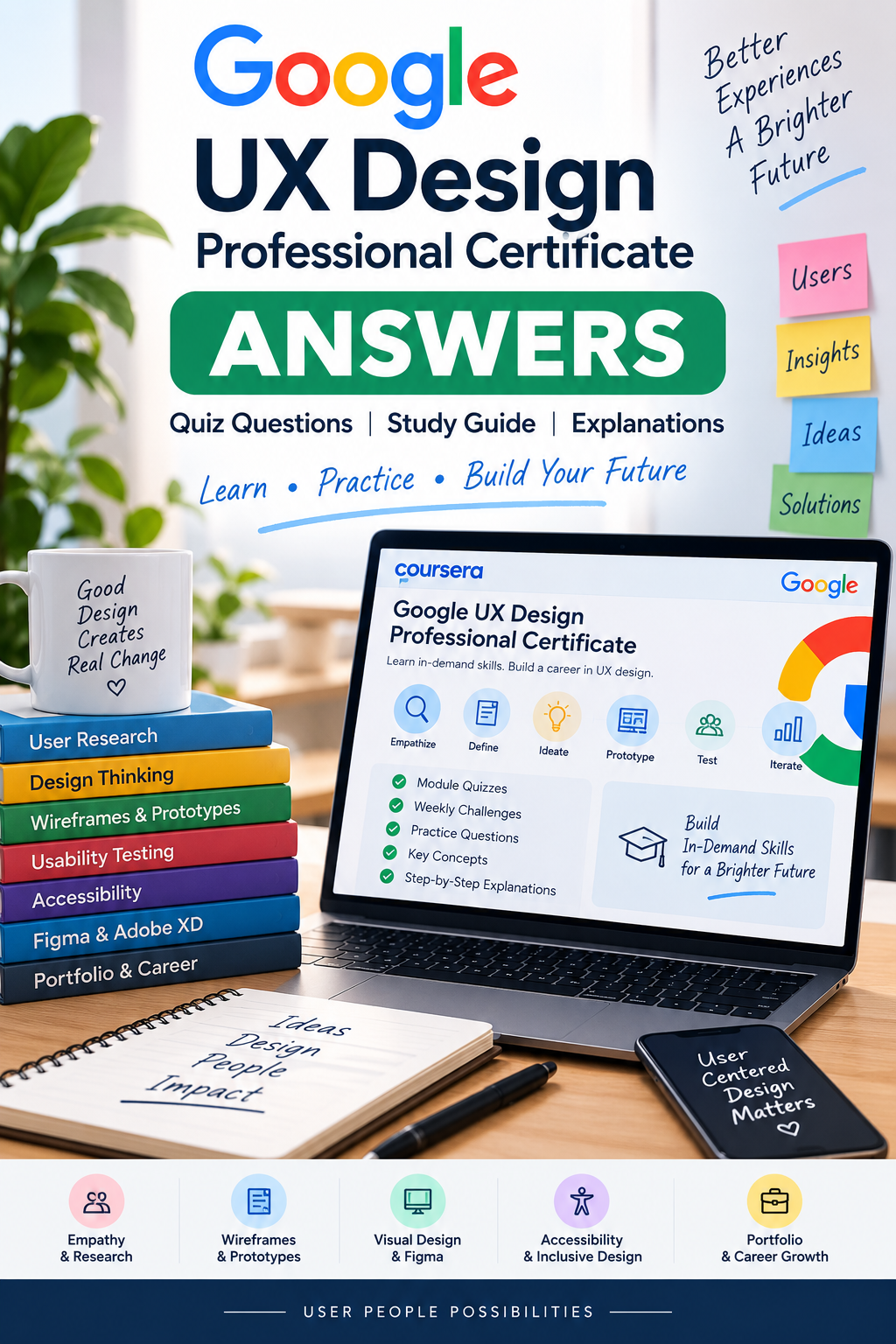
Google UX Design Professional Certificate Answers 2026: All Modules Covered - Quiz & Study Guide
Google UX Design Professional Certificate Answers: Quiz & Study Guide
Preparing for the Google UX Design Professional Certificate and looking for a structured way to review quiz questions, practice concepts, and study the material with greater confidence?
This comprehensive Google UX Design Professional Certificate Answers study guide is designed for learners who want an organized educational resource covering the major topics, terminology, concepts, practice questions, and learning objectives associated with the Google UX Design curriculum.
Whether you're working through Coursera, reviewing a particular course, preparing for a quiz, revisiting difficult UX concepts, or building a stronger foundation before completing your assessments, this guide can help you turn scattered course information into a more organized study experience.
The goal isn't simply to memorize an answer. The goal is to understand the UX design principles and reasoning behind the questions.
A Practical Study Resource for the Google UX Design Certificate
The Google UX Design Professional Certificate introduces learners to the fundamentals of user experience design, including the design process, user research, accessibility, wireframing, prototyping, usability testing, visual design, responsive web design, and portfolio development.
The current official Coursera listing describes the program as a beginner-friendly professional certificate with hands-on learning, UX research, user-centered design, accessibility, wireframes, prototypes, testing, iteration, and portfolio development.
Google's regional certificate information similarly highlights personas, user stories, user journey maps, usability studies, wireframes, prototypes, testing, iteration, and professional portfolio development.
That's why this study resource focuses on the broader knowledge surrounding the questions—not just the word “answers.”
You'll encounter important concepts such as:
- User-centered design
- Human-centered design
- Design thinking
- User research
- Empathy
- Personas
- User stories
- User journey maps
- Pain points
- Problem statements
- Ideation
- Competitive audits
- Information architecture
- Storyboards
- Wireframes
- Low-fidelity prototypes
- Mockups
- High-fidelity prototypes
- Usability studies
- Research plans
- Research synthesis
- Accessibility
- Inclusive design
- Equity-focused design
- Responsive web design
- Visual design
- Design systems
- Typography
- Interaction design
- Figma
- Adobe XD
- UX portfolios
- Case studies
- Personal branding
- UX careers
Review Google UX Design Quiz Questions With Context
One of the biggest challenges when studying UX design is remembering why a particular answer is correct.
A question can appear straightforward, but the underlying concept may involve user-centered design, accessibility, research methodology, design thinking, usability, prototyping, or visual communication.
That is why an effective study resource should connect questions with the concepts behind them.
This guide is structured to support that kind of review.
Instead of approaching your study session as simple memorization, use the material to revisit the terminology and principles that make the questions easier to understand.
For example, when studying user-centered design, you should understand why designers place users at the center of the design process.
When reviewing UX research, you should understand the purpose of interviews, usability studies, observations, research plans, and research synthesis.
When studying wireframes and prototypes, you should understand how designers communicate ideas, test concepts, identify problems, and iterate.
And when reviewing accessibility, you should understand how inclusive design can help people with different abilities, situations, and needs.
These concepts form the foundation of the Google UX Design learning experience.
Cover the Major Google UX Design Course Topics
The Google UX Design curriculum covers a broad progression from foundational UX concepts to research, design, prototyping, and career preparation.
Google's published curriculum includes topics such as:
Foundations of User Experience (UX) Design
Begin with the fundamentals of UX, including user-centered design, accessibility, the role of UX designers, design processes, and professional development.
Start the UX Design Process: Empathize, Define, and Ideate
Explore empathy, users, pain points, personas, user stories, user journey maps, problem statements, ideation, and competitive audits.
Build Wireframes and Low-Fidelity Prototypes
Learn how ideas can be translated into storyboards, wireframes, and low-fidelity prototypes that can be evaluated and improved.
Conduct UX Research and Test Early Concepts
Review research planning, interviews, usability studies, observations, insights, research presentations, and iterative improvement.
Create High-Fidelity Designs and Prototypes in Figma
Explore mockups, high-fidelity prototypes, visual design principles, typography, design systems, interaction design, design critique, and Figma.
Responsive Web Design in Adobe XD
Review responsive web design, sitemaps, website wireframes, prototypes, and design adaptation across different devices.
Design for Social Good and Prepare for Jobs
Connect UX design with social good, portfolio development, case studies, professional presence, personal branding, and career preparation.
Google's regional curriculum page lists these seven core courses and specifically identifies Figma and Adobe XD as design tools used in the certificate.
Build a Stronger Understanding of UX Research
UX research is one of the most important semantic and educational areas surrounding the certificate.
Good UX design isn't based purely on personal preference. Designers need to understand users, identify problems, gather information, analyze observations, and use evidence to improve a product experience.
This study guide helps you review concepts associated with:
- User interviews
- Research plans
- Usability studies
- Research participants
- Observations
- Insights
- Research synthesis
- User needs
- User behaviors
- User motivations
- Pain points
- Testing
- Iteration
Understanding these concepts makes it easier to approach practice questions from a knowledge perspective instead of relying entirely on memorization.
The official certificate description confirms that UX research includes planning studies, conducting interviews and usability studies, and synthesizing research results.
Master Personas, User Stories and Journey Maps
A major part of UX design involves understanding the people who use a product.
That includes creating personas, developing user stories, and mapping user journeys.
These tools help designers communicate who their users are, what they need, what they are trying to accomplish, and where friction may occur during an experience.
You'll encounter these concepts alongside related terminology such as:
Users → needs → behaviors → motivations → pain points → goals → user journeys → design opportunities
Learning these relationships can make UX quiz questions much easier to interpret.
Instead of treating every term as an isolated definition, you can understand how the concepts fit together within the overall user-centered design process.
Understand Wireframes, Mockups and Prototypes
Another major topic is the progression from an initial design idea toward a testable experience.
You may encounter:
- Storyboards
- Paper wireframes
- Digital wireframes
- Low-fidelity prototypes
- Mockups
- High-fidelity designs
- Interactive prototypes
- Usability testing
- Design iteration
Understanding the difference between these deliverables is essential.
A wireframe communicates structure and layout.
A mockup provides a more detailed visual representation.
A prototype allows designers and users to interact with a proposed experience.
The Google UX Design curriculum specifically includes wireframes, prototypes, mockups, usability testing, and iteration as part of the learning process.
Review Figma and Visual Design Concepts
Figma is another important entity associated with the Google UX Design Professional Certificate.
The official Coursera course page for Create High-Fidelity Designs and Prototypes in Figma identifies Figma, mockups, high-fidelity prototypes, typography, design elements and principles, interaction design, usability, and design systems among the skills covered.
Your study process can therefore include terminology such as:
- Figma
- High-fidelity prototype
- Mockup
- Typography
- Color
- Visual hierarchy
- Design elements
- Design principles
- Interaction design
- Design systems
- Design critique
- Feedback
- Iteration
These concepts are useful not only for quiz preparation but also for developing a practical understanding of visual and interaction design.
Accessibility and Inclusive Design Matter
Accessibility is another important part of the UX design knowledge ecosystem.
A strong UX designer considers how products and services can be usable by people with different abilities, circumstances, and needs.
Relevant concepts include:
- Accessibility
- Inclusive design
- Equity-focused design
- Assistive technology
- Accessible interfaces
- Web accessibility
- Usability
- User needs
- Inclusive experiences
The official Google UX Design material explicitly includes accessibility and equity-focused design among the foundational concepts learners study.
This makes accessibility an important subject to understand when reviewing Google UX Design quiz questions and practice material.
Connect UX Design With Real Career Preparation
The certificate isn't limited to definitions and quizzes.
The curriculum also connects UX knowledge with practical career preparation.
You'll encounter concepts involving:
- UX designer
- UI designer
- Interaction designer
- Visual designer
- Product designer
- UX researcher
- UX portfolio
- Case study
- Personal brand
- Professional presence
- Job search
- Interview preparation
The official Google program information identifies several UX-related career paths and emphasizes creating a professional portfolio to demonstrate completed UX work.
That makes portfolio development an important part of your overall learning journey.
Turn Scattered Information Into an Organized Study Experience
Searching Google repeatedly for individual questions can be frustrating.
You may encounter one page discussing personas, another discussing usability studies, another covering Figma, and another discussing portfolio development.
A structured study resource brings those concepts together.
Instead of jumping between unrelated pages, you can review the major semantic clusters surrounding the Google UX Design Professional Certificate in one organized learning environment.
Use it to revisit:
UX foundations → user research → empathy → personas → ideation → wireframes → prototypes → usability testing → visual design → accessibility → Figma → Adobe XD → responsive design → portfolio → career preparation
This progression mirrors the broader UX learning journey.
Designed for Learners at Different Stages
This resource can be useful if you are:
- Beginning the Google UX Design Certificate
- Working through Coursera course material
- Reviewing before a quiz
- Revisiting difficult concepts
- Practicing UX terminology
- Studying user research
- Learning wireframing
- Reviewing Figma concepts
- Preparing portfolio material
- Refreshing accessibility concepts
- Exploring an entry-level UX career
You don't need to read everything in a single session.
Use individual sections as targeted study references whenever you encounter a topic that needs additional review.
Why a Concept-Focused Study Approach Is Better Than Memorization Alone
The most useful way to approach an educational resource is to understand the principles behind the material.
If you understand why a particular UX research method is used, you'll be better positioned to recognize the concept when it appears in a different question.
If you understand how personas relate to user needs, you'll have a stronger foundation for related questions.
If you understand the difference between wireframes, mockups, and prototypes, you can identify their appropriate role in the design process.
If you understand accessibility, usability, and inclusive design, you can reason through related scenarios more effectively.
That's the difference between simply looking for an answer and actually developing UX knowledge.
Your UX Design Study Companion
The Google UX Design Professional Certificate Answers: Quiz & Study Guide brings together the most important semantic concepts surrounding Google UX Design study and practice.
From user-centered design and design thinking to personas, user stories, journey maps, usability studies, wireframes, prototypes, Figma, Adobe XD, accessibility, responsive web design, design systems, portfolios, case studies, and UX careers, the guide is designed to provide a structured way to review the terminology and concepts you are likely to encounter throughout your learning journey.
The official certificate is designed by Google Career Certificates and hosted on Coursera. The independent guide is not affiliated with, endorsed by, or sponsored by Google or Coursera.
Start Studying With a Clearer Plan
Don't let hundreds of individual UX concepts feel disconnected.
Create a study routine around the major areas:
1. Learn the foundation.
Review UX, user-centered design, accessibility, design thinking, and the design process.
2. Understand your users.
Study empathy, personas, user stories, journey maps, user needs, behaviors, motivations, and pain points.
3. Practice the design process.
Review ideation, problem statements, competitive audits, storyboards, wireframes, and prototypes.
4. Strengthen research knowledge.
Study research plans, interviews, usability studies, observations, insights, synthesis, testing, and iteration.
5. Improve visual design knowledge.
Review mockups, typography, design systems, visual hierarchy, interaction design, and Figma.
6. Understand responsive experiences.
Review sitemaps, responsive web design, website wireframes, prototypes, and Adobe XD.
7. Prepare your professional presence.
Study UX portfolios, case studies, personal branding, job preparation, and career-related concepts.
This approach turns your study journey into a structured progression instead of a collection of disconnected searches.
Get More From Your Google UX Design Learning Journey
If your goal is to understand Google UX Design Professional Certificate answers, practice relevant questions, strengthen your knowledge of UX terminology, and organize your study around the certificate's major subject areas, this guide provides a convenient starting point.
Explore the concepts behind UX design, user research, user-centered design, design thinking, personas, journey maps, usability testing, accessibility, wireframes, low-fidelity prototypes, high-fidelity prototypes, mockups, Figma, Adobe XD, responsive web design, visual design, design systems, portfolios, case studies, and UX career preparation.
Use the resource to study smarter, identify concepts that need additional review, and develop a stronger understanding of the principles behind the questions.
Study the concepts. Review the terminology. Practice the questions. Understand the UX design process. Build your confidence.
Your next step in the Google UX Design learning journey starts with having the right study structure.