


Clean Copy: use AI without giving away your customers' private details
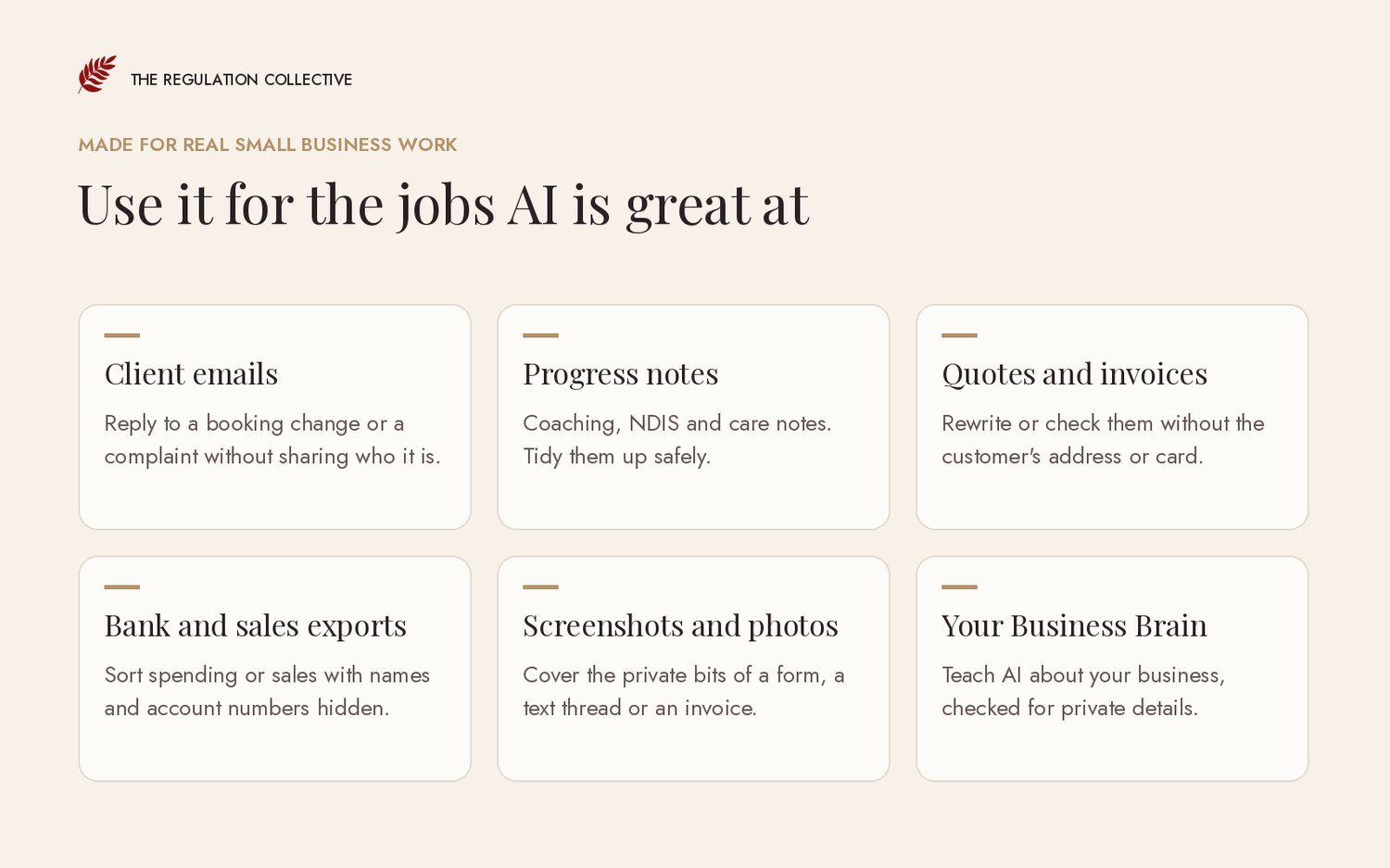
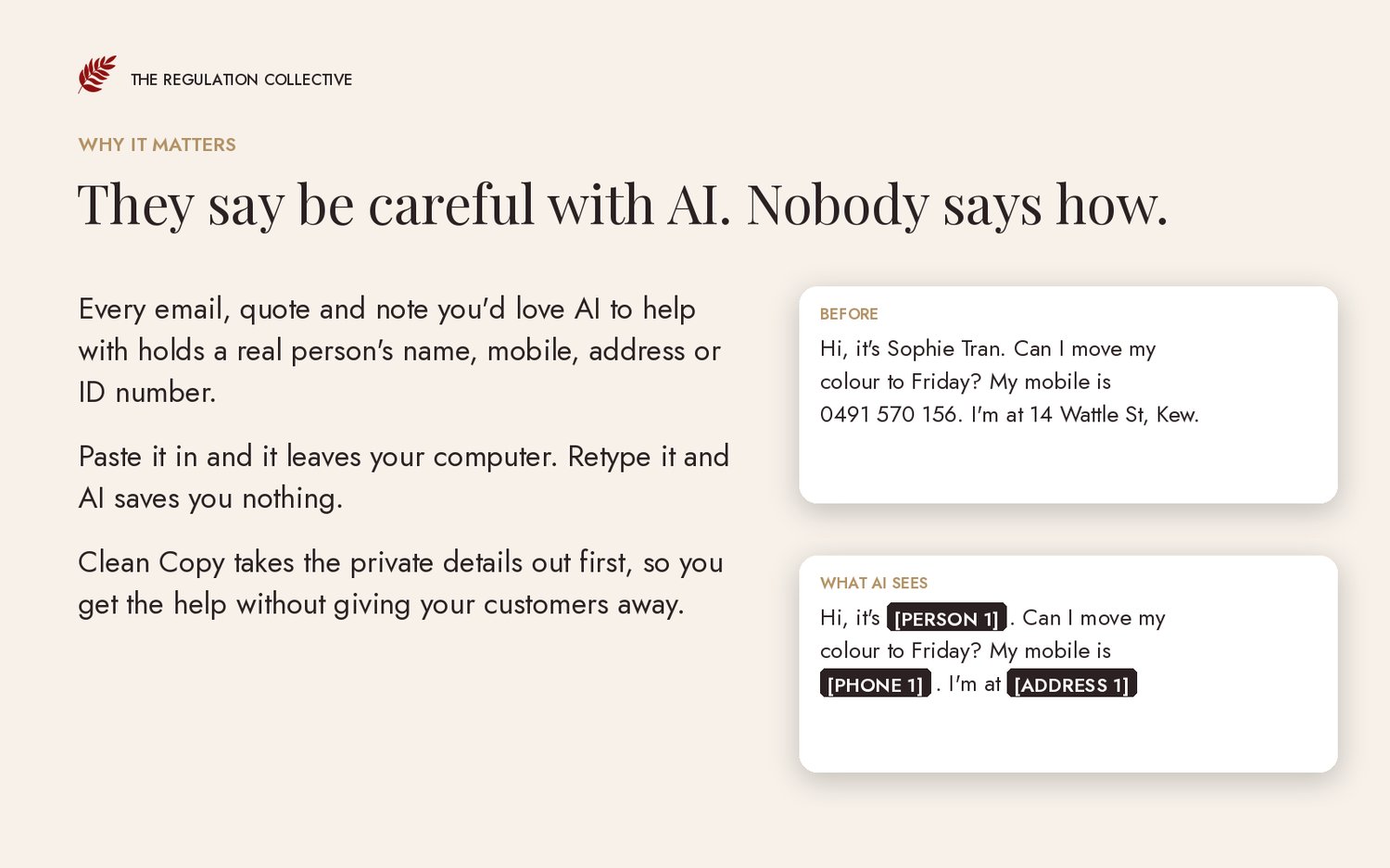
You know AI could write that reply, sort that booking list or tidy that quote in two minutes. Then you look at what you're about to paste in. A customer's name, her mobile, her address, maybe her Medicare number. So you either paste it anyway and feel a bit sick about it, or you sit there at 10pm retyping it with the details changed.
Clean Copy does that part for you. Asking ChatGPT to take the names out still means pasting the names into ChatGPT first. Clean Copy takes them out before anything leaves your computer.
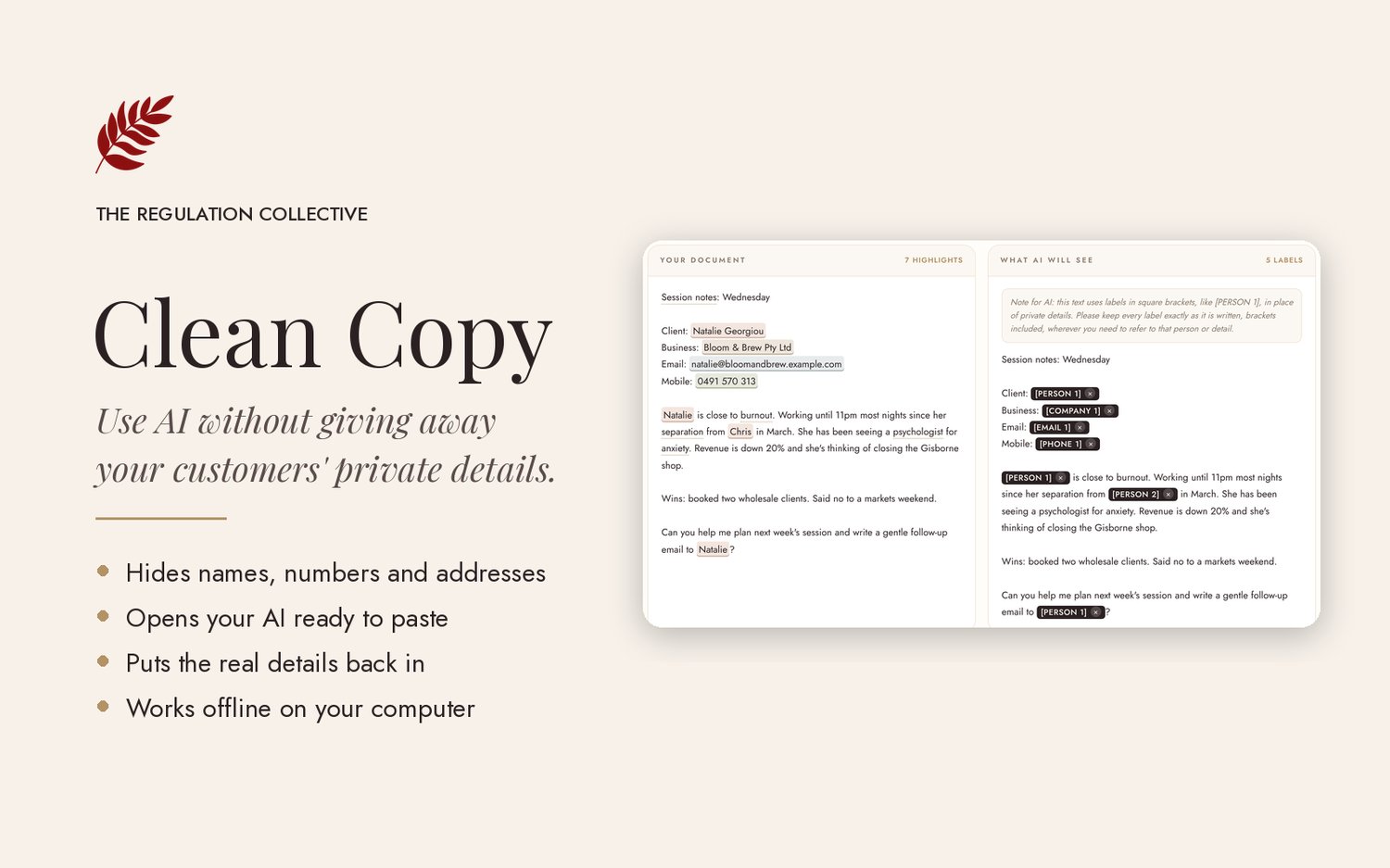
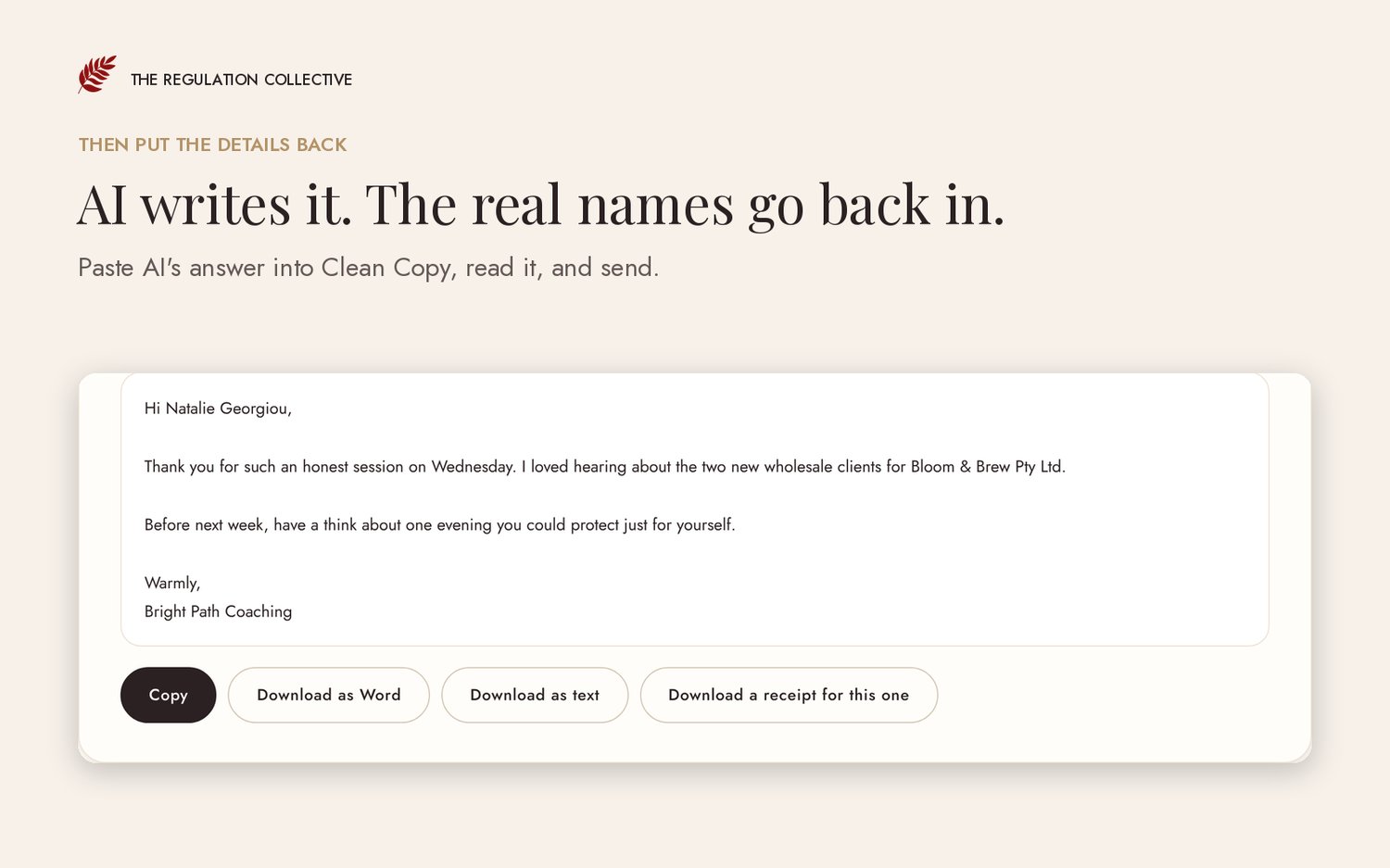
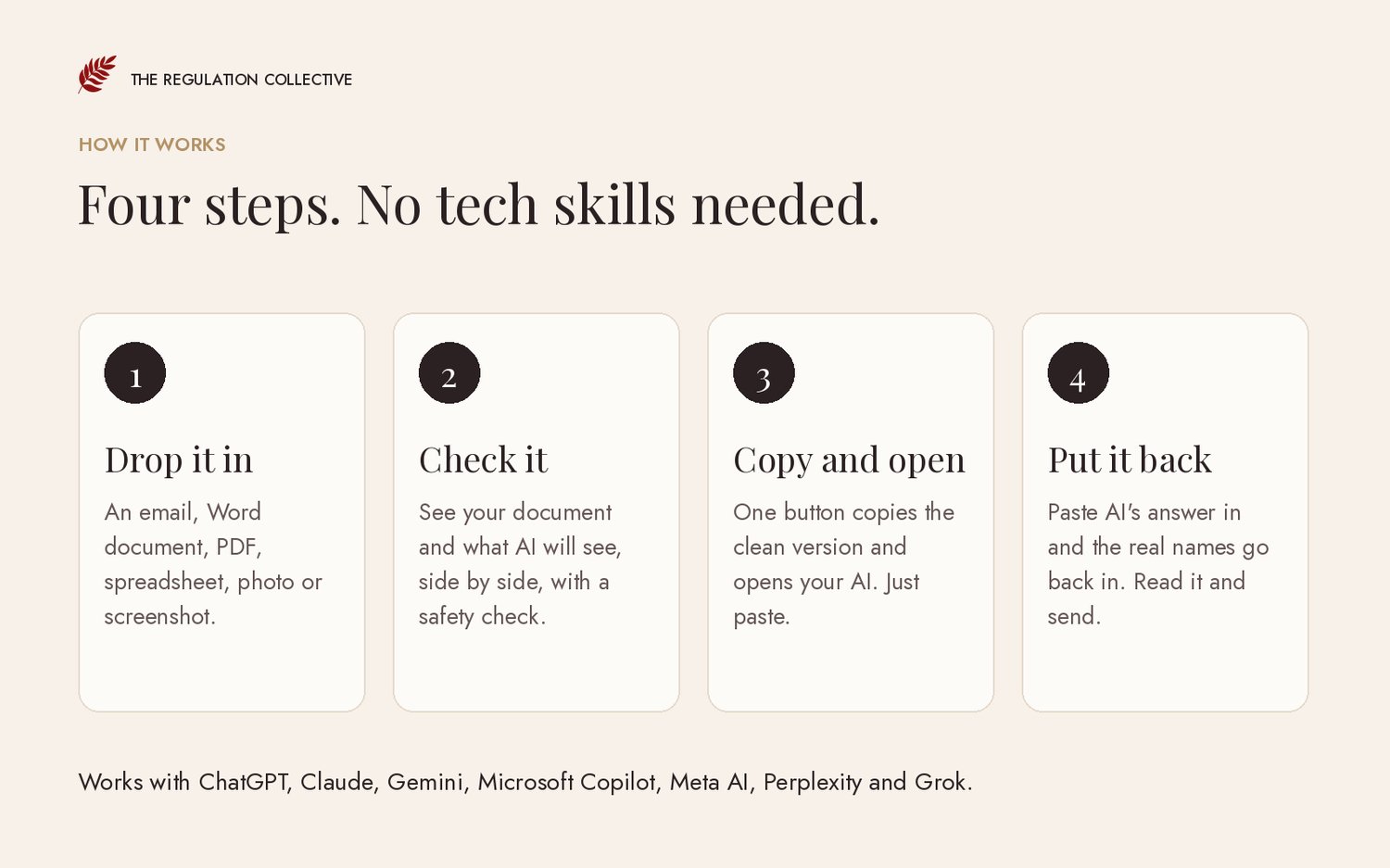
Drop in an email, a Word document, a PDF, a spreadsheet export or a screenshot. Clean Copy swaps every private detail it finds for a label like [PERSON 1] or [PHONE 1], shows you exactly what changed, and opens your AI with the clean copy ready to paste. When AI sends back its answer, Clean Copy puts the real names and numbers back in. AI sees the labels, not the details Clean Copy hid.
It all happens on your computer. Nothing you load into Clean Copy is uploaded anywhere, and it works with the internet switched off.
How it works
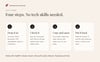
- Drop in your document, or paste the text.
- Check the clean copy. A traffic light tells you if anything sensitive is still in there, like health details, something about a child, or a password.
- Press Copy and open ChatGPT (or Claude, Gemini, Microsoft Copilot, Meta AI, Perplexity or Grok), then paste.
- Paste AI's reply back into Clean Copy and the real details go back in.
What's inside
- The cleaner, which finds names, emails, phone numbers, street addresses, ABNs, TFNs, Medicare and NDIS numbers, card and bank details, dates of birth, passwords, alarm and lockbox codes, and social media handles
- A safety check that flags health information, children, money troubles, legal and family matters, and anything about someone's safety
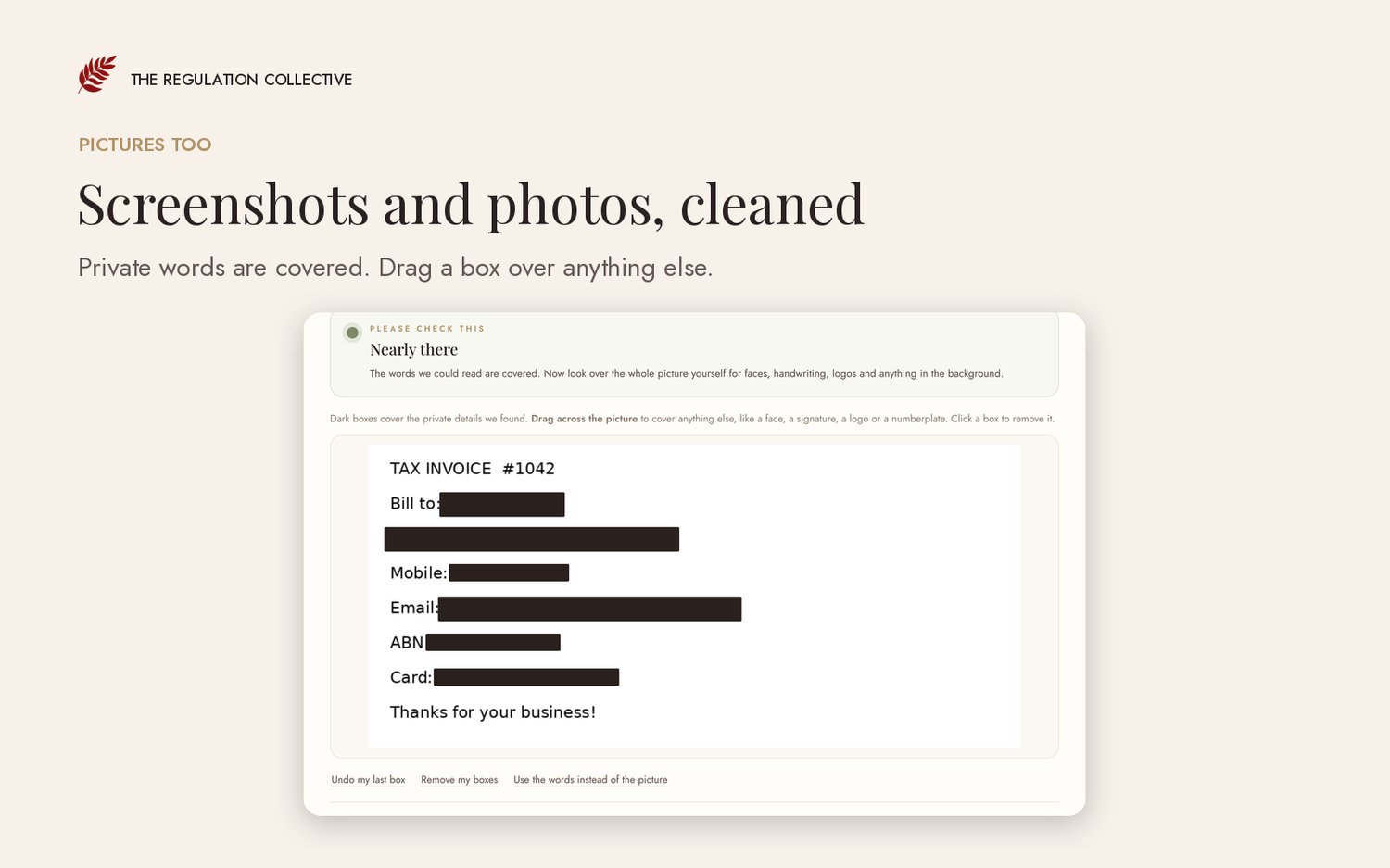
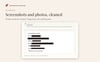
- Picture cleaning, which covers private details in screenshots and photos of forms, and lets you draw your own boxes over faces or signatures
- Settings for your kind of business, each with a made-up example to try first
- A Business Brain builder that helps you write a document teaching AI about your business, and checks it for private details
- An AI use policy writer that gives you a plain English "How we use AI" policy and a paragraph for your privacy policy
- A record of good practice (dates and counts only, never content), plus a receipt for each document you clean
- A How to stay safe with AI guide
- A 13-page Quick Start Guide (PDF) and a short how-to video with a voice over and captions
Who it's for
Any small business that handles customer details and wants to use AI for the writing and admin. It suits tradies, salons, cafes, clinics, NDIS providers, bookkeepers, coaches, property managers, tutors, photographers, cleaners and pet businesses. There are made-up examples for 10 kinds of business, plus a general one.
What you need
A laptop or desktop computer (Windows or Mac) with Google Chrome or Microsoft Edge. Clean Copy is one file. You download it, right-click it, choose Open with, and pick Chrome or Edge. Safari isn't supported yet. There's nothing to install and no account to make. It isn't designed for phones or tablets.
What it can't do
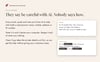
Clean Copy is very good with emails, phone numbers, ID numbers and card details, and good with names. No checker catches everything, though. A name that's also an everyday word, like Summer or Hope, can slip through when it stands alone, and it can't spot faces or read handwriting in pictures. That's why it shows you everything side by side and asks you to read it through before you share. It isn't legal advice, and using it doesn't on its own make your business compliant with privacy law.
Questions
Does it send my documents anywhere? No. Clean Copy runs entirely in your browser on your own computer. It's built to block internet connections. The only thing that leaves your computer is the clean copy you choose to paste into your AI tool.
Which AI tools does it work with? Any AI chat you can paste text into. The one-click button opens ChatGPT, Claude, Gemini, Microsoft Copilot, Meta AI, Perplexity or Grok.
Can my staff use it? Yes. One purchase covers one business, including its staff.
What if it misses something? Select the word and press Hide this, or add it to your always hide list so it's caught every time. Then let us know at info@regulationcollective.com so we can keep improving it.
Refunds and help
Clean Copy is a digital download, so you keep it the moment you buy it. Because of that, we don't offer refunds if you simply change your mind.
If Clean Copy won't open, doesn't work as described, or has a fault, email us at info@regulationcollective.com within 30 days of buying. Tell us what happened and which computer and browser you're using. We'll help you get it working, send you a fixed version, or refund you in full.
Nothing in this policy limits your rights under the Australian Consumer Law. If something is wrong with what you bought, you're entitled to a remedy whether or not you're within 30 days.
Questions? Email info@regulationcollective.com. We reply within two business days.