

Water Sports & Dive Centre Equipment Log & Rental Pricing: Dive Shop Rental Fleet Register and Pricing Template
Full description
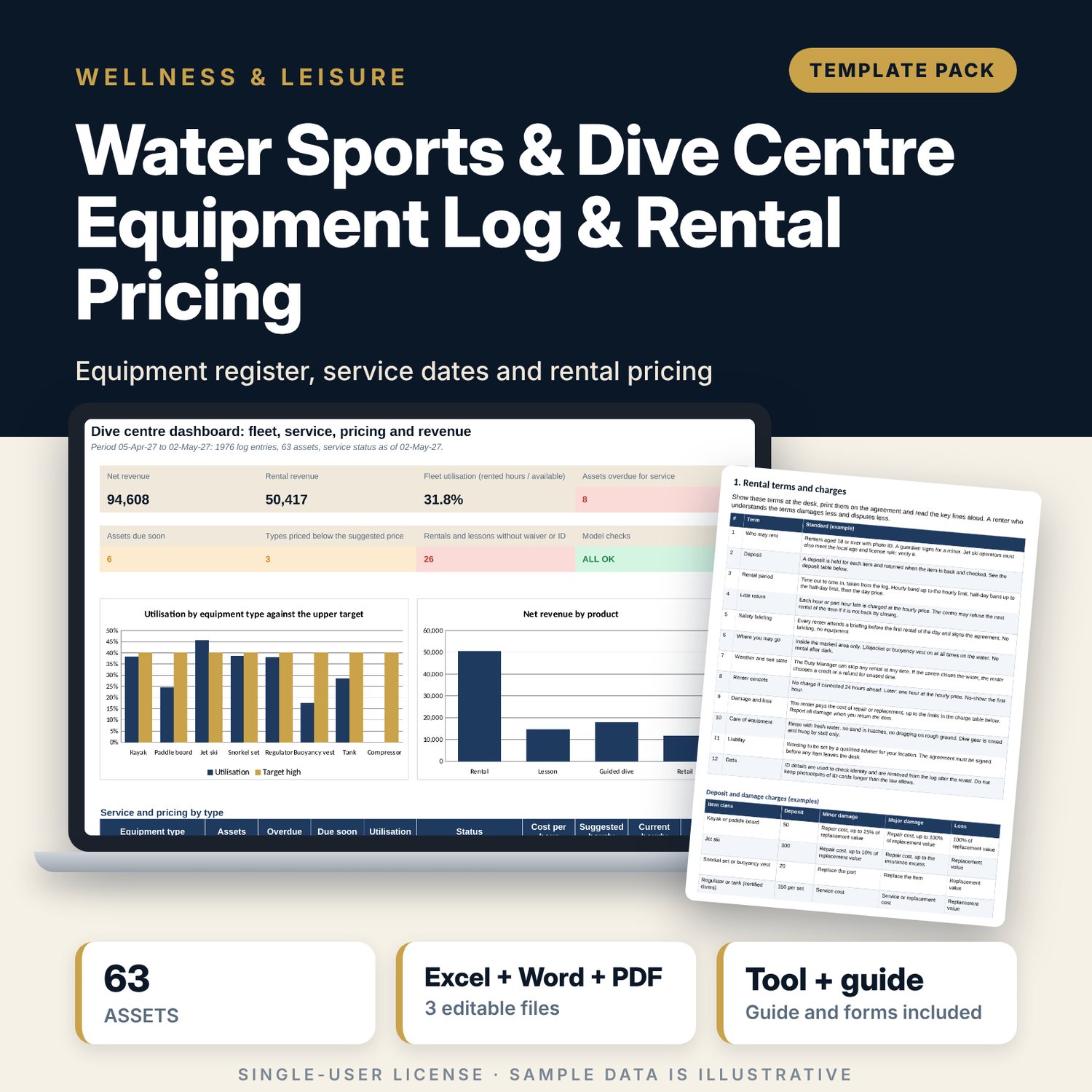
For dive centre managers, water sports managers and resort recreation managers who rent kayaks, paddle boards, jet skis and dive gear and need to know which assets are due for service, which items earn their keep and what to charge. The workbook keeps a register of 63 sample assets across 8 equipment types. Each asset gets a next service date from your rule in months, a count of hours left from your rule in rental hours, and a status of Overdue, Due soon or OK. The revenue log records rentals with time out and time in, lessons, guided dives and retail, checks the asset is in service and flags clashes, missing waivers and damage. Rental Pricing then shows utilisation by type against a target band, the cost per rental hour, a suggested hourly price at your target margin and a Raise price signal where you charge too little. The Word pack supplies rental terms, an agreement and return inspection, safety standards, a medical declaration, a dive log and daily checklists.
What is inside
- Equipment_Log_Rental_Pricing.xlsx: 7 tabs, 15,882 formulas, 2 native charts, 19 drop-down and input rules
- Settings: period, opening hours, overhead, margin and targets; 8 equipment types with service rules and prices; 4 discount codes; 9 service and retail prices
- Equipment Register: 63 sample assets plus 12 spare rows, with next service date, hours left, service status, utilisation and age
- Revenue Log: 1,976 sample entries for a 28-day period plus 100 spare rows, with price band, discount, net revenue and a control flag
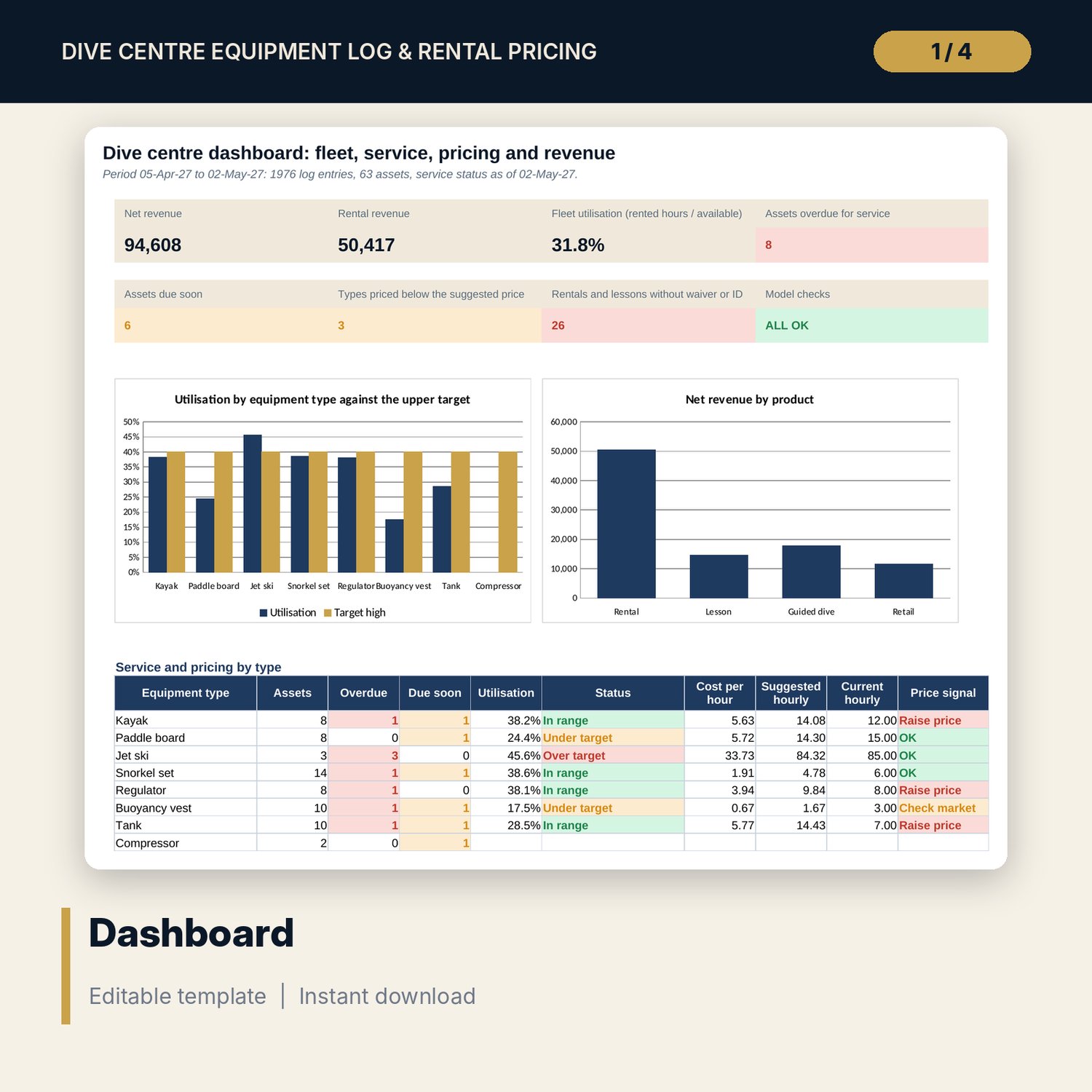
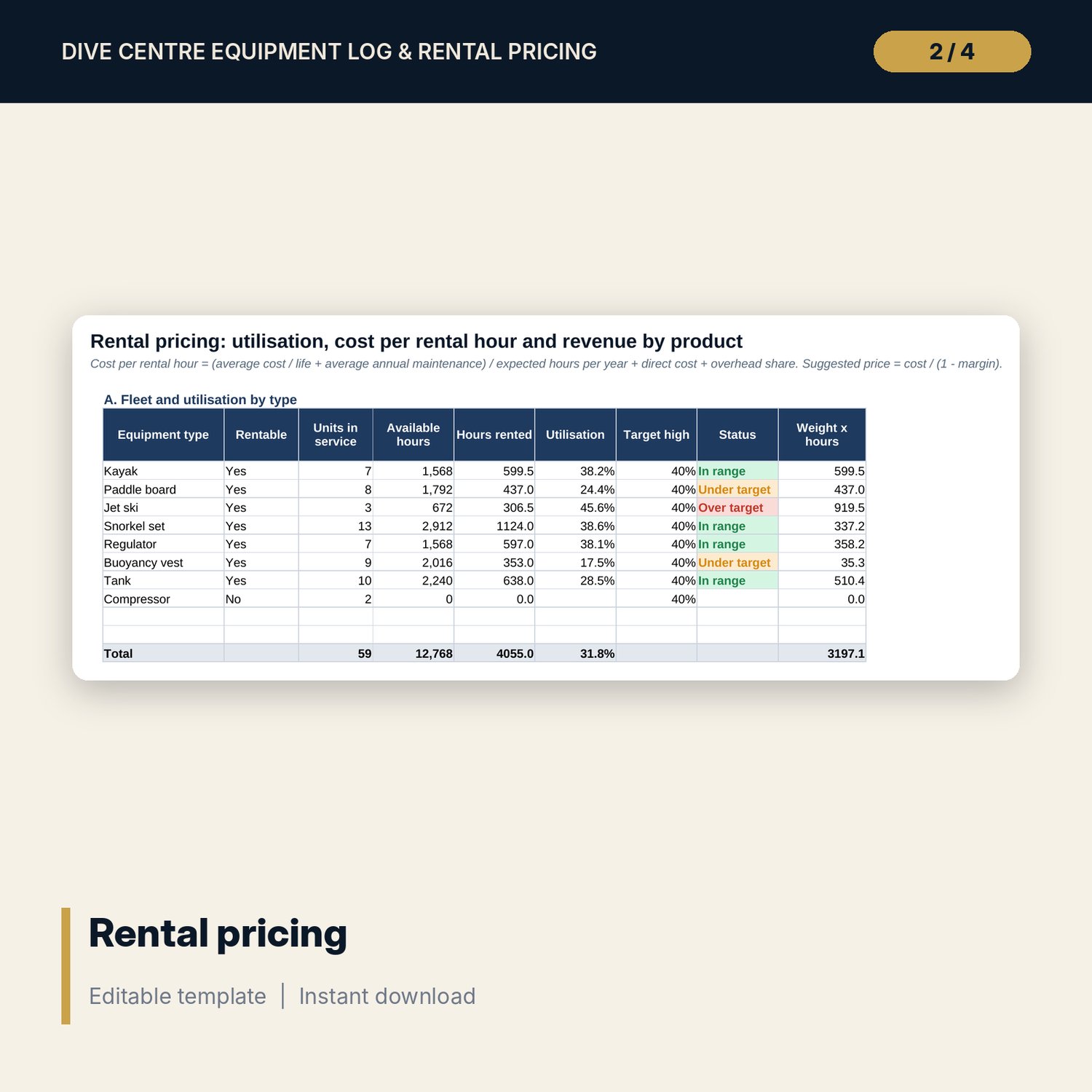
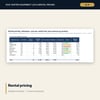
- Rental Pricing: utilisation, cost per rental hour, suggested price bands, revenue by product and service status by type
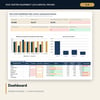
- Dashboard: 8 tiles including the check status, 2 charts and a table by type; 8 integrity checks
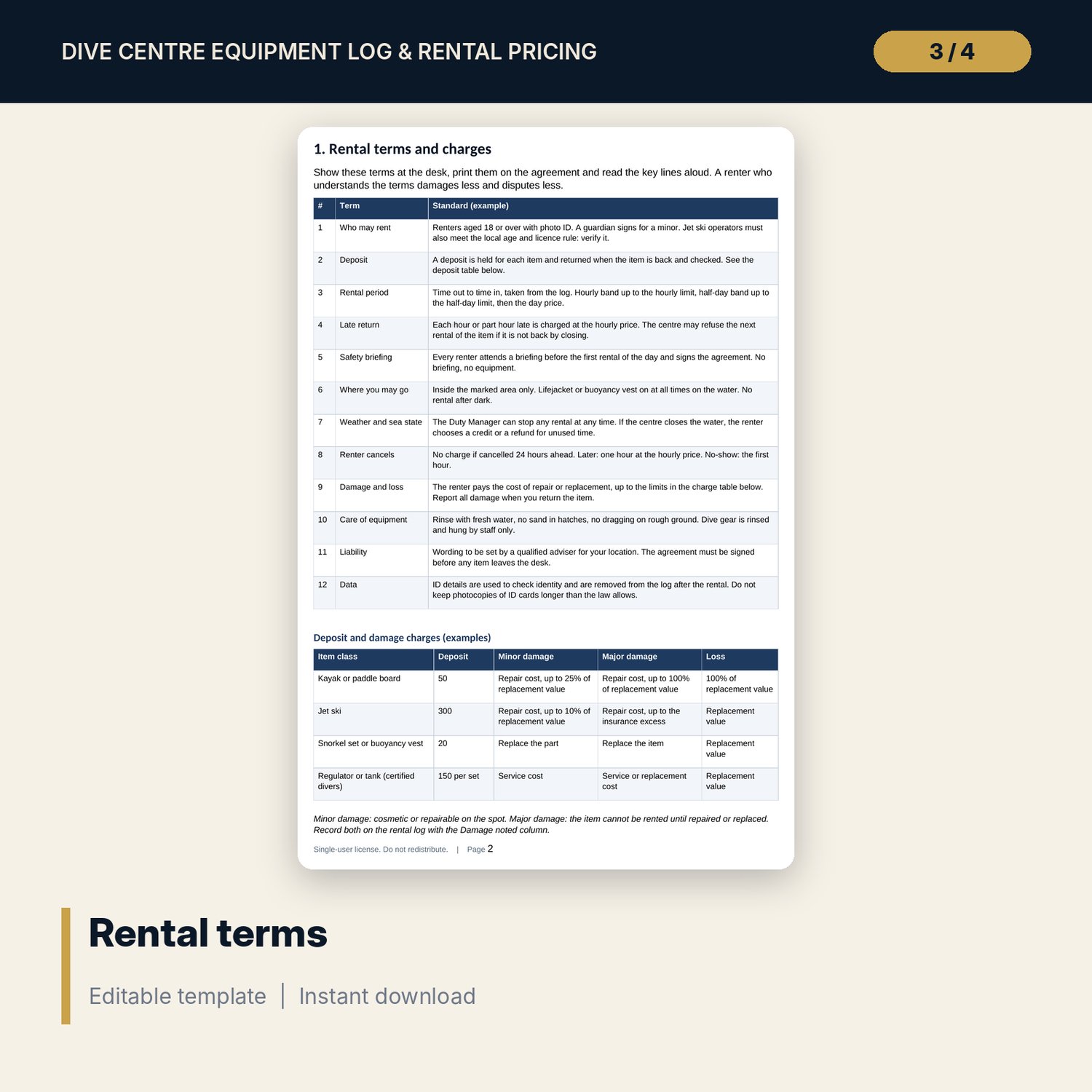
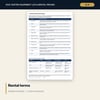
- Rental_Terms_and_Safety_Forms.docx and PDF: 9 pages with rental terms, agreement, return inspection, safety standards, medical declaration, dive log, checklists and a worked example
- README.txt and LICENSE-and-Terms.txt
How it works
- Enter the period, opening hours, overhead, margin and the service rules and prices for each equipment type on Settings.
- List your assets on the register with purchase date, cost, status, last service date and hours since service.
- Log each sale. For a rental, pick the asset and enter the time out and the time in; hours, price and revenue are calculated.
- Read Rental Pricing and the Dashboard for service dates, utilisation and pricing signals, and print the Word pack for the desk.
Details
- Formats: 1 Excel workbook (.xlsx), 1 Word pack (.docx) and PDF, English
- Software: Excel 2016 or later, or LibreOffice Calc 7 or later
- No macros, no external links, no data tables, no array formulas
- 3 files plus README and license; instant digital download
Good to know
- Sample data is illustrative. Replace it with your own figures.
- Service intervals, test cycles, ratios, sea-state limits and liability wording are examples. Verify local requirements before you rely on them.
- Overhead is shared across rental hours by a weight for each type, so the suggested price is a floor to test, not a market price.
- Single-user license. Do not redistribute.
FAQ
Can I set my own service intervals?
Yes. Each equipment type has a service rule in months, in rental hours, or both. The next service date and hours left are calculated from them.
How is the suggested price worked out?
Cost per rental hour is the annual cost of the asset (cost over life, plus maintenance) spread over expected rental hours, plus direct cost and an overhead share. The suggested price is that cost divided by one minus your target margin.
Does it handle dive gear and water sports together?
Yes. Kayaks, paddle boards, jet skis, snorkel sets, regulators, buoyancy vests, tanks and compressors are set up. You can edit the list on Settings.
How many log entries can I record?
The sample holds 1,976 entries plus 100 spare rows. Extend the table by copying the last row down.
Do I need macros?
No. Every result is a standard worksheet formula.