
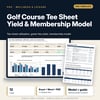
Golf Course Tee Sheet Yield & Membership Model: Tee Time Utilisation, Green Fee Yield and Membership Model
Full description
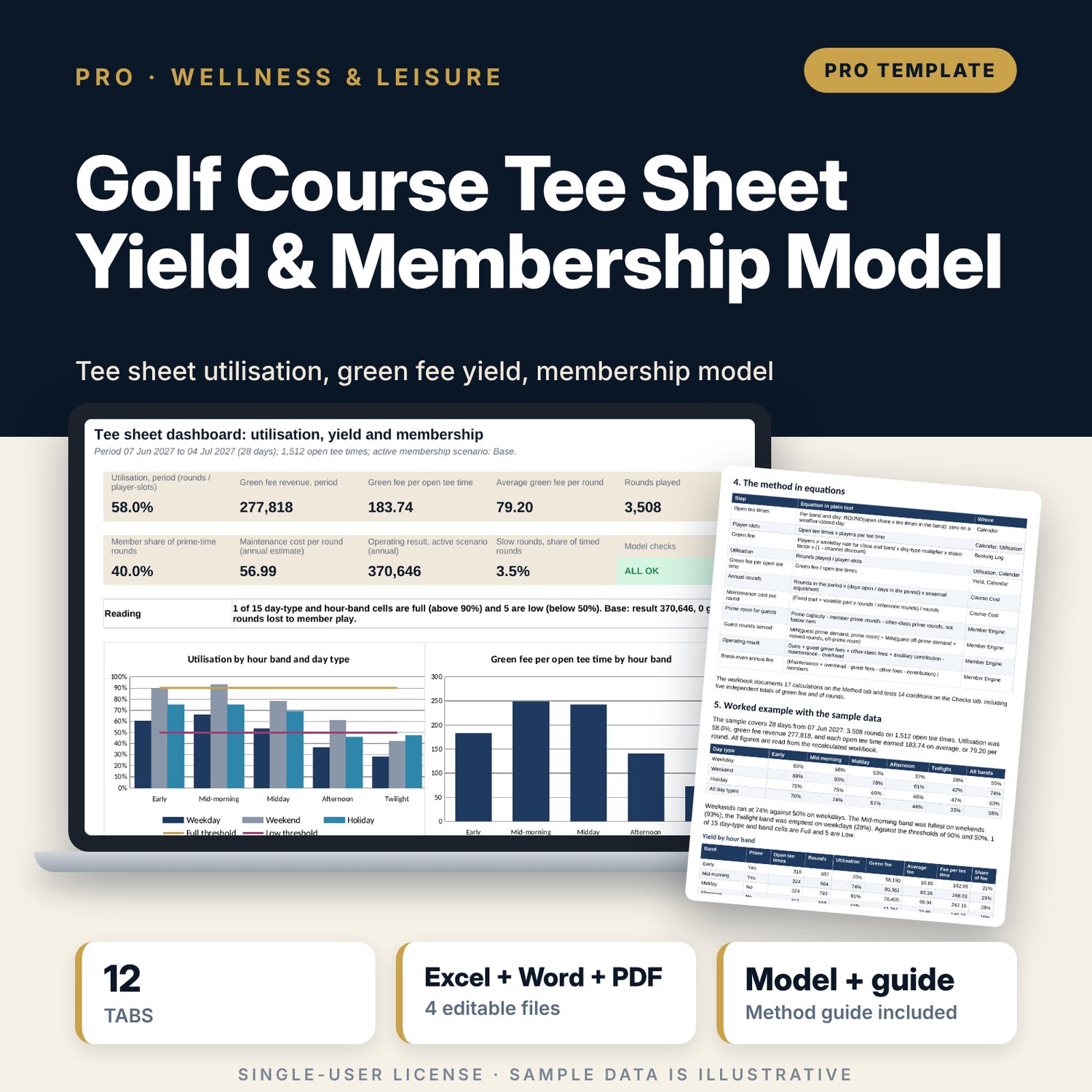
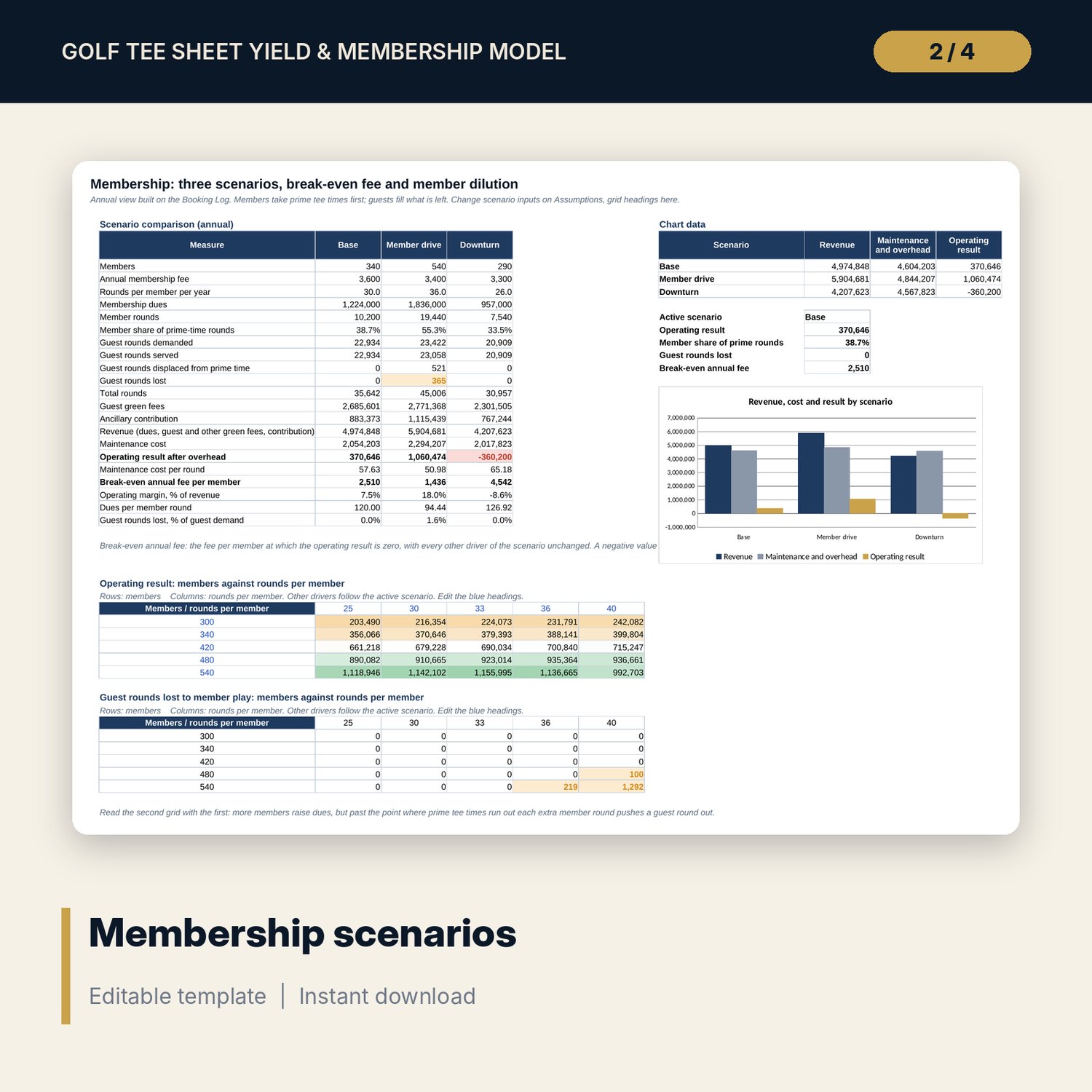
For golf course managers, heads of professional shops, revenue managers and resort general managers who sell tee times to members, resort guests and visitors and need to know what the tee sheet earns. Every booking goes on one log. The workbook places it in an hour band and day type, prices it from a rate card with channel discounts and no-show charges, and returns utilisation by day and hour, green fee per open tee time, average fee by class and channel, and the maintenance cost of each round. A member engine rolls the sample into a year: members take prime tee times first, guests fill the rest, displaced rounds are counted and the operating result, break-even annual fee and three scenarios are shown. A companion daily tee sheet runs the day in the pro shop.
What is inside
- Tee_Sheet_Yield_Model.xlsx: 12 tabs, 27,926 formulas, 5 native charts, 31 drop-down and input rules
- Booking Log: 1,891 sample bookings plus 60 spare rows, with hour band, day type, rate, green fee, rounds, cart and ancillary sales, slow-round and overbooked flags; Calendar: 28 days with status and open share by band
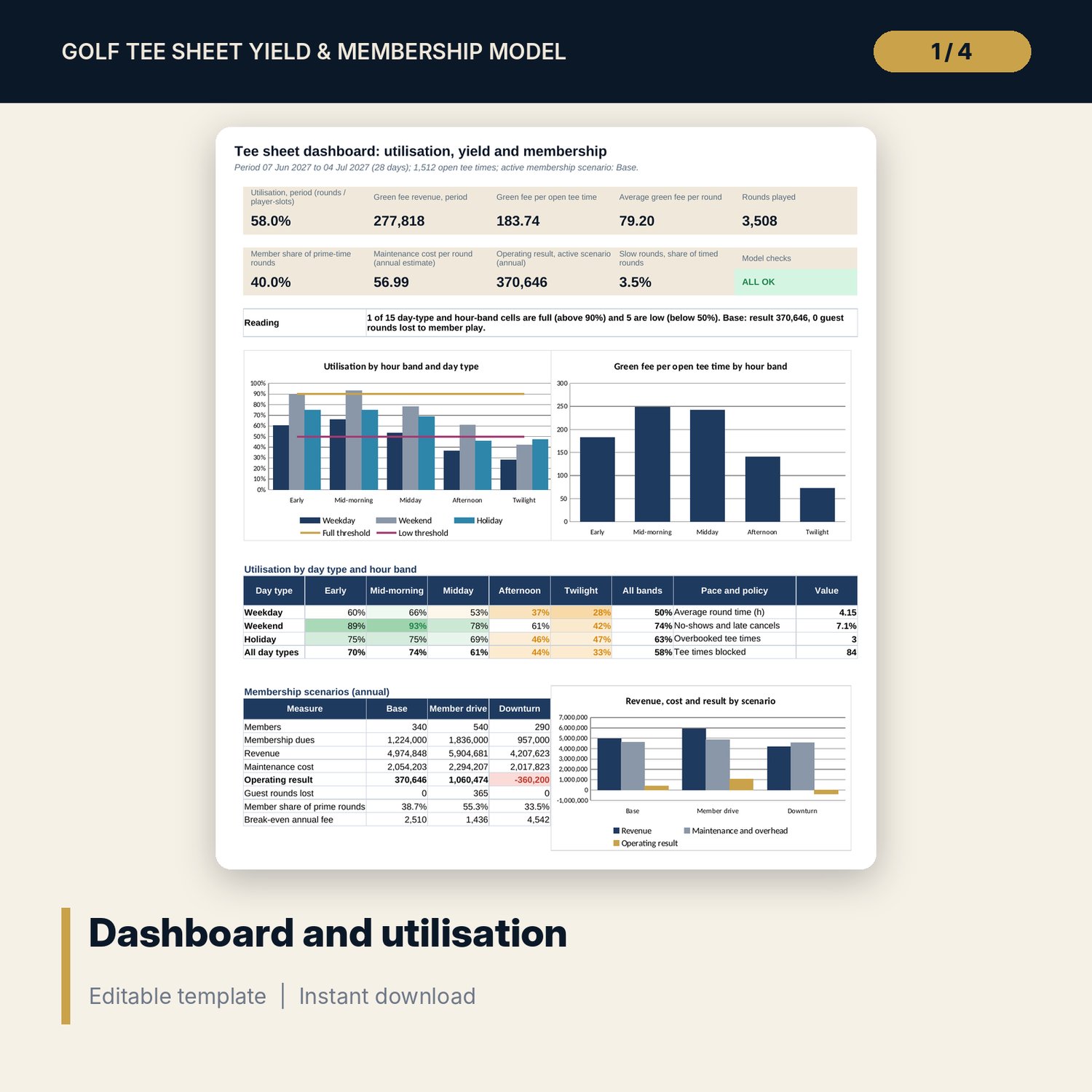
- Utilisation by day type, weekday and hour band with Full and Low flags; pace of play, no-shows, late cancels and overbooked tee times
- Yield by hour band, 5 player classes and 7 booking channels; members, guests and others in prime and off-prime hours; ancillary contribution
- Course Cost: 6 maintenance lines split fixed and variable, cost per round, and cost per round at 5 other round counts
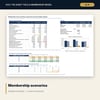
- Member Engine and Membership: 28 annual cases, 3 scenarios, break-even annual fee, and 2 grids of 25 cells (members against rounds per member)
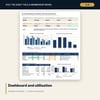
- Dashboard with 10 tiles (including the check tile) and 3 charts; 14 integrity checks; Method tab with 17 documented calculations
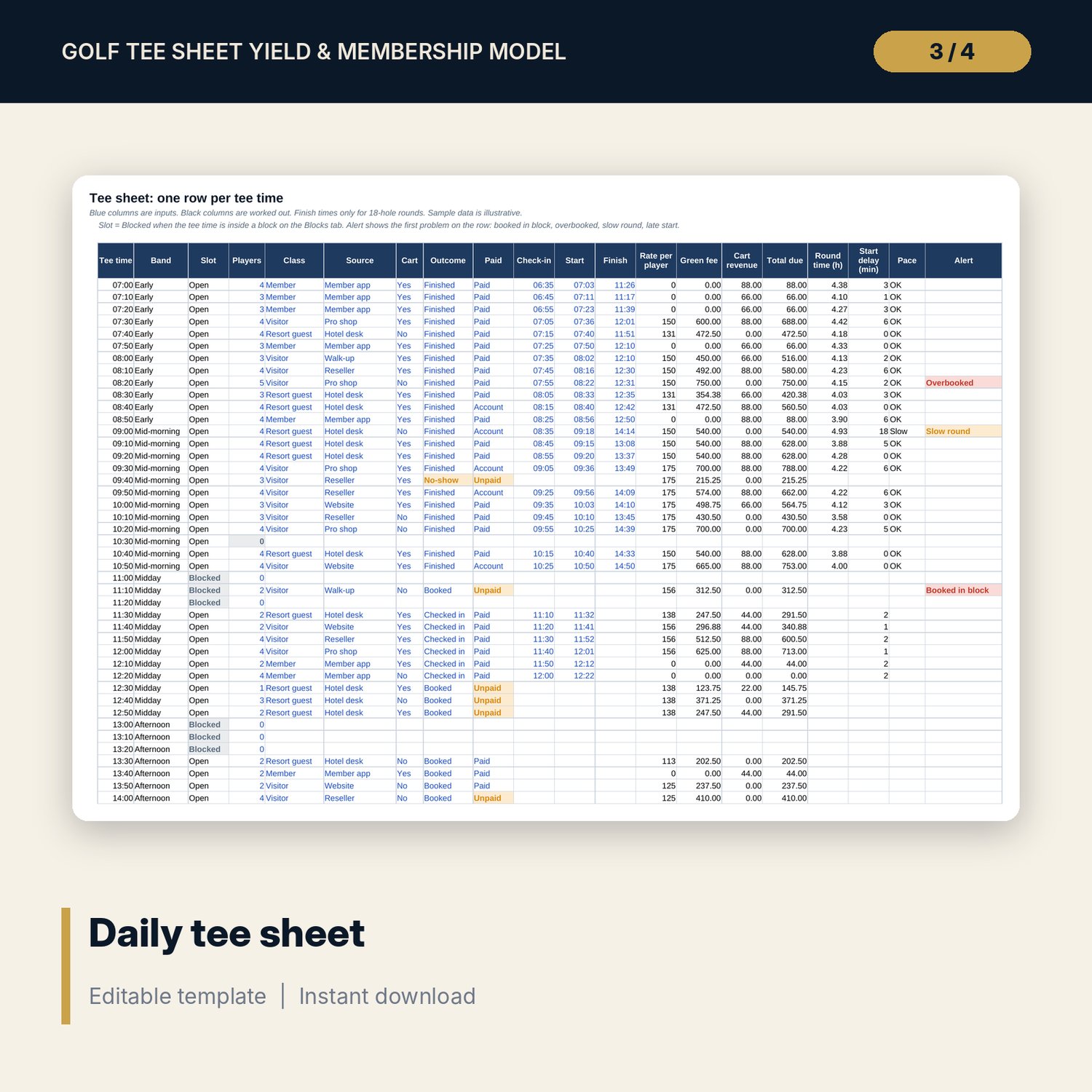
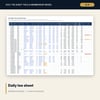
- Tee_Sheet_Yield_Model_Daily_Tee_Sheet.xlsx: 4 tabs, 864 formulas, a daily tee sheet of up to 72 tee times with blocks, payment status, pace and alerts, a close-out and 6 checks
- Tee_Sheet_Yield_Model_Guide.docx and PDF: 11 pages with equations, a worked example read from the workbook, a membership test, a cost-per-round table, the daily tee sheet routine, a checklist and a glossary
- README.txt and LICENSE-and-Terms.txt
How it works
- Enter the course settings, hour bands, rate card, channel discounts, maintenance budget and membership scenarios on Assumptions.
- Set the status and open share of each band on Calendar, then add every booking to the Booking Log.
- Read Utilisation and Yield to see where tee times sit empty or full and what each band, class and channel earns.
- Test a membership plan on Membership: members, fee and rounds per member, with guest rounds lost and the break-even fee. Run each day on the daily tee sheet.
Details
- Formats: 2 Excel workbooks (.xlsx), 1 guide in Word (.docx) and PDF, English
- Software: Excel 2016 or later, or LibreOffice Calc 7 or later
- No macros, no external links, no data tables, no array formulas
- 4 files plus README and license; instant digital download
Good to know
- Sample data is illustrative. Replace it with your own figures.
- Rates, fees, costs, membership numbers and thresholds are examples. Verify local requirements and your own prices before you publish a rate or a membership offer.
- The files are planning tools, not financial or legal advice.
- Single-user license. Do not redistribute.
FAQ
How many bookings and days does it hold?
The sample has 1,891 bookings over 28 days. The Booking Log has 60 spare rows and the Calendar holds 42 days.
What is green fee per open tee time?
Green fee revenue divided by open tee times. It combines how full the sheet is with the price achieved, so a low-price full tee sheet and a high-price empty one can be compared.
How does the membership model treat guests?
Members take prime tee times first. Guest demand fills what is left; the guest rounds that find no prime room are counted as displaced, partly moved to off-prime hours and partly lost.
Does the daily tee sheet need the main workbook?
No. It works on its own with its own rate card. It marks blocked tee times, flags overbooking, slow rounds and late starts, and shows the money to collect.
Do I need macros?
No. Every result is a standard worksheet formula.