Meet Cordelia
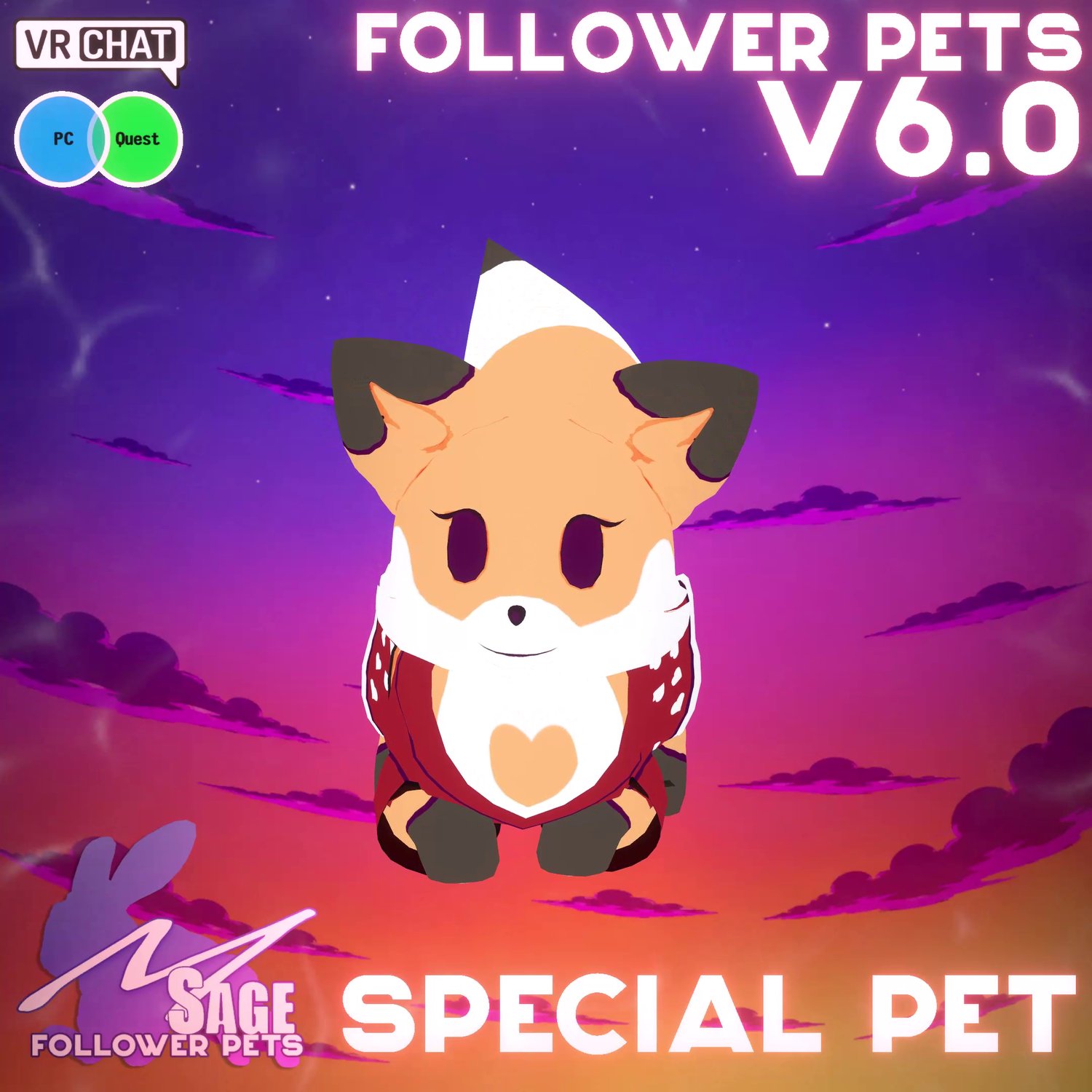
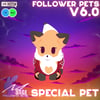
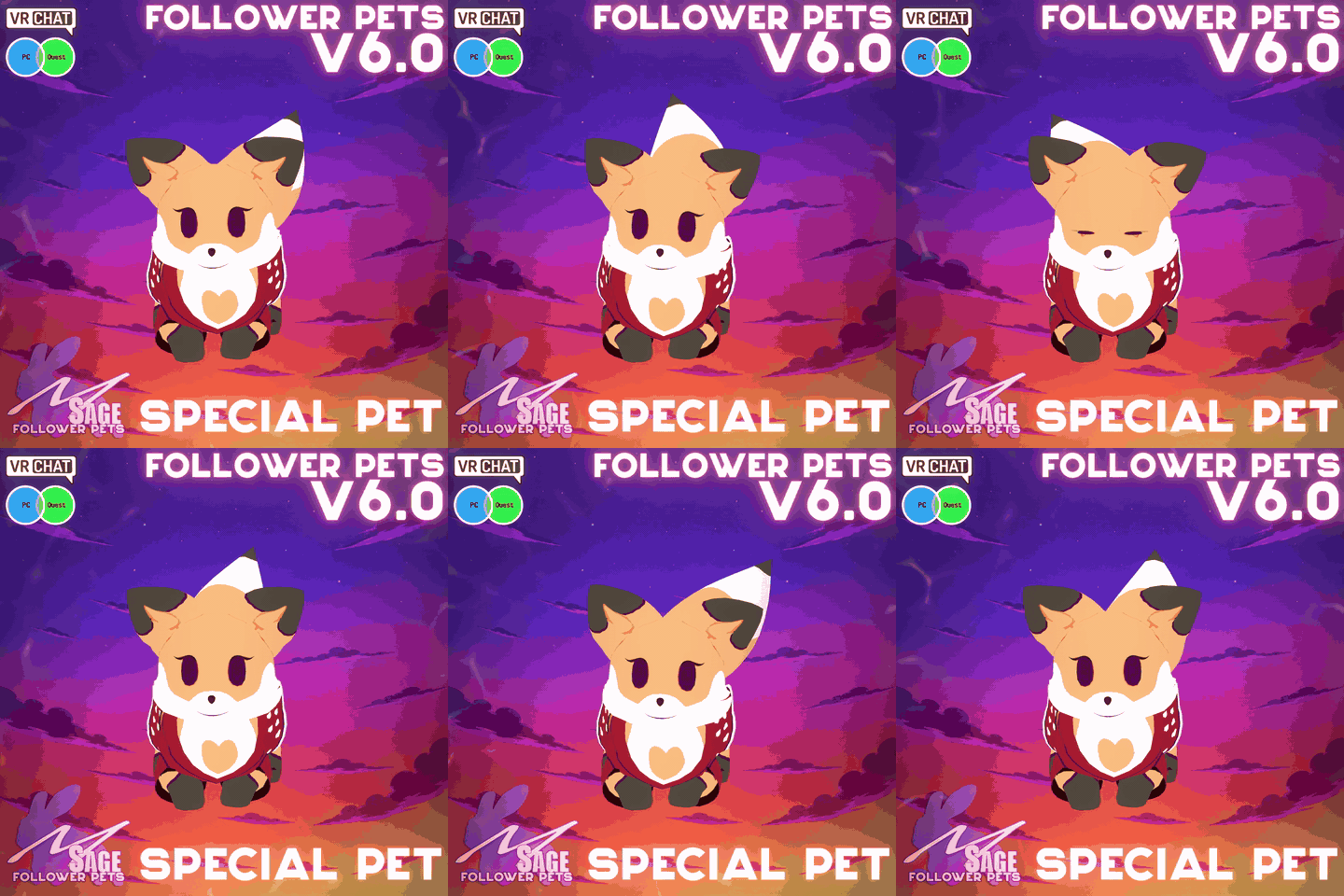
Meet Cordelia, a companion for your VRChat avatar. Follow, idle and petting animations bring this pet to life with MSage Follower Pet System 6.
Description: Cordelia the follower pet! A cute little fox originally designed by Taia Hunter and created by MSage for charity purposes!
Funded by: Taia Hunter
Cordelia the follower pet! A cute little fox originally designed by Taia Hunter and created by MSage for charity purposes!
Cordelia preview
Pet details
- Compatibility: PC + Quest
- Movement speed: Configured in System 6
- Movement type: Grounded
- Recommended station: Head
- Approximate height: Adjustable in Unity
- Required base: MSage's free Follower Pet System 6
Cordelia signature animation
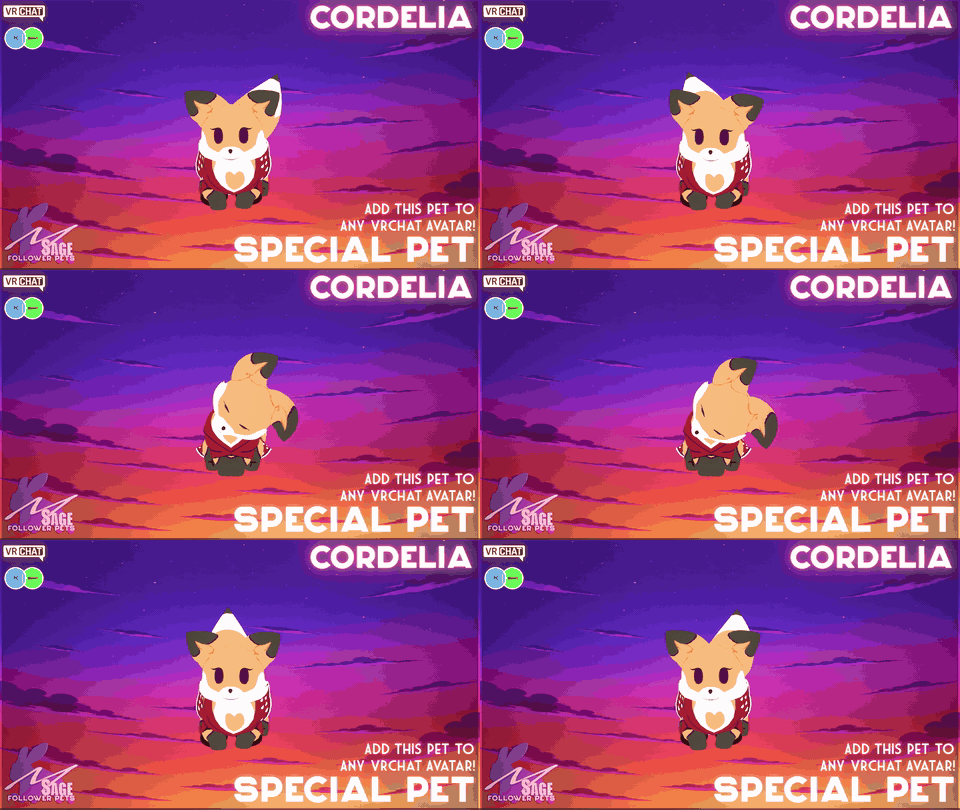
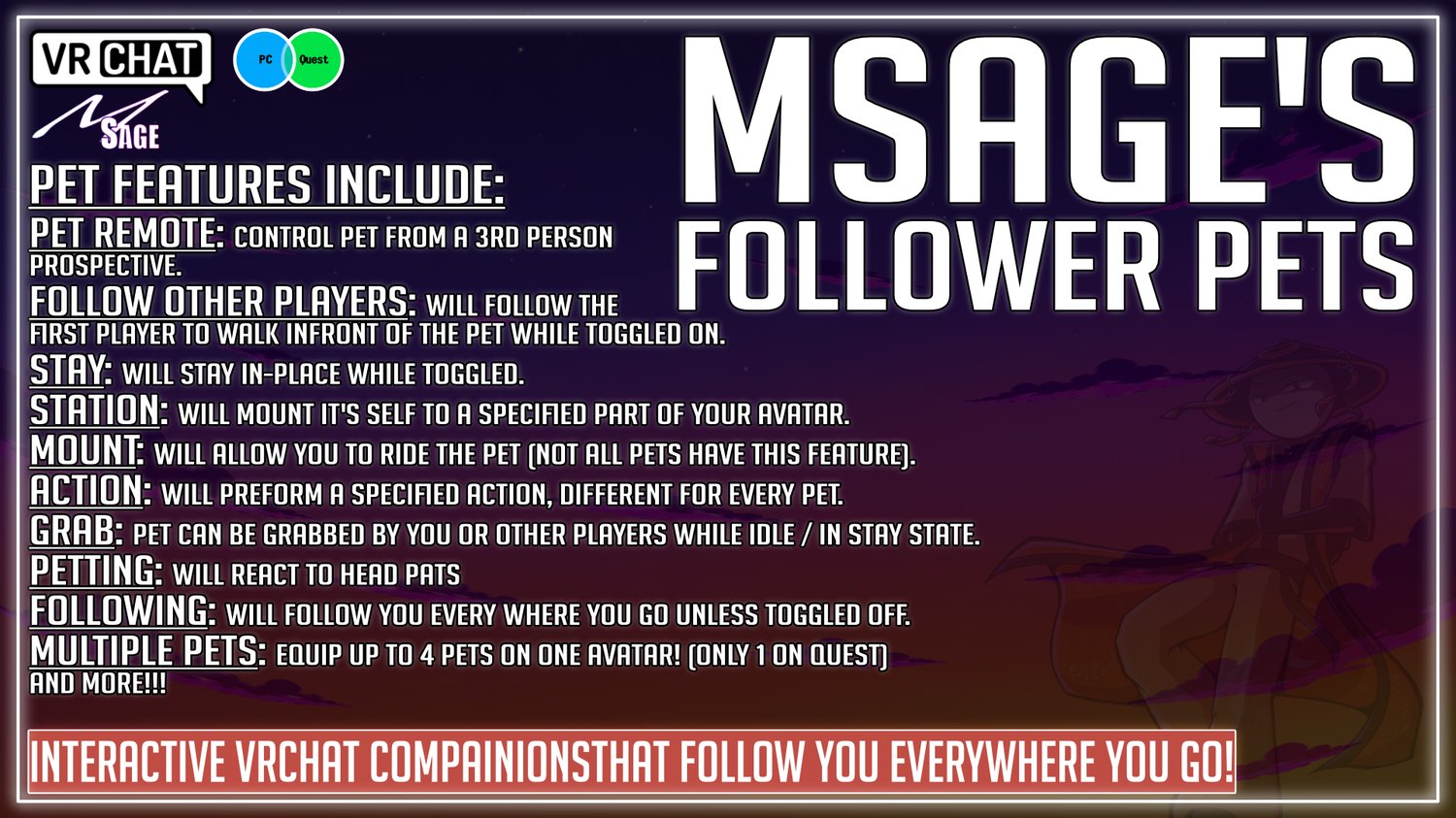
System 6 companion features
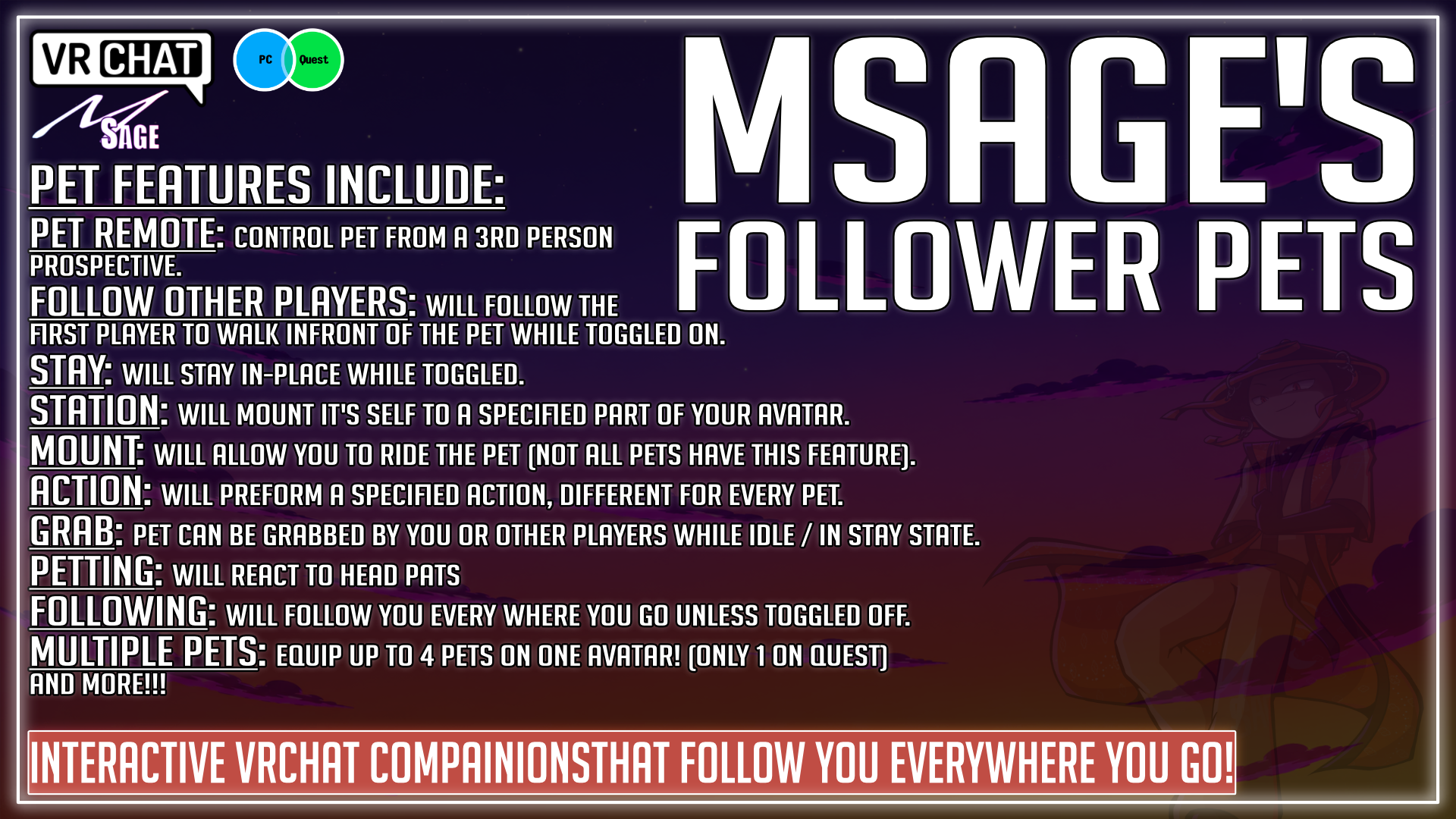
- Follows you — Cordelia keeps pace as you explore VRChat worlds.
- Stays in place — Set your pet down and return when you are ready to move again.
- Stations on your avatar — Adjust the station location node so Cordelia sits properly on your Head.
- Follows other players — Send your pet to tag along with another loaded player.
- Reacts to players — Supported pets can react when players pet, touch, or otherwise interact with them.
- Can be picked up — Other players can pick up supported pets when avatar interactions are enabled.
- Pet animations — Includes the animations shown in this product’s showcase.
- Remote control — Pilot supported pets like a tiny drone from your avatar controls.
- PC pet camera — Supported PC pets can display a first-person view from the pet while using remote control.
Included with this pet
- Special Pet - 52 - Cordelia - (Follower Pets v6.0.7).unitypackage
- System 6-compatible pet prefab and supported animations
- Platform version: PC + Quest
- Pet-specific actions and animations listed on this page
Required before installation
- MSage's free Follower Pet System 6 — downloaded separately
- A VRChat avatar Unity project
- The supported Unity version and VRChat SDK for your avatar project
Quick setup
- 1. Install the free system — Import MSage's Follower Pet System 6 and follow the current tutorial to prepare your avatar once.
- 2. Import Cordelia — Import the pet package and attach the supplied System 6-compatible pet to the prepared avatar setup.
- 3. Set, test, and upload — Assign the recommended station bone, position the station point, confirm the controls, then test each included platform before uploading.
Watch the Follower Pet System 6 installation tutorial
Frequently asked questions
Does this product include the base system?
No. This listing contains Cordelia. The required MSage Follower Pet System 6 is a separate free download.
Does Cordelia work on Quest?
Cordelia includes PC and Quest support. The Quest prefab retains the core companion features with optimized materials and animations; the remote camera is unavailable on Quest.
Can I include this pet on an avatar I sell?
Choose the Avatar License option for commercial avatar use. The terms shown with that license apply, including the standalone-purchase requirement for customers who want to use the pet on other avatars.
Can I edit the colors or textures?
Check the exact files listed in this pet package for any included texture-editing resources.
Where can I get installation help?
Use the installation tutorial linked above and the documentation included with the free base system.
Follower Pet System 6 is required. Install the free base system once, then add compatible pets to your avatar.
Download Follower Pet System 6 free
Browse all MSage Follower Pets
MSage Follower Pet System 6