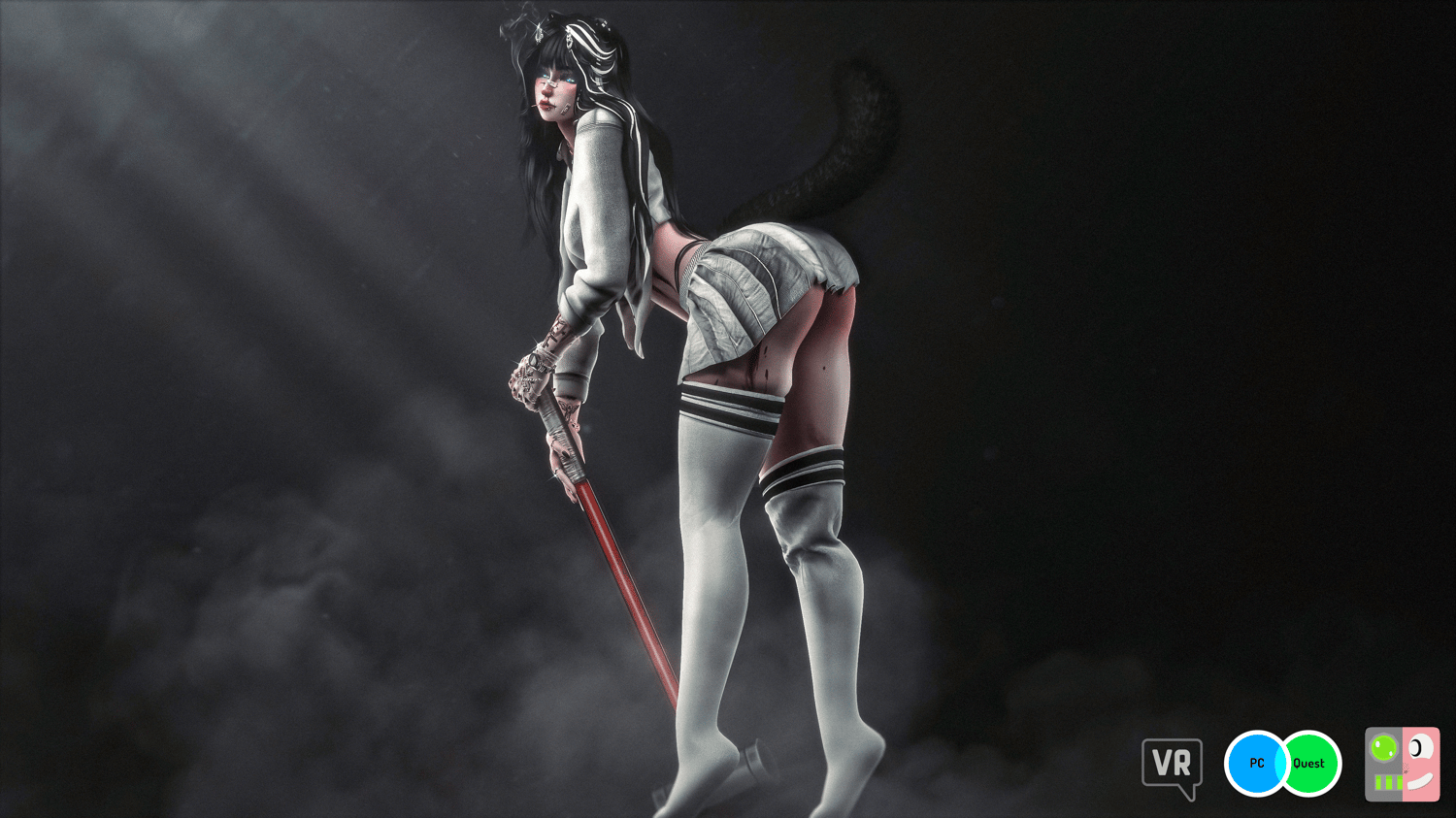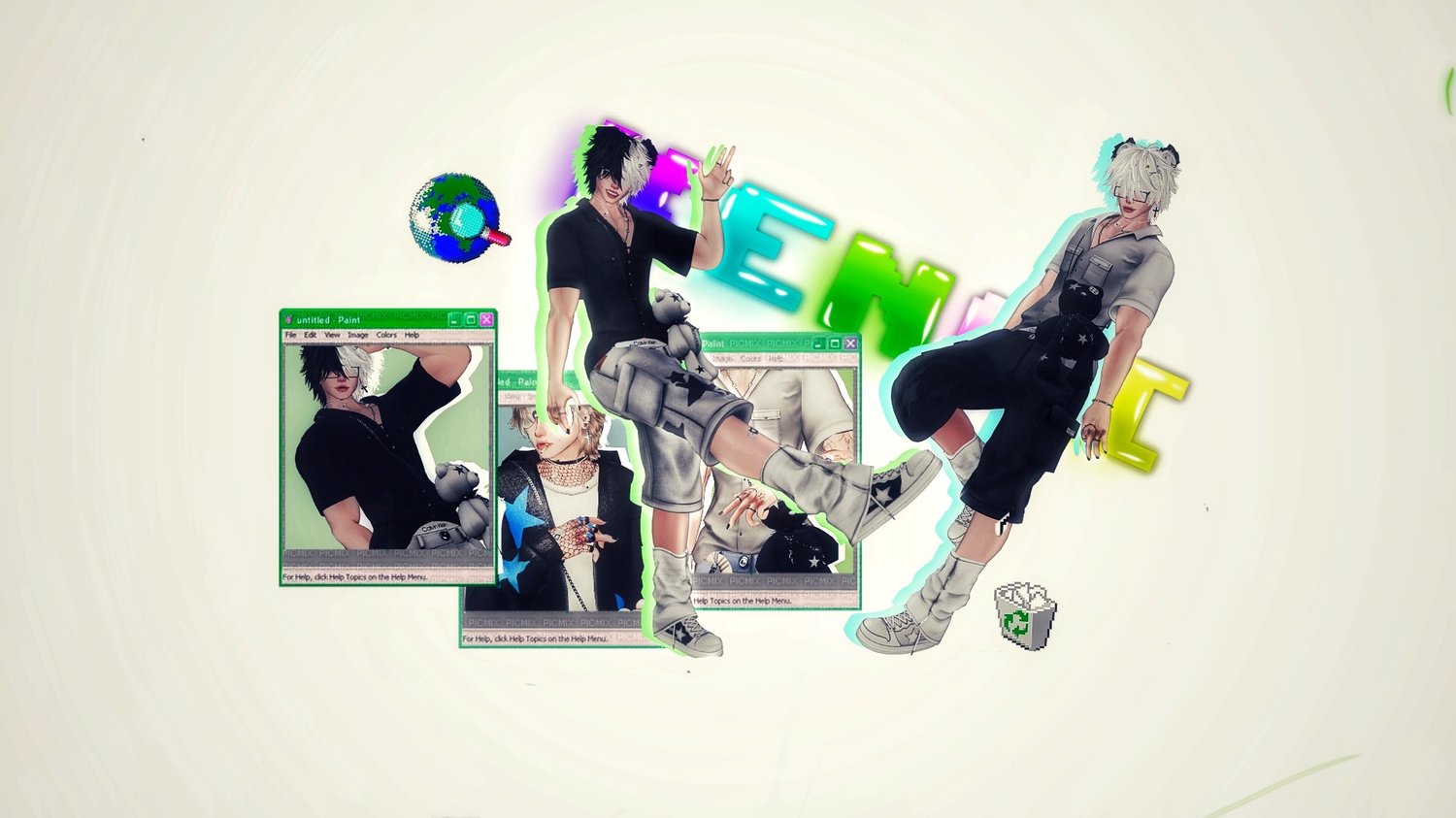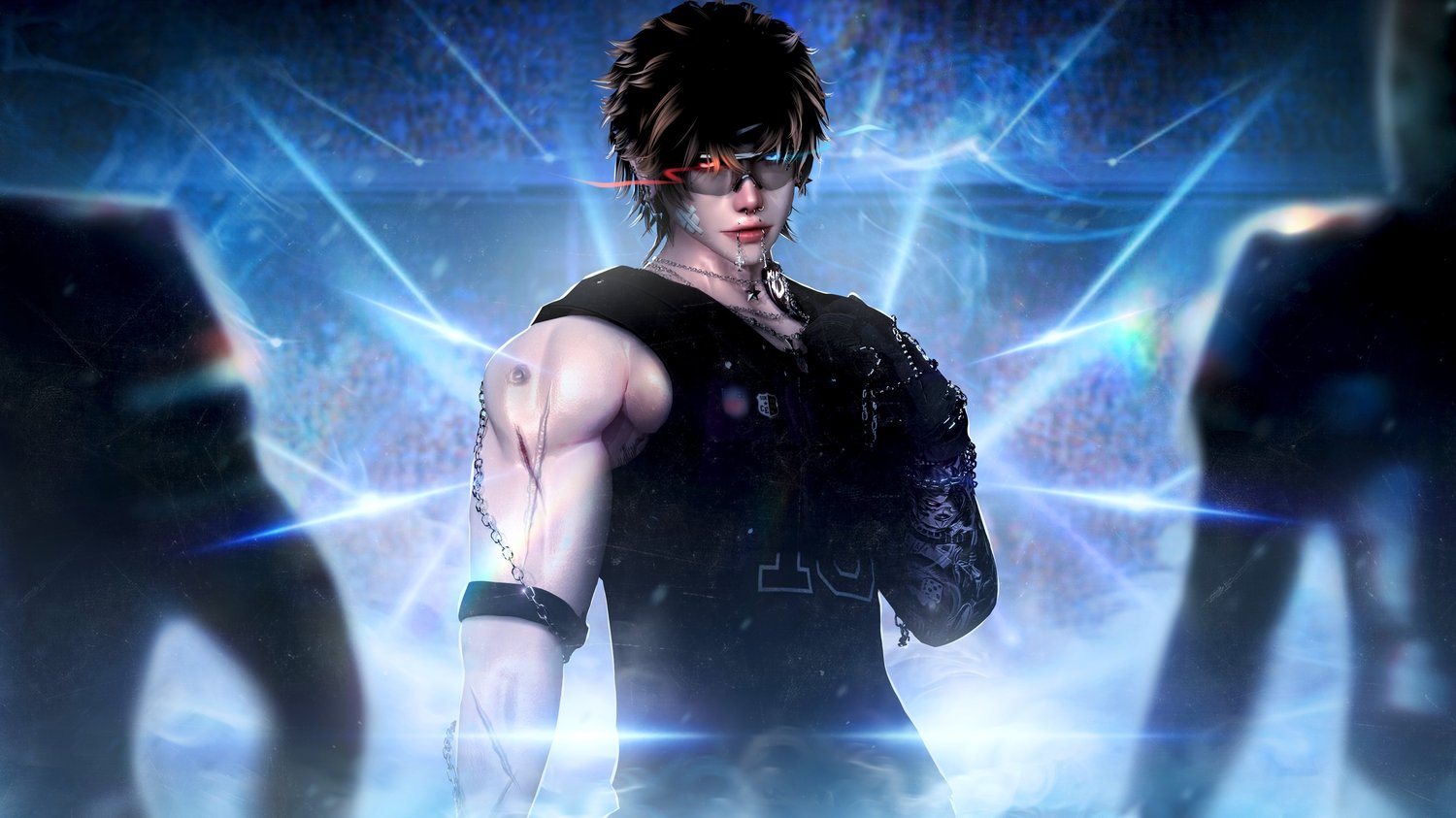

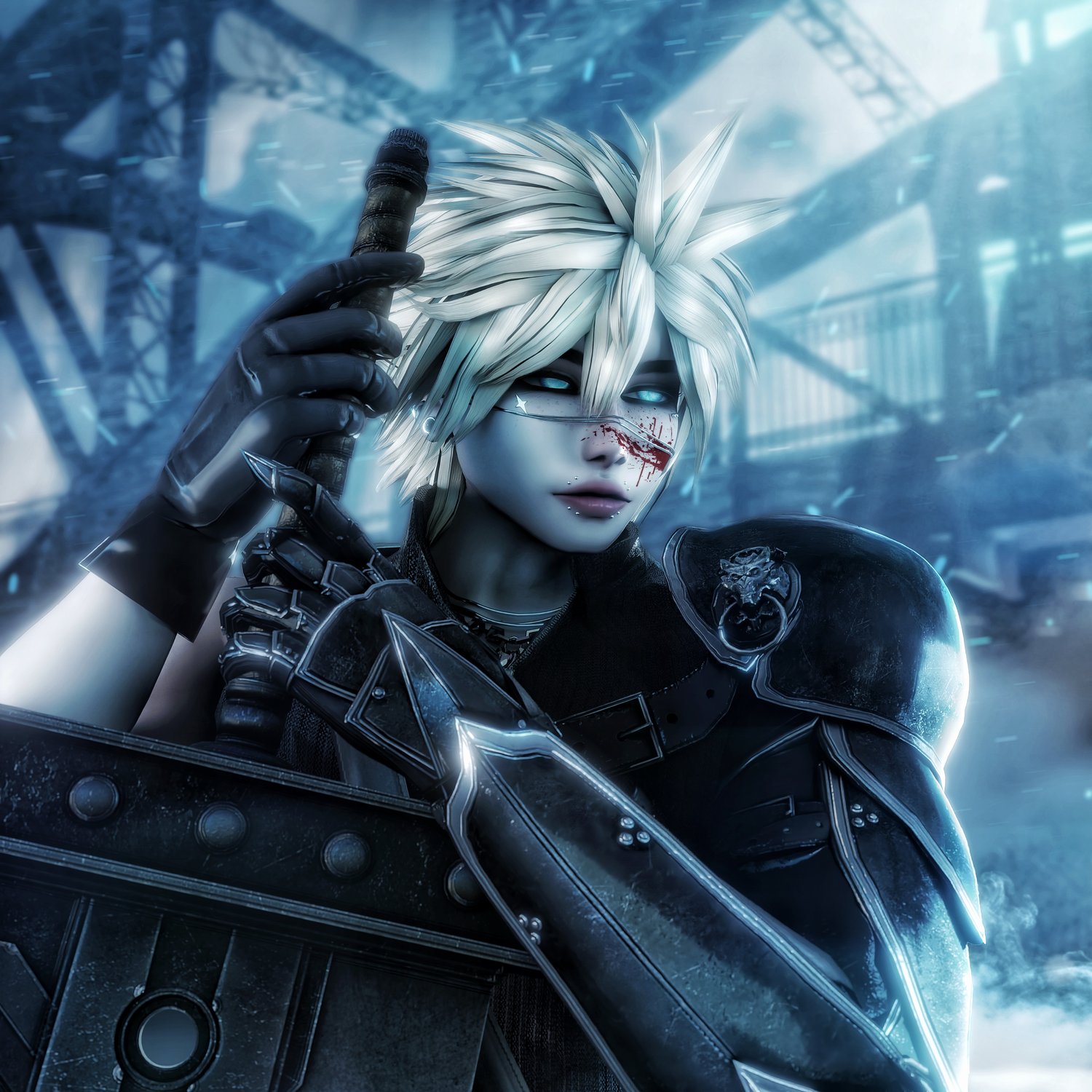
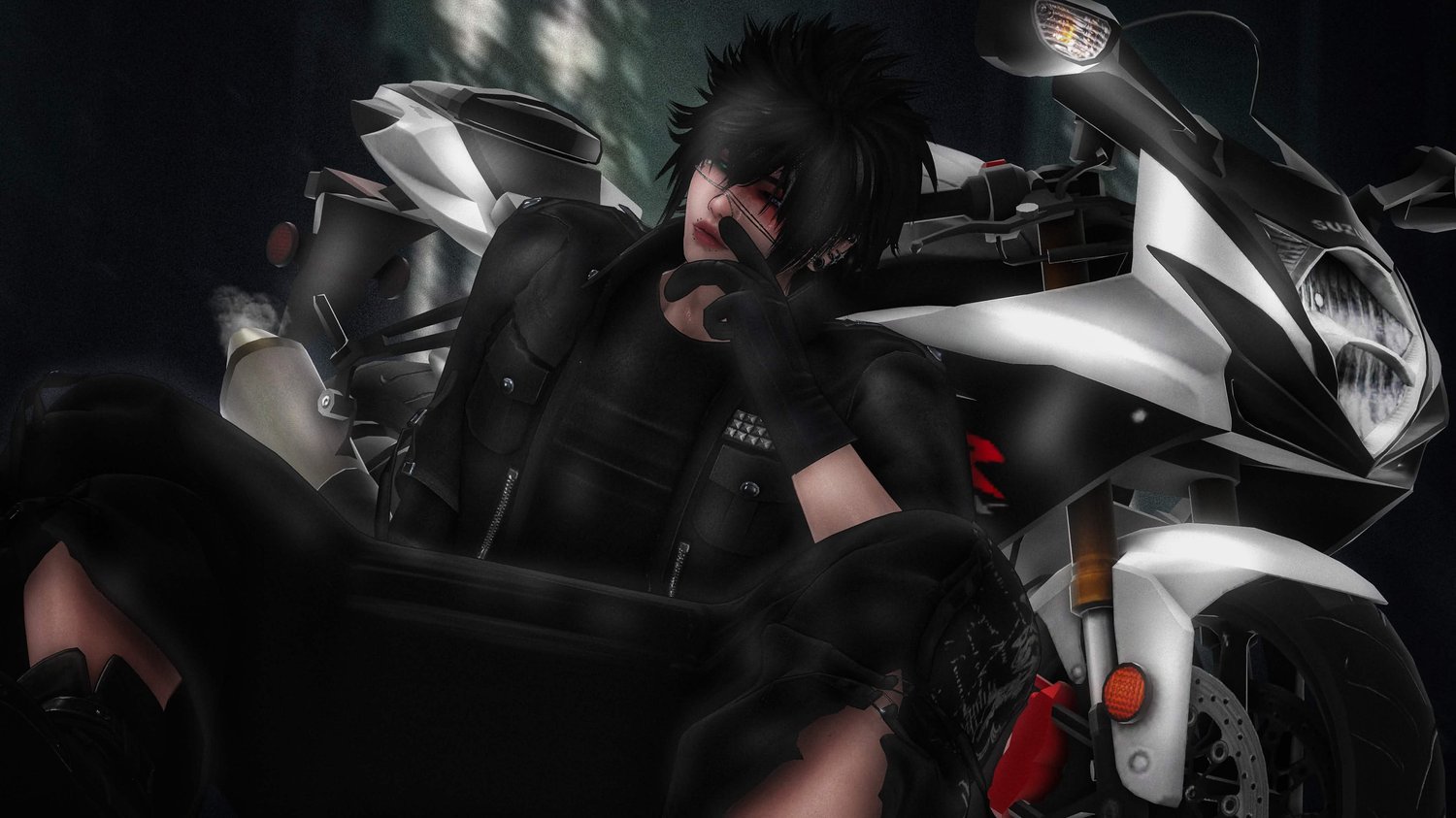



Project Kumo | VRChat 3.0 | SPS | Facetracking | Quest | Gogoloco
Thank you for checking out Kumo!
Features
200+ Toggles
- 9 Tops - 6 Pants - 5 Shoes - 7 Hairs
- Mostly all Scratch assets
- 6+ Pages Of Accessories
- 1 Pages of Misc
- Sword
- Face Tracking rework + Icons
- GoGoLoco
- Limb Scaler
- Multiple Mat swaps and Hue shifts
- All Custom Textures
- PBR Materials
- Everything Dissolves
- Gesture Toggles
- SPS
- Physbones and Colliders
- Quest Version Included
- Skin Options + Tattos
- Lighting Menu
Facetracking preview can be found here -> https://youtu.be/Diet1BS79P8
Full Toggle video can be found here -> https://youtu.be/hV5DWhEHOMM
Quest conversion by redshard
Full quest toggle video -> https://youtu.be/NsGJOHg5-t0
PC STATISTIC
Credits
Arm Chain - Me
Face Chain - Me
Spike Bracelet - Me
Armor - Me
Backpack - Me
Hairbands - Me
Belts - Me
Blindfold - Me
Bracelets - Me
Ciggy - Me
Earrings - Me
Hand Chains - Me
Gloves - Me
Arm Warmers - Me
Leg Warmers - Me
Muzzle - Me
Necklace - Me
Collar - Me
PSP - Me
Rings - Me
Waist Chain - Me
Wings - Me
Headphones - Me
Horns - Me
Boxers - Me
Socks - Me
Noctis Pants - Me
Laced Pants - Me
Shorts - Me
Tifa Shoes - Me
Clicky Shirt - Me
Vest - Me
Ripped shirt - Me
Fishnets - Me
Tanktop -me
Shirt - Me
Jacket - Me
Sweater - Me
Re Textures - Me
FT Overhaul - Mico
Quest Conversion - Redshard
Gogoloco - Franda
SPS - Scarlet
Limbscaler - Nanochip
Lighting Sliders - ARK
For any missed credits feel free to reach out on discord
Upload Steps for regular upload
- Open a 2022 Unity AVATAR Project Through VCC
- Add the Packages Shown in the screenshot bellow
- Open the Project
- IF NEEDED import the latest Poiyomi TOON (shouldnt need it but id still reccomend importing)
- DRAG the prefab for Kumo/Kumira Into the Hiarchy (DO NOT DOUBLE CLICK IT)
- Remove blueprint ID and upload
COMMON KNOWN ISSUES AND HOW TO FIX
Q: My model is pink
A: Go materials and set all materials to Poi 9 ( METALS SET TO Poi 7!)
Q: SPS isnt working
A: Go to the base of the PP and find the linked aramture - add component vrcfury SPS plug
Q: Why is uploading and import taking so long?
A: Due to the high detail i put into my work it requires a bit more time to set all the shaders and particles etc
Male QUEST Upload Instructions:
- Upload PC version first!
- Separate Project Via VCC
- Import Newest Vrcfury
- Import Newest Avatar Limb Scaling
- DO NOT import the following - Gogo, Jerrys FT. All are in the package already.
- Open project
- Switch to android build
- Import quest version Only
- Open Provided scene
- Log into sdk
- Copy Blueprint ID from PC version, paste into Pipeline manger on quest version
- Upload
MY TERMS OF SERVICE
The terms of service for my avatars can be found here -> https://payhip.com/Ruski/tos