
The Digital Product Business Playbook — 8 Tools to Build, Launch & Grow
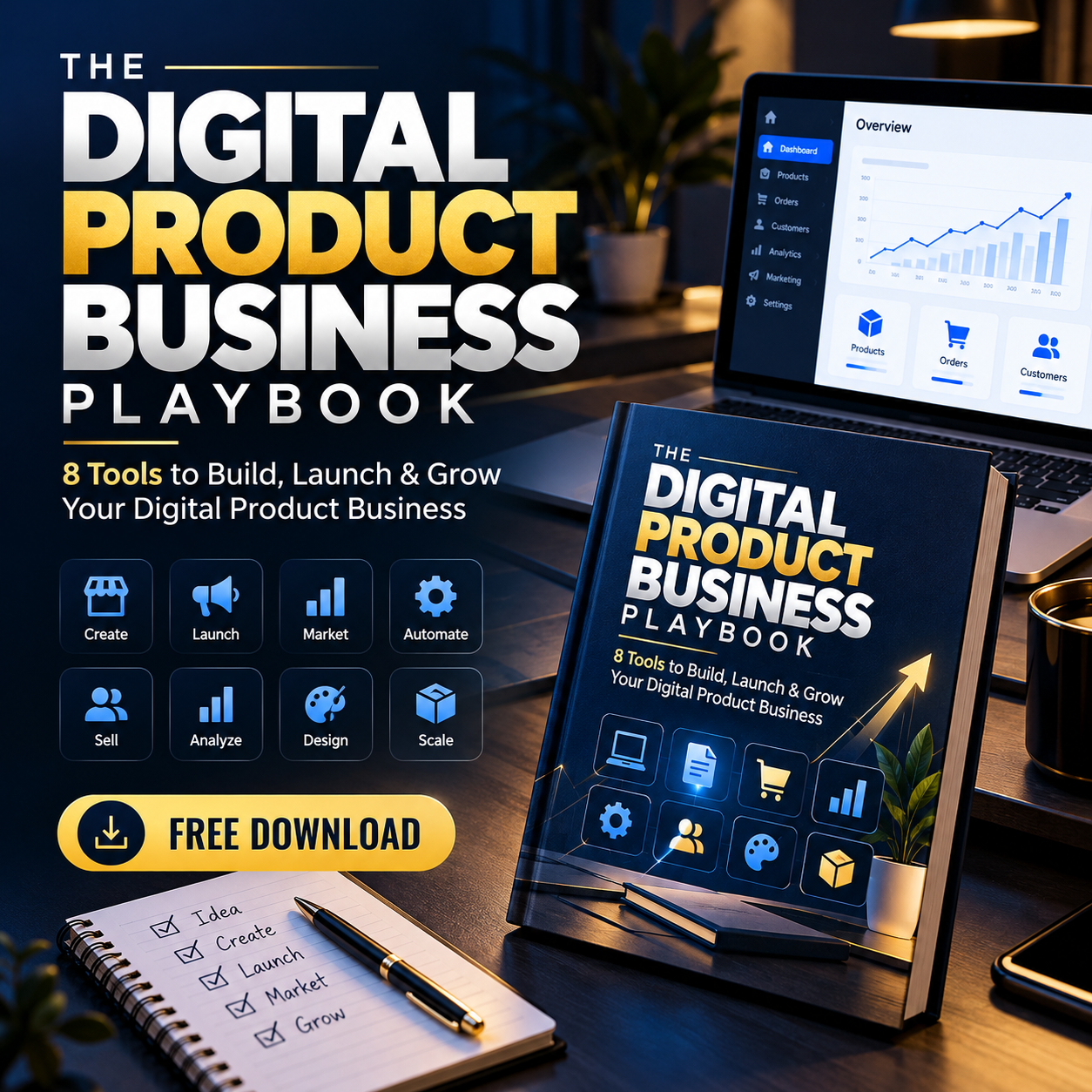
🚀 THE DIGITAL PRODUCT BUSINESS PLAYBOOK
8 Tools to Build, Launch & Grow Your Digital Product Business
A practical step-by-step guide for beginners | 2026 Edition
🔥 LIMITED-TIME OFFER: Get it FREE now. Planned price after the free period: $1.
🤝 Optional Support: If you find this guide useful, you can optionally contribute to support the creation of more practical digital resources. No payment or support is required to download and use the product.
💡 Your Digital Product Journey Starts Here
You don't need a big team, expensive software, or thousands of followers to start exploring a digital product business.
You need a useful product, a clear understanding of your audience, and a practical process for bringing the right people to your store.
The Digital Product Business Playbook introduces eight tools that can help you research customer problems, develop useful products, package your work, create a Gumroad listing, and build an audience through content and community engagement.
Instead of treating product creation and marketing as separate activities, this guide connects them into one beginner-friendly workflow.
🧰 Discover the 8 Tools
01 — Claude: Research & Create
Organize customer research, develop product ideas, outline your content, and create useful first drafts with AI assistance.
02 — Canva: Design & Package
Learn basic design principles for ebooks, workbooks, templates, and product covers that are clear and easy to understand.
03 — Gumroad: Set Up & Sell
Explore product listing setup, file uploads, pricing, sales page structure, and ways to explain your offer clearly.
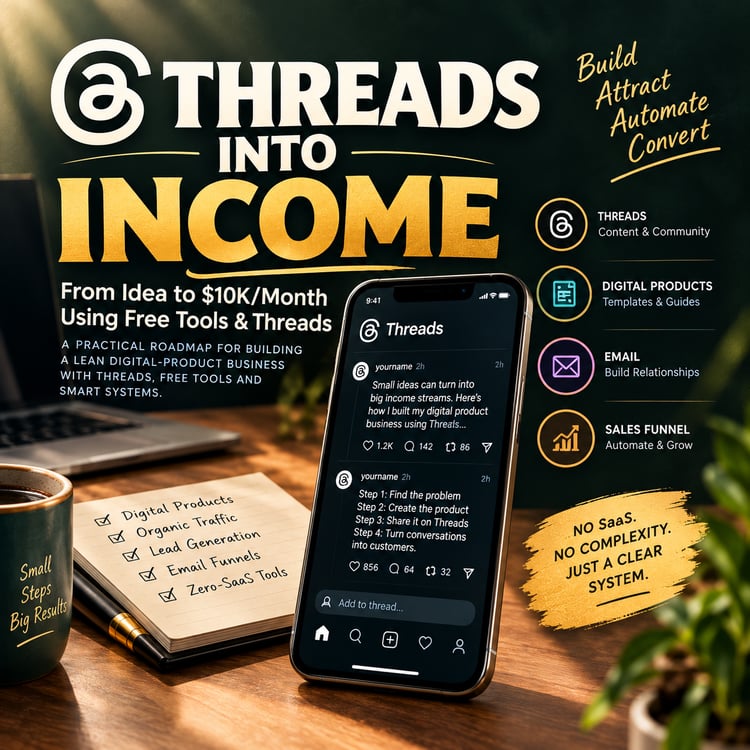
04 — Threads: Build Visibility
Learn to share useful tips, start conversations, demonstrate your products, and participate in your niche.
05 — Medium: Attract Readers
Discover how to write helpful articles, answer audience questions, and turn one detailed article into multiple content ideas.
06 — X (Twitter): Build Authority
Explore profile positioning, practical advice posts, useful frameworks, product updates, and meaningful engagement.
07 — Reddit: Research Customer Problems
Learn to identify recurring questions, understand customer language, research frustrations, and participate without spamming communities.
08 — Facebook: Build Relationships
Explore relevant groups, educational posts, discussion prompts, practical resources, and community-building ideas.
Tool features and platform rules can change. Check the relevant platform's current terms and requirements before using it.
📘 What You'll Learn
PART 1 — Find a Product People Actually Need
- Choose a specific target audience.
- Identify recurring customer problems.
- Turn problems into possible product ideas.
- Distinguish assumptions from verified evidence.
- Research demand before investing too much time.
PART 2 — Use Claude to Research and Create
- Organize customer research.
- Explore product opportunities.
- Estimate test prices rather than assuming market averages.
- Build product outlines, examples, worksheets, and checklists.
- Review AI-generated content for accuracy and usefulness.
Includes a reusable product research prompt and a product creation prompt.
PART 3 — Design Your Product With Canva
- Choose a suitable format for ebooks, workbooks, and templates.
- Use consistent typography and colors.
- Improve readability and visual hierarchy.
- Package files into a clear folder structure.
- Test downloads, links, and editable templates before launch.
PART 4 — Build Your Store With Gumroad
- Understand the basic product publishing workflow.
- Organize product files and previews.
- Write a clear product description.
- Explain your audience, benefits, and deliverables.
- Use authentic previews and samples to build trust.
- Explore simple pricing tiers when each tier provides a clear difference in value.
PART 5 — Grow Your Audience on Threads
- Create educational content.
- Share useful observations and product demonstrations.
- Build a simple posting routine.
- Participate in conversations rather than posting sales links all day.
PART 6 — Attract Readers Through Medium
- Write articles that solve audience problems.
- Structure articles with introductions, steps, examples, and conclusions.
- Mention products where they naturally help the reader.
- Repurpose articles into shorter content ideas.
PART 7 — Build Authority on X
- Write a clear profile bio.
- Share practical tips and useful frameworks.
- Discuss product development lessons.
- Connect with relevant creators and potential customers.
PART 8 — Find Real Customer Problems on Reddit
- Search for recurring customer questions.
- Collect frustrations and phrases people actually use.
- Study competing solutions.
- Identify possible product improvements.
- Participate in communities respectfully and follow their rules.
PART 9 — Build Community With Facebook
- Find relevant groups.
- Share educational posts and discussion prompts.
- Offer practical resources where permitted.
- Explore creating a community around a useful topic.
PART 10 — Connect the 8 Tools Into One Workflow
Follow the process:
Research → Plan → Create → Design → Publish → Promote → Engage → Improve
Understand how each tool can contribute to a different stage of your digital product business.
PART 11 — Your First 30-Day Action Plan
Use the guide's beginner-oriented action plan as a framework for organizing your first launch.
The goal is to create a practical starting routine—not to promise sales or a specific income within 30 days.
🎁 What's Included
Your purchase-free download includes:
- The Digital Product Business Playbook PDF
- Eight tool introductions and their intended roles
- Customer research and validation guidance
- Reusable AI prompts
- Product creation and design guidance
- Gumroad listing and sales page advice
- Social content and community strategies
- A connected digital product workflow
- A beginner-focused 30-day action plan
Format: PDF guide.
This is an educational guide, not a software application, paid tool subscription, done-for-you business service, or guarantee of commercial success.
🎯 Who Is This For?
This guide may be useful for:
- Beginners exploring digital products
- Creators planning ebooks, templates, or workbooks
- New Gumroad sellers
- Freelancers exploring additional digital offerings
- Small business owners developing downloadable resources
- Creators who need a more organized launch process
- People who want to connect AI-assisted creation with product marketing
🚫 Who Shouldn't Get This?
This guide may not meet your needs if you're looking for:
- Guaranteed sales or passive income
- A done-for-you profitable business
- Advanced paid advertising training
- Detailed technical instructions for every platform feature
- A collection of editable Canva templates
- A course with personal coaching or live support
- A promise that every suggested tool will work for every business
The playbook provides a practical starting framework. You will still need to research your audience, create useful products, test your offer, and learn from real feedback.
🧠 A Smarter Way to Approach Digital Products
You don't need to launch everywhere at once.
Start with one audience, one meaningful problem, one useful product, and one suitable marketing channel.
Use customer feedback to improve the product before expanding into additional offers and platforms.
The playbook encourages research, validation, useful content, and realistic expectations—not fake testimonials, invented demand figures, or guaranteed earnings.
❓ Frequently Asked Questions
Is the playbook free?
Yes. It is currently offered for $0. The planned future price is $1 after the free period, if the creator implements that change.
Is optional support required?
No. Any additional payment or support is voluntary. You can download the product at no cost while the free offer is active.
What file will I receive?
A PDF guide.
Is this suitable for beginners?
Yes. The guide is designed as a practical starting point for people learning about digital product research, creation, publishing, and marketing.
Does it include AI prompts?
Yes. It includes prompts for customer research and product creation that you can adapt to your own audience and niche.
Does it include editable Canva templates?
The guide discusses Canva design and packaging. A separate editable Canva template pack is not included in the described product.
Will it guarantee sales?
No. Results depend on factors including the usefulness of your product, customer demand, positioning, pricing, and marketing execution.
Do I need to use all eight tools?
No. Start with the tools most relevant to your current stage and expand when you have a reason to do so.
Are platform features and pricing guaranteed to remain the same?
No. Platform policies, pricing, availability, and features can change. Verify current information directly with each provider.
🤝 Support More Practical Resources
Found the guide useful?
You can optionally support the creator to help encourage the development of more practical digital resources.
Support is entirely optional. Downloading the free guide does not require an additional payment.
🚀 Get The Digital Product Business Playbook
🔥 Current offer: FREE
Planned future price: $1 after the free period.
Start with a clear idea. Research a real problem. Build something useful. Package it professionally. Share it with the right audience. Improve it with feedback.
Your first step doesn't need to be complicated. It needs to be useful.