
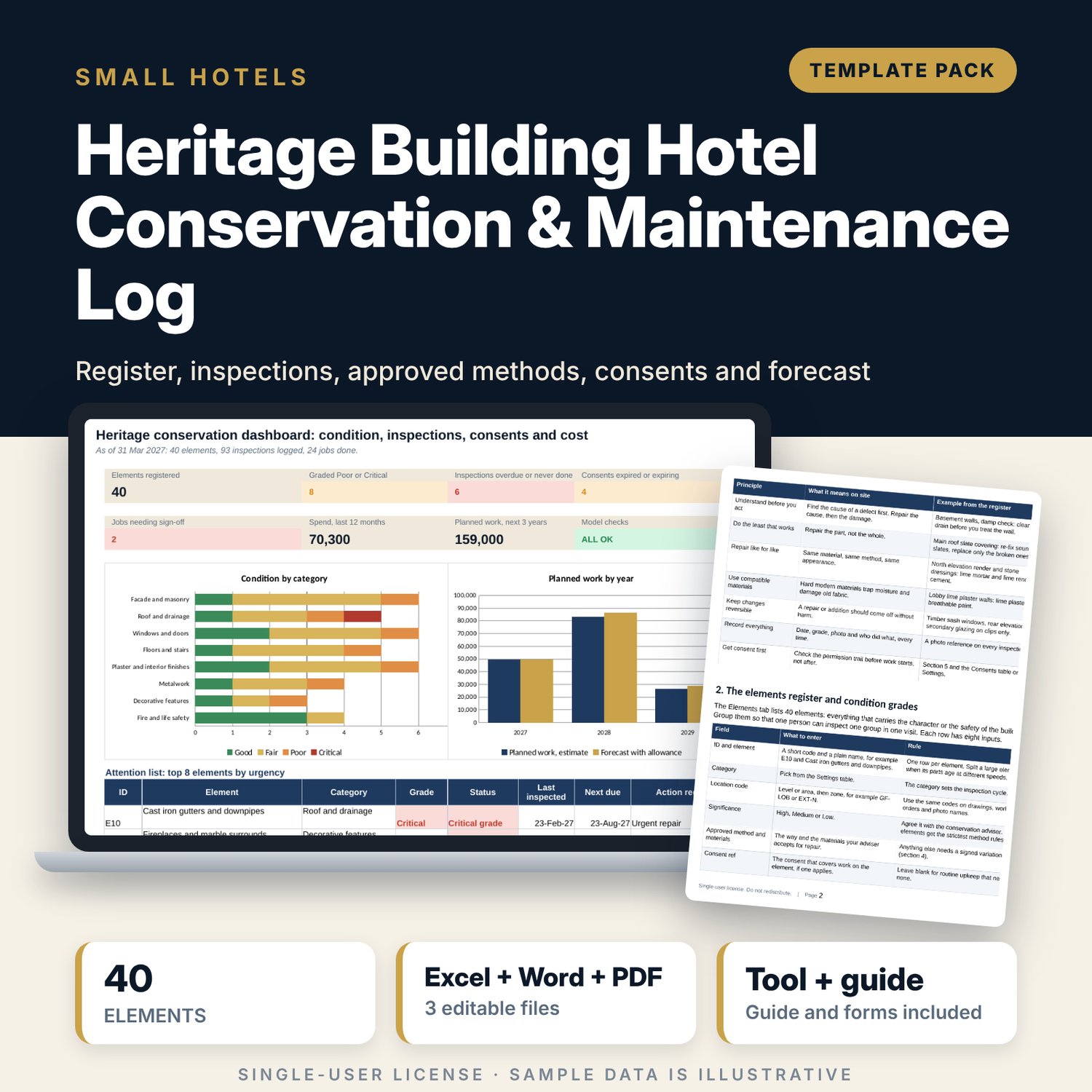

Heritage Building Hotel Conservation & Maintenance Log: Heritage Hotel Building Maintenance Log Template
Full description
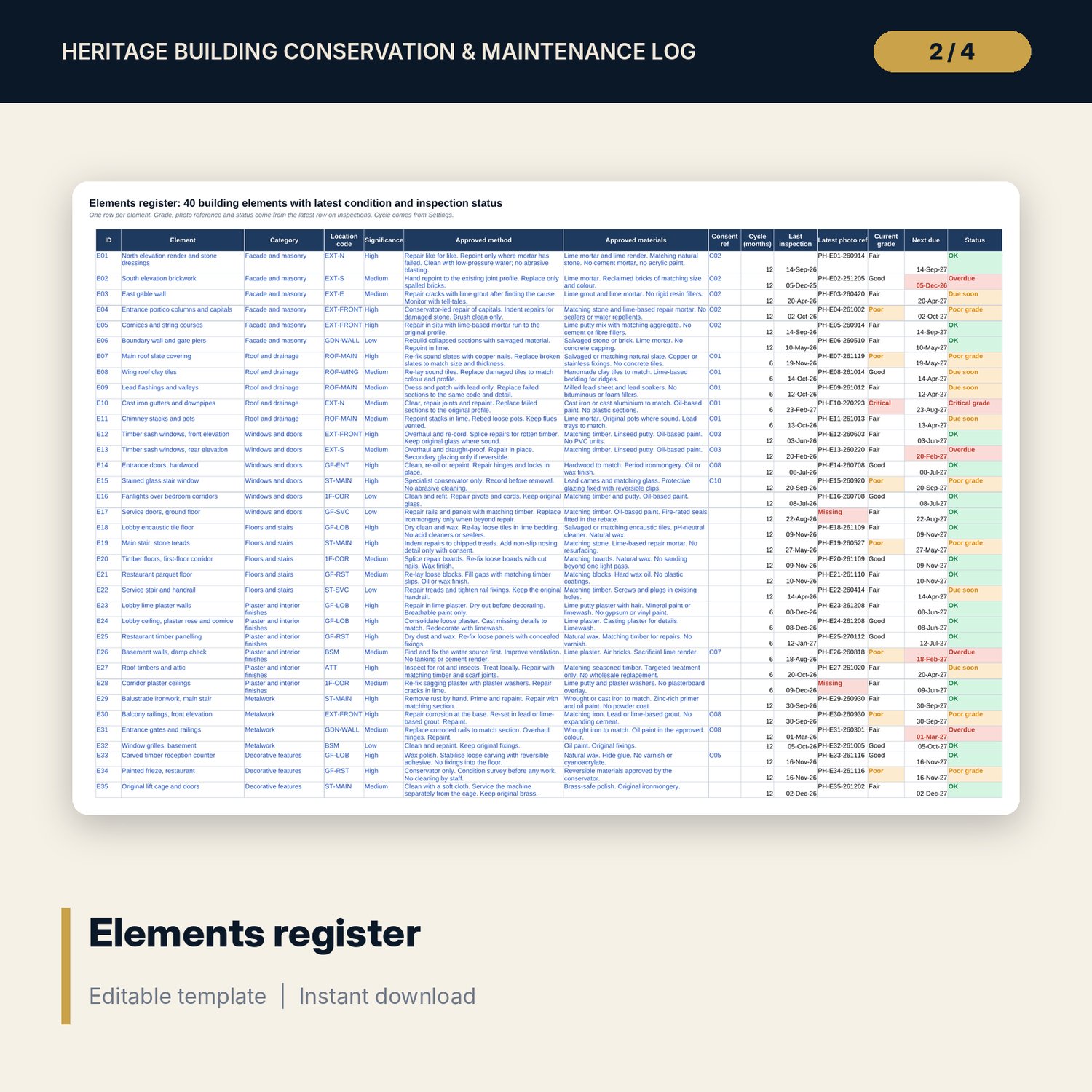
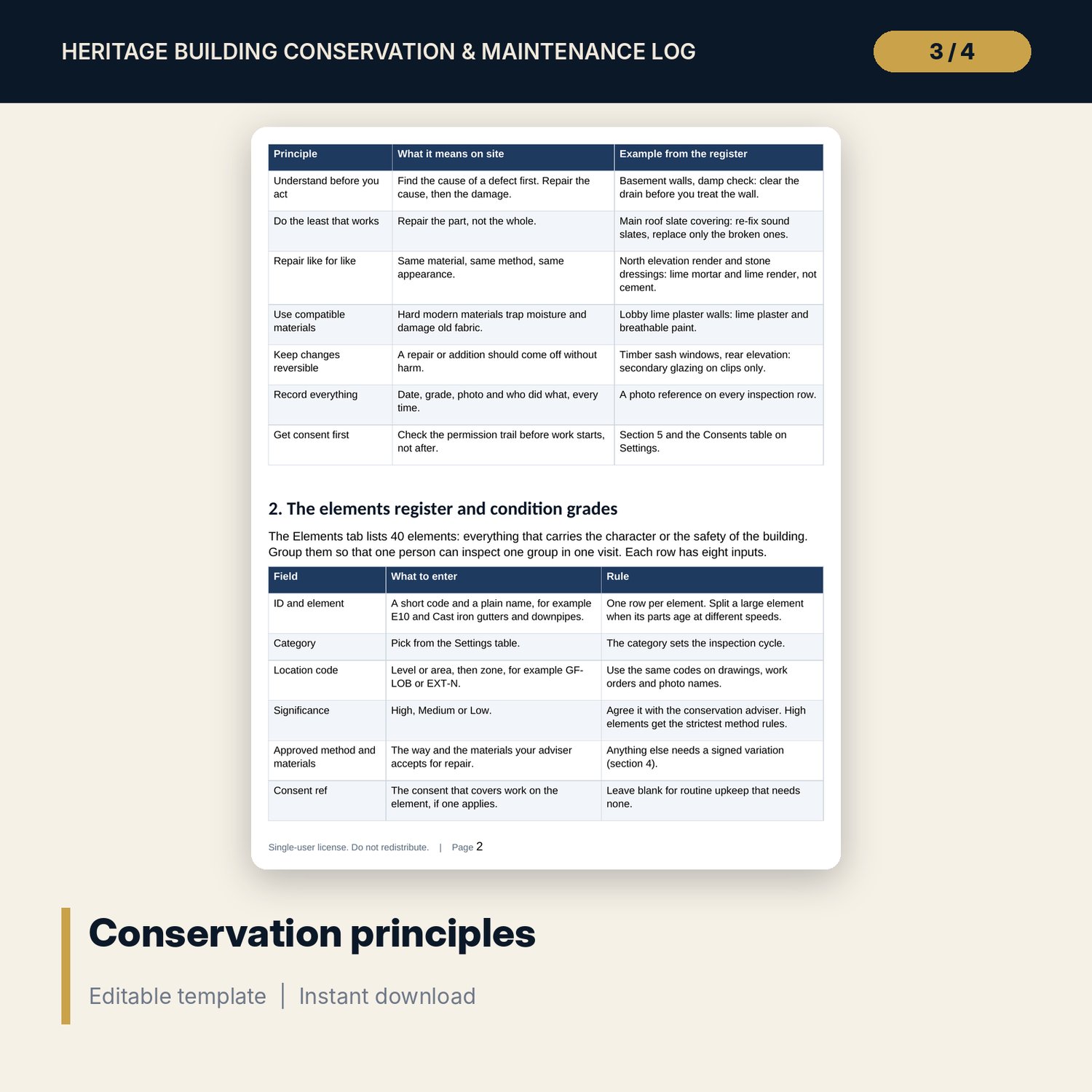
For owners, general managers and facilities managers of historic hotels who need one record of what the building is made of, how it is doing and what may be done to it. The workbook keeps a register of 40 elements with location code, significance, approved method and approved materials. An inspection log records the condition grade, the defect, the action and a photo reference. The register finds the latest inspection of each element, adds the cycle for its category and shows a status: not inspected, critical, overdue, poor, due soon or OK. A work log compares the method used with the approved method, flags jobs with no approval, tracks warranties and holds planned work for a three-year forecast. The Word guide sets out the principles, the inspection year, the sign-off rules, the consents trail, fit-out constraints, an emergency protocol and printable forms.
What is inside
- Heritage_Conservation_Maintenance_Log.xlsx: 7 tabs, 1,239 formulas, 2 native charts, 23 drop-down and input rules
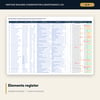
- Elements: 40 sample elements in 8 categories, 10 spare rows, latest grade, photo reference, next due date and status
- Inspections: 93 sample inspections, 44 spare rows, condition grades, actions and photo references
- Work Log: 24 jobs done and 10 jobs planned, method check, approver, cost, warranty status and control flags
- Settings: grade scale, inspection cycle by category, 10 sample consents with status, nine drop-down lists
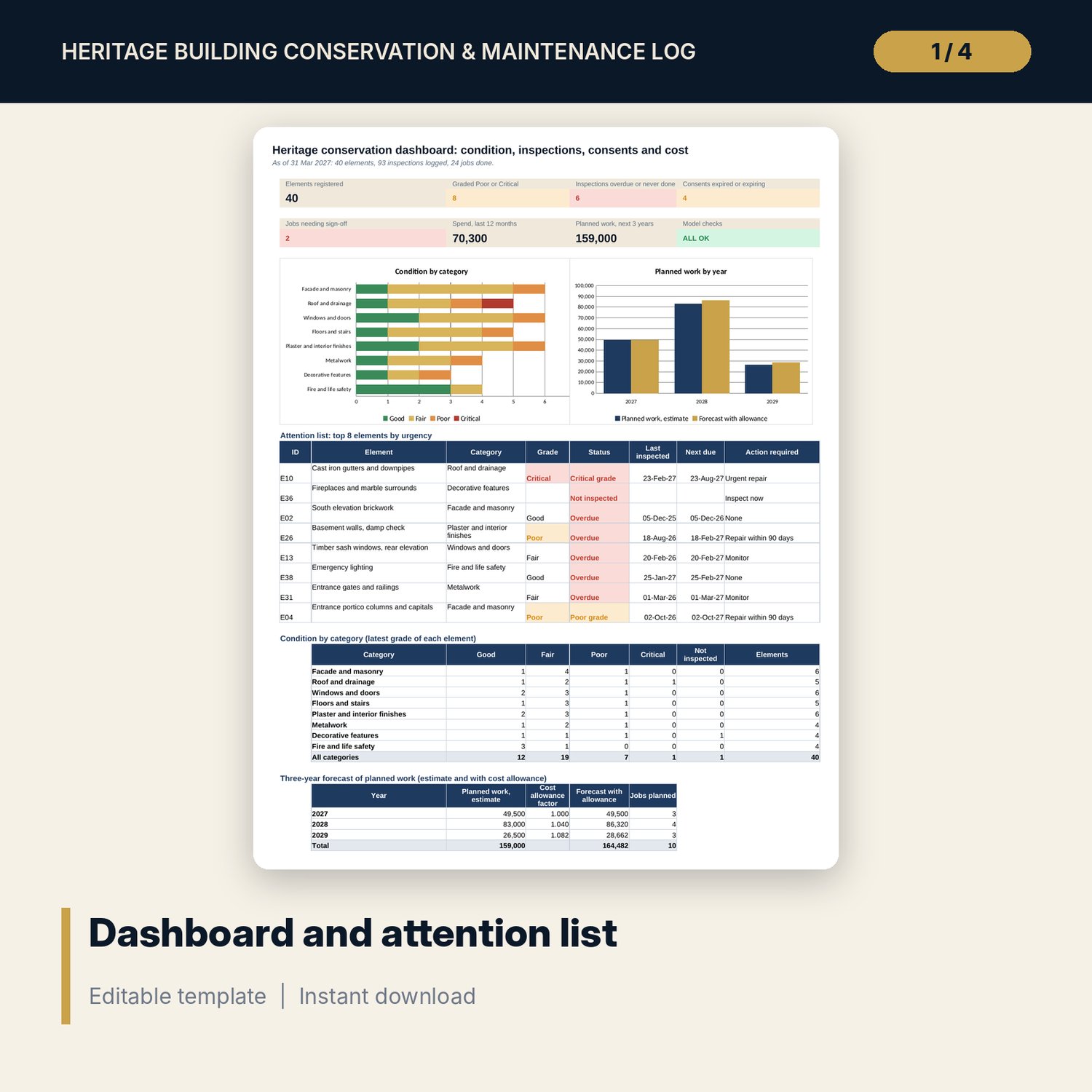
- Dashboard: 8 tiles including a check tile, an attention list of 8 elements and 2 charts; 8 integrity checks on the Checks tab
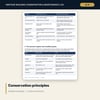
- Heritage_Conservation_Guide.docx and PDF: 10 pages with principles, grades, the inspection year, sign-off rules, consents, fit-out rules, an emergency protocol, a worked example and 3 printable forms
- README.txt and LICENSE-and-Terms.txt
How it works
- Set the as-of date, the alert windows, the approval limit, the cycle for each category and your consents.
- Replace the sample elements with your own and write the approved method and materials for each.
- Add one row for every inspection and every job. Pick the grade, the method and the approver from the lists.
- Read the attention list, the consents and the forecast on the Dashboard each month.
Details
- Formats: 1 Excel workbook (.xlsx), 1 guide in Word (.docx) and PDF, English
- Software: Excel 2016 or later, or LibreOffice Calc 7 or later
- No macros, no external links, no data tables, no array formulas
- 3 files plus README and license; instant digital download
Good to know
- Sample data is illustrative. Replace it with your own figures.
- Cycles, approval limits and consent terms are inputs. Verify requirements with your heritage authority, your insurer and a qualified conservation professional.
- The files are management tools, not legal, engineering or conservation advice.
- Single-user license. Do not redistribute.
FAQ
How does the register know an element is overdue?
It finds the latest inspection of the element on the log, adds the cycle for its category and compares the next due date with the as-of date you set.
Can I change the cycle for one category?
Yes. There is one cycle per category on Settings, and every element in that category follows it.
How are unapproved methods caught?
Each job records the method used. A job marked Not approved, or a variation with no approver, shows Needs sign-off. Work above your approval limit with no approver is flagged too.
Does it track consents?
Yes. Settings holds reference, authority, grant date, conditions and expiry, and shows Valid, Expires soon or Expired against your alert window.
Do I need macros?
No. Every result is a standard worksheet formula.