




Weekly Operating System
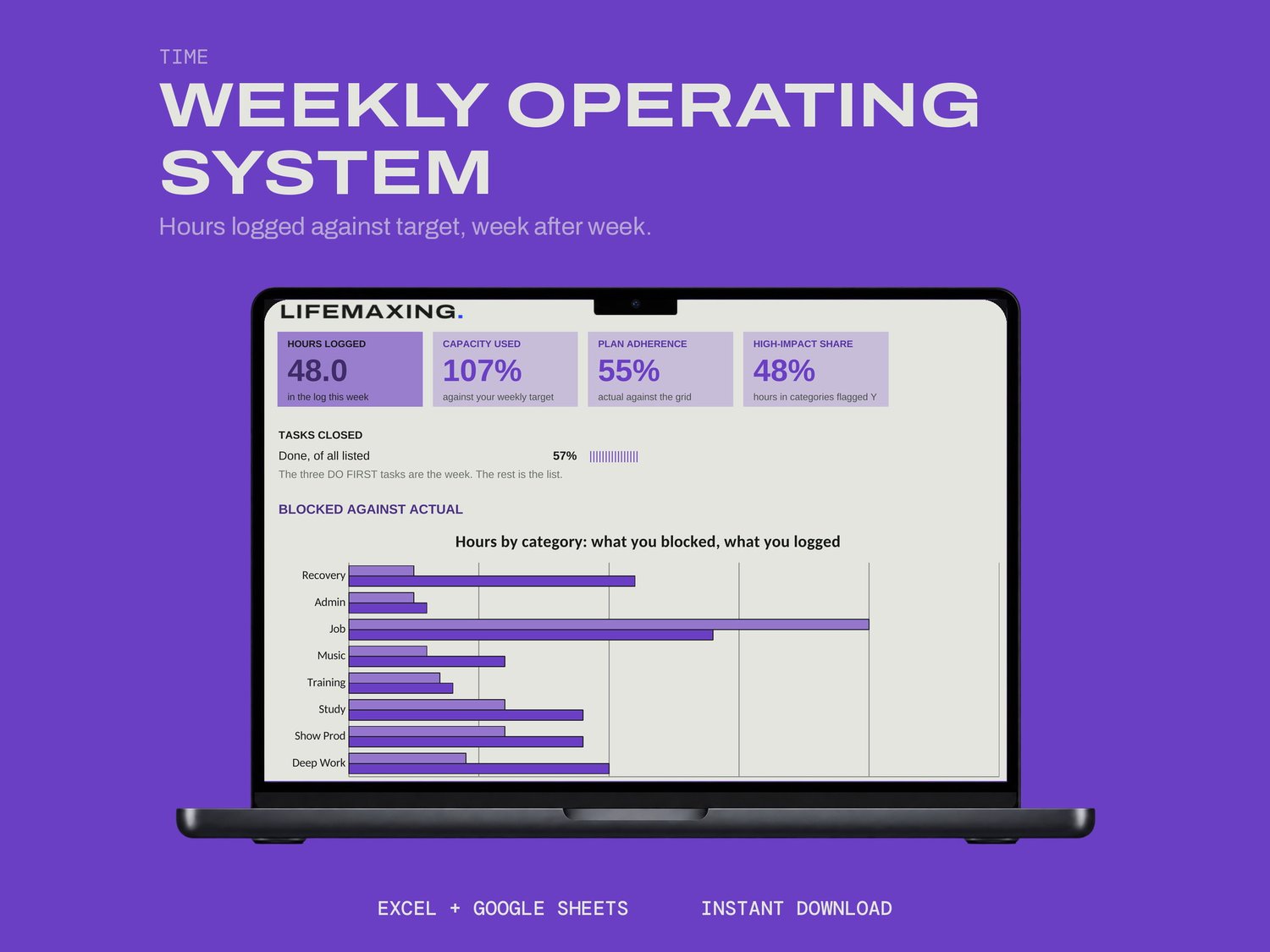
A week run as a loop: plan it, block the hours, log what actually happened, and on Friday read planned against actual.
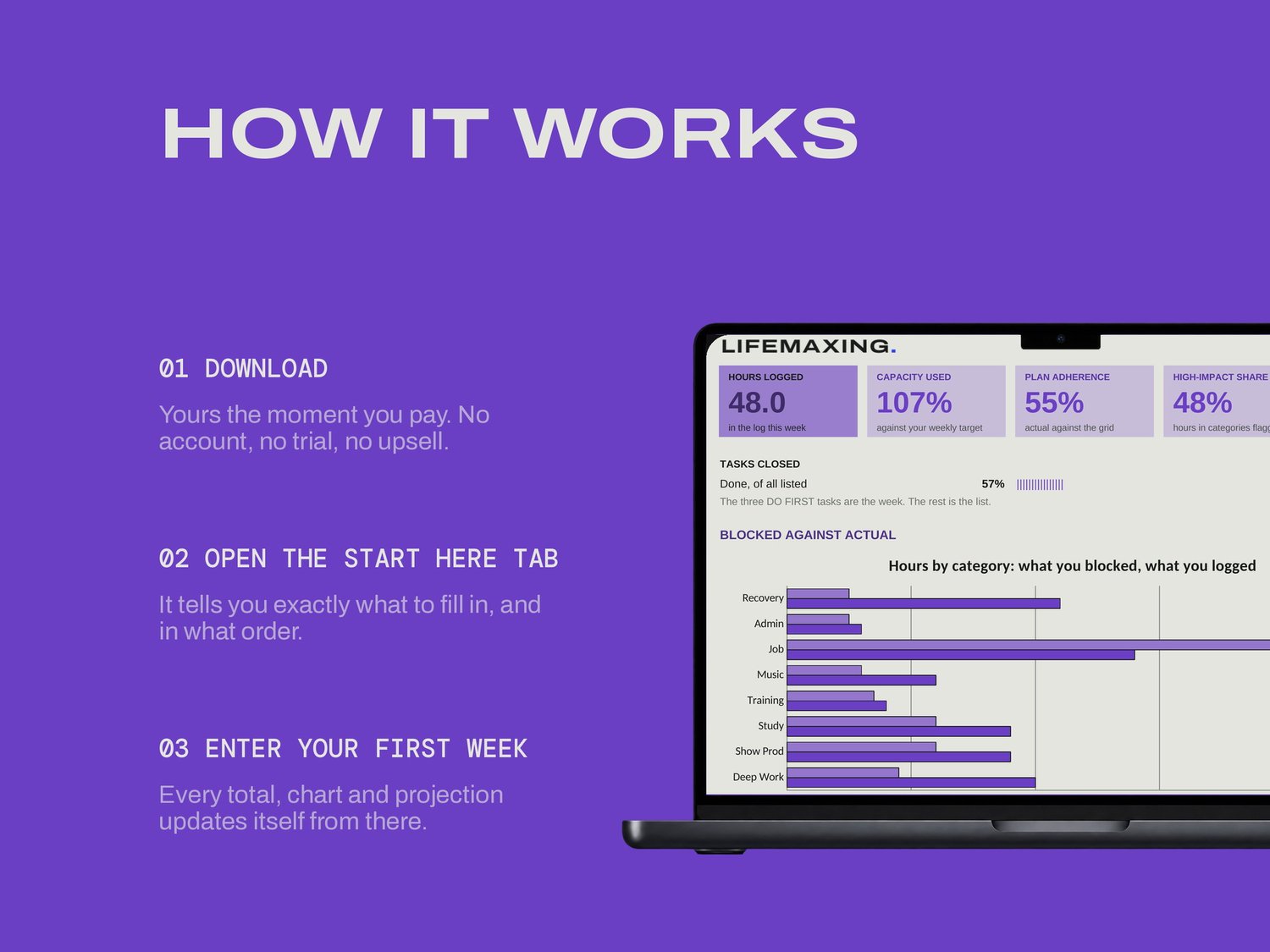
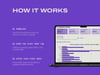
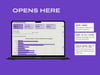
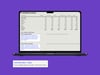
Setup takes the week's date, a capacity you will actually hit, and eight categories with a weekly target each. On Plan you dump every task and score impact and urgency one to five; the sheet ranks them and flags the top three DO FIRST. Those three are the week. Blocks is an hour grid where one cell is one hour, and the Log is two minutes a day.
WHAT'S INSIDE
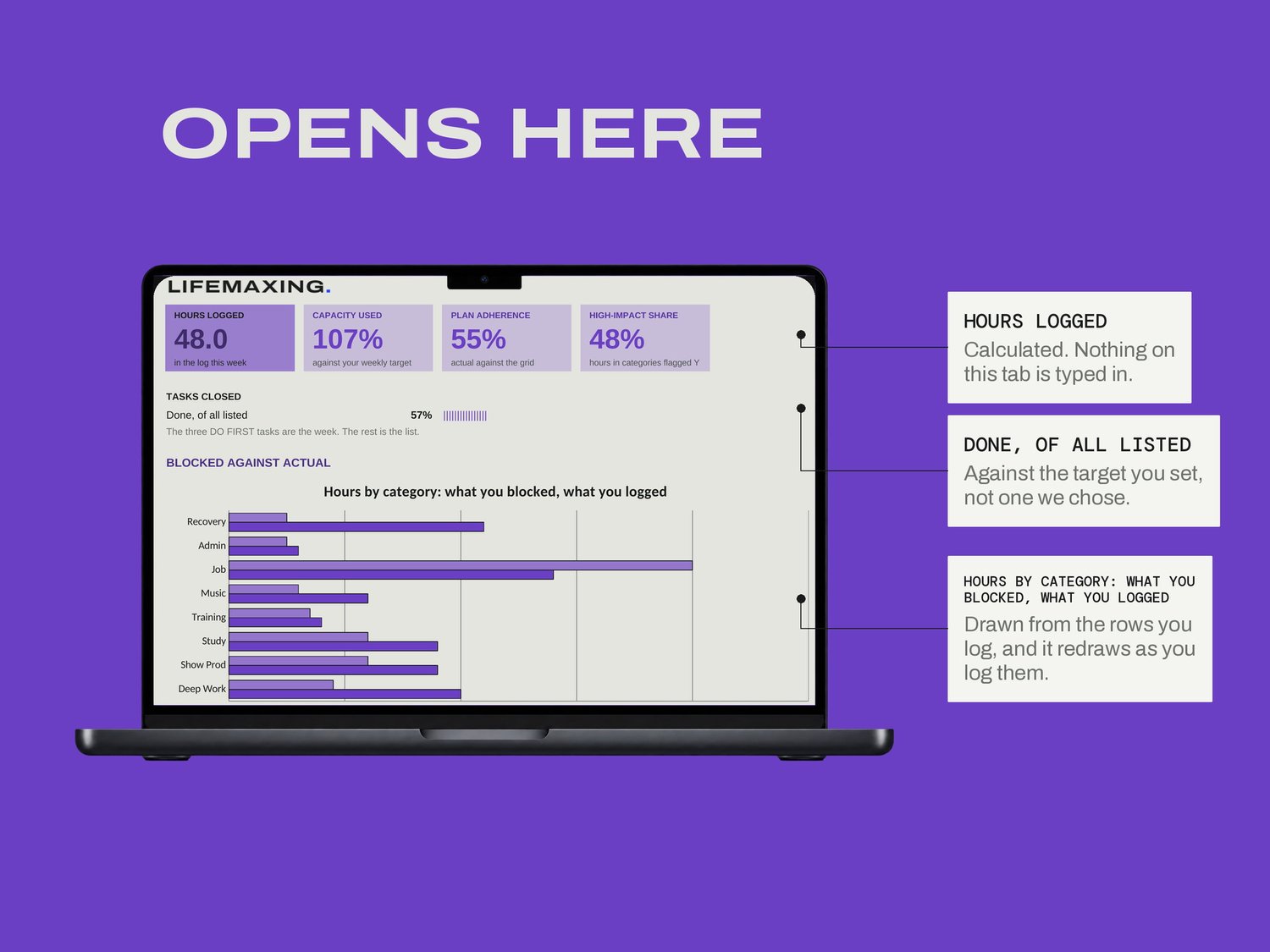
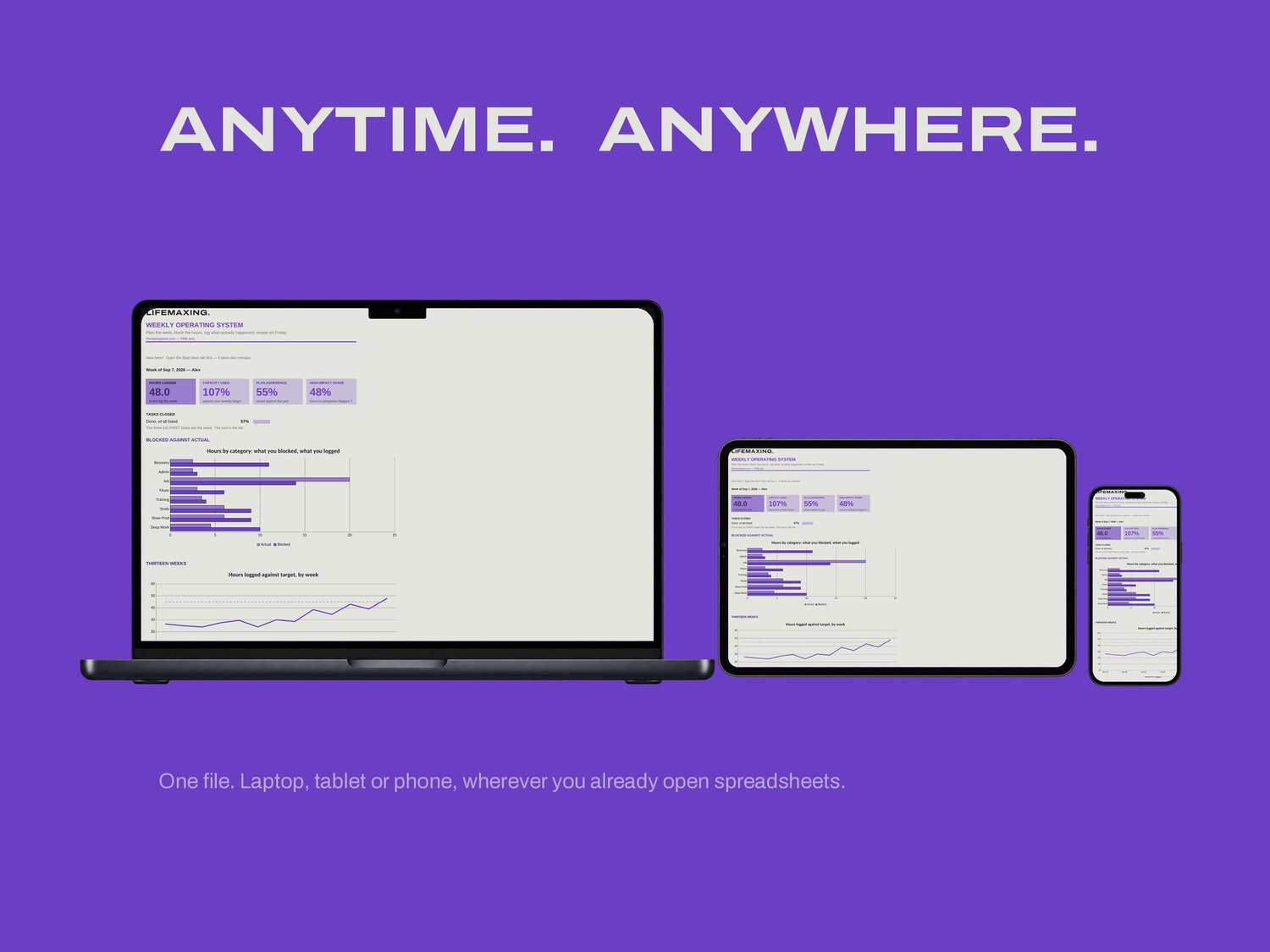
Dashboard - the week in four numbers and two charts
Start Here - how the file works and which cells are yours
Setup - the week, your capacity, the eight categories
Plan - every task, scored and ranked
Blocks - the hour grid
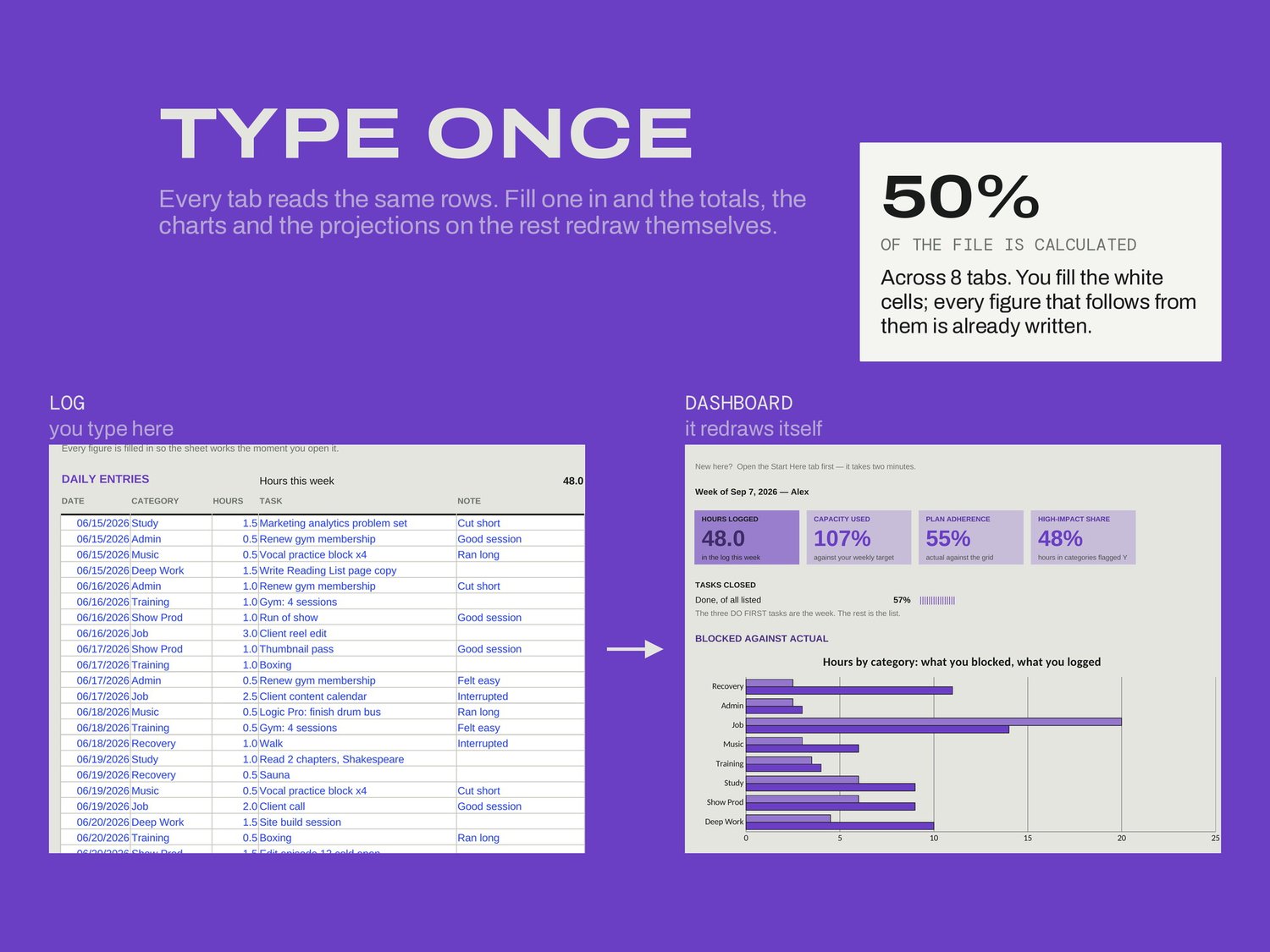
Log - one row per thing you did, where the discipline goes
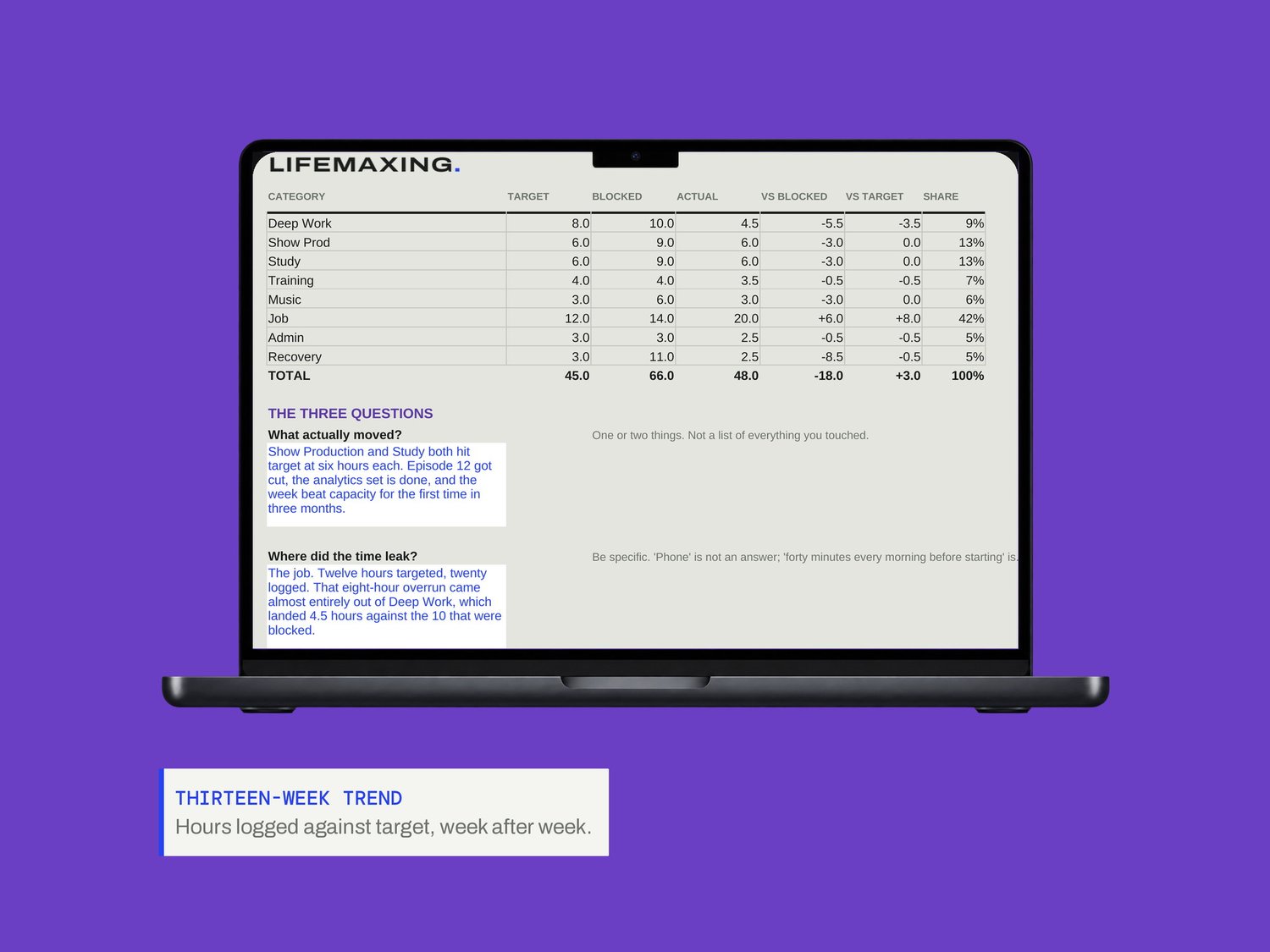
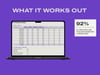
Review - Friday, planned against actual
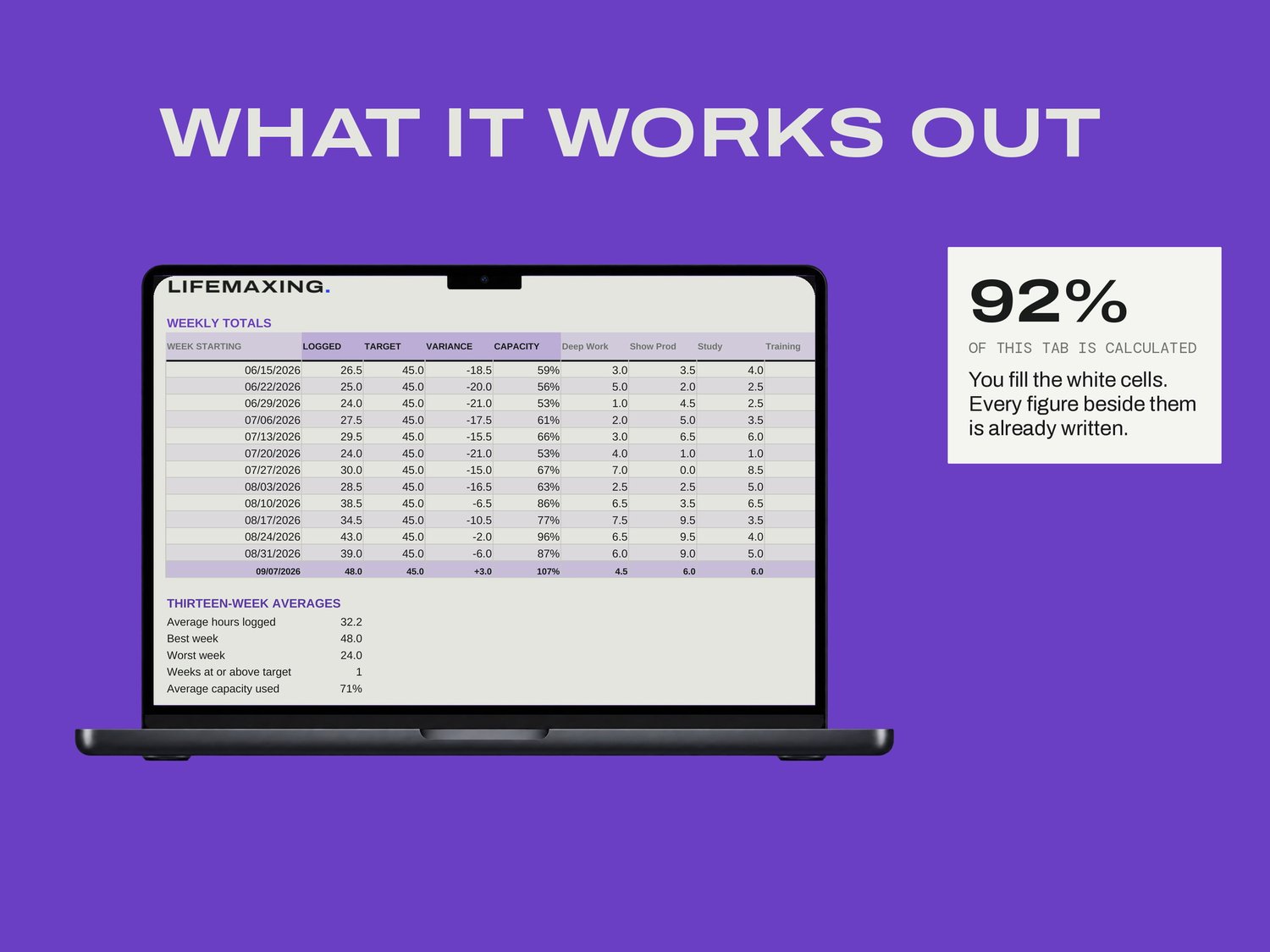
History - thirteen weeks of trend
THE PART NOBODY ELSE BUILDS
The Log's task column offers the Plan's tasks as a dropdown. Pick from it and per-task actual hours fill in on Plan; type something else and it still logs, but nothing on Plan claims it. That is the join between intention and what happened, and it is the reason History means anything. Rolling the week over is deliberate too: change the date, clear Plan and Blocks, and leave the Log alone, because the Log is the history every trend in the file is built from.
WHAT YOU GET
Excel workbook (.xlsx)
Google Sheets template - one click to copy
Setup instructions (PDF)
Free updates for life
BEFORE YOU BUY
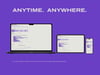
Works in Microsoft Excel 2016 and later, and in Google Sheets. No app, no subscription, no account. There are no project queues and no quarterly map here; Plan is a flat scored task list and History is thirteen weeks of logged hours. Digital download, all sales final.