









Time Block Planner
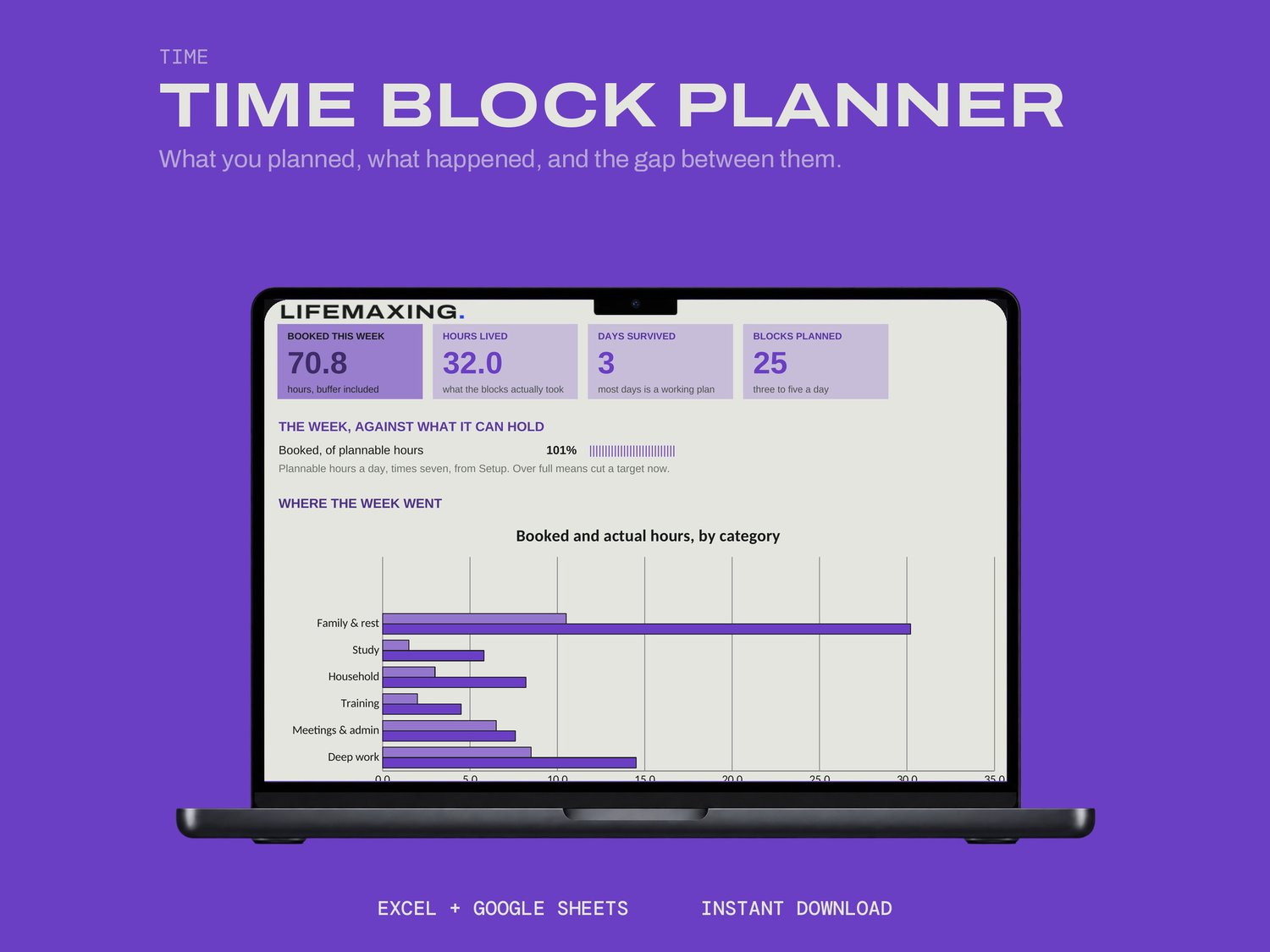
A weekly plan made of three to five broad blocks a day, not an hour-by-hour timetable, with a buffer already booked inside every block.
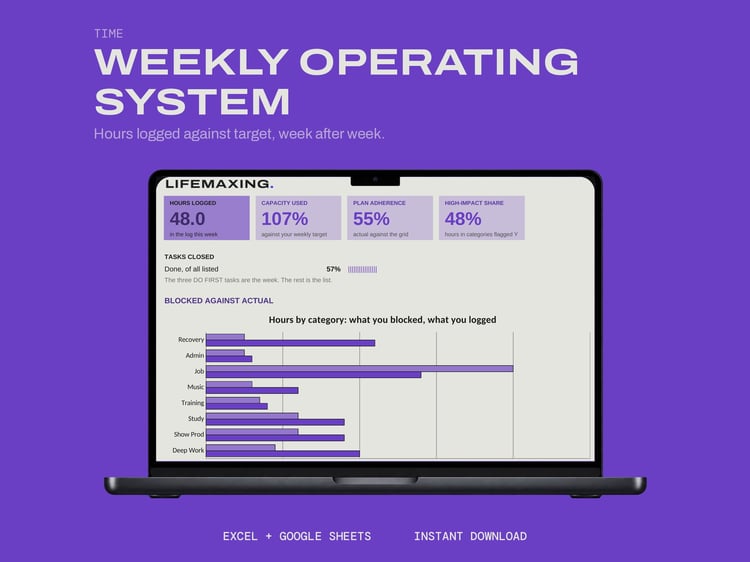
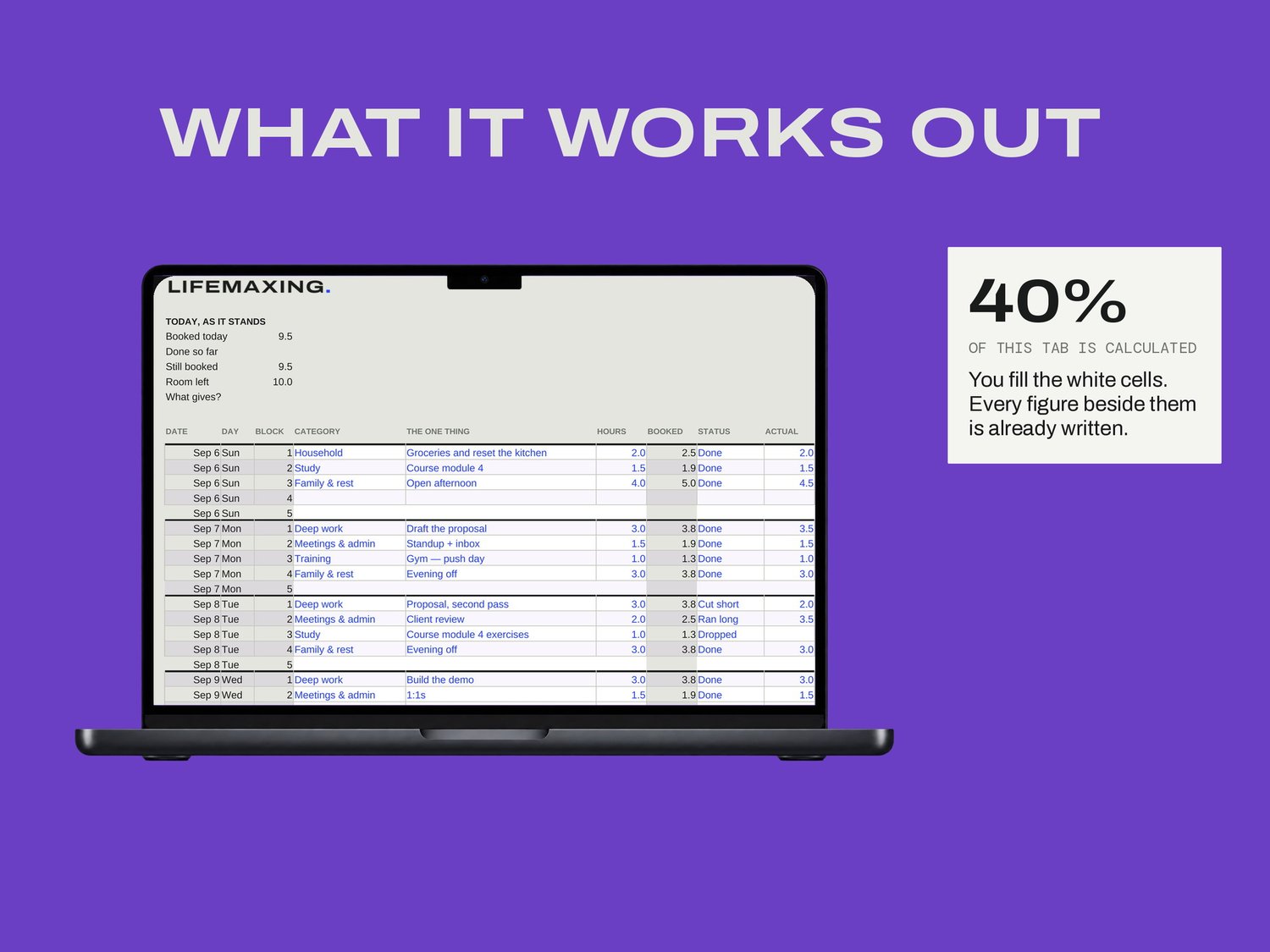
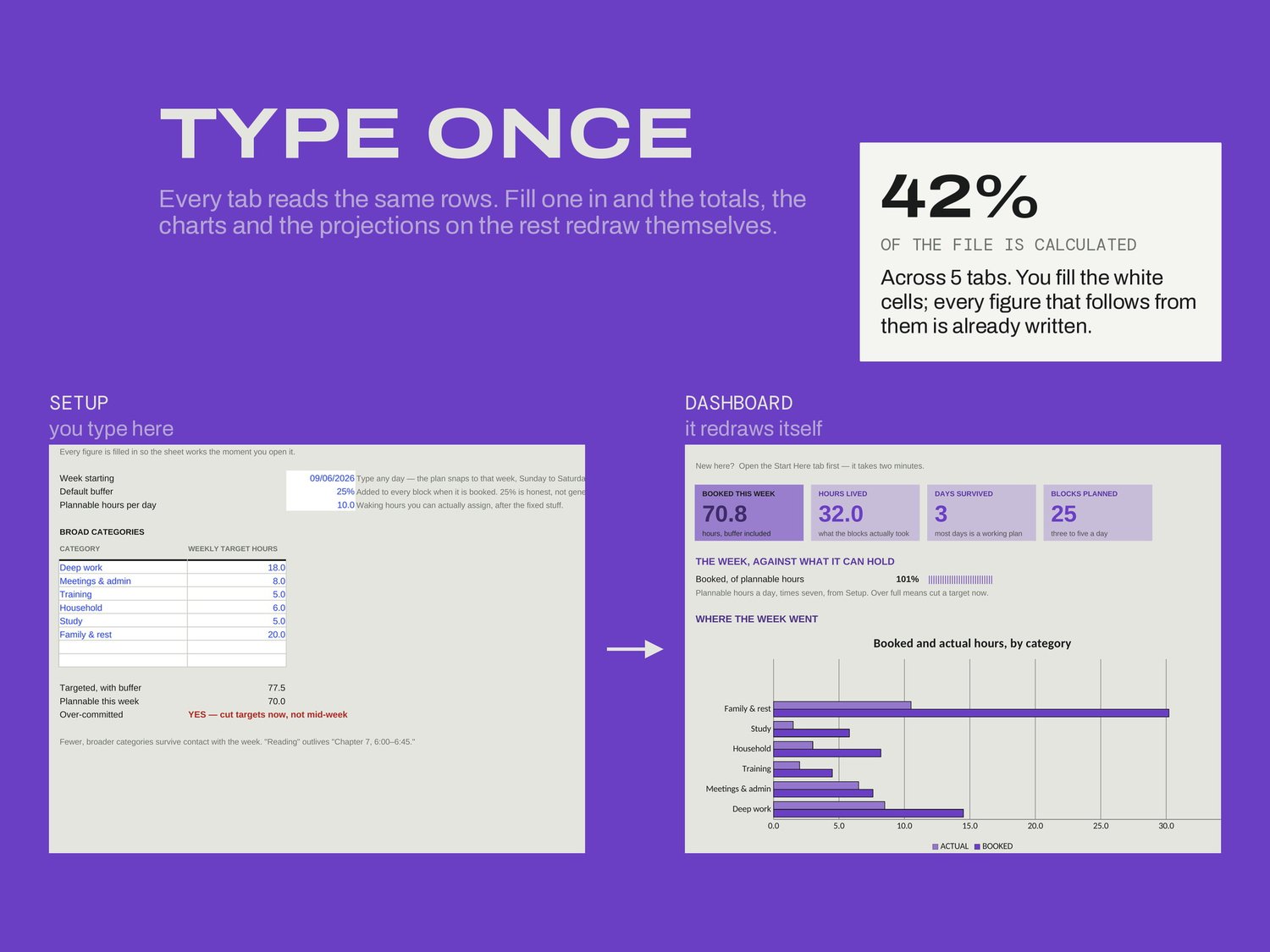
On Setup you give the sheet the week's start date, your default buffer, how many hours a day are honestly plannable, and a short list of categories. Then each day gets its blocks: a category, one thing, an estimate. As the day happens you mark each block Done, Ran long, Cut short, Dropped or Moved, with the hours it actually took.
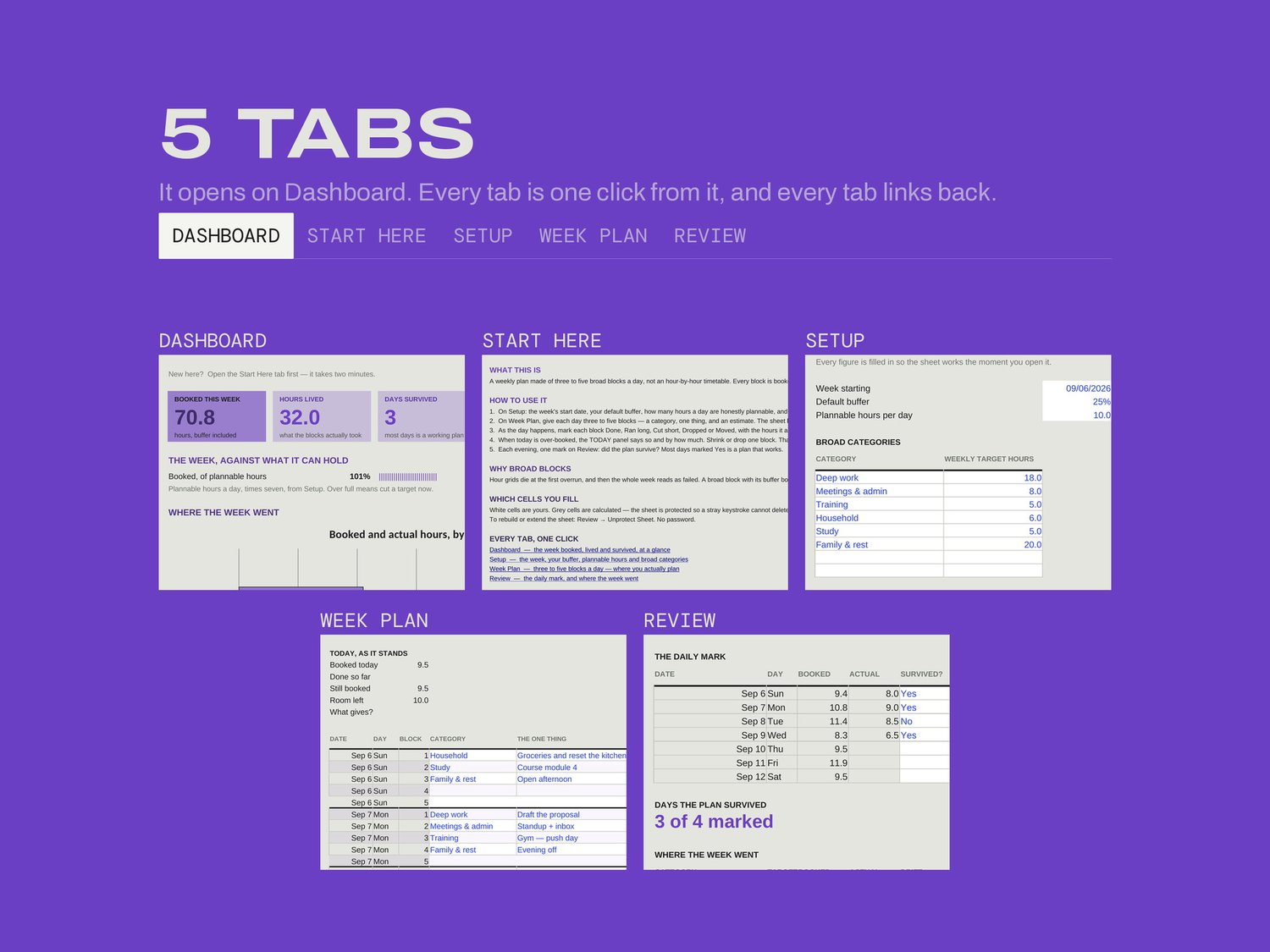
WHAT'S INSIDE
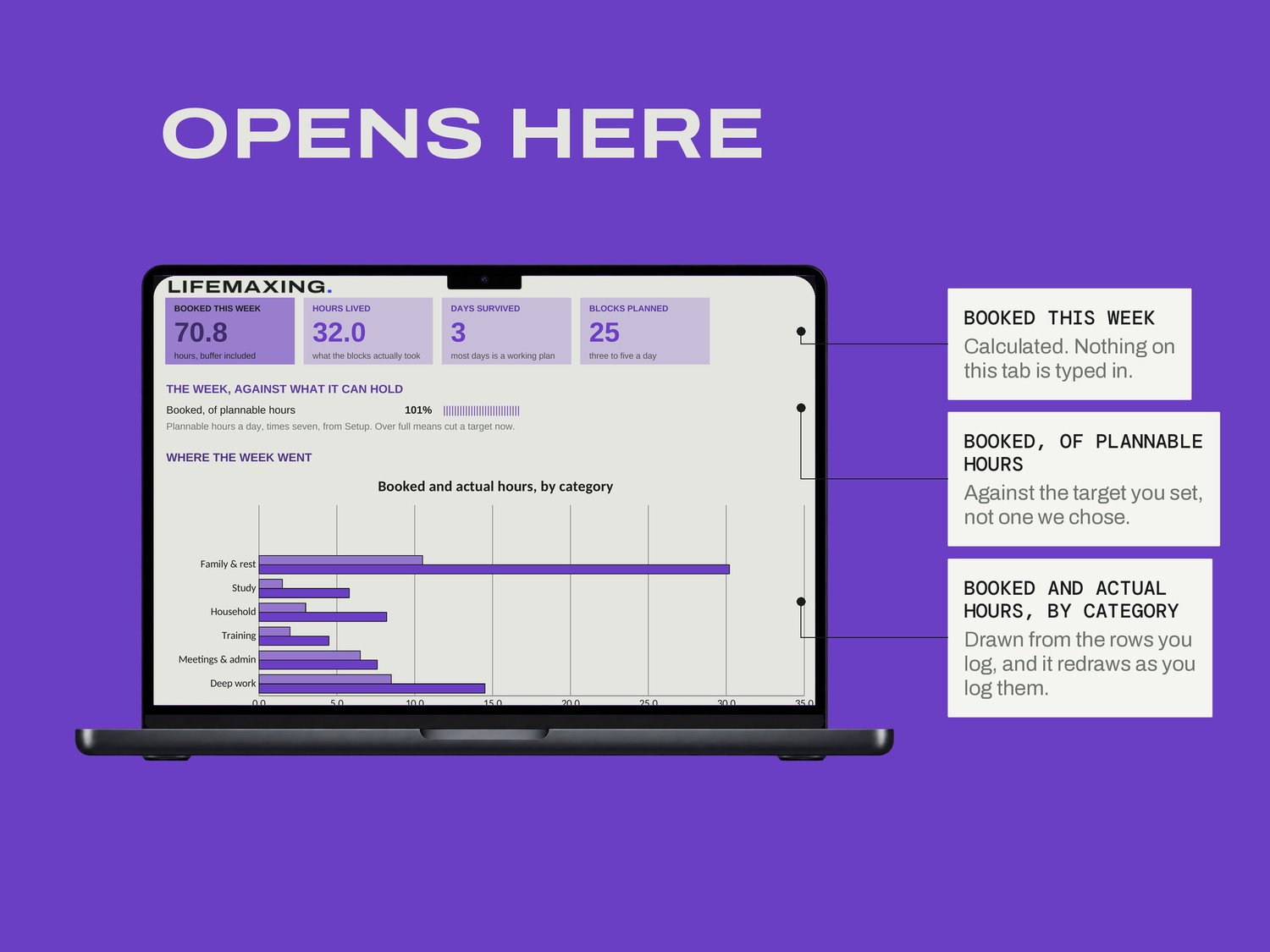
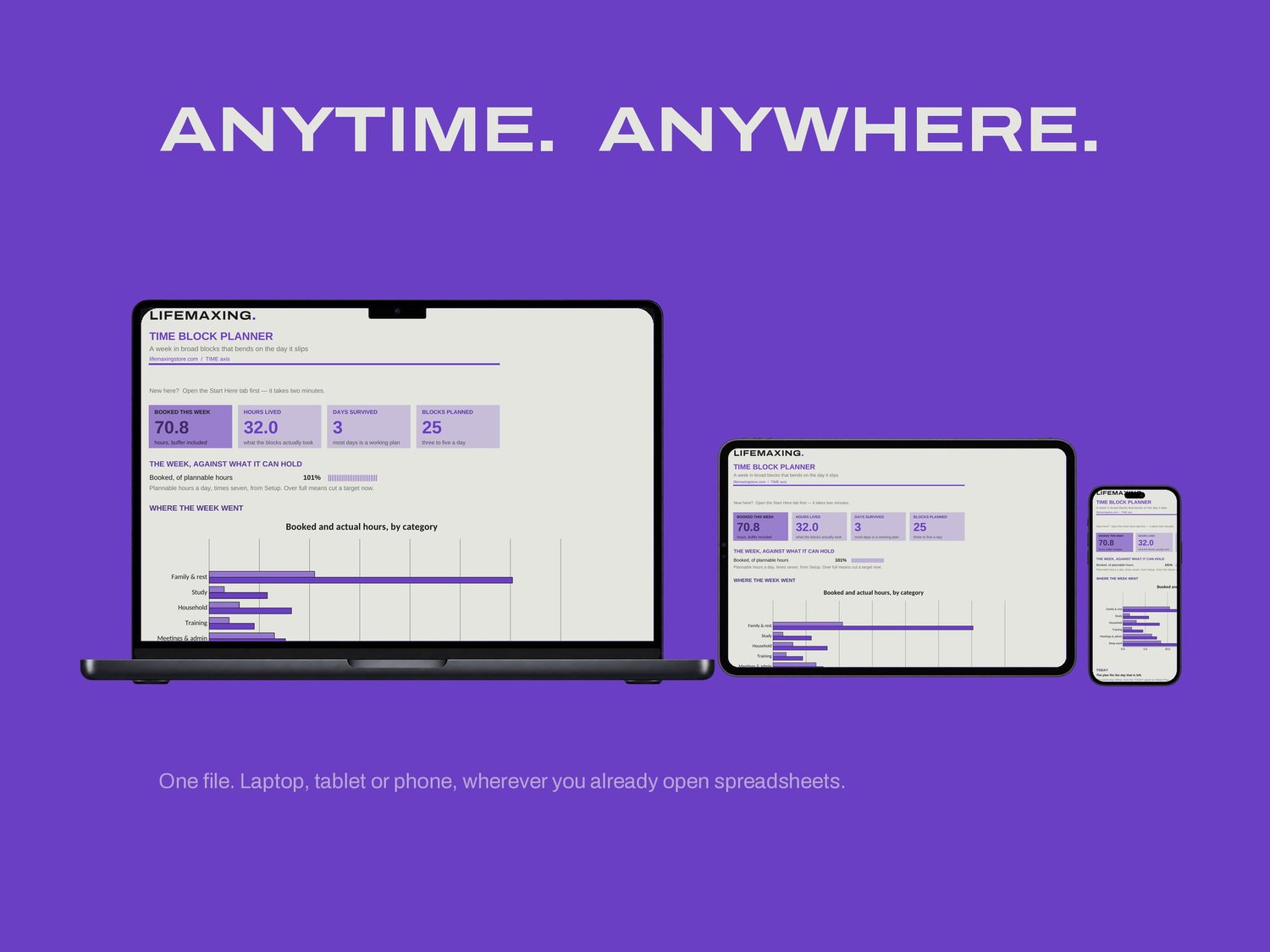
Dashboard - the week booked, lived and survived, at a glance
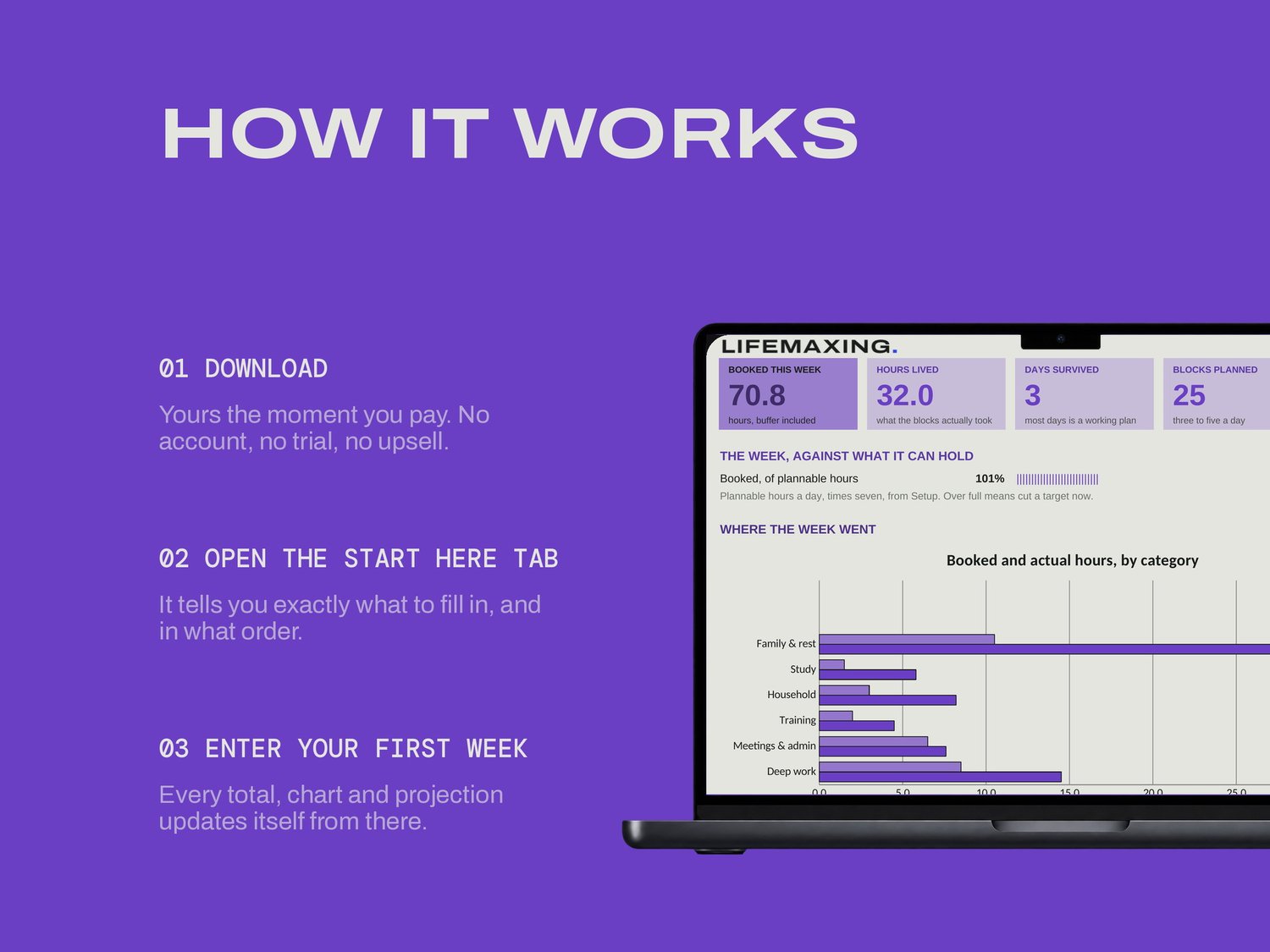
Start Here - how the file works and which cells are yours
Setup - the week, your buffer, plannable hours and categories
Week Plan - three to five blocks a day, where you actually plan
Review - the daily mark, and where the week went
THE PART NOBODY ELSE BUILDS
Hour grids die at the first overrun, and once a Tuesday is wrong the whole week reads as failed. A broad block with its buffer already booked absorbs the overrun instead. When today is over-booked the TODAY panel says so and by how much, and the fix is to shrink or drop one block. That is the entire reflow; there is no re-planning the week. Each evening you make one mark on Review: did the plan survive. Most days marked Yes is a plan that works, and that is a more useful number than percentage of tasks completed.
WHAT YOU GET
Excel workbook (.xlsx)
Google Sheets template - one click to copy
Setup instructions (PDF)
Free updates for life
BEFORE YOU BUY
Works in Microsoft Excel 2016 and later, and in Google Sheets. No app, no subscription, no account. It does not track time for you; you plan the block and you log what it took. Digital download, all sales final.