








Reseller Profit - Inventory, Sales & Profit Tracker
TRY BEFORE YOU BUY
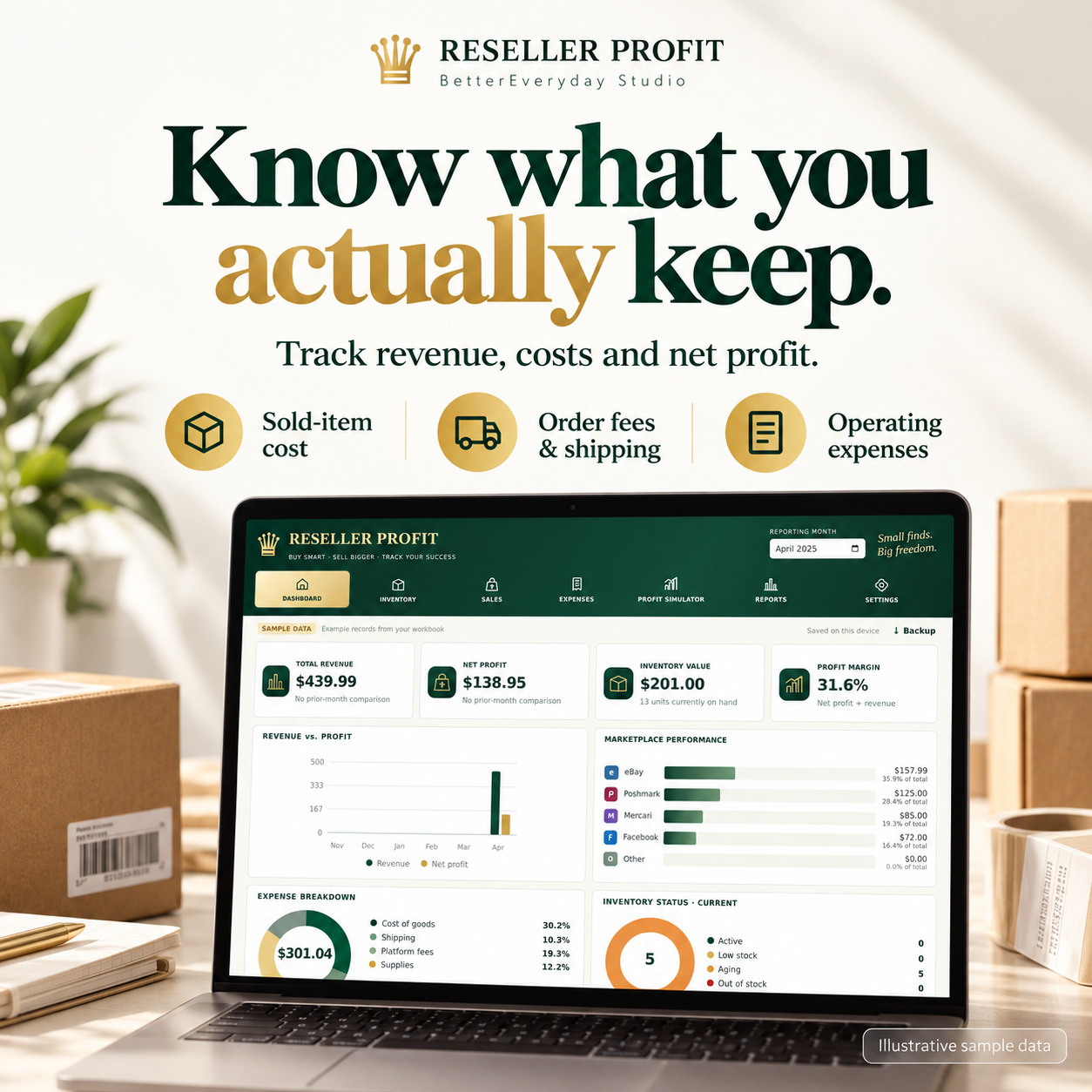
Know what you actually keep after costs.
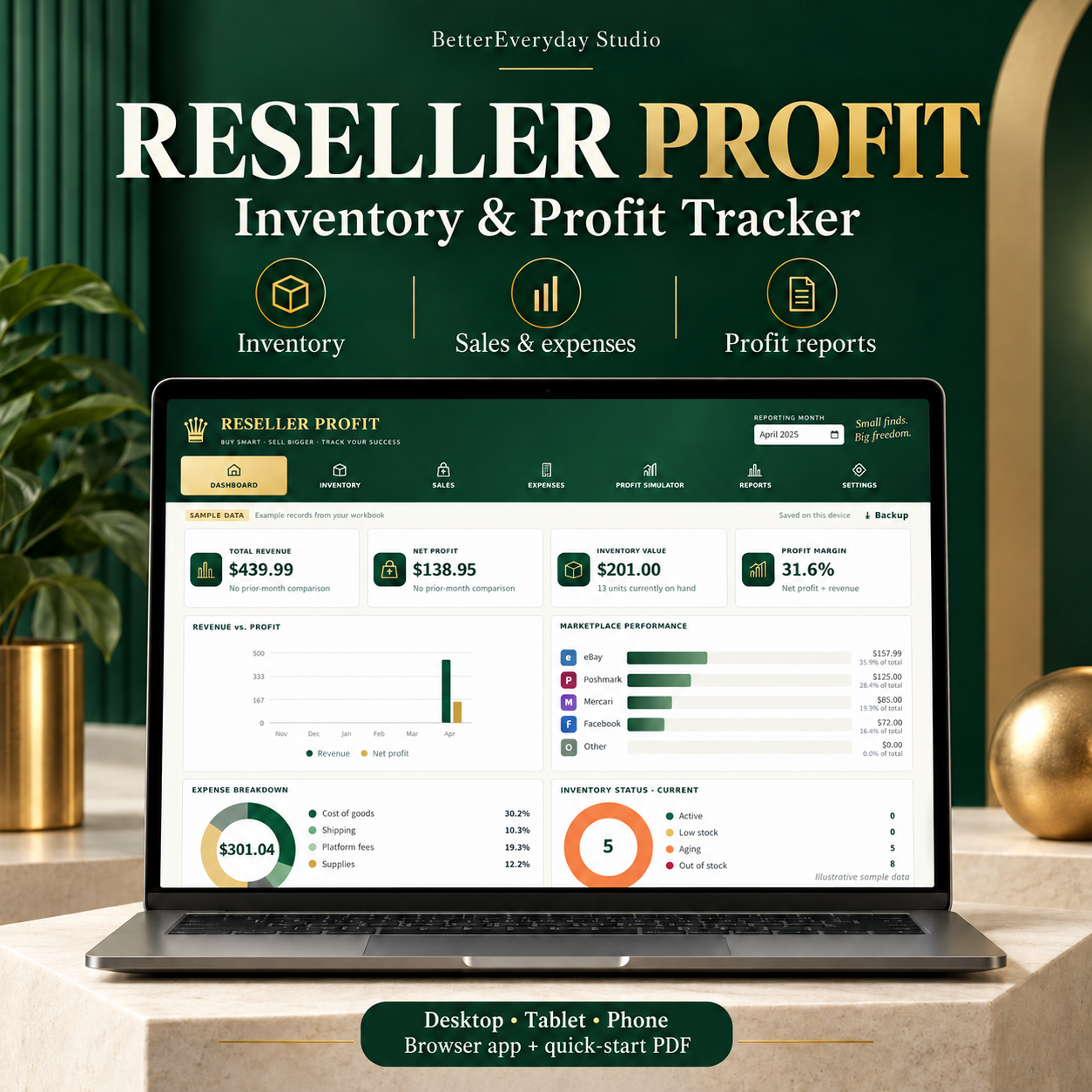
Reseller Profit helps you organize purchases, record sales, track operating expenses and review your business by month. Open the app in your web browser and enter your own records. The clean buyer workspace starts empty.
WHAT YOU CAN DO
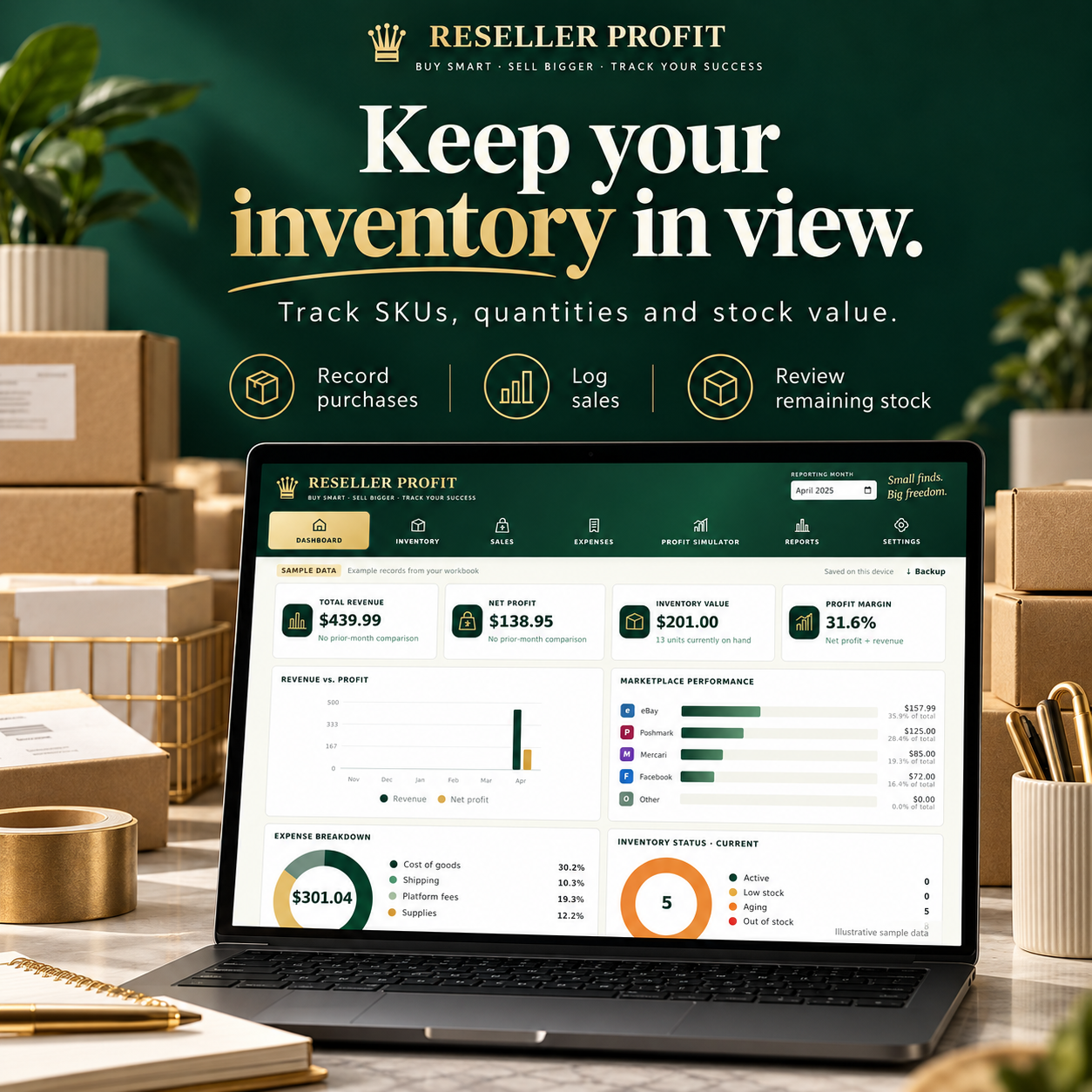
- Track inventory by SKU, purchase date, quantity, unit cost and marketplace.
- Record sales, buyer shipping, actual seller fees, shipping paid and other order costs.
- Track operating expenses and review revenue, net profit and profit margin.
- Review stock on hand, stock value, low-stock and aging indicators.
- Compare selling prices, editable fee assumptions, margins and break-even estimates.
- Review monthly reports and export CSV files.
- Save complete JSON backups and restore your workspace after a confirmation warning.
WHAT YOU RECEIVE
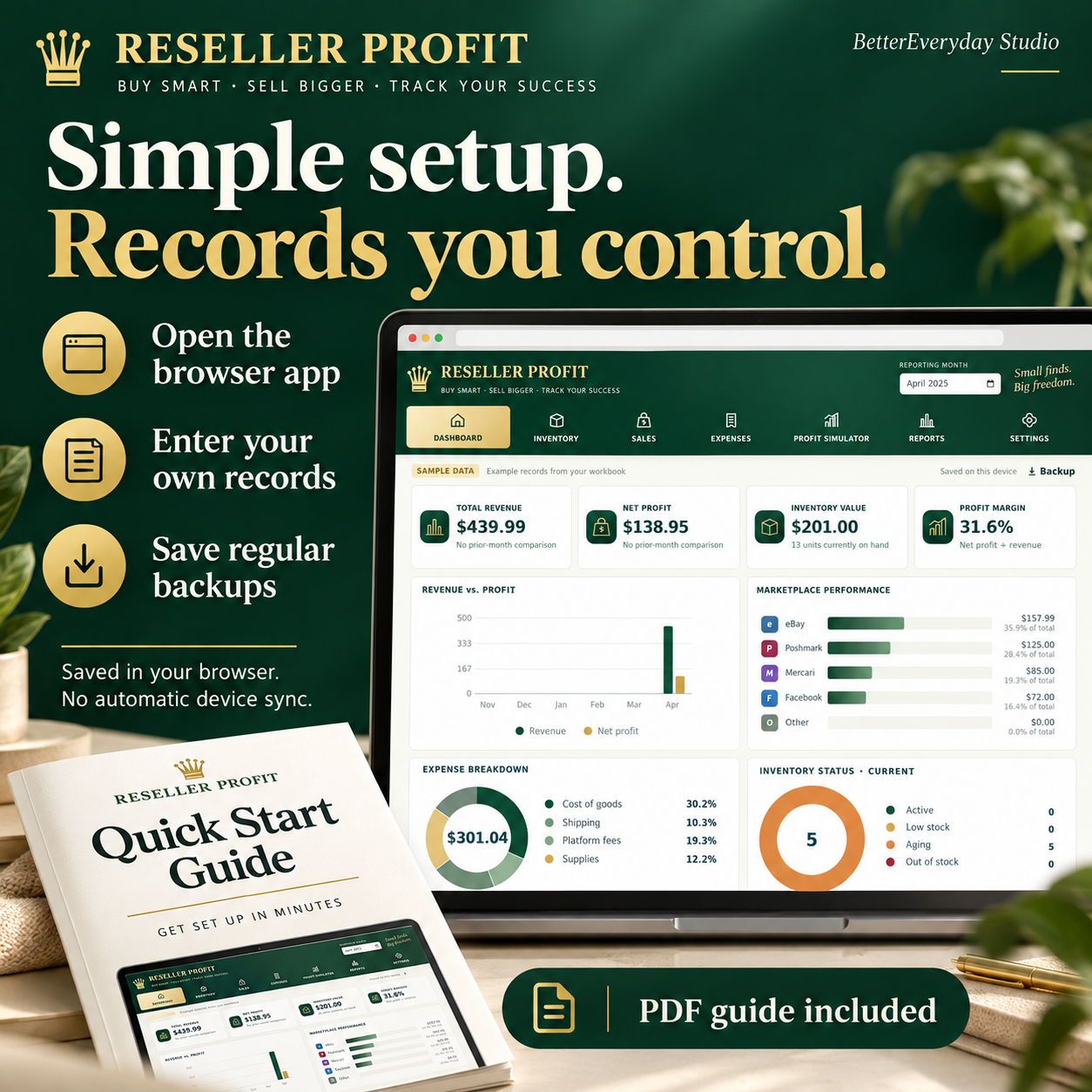
One downloadable PDF: Reseller_Profit_Buyer_Guide.pdf. It contains the app access link, quick-start instructions, backup and restore steps, and troubleshooting.
This is a browser-based digital tool. No physical item is shipped. An Excel workbook is not included in this listing.
DEVICE COMPATIBILITY
Designed to adapt to desktop, tablet and phones
PLEASE READ BEFORE BUYING
Back up do not automatically saved, you have to download regular backups and restore a backup.
Purchases, sales and fees are entered manually. Fee presets are editable examples, Use actual fees for recorded sales.
Illustrative numbers in listing pictures are sample data, not promised earnings.
HOW TO START
1. Download your PDF after purchase.
2. Open its app link in your browser.
3. Add inventory, then record sales and expenses.
4. Choose your reporting month and review your totals.
5. Save a backup in a folder you can find again.
HELP
Contact BetterEveryday Studio through the store where you purchased if you need help getting started.