
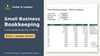
Small Business Bookkeeping Spreadsheet, Income & Expense Tracker, P&L, Excel + Google Sheets
For freelancers, side hustles and small service businesses: log each sale or expense once and your profit & loss, dashboard and deductible-expense summary fill in. Room for 1,500 entries, Excel and Google Sheets. Record-keeping only, not tax advice.
How it works: 1) Download the zip after checkout. 2) Open the .xlsx in Excel, or upload it to Google Drive and open it with Google Sheets. 3) Delete the example rows and type in your own numbers.
What's inside (one .xlsx file that works in Excel and Google Sheets):
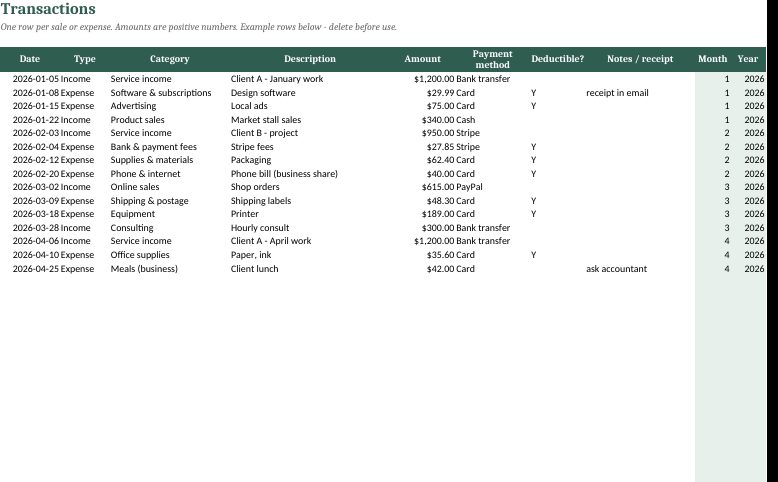
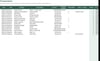
- Transactions: room for 1,500 entries, with dropdowns for type, category, payment method and "deductible?". Date and amount checks help catch typos.
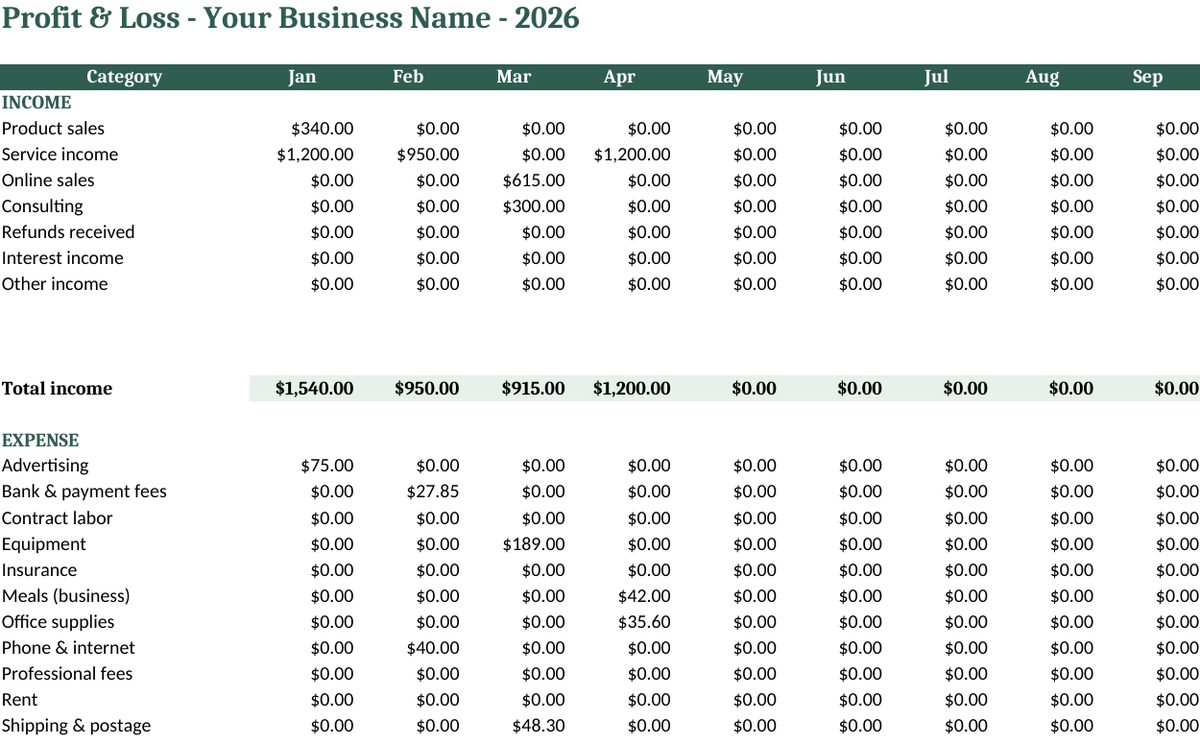
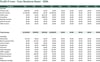
- Profit & Loss: monthly and yearly totals for each category, net profit, and a check that warns you if any row is missing a category.
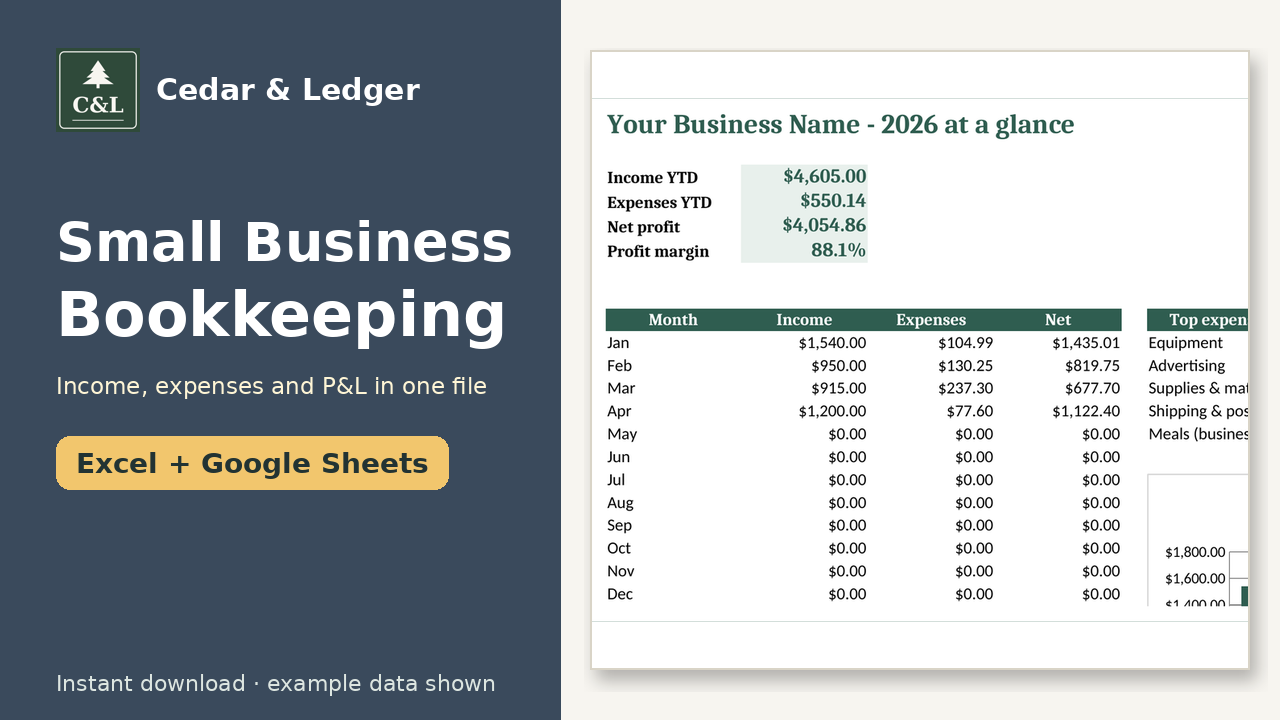
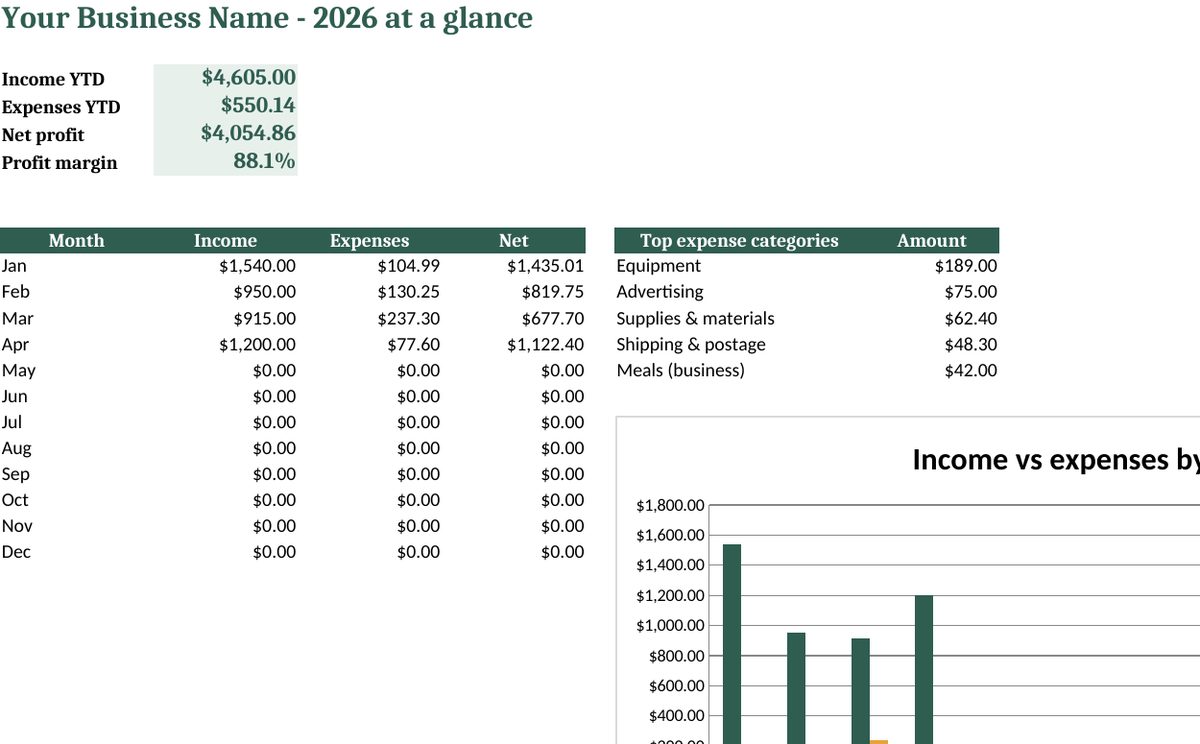
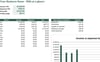
- Dashboard: year-to-date income, expenses, net profit and profit margin, a monthly table, your top 5 expense categories and an income-vs-expenses chart.
- Tax Summary: totals of the expenses you marked deductible, by category, to hand to your tax preparer.
- Setup: your business name, the tax year, and up to 10 income and 20 expense categories that you can edit.
- A Start Here tab and a quick-start README.
Good to know:
- This is a record-keeping tool. It is not accounting software and it is not tax advice. It doesn't connect to your bank, so you enter transactions yourself.
- It tracks one business and one year per file. Make a copy for each new year.
- The previews show the included example data. Delete it before you start.
- License: for personal use or your own business. Do not resell it.
Instant download: a .zip containing the .xlsx and the README.
Honest note: images show example data, not real results. This is a planning tool, not financial, tax, legal or medical advice.
Refunds: because it's a digital file, please contact the shop if something doesn't open or work and we'll help.
Works in Google Sheets and Excel · Instant download · Nothing shipped
Buyer questions
Which apps does it open in?
Excel 2016 or newer (including Microsoft 365 and Excel for the web) and Google Sheets: upload the .xlsx to Google Drive, then open it with Google Sheets.
What happens after checkout?
Payhip shows your download link right after checkout and emails it to you too. You download a .zip with the .xlsx file(s) and a short how-to. It's an instant digital download; nothing physical ships.
Can I edit it?
Yes. Nothing is locked: rename categories, add rows, change colors and type over the example data.
Does it connect to my bank or send reminders?
No. It's a spreadsheet, not an app: you type in your own numbers and nothing is synced or sent.
Are the numbers in the previews real?
No. Previews and the file use example data only. Delete the example rows and add your own.
Can I get a refund?
It's a digital download, so if something doesn't open or work, message the shop through Payhip (or reply to the Payhip email) and I'll help fix it. Refund requests are handled case by case under Payhip's terms.
Is this financial advice?
No. It's an organizing and planning tool with example numbers, not financial, tax, legal or medical advice.
You might also like
- Freelancer Invoice + Client Tracker ($9): track what you've billed and what's still owed. https://payhip.com/b/wjSek
- Side Hustle Income & Expense Tracker ($7): a lighter option for part-time income streams. https://payhip.com/b/GQqfB
Free how-to guides that use this template (no sign-up): https://cedarandledger.vercel.app/guides/side-hustle-taxes/
More free guides: https://cedarandledger.vercel.app/guides/
Running a business or side hustle? All 9 tools are in the Self-Employed Bundle for $29 ($80 separately): https://payhip.com/b/NQ2yK