
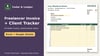
Freelancer Invoice Template + Client Tracker Spreadsheet, Excel & Google Sheets
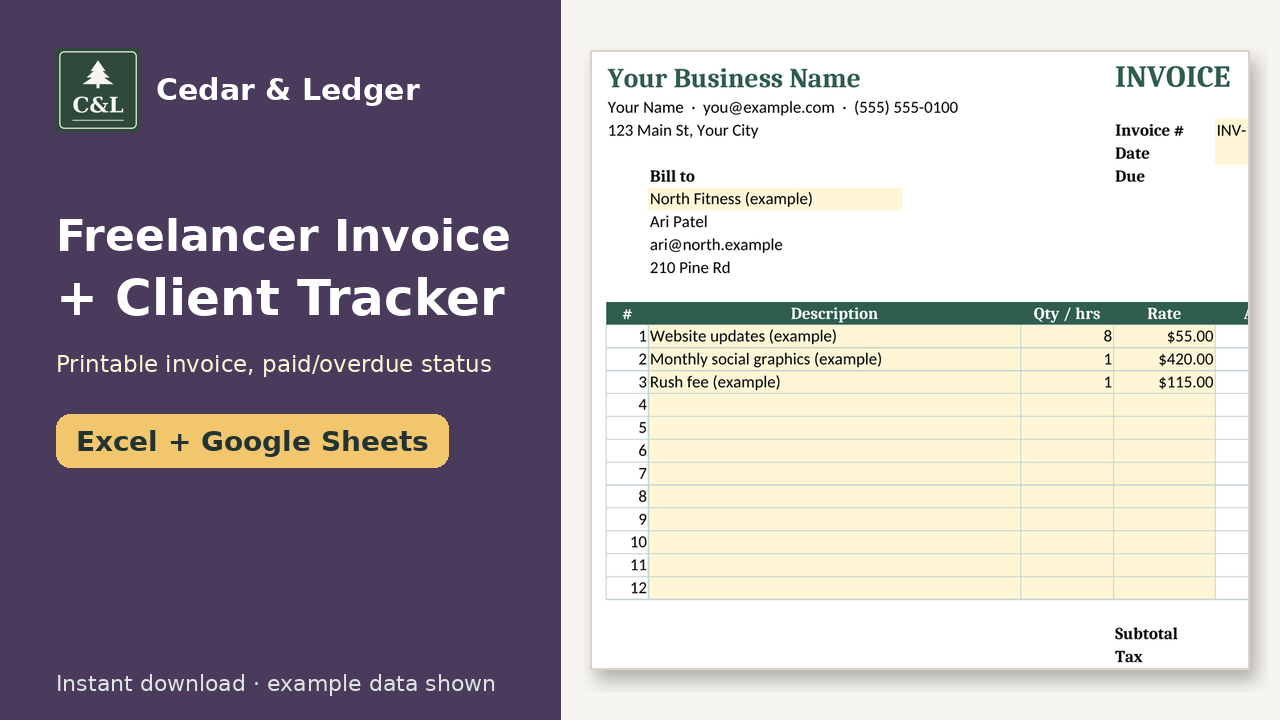
Make a printable invoice in a minute and see who has paid: pick a client, add line items, and the invoice log marks each one Paid, Open or Overdue with days late. Excel and Google Sheets. It doesn't send invoices or take payments.
How it works: 1) Download the zip after checkout. 2) Open the .xlsx in Excel, or upload it to Google Drive and open it with Google Sheets. 3) Delete the example rows and type in your own numbers.
What it does:
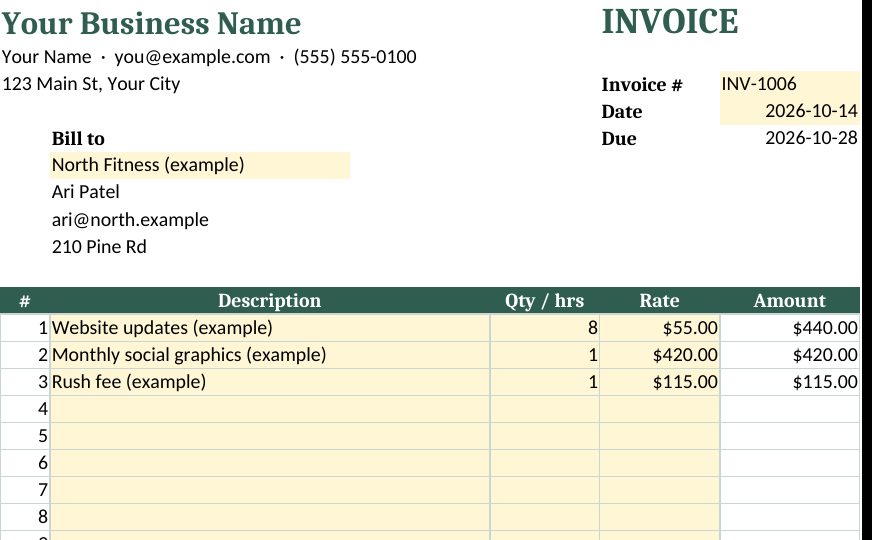
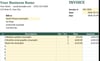
- Printable invoice: pick a client from a dropdown and their contact details fill in. Up to 12 line items, tax rate, subtotal and total.
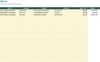
- Invoice log: one row per invoice. Due dates come from your payment terms, and status shows Paid, Open or Overdue on its own, with days late.
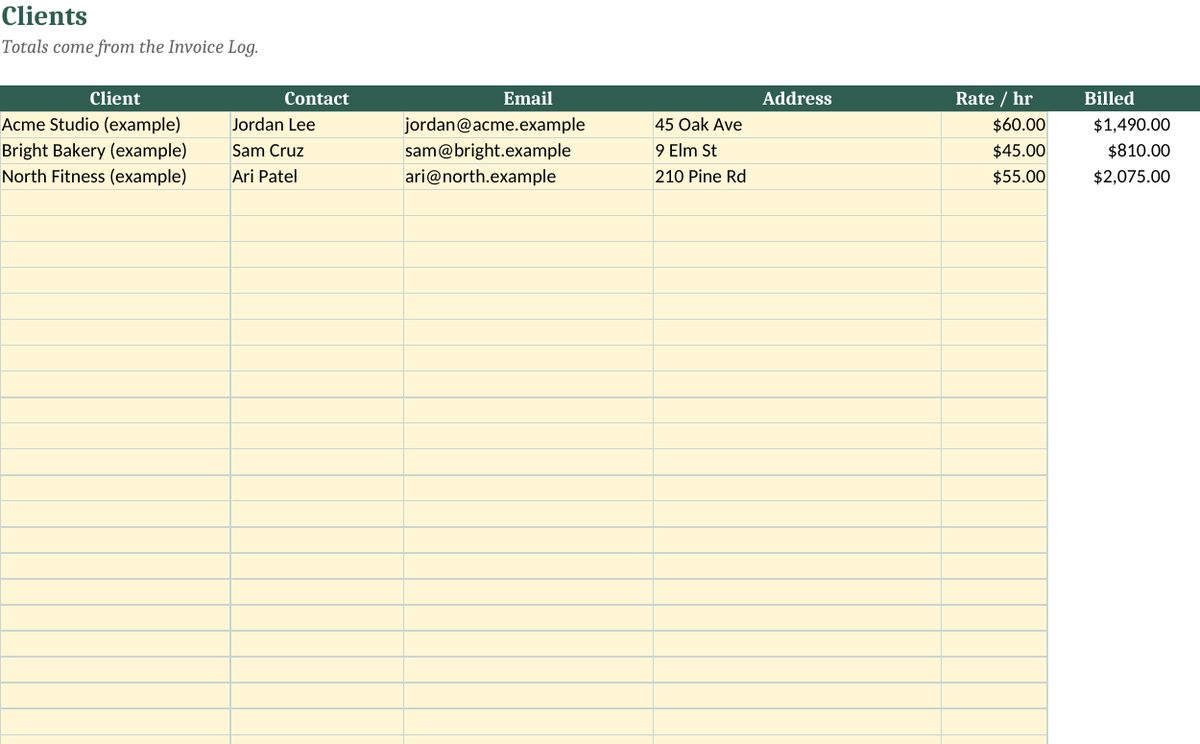
- Clients tab: billed, paid, outstanding and invoice count for each client.
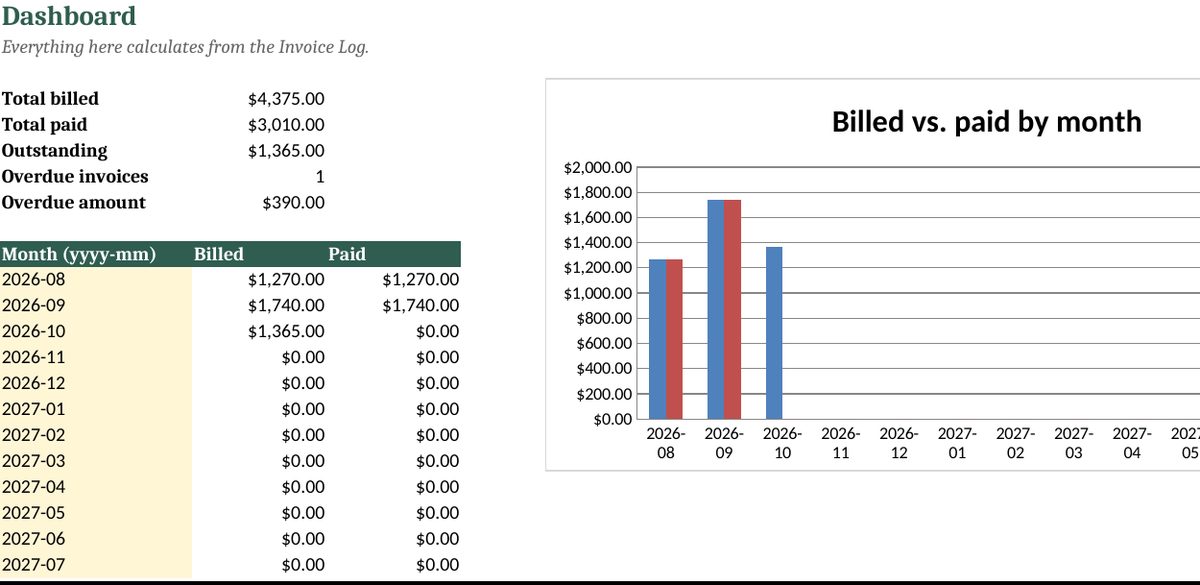
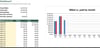
- Dashboard: total billed, paid, outstanding and overdue, plus a billed-vs-paid chart by month.
What you get: one .xlsx file (Excel 2016+, Excel for the web, imports into Google Sheets) and a short how-to. Instant digital download.
Honest notes:
- It's a spreadsheet, not invoicing software. It doesn't email invoices or take payments; print or save as PDF and send it yourself.
- Comes with example rows. Delete them before you start.
- Not tax or legal advice.
Honest note: images show example data, not real results. This is a planning tool, not financial, tax, legal or medical advice.
Refunds: because it's a digital file, please contact the shop if something doesn't open or work and we'll help.
Works in Google Sheets and Excel · Instant download · Nothing shipped
Buyer questions
Which apps does it open in?
Excel 2016 or newer (including Microsoft 365 and Excel for the web) and Google Sheets: upload the .xlsx to Google Drive, then open it with Google Sheets. You get one .xlsx file (Excel 2016+, Excel for the web, imports into Google Sheets) and a short how-to. Instant digital download.
What happens after checkout?
Payhip shows your download link right after checkout and emails it to you too. You download a .zip with the .xlsx file(s) and a short how-to. It's an instant digital download; nothing physical ships.
Can I edit it?
Yes. Nothing is locked: rename categories, add rows, change colors and type over the example data.
Does it connect to my bank or send reminders?
No. It's a spreadsheet, not an app: you type in your own numbers and nothing is synced or sent.
Are the numbers in the previews real?
No. Previews and the file use example data only. Delete the example rows and add your own.
Can I get a refund?
It's a digital download, so if something doesn't open or work, message the shop through Payhip (or reply to the Payhip email) and I'll help fix it. Refund requests are handled case by case under Payhip's terms.
Is this financial advice?
No. It's an organizing and planning tool with example numbers, not financial, tax, legal or medical advice.
You might also like
- Side Hustle Income & Expense Tracker ($7): see profit across all your income streams. https://payhip.com/b/GQqfB
- Small Business Bookkeeping Tracker ($12): full income/expense books once you grow. https://payhip.com/b/p1ose
Free how-to guides that use this template (no sign-up): https://cedarandledger.vercel.app/guides/freelance-invoice-get-paid/
More free guides: https://cedarandledger.vercel.app/guides/
Running a business or side hustle? All 9 tools are in the Self-Employed Bundle for $29 ($80 separately): https://payhip.com/b/NQ2yK