

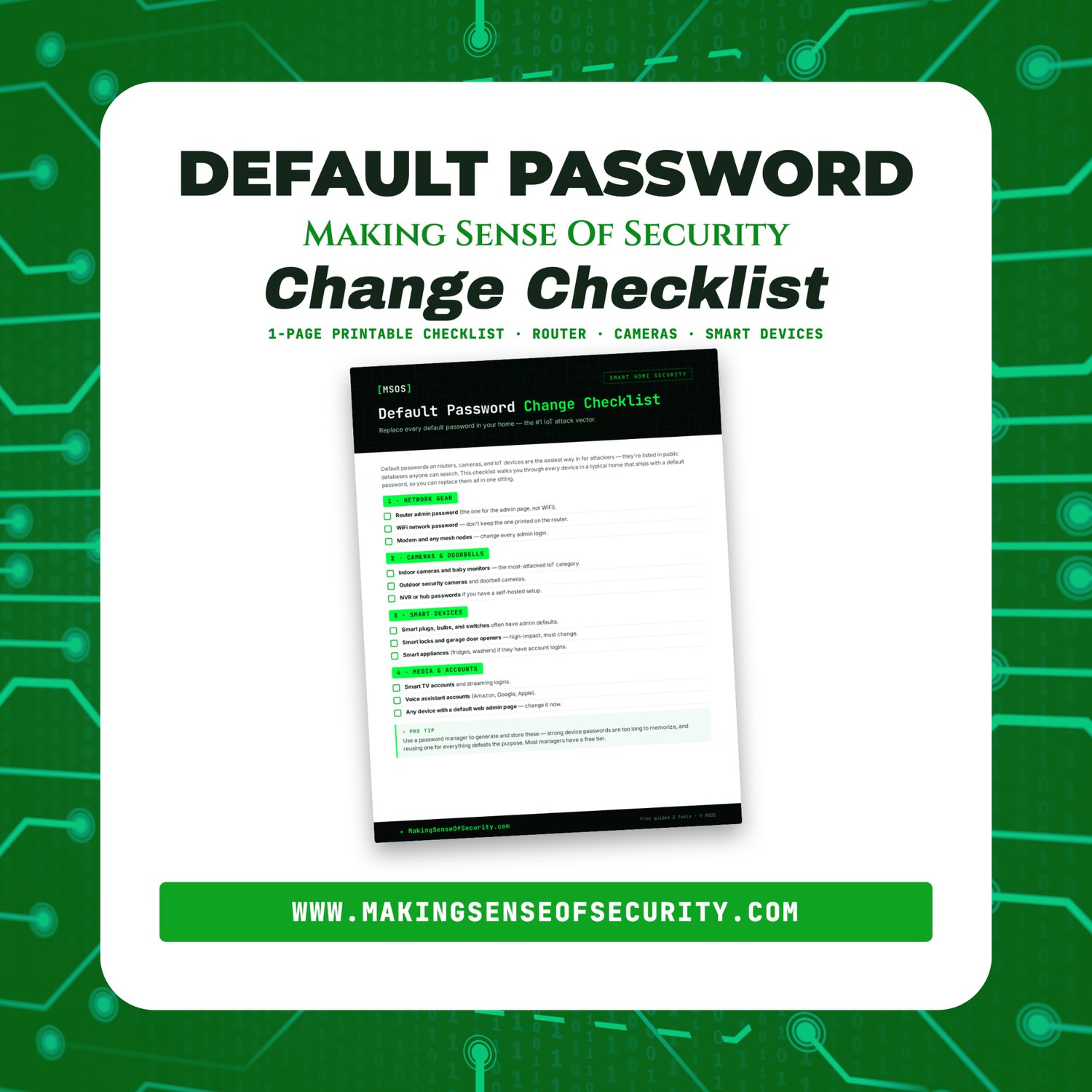


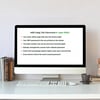
Default Password Change Checklist | Replace Factory Default Passwords | Router & Smart Device Security | Printable PDF | Digital Download
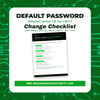
Default Password Change Checklist
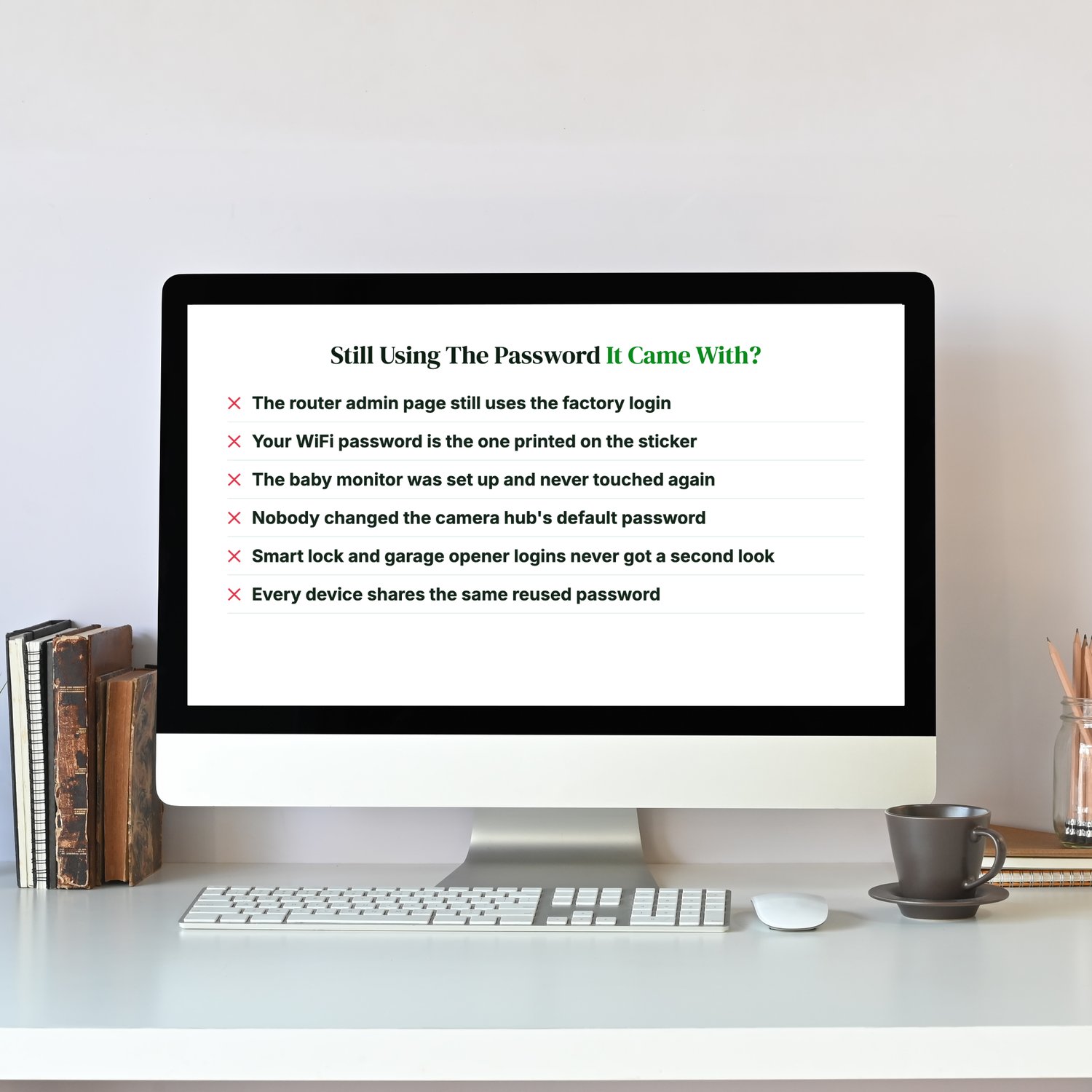
Still Using The Password It Came With?
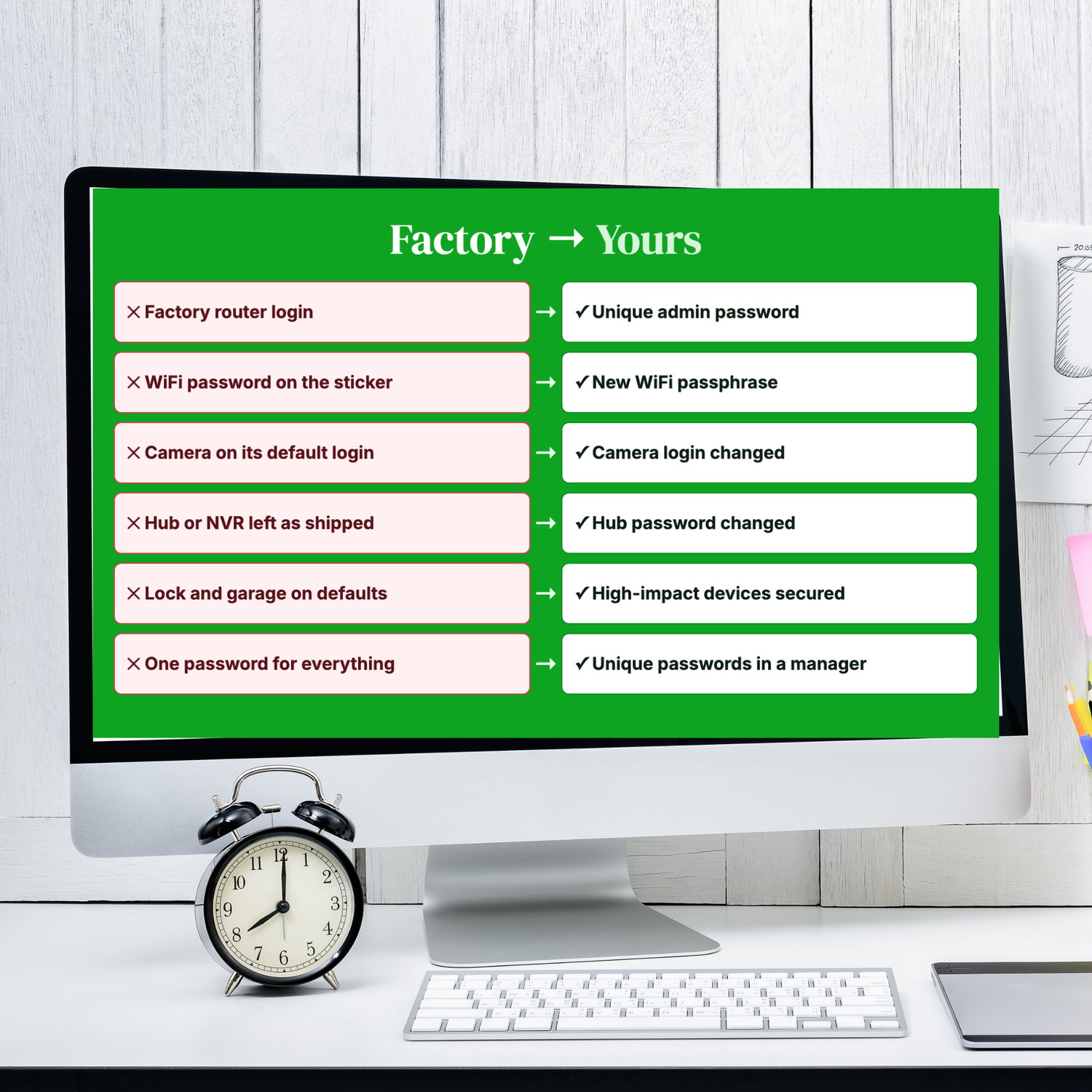
- Your router's admin page still uses the factory login.
- Your WiFi password is the one printed on the sticker.
- The baby monitor was set up once and never touched again.
- Nobody changed the camera hub's default password.
- Smart lock and garage opener logins never got a second look.
- Half your devices share the same reused password.
Many routers, cameras and smart devices ship with default logins, and those are often listed online for anyone to look up. Attackers don't need to be clever when a device still accepts the password it left the factory with.
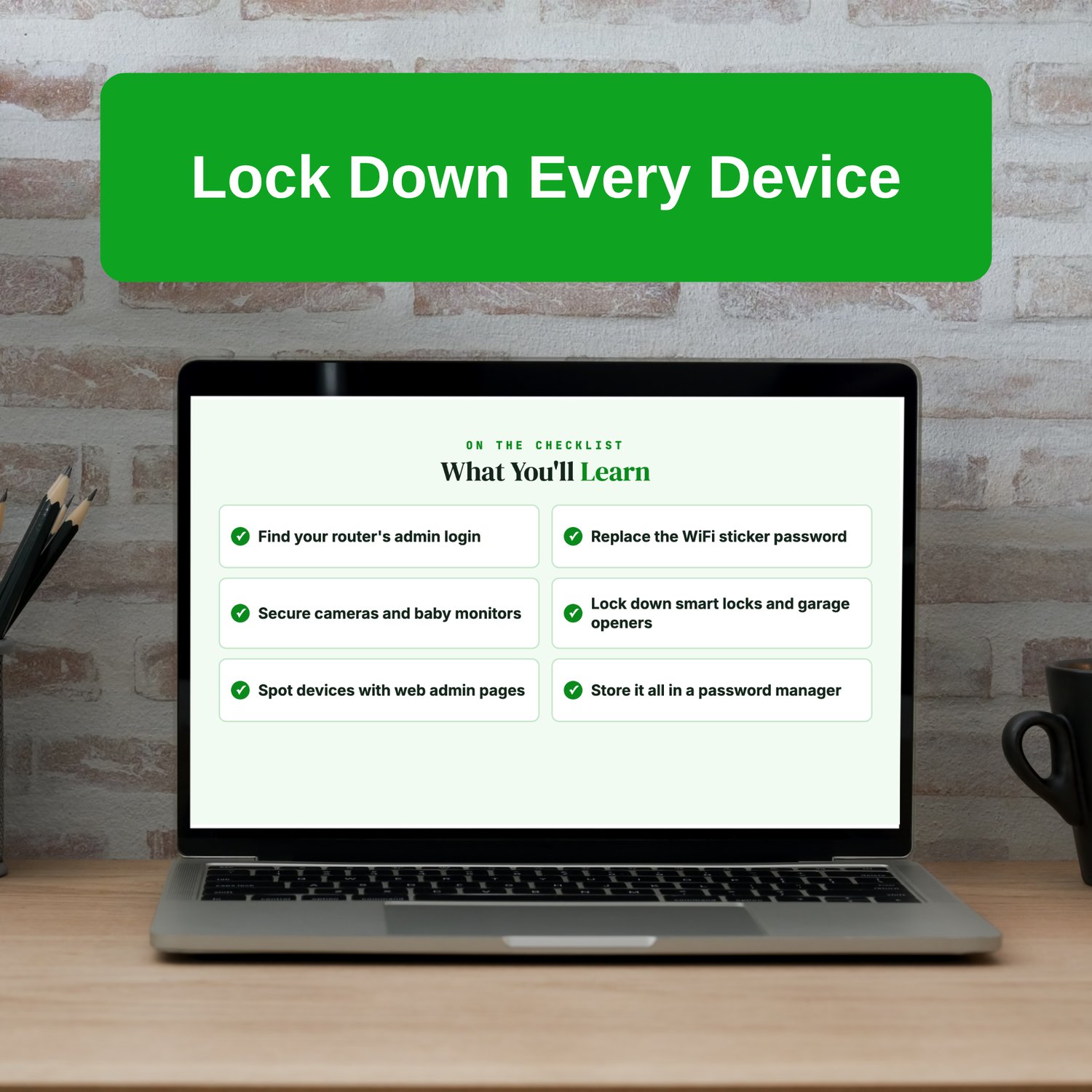
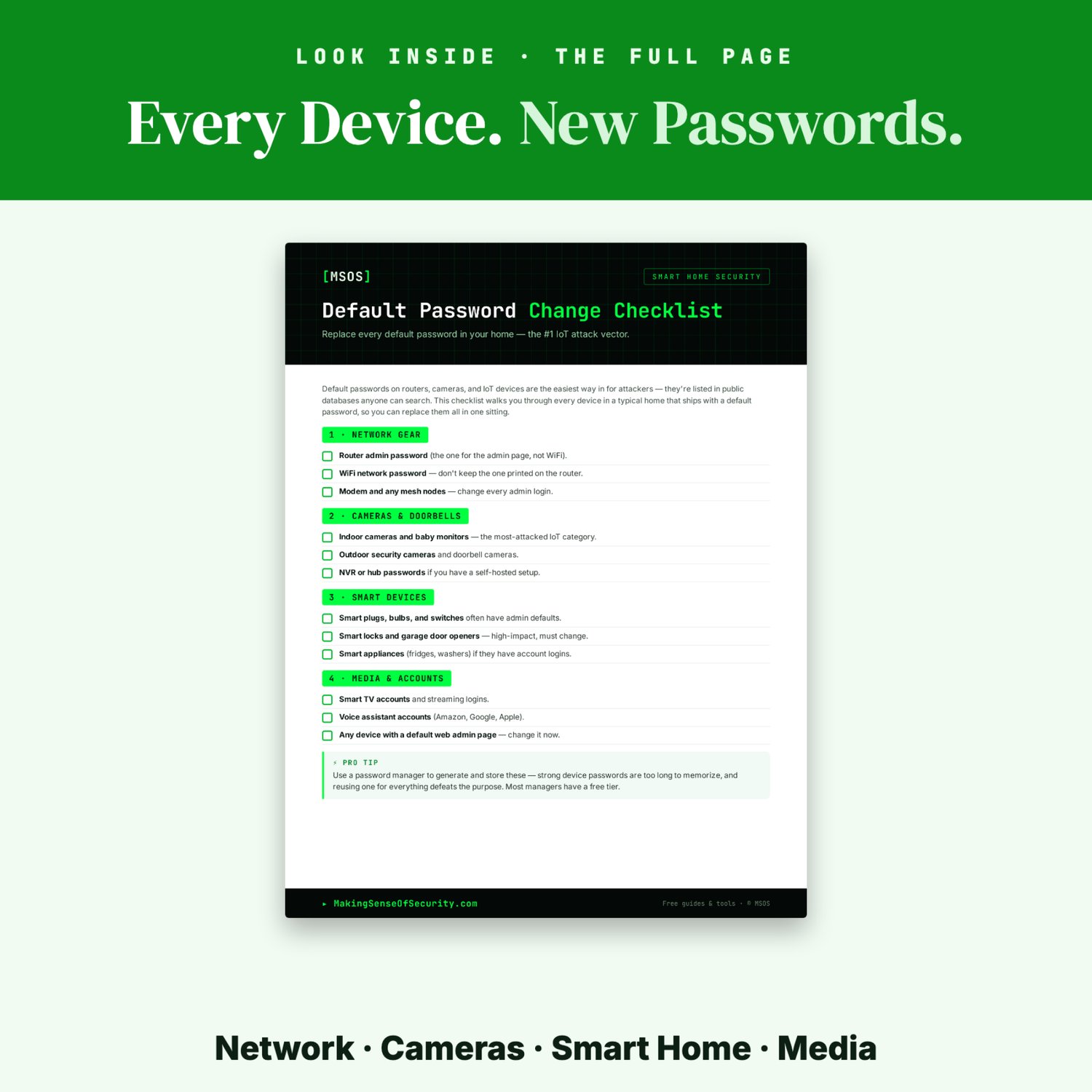
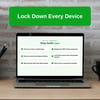
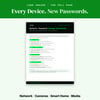
This one-page checklist takes you through every device group in a typical home, so you can replace them all in one sitting and stop wondering which ones you missed.
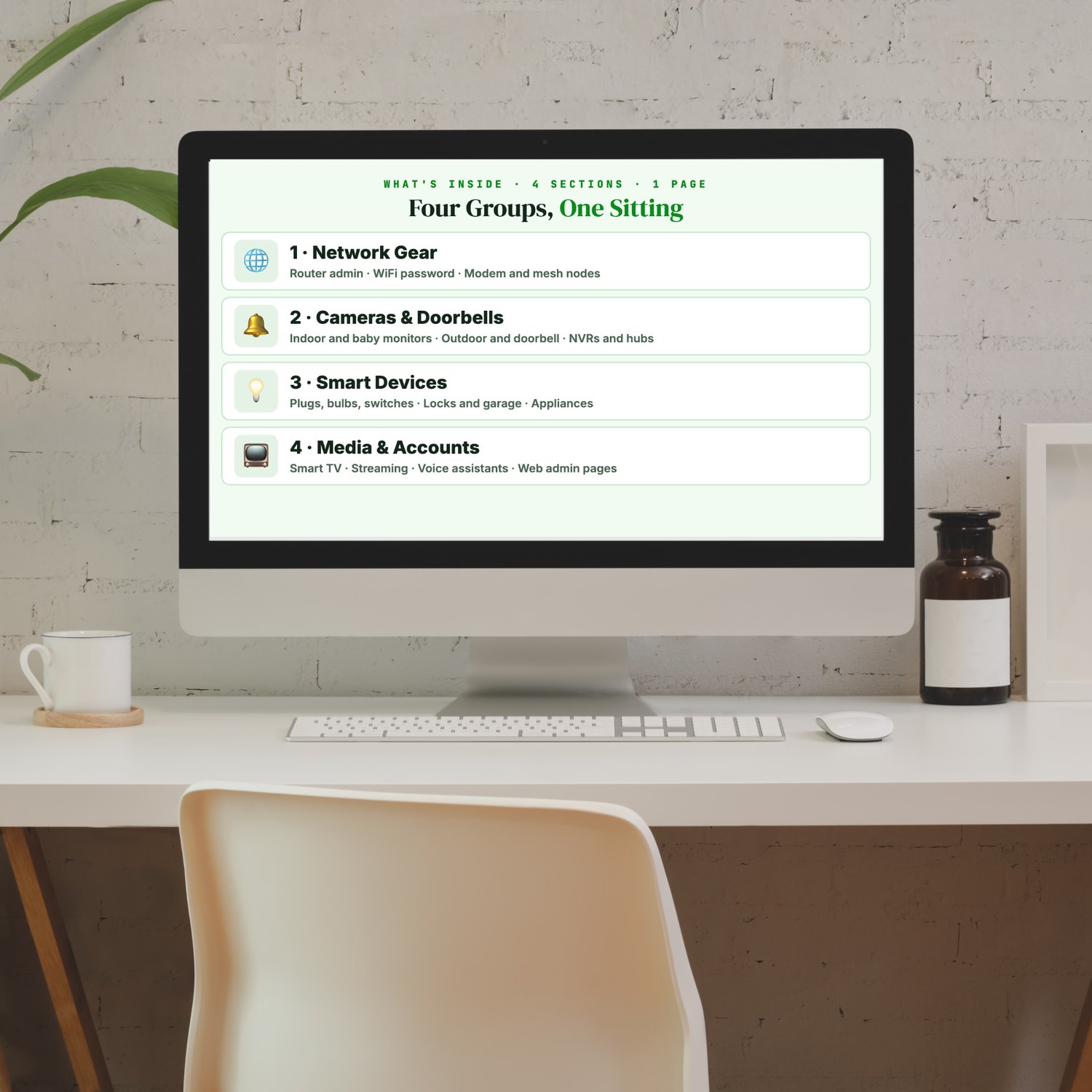
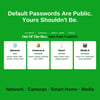
What's inside: four device groups, one sitting
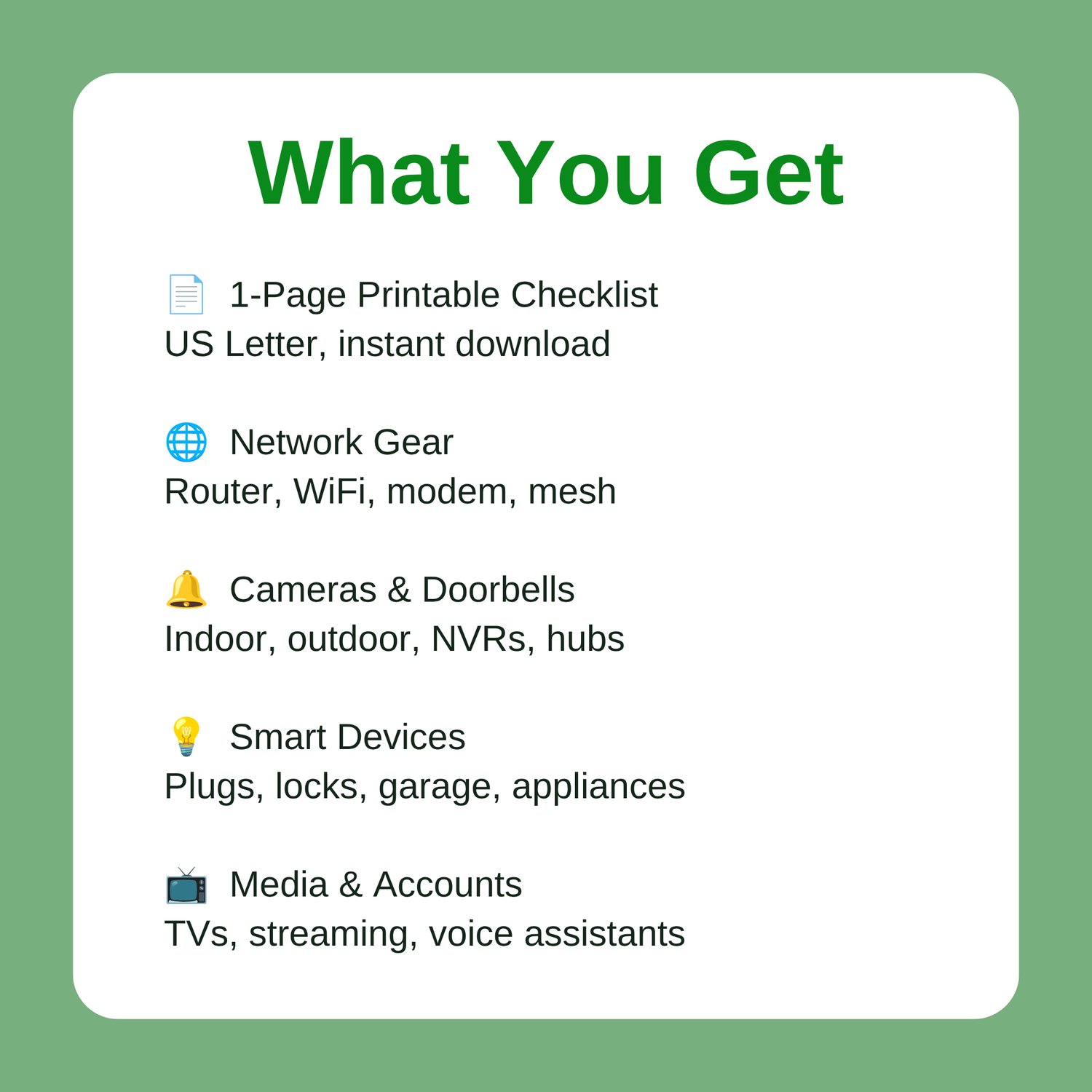
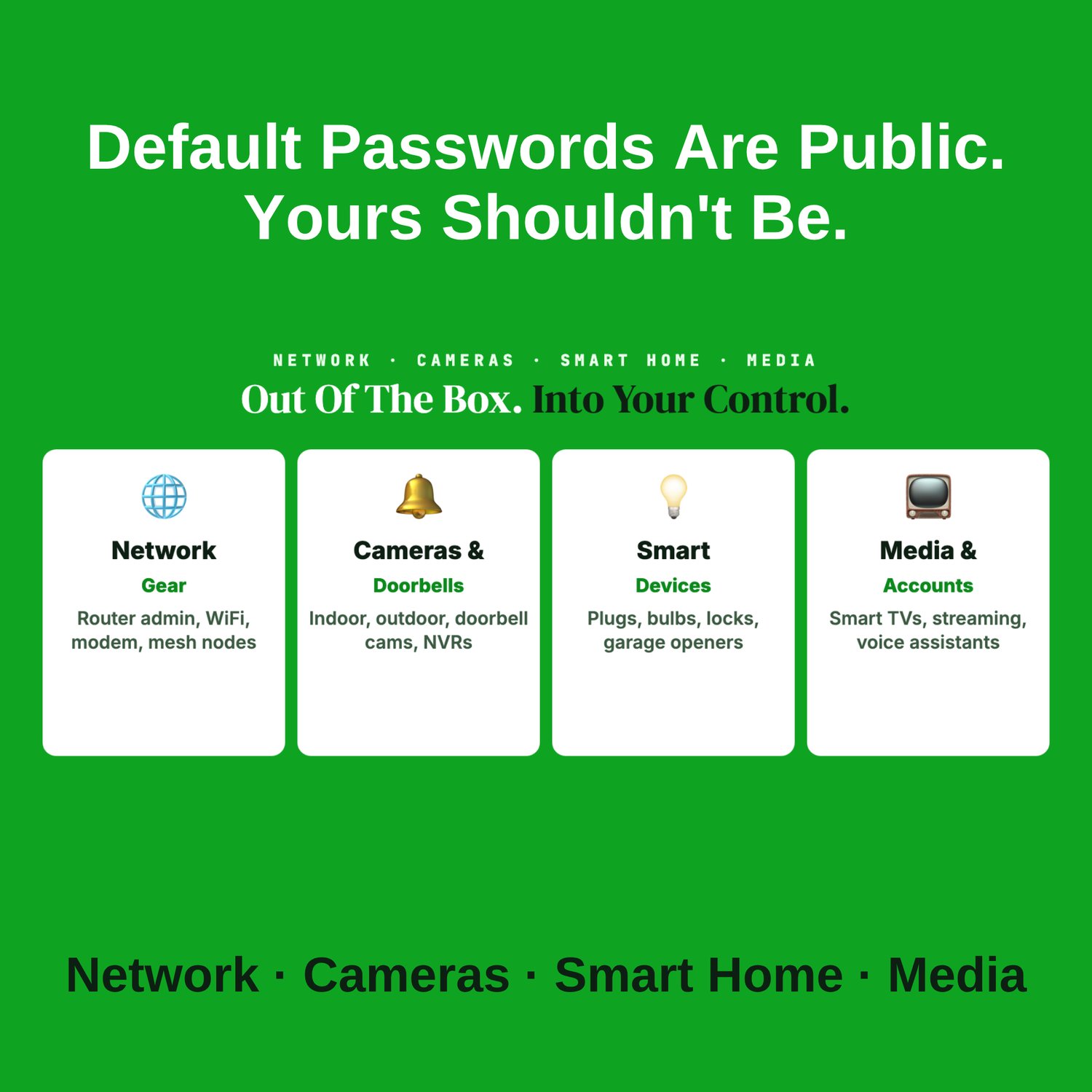
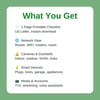
🌐 Network Gear: the router admin password (not the WiFi one), a new WiFi password to replace the one on the sticker, and admin logins for your modem and mesh nodes.
🔔 Cameras & Doorbells: indoor cameras and baby monitors, outdoor and doorbell cameras, and NVR or hub passwords for self-hosted setups.
💡 Smart Devices: smart plugs, bulbs and switches, smart locks and garage door openers, and smart appliances that have account logins.
📺 Media & Accounts: smart TV and streaming logins, voice assistant accounts, and any device with a web admin page.
Who it's for
- New homeowners and renters setting up their network
- Families with a growing pile of smart devices
- Anyone who has inherited a router or camera from a previous owner
- Beginners who want a simple first step in home security
Why it works: it turns "change your default passwords" into a device-by-device list you can work through in one sitting, so nothing in your home is left on the login it shipped with.
📄 1-page printable PDF (US Letter) · Instant download · Unlimited personal printing
A Making Sense Of Security guide: free guides and tools at MakingSenseOfSecurity.com
Great Companion Guides
Pair this with:
- Router Hardening Cheat Sheet
- Smart Home Security Quick-Start Checklist
- Smart Speaker Privacy Settings Card
- Smart TV Privacy Settings Card
- Online Banking Safety Checklist
- Identity Theft Warning Signs Checklist
All Sales Final. Please reference this page for details.