

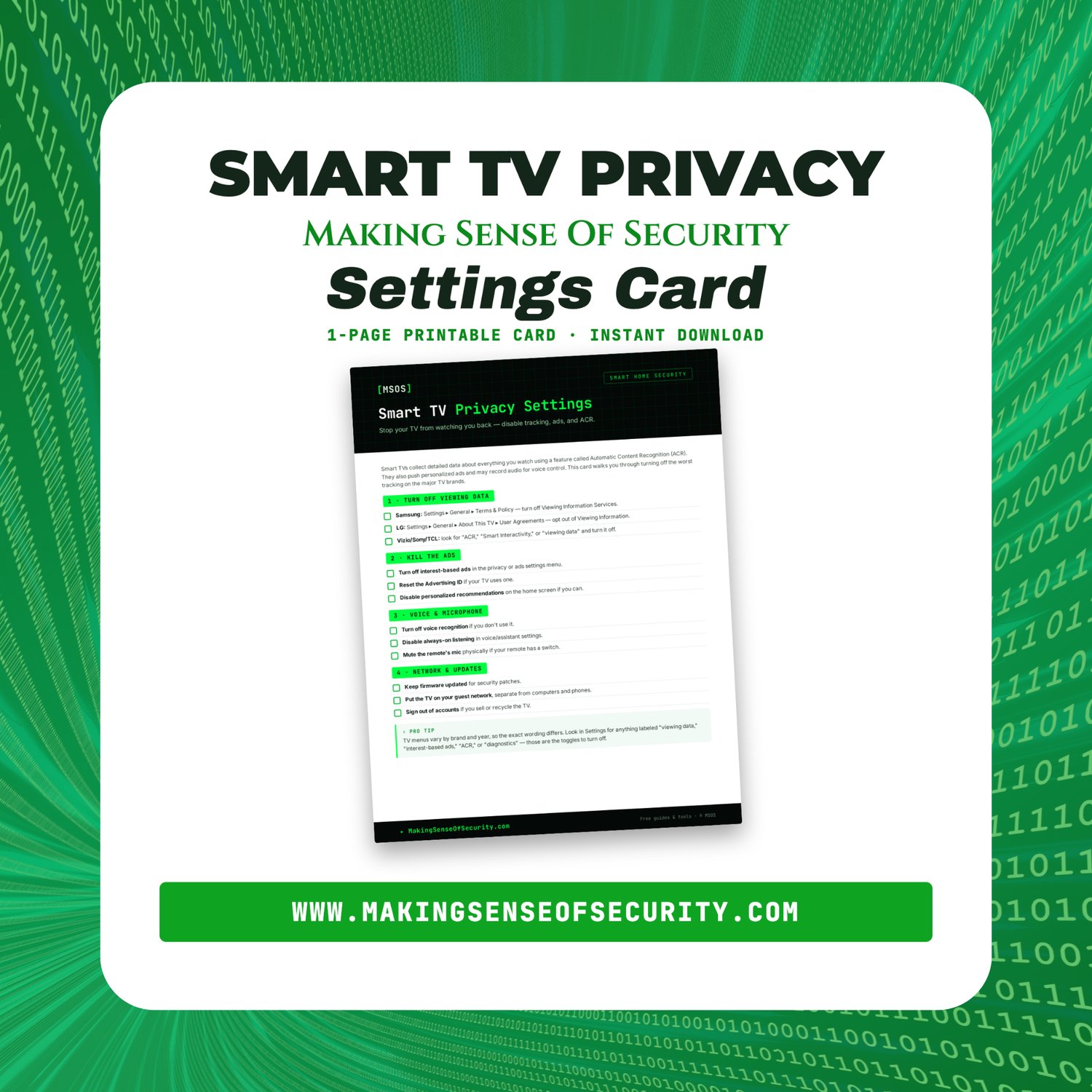




Smart TV Privacy Settings Card | Stop ACR Tracking On Samsung LG Vizio & Sony | Disable TV Data Collection | Printable PDF | Digital Download
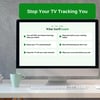
Smart TV Privacy Settings Card: Stop Your TV From Watching You Back
Smart TVs collect detailed data about everything you watch using a feature called Automatic Content Recognition (ACR).
They also push personalized ads and may record audio for voice control.
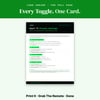
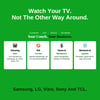
The Smart TV Privacy Settings Card walks you through turning off the worst tracking on the major TV brands, with the exact menu path for Samsung and LG plus what to look for on Vizio, Sony, and TCL. A few toggles, one time, and your TV stops reporting your viewing habits.
Perfect for anyone who set up a smart TV, clicked "agree," and never looked at those settings again.
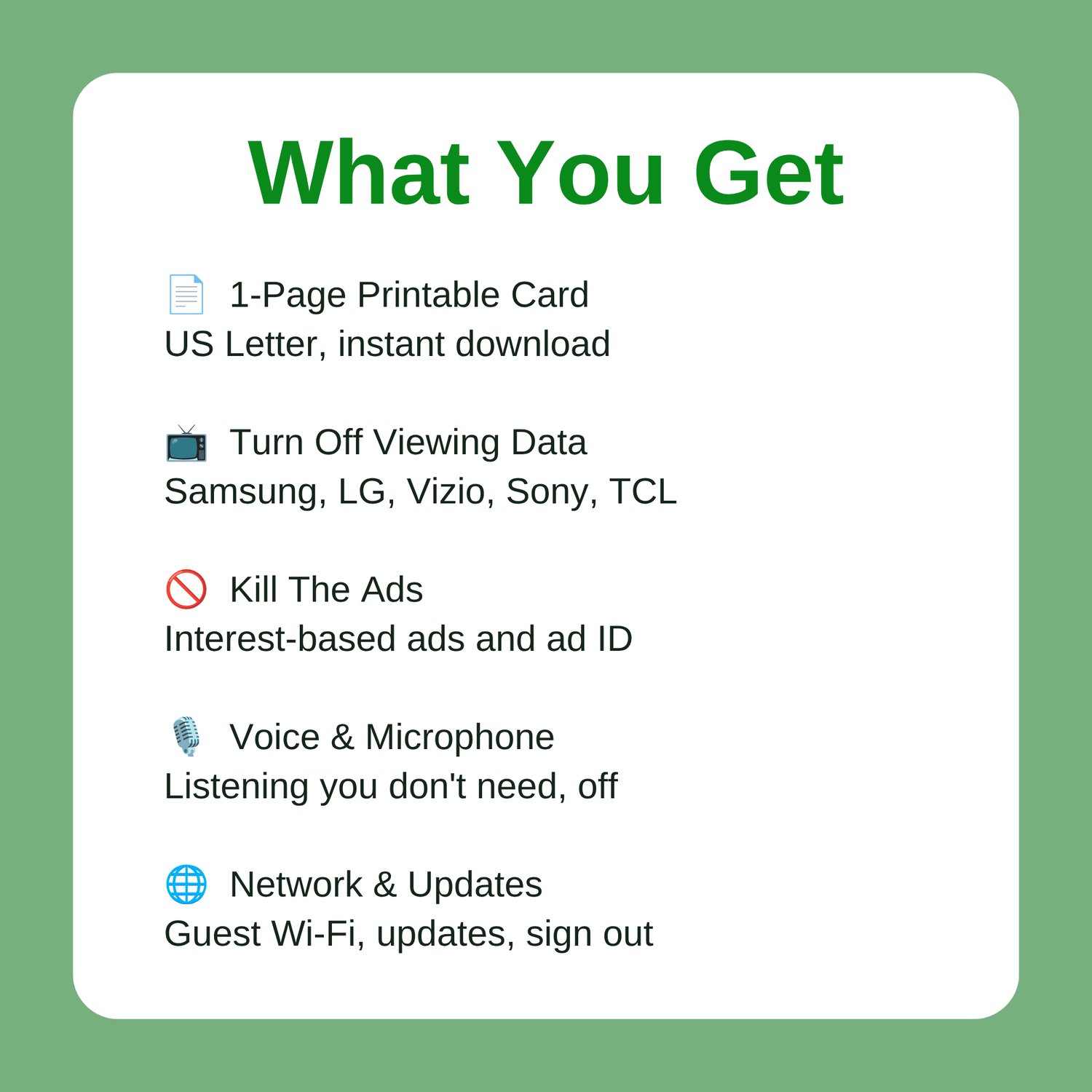
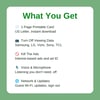
What's Included
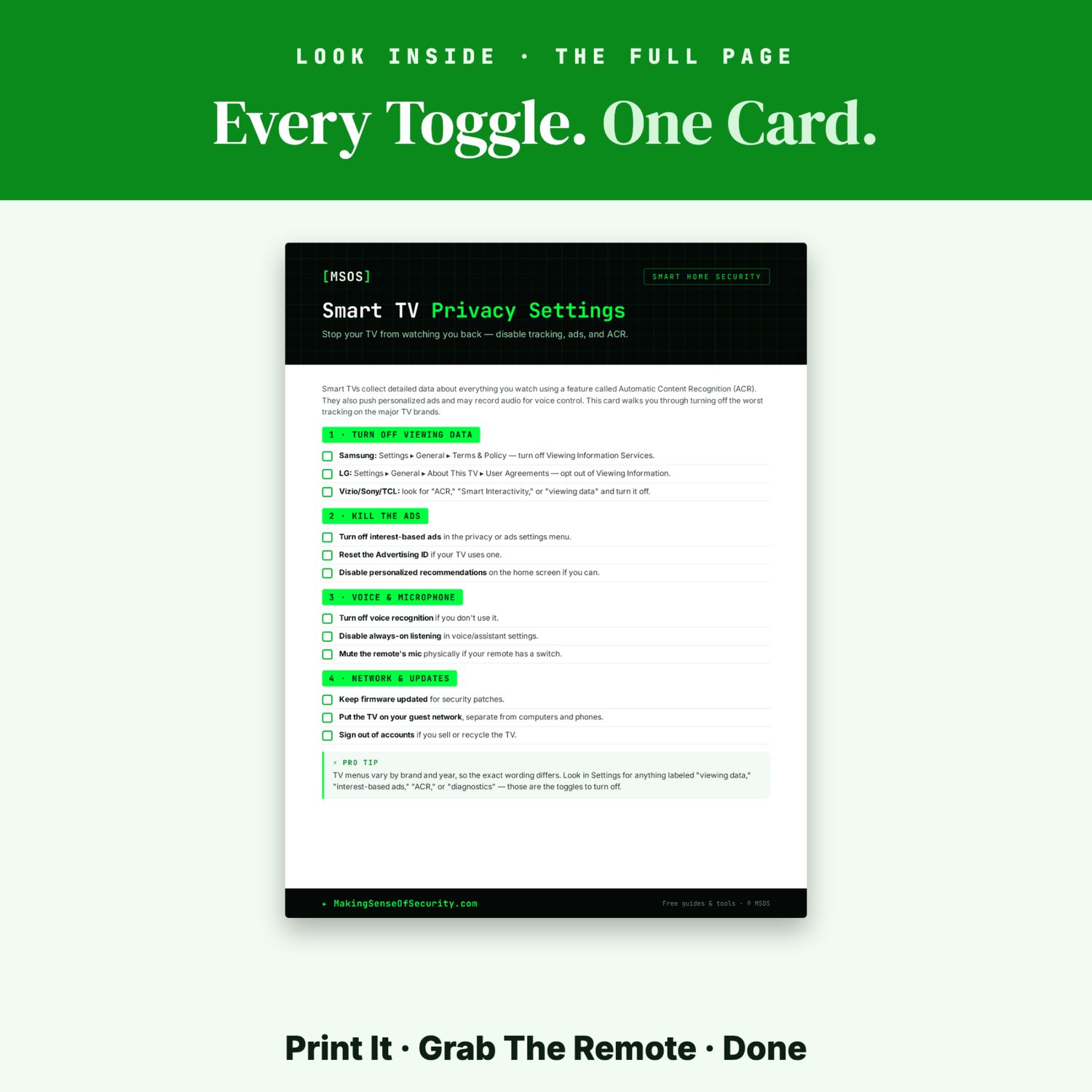
✔ Turn Off Viewing Data
- Samsung: Settings ▸ General ▸ Terms & Policy — turn off Viewing Information Services
- LG: Settings ▸ General ▸ About This TV ▸ User Agreements — opt out of Viewing Information
- Vizio, Sony, and TCL: look for "ACR," "Smart Interactivity," or "viewing data" and turn it off
✔ Kill The Ads
- Turn off interest-based ads in the privacy or ads settings menu
- Reset the Advertising ID if your TV uses one
- Disable personalized recommendations on the home screen where possible
✔ Voice & Microphone
- Turn off voice recognition if you don't use it
- Disable always-on listening in voice and assistant settings
- Mute the remote's mic physically if your remote has a switch
✔ Network & Updates
- Keep firmware updated for security patches
- Put the TV on your guest network, separate from computers and phones
- Sign out of accounts if you sell or recycle the TV
✔ Bonus Pro Tip
Learn the four words to hunt for when your menu doesn't match — "viewing data," "interest-based ads," "ACR," and "diagnostics" are the toggles that matter, whatever your brand calls them.
Perfect For
- Smart TV owners
- Samsung TV users
- LG TV users
- Vizio, Sony, and TCL owners
- New TV setup and first-time configuration
- Privacy-minded households
- Families with TVs in shared rooms
- Anyone selling or recycling an old TV
- Personal cybersecurity education
- Digital privacy awareness
Why You'll Love It
✓ Instant digital download
✓ Printable at home
✓ Easy one-page card
✓ Beginner friendlySmart TV Privacy Settings Card: Stop Your TV From Watching You Back
Who Else Knows What You Watched Last Night?
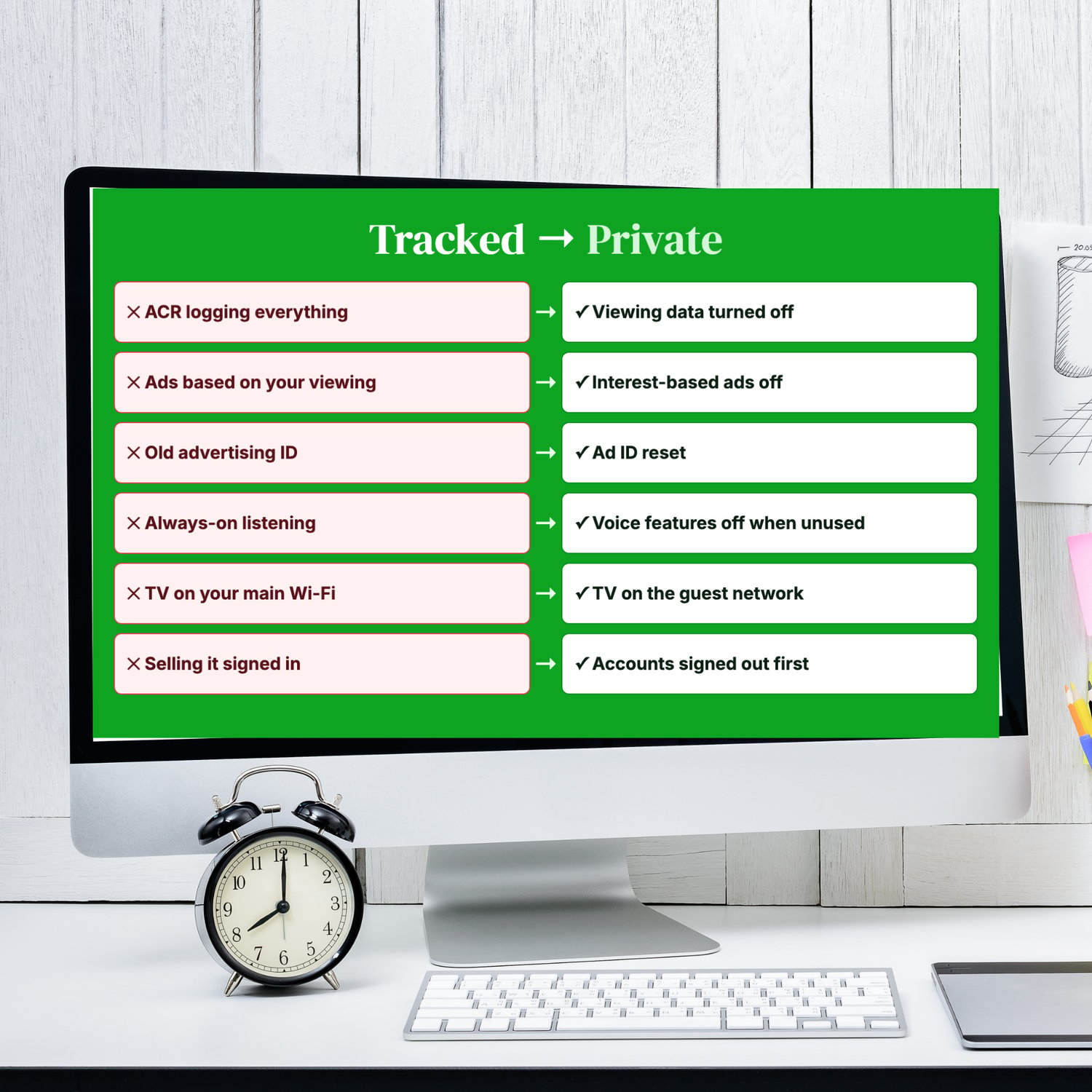
- Your smart TV can log every show, game and movie on its screen, even from your cable box or game console.
- The ads on your home screen seem to know exactly what you've been watching.
- You clicked "Agree" during setup and never looked at those settings again.
- The voice remote may be listening more than you realize.
- The TV shares your Wi-Fi with your laptop, phone and work computer.
- You're about to sell or recycle the TV, and it's still signed in to your streaming accounts.
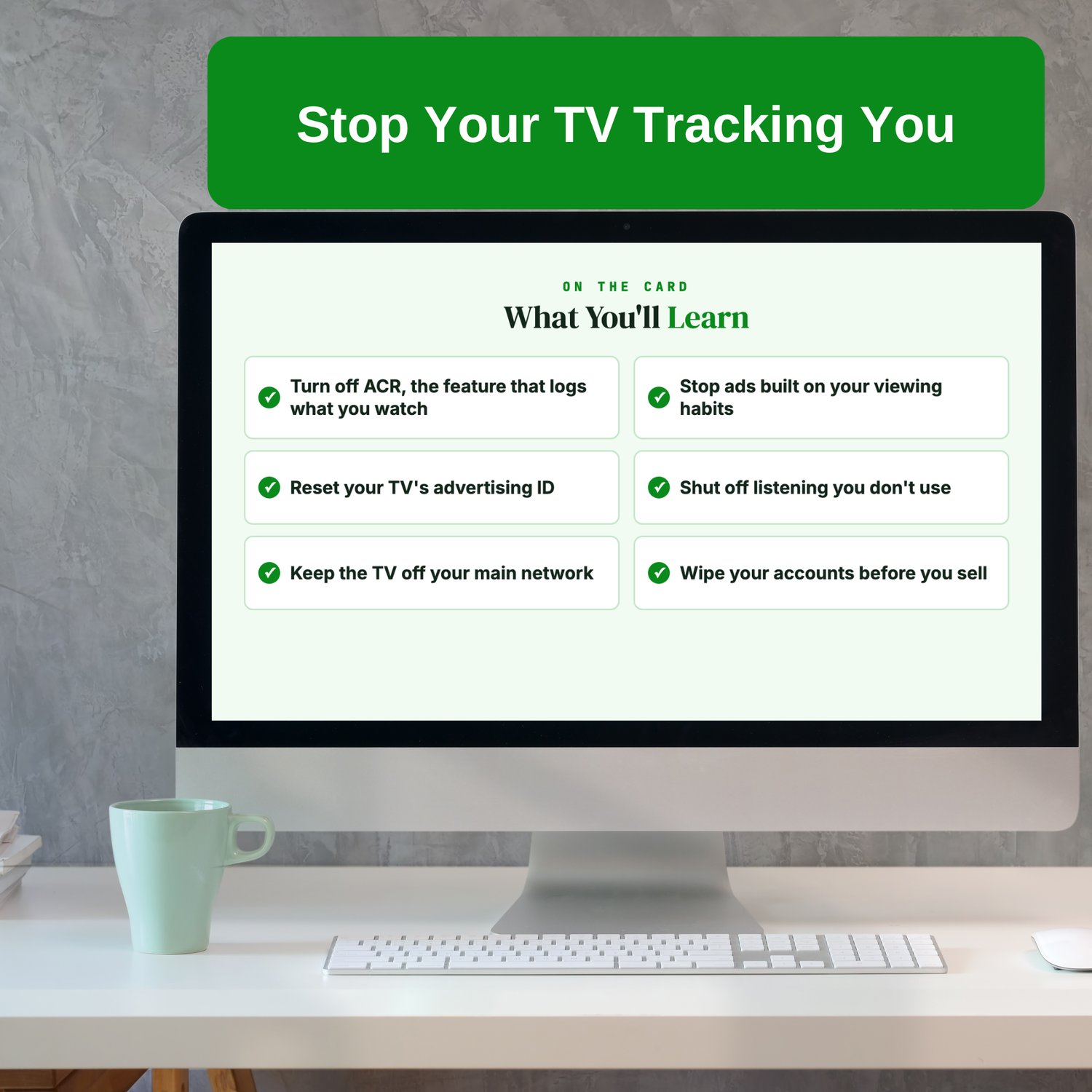
Most smart TVs use a feature called Automatic Content Recognition (ACR) to identify what's on your screen and send that data back for advertising. It's usually turned on by default, and it's buried in menus most people never open.
The Smart TV Privacy Settings Card shows you where to find those settings and switch them off. It gives menu paths for Samsung and LG, plus the keywords to look for on Vizio, Sony and TCL.
What's inside:
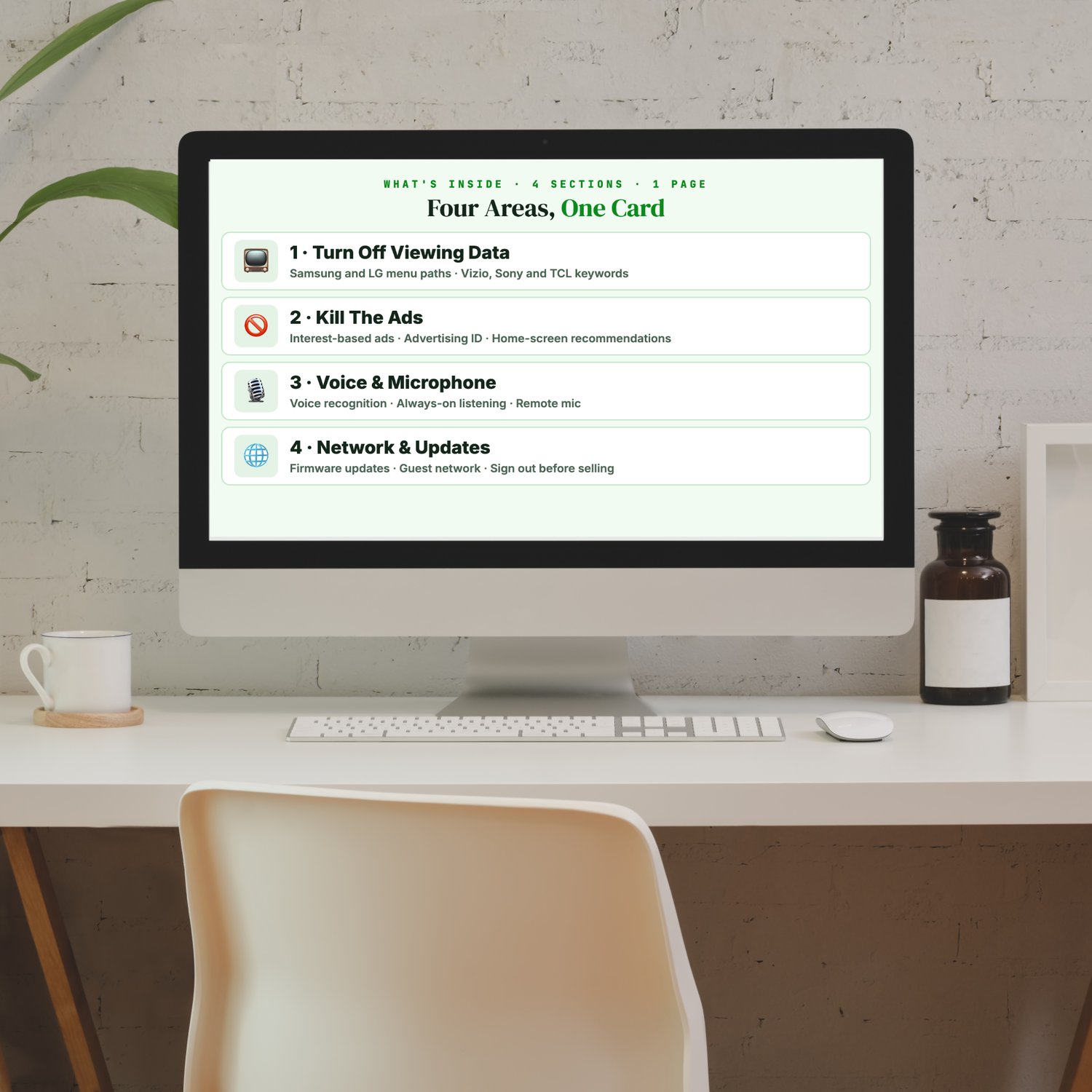
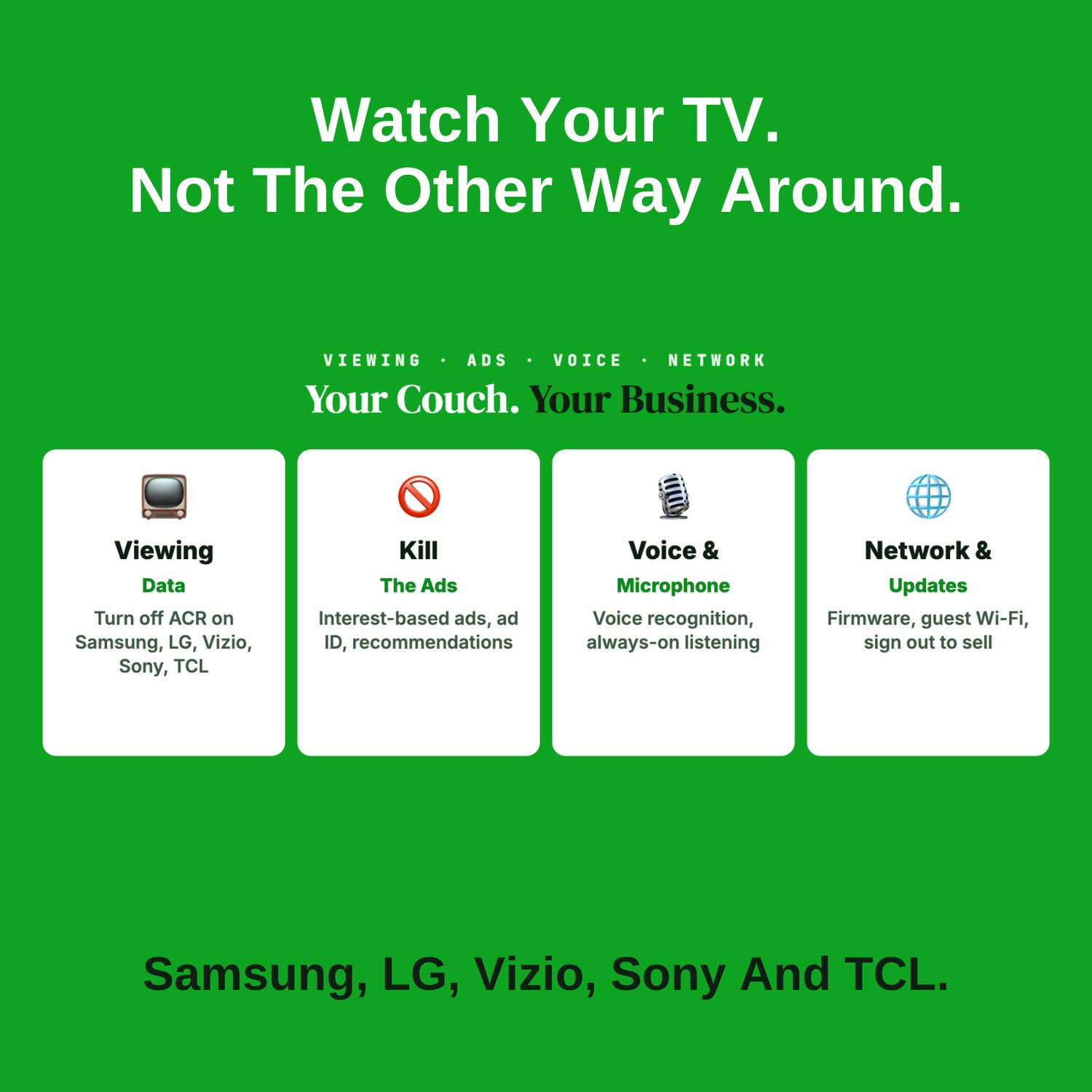
✅ Turn Off Viewing Data: where Samsung and LG keep their viewing-data settings, plus the words to search for on Vizio, Sony and TCL ("ACR," "Smart Interactivity," "viewing data").
✅ Kill The Ads: turn off interest-based ads, reset the advertising ID, and turn off personalized recommendations where you can.
✅ Voice & Microphone: turn off voice recognition and always-on listening you don't use.
✅ Network & Updates: keep the firmware updated, move the TV to your guest network, and sign out of every account before you sell it.
✅ Pro Tip: the four words to search for when your menu doesn't match ("viewing data," "interest-based ads," "ACR" and "diagnostics").
Who it's for:
- Smart TV owners
- Anyone setting up a new TV
- Households with TVs in shared rooms
- Anyone selling or recycling an old TV
Why it works: It takes a few minutes with your remote. Keep the card and check again after major TV updates.
📄 1-page printable PDF (US Letter) · Instant download · Unlimited personal printing
- A Making Sense Of Security guide: free guides and tools at MakingSenseOfSecurity.com
Great Companion Guides
Pair this card with:
- Smart Speaker Privacy Settings Card
- Smart Home Security Quick-Start Checklist
- Router Hardening Cheat Sheet
- Spotting Malicious Apps Cheat Sheet
- Phone Location Privacy Settings Card
- Turning Off Location Sharing Card
All Sales Final. Please reference this page for details.