
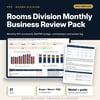
Rooms Division Monthly Business Review Pack: KPI Scorecard, Variance Bridge and Action Log
Full description
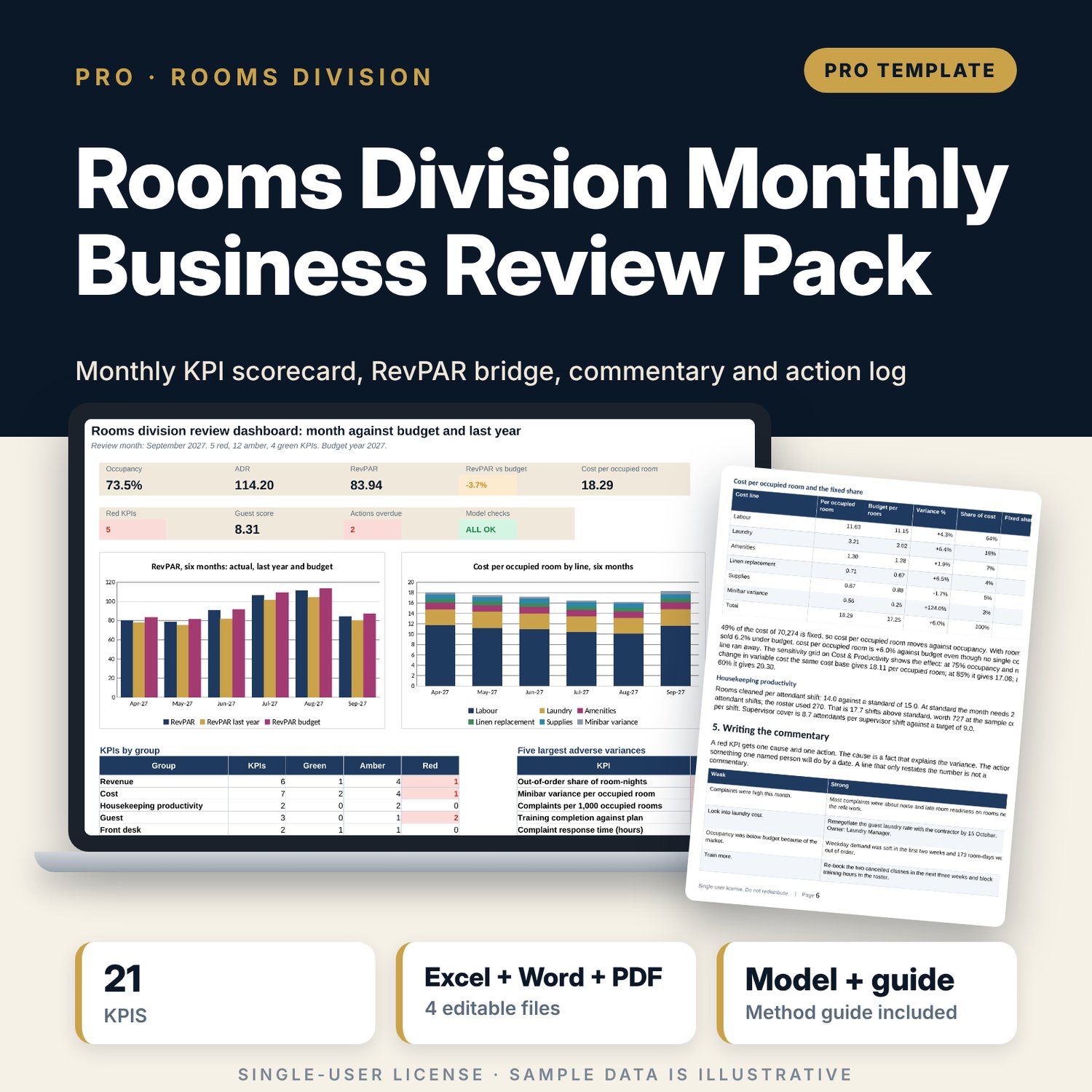
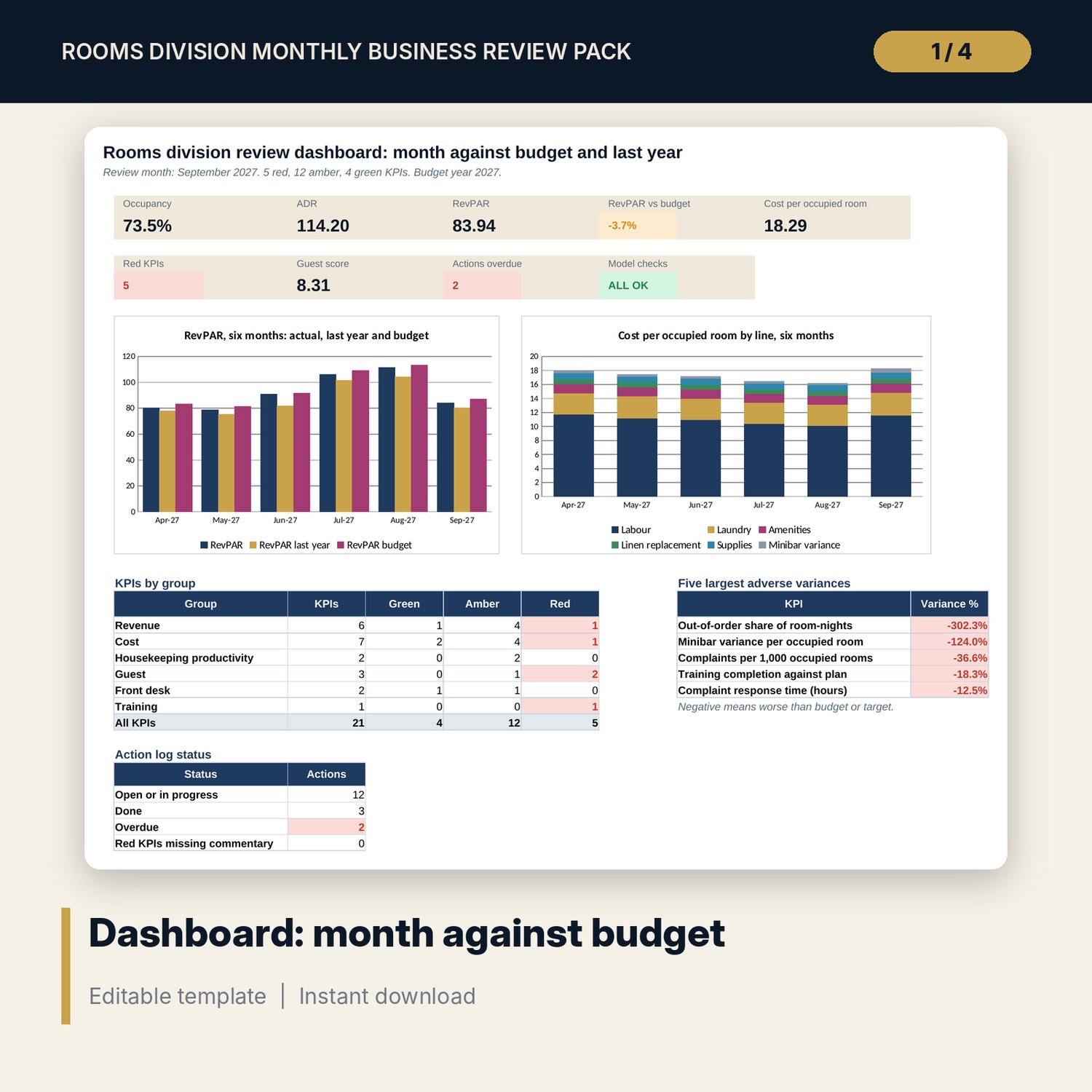
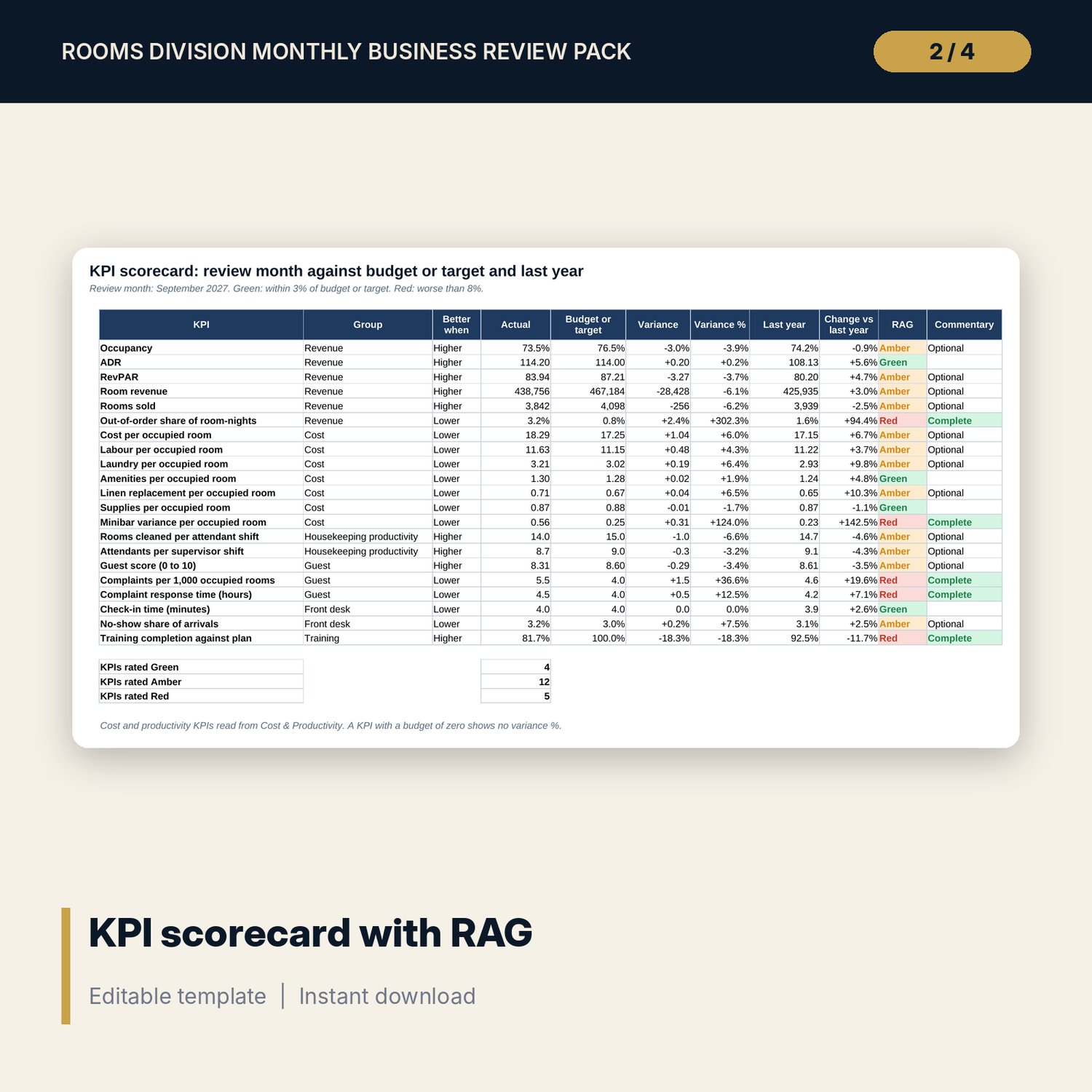
For directors of rooms, executive housekeepers, front office managers and general managers who run a monthly rooms division review. The main workbook compares the review month with budget, target and last year for 21 KPIs: occupancy, ADR, RevPAR, out-of-order share, cost per occupied room by line, housekeeping productivity, guest score, complaints, response time, check-in time, no-shows and training. Each KPI gets a variance, a change against last year and a Green, Amber or Red status from editable bands. A bridge splits the RevPAR and room revenue variance into occupancy, rate and rooms available effects for the month and year to date. A cost tab trends cost per occupied room for six months, splits cost into fixed and variable, compares attendant shifts with the standard and tests cost against occupancy. Every red KPI needs a cause, an action and an owner, and the action log flags overdue items. The companion input sheet collects the monthly inputs by owner, shows the third-working-day due date and produces one row to paste into the pack. The Word guide covers the calendar, definitions, equations, a worked example and forms.
What is inside
- Rooms_Division_Review_Pack.xlsx: 12 tabs, 1,225 formulas, 2 native charts, 14 integrity checks, 18 documented calculations
- Monthly Data: 24 month rows (21 with sample actuals) with 20 input columns, 12 calculated KPI columns and a row check
- Budget: 12 months with occupancy, ADR, out-of-order days and six cost lines per occupied room
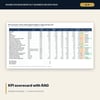
- KPI Scorecard: 21 KPIs with actual, budget or target, variance, last year and RAG
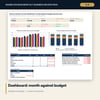
- Variance Bridge, Cost & Productivity (with a sensitivity grid), Commentary, Action Log (15 sample actions), Dashboard
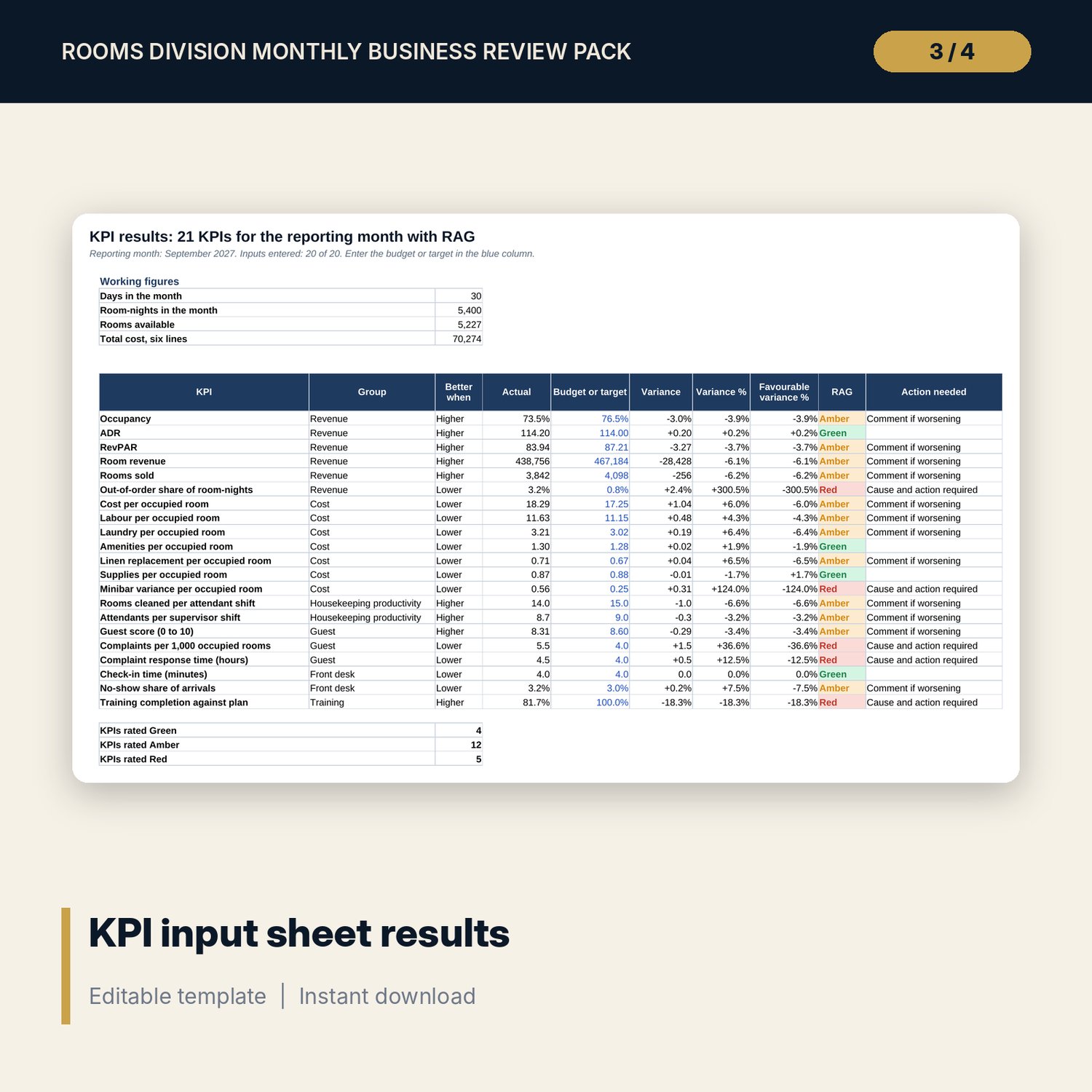
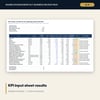
- Rooms_Division_Review_KPI_Input_Sheet.xlsx: 5 tabs, 190 formulas, 20 inputs with owner and source, 21 KPIs with RAG, import row, 9 checks
- Rooms_Division_Review_Guide.docx and PDF: 10 pages with calendar, definitions, equations, worked example, forms and a 14-point checklist
- README.txt and LICENSE-and-Terms.txt
How it works
- Set the hotel size, review month, RAG bands, targets and fixed cost shares on Assumptions, and enter the 12 budget months.
- Each month, department heads enter their inputs on the KPI input sheet by the third working day; paste its import row into Monthly Data.
- Read KPI Scorecard, Variance Bridge and Dashboard for the month against budget and last year.
- Write one cause and one action for each red KPI, name an owner and update the action log before the meeting.
Details
- Formats: 2 Excel workbooks (.xlsx), 1 guide in Word (.docx) and PDF, English
- Software: Excel 2016 or later, or LibreOffice Calc 7 or later
- No macros, no external links, no data tables, no array formulas
- 4 files plus README and license; instant digital download
Good to know
- Sample data is illustrative. Replace it with your own figures; the sample hotel has no connection to any real property.
- Targets, RAG bands and fixed cost shares are inputs. Keep your KPI definitions the same every month.
- The files are management tools, not financial advice.
- Single-user license. Do not redistribute.
FAQ
Which KPIs does the scorecard cover?
21 KPIs in six groups: revenue, cost, housekeeping productivity, guest, front desk and training. Each has a variance and a Green, Amber or Red status.
How is RAG decided?
Favourable variance % is compared with two editable bands. Green is within the green band, Red is worse than the red band, Amber is in between.
What does the variance bridge show?
It splits the RevPAR variance into an occupancy effect and a rate effect, and the room revenue variance into rooms available, occupancy and rate effects, with no unexplained remainder.
Can I use my own budget and KPI targets?
Yes. Budget months, targets, bands, the review month and the fixed share of each cost line are inputs on Budget and Assumptions.
Do I need macros?
No. Every result is a standard worksheet formula.